Table of Contents
ChatGPT, Claude, and Gemini now overlap on most headline features: each can answer questions, analyze files, search the web in supported modes, work with images, and handle multi-step tasks. The useful question is not which chatbot is universally smartest, but which product has the right model, tools, connected data, and controls for the task in front of you.
A practical default is: choose ChatGPT for a broad toolset and voice-led work, Gemini for Google services and multimodal Google workflows, and Claude for document-heavy projects, coding, and extended collaborative work. Then test important tasks, because plan, model, region, and account settings can change the result.
Quick decision table
| Task | Good first choice | Why |
|---|---|---|
| Talk through an unformed idea by voice | ChatGPT | Live voice, memory, search, and project context can work in one conversation |
| Create and revise a substantial document or code artifact | Claude | Projects, files, Artifacts, extended thinking, and research suit iterative work |
| Work with Gmail, Drive, Docs, Calendar, Keep, or Tasks | Gemini | Native Google Workspace connections and actions |
| Research across the web and private sources | Test all three | All offer research features; source coverage and permissions matter more than brand |
| Generate or edit images in the same workspace | ChatGPT or Gemini | Both provide integrated visual-generation workflows |
| Analyze a long internal source collection | Claude or a project in ChatGPT | Both provide project knowledge and retrieval; compare citation quality on your files |
| Use an AI inside a Google-centric organization | Gemini | Workspace administration and app access can reduce tool switching |
Use ChatGPT for a versatile workspace and voice-first thinking
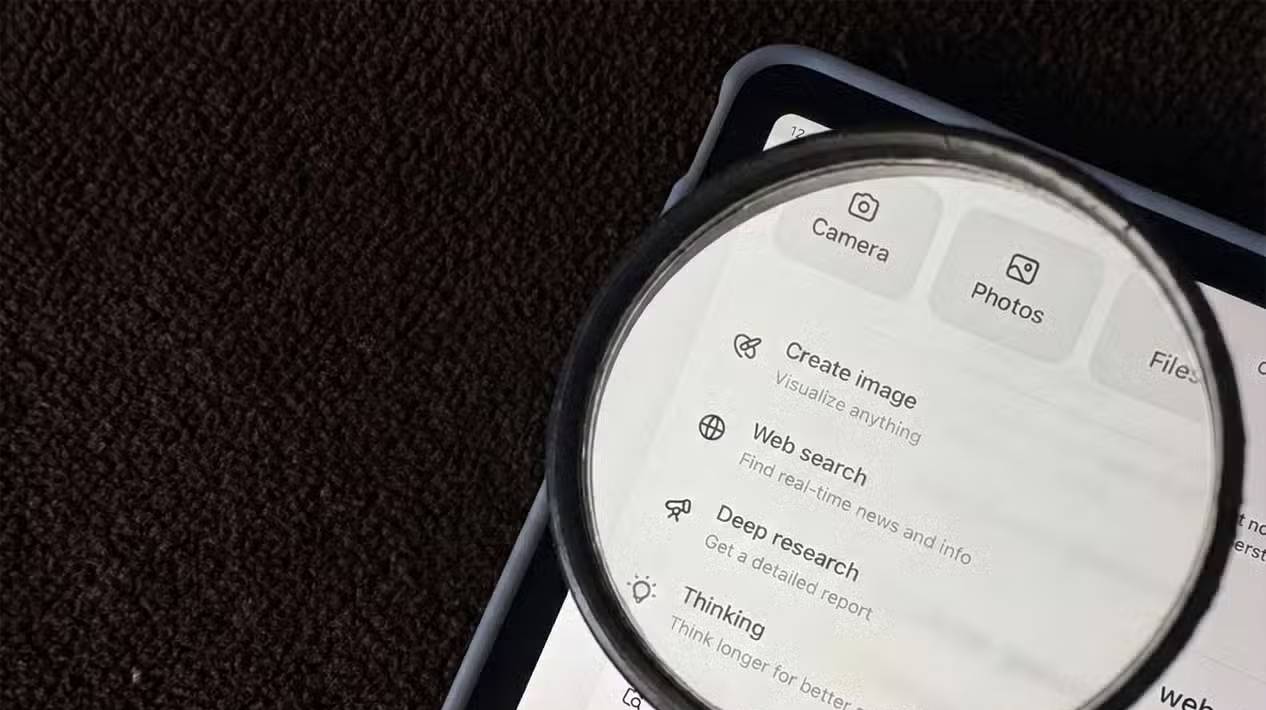
ChatGPT is a convenient first stop when the task may move among conversation, web search, files, a canvas, images, data analysis, or connected applications. Projects can group chats, files, instructions, and memory so a continuing assignment does not need to be reintroduced from scratch.
Where ChatGPT is especially useful
- Voice brainstorming: Live voice supports natural back-and-forth, interruptions, search, memory, and visual results when available. It is useful for turning a rough thought into questions or an outline.
- Mixed-format work: start with a conversation, analyze an uploaded file, generate a visual, and refine text in the same product.
- Projects: keep instructions, reference files, and related chats together. Project-only memory can help separate one context from personal memory when the option is available.
- Plugins and connected apps: retrieve or act on external services when the relevant plugin, account, and permission are enabled.
- Deep research: generate a cited report that combines web and selected connected sources.
The current ChatGPT Projects guide lists supported tools and memory behavior.
When not to default to ChatGPT
Do not assume a general chat automatically performs deep research or careful reasoning. Select the appropriate model or tool, provide the relevant sources, and ask for verification. Live voice is excellent for exploration but a spoken answer is harder to audit than a written response with links.
Memory is also not a substitute for a project brief. Keep key requirements in project instructions or a source document, and review what the product is allowed to remember.
Use Gemini when the work is centered on Google services
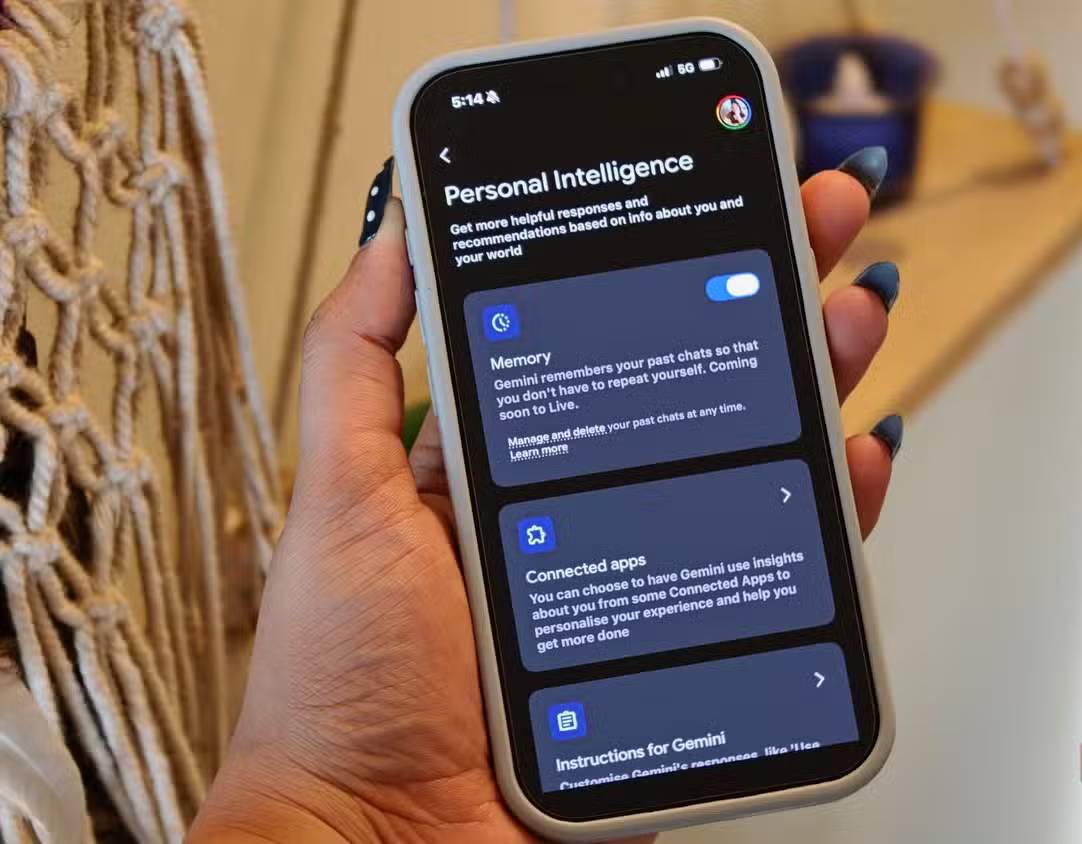
Gemini’s clearest product advantage is its connection to the Google ecosystem. Depending on the account and administrator settings, Gemini can find or summarize information from Gmail, Docs, and Drive; create or edit Calendar events; work with Tasks and Keep; and use other connected Google services.
Where Gemini is especially useful
- Workspace retrieval: locate an email, summarize a Drive document, or combine information from several Google services.
- Calendar and task actions: create or edit supported events, tasks, lists, and notes after reviewing the proposed change.
- Multimodal input: work with text, images, PDFs, audio, or video through supported Gemini models and product surfaces.
- Google research workflows: Deep Research can search the web and, when selected, Workspace content to produce a cited report.
- Google developer tools: Gemini models are available through AI Studio and Vertex AI for application development.
Google’s Workspace connection guide shows current supported actions and how to reference a service.
Important Gemini limits
A connected app does not guarantee that Gemini found every relevant message or that an action is correct. Name the service and identifying details, ask it to show the information it used, and review a calendar event, email draft, or bulk change before confirming.
Work and school accounts may have administrator controls, age restrictions, or feature differences. Do not connect a personal service merely for convenience if the organization has not approved that data flow.
Use Claude for sustained document, coding, and research projects
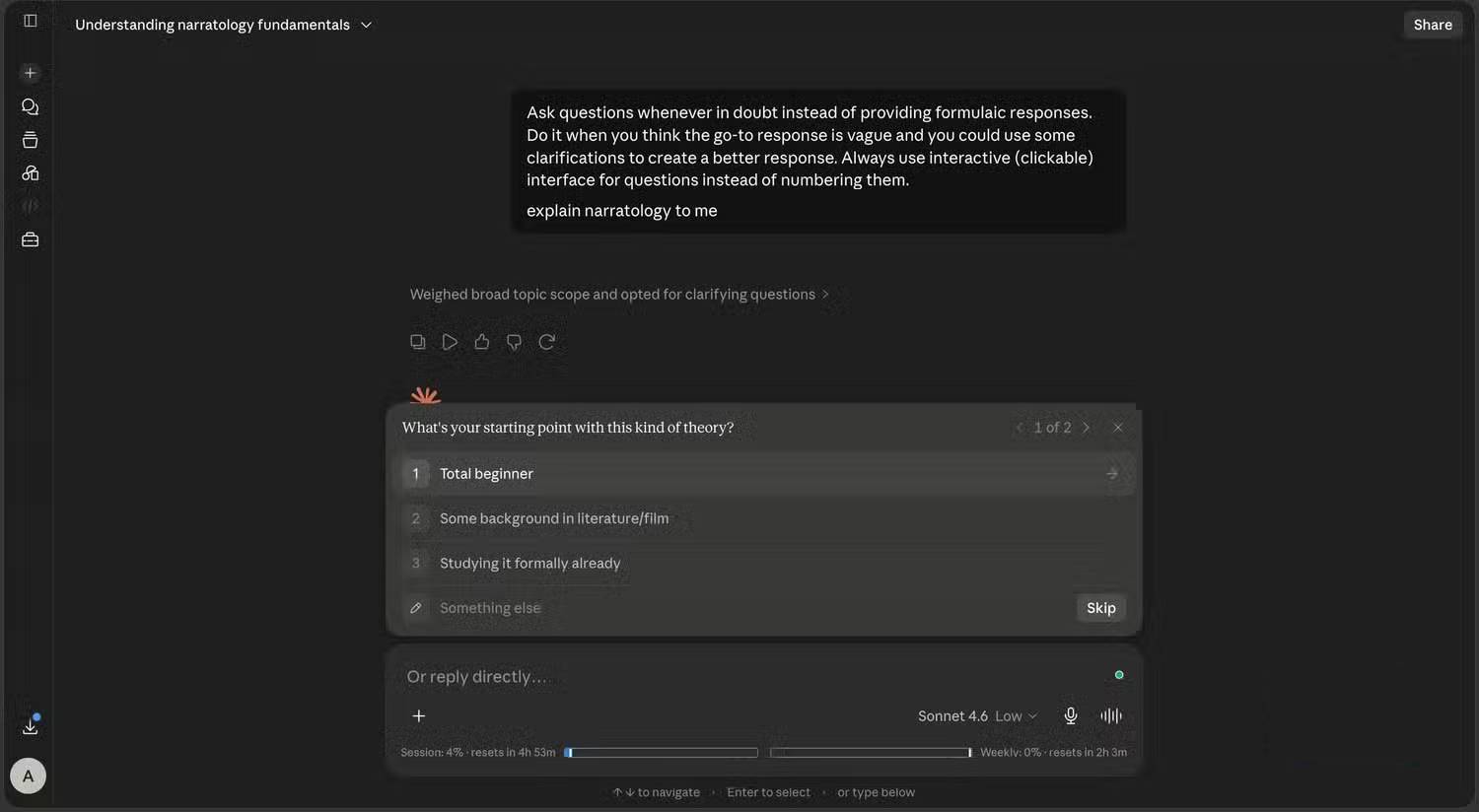
Claude is a strong choice when the work benefits from a self-contained project knowledge base, long iterative conversations, careful document transformation, coding, or an artifact that remains visible while it is revised. Projects can hold files and project instructions; retrieval activates for larger knowledge collections.
Where Claude is especially useful
- Project knowledge: upload reference documents, code, or text and keep separate chat histories around the same source base.
- Extended thinking: allocate more deliberation to a hard planning or reasoning task when supported.
- Research: synthesize web and connected internal sources, with citations, over a longer multi-step process.
- Artifacts: create and refine substantial text, code, visualizations, and interactive tools in a dedicated pane.
- File creation and analysis: supported plans can create or edit documents, spreadsheets, presentations, PDFs, and data-analysis outputs.
Anthropic’s Claude Projects guide explains its current knowledge and instruction model.
Claude is not automatically more rigorous
A thoughtful tone can still contain an incorrect fact, weak citation, or faulty code. Extended thinking increases work, not certainty. Require tests, open citations, compare transformed files with the source, and keep human approval for consequential actions.
Claude can also search the web and use Google Workspace in supported research configurations, so “use Gemini for current information and Claude only for static documents” is no longer an accurate rule.
Research: choose by sources and auditability
All three products can support web research, but the surrounding workflow differs. Before choosing, ask:
- Can the product access the private source needed for this task?
- Can you restrict it to selected sources?
- Does the answer link to the exact supporting passage?
- Can you edit the research plan before it runs?
- Can you export the report in the required format?
- What happens to connected data, uploaded files, and conversation history?
Run the same research brief in two products and check five important claims manually. The better research tool is the one whose sources actually support its wording, not the one that produces the longest report.
Coding: compare the complete agent workflow
Model quality matters, but coding performance also depends on repository context, tools, terminal access, approval controls, and the application wrapped around the model. A strong chat response can still perform poorly inside an agent that selects the wrong files.
Test each assistant on a real but reversible task:
- Ask it to locate the relevant code and explain the current behavior.
- Request a plan and the tests it expects to change.
- Let it make the smallest implementation.
- Review every diff and command.
- Run the repository’s test, lint, and type-check steps.
- Score correction time, not only whether a patch appeared.
How to choose without overthinking
- Identify the required data. If it lives in Google Workspace, Gemini may remove the most friction. If it lives in project files, compare Claude Projects and ChatGPT Projects.
- Identify the required tool. Voice, image generation, an artifact, code execution, research, or a calendar action may narrow the choice immediately.
- Use a fast model for easy work. Reserve deeper reasoning or research for tasks that justify the delay and usage.
- Test with the same rubric. Score correctness, source support, instruction following, edit time, latency, cost, and privacy fit.
- Keep a fallback. If one service fails or reaches a limit, the task should not depend on an undocumented quirk of a single assistant.
A simple default workflow
- Use ChatGPT to talk through an early idea, combine several media types, or move among a broad set of tools.
- Use Gemini when the task is anchored in Gmail, Drive, Docs, Calendar, Keep, Tasks, or another supported Google service.
- Use Claude for a sustained project with a large source collection, complex revision, coding, research, or a substantial artifact.
These are starting points, not permanent specialties. Product capabilities change quickly, and none of the three is reliable enough to remove fact-checking, source review, test execution, or human approval from important work.
Related Articles
 Why Is Claude Superior to Gemini and ChatGPT?7 minutes read
 Which is better: Claude, ChatGPT, or Gemini for building an11 minutes read
 Which Is Better for Building Simulation Software: Claude, ChatGPT, or Gemini?10 minutes read
 How to Transfer ChatGPT and Claude Conversations to Gemini7 minutes read
 Claude vs ChatGPT: Which AI Assistant Should You Use?10 minutes read
 Should I Buy ChatGPT Plus or Claude Pro?10 minutes read
Reader Comments 0
Sign in with email or Google to join the discussion.