Table of Contents
Codex should not automatically replace Claude Code, and Claude Code is not automatically the stronger agent. Both can inspect a repository, edit files, run commands, follow project instructions, use subagents, and work with developer tools. The better choice depends on the models you prefer, the surfaces you use, approval controls, extension ecosystem, plan limits, and performance on your own codebase.
Several common comparisons are now outdated. Claude Code has official terminal, IDE, desktop, and web surfaces; Codex has a CLI, IDE extension, cloud service, and native desktop apps for macOS and Windows. Both can pause for approval or work more autonomously within configured boundaries.
Codex and Claude Code compared
| Area | Codex | Claude Code |
|---|---|---|
| Local workflow | CLI, IDE extension, ChatGPT desktop app | CLI, IDE extensions, Claude desktop app |
| Remote workflow | Codex cloud and handoff between surfaces | Claude Code on the web and background agents |
| Project instructions | AGENTS.md with layered directory scope | CLAUDE.md, settings, skills, and plugins |
| Safety controls | OS sandbox plus approval policy; network off by default in common local sandbox | Permission modes, allow/ask/deny rules, managed settings, and hooks |
| Extensions | Skills, plugins, MCP, automations, subagents, hooks/configuration | Skills, plugins, MCP, hooks, subagents, agent teams, code intelligence |
| Parallel work | Agent threads and worktrees in supported surfaces | Parallel sessions, worktrees, subagents, background agents, and agent teams |
| Best reason to choose | One Codex workflow across local, IDE, desktop, and cloud with strong sandbox controls | Claude models plus a mature, deeply configurable terminal and extension workflow |
Where the original case for replacing Claude Code breaks down
Local execution does not mean local model inference
Claude Code runs tools on your computer and reads files from its working directory, but it normally sends relevant context to a remote model service for inference. Codex does the same in its hosted-model workflows. Do not describe either product as keeping all code off the cloud merely because commands run locally.
For sensitive repositories, review the account’s data terms, selected provider, retention controls, network configuration, telemetry, connected tools, and organizational policy. Keep secrets out of source control and limit each agent to the smallest useful directory.
Uncontrolled token comparisons are not meaningful
Claims that one agent used “four times fewer tokens” on one frontend task do not establish a general cost advantage. Agents may use different models, caching, context compaction, subagents, tool outputs, and billing rules. A verbose transcript can also differ from billed input and output.
Compare the total cost of an accepted change: subscription or API spend, elapsed time, review time, corrections, failed tests, and regressions. Use several representative tasks and repeat variable runs.
Both products support approvals and autonomy
Claude Code does not always require approval after every planning step. Its permission modes, rules, and hooks can allow routine actions or block risky ones. Codex likewise separates a technical sandbox from an approval policy. In a common local Codex configuration, writes are limited to the workspace and network access is disabled unless enabled; actions beyond the boundary can require approval.
More autonomy is not inherently better. For an unfamiliar repository or destructive migration, frequent review is valuable. For a well-tested, reversible change inside a worktree, broader automation may save time.
When Codex is the better fit
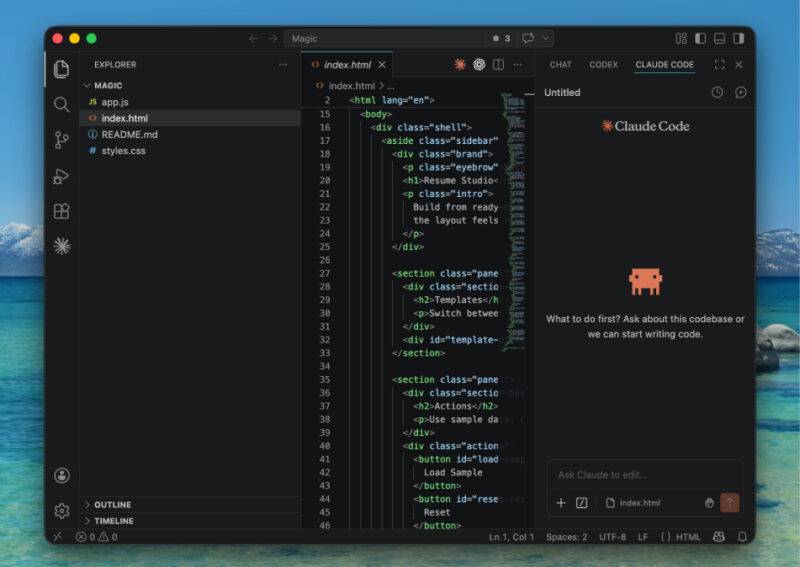
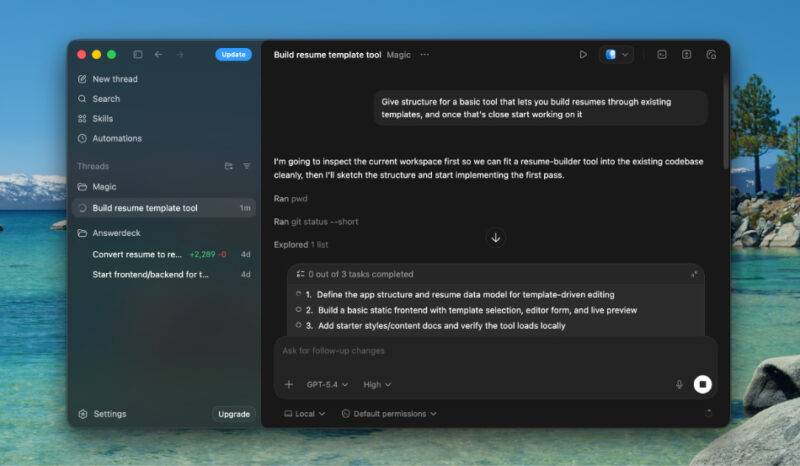
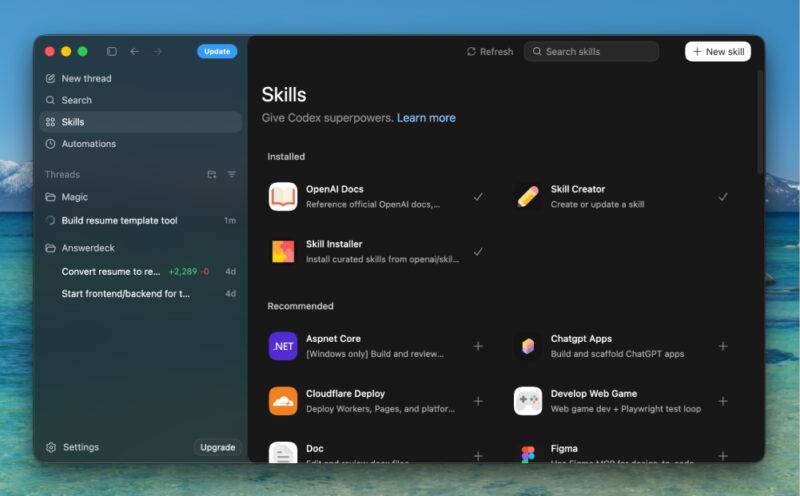
Codex is a strong choice when you want one agent workflow spanning a CLI, editor, desktop app, and isolated cloud work. The CLI can inspect files, edit code, and run installed development tools, while codex exec supports repeatable and CI-oriented workflows.
- Sandbox-first local work: choose read-only or workspace-write behavior and decide when approval is required.
- Parallel desktop work: run separate agent threads or worktrees and review their results in one interface.
- Cloud handoff: delegate longer work to an isolated remote environment when the repository and setup are suitable.
- Shared instructions: use layered
AGENTS.mdfiles to define repository and directory-specific expectations. - Plugins and skills: add domain instructions, workflows, tools, and connected applications when permitted.
- Automations: schedule or repeat supported work with explicit models, permissions, and worktree choices.
Official OpenAI documentation describes the current Codex CLI and sandbox and approval controls.
When Claude Code is the better fit
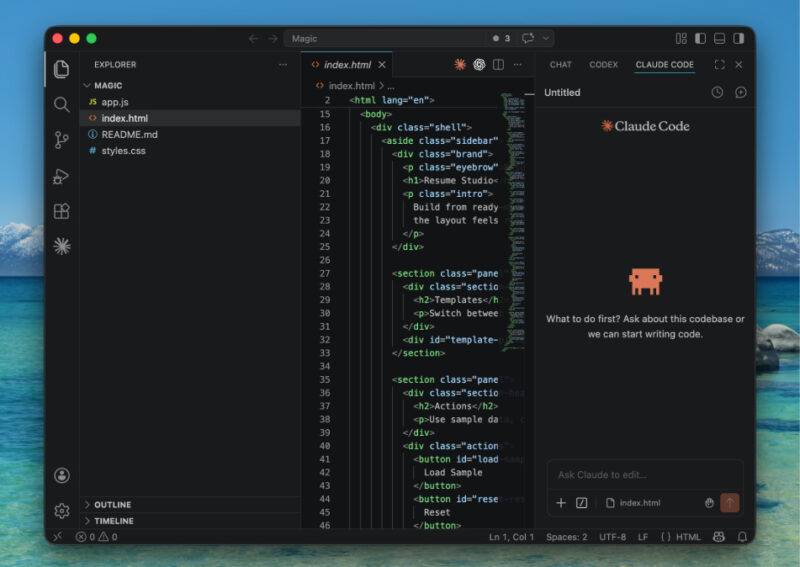
Claude Code is a compelling option when your team prefers Claude models or has already invested in its configuration ecosystem. It is available in the terminal, Visual Studio Code, JetBrains IDEs, the Claude desktop app, and the web—not only as a command-line tool.
- Hooks: run deterministic commands or policy checks at lifecycle events, such as formatting after edits or blocking a protected operation.
- Subagents and agent teams: isolate exploration, delegate specialist work, or coordinate independent sessions.
- Code intelligence: connect language-server information for symbol navigation and diagnostics.
- CLAUDE.md: load persistent project expectations into each session.
- Skills and plugins: package reusable workflows and supporting files.
- Provider choices: supported Claude Code surfaces can work through Anthropic accounts or selected third-party cloud providers.
Anthropic’s Claude Code overview and extension guide show its current surfaces and customization options.
Code quality: test the agent, model, and harness together
It is unsafe to generalize that Codex writes concise code while Claude adds too many comments, or that one model always reasons more deeply. Output changes with the model, reasoning setting, prompt, repository instructions, existing style, and available tools.
Give both agents the same definition of done:
- Use the existing architecture and dependencies.
- Do not change public behavior outside the request.
- Add or update focused tests.
- Run the specified test, lint, formatting, and type-check commands.
- Explain unresolved failures and do not claim success without output.
- Review the final diff for unrelated changes.
Then score accepted lines and verified behavior, not the elegance of the chat response.
Install and start Codex CLI
The official standalone installer is currently the primary documented route on macOS and Linux:
curl -fsSL https://chatgpt.com/codex/install.sh | sh
codex
An npm installation is also available in supported environments:
npm install -g @openai/codex
codex
Run the agent from the intended project directory and review /status, /permissions, and /model before the first write. The old pattern that combined package installation and a quoted task on the same line was invalid.
Project instructions: AGENTS.md and CLAUDE.md
Codex reads AGENTS.md before it works and can layer instructions from the repository root down to the current directory. Claude Code uses CLAUDE.md plus scoped settings and extensions. Neither file is an “open standard” in the sense of being universally interpreted identically by every agent.
A useful instruction file contains executable expectations:
# Repository expectations

- Install dependencies with pnpm.
- Run pnpm test and pnpm lint after TypeScript changes.
- Do not edit generated files in dist/.
- Ask before adding a production dependency.
- Keep database migrations backward compatible.
- Report the exact verification commands and outcomes.
Keep model-specific commands in separate sections if the two agents interpret syntax differently. Codex also offers supported import flows for some Claude Code configuration, but review the imported result instead of assuming every hook, permission, or skill has an exact equivalent.
How to evaluate both agents fairly
- Select five real tasks: codebase exploration, a small bug, a refactor, a test addition, and a cross-file feature.
- Start from identical commits: use clean branches or worktrees with the same dependencies.
- Match permissions: do not compare a fully autonomous run with an approval-heavy run.
- Give the same brief: include acceptance criteria, commands, constraints, and prohibited changes.
- Record the model and settings: product names alone are not enough to reproduce a result.
- Measure outcomes: passing tests, review findings, correction turns, elapsed time, and actual billed or plan usage.
- Inspect safety behavior: note attempts to use the network, touch files outside scope, expose secrets, or run destructive commands.
- Repeat: one lucky generation should not decide a team-wide migration.
Should you migrate from Claude Code to Codex?
Migrate when Codex performs better on your evaluation, fits the organization’s security and billing model, and provides a surface or workflow the team will actually use. Keep Claude Code when its models, hooks, code intelligence, extensions, or existing configuration produce better verified outcomes.
A low-risk migration is gradual:
- Install Codex without removing Claude Code.
- Copy only essential repository rules into a reviewed
AGENTS.md. - Map permissions, hooks, MCP servers, skills, and environment setup explicitly.
- Test in read-only mode, then a disposable worktree.
- Compare several accepted changes and plan usage.
- Move the default workflow only after the team can reproduce the improvement.
Many developers benefit from keeping both: use one as the primary implementation agent and the other as an independent reviewer. The decision should come from verified repository results, not an unsupported token screenshot or an outdated list of product surfaces.
Related Articles
 Reasons Why the Claude Code Should Be Replaced by the Codex8 minutes read
 Is the Codex or Claude Code Better for AI in Programming: Explained10 minutes read
 Claude Code vs Codex vs Antigravity: ESP32 Test12 minutes read
 How to Use Claude Code Safely: a Guide to Risk Management12 minutes read
 What Is the Claude Code: Clear Explanation7 minutes read
 OpenAI Launches GPT-5-Codex: Upgrading Codex with Dynamic4 minutes read
Reader Comments 0
Sign in with email or Google to join the discussion.