Table of Contents
In this one-off test, all three AI coding tools produced a loadable Chrome Manifest V3 extension that removed some ordinary web ads. None produced a dependable general-purpose ad blocker, and every CLI-built version broke or degraded YouTube in a different way. An additional extension made with ChatGPT's web interface caused the fewest visible failures, but that extra run used a different workflow and is not a fair model-to-model victory.
The useful lesson is not that one model permanently “wins.” It is that generating an extension is easy; maintaining accurate filters, minimizing permissions, testing dynamic sites, and preventing breakage are the hard parts.
How the comparison was set up
The experiment gave Claude Code, Codex, and a Gemini-based coding CLI the same broad request: build a locally installable Chrome ad blocker using Manifest V3. The prompt intentionally left implementation choices open so each tool could choose its own network rules, cosmetic filtering, controls, and site-specific behavior.
The extensions were loaded unpacked and tried on publication-style pages, MSN, and YouTube. The review considered four practical questions:
- Did common display ads disappear?
- Did the page close the empty space left by a blocked ad?
- Did core site functions, especially video playback, still work?
- Did the extension provide understandable controls, counters, and an allowlist?
This design shows what each tool produced from a vague prompt, but it has important limits. One run per tool cannot measure reliability, the code and test fixture were not described as a reproducible benchmark, sites can change between runs, and a later ChatGPT web attempt did not use the same CLI workflow. The results apply to these generated projects, not every future response from Claude, ChatGPT, or Gemini.
Why a small Manifest V3 blocker is difficult
Chrome's declarativeNetRequest API lets an extension block or modify network requests using declarative rules without reading the request contents. A content script can also modify a page's DOM to hide an ad container or collapse leftover space.
Those two layers solve different problems:
- Network rules stop known advertising resources from loading.
- Cosmetic rules hide labels, wrappers, and blank layout containers that remain.
A short hard-coded domain list can catch obvious ad networks, but a mature blocker depends on maintained filter lists, exceptions, regional coverage, site-specific fixes, and regression testing. Broad selectors can hide legitimate content, while overly broad network rules can block a player script, login flow, image, or API request.
Result on ordinary web pages: ads blocked, gaps remained
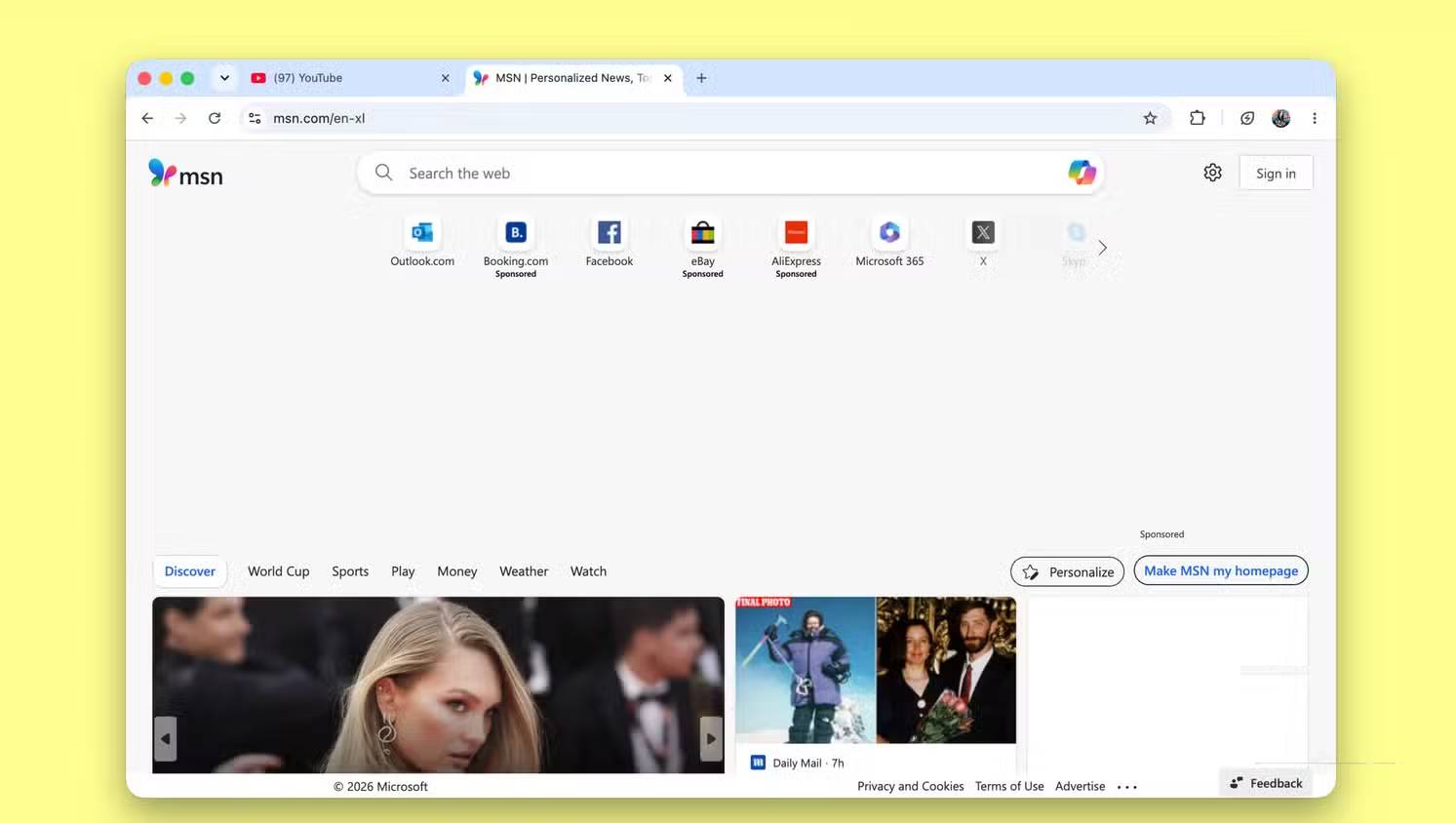
All three CLI-built extensions removed obvious advertising on the sampled publication pages and MSN. The screenshots below show the generated interfaces and page results.
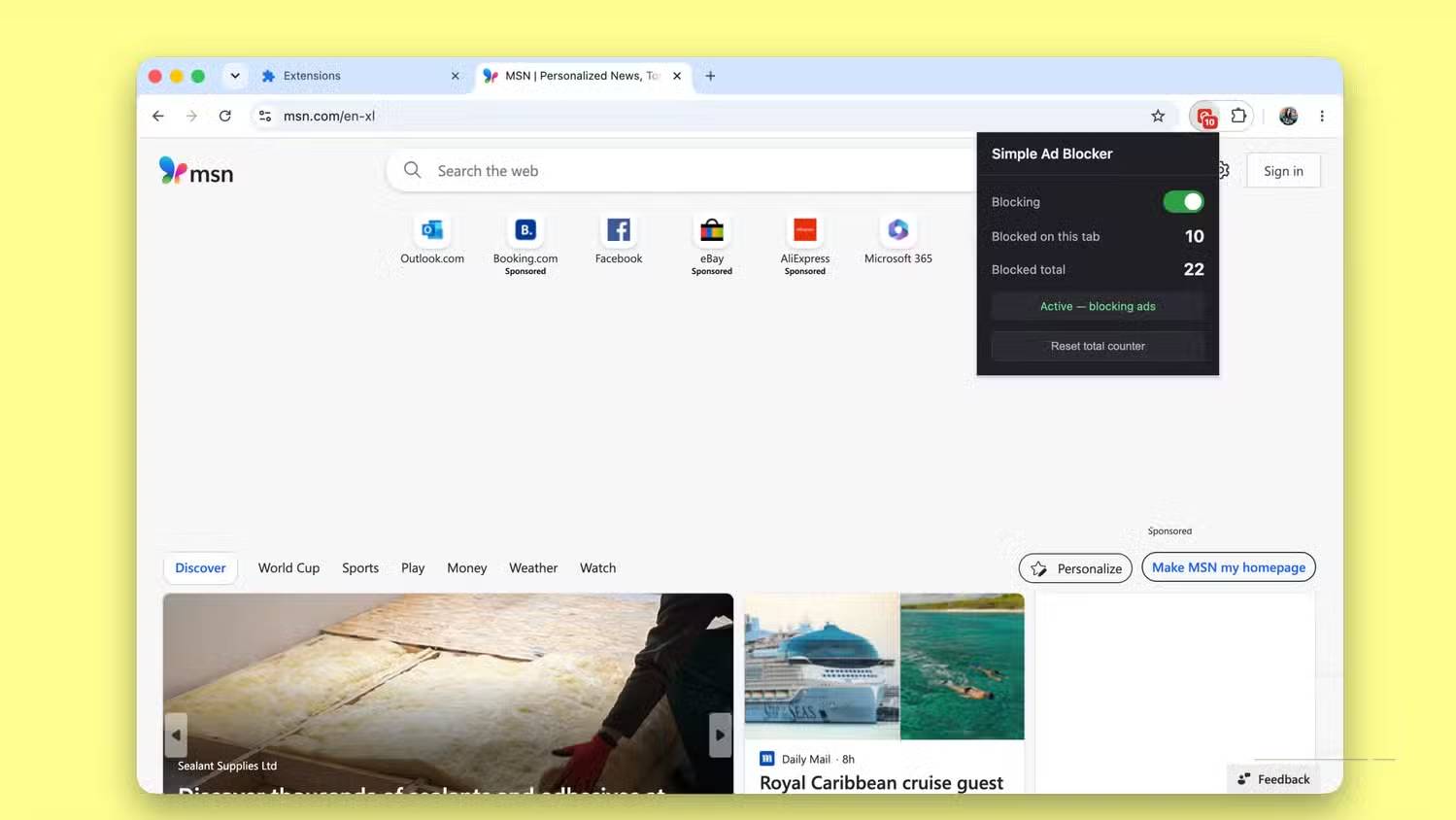
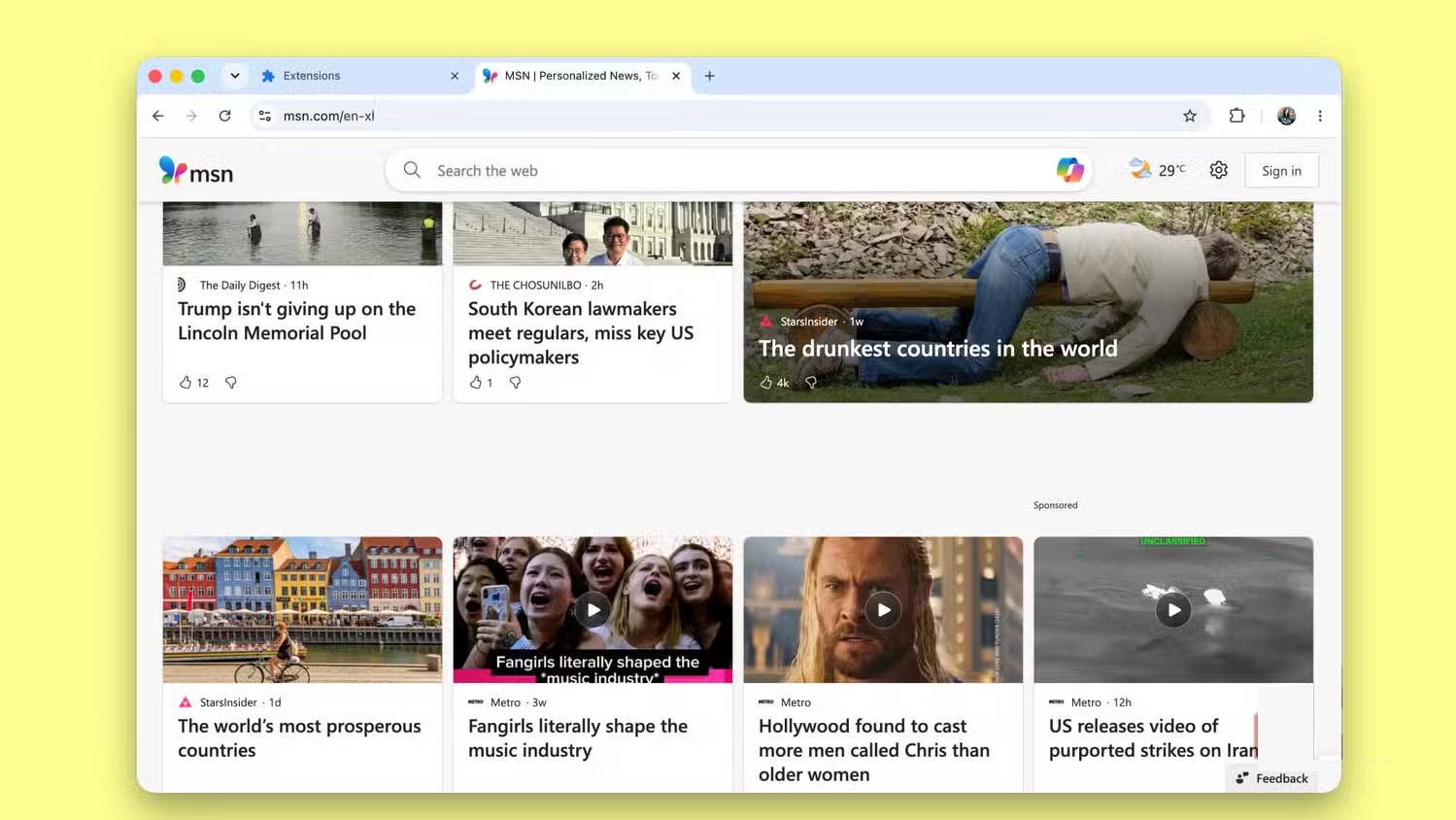
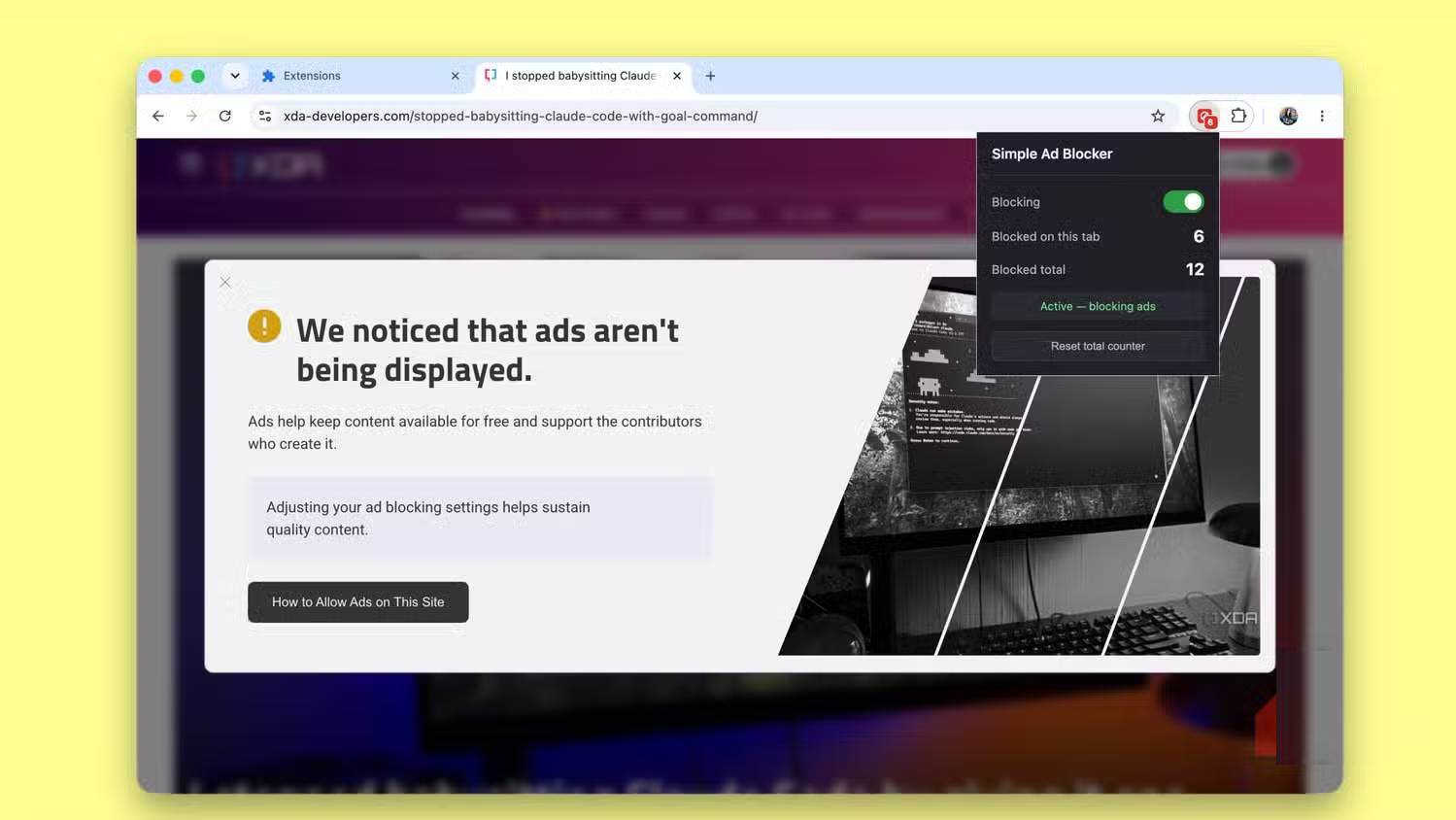
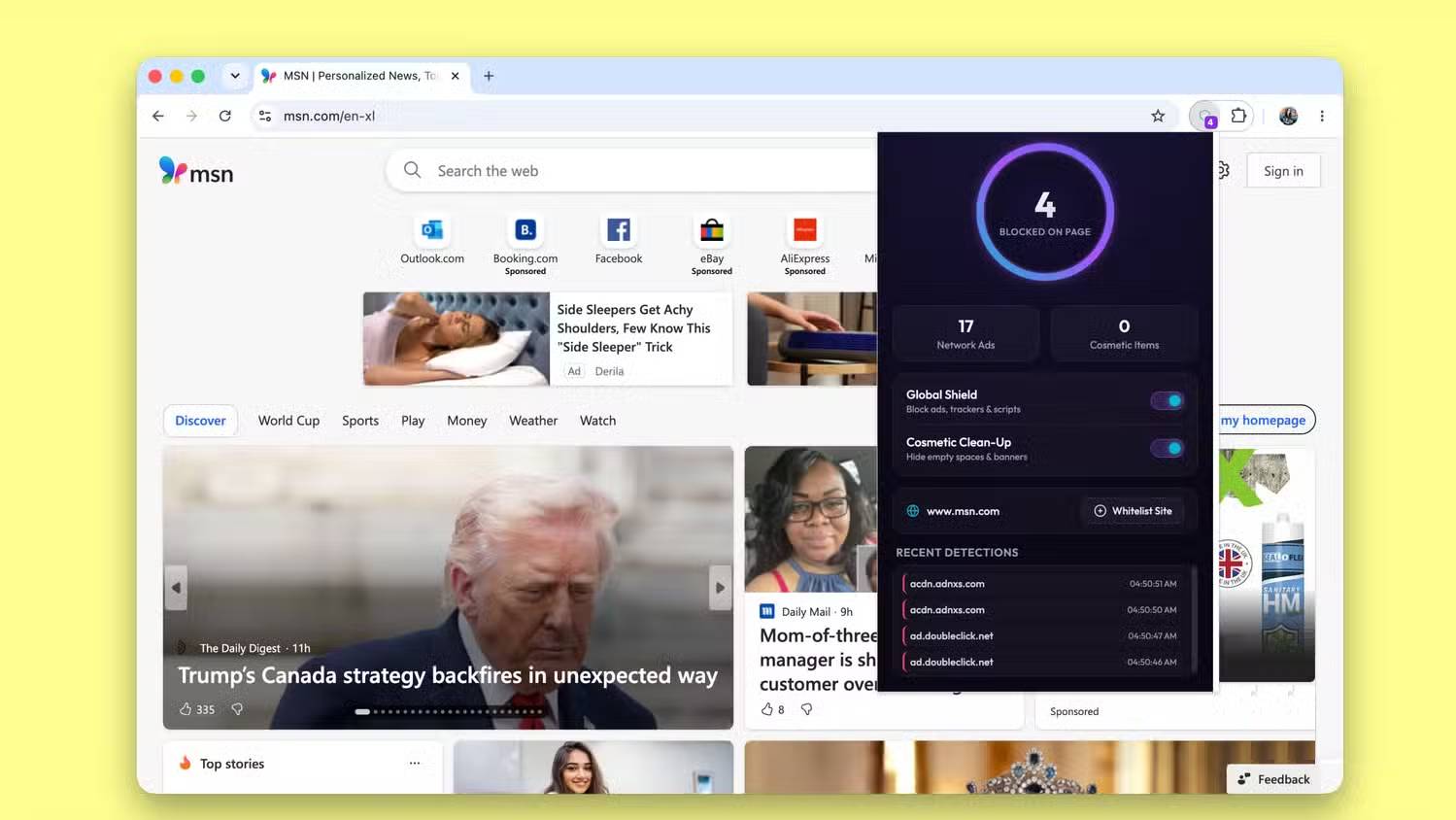
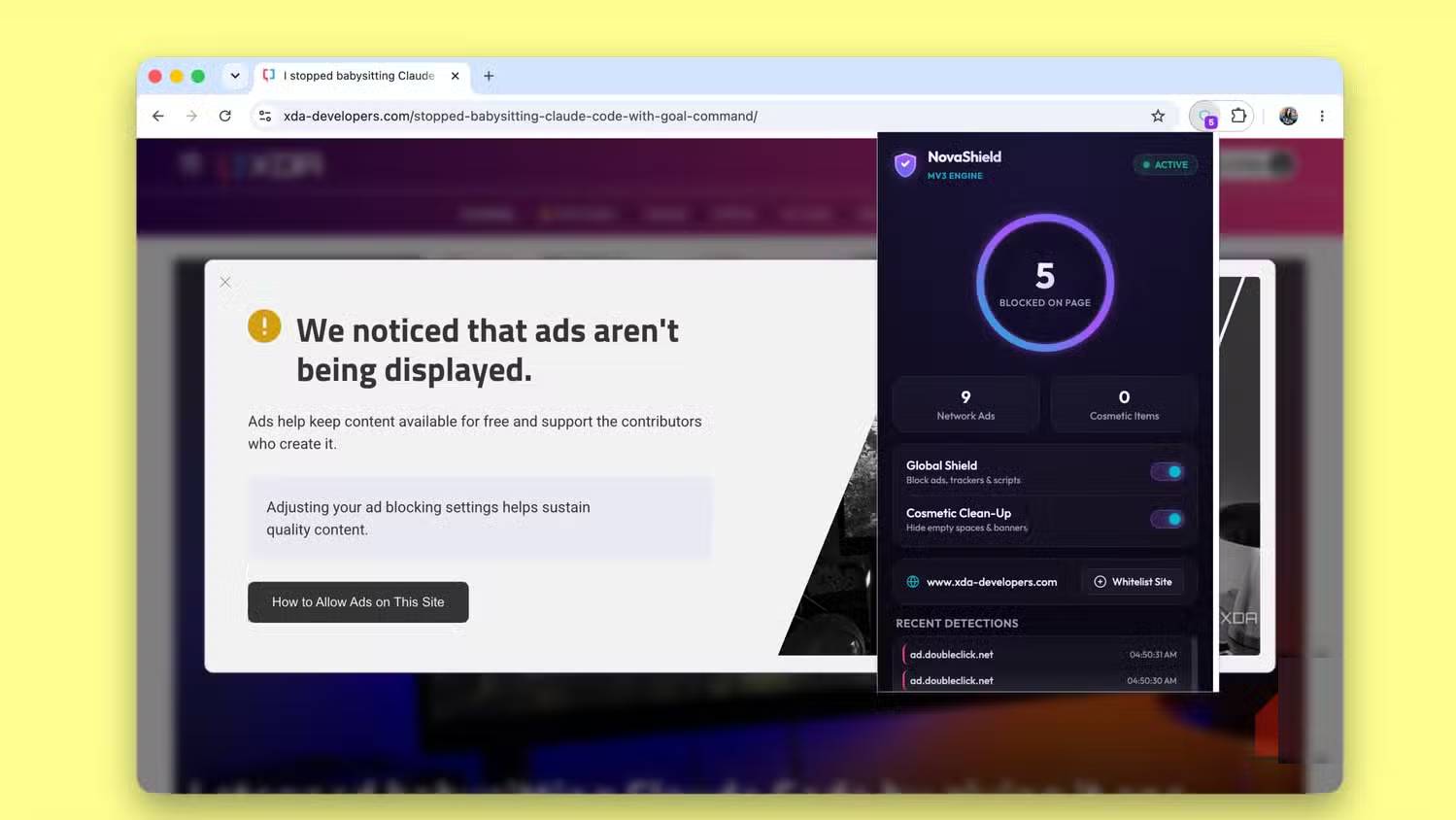

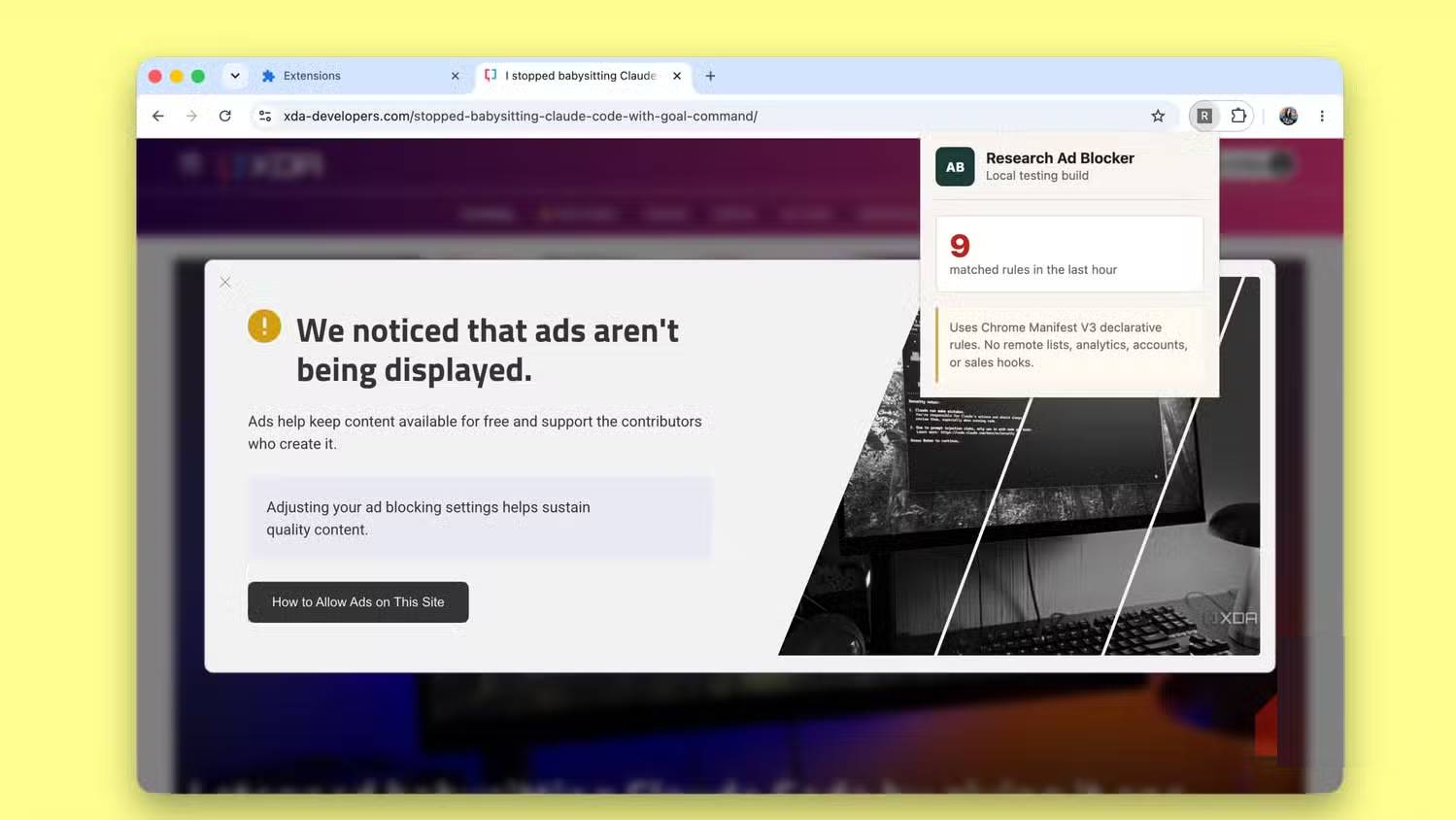
The consistent flaw was cosmetic cleanup. A blocked request removed the ad, but the parent layout often retained a large blank region or a “Sponsored” label. Hiding only an iframe or an obvious ad node is not enough when a site reserves space higher in the DOM tree.
The tools also emphasized different interfaces. One offered a simple enable switch and counters, another exposed recently matched rules, and the Gemini-based version included separate network and cosmetic controls, an allowlist, and a recent-detection view. Interface polish did not predict blocking accuracy.
YouTube exposed the weakest assumptions
YouTube is a dynamic application whose player, ads, recommendations, and playback state can share endpoints and DOM structures. Site-specific code that manipulates playback or hides broad containers can easily affect the video itself.
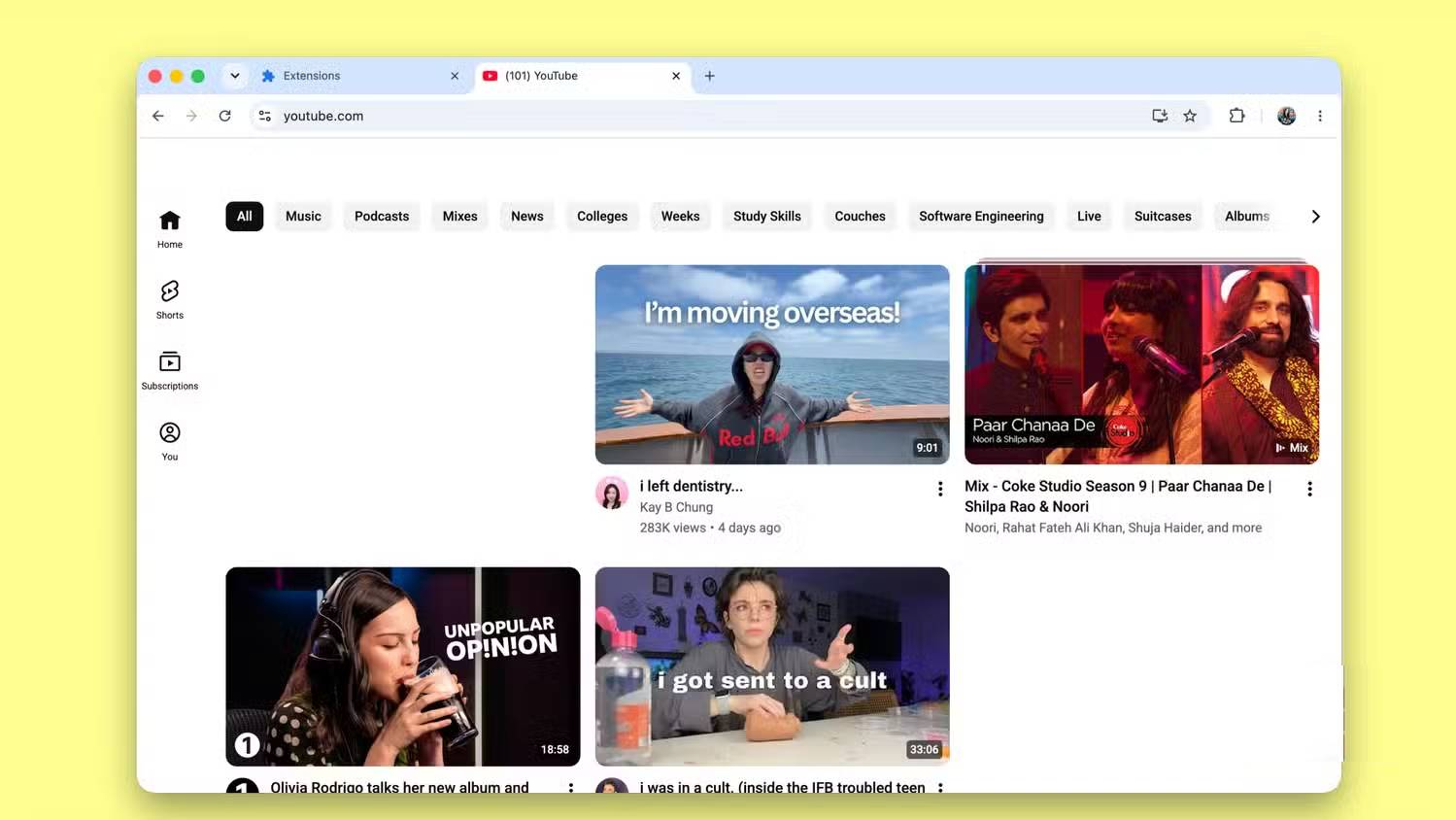
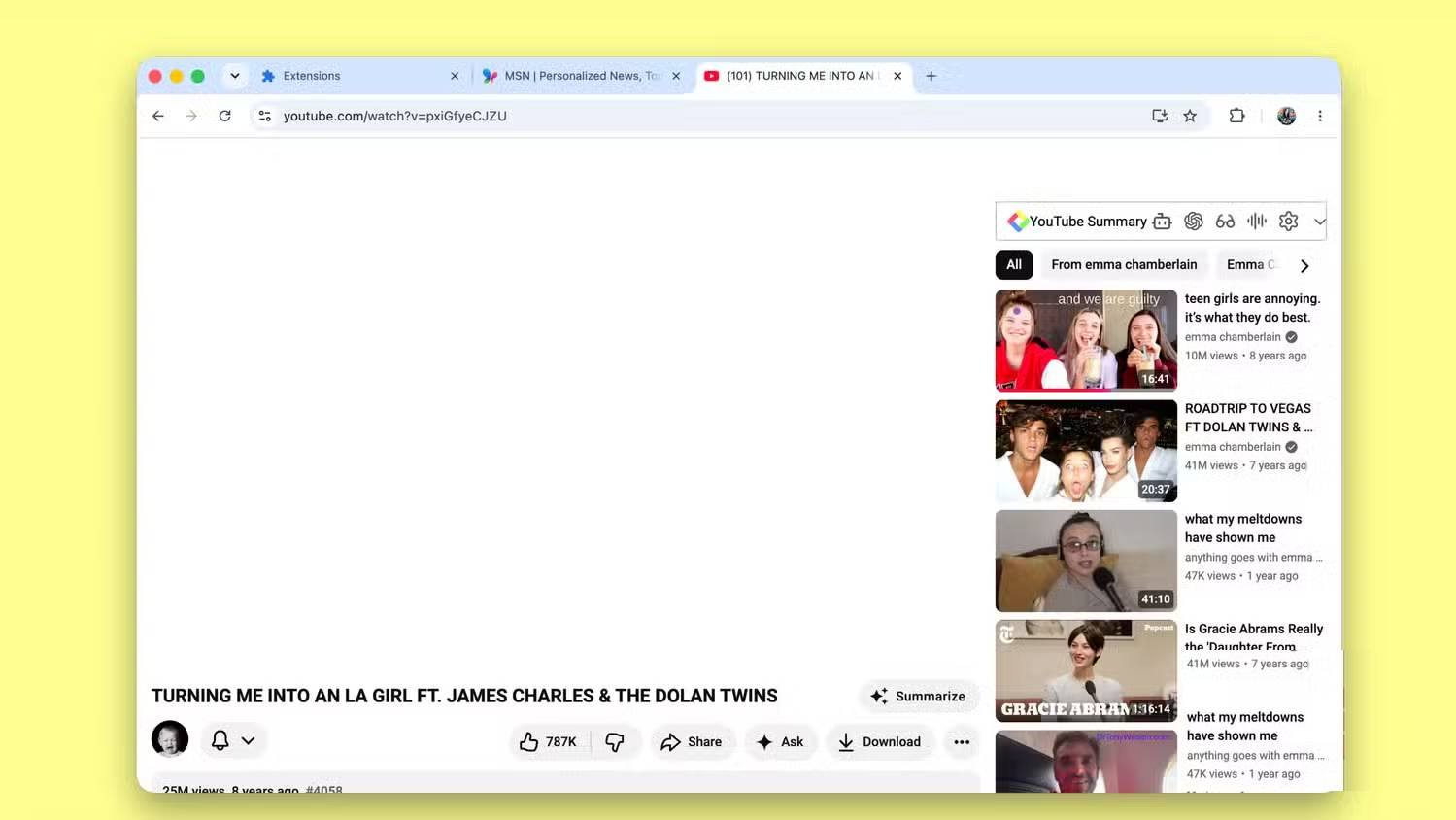
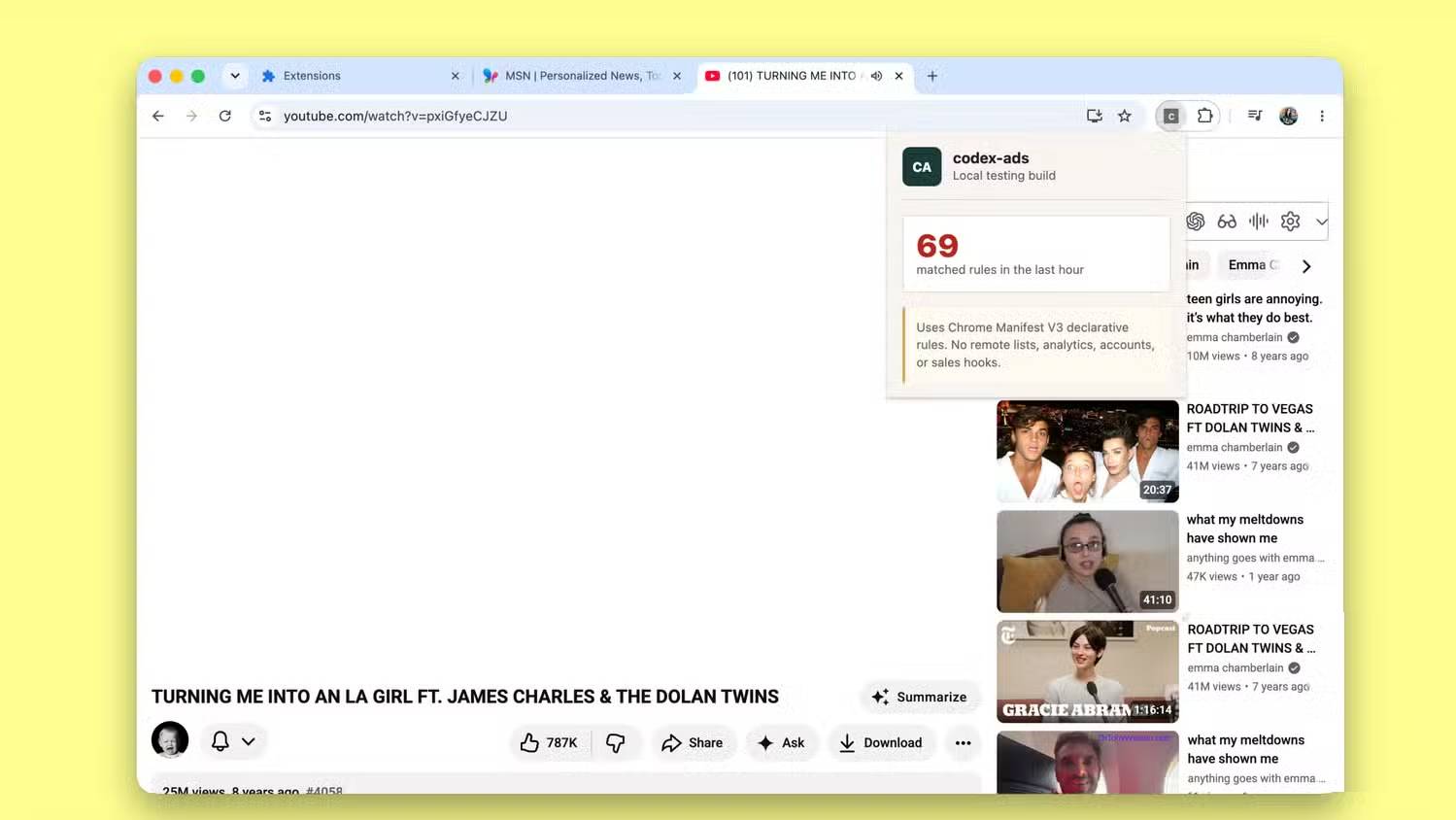
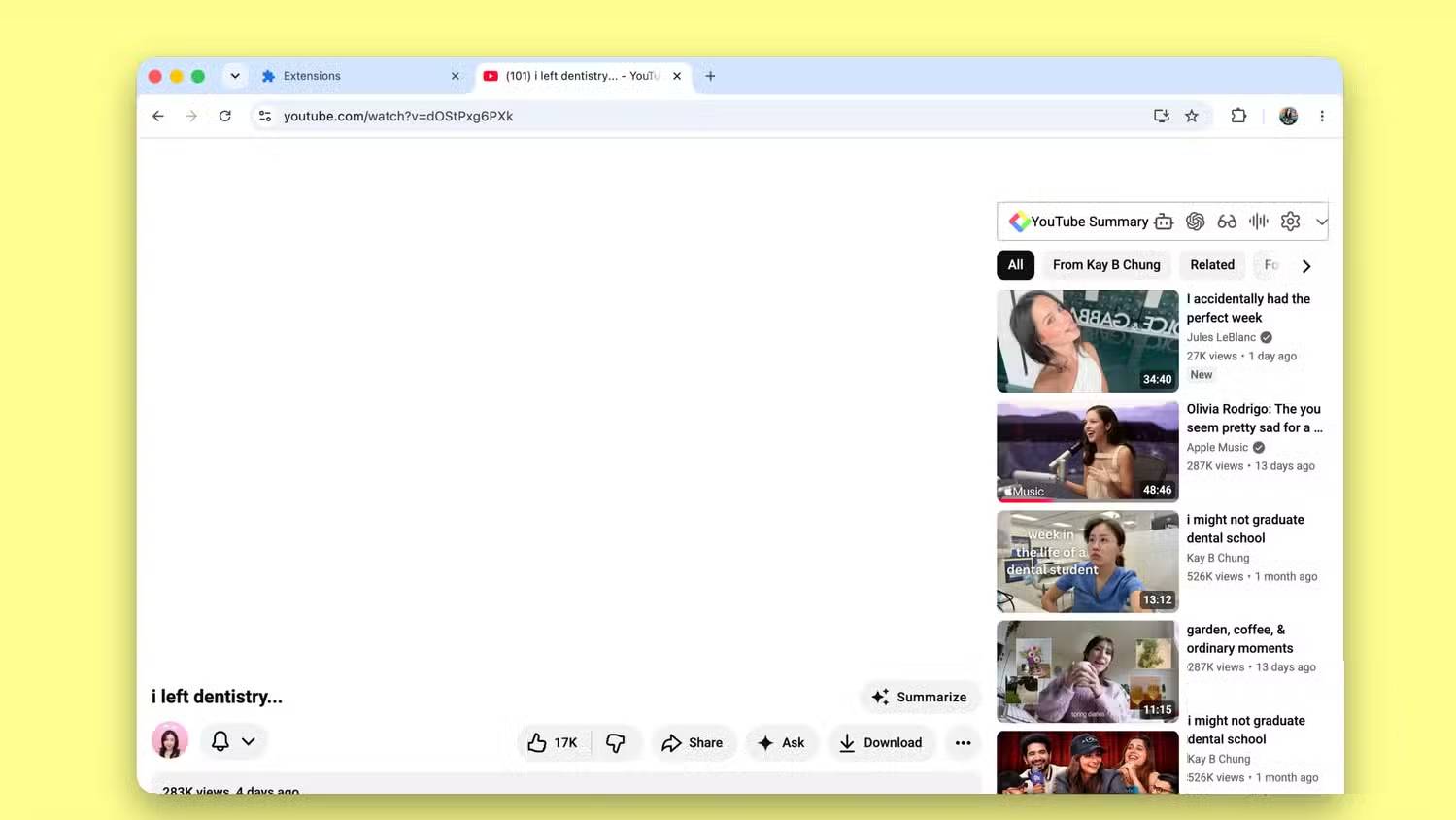
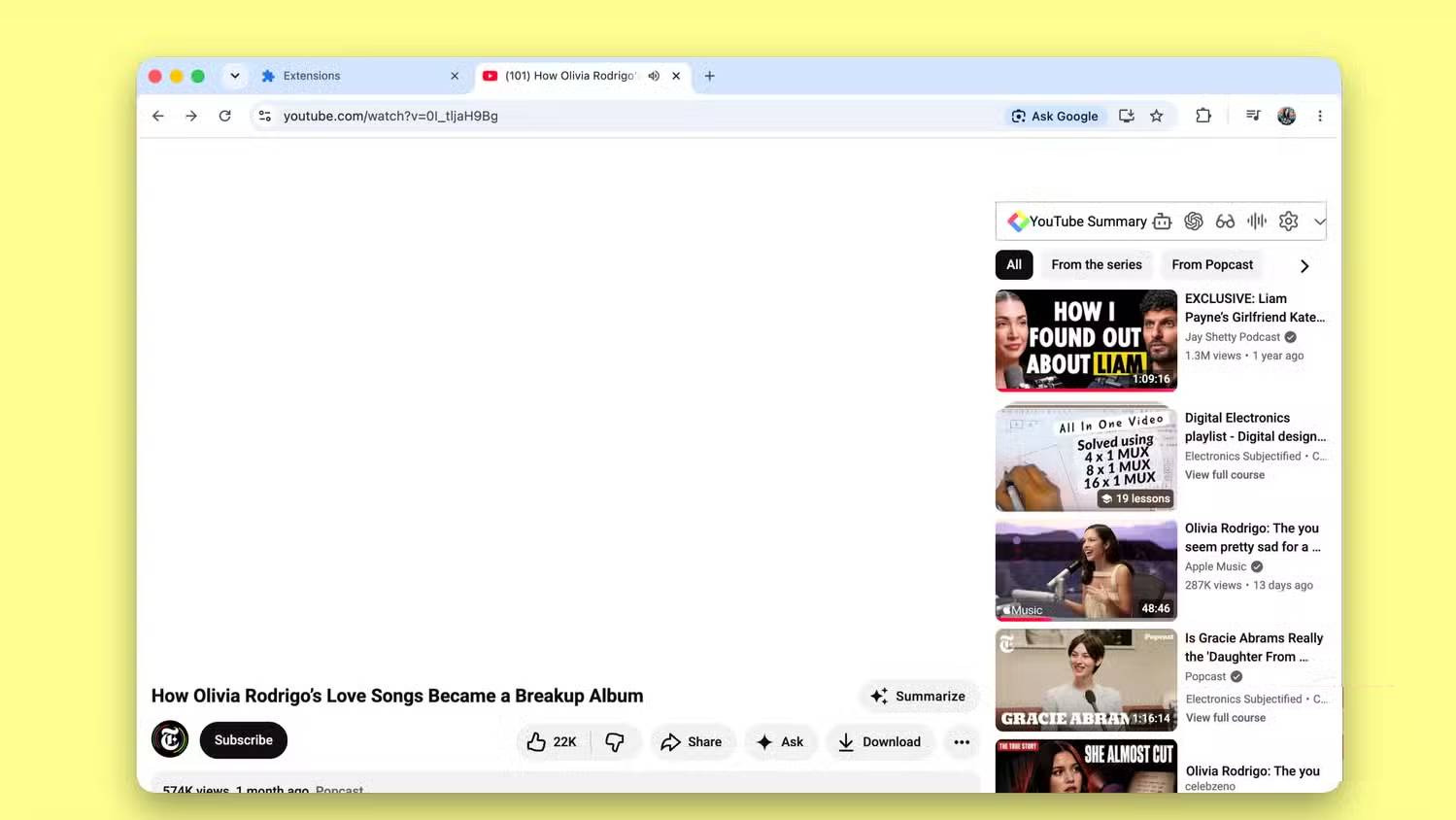
Codex output: the player disappeared
The page title, channel information, controls around the page, and suggestions loaded, but the video area became a large blank space. The generated YouTube-specific logic interfered with a component required by the player rather than isolating only advertising resources.
Gemini-based output: playback manipulation caused a jump
Instead of relying only on blocking, this version attempted to accelerate and mute an detected ad. In the observed run, the state change carried into the content and jumped playback toward the end.
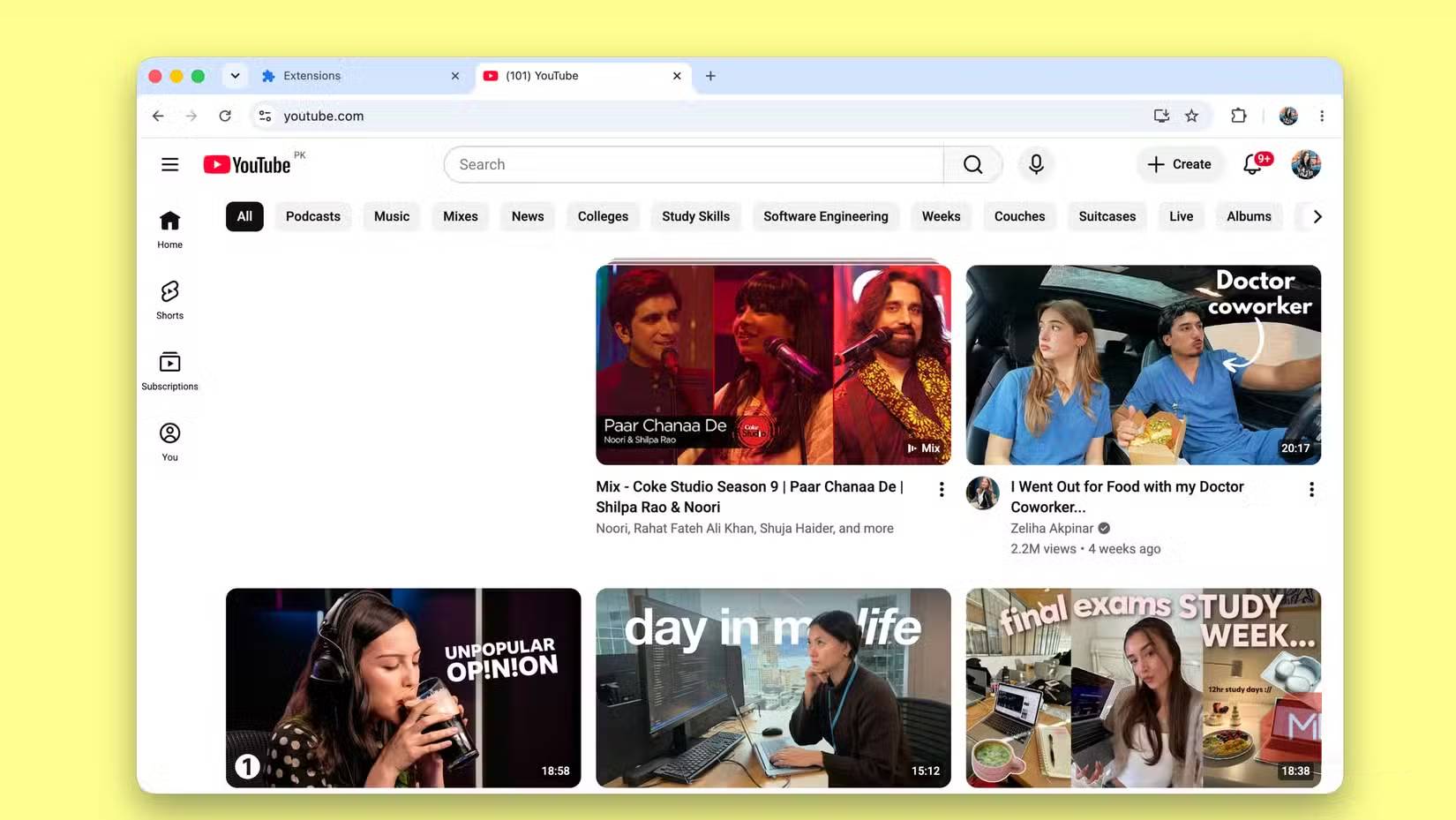
Claude output: the skip control was hidden
The Claude-built version did not blank the player or jump to the end, but it hid the control the viewer could have used to skip the ad. The ad remained while the most useful button disappeared.
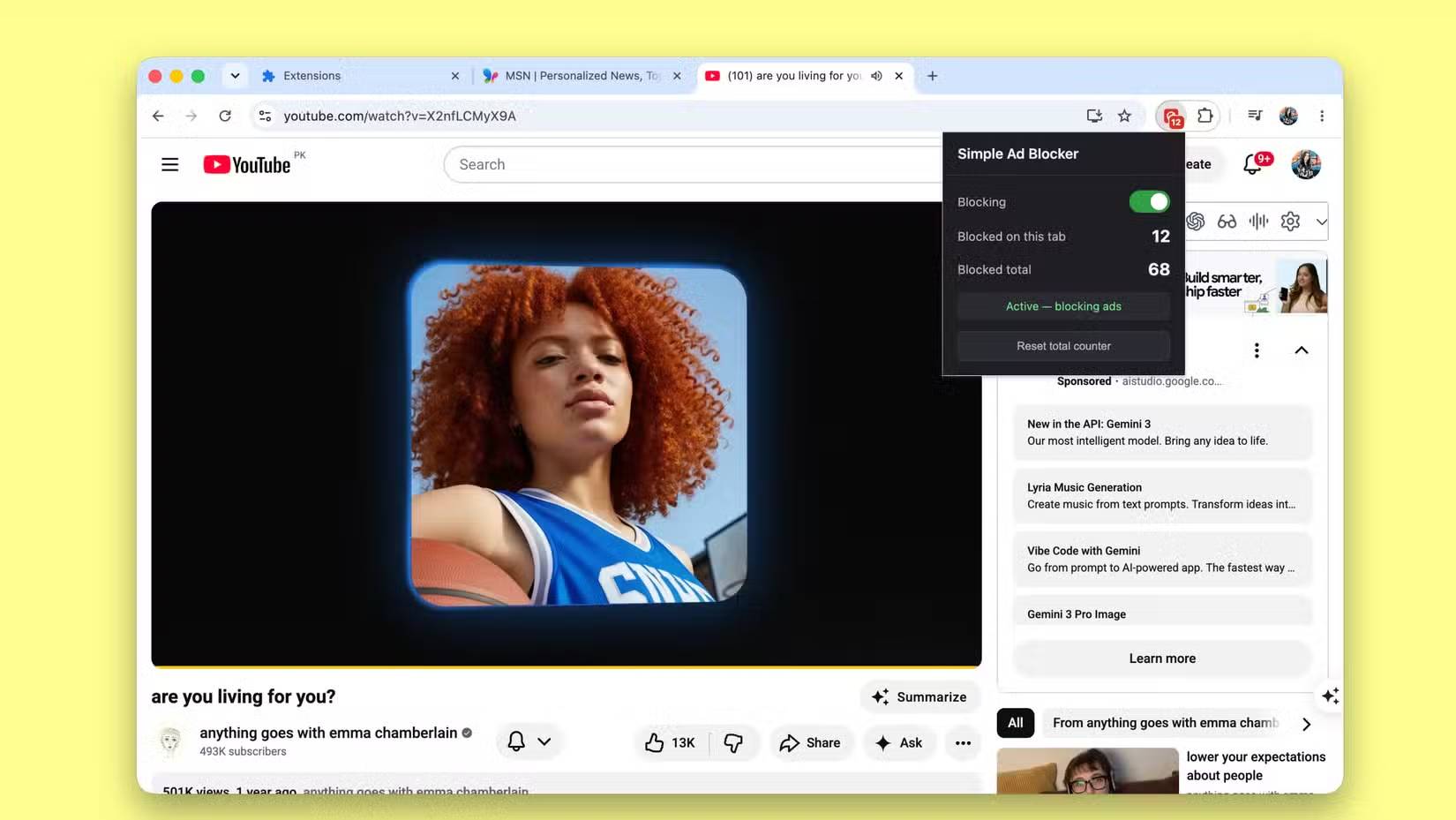
These are three versions of the same engineering mistake: acting on unstable page details without a sufficiently narrow rule and a regression test for normal playback.
The extra ChatGPT web attempt worked better, but did not settle the comparison
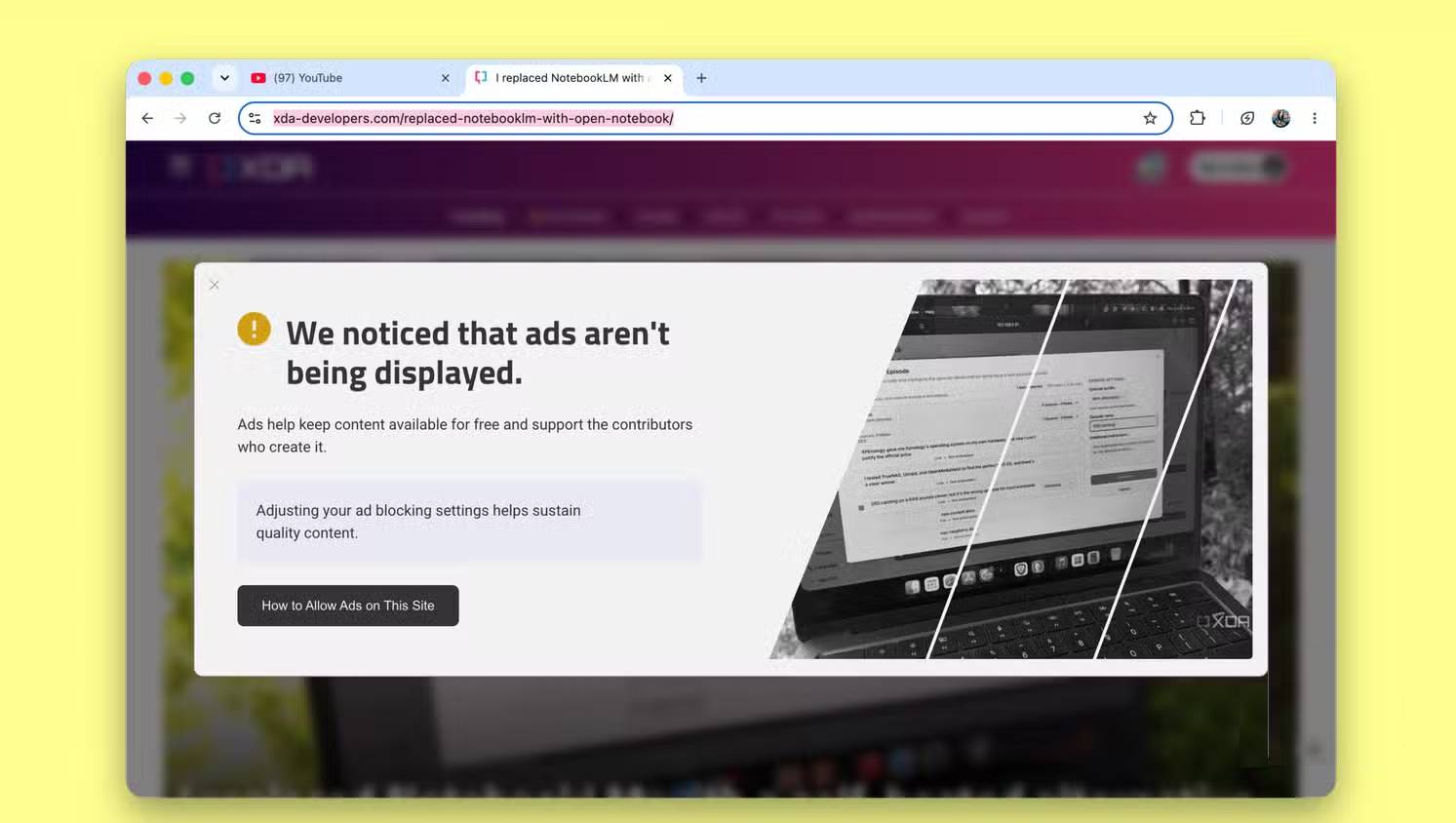
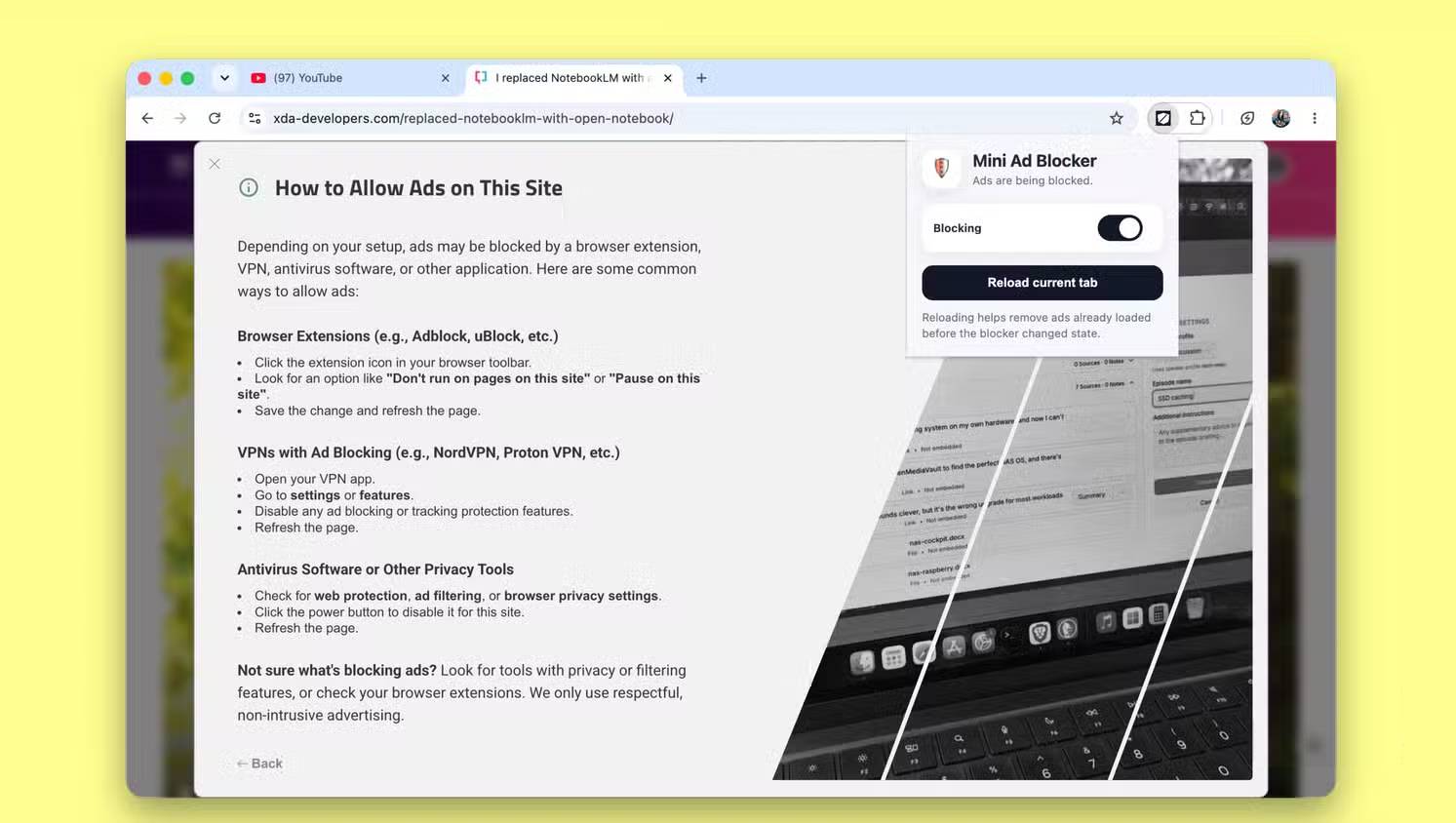
After the CLI runs, an extension generated through ChatGPT's web interface was also tested. It removed basic ads, retained the same blank-space problem on MSN, and allowed YouTube videos to remain usable in the sampled sessions. Some video ads still appeared, but the player was not blanked, fast-forwarded, or stripped of its skip control.
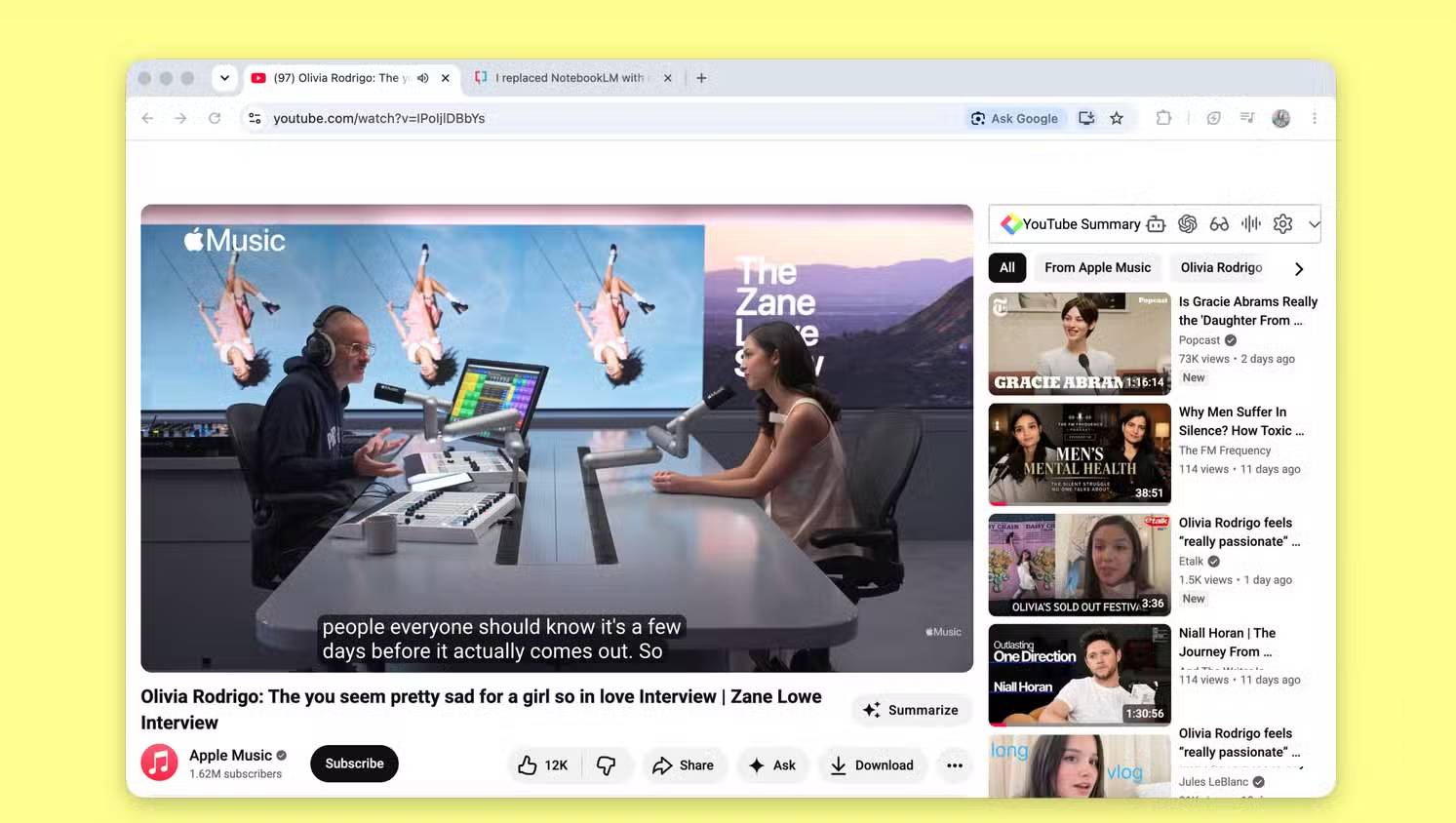
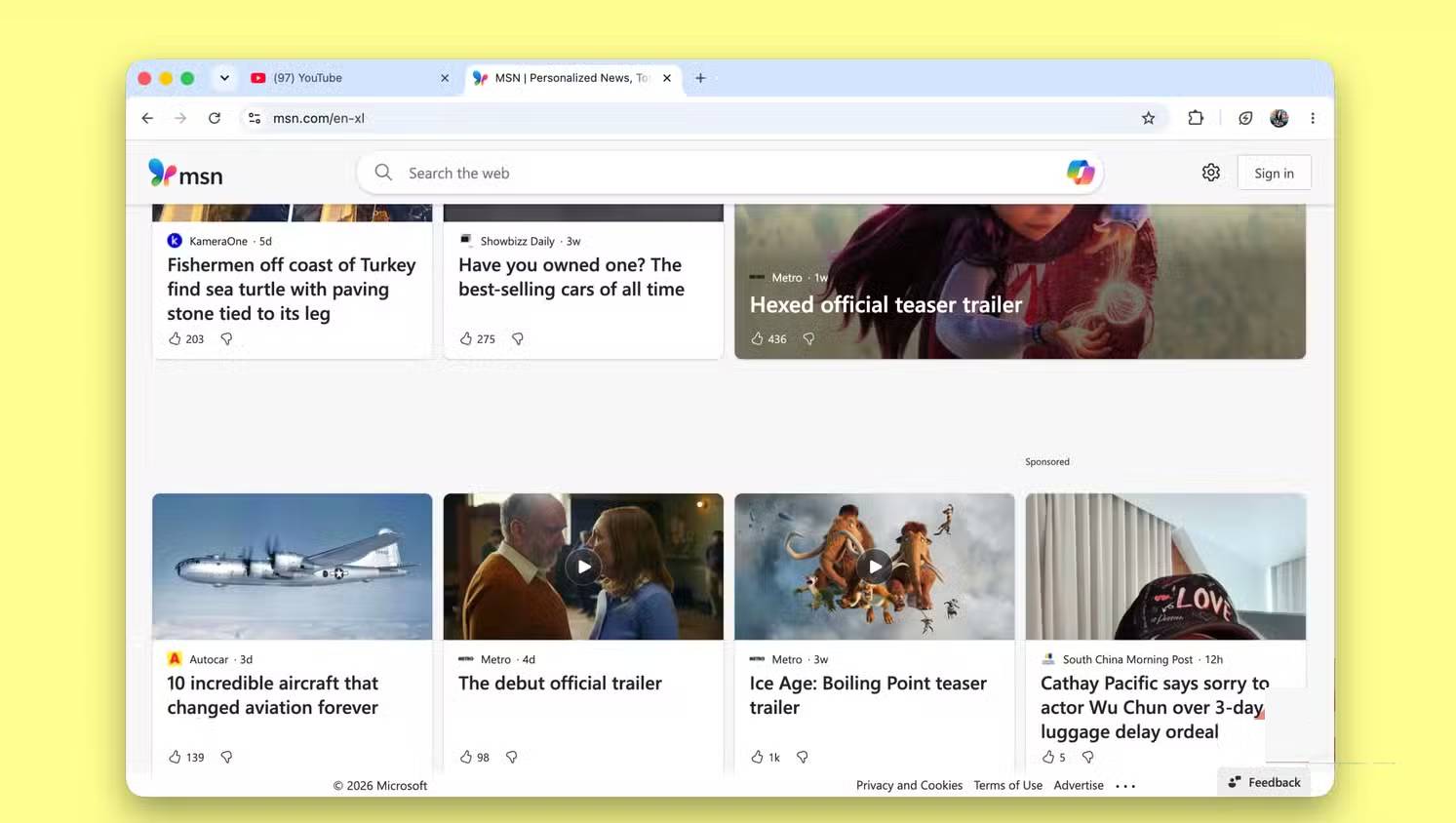
That makes it the least disruptive output in this particular test. It does not establish that ChatGPT is generally better at extension development: the interface, conversation, generated context, and repair opportunities differed from the controlled CLI runs.
What a fairer AI coding comparison would require
- Publish the exact prompt, model version, tool version, settings, and generated repository for every run.
- Start each tool in the same empty project with the same time and interaction budget.
- Run several independent attempts per tool rather than selecting one sample.
- Use a fixed local test fixture for network and cosmetic rules, plus a separately dated live-site test.
- Record blocked requests, false positives, empty containers, console errors, page-load impact, and required permissions.
- Test navigation, video playback, sign-in, shopping carts, forms, and allowlist behavior—not only whether banners vanish.
- Have a developer review the manifest, service worker, content scripts, update path, and data handling.
Checklist for reviewing any AI-generated Chrome extension
- Permissions: request only the APIs and host access the feature needs. Treat access to all sites as sensitive.
- Network rules: anchor domain patterns correctly and include allow rules or site exceptions where necessary.
- Content scripts: scope selectors narrowly, handle single-page-app navigation, and avoid manipulating unrelated player state.
- Privacy: verify that browsing history, URLs, page content, and counters do not leave the device unexpectedly.
- Security: do not use remote executable code,
eval(), or untrusted scripts. Inspect dependencies and update behavior. - Usability: provide an obvious per-site allowlist and a way to recover when a page breaks.
- Maintenance: define how filters are updated, validated, rolled back, and tested against changed sites.
Loading an unpacked extension gives it real browser privileges. Read the code and permissions before installing a project produced by any AI tool, and use a separate browser profile for testing.
Verdict
Best result in this run: the extra ChatGPT web-generated extension, because it caused the least disruption on the tested YouTube pages. Best basis for choosing an AI coding tool: none of these results. The trial was useful for exposing common failure modes, but it was too small and uneven to rank Claude, ChatGPT, and Gemini generally.
For a production-quality blocker, a maintained extension with reviewed filter lists and an established update process is a safer choice than an unreviewed one-prompt project. Developers can consult Chrome's current documentation for declarative network request rules and content scripts.
Related Articles
 Why Is Claude Superior to Gemini and ChatGPT?7 minutes read
 Which Is Better for Building Simulation Software: Claude, ChatGPT, or Gemini?10 minutes read
 ChatGPT vs Claude vs Gemini: Which AI Should You Use?12 minutes read
 How to Transfer ChatGPT and Claude Conversations to Gemini7 minutes read
 Claude vs ChatGPT: Which AI Assistant Should You Use?10 minutes read
 Should I Buy ChatGPT Plus or Claude Pro?10 minutes read
Reader Comments 0
Sign in with email or Google to join the discussion.