Table of Contents
You can usually recover data that reached a backup or synced account before the theft. Start by locking the stolen phone. Then check which items are available from another trusted device and choose the correct backup when setting up a replacement.
Secure the phone and protect account access
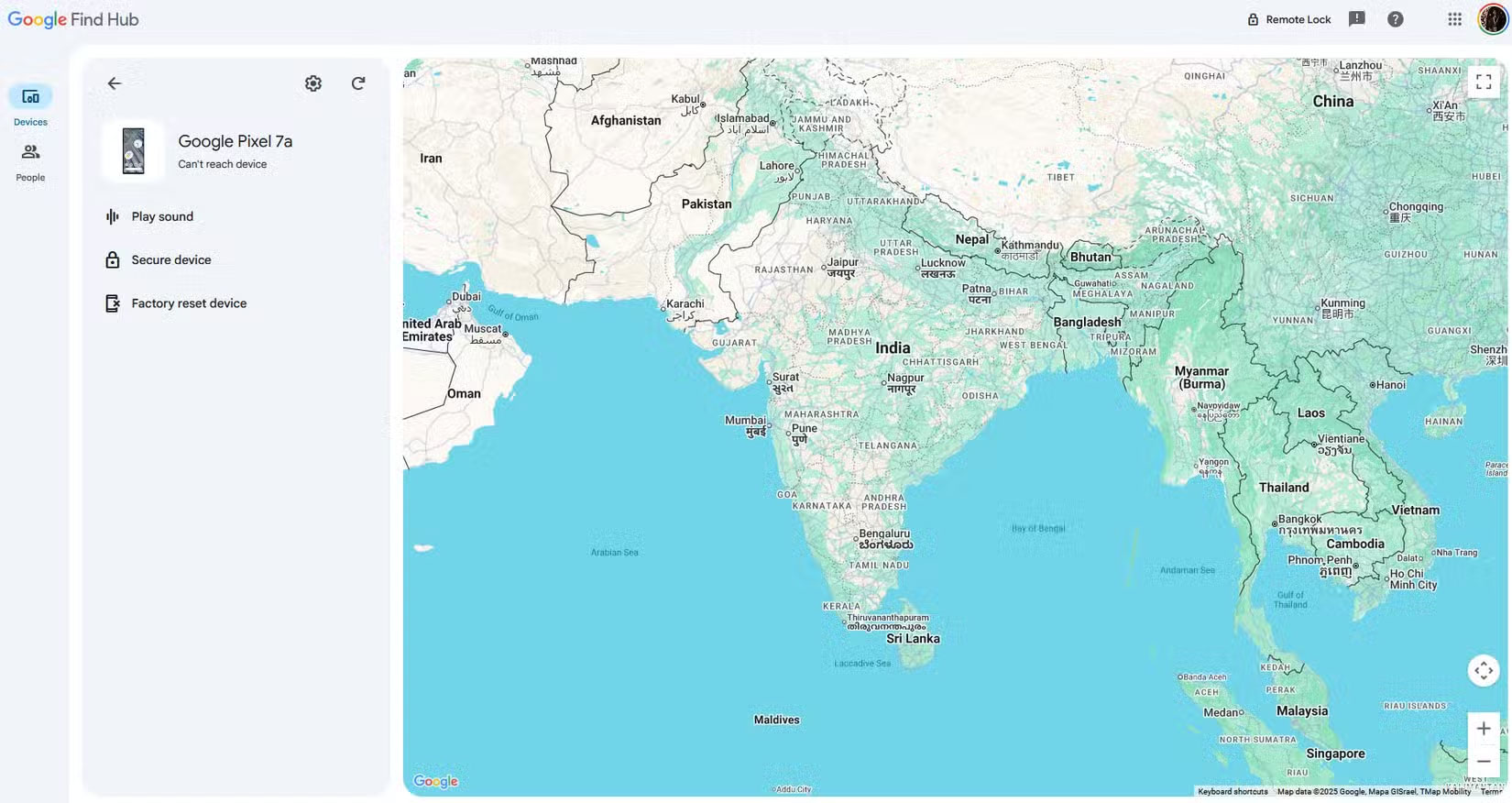
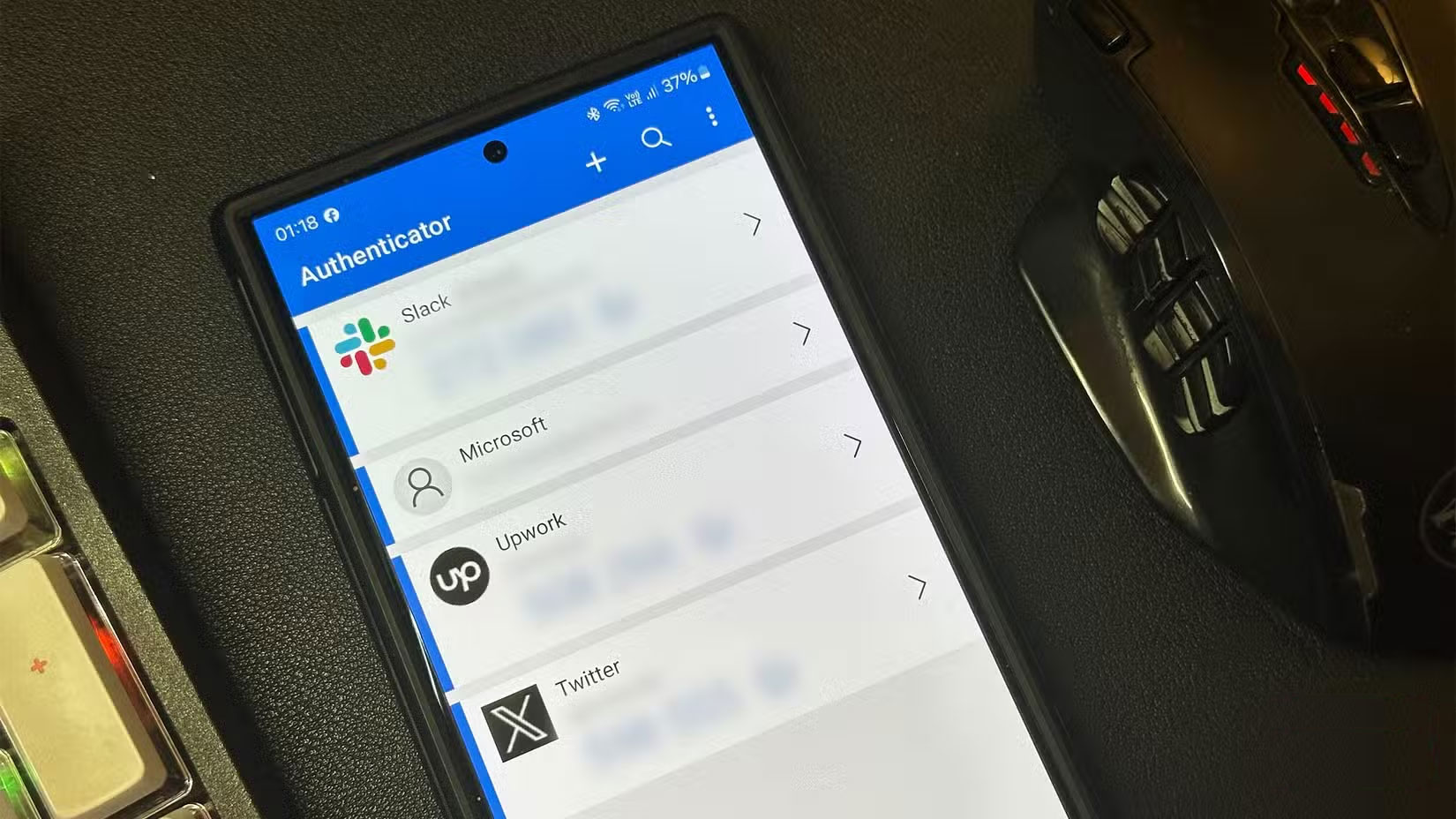
Mark the phone as lost through Apple Find My or Google Find Hub. Ask your carrier to protect your phone number, especially if you use it for sign-in codes. On a trusted device, review unfamiliar account sessions and contact your bank if you suspect payment misuse. Before changing sign-in settings, check that you have a safe way to authenticate, such as a backup code or another enrolled device. See how to recover and protect account access.
Check what was backed up
- Photos and videos: Open the cloud photo library with the correct account and check the dates of the latest items.
- Contacts: Check the online contacts list, including other accounts you may have synced.
- Messages and chat apps: Review the device backup and each app’s separate recovery instructions. Some chats require a separate backup password or recovery key.
- Documents: Check cloud drives and computer copies. Files that were only on the stolen phone cannot be recovered from an online backup that never included them.
Restore during setup and verify
For Android, follow Google’s restore steps. For iPhone, use Apple’s backup restore instructions. Choose the latest appropriate backup and let the device finish downloading. Check photos, messages, and essential apps individually. Consider a remote erase when protecting data is more important than further tracking, and follow the platform’s guidance before sending it. See how to check an iPhone backup for future recovery.





Reader Comments 0
Sign in with email or Google to join the discussion.