Table of Contents
This guide organizes the entries in "7 Uses of the Back of the Phone" and explains what each option, idea, or example offers. It also highlights practical details that matter when comparing the choices.
- 10 Surprising Ways You Can Use Your Android Phone
7. Turn the back into a secret button
If you're using a modern iPhone (iOS 14 or later), you can double or triple tap the back of your phone to perform all sorts of actions, like taking a screenshot, opening the camera, silencing your phone, launching an app, or even running Shortcuts. This feature is called Back Tap , and you can find it in Settings > Accessibility > Physical and Kinesthetic > Haptics .
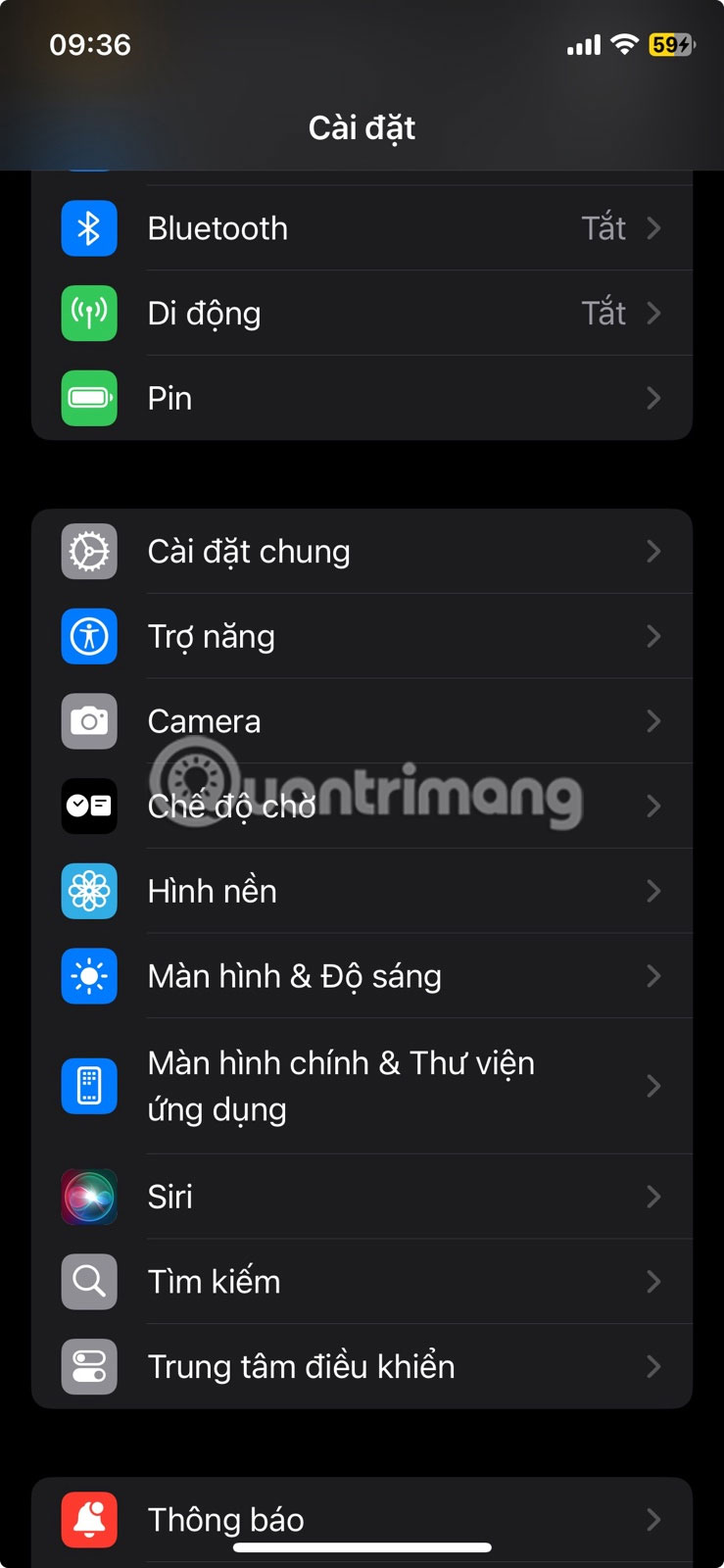
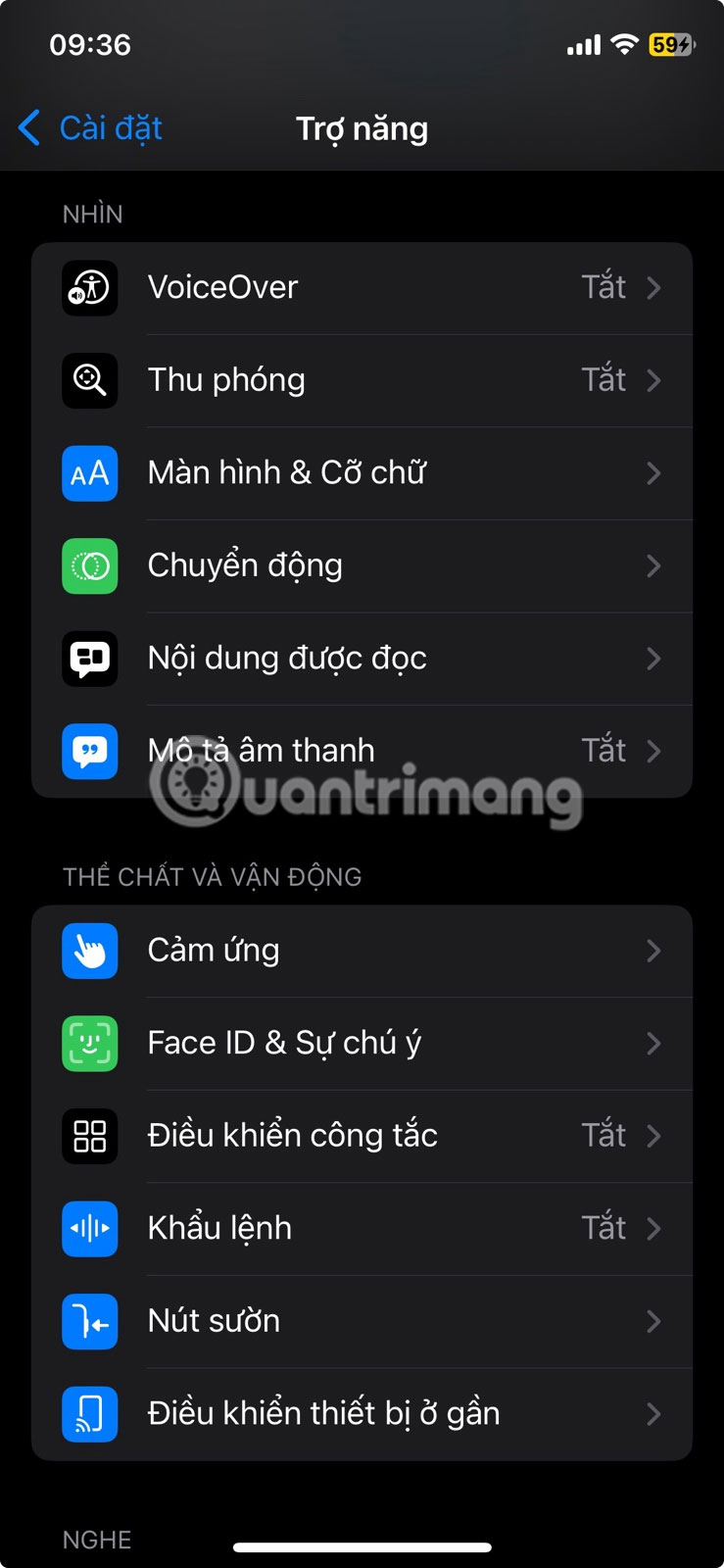
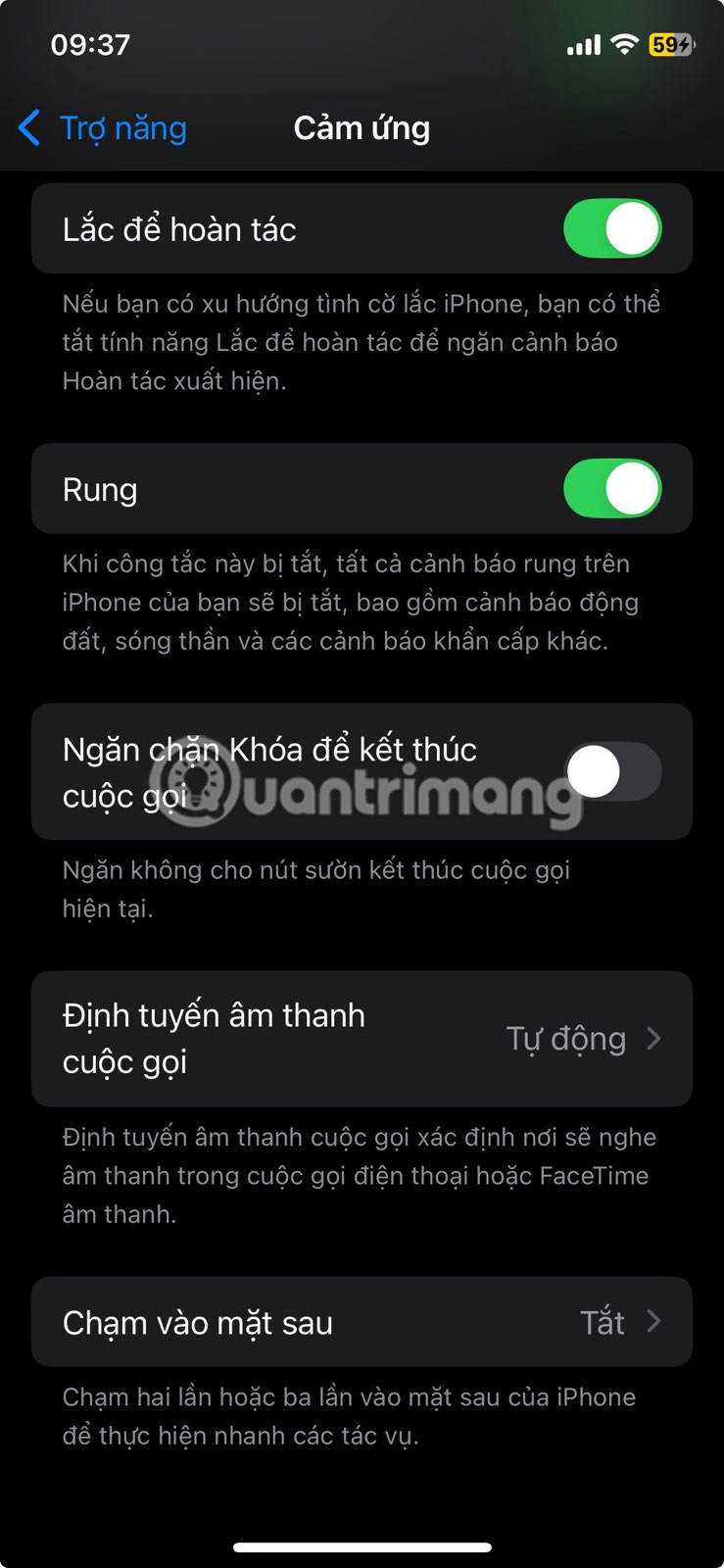
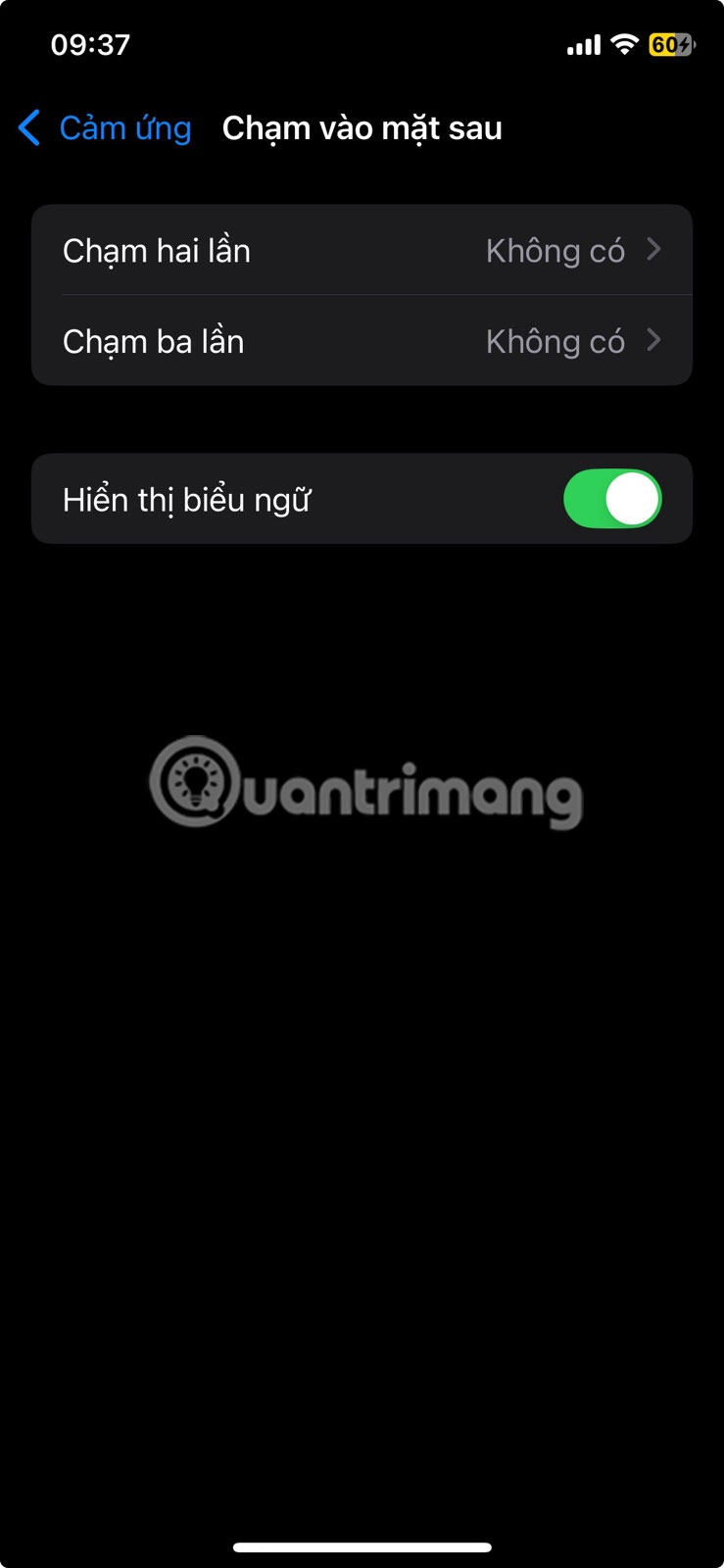
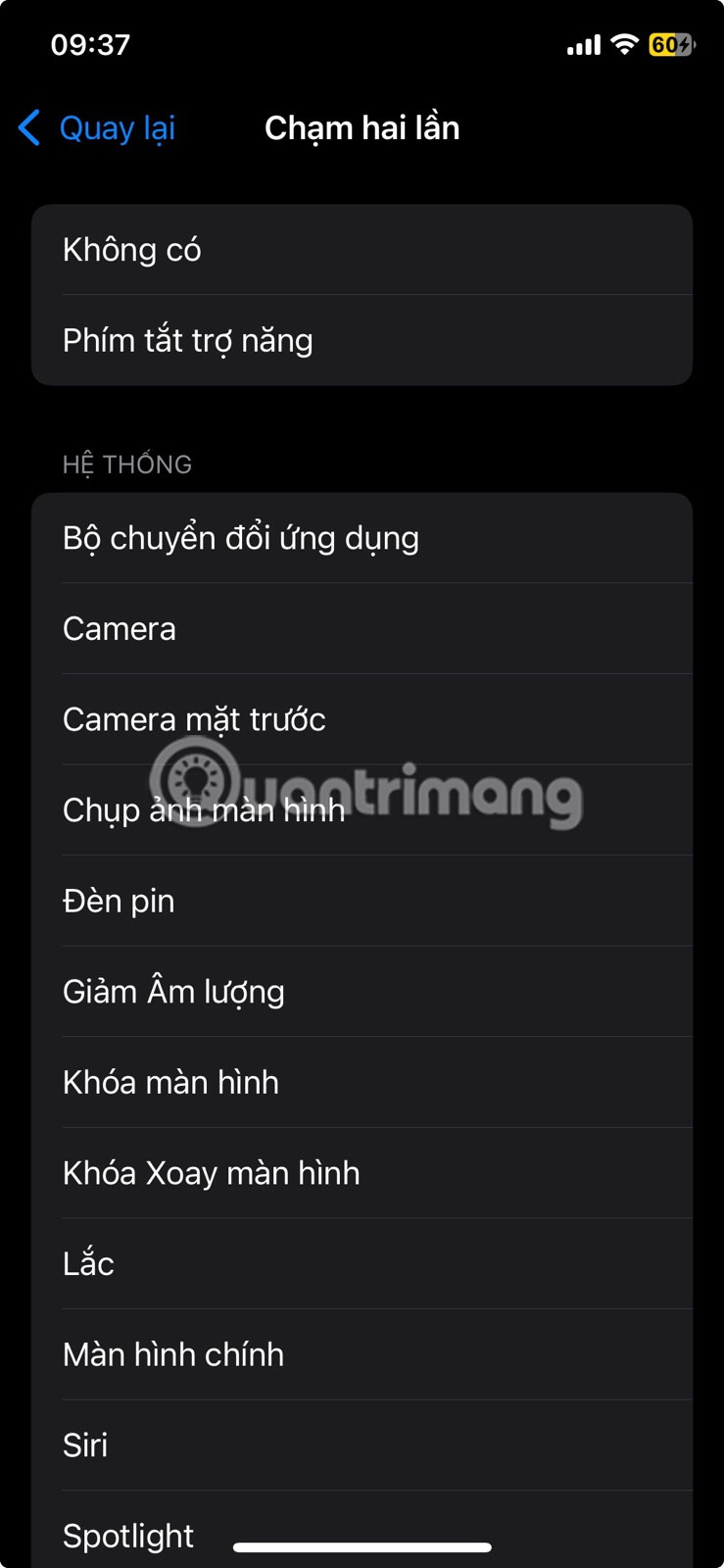
Not all Android phones have this feature built in, but Pixel devices running Android 12 and above offer a similar feature called Quick Tap (found in Settings > System > Gestures > Quick Tap ). Just like on iOS, you can set a double-tap on the back to trigger actions like launching an app, turning on the flashlight, or pausing media.
6. Wireless charging for other devices
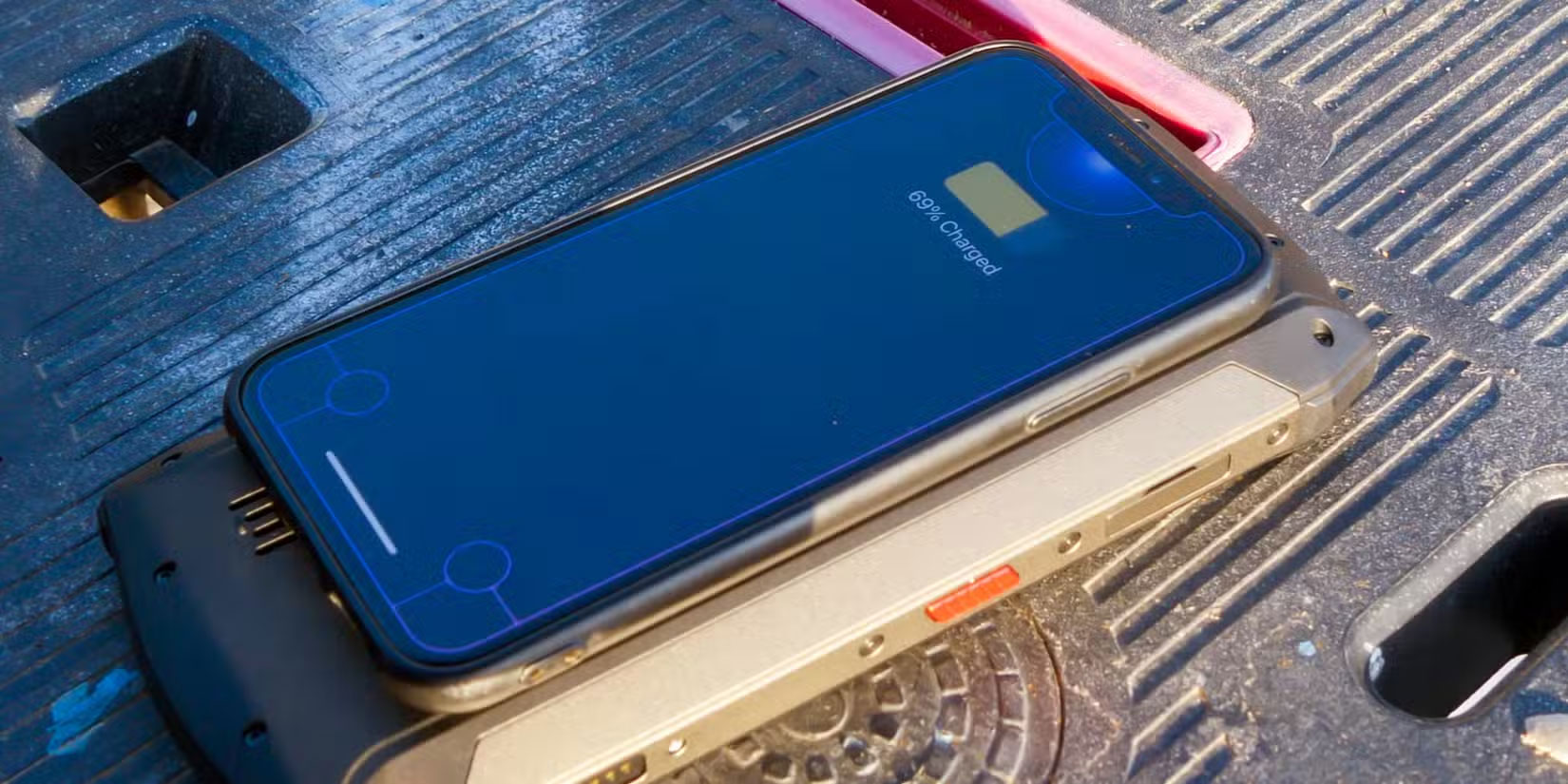
If your phone supports reverse wireless charging, it can act as a mini power bank using its back. Many Android phones have this feature built in; for example, reverse wireless charging is possible on the Samsung Galaxy S10 and later. The Pixel 8 Pro supports it, along with some Huawei and Xiaomi phones. The feature can go by different names depending on the brand: " Wireless PowerShare," "Battery Share," or something similar.
On supported Android phones, turning on the feature is usually a quick toggle in the settings. Once enabled, lay the other device (phone, headphones, smartwatch, etc.) face up, centered. Within a few seconds, you should see the charging indicator light come on. Both devices need to support Qi or Qi2 wireless charging, which is essentially the standard for this type of technology.
5. Payment
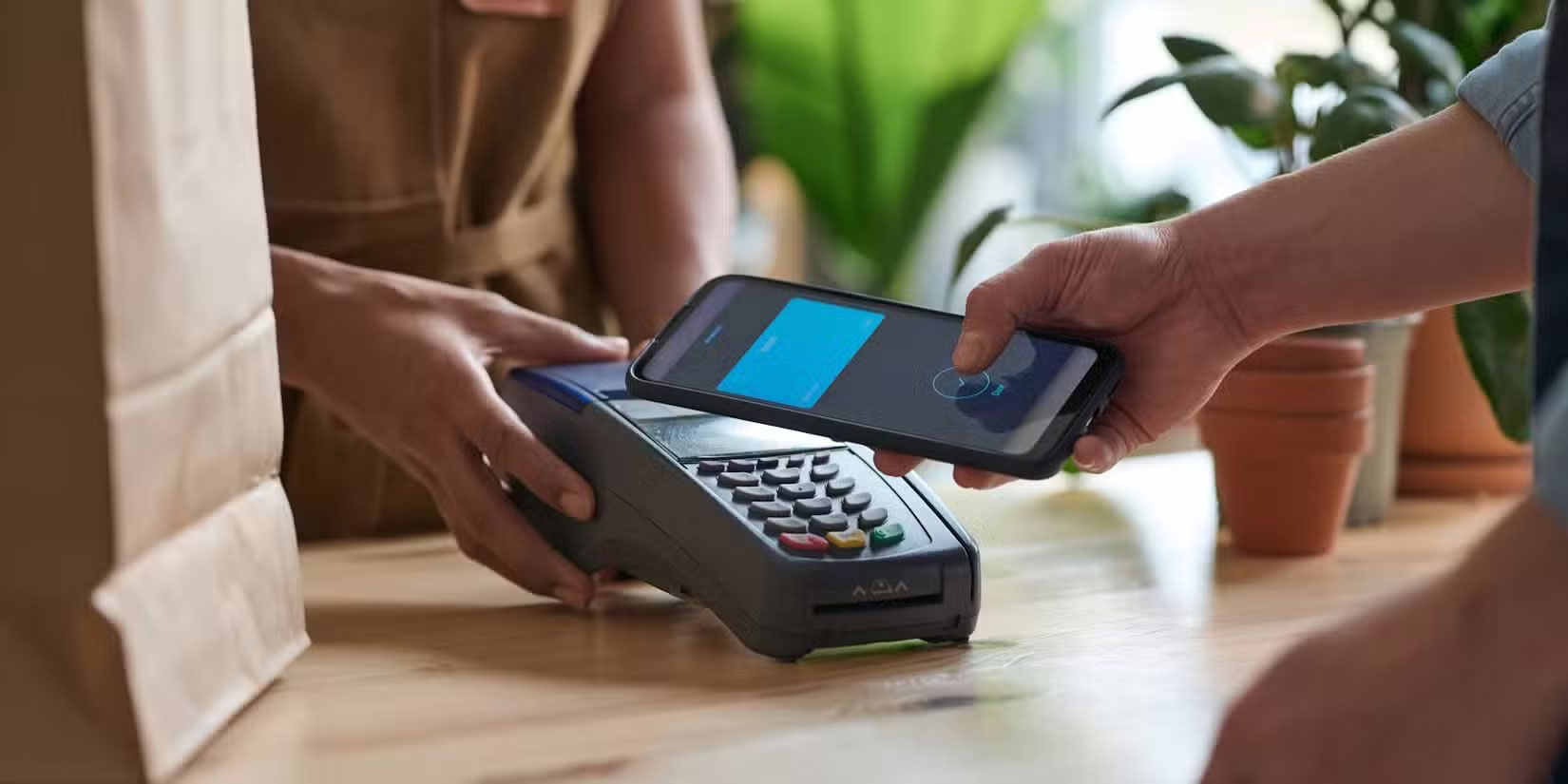
Thanks to the NFC (Near Field Communication) chip typically built into the back of your phone, you can tap your device to a compatible reader to make contactless payments for your morning coffee, groceries, and more.
To get started, you'll need to set up a mobile payment app. Google Wallet is the top choice on Android, while Apple Pay works well on iPhone. Samsung also offers Samsung Wallet, which works similarly on its Galaxy devices. These apps let you securely add a debit or credit card, and depending on where you live, even a travel card or digital ID.
4. Enable smart home actions
As mentioned earlier, you can double or triple tap the back of your phone to perform custom actions assigned to it. However, you can get more creative with this and set up custom actions to control your smart devices.
For example, you can create a shortcut to turn off all the lights, adjust the thermostat, or lock the front door — and then connect that shortcut to a tap gesture on the back.
On iPhone, you can use the Shortcuts app to set this up. On Android, apps like NFC Tools make it easy to customize what happens when you swipe a tag.
3. Measure heart rate (on some phones)
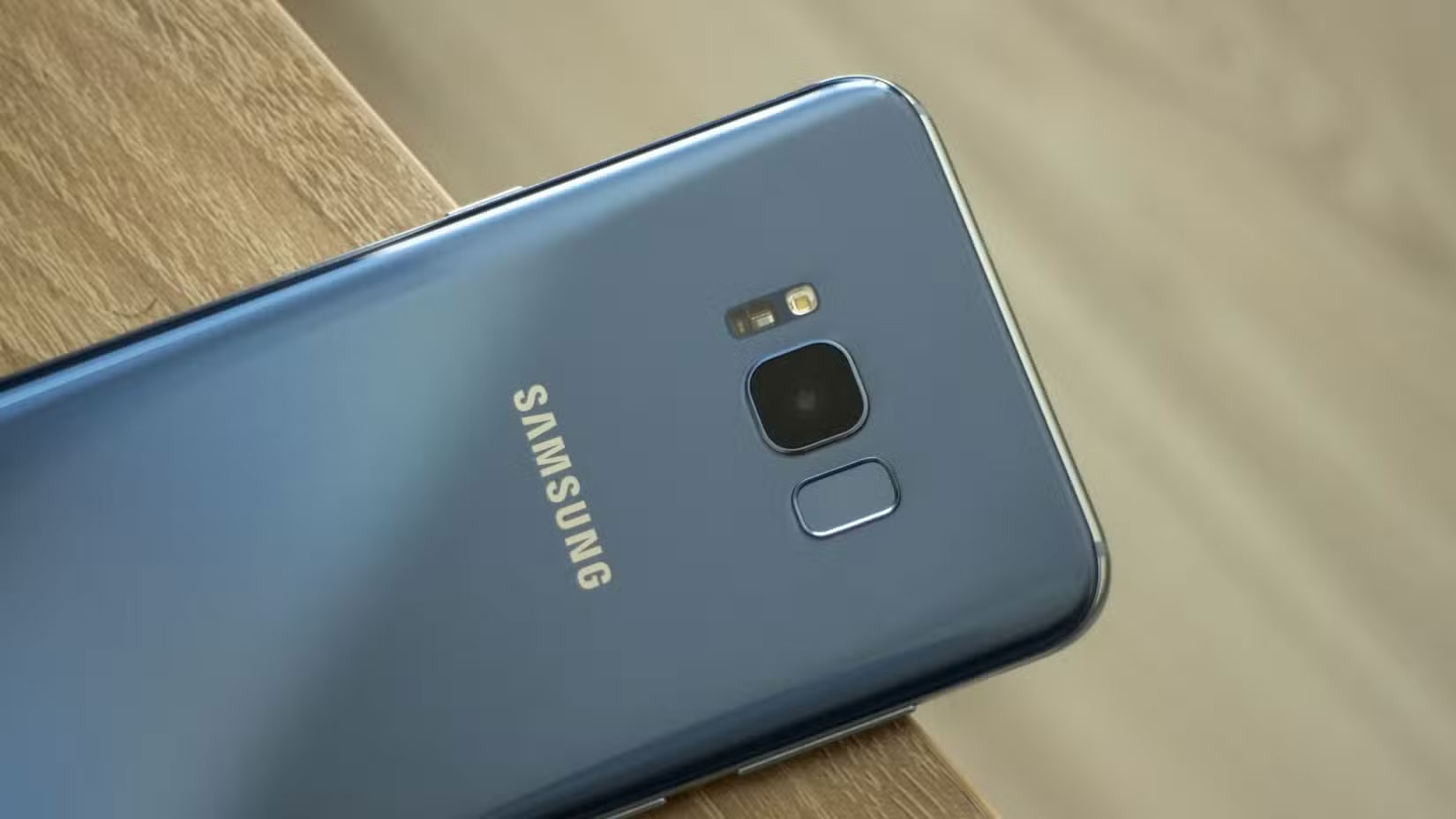
Older Samsung Galaxy flagships — specifically the Galaxy S5 through the S10 (except the S10e and S10 5G), and Note devices from the Note 4 through the Note 9 — have a small heart rate sensor on the back. It's usually located near the camera flash.
You just press your finger on the sensor, and the Samsung Health app quickly displays the results. It was a handy little feature at the time. Samsung eventually ditched this feature after the S10 and Note 9, shifting its focus to smartwatches and wearables for health tracking.
But even if your current phone doesn't have a dedicated sensor, you can still use it. Plenty of third-party apps like Cardiograph, and even some built-in apps like Google Fit on some Pixel models, can measure your heart rate using just the camera and flash.
2. Stick useful accessories on the back
The back of your phone is prime real estate, so why not take advantage of it with some useful accessories? Here are a few of our favorites that come in handy:
- PopSockets make for a more comfortable grip (and reduce the risk of dropping your phone mid-scroll).
- The MagSafe Wallet features a magnet that attaches securely and keeps all your important items in one place.
- The adhesive card holder gives you quick access to your ID, travel card or bank card.
- Sticky or ring racks are helpful if you spend a lot of time in the car or cooking and still have recipes open.
- NFC-enabled security keys, like the YubiKey, can be tapped to the back of your phone to securely log in to supported apps. Unlike others, this key works with just a tap — don't keep it on your device!
If it's thin, useful, and doesn't interfere with wireless charging too much, you could probably stick it to the back of your phone.
1. Use it as a mirror
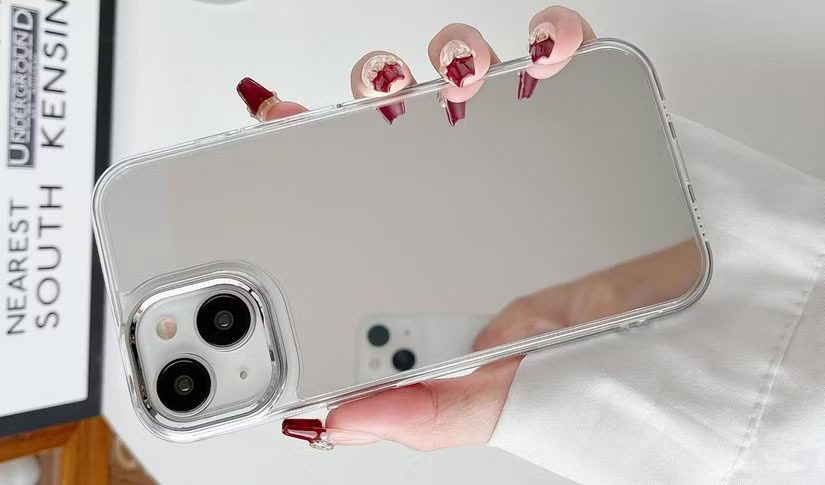
It may be low-tech, but if your phone has a glossy or glass back, especially one with a mirror-like finish, it can act as a makeshift mirror. It works for checking for a toothpick or a pair of sunglasses that are crooked. It's not as sharp as a real mirror, but for everyday "Do I look okay?" moments, it gets the job done. It's faster and less high-tech than using your phone's selfie camera for the same purpose.
FAQ
What should you know about 7. Turn the back into a secret button?
If you're using a modern iPhone (iOS 14 or later), you can double or triple tap the back of your phone to perform all sorts of actions, like taking a screenshot, opening the camera, silencing your phone, launching an app, or even running Shortcuts. This feature is called Back Tap, and you can find it in Settings > Accessibility.
What should you know about 6. Wireless charging for other devices?
If your phone supports reverse wireless charging, it can act as a mini power bank using its back. Many Android phones have this feature built in; for example, reverse wireless charging is possible on the Samsung Galaxy S10 and later. The Pixel 8 Pro supports it, along with some Huawei and Xiaomi phones. The feature can go by.
What should you know about 5. Payment?
Thanks to the NFC (Near Field Communication) chip typically built into the back of your phone, you can tap your device to a compatible reader to make contactless payments for your morning coffee, groceries, and more.
What should you know about 4. Enable smart home actions?
As mentioned earlier, you can double or triple tap the back of your phone to perform custom actions assigned to it. However, you can get more creative with this and set up custom actions to control your smart devices.
Related Articles
 7 Most Unique Phone Panels You've Ever Seen3 minutes read
 How to Backup Android Phone to Google Cloud: Clear Instructions5 minutes read
 How to Turn Tik Tok Back in Time4 minutes read
 Why Is It Great to Bring Windows Phone Tiles Back to Android: Explained6 minutes read
 How to Enable Back Tap on iOS 14, How to Use Back Tap4 minutes read
 How to Call Back a Blocked Number: Clear Instructions14 minutes read
Reader Comments 0
Sign in with email or Google to join the discussion.