Table of Contents
Before switching from an iPhone to a Galaxy, check what you use every day: your apps, Apple accessories, device-to-device features, and settings. The difference that matters most may be a single app or accessory, rather than a broad comparison between iOS and Android.
1. Familiar app behavior
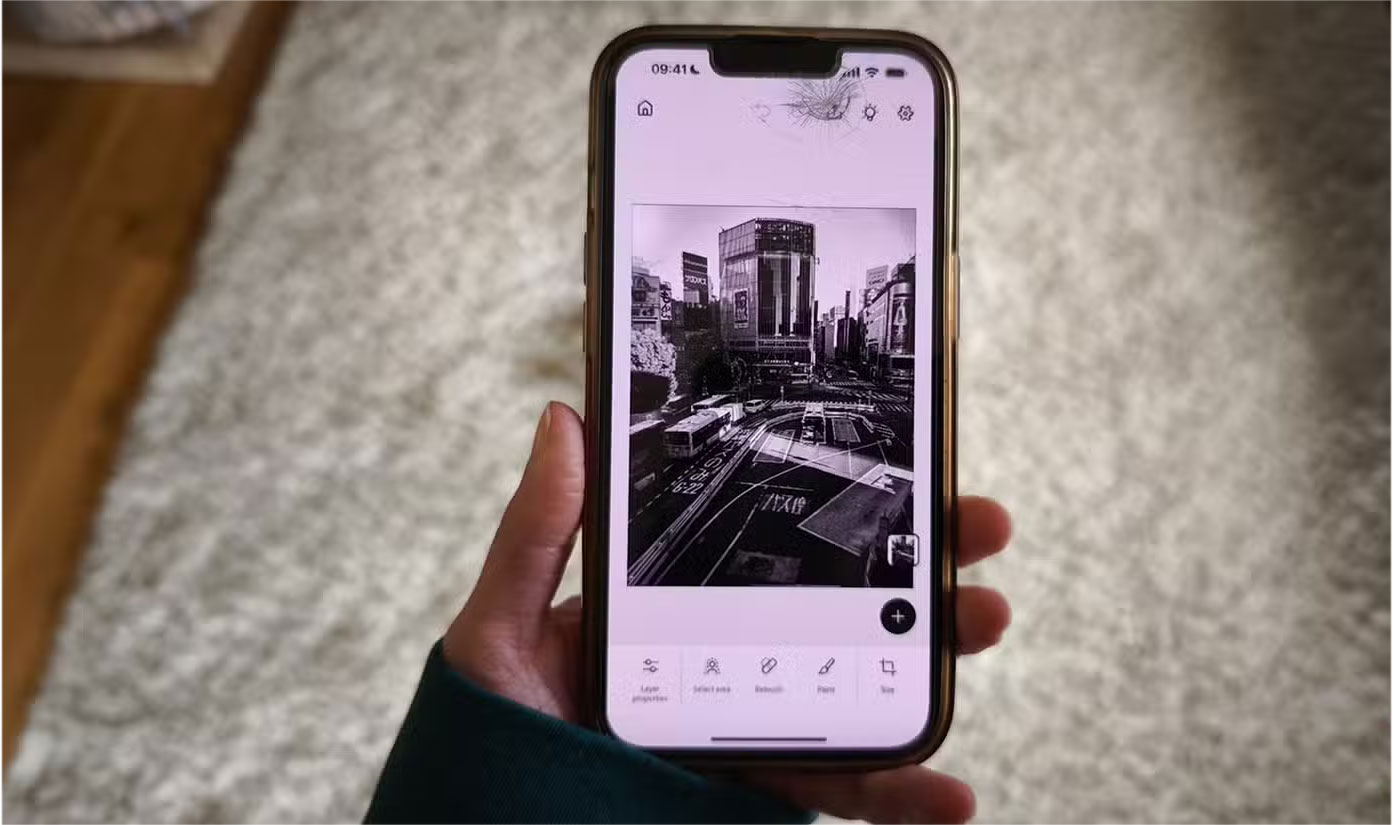
Make a list of work apps, games, banking apps, and accessibility tools. Check the Android version and see whether purchases, progress, and subscriptions transfer. Compare any feature you rely on, such as picture-in-picture, external controller support, or offline files, on the specific phone.
2. How software updates reach your phone
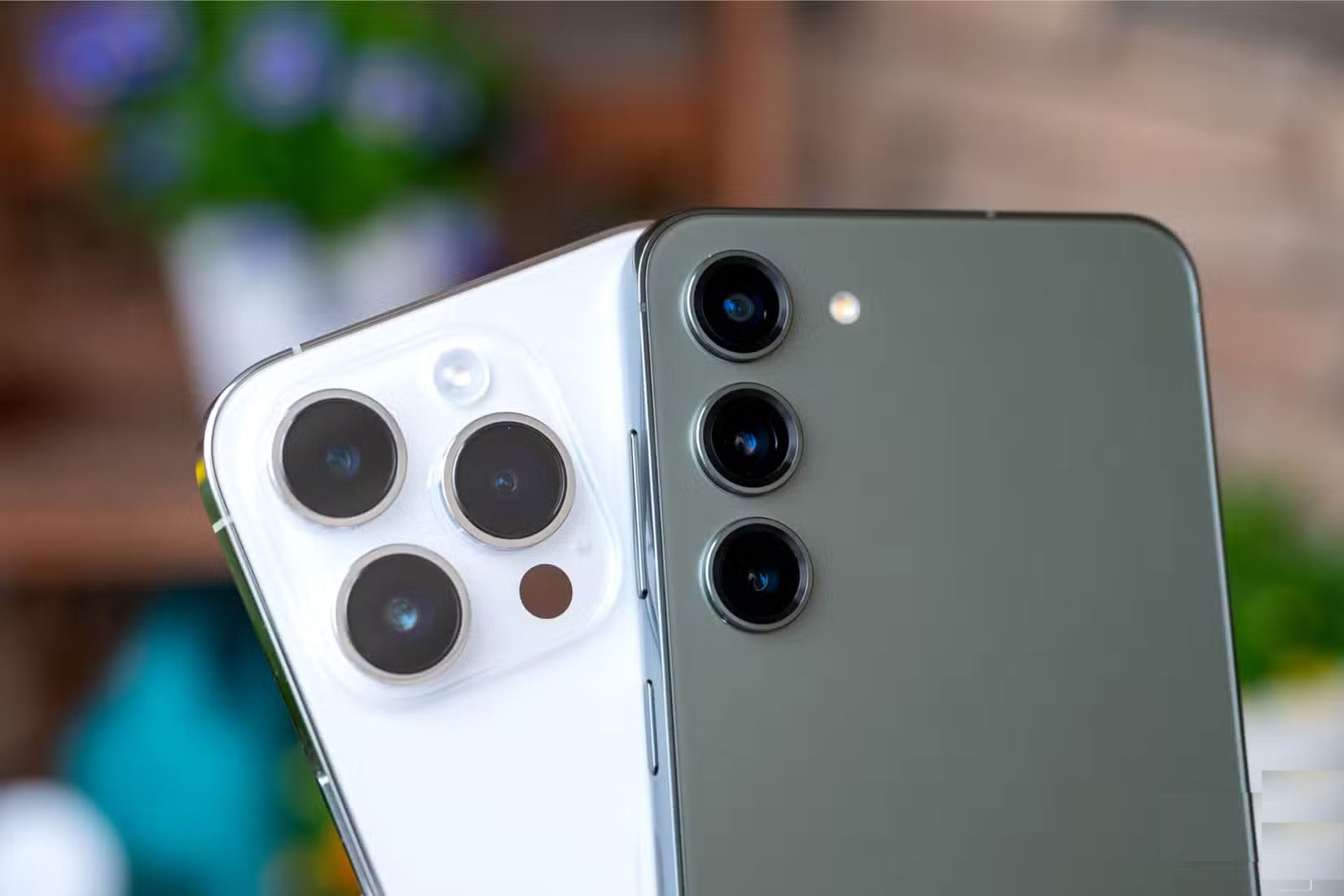
Apple releases iOS updates for supported devices through a common update system. Galaxy timing can depend on model, region, carrier, and update type. Check the proposed phone’s published support lifecycle and latest security patch rather than assuming a schedule based on the brand alone.
3. Features that connect your Apple devices
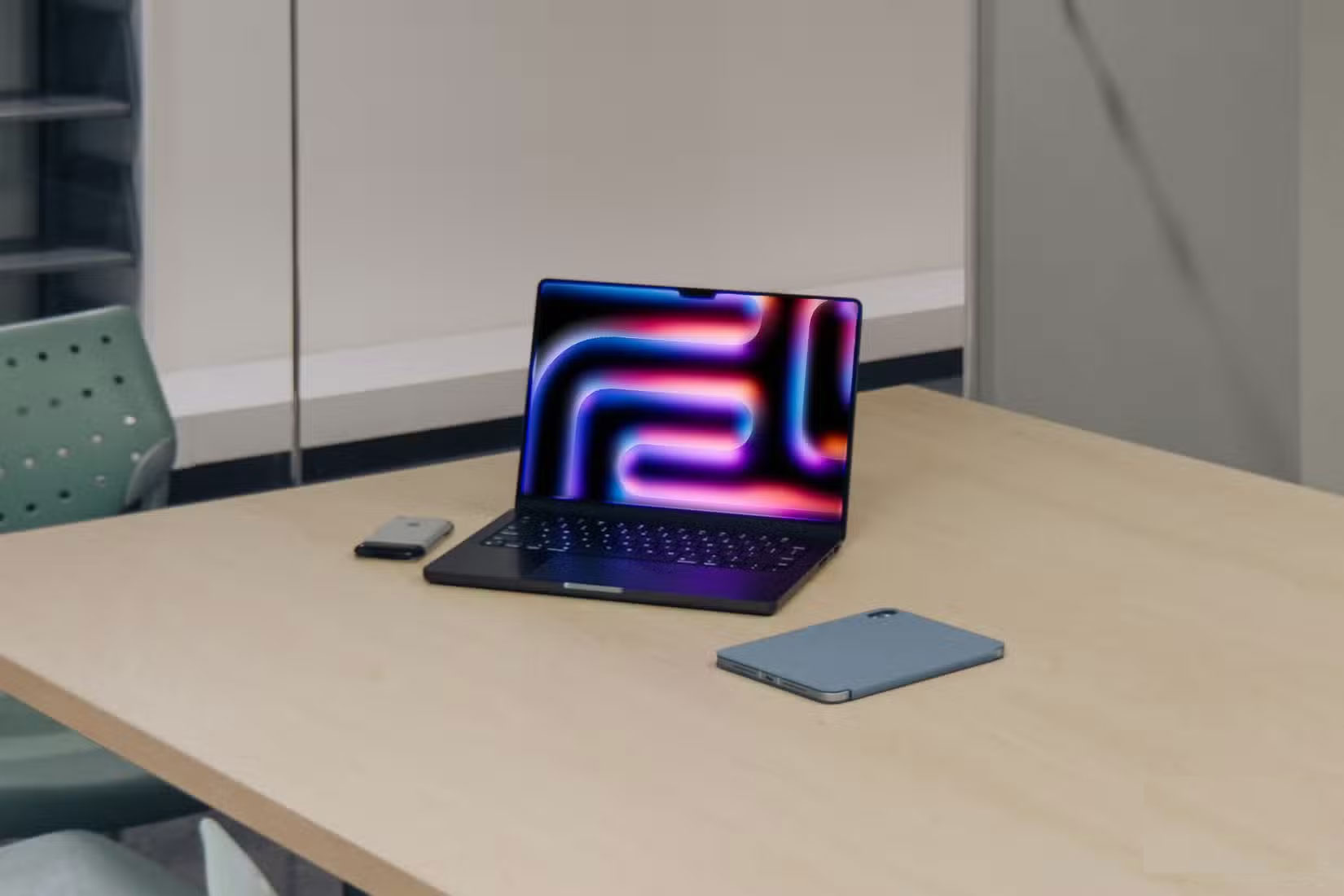
If you use an Apple Watch, Handoff on a Mac, or an iPad to take over tasks, decide how you’ll replace those workflows. See Apple’s Handoff requirements and compare how you currently share files with AirDrop. Check where iCloud photos and shared documents will be accessible after the switch.
4. Familiar settings and store controls
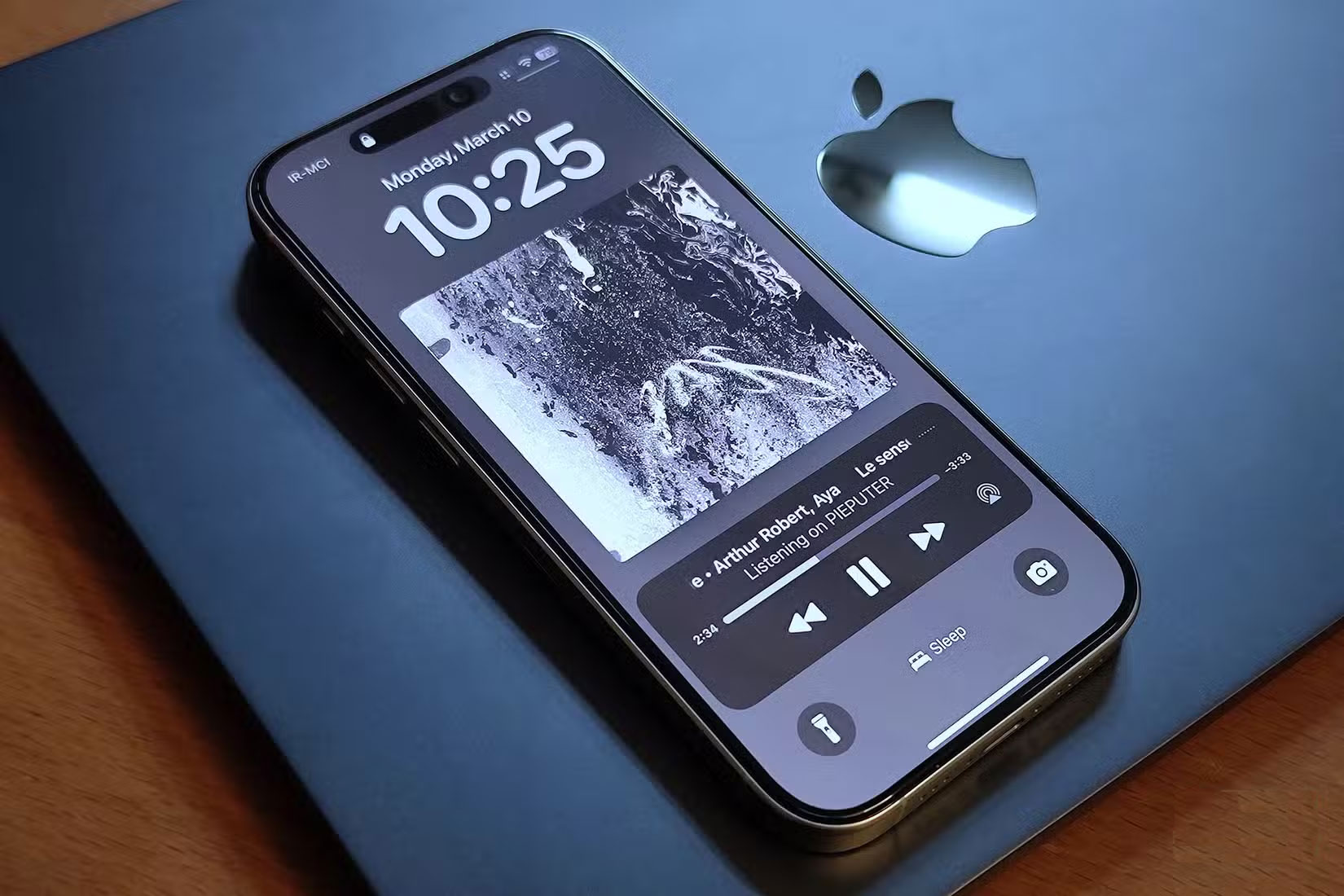
Try One UI’s keyboard, default apps, notifications, and accessibility settings before trading in. Galaxy phones may offer both Google Play and Galaxy Store, and updates for some Samsung apps are handled separately. For the other side of the comparison, see what Samsung’s Good Lock can customize.
Before moving your SIM or erasing the iPhone, verify that you can sign into essential services and access your copied data. Follow Apple’s iMessage deregistration guide if SMS or RCS messages stop arriving on the new phone.
Related Articles
 Reasons to ditch Google Keep for Samsung Notes
 These settings make switching to Samsung so much better.
 Why do so many people decide to switch to Samsung after years of using iPhone?
 5 apps to make switching from Mac to Windows easier
 These are the most popular iPhone models for people switching from Android to iOS!
 Reasons to ditch Gboard and switch to Samsung Keyboard
Reader Comments 0
Sign in with email or Google to join the discussion.