Table of Contents
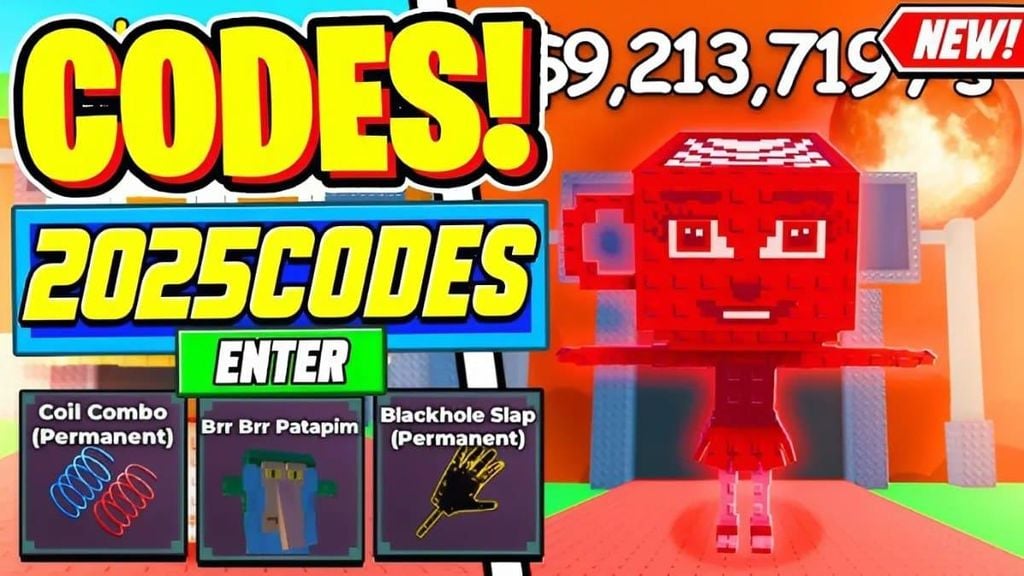
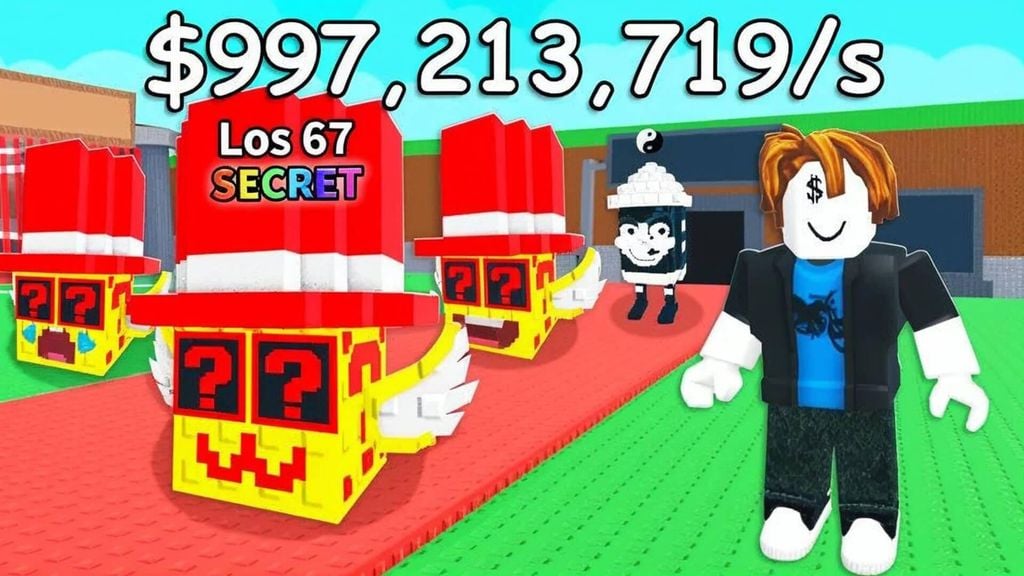
Two public Steal a Brainrot codes are reported active as of August 12, 2026: saturn and BESTBRAINROTEVER. Both are associated with a La Vacca Saturno Saturnita spawn on the Red Carpet. This is not the same as receiving the character directly: you should be near the Red Carpet and have enough in-game cash to buy it before another player does.
Active Steal a Brainrot codes
| Code | Reported effect | Important note |
|---|---|---|
| saturn | Spawns La Vacca Saturno Saturnita on the Red Carpet | Stand near the tunnel and be ready to buy the spawn |
| BESTBRAINROTEVER | Spawns La Vacca Saturno Saturnita on the Red Carpet | Reported as a one-time redemption |
Recent trackers disagree about the code system because it was added after many older guides were published and some rewards were limited or sold out. The in-game response is the final confirmation. Launch only the official Steal a Brainrot experience by BRAZILIAN SPYDER.
Prepare before redeeming
- Join a server and locate the Red Carpet tunnel.
- Check the purchase price shown for the expected character and make sure you have enough in-game cash.
- Move close to the tunnel entrance so you can react when the character appears.
- Consider using a quieter server. Other players may be able to buy or steal the spawned character.
- Enter only one code at a time and watch the screen for a confirmation.
How to redeem a Steal a Brainrot code
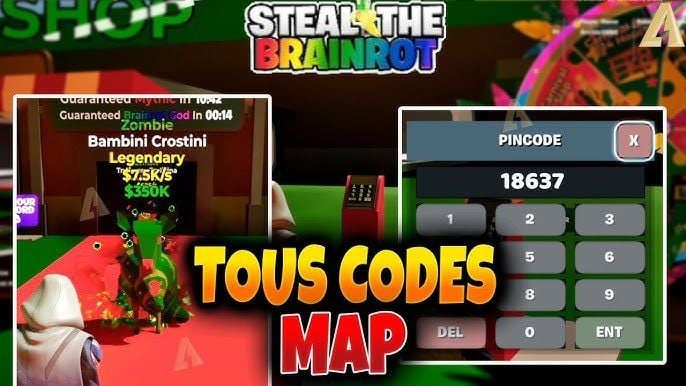
The interface has changed across updates. In the current version, look for a Codes option on the left side of the screen. If you do not see it, open Shop and scroll to the bottom for a code field.
- Open the Codes or Shop interface.
- Paste saturn or BESTBRAINROTEVER into the text box.
- Select the redemption button or press Enter, depending on the interface.
- Close the menu and watch the Red Carpet.
- Purchase the spawned Brainrot before leaving the area.
Why the code may not work
- It expired or sold out: some earlier codes were available for a limited quantity or event period.
- It was already redeemed: public codes are generally limited to one use per account.
- The code was mistyped: remove spaces before or after the text and preserve capitalization.
- You opened a different game: several Roblox experiences use similar “Brainrot” names.
- Your server is outdated: join a new server after an update.
- The reward spawned instead of entering inventory: return to the Red Carpet and check whether the character appeared.
Expired and merchandise codes
Older lists contain codes for Octo Lucky Blocks, gears, base skins, characters, and merchandise-related rewards. Many were limited by time or quantity. Treat codes such as SUMMERUPD3, FREEOCTOBLOCK777, CODESAREREAL321, and WAVERIDER4FREELOL as expired unless the developer officially reactivates them.
A code printed with official merchandise may be unique to that purchase. Do not post a one-time code publicly before redeeming it, and do not buy a code from an unknown account.

How to find legitimate new codes
Use announcements linked from the official Roblox page and the verified BRAZILIAN SPYDER community. Ignore “code generator” downloads and never share a Roblox password, session cookie, or two-step verification code.
If no active code is available, progress through normal play: buy income-producing Brainrots, protect the base while its lock is open, spend upgrades deliberately, and rebirth only after checking what will reset. For more Roblox guides, see the best One Piece-inspired Roblox games and the 99 Nights in the Forest code guide.
Related Articles
 The Entire Brainrot Exclusive from Santa's Fuse Machine in Steal a Brainrot6 minutes read
 Detailed Guide to Duels Machine in Steal a Brainrot and How to Play PvP Safely6 minutes read
 How to Obtaining Tung Tung Tung Sahur in Steal a Brainrot7 minutes read
 Steal a Brainrot Duels Guide: Wagers, Rules and Tips9 minutes read
 Full Stickman GO Code (Latest 2026) with on How to Enter It6 minutes read
 Updated List of the Forge Codes for 2026 and on How to Enter Them8 minutes read
Reader Comments 0
Sign in with email or Google to join the discussion.