Table of Contents
There are no active public codes for The Forge as of August 12, 2026. Recent weekend codes, including FORGEWEEKENDS13 and FORGEWEEKENDS12, have expired. The code box remains in Settings, so players can redeem the next developer-issued code as soon as one appears.
Current The Forge code status
| Status checked | Active codes | What to do |
|---|---|---|
| August 12, 2026 | None | Wait for the next weekend, milestone, update, or compensation code |
Multiple code trackers updated in early August agree that no code is working now. The developer can release a short-lived code at any time, so confirm new text against the official The Forge experience on Roblox or its linked community server.
Recently expired codes
Do not spend time retrying these unless the developer explicitly announces that one has been reactivated:
| Expired code | Previous reward |
|---|---|
| FORGEWEEKENDS13 | 15 Rerolls |
| FORGEWEEKENDS12 | 15 Rerolls |
| LOWGRAPHICS | 15 Rerolls |
| GALAXITE! | 10 Rerolls |
| FORGEWEEKENDS11 | 10 Rerolls |
| FORGEWEEKENDS10 | 10 Rerolls |
| FORGEWEEKENDS9 | 10 Rerolls and a temporary luck boost |
| FREE15SPIN | 15 Rerolls |
| SORRYFORDELAYY | 10 Rerolls |
| CRIMSONSAKURA | 15 Rerolls |
| DELAYCOMPENSATION | 20 Rerolls and an Experience Totem |
The older launch and milestone codes HEART, FORG!, FREESPINS, 400K!, PEAK!, SORRYFORSHUTDOWN, 300K!, and BETARELEASE! are also expired. Several original lists incorrectly add spaces to milestone codes; the actual historical strings used forms such as 100KLIKES and 10KLIKES.
How to redeem the next The Forge code
- Launch The Forge on Roblox.
- Select the gear-shaped Settings icon in the upper-left area.
- Scroll to the bottom of the Settings panel.
- Paste the new code into the Type Here box.
- Select Claim.
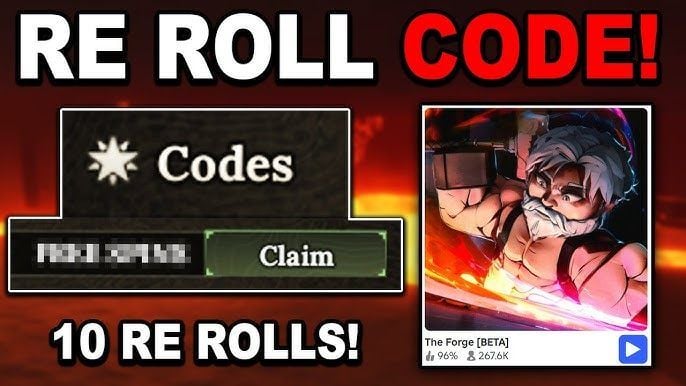
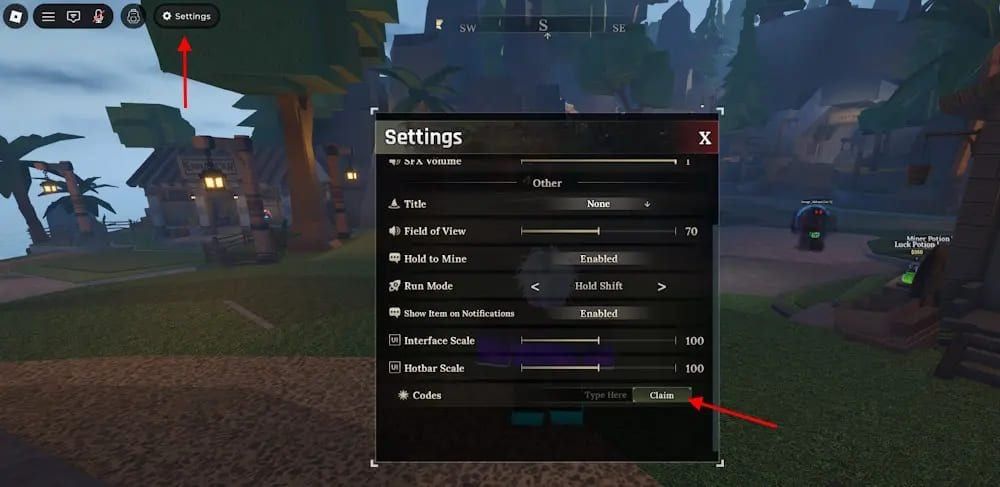
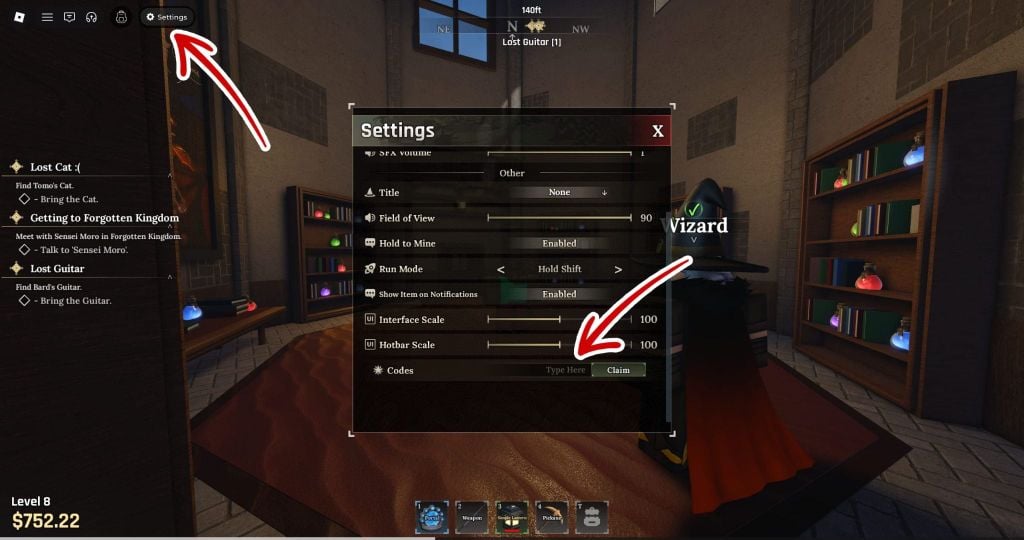
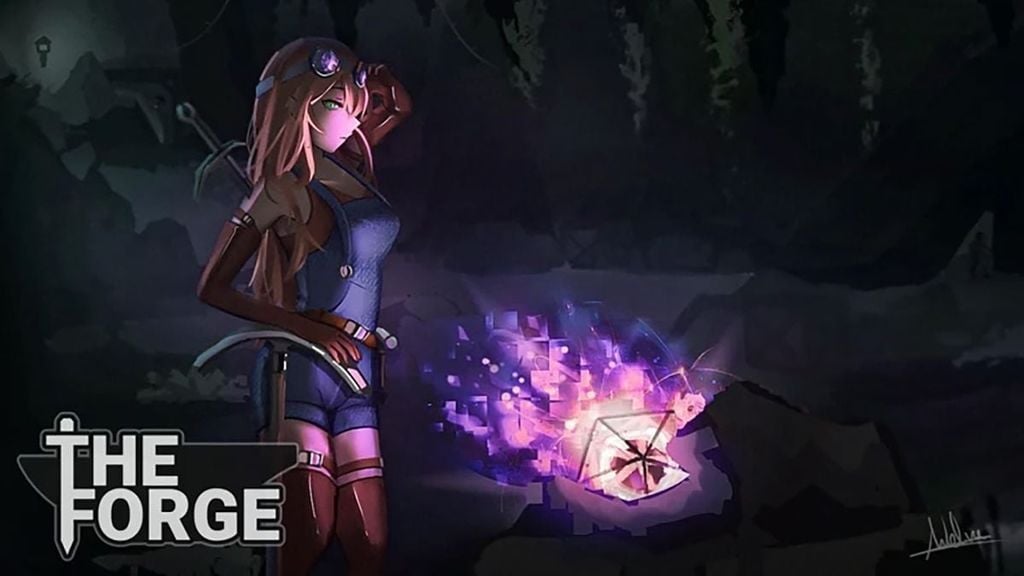
The Forge does not currently require a minimum level to open the code field. If a legitimate new code returns an error, join a fresh server after the update and paste the code again without surrounding spaces.
Understand the error message
- Code does not exist: check for a typo, missing punctuation, or extra spaces.
- Code has expired: the promotional period is over; retrying will not restore it.
- Already redeemed: the account has previously claimed that code.
- No response: wait briefly, join a current server, and try once more.
Where new codes are announced
The Roblox description identifies The Forge as a beta game and links players to its community server for update and bug information. Use that verified path instead of an unsolicited Discord invitation. Codes commonly accompany weekends, patches, milestones, or service interruptions, but there is no fixed release schedule.
Never download a “code generator” or share a Roblox password, cookie, or verification code. A real The Forge code is a short text string entered in the game's own Settings menu.
While waiting, you can check active rewards in the Anime Final Quest code guide or the King Legacy code guide.
Related Articles
 Updated Full Steal a Brainrot Codes for 2026 and on How to Enter Them7 minutes read
 Updated List of the Latest Free Fire Max Codes for 20267 minutes read
 Full Stickman GO Code (Latest 2026) with on How to Enter It6 minutes read
 Full List of the Latest Dragon Soul Codes for 202610 minutes read
 A Guide to Recycling Ore in the Forge5 minutes read
 List of Latest Jailbreak Codes and How to Enter4 minutes read
Reader Comments 0
Sign in with email or Google to join the discussion.