Table of Contents
Better Google results usually come from a more precise query, not a longer search session. Use the operators and built-in tools below to remove irrelevant pages, search a specific site, find documents, check current information, or search with an image.

1. Exclude an unwanted word or phrase
Put a minus sign immediately before a word you do not want in the results. Example: jaguar speed -car. For a phrase, combine the minus sign with quotation marks: game download -"Garena Free Fire".

2. Search for an exact phrase
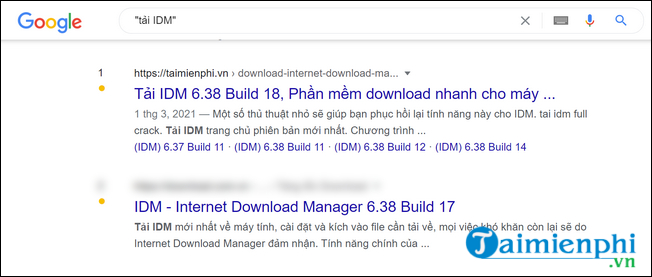
Place a phrase inside quotation marks when wording and word order matter. Searching for "climate risk assessment" focuses on pages containing that exact phrase. This is especially useful for error messages, quotations, titles, and names.
3. Search with an image in Google Lens
On google.com, select the camera icon to upload an image, drag an image into the search box, or paste an image link. Lens can find visually similar images, identify objects, extract text, and locate pages that use the image.

For mobile alternatives, compare TipsMake's reverse image search apps.
4. Search within one website
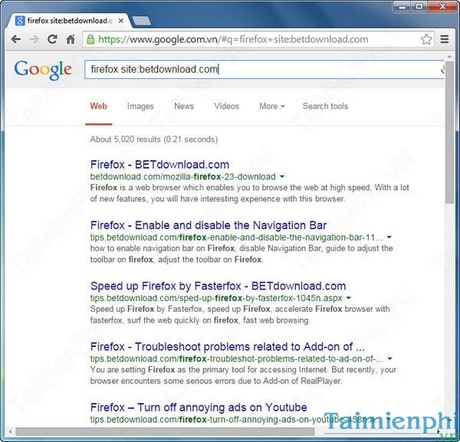
Add site: followed by a domain, with no space after the colon. Example: Windows backup site:tipsmake.com. Use site:.gov or site:.edu when you want results from a type of domain rather than one site.
5. Limit results by date
Use before: and after: with a year or date. Examples: Android security after:2025-01-01 or Olympics before:2024. Combine both operators to search within a date range. The date associated with a page may not always represent when every detail on that page was written, so verify time-sensitive claims at the source.
6. Convert currencies and units
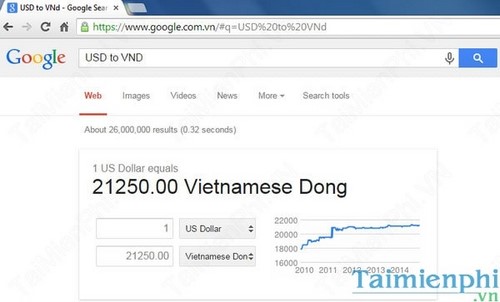
Enter an amount and the two units or currencies, such as 5 miles to km or 100 USD to VND. Exchange rates change, so use the live result rather than an old value shown in a screenshot.
7. Calculate directly in Search
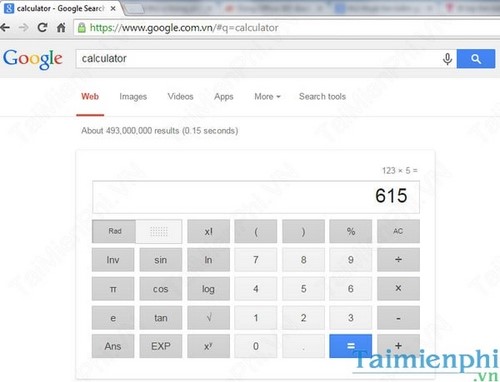
Type an expression such as (125*1.08)/4, or search for calculator to open Google's calculator. Check parentheses carefully when the order of operations matters.
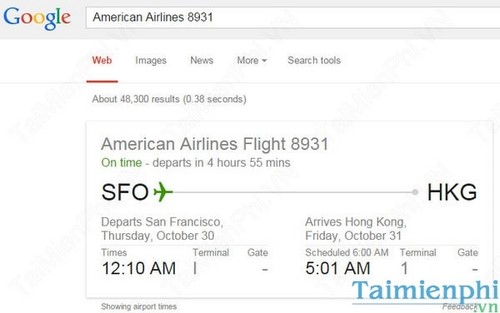
8. Check a flight
Search for the airline name and flight number, such as VN 231. Google may show scheduled and estimated times, terminals, or delays when current data is available. Confirm important travel details with the airline or airport.
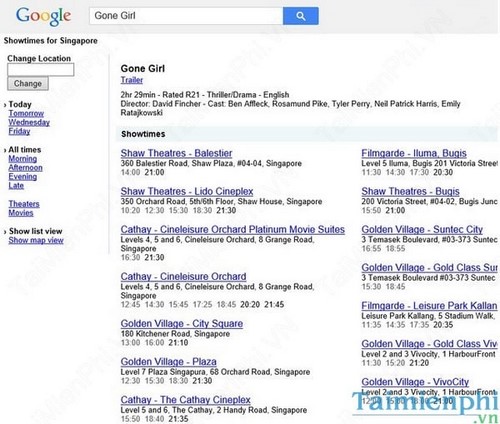
9. Find local movie showtimes
Search for a movie title followed by showtimes near me or add a city. Availability depends on the location and participating cinemas, so use the cinema's booking page to confirm the session before traveling.
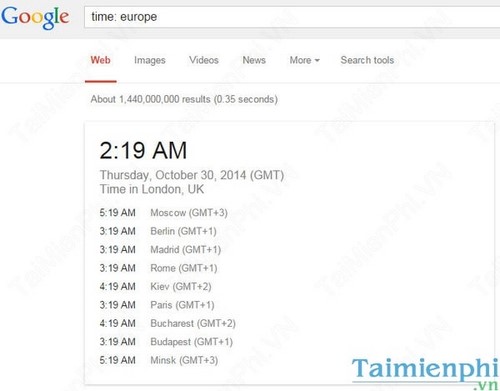
10. Check the time in another location
Search for time in Tokyo, time in New York, or another city. Using a city is clearer than using a country with multiple time zones.
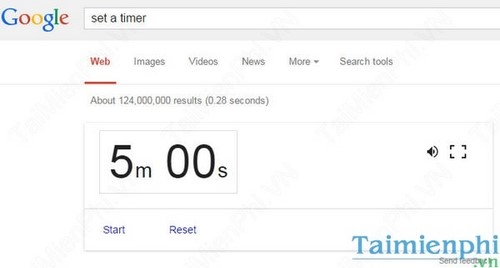
11. Start a timer
Search for a duration followed by timer, such as 15 minute timer. Keep the search tab open and make sure the computer is not muted if you rely on the alert sound.
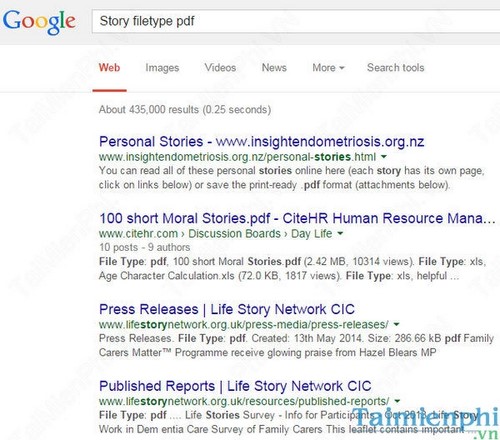
12. Find a specific file type
Add filetype: and the extension. Example: solar energy report filetype:pdf. You can combine this with a site restriction: annual report filetype:pdf site:example.com.
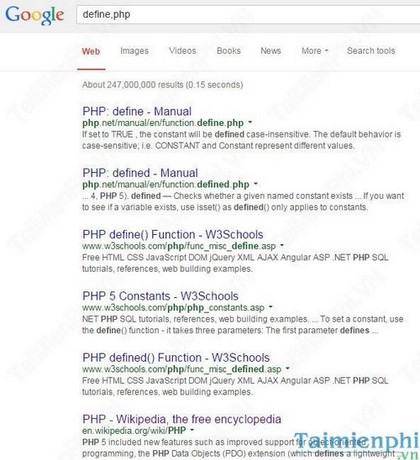
13. Look up a definition
Search for define: followed by a word, such as define:latency. For specialized legal, medical, or technical terms, verify the definition with an authoritative source in that field.
Combine operators for precise results
Operators become more useful together. For example, "zero trust" filetype:pdf site:nist.gov after:2024 asks Google for recent PDF documents on a specific phrase from one domain. Start with the most important restriction and remove operators one at a time if the query is too narrow.
Google lists its supported syntax in the official search refinement guide. If privacy or result sources matter more than Google's built-in tools, TipsMake also compares DuckDuckGo and Google Search.
Related Articles
 The Fast Google Search Tips You Should Know16 minutes read
 20 'Tips' Use Google Search Effectively, Not Everyone Knows (Part 1)11 minutes read
 20 'Tips' Use Google Search Effectively, Not Everyone Knows (Part5 minutes read
 20 Great Google Search Tips7 minutes read
 This Is the Most Effective Way to Search on Google2 minutes read
 Google Improves Search to Provide More In-depth Results for Questions3 minutes read
Reader Comments 0
Sign in with email or Google to join the discussion.