Table of Contents
Quick Overview
Screen : Compare useful Screen options and learn how to evaluate them, including Why do we need computer screen recording software and Criteria for evaluating good computer screen software.
Why do we need computer screen recording software?
Computer screen recording software is essential for recording images and data information. When recording a computer screen, you can record the entire screen or an area. If you do work, this is a very important operation. Because you will use screen recording to guide users or comment on games. Not to mention, some applications also help you record sound very well.
Depending on the purpose and nature of the work, you will choose software with suitable functions. Because not all software has useful features to support you. Some software allows recording in HD mode and allows immediate sharing. Some software only allows recording in lower formats. That is why you need to carefully study the criteria for evaluating good computer screen software.

Criteria for evaluating good computer screen software?
According to, a good computer screen recording software must satisfy the following criteria:
- Simple interface, beautifully designed and user-friendly.
- Customize recording to specific area or full screen mode.
- Good quality voice recording function via microphone.
- Supports exporting video files in high format as well as direct sharing feature.
- Compact capacity suitable for low-configuration PCs.
If the software you want to install meets the above criteria, you can rest assured to download it. Otherwise, it is best to refer to the top 5 best screen recording software.
Top 5 best screen recording software today
are software used by many people today. Some advantages and outstanding features of these tools are as follows:
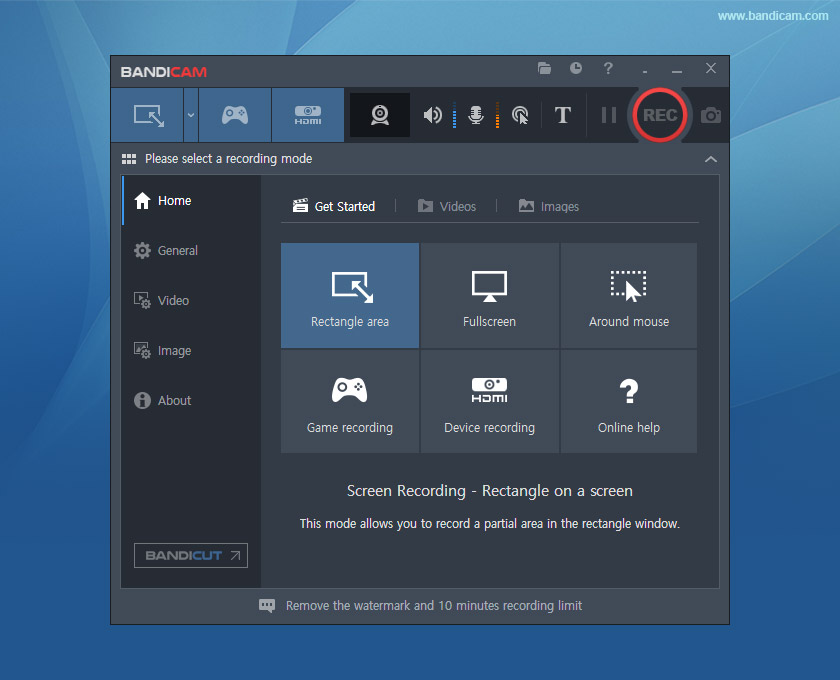
Bandicam - Awesome Screen Recording, Audio Recording, Screen Capture Software
If you are a true gamer, you cannot ignore the Bandicam software. The feature of this tool is that it allows recording in many different modes. Therefore, you can record full-screen gaming videos or rotate around the mouse cursor position. In addition, Bandicam supports recording in high-quality HD format for up to 24 hours. You can upload videos to social networks and YouTube without changing the format.
Not only that, you can also perform other operations such as: With advanced recording technology, Bandicam will produce sharp videos with low CPU capacity.
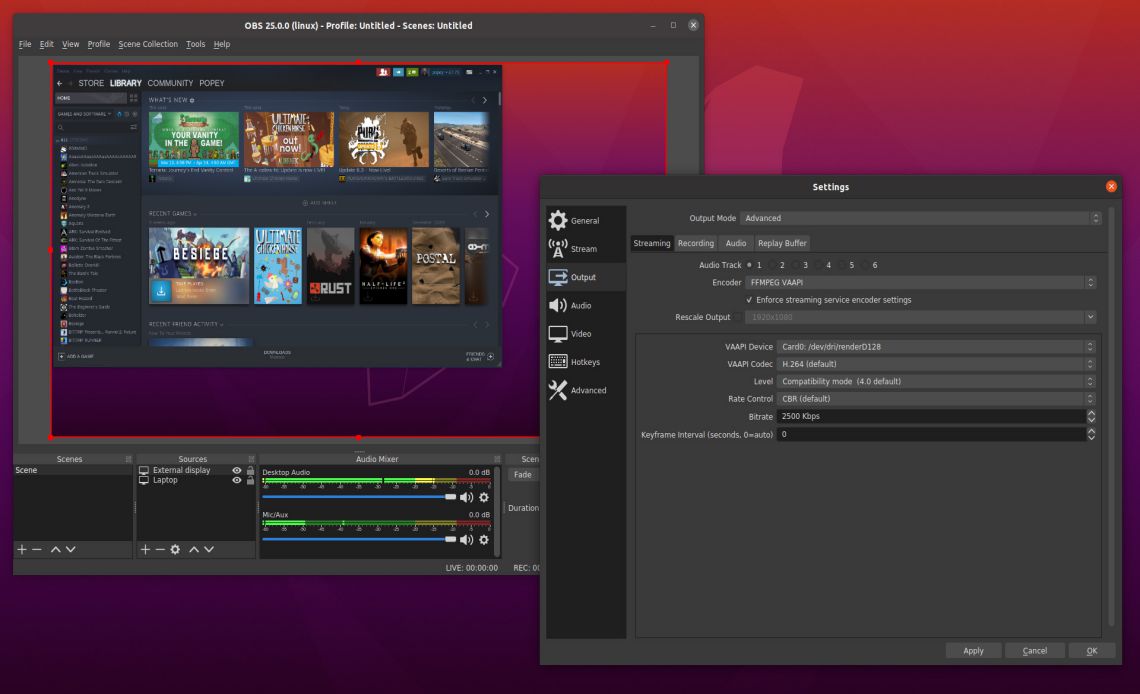
OBS Studio - Screen Recording and Video Streaming Software, Live Streaming to Facebook, Youtube
Among the best computer screen recording software today is OBS Studio. When using this tool, you can choose to stream or capture images. Thanks to the integration of features, OBS Studio always outputs extremely good quality HD recordings, sharp, and filtered noise. True to its name 'Studio', the software provides a full range of features to best process input information and produce 5-star products.
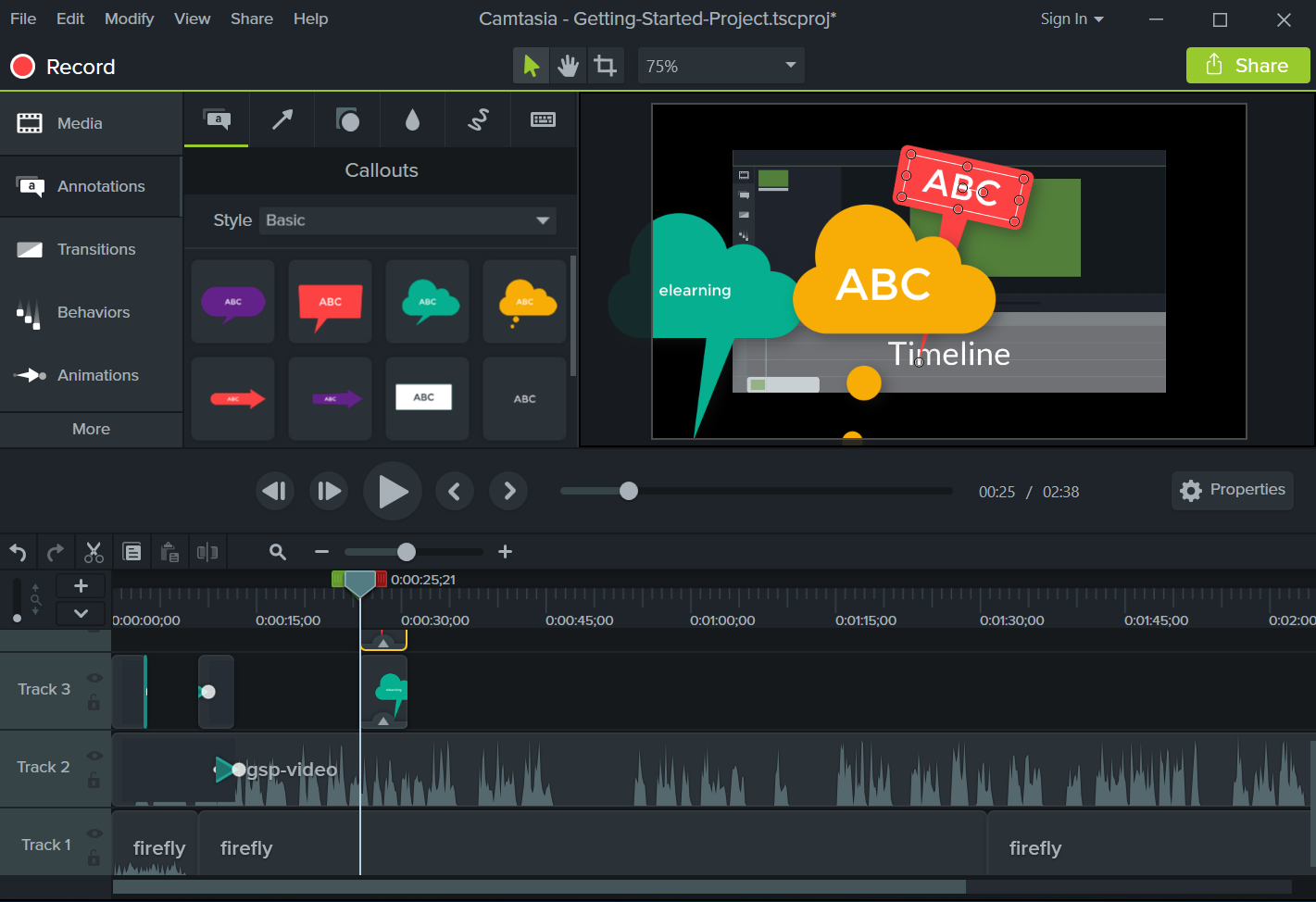
Camtasia Studio - Professional Screen Recording and Video Editing Software
The outstanding feature of Camtasia Studio computer screen recording software is saving files in many formats. In particular, you can also perform direct video editing operations such as cutting, merging, inserting, transitioning scenes, etc. If you want to record the screen for learning and teaching, you should choose Camtasia Studio. Because here, you can record Powerpoint presentations, multi-channel audio, webcam video. To ensure the quality of the output video, Camtasia Studio also has features such as blurring, shadows, colors, borders, etc.
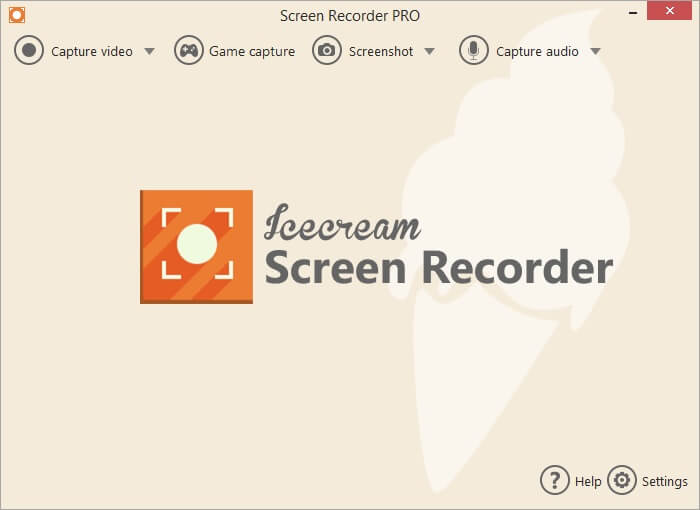
IceCream Screen Recorder - Desktop Screen Capture and Recording Software
The advantage of IceCream Screen Recorder is that you do not need to spend any money to download and install. Not only is it free, the software also does not insert the company's logo into the product. When using IceCream Screen Recorder, you have the right to insert additional text running subtitles. This is very convenient for those who have a bad voice or speak a local language.
IceCream Screen Recorder - Desktop Screen Capture and Recording Software
FlashBack Express - Free Screen Capture and Video Recording Software
FlashBack Express is a PC video recording tool with advanced features. You can capture any position on the screen, add commentary and music. You can also add webcam images at the same time. FlashBack Express has no limit on video length, is brand-unbranded and shares directly.

FAQ About Screen
How do you choose the best Screen?
Otherwise, it is best to refer to the top 5 best screen recording software
Which features matter most when comparing Screen?
IceCream Screen Recorder - Desktop Screen Capture and Recording Software The advantage of IceCream Screen Recorder is that you do not need to spend any money to download and install
Are free Screen options reliable?
When recording a computer screen, you can record the entire screen or an area
Related Articles
 Top 10 HOTTEST Computer Screen Recording Software7 minutes read
 Recording Software on the Computer7 minutes read
 TOP 11 Computer Screen Recording Software That Is Light18 minutes read
 These Quality Windows Screen Recording Software14 minutes read
 Video Recording Application: The Best Video Recording Apps for5 minutes read
 How to Turn the Computer Screen4 minutes read
Reader Comments 0
Sign in with email or Google to join the discussion.