Table of Contents
This guide compares 5 leading Best GIF Creation Software, focusing on useful features, compatibility, ease of use, and overall value.
1. PhotoScape
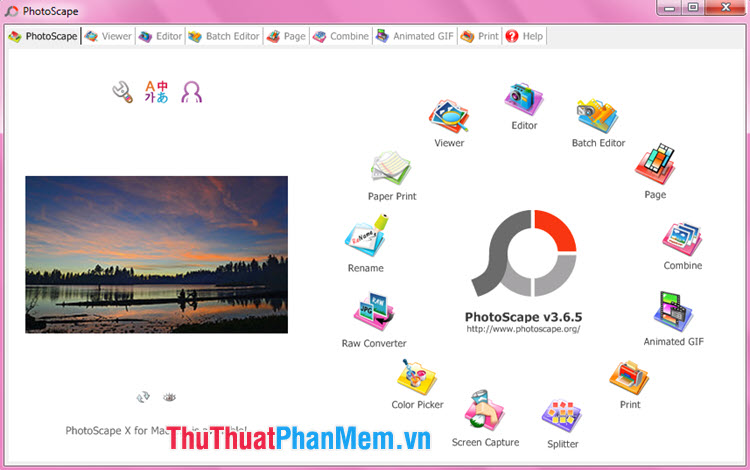
PhotoScape is a free photo editor with a large number of users. Besides the basic editing features, the ability to edit and create GIFs is also a highlight of PhotoScape . With this versatile editor, you can edit the photos so that they are beautiful and complete before creating a GIF image with the Animated GIF tool integrated on PhotoScape .
Link to download PhotoScape at http://www. photoscape. org/ps/main/download. php
2. Animation Desk
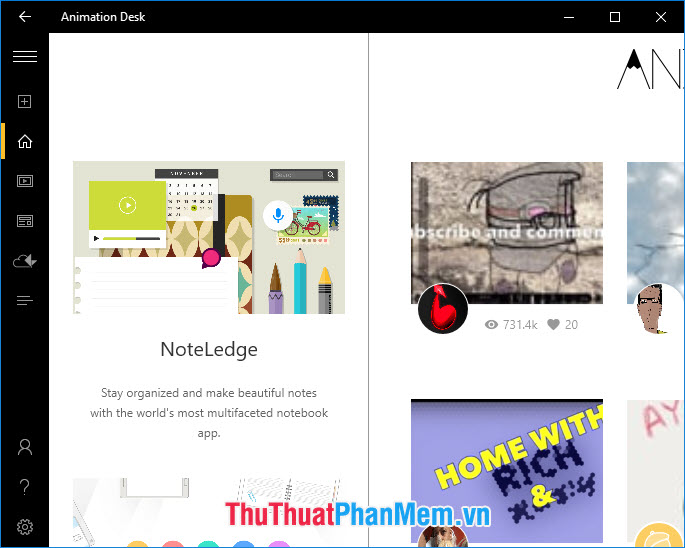
With Animation Desk , we have multi-platform GIF creation tools (Windows, Mac, iOS, Android) and we can create GIFs anytime and anywhere easily. The cloud sync feature is also a highlight on the Animation Desk that helps you sync unfinished GIF images via your Kdan Cloud account. The free version is limited to some features, but if you are not a professional user, the basic features on the Animation Desk are sufficient.
Link to download Animation Desk at https://www. kdanmobile. com/en/animation-desk
3. Easy GIF Animator

Easy GIF Animator is a simple and compact tool that helps you create unique animations. In addition, this tool also supports you to create special animation templates such as buttons, animated banners for websites.
Easy GIF Animator download link at https://www. easygifanimator. net/download. php
4. Plotagraph
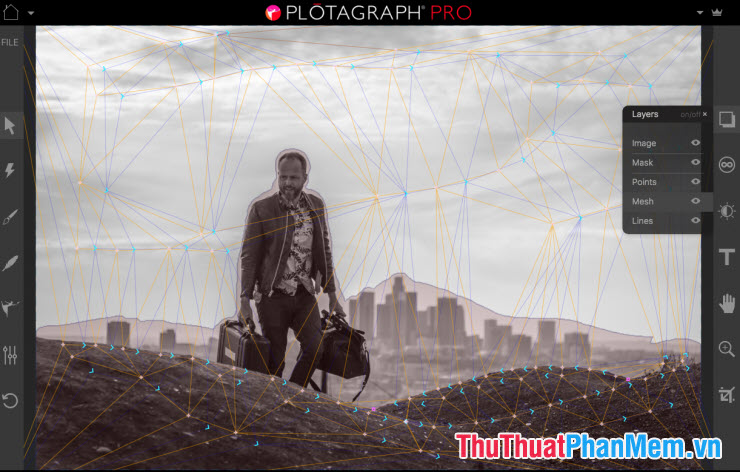
Plotagraph is a unique tool to turn still images into images thanks to the ability to move smart pixels. To create motion for the image, you just need to localize the image to create motion and mark those areas on the software and your photos will become more alive than ever.
Link to download Plotagraph at http://download. plotagraphapp. com/
5. SSuite GIF Animator
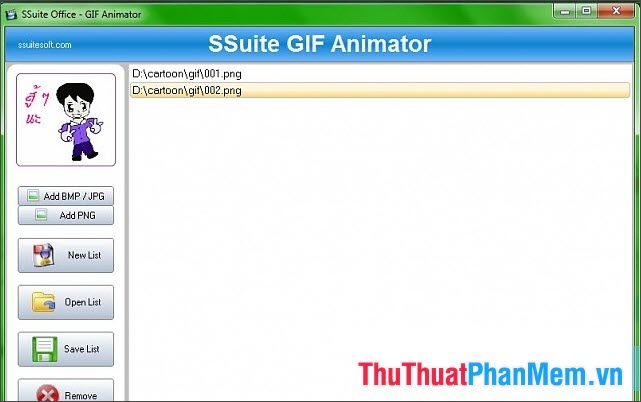
SSuite GIF Animator gives users convenience, compactness and efficiency. With the user-friendly interface, we can create a unique GIF image by putting the image in the list and clicking the Create button.
Ssuite GIF Animator download link at http://download. plotagraphapp. com/
With the top 5 best GIF creation software in the article, you can refer and find the software that best suits your needs. Good luck!
FAQ
How should I choose among Best GIF Creation Software?
Compare compatibility, essential features, ease of use, security, support, and total cost rather than choosing only by popularity.
Are free options suitable for everyday use?
Free tools can be sufficient for basic needs, but advanced features, commercial use, or priority support may require a paid plan.
What should I check before installing or using one?
Verify the official source, system requirements, recent updates, privacy practices, and support for your device and file types.
Related Articles
 Icon Creation Software: The Best Free Icon Creation Tools13 minutes read
 Top Best Virtual RAM Creation Software on Today's Computer4 minutes read
 Top 5 Simple and Professional Logo Creation Software5 minutes read
 3 Best Best Virtual Machine Creation Software 20205 minutes read
 Invite to Download Website X5 Start 15, Website Creation Tool for $4 minutes read
 Blazevideo Smartshow 20% Discount4 minutes read
Reader Comments 0
Sign in with email or Google to join the discussion.