Table of Contents
Gemini is most useful when it receives a concrete goal, relevant context, and clear limits. Instead of asking for a generic answer, give it a photo, document, video link, schedule, or product page and specify the decision you are trying to make.
The four workflows below can save planning time, but none should be treated as an authoritative measurement, booking service, or guarantee. Review the output against the original source and current real-world information.
1. Brainstorm a room layout from photos
Gemini can inspect room photos and suggest how to arrange work zones, storage, and furniture. Take several clear photos from different corners and provide approximate room and furniture dimensions in text; a single image can distort distance and scale.
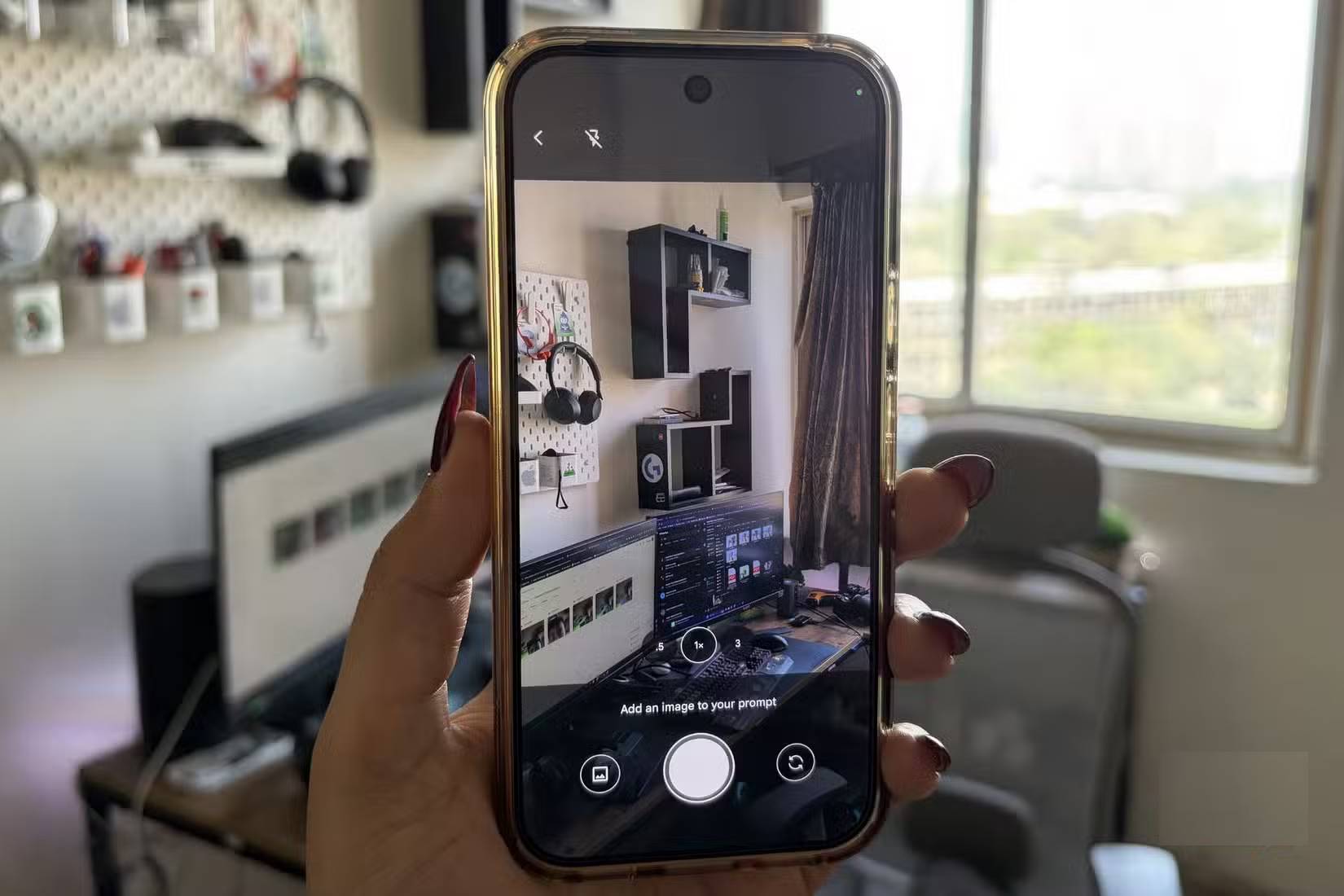
Example prompt:
I want this room to contain two work areas: an L-shaped desk and a sit-stand desk. The room is [dimensions], the doors and windows are [locations], and the furniture dimensions are [list]. Suggest three layouts that preserve a clear [width] walkway. Explain the tradeoffs and flag anything you cannot determine from the photos. Do not propose electrical or structural changes.Remove family photos, addresses, documents, screens, and other personal details before uploading the images. Confirm all measurements yourself, and consult an appropriate professional for wiring, load-bearing changes, ventilation, or accessibility requirements.
2. Find specific information in a long video or document
When a supported link or uploaded source is available, Gemini can summarize the material, list key claims, or identify sections relevant to a question. This is more useful than asking for a broad summary with no purpose.
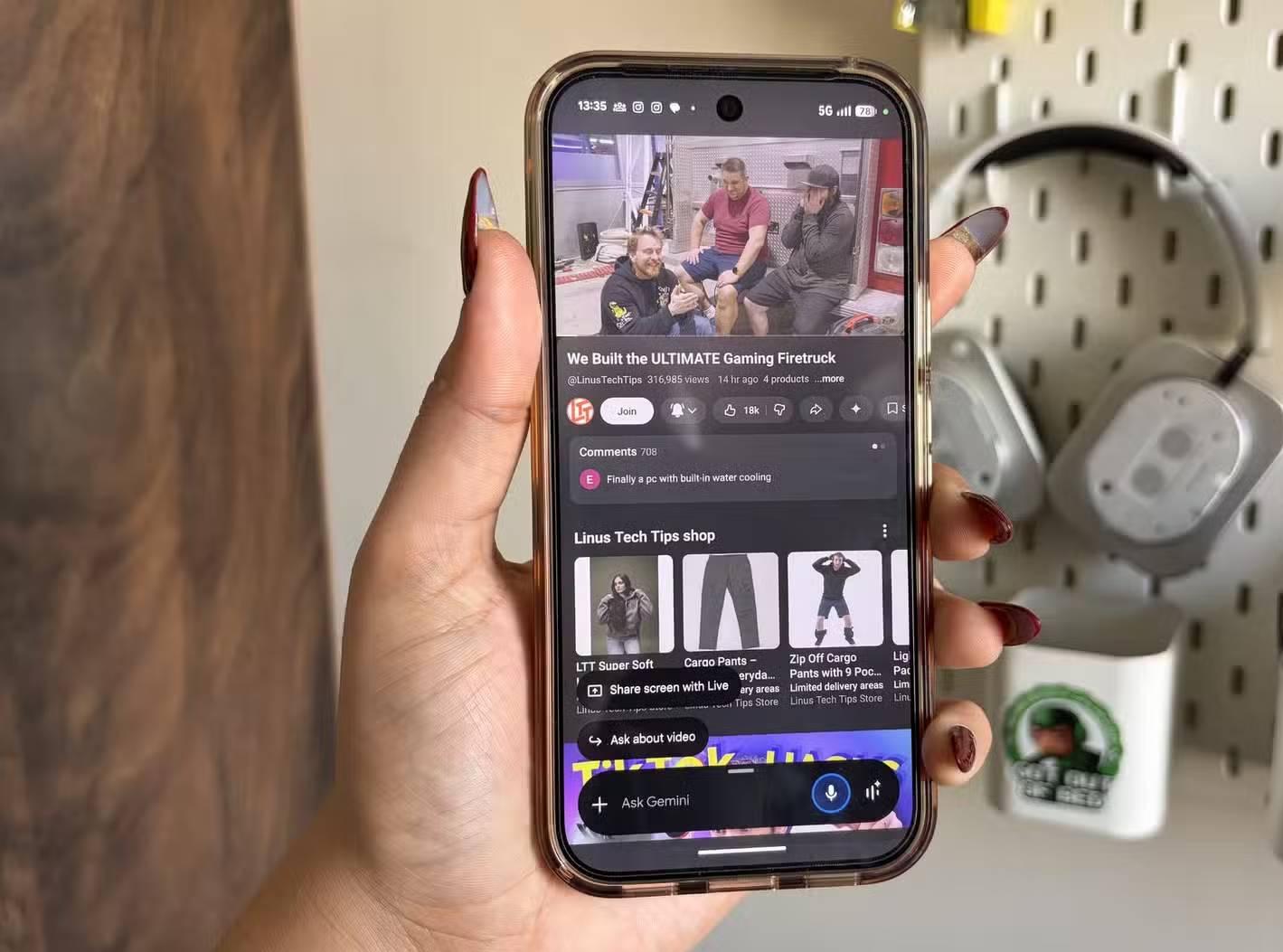
Example prompt:
Summarize this source for someone deciding [decision]. Separate:
1. Claims made by the presenter
2. Evidence or examples provided
3. Limitations or unanswered questions
4. Sections I should watch or read in full
Include timestamps or page references when the source provides them. If you cannot access the full source, say so.
Open the cited segment before relying on it. A summary can omit qualifications, confuse speakers, or present an opinion as a fact. For copyrighted material, use the summary to navigate the original rather than asking for a replacement transcript.
3. Draft a travel itinerary with constraints
Gemini can organize dates, interests, pace, and travel time into a first-pass itinerary. Give it the destination, fixed arrival and departure times, mobility or dietary needs, budget range, preferred activities, and the amount of unplanned time you want each day.
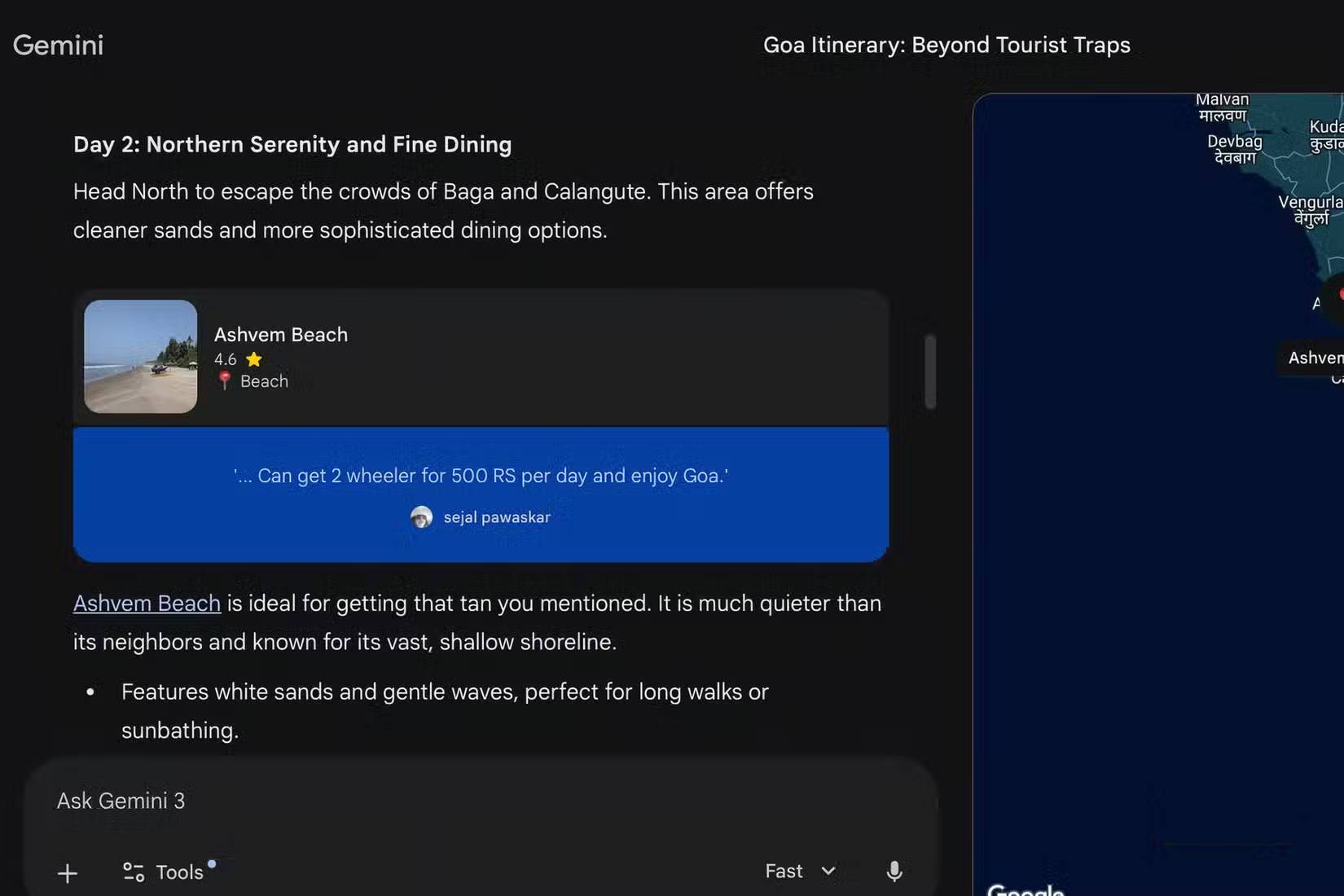
Example prompt:
Draft a three-day itinerary for [destination] for [number] travelers. Fixed times: [arrival/departure]. Priorities: [list]. Pace: [relaxed/moderate]. Budget: [range]. Build in meal and rest time, group nearby places, and give a bad-weather alternative. Mark every opening time, ticket price, travel time, and reservation requirement as “verify” unless you can provide a current official source.Verify operating hours, transport disruptions, visa and entry rules, health guidance, neighborhood safety, prices, and reservation availability through official or primary sources. Do not paste passport numbers, booking references, or full payment details into a chat.
4. Compare a product before buying
A screenshot can help Gemini identify visible features and produce a checklist of questions, but an image cannot confirm fit, material quality, authenticity, durability, or the exact product variant.
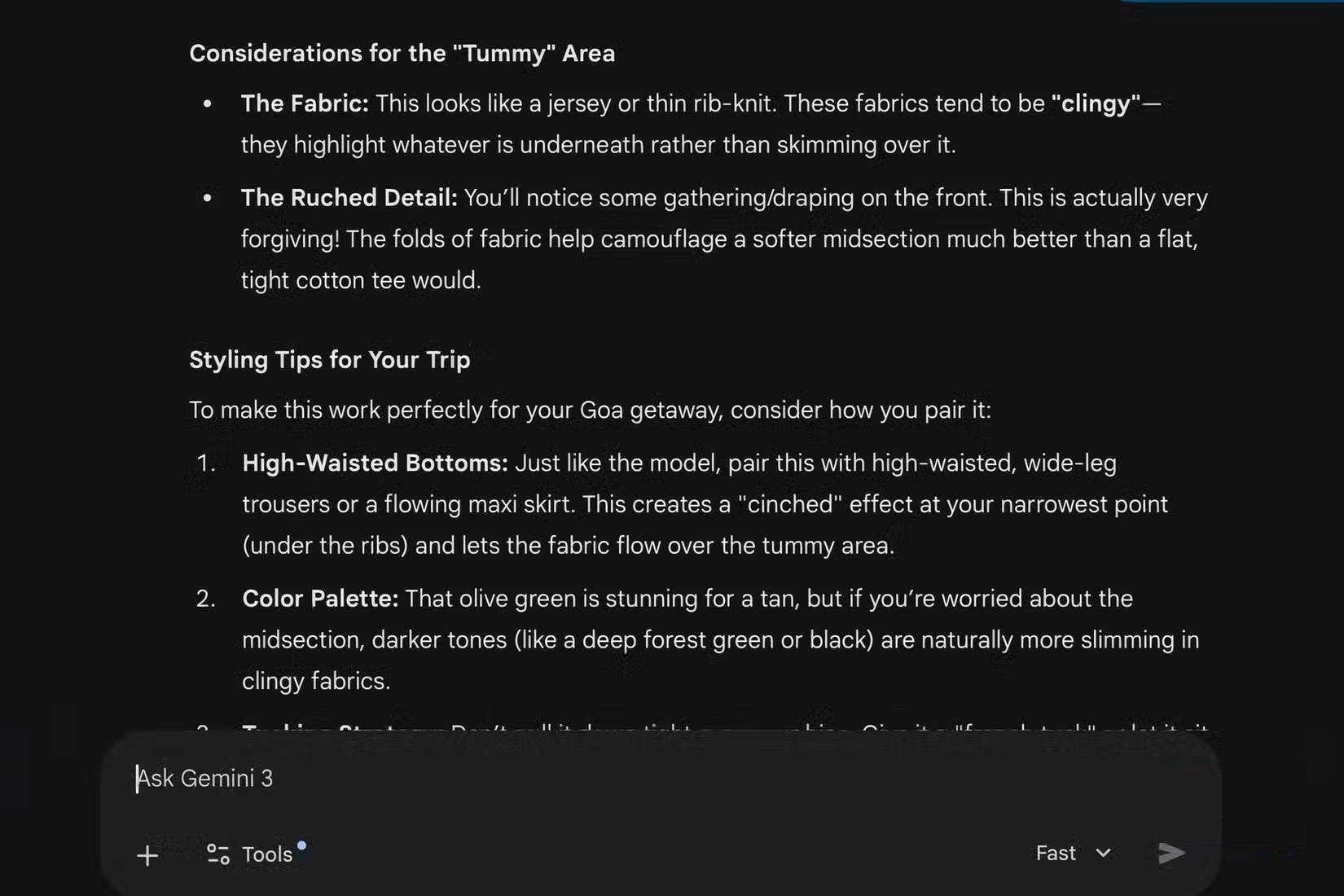
For clothing, avoid sharing more body information than necessary. Measurements compared with the retailer's size chart are more useful than a model's subjective judgment about which shape is “flattering.” Ask about construction, care, returns, and sizing evidence instead:
Review this product page as a buying checklist. Extract the exact material, care instructions, available measurements, return window, seller, and variant shown. Compare the garment measurements with these clothing measurements: [list]. Distinguish page facts from your inferences, and list what I still need to verify with the retailer.Confirm the final price, delivery date, warranty, return cost, and seller identity at checkout. Gemini should support the decision, not make the purchase automatically.
A prompt pattern that improves all four workflows
Use this structure:
Goal: [decision or deliverable]
Context: [relevant facts]
Source: [photo, file, link, or pasted text]
Constraints: [time, budget, size, privacy, format]
Output: [table, options, checklist, or step-by-step plan]
Verification: Separate sourced facts, calculations, and assumptions. Flag anything uncertain or unavailable.
Google's Gemini Apps Help Center lists current features and connected-app requirements. Capabilities vary by account, device, region, model, and the source being analyzed.
The most effective habit is to ask Gemini to expose uncertainty. A shorter answer that clearly distinguishes facts from assumptions is more useful than a confident plan built on missing information.
Related Articles
 5 Ways Gemini Helps Students Learn Smarter7 minutes read
 Gemini 3.1 Pro or Gemini 3 Pro: Better?8 minutes read
 How to Use Gemini to Help Teams Work More Effectively in a Business6 minutes read
 How to use Gemini API14 minutes read
 Tips for Quickly Creating Automated Tests on Gemini4 minutes read
 How to Check Gemini's Answers5 minutes read
Reader Comments 0
Sign in with email or Google to join the discussion.