Table of Contents
Gemini 3.1 Pro Preview replaced Gemini 3 Pro Preview with improvements aimed at reasoning, factual consistency, software engineering, and multi-step tool use. The older gemini-3-pro-preview API model is now listed by Google as shut down, so developers should migrate rather than choose between the two for a new deployment.
The claim that 3.1 is “slower but smarter” is too simple. A reasoning model may spend more tokens or call more tools on a difficult request, increasing latency. That tradeoff can improve some results, but it must be measured for the application rather than inferred from one response.
Current status
| Gemini 3.1 Pro Preview | Gemini 3 Pro Preview | |
|---|---|---|
| API model ID | gemini-3.1-pro-preview | gemini-3-pro-preview |
| Status | Preview | Shut down |
| New projects | Available subject to account, region, and preview terms | Do not use |
| Input | Text, image, video, audio, and PDF | Historical predecessor |
| Output | Text | Historical predecessor |
| Documented context | 1,048,576 input tokens; 65,536 output tokens | Check archived configuration only for migration |
Google describes Gemini 3.1 Pro Preview as offering better thinking, improved token efficiency, and a more grounded, factually consistent experience. It is optimized for software engineering and agentic workflows that need precise tool use and multi-step execution.
Because 3.1 Pro remains a preview model, production systems need versioned evaluations, monitoring, and a replacement plan. Google’s current model list identifies stable and preview alternatives and records retired endpoints.
What actually changed?
Reasoning reliability
The intended improvement is not simply “more thinking.” It is better use of intermediate reasoning and context on tasks with several dependencies. Useful tests include constraint satisfaction, code modification across files, data analysis with verifiable calculations, and tool workflows in which one incorrect step affects the next.
Software engineering
Gemini 3.1 Pro is positioned for code understanding, generation, debugging, and agentic development. Evaluate it on the repository, languages, frameworks, and tests that matter to you. A model that writes an impressive new component may still perform poorly on a small, exact maintenance change.
Tool use
The model supports function calling, code execution, search grounding, URL context, structured outputs, and other documented tools. Better tool selection matters when an agent must decide whether to retrieve a file, call an API, run code, or ask for missing information.
Tool support is not autonomy by itself. The application still defines permissions, validates arguments, executes the call, checks results, and controls consequential actions.
Factual consistency
Google reports a more grounded and factually consistent experience, but no model should be treated as a factual source. Use search grounding or supplied documents when appropriate, preserve citations, and independently check high-impact claims.
Why a response may take longer
- The model may use a larger reasoning budget.
- A difficult task may require several tool calls.
- Long input or output increases processing time.
- Grounding, code execution, and file retrieval add external latency.
- Preview capacity and rate limits can affect response time.
Longer latency is useful only when it produces a better business result. Measure time to a correct, approved outcome—not just time to first token.
Three illustrative tests—and what they prove
The following prompts can reveal different failure modes, but a single run is not a benchmark. Run each model several times with the same settings and score the outputs before reading the model name.
1. Counterfactual physics

In a fictional room, gravity acts upward on liquids and downward on solids.
A person stands on the ceiling and tilts an open cup 45 degrees to the left.
State your coordinate assumptions, trace the liquid from the cup, and describe
where it ends relative to the person's feet. Treat the rule as fictional rather
than applying ordinary gravity.
Score whether the model states its frame of reference, applies the upward-liquid rule at every step, and distinguishes the cup’s motion from the liquid’s. This tests instruction consistency, not knowledge of real physics. Ambiguous wording can make more than one answer defensible, so define the coordinate system in advance.
2. Animated SVG
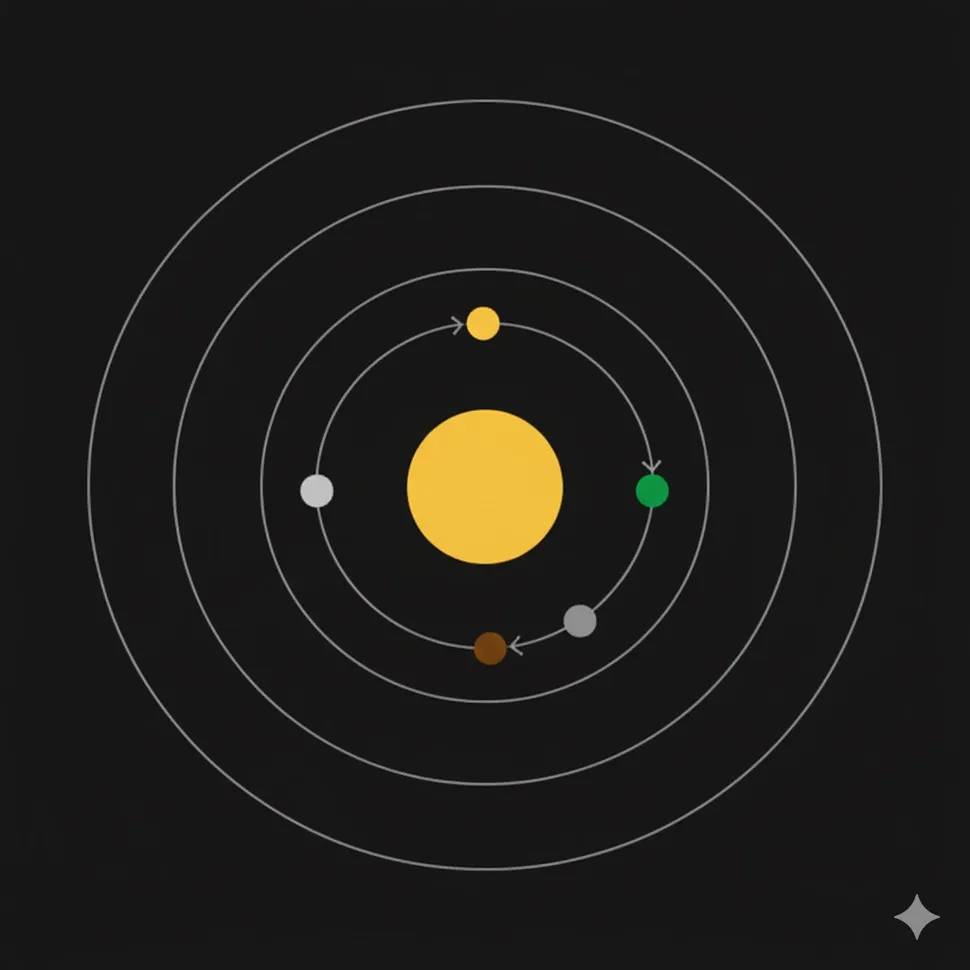
Create one self-contained SVG with a sun and three planets. Each planet must
orbit the same center continuously at a different speed. Use only SVG elements,
CSS, or SMIL inside the file. Include accessible title and description elements.
Explain how to open the file and how to respect reduced-motion preferences.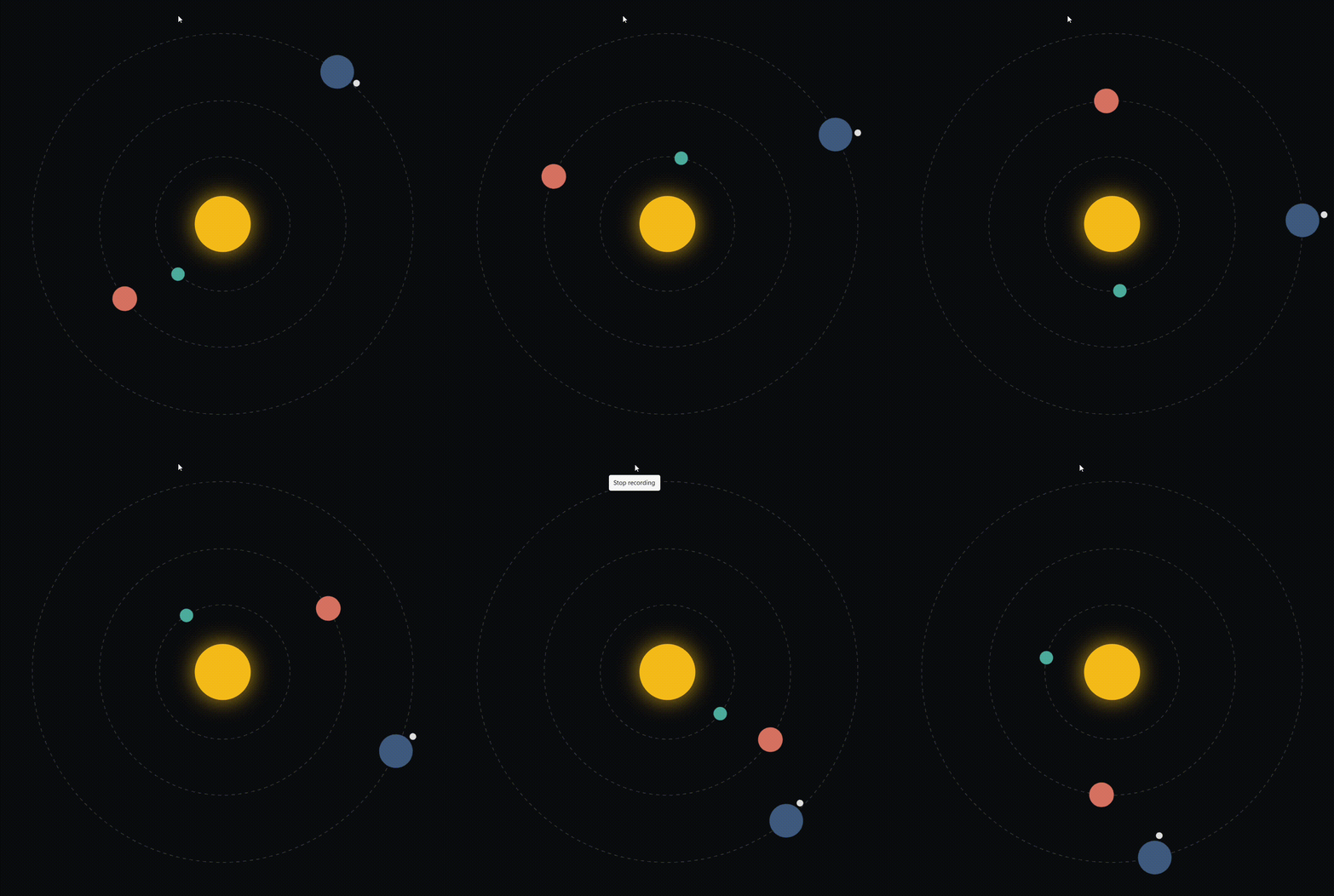
Score whether the output is valid SVG, whether all planets move around the requested center, whether speeds differ, whether animation loops, and whether accessibility requirements are present. Validate the markup and test it in the browsers you support. An image-generation result is not a substitute for runnable SVG code.
3. Constraint-heavy planning
A safe logistics test can preserve the planning difficulty without asking the model to evade authorities:
Plan a six-month temporary research station on a legally permitted floating ice
platform. Move 500 tonnes of steel and house 200 staff while complying with coast
guard, environmental, labor, and wildlife requirements. The platform loses 2% of
its usable area each month. Include permits, load calculations to be verified by
engineers, milestone dependencies, contingency triggers, and a humane protocol
for wildlife entering the equipment area. Mark every assumption.
Score arithmetic, dependency order, compliance coverage, unsupported assumptions, and escalation to qualified engineers. Do not reward theatrical detail that hides a missing calculation or unsafe recommendation.
Build a repeatable comparison
- Choose representative tasks. Use real prompts with sensitive data removed.
- Define the rubric first. List required facts, constraints, tests, and unacceptable errors.
- Hold settings constant. Use the same tools, context, temperature, and output limits.
- Repeat runs. Model output varies; one favorable example can be luck.
- Blind the review. Hide the model name when human preference is part of the score.
- Measure cost and latency. Include tool calls, retries, and human correction time.
- Test failures. Include missing files, contradictory instructions, tool errors, and prompt injection.
- Record versions. Preview aliases can change, so log the exact model and date.
Which model should you use now?
For new work, Gemini 3 Pro Preview is not an option because its API endpoint is shut down. Consider Gemini 3.1 Pro Preview when complex reasoning or code quality justifies a preview model and higher latency or cost. For high-volume, lower-latency work, evaluate a current stable Flash model rather than assuming the Pro model is always best.
| Workload | What to evaluate |
|---|---|
| Complex code change | Tests passed, regressions, review time, and tool accuracy |
| Document analysis | Citation accuracy, omissions, context handling, and cost |
| Agent workflow | Correct tool choice, argument validity, recovery, and action safety |
| High-volume classification | Stable cheaper models, structured-output accuracy, throughput, and drift |
| Interactive chat | Latency, answer quality, user satisfaction, and escalation |
Migration checklist
- Replace the retired model ID in configuration, not scattered source files.
- Review SDK and API changes rather than changing only the string.
- Re-run evaluation sets with the new model and the same tool permissions.
- Validate structured output schemas and function-call arguments.
- Recheck safety filters, maximum output, context, and caching behavior.
- Set cost and latency alerts.
- Log model versions and keep a rollback path.
- Update documentation that still recommends Gemini 3 Pro Preview.
Gemini 3.1 Pro is a meaningful successor for complex work, but the practical decision is not whether “slow thinking” sounds smarter. It is whether the current model produces more correct, verifiable outcomes at an acceptable total cost—and whether the application can tolerate a preview dependency.






Reader Comments 0
Sign in with email or Google to join the discussion.