Table of Contents
The ASUS ROG Falcata is worth considering if you specifically want a split keyboard with adjustable magnetic-switch actuation and gaming-oriented controls. Its separate halves offer more positioning options, but the layout takes practice and a premium keyboard is difficult to justify if you only need ordinary typing.
The features that matter
- Layout: 75% split design, with the left half usable separately for supported gaming setups.
- Switches: ROG HFX V2 magnetic switches and Hall sensing, with adjustable actuation.
- Connectivity: wired USB, 2.4GHz wireless, and Bluetooth.
- Polling: ASUS lists up to 8000Hz in wired USB and supported 2.4GHz operation; this is not a Bluetooth polling specification.
- Setup: detachable wrist rests, adjustable feet, and supplied link cables for joining the halves.
Check the official specifications for the exact regional version and package. Keycaps and other details can vary. Battery figures also depend on operating mode and lighting; ASUS's up-to-200-hour claim is for normal wireless mode with RGB off, not a promise for every configuration.
Allow time to adjust the split layout
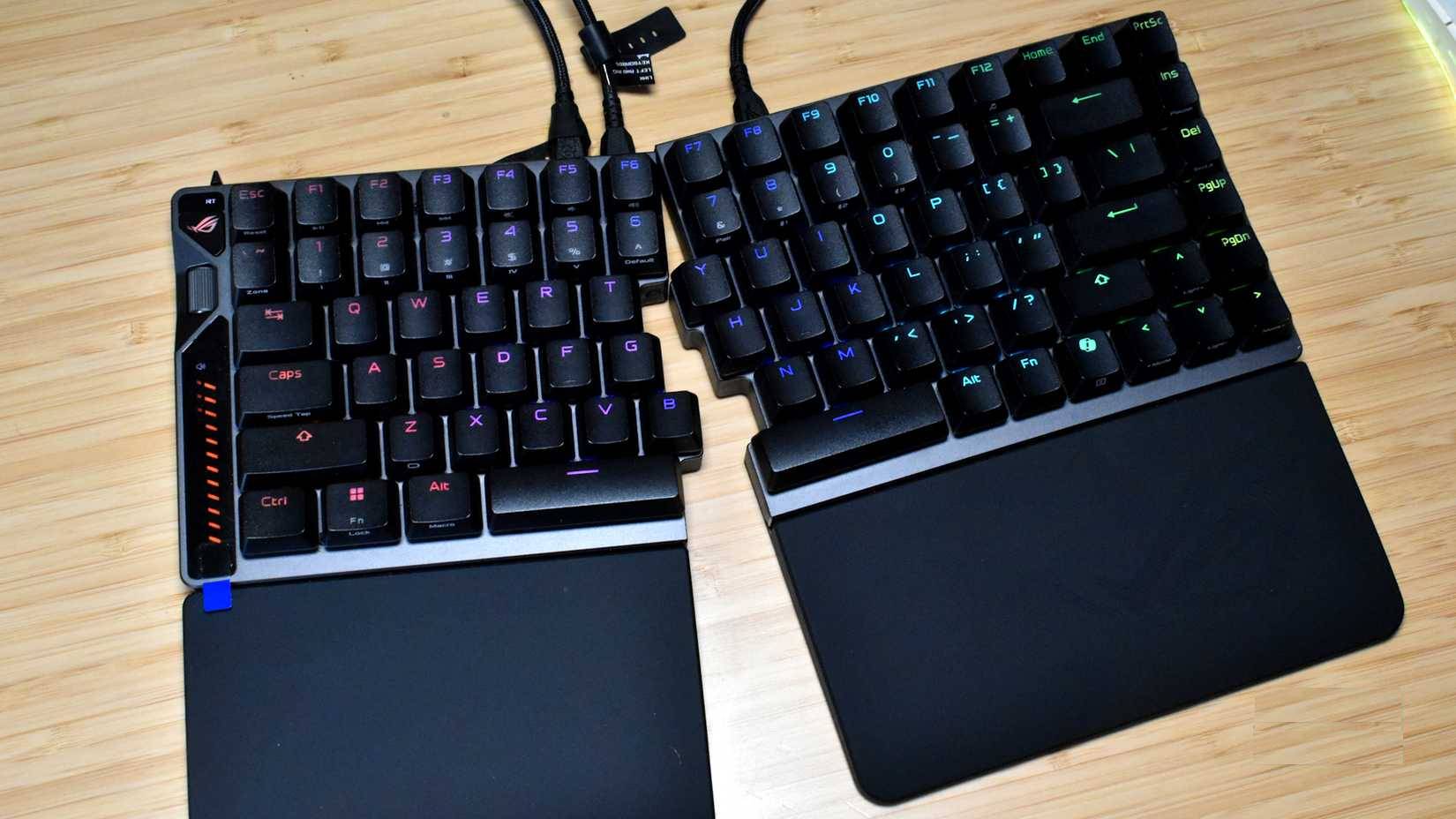
Position the halves so you can reach the keys without stretching, then adjust their angle gradually. A split layout can provide a more comfortable position for some users, but it does not guarantee relief from wrist pain or faster typing. Expect a learning period, especially if you normally reach across the keyboard's center with either hand.
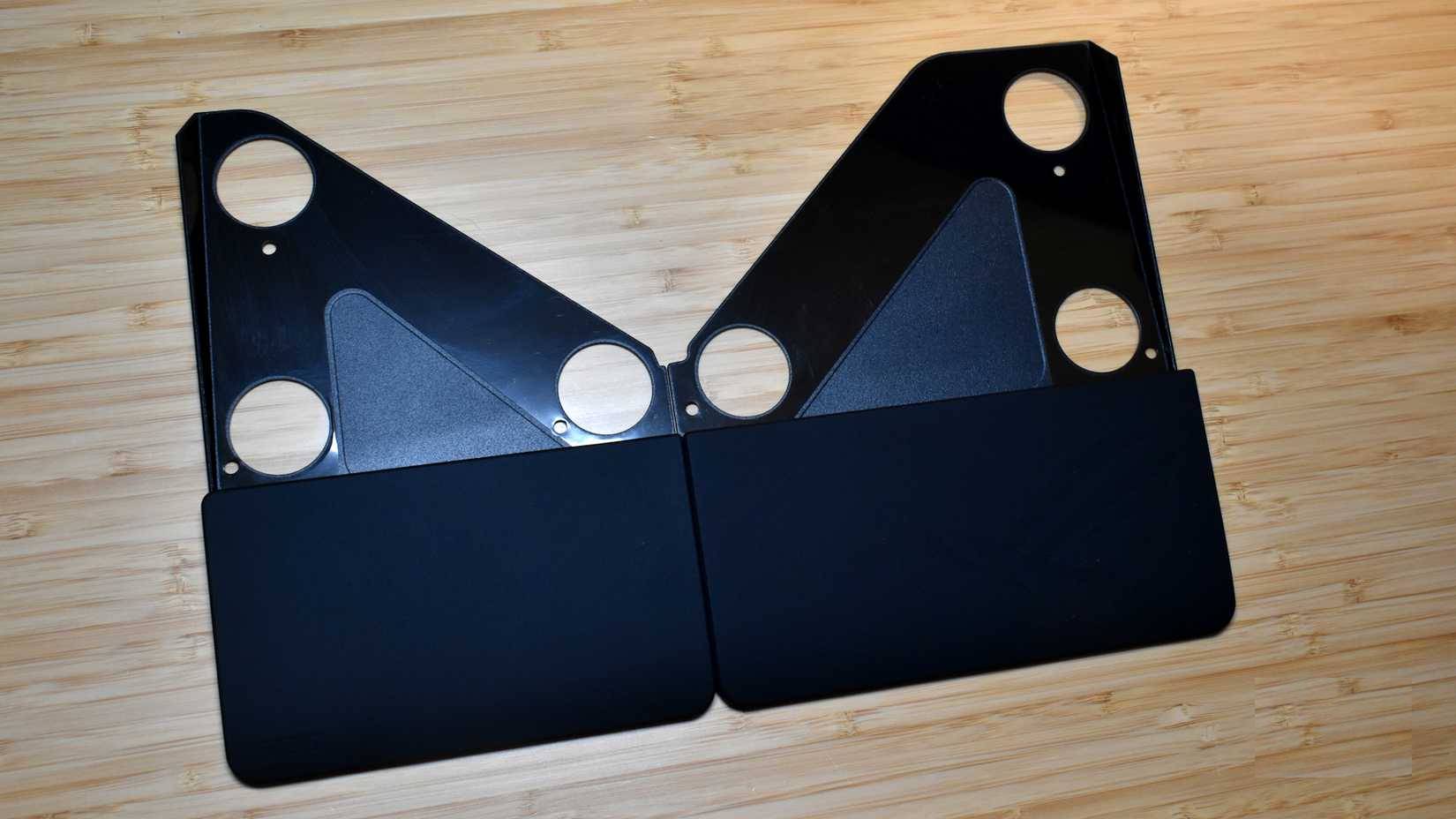
Follow ASUS's instructions for attaching the rests and feet. Use the bundled link cable to connect the two halves: ASUS specifically recommends it for signal transmission and safety. Do not assume an arbitrary USB-C cable is an equivalent replacement.
What magnetic actuation changes
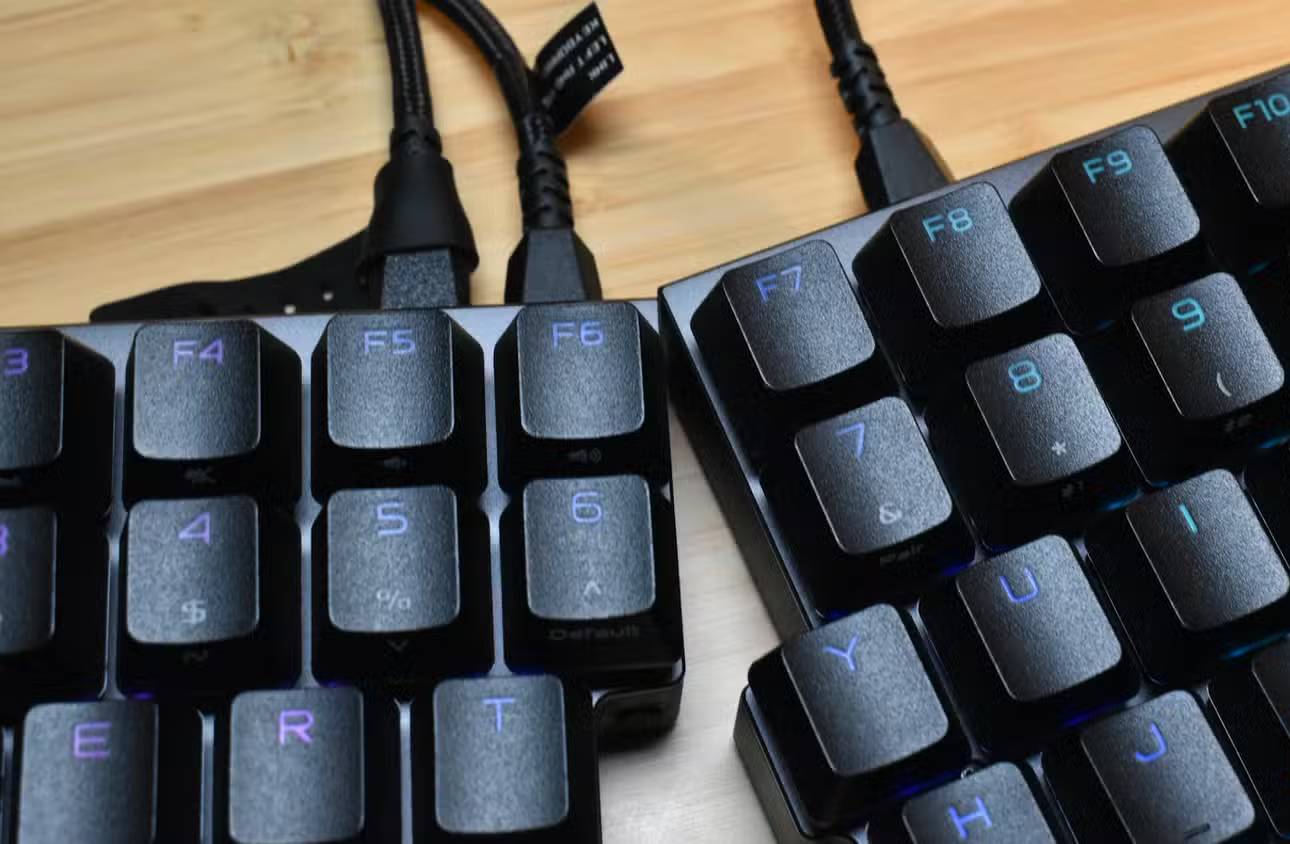
ASUS lists an adjustable actuation range of 0.1–3.5mm. Actuation controls how far a key must travel before registering; it does not change the switch spring's physical resistance. A deeper setting may reduce unintended presses, while a shallower setting can respond earlier but may be too sensitive for typing.
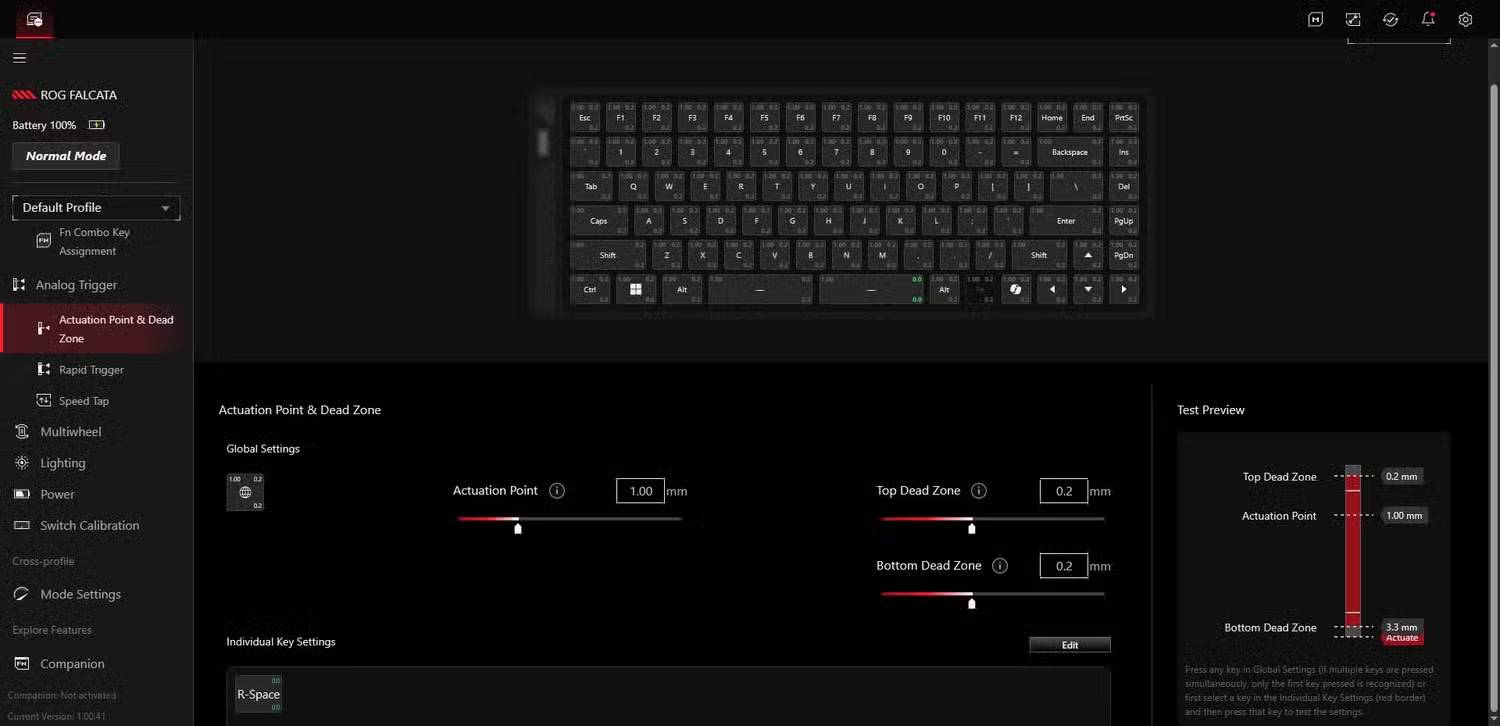
Start with moderate settings, test a familiar task, and change one parameter at a time. Verify the current supported configuration tool and firmware on ASUS's support pages. See keyboard switch types for background. Before replacing switches, also read what hot-swap compatibility means; removable switches are not necessarily interchangeable across magnetic keyboard systems.
Who should consider it?
It suits buyers who value separate-half positioning and will use adjustable actuation or gaming controls. A conventional keyboard may offer better value if you do not need those features. Compare the current local price, warranty, return policy, and competing split keyboards before deciding. An old review price should not be treated as today's price, and comfort is best judged through a trial when possible.
Related Articles
 Where Are ASUS Laptops Made? Buying Tips7 minutes read
 Asus Vivobook S15 Review: a Great, Comprehensive Experience7 minutes read
 ASUS Zenbook DUO (2024) UX8406 Review: the Surface Neo We Always Wanted14 minutes read
 Asus VivoBook 14 Laptop Review: Meet the Needs of Everyday8 minutes read
 Instructions for Using Asus Zenfone for Newbies6 minutes read
 Ultra-thin Asus U Series, 10-hour Battery3 minutes read
Reader Comments 0
Sign in with email or Google to join the discussion.