Table of Contents
Claude and Microsoft Copilot can both assist inside Word, Excel, and PowerPoint, but they are not interchangeable. Copilot is Microsoft’s native AI layer across Microsoft 365 and Windows. Claude’s Office add-ins bring Anthropic’s agent and skills into individual documents, workbooks, and presentations. Switching may make sense for some editing or analysis workflows, but it is not an automatic reason to cancel Copilot.
Before switching: compare the subscriptions and access
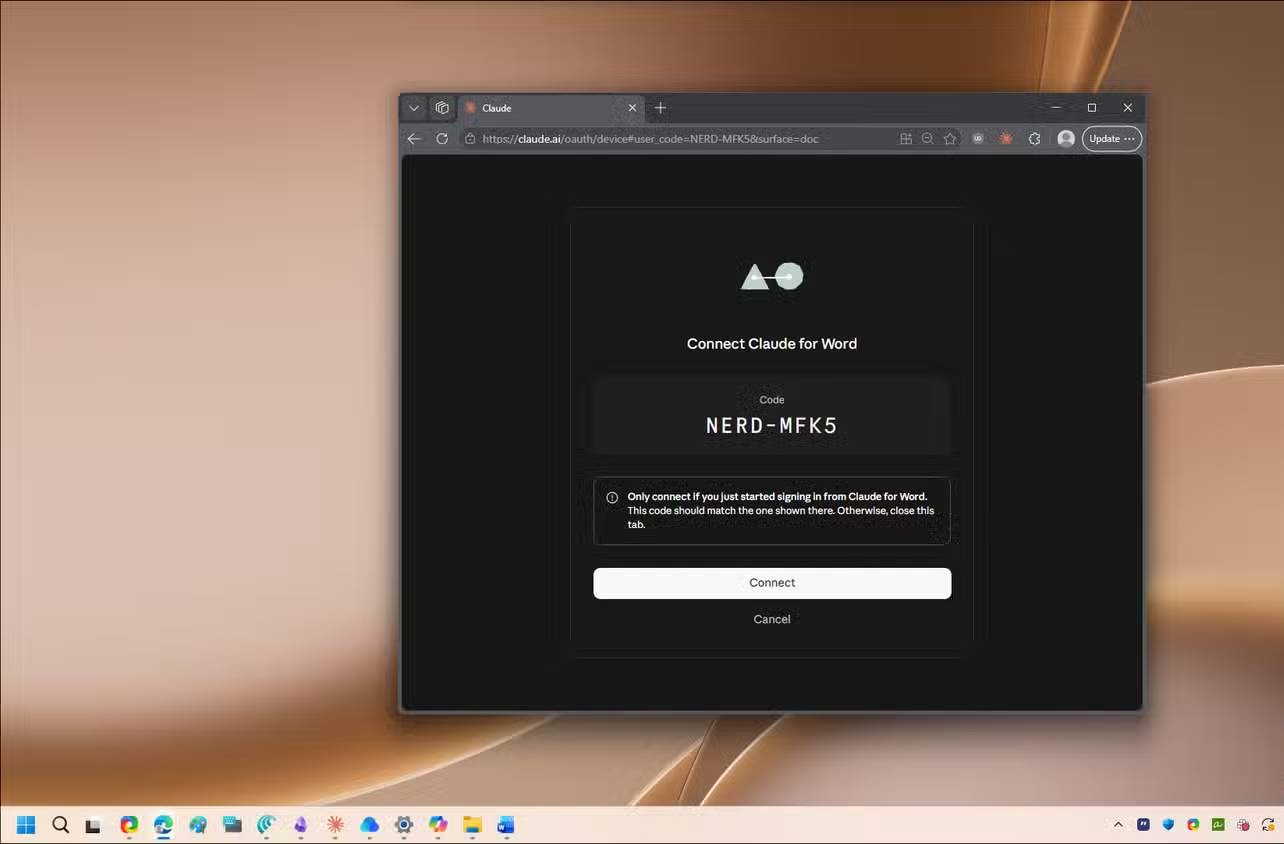
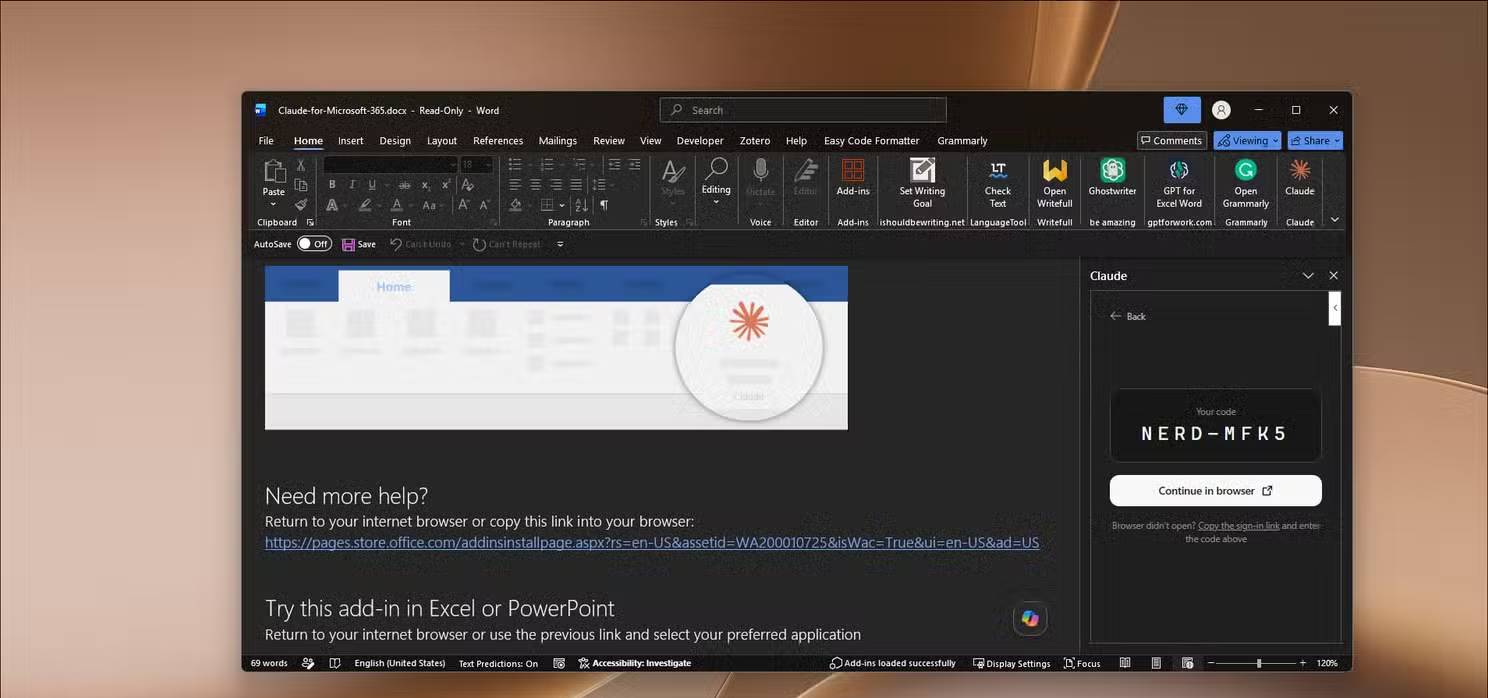
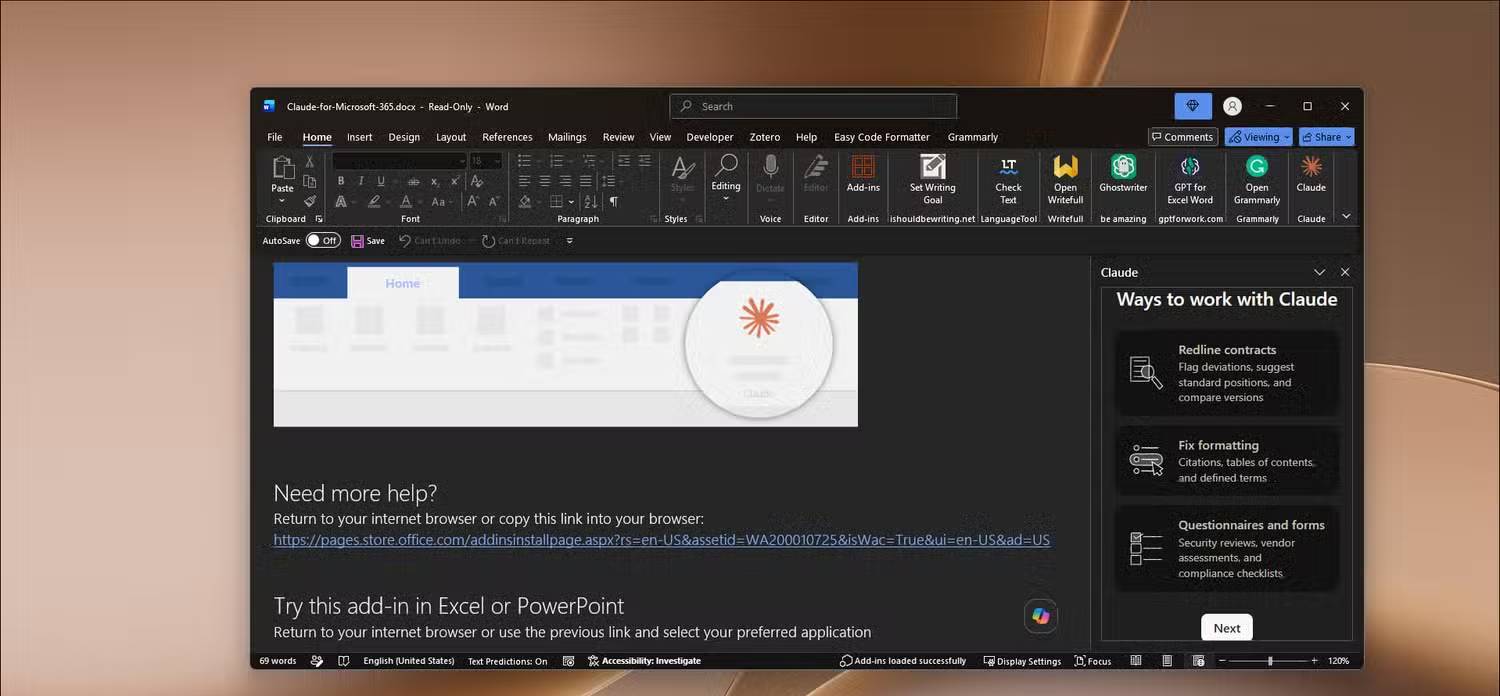
Anthropic says the Claude add-ins for Word, Excel, and PowerPoint are generally available on paid Claude plans. You still need access to the relevant Microsoft 365 apps, and an employer may have to approve the add-ins or permissions. Availability can differ by account, platform, and administrator policy.
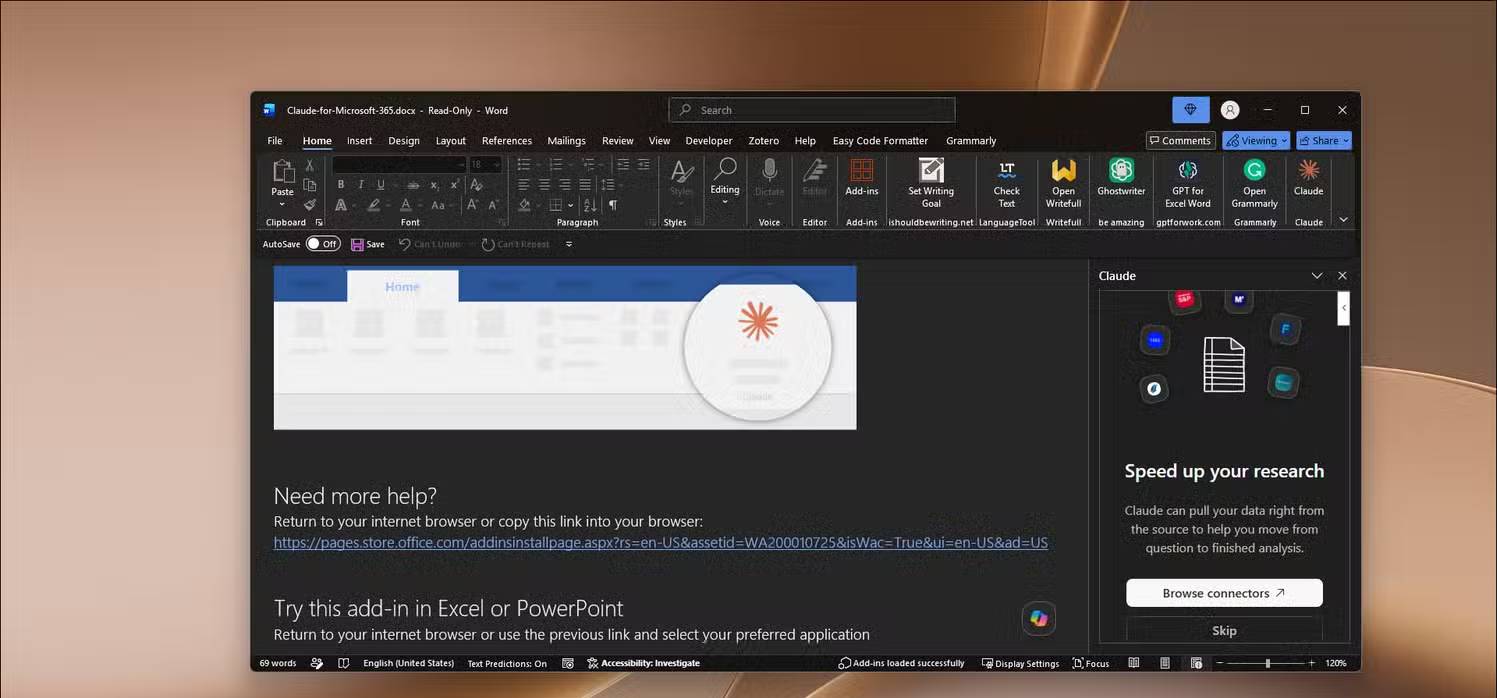
Install the official Claude add-in from Microsoft’s marketplace or your organization’s approved add-in catalog. Open each Office app, add Claude, sign in to your Claude account, and review the requested permissions. Avoid similarly named third-party add-ins unless your organization has vetted them.
Before changing plans, compare the total cost of Microsoft 365, Copilot, and Claude—not just one subscription. Also confirm where chats, file content, and telemetry are processed and retained.
Claude for Word: editing with reviewable instructions
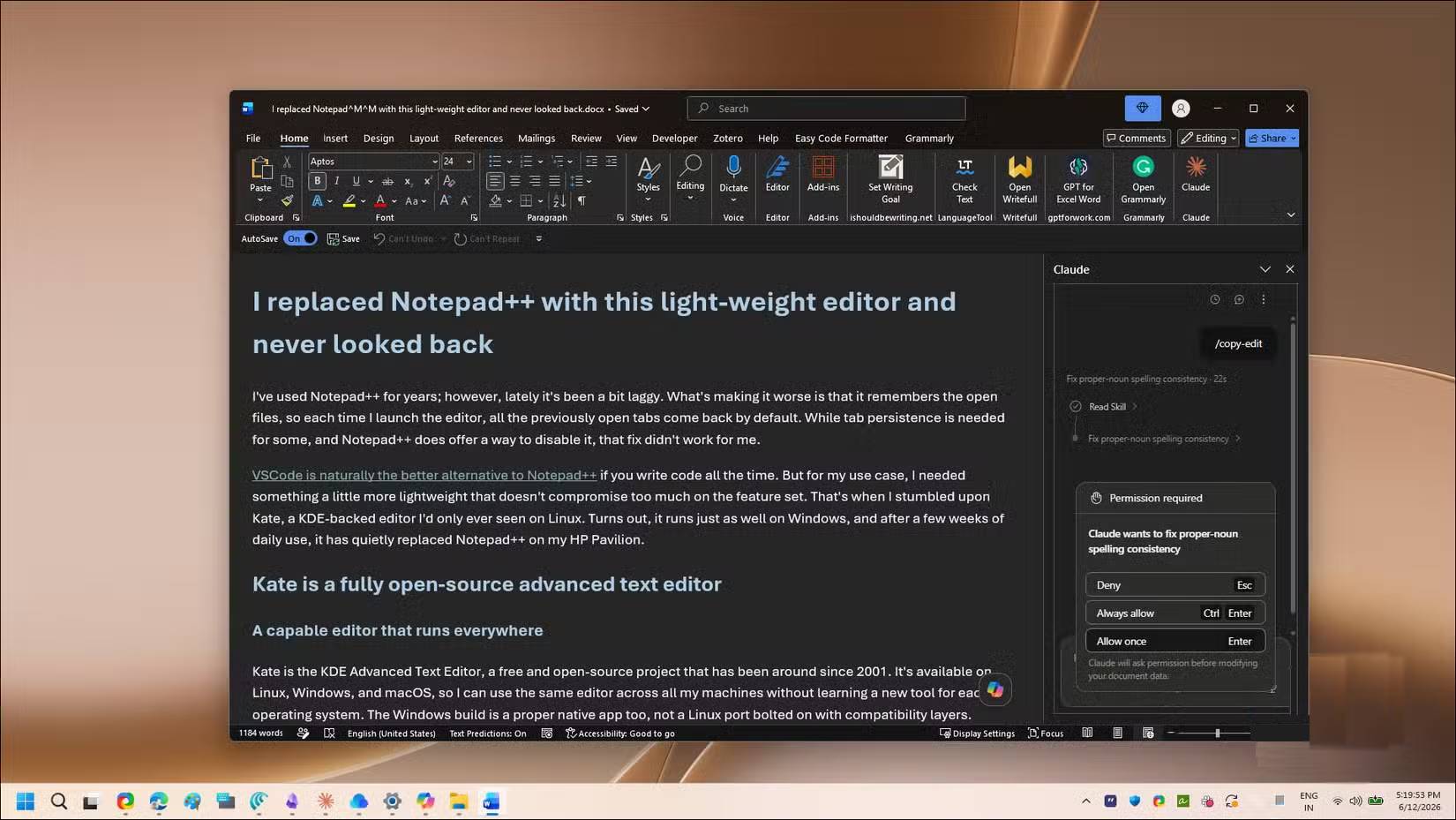
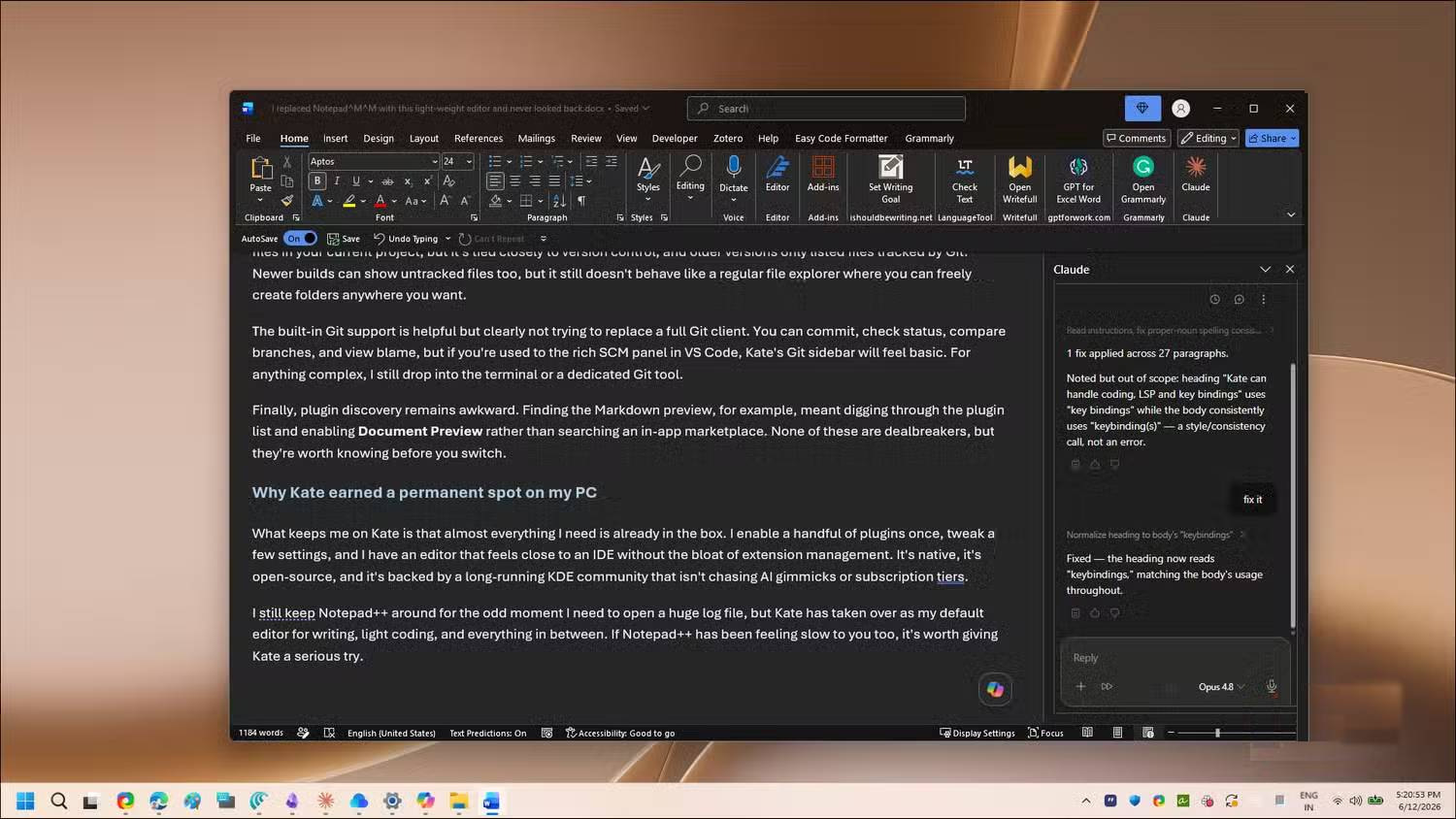
Claude can review a document, suggest revisions, and apply edits. It is most useful when you define the job precisely: audience, style guide, meaning that must be preserved, and whether changes should be tracked.
A repeatable skill can package these instructions so the same copy-editing rules are applied each time. Skills are folders of instructions and resources—not model training—and their availability may depend on the account and add-in version.
Useful requests include:
- “Copy-edit for grammar and consistency. Preserve meaning and apply changes with Track Changes.”
- “Review only the introduction. List awkward or ambiguous sentences before editing.”
- “Check factual claims and provide sources; do not change a claim that cannot be verified.”
Never treat an AI fact-check as final. Open cited sources, verify dates and quotations, and make sure the revised wording still matches the evidence.
Claude for Excel: formulas, explanations, and reconciliation
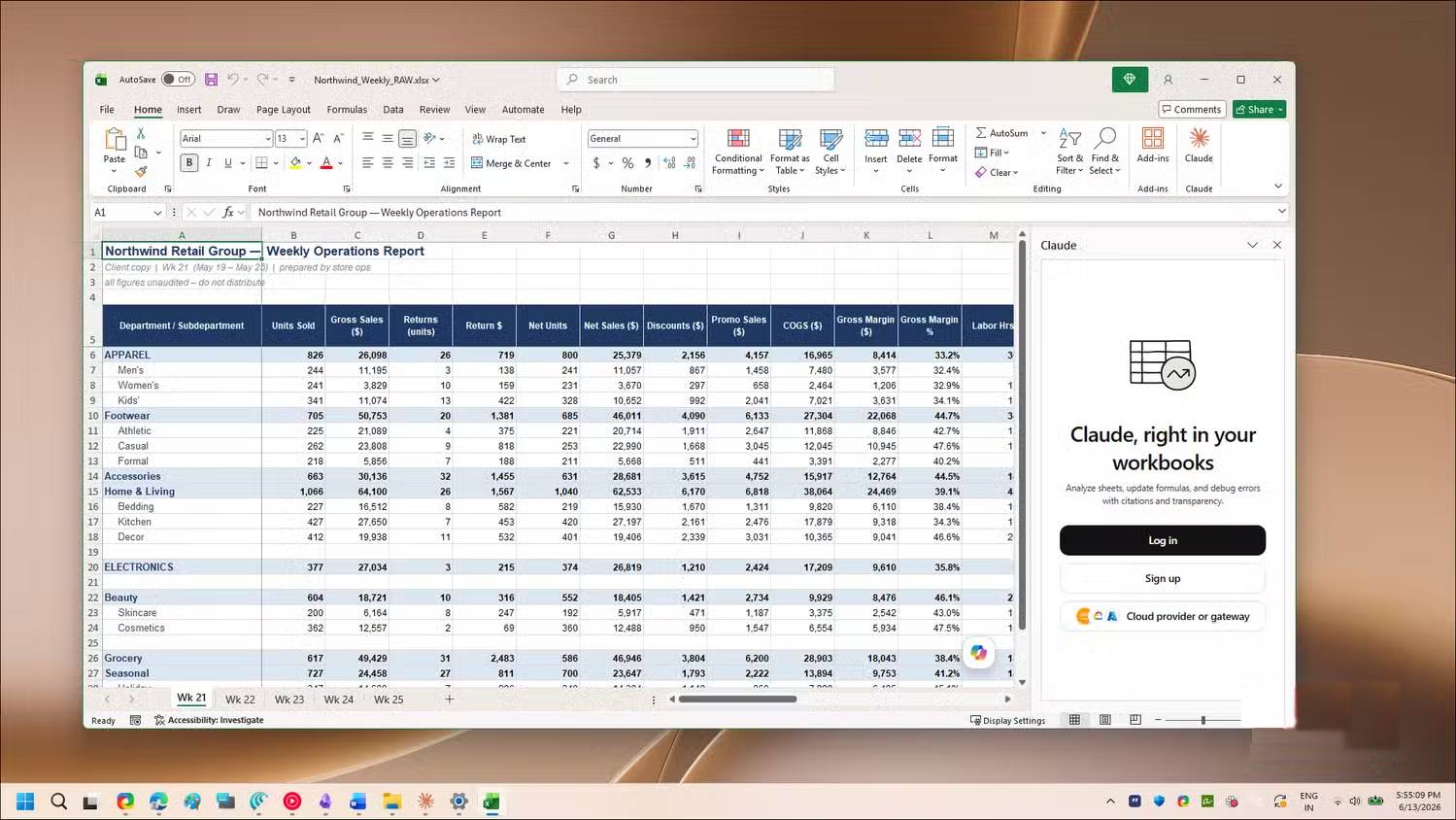
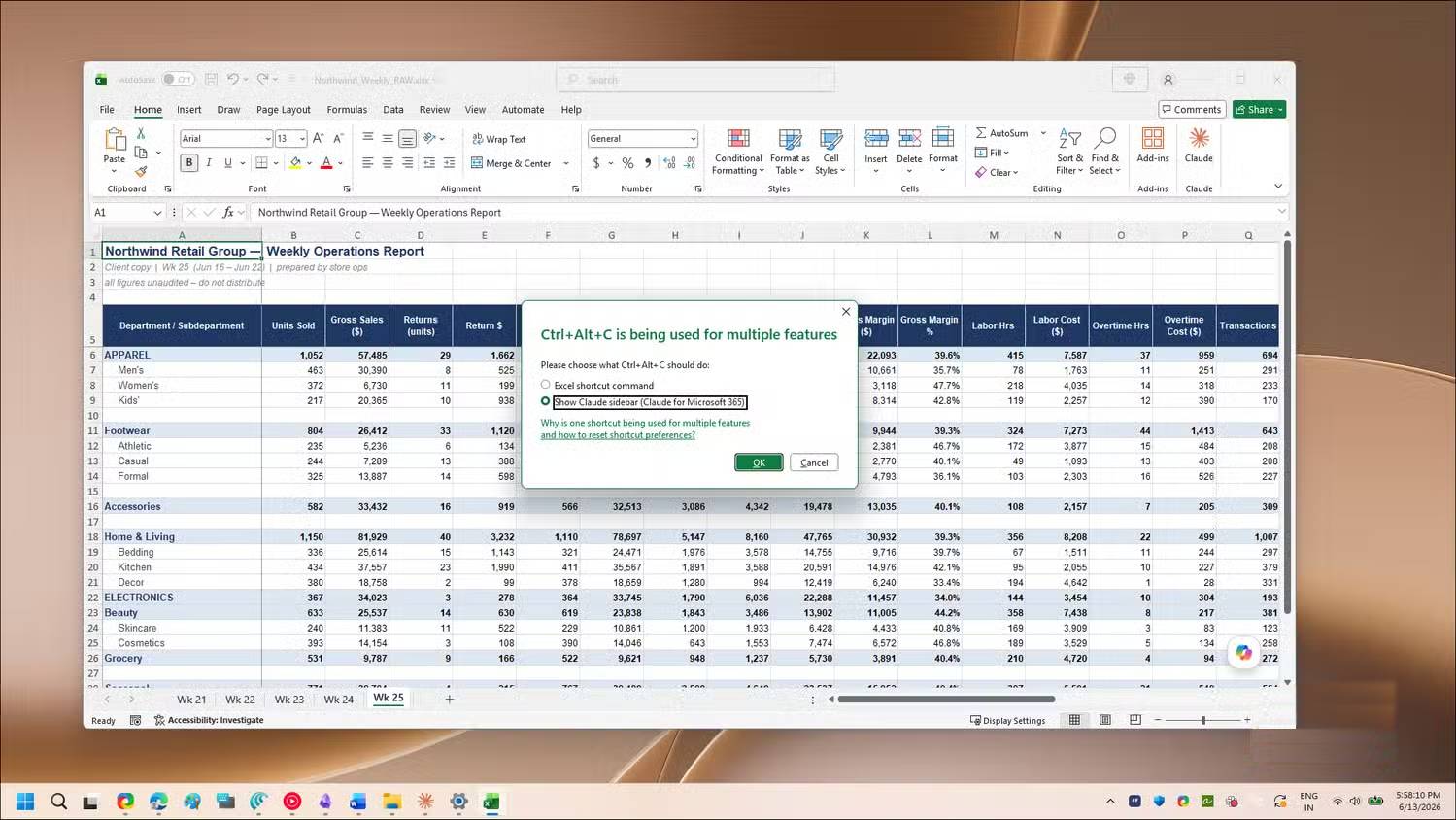
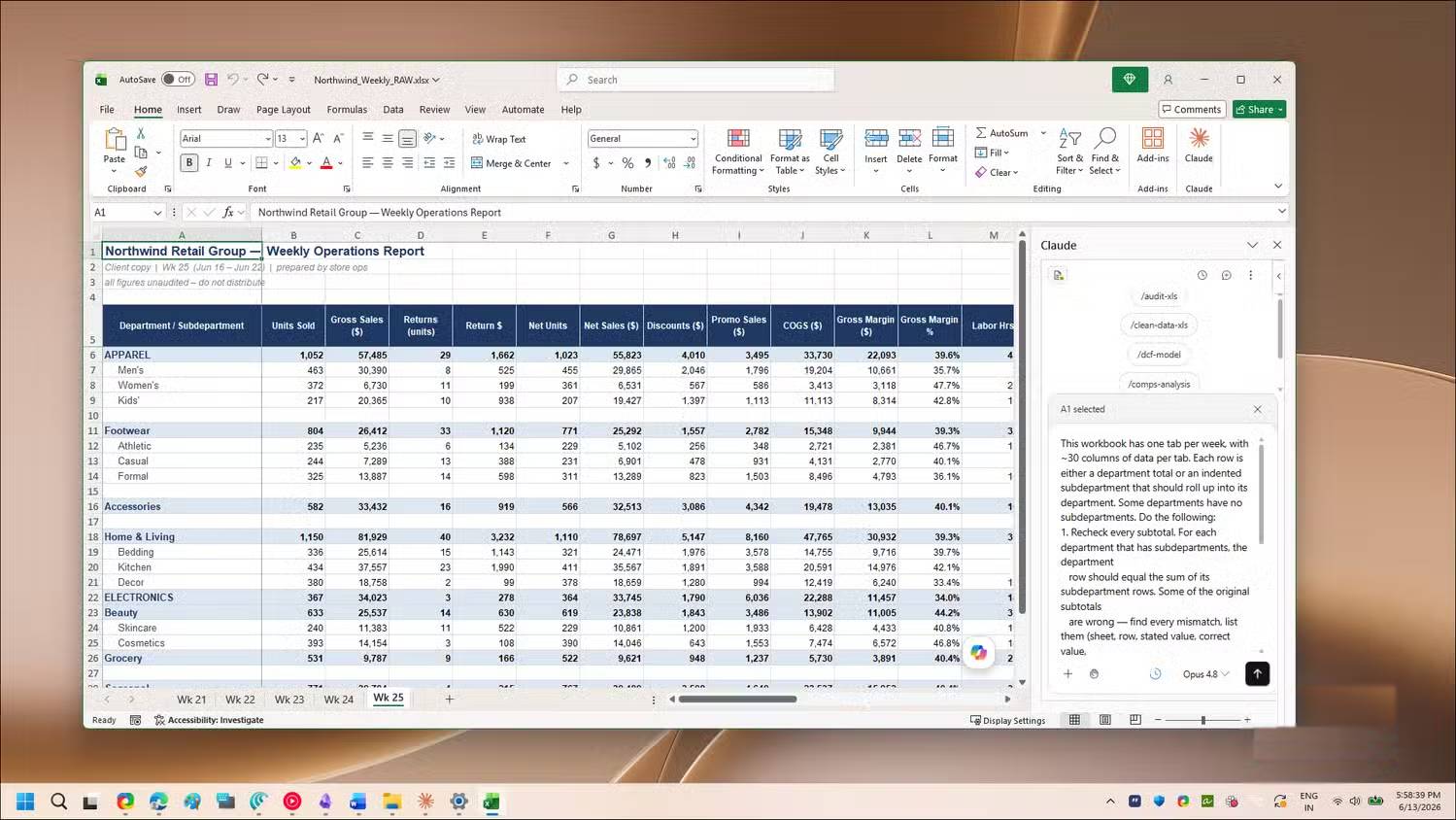
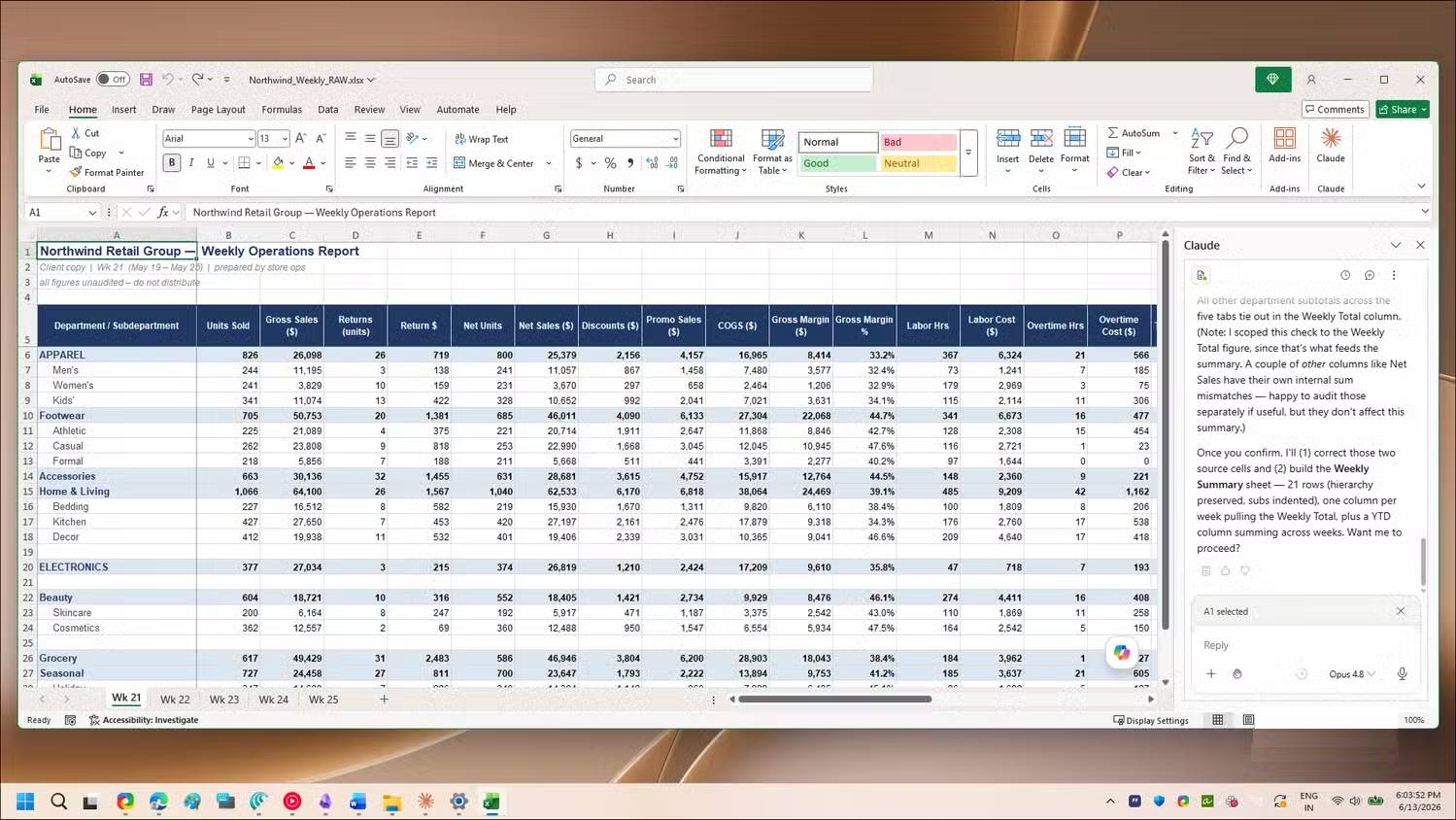
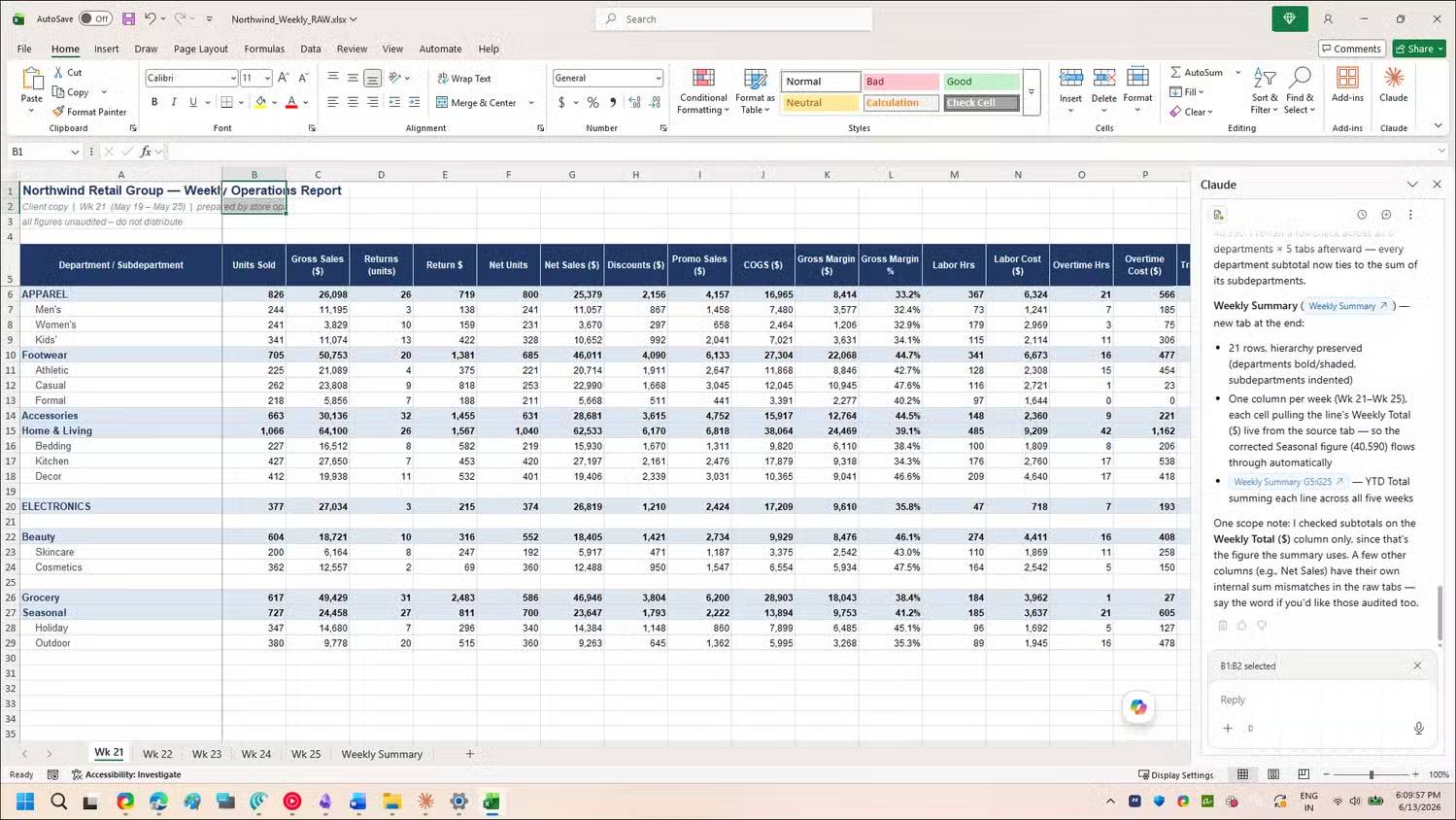
Claude can inspect workbook structure, explain formulas, propose new calculations, clean data, and help trace errors. Excel performs the formula calculations, but that does not make the workflow error-proof: Claude can still choose the wrong range, function, unit, or business rule.
For safer results, state the target cells and expected output, ask for a plain-language explanation of the formula, and test it on a few known rows. Check absolute and relative references before filling down. For financial work, reconcile totals and source documents independently.
When extracting a supplier statement or PDF, ask Claude to keep source-page references and flag illegible or unmatched rows. Do not let it silently infer a missing value. Protect sensitive financial or personal data according to your organization’s policy.
Claude for PowerPoint: work within a template
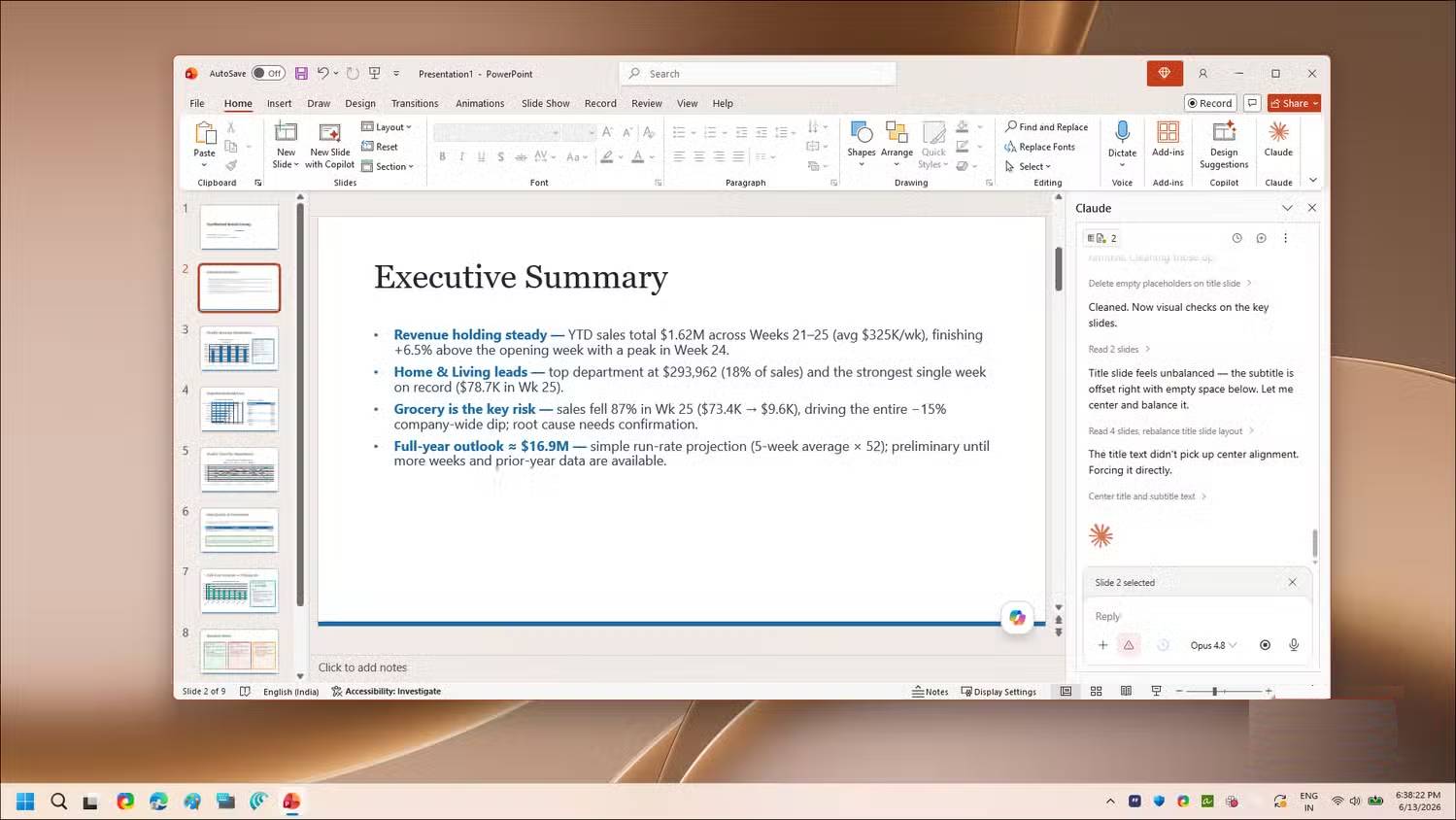
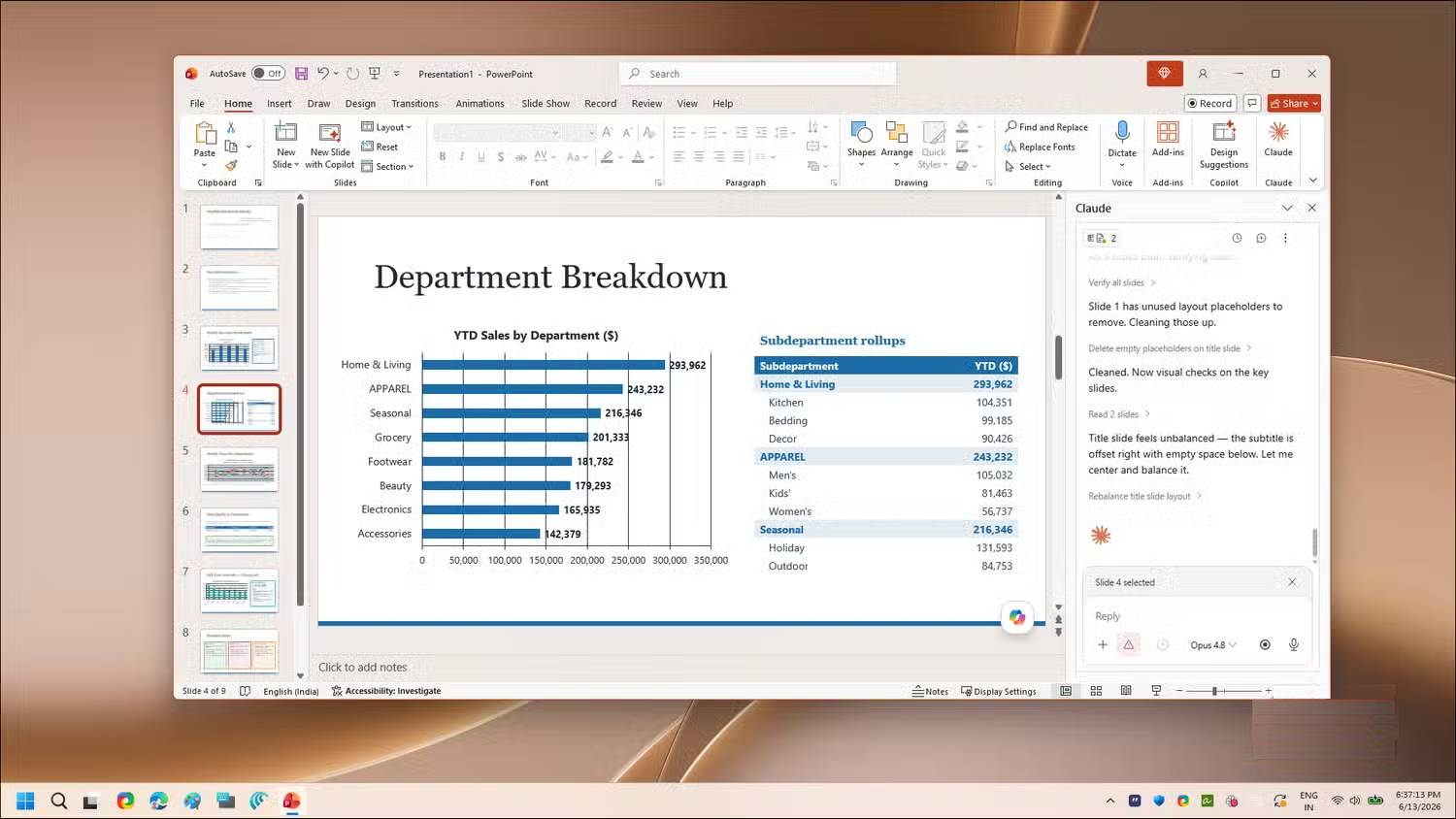
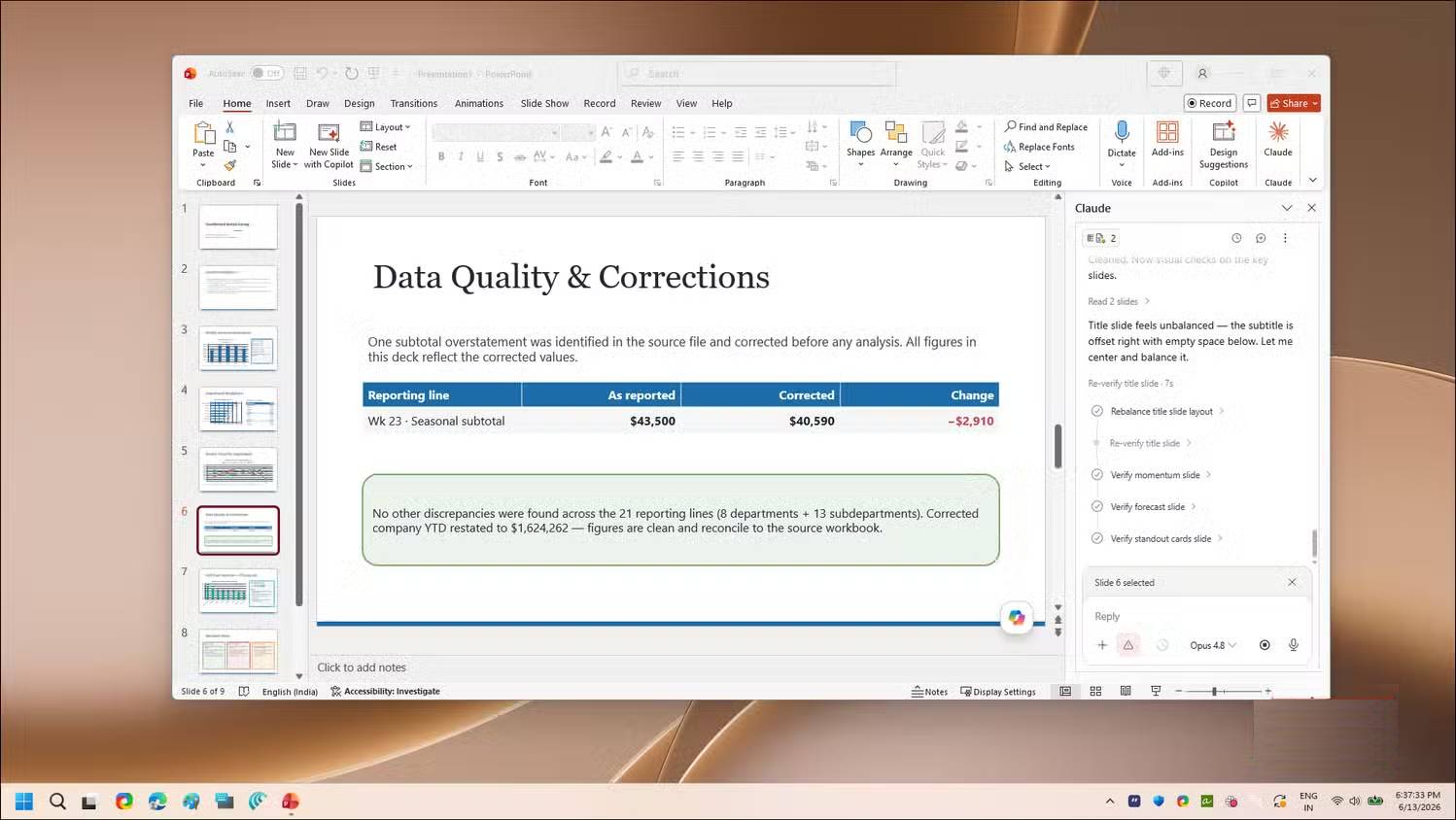
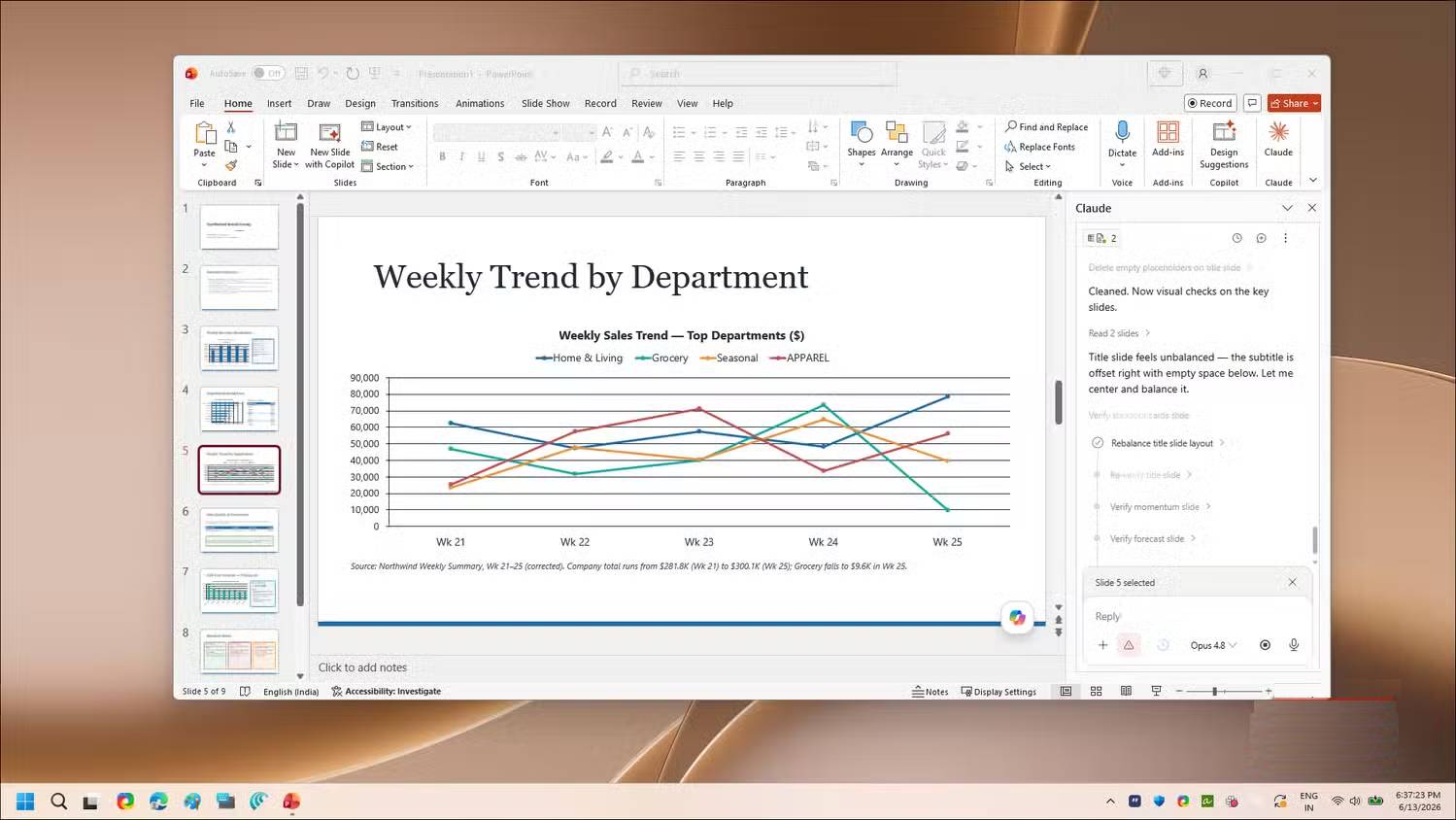
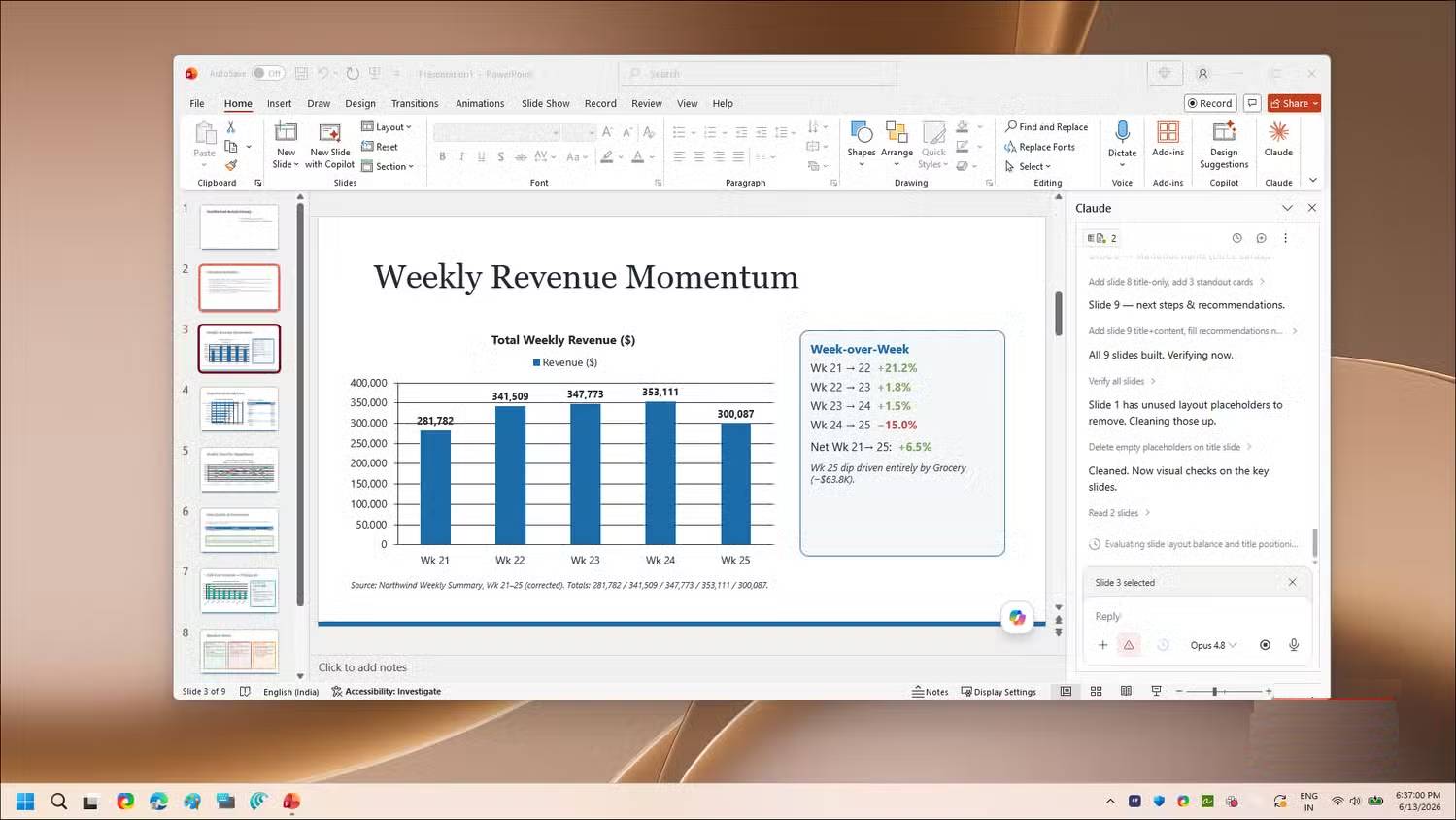
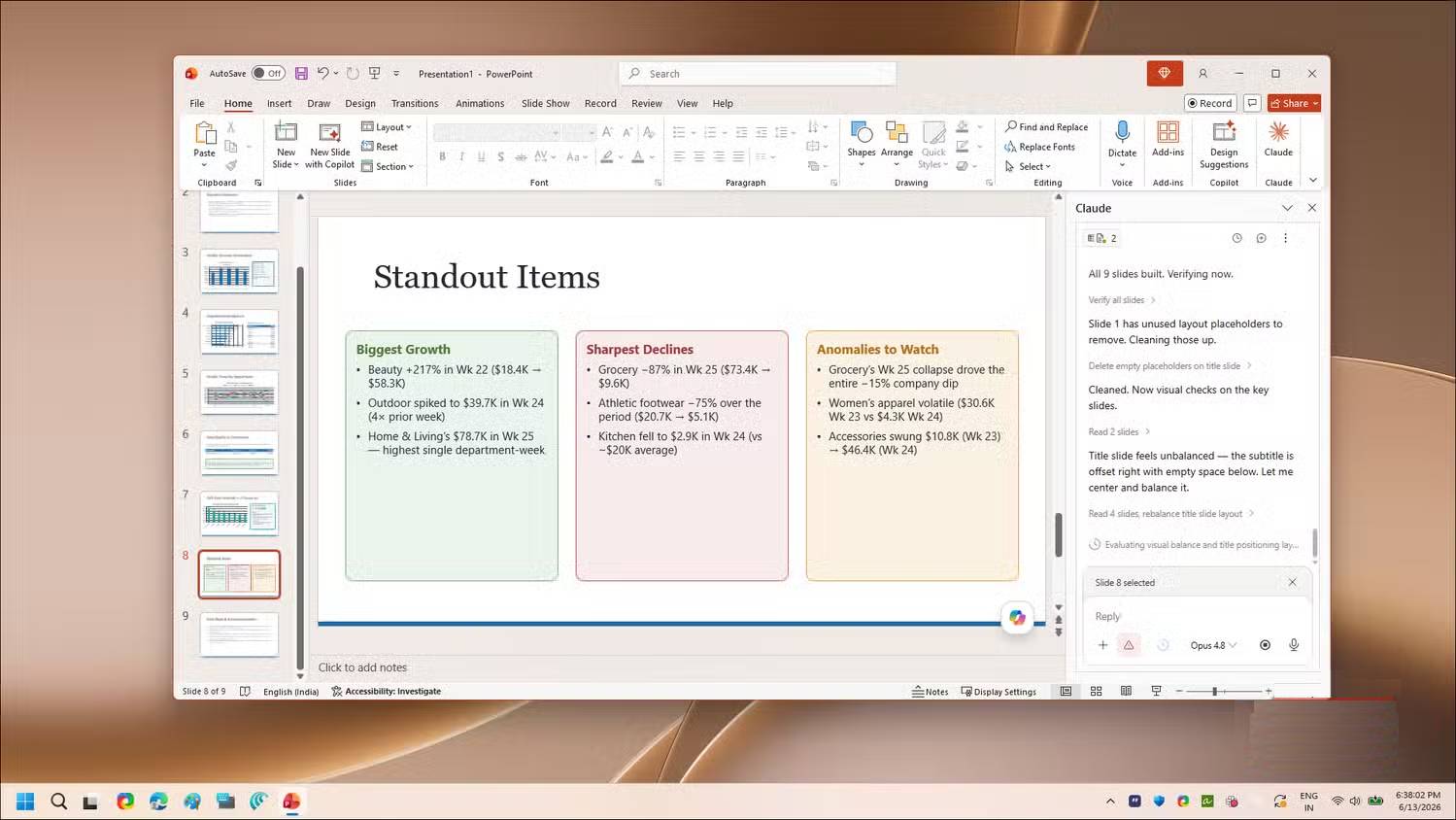
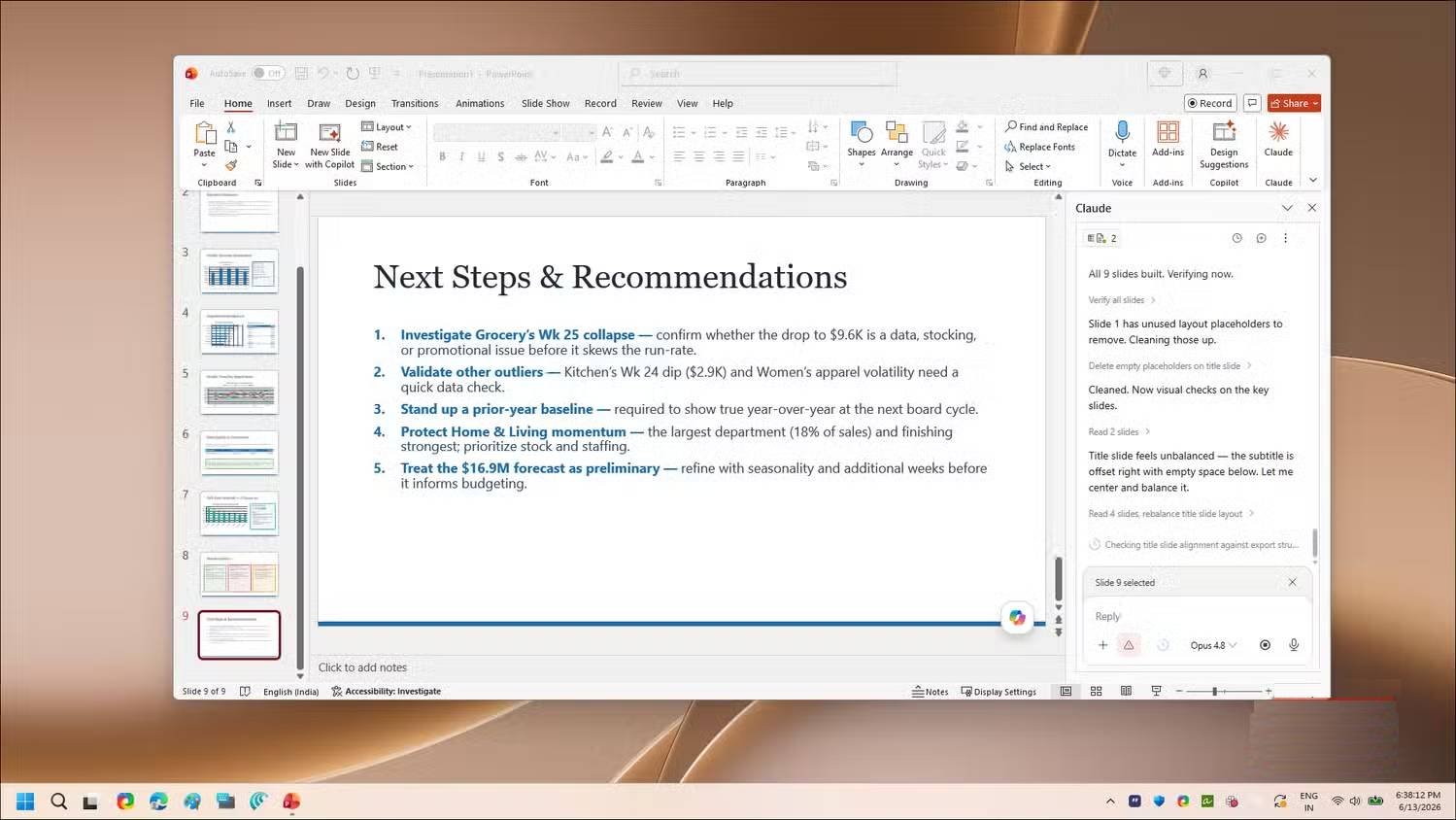
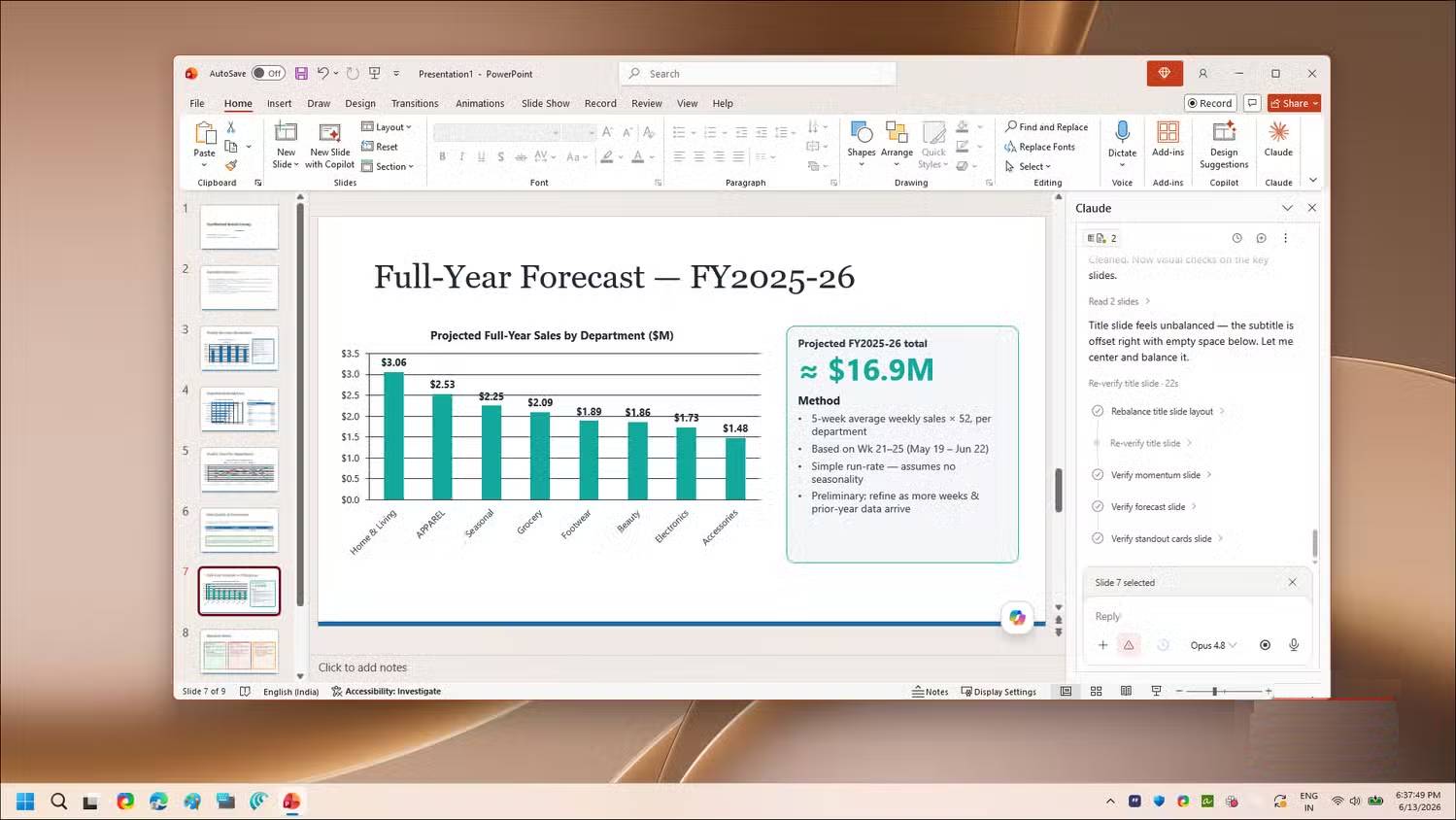
Claude can build or revise slides, summarize workbook findings, and work with an existing deck’s layouts and theme. Give it the presentation goal, audience, time limit, and brand constraints. Ask it to reuse approved slide layouts rather than inventing a new visual system.
Review the outline before generating many slides. Then check that charts match their data, speaker notes do not expose private instructions, images are licensed, and the deck remains accessible. AI-generated diagrams and text may look polished while containing unsupported claims.
Where Copilot still has an advantage
Copilot is integrated throughout Microsoft 365, Microsoft Graph, Windows, Teams, Outlook, and administrative controls. That can mean less setup, more consistent organization governance, and smoother access to mail, meetings, and files—when those features are licensed and enabled.
Claude may be a better fit when you prefer its writing style, want reusable skills, or find its document and spreadsheet agent more effective for your real tasks. Copilot may be better when native Microsoft context, compliance controls, or cross-app workflow matters more.
A practical decision test
- Choose three representative tasks: one document edit, one workbook analysis, and one presentation revision.
- Run each task with the same source material and acceptance criteria.
- Measure setup time, correction time, usage limits, permissions, and final accuracy.
- Check whether any Copilot-only workflow would be lost.
- Change subscriptions only after the test and after confirming renewal or cancellation terms.
Anthropic confirms that Claude can create and edit Office file formats and that its Word, Excel, and PowerPoint add-ins are available. The right choice depends on the specific workload and governance requirements, not a blanket claim that one assistant is better at every Office task.
Related Articles
 How to Cancel an Office 365 Subscription3 minutes read
 How to Unsubscribe from Claude Pro8 minutes read
 Instructions for Canceling Copilot Pro Subscription: What to Know4 minutes read
 How to Cancel iCloud + Subscription on iPhone3 minutes read
 6 Reasons to Use Claude Instead of ChatGPT7 minutes read
 How to Unsubscribe and Delete Your Copilot Account3 minutes read
Reader Comments 0
Sign in with email or Google to join the discussion.