Table of Contents
Many people regularly use both the ChatGPT and Claude AI assistants, but Claude is their primary choice for most tasks. While both platforms have their own strengths, Claude offers several advantages that make it the preferred AI assistant for everyday work.
This is a workflow comparison, not a permanent ranking. Claude and ChatGPT change frequently, and capabilities differ by plan, model, platform, region, and account type. Test the same representative task in both tools before moving a recurring workflow.
For a wider choice, see TipsMake's guide to when to use ChatGPT, Claude, or Gemini and its broader Claude and ChatGPT comparison. Current details are available in Anthropic's Artifacts help and OpenAI's ChatGPT capabilities overview.
6. Your document workflow fits Claude's available context
Claude's impressive context window offers a significant advantage over ChatGPT when handling large documents. While ChatGPT Plus provides a 128K token context window with GPT-4o, Claude Sonnet 3.7 boasts a 200K token window. Anthropic claims this is equivalent to processing a 500-page document in a single conversation.
A file fitting within a context limit does not guarantee that every detail will be used correctly. Ask for citations to page, section, row, or filename; test recall from the beginning and end; and split a document when accuracy improves with smaller, focused sections.
5. Artifacts make content creation easier
Claude Artifacts place substantial documents, code, visualizations, or interactive prototypes in a dedicated workspace beside the conversation. ChatGPT Canvas also supports iterative writing and coding. Which interface is better depends on the output and editing controls you need.
Claude is particularly powerful for web development projects. For example, when asked to create a landing page with HTML, CSS, and JavaScript, Claude displays it directly in an artifact window with functional elements such as a countdown timer.
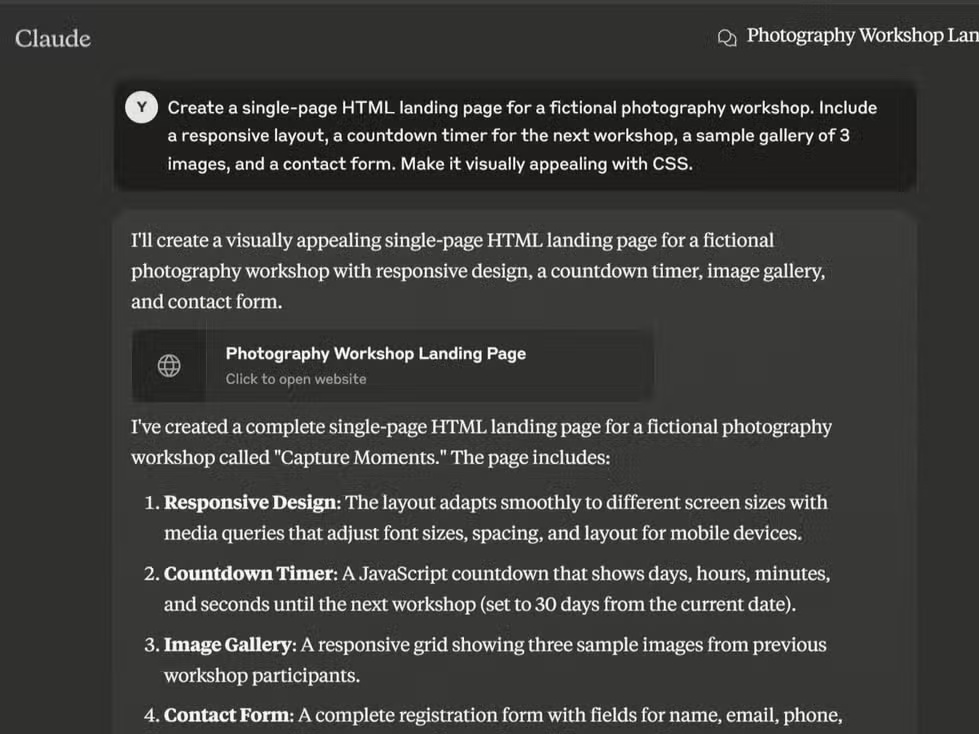
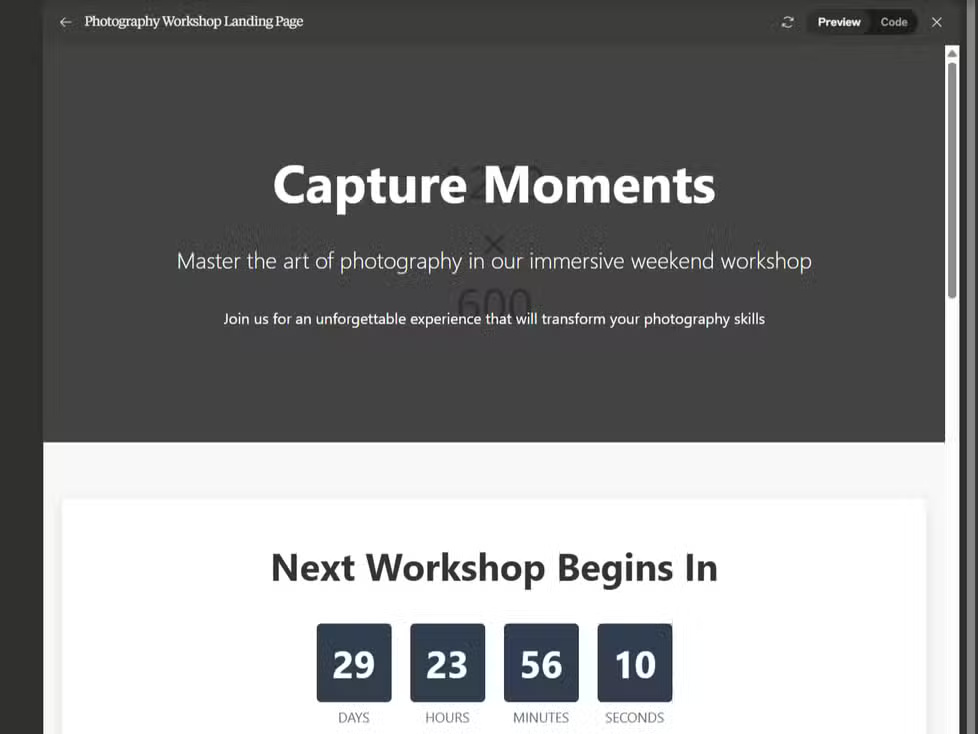
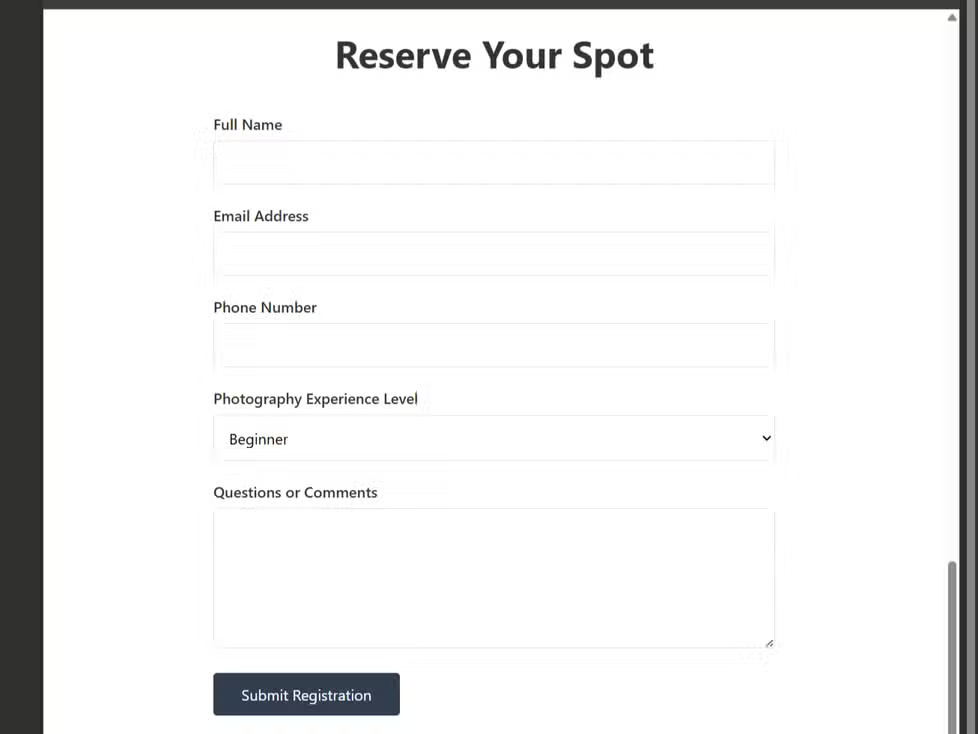
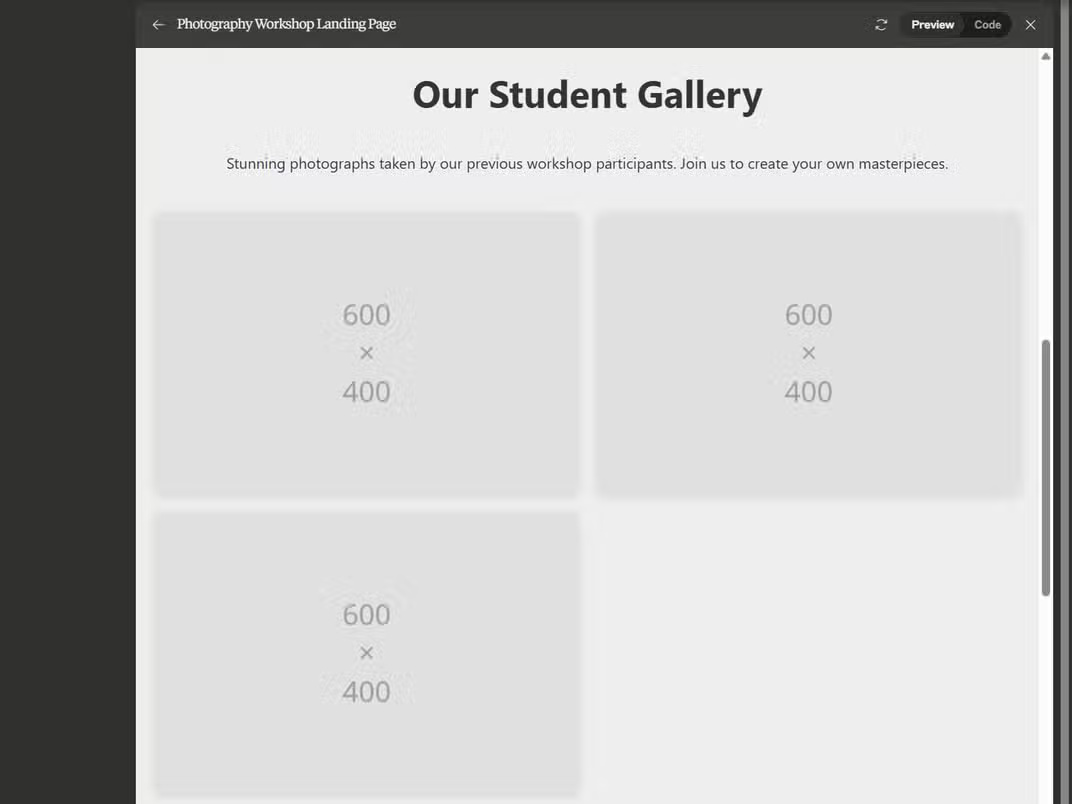
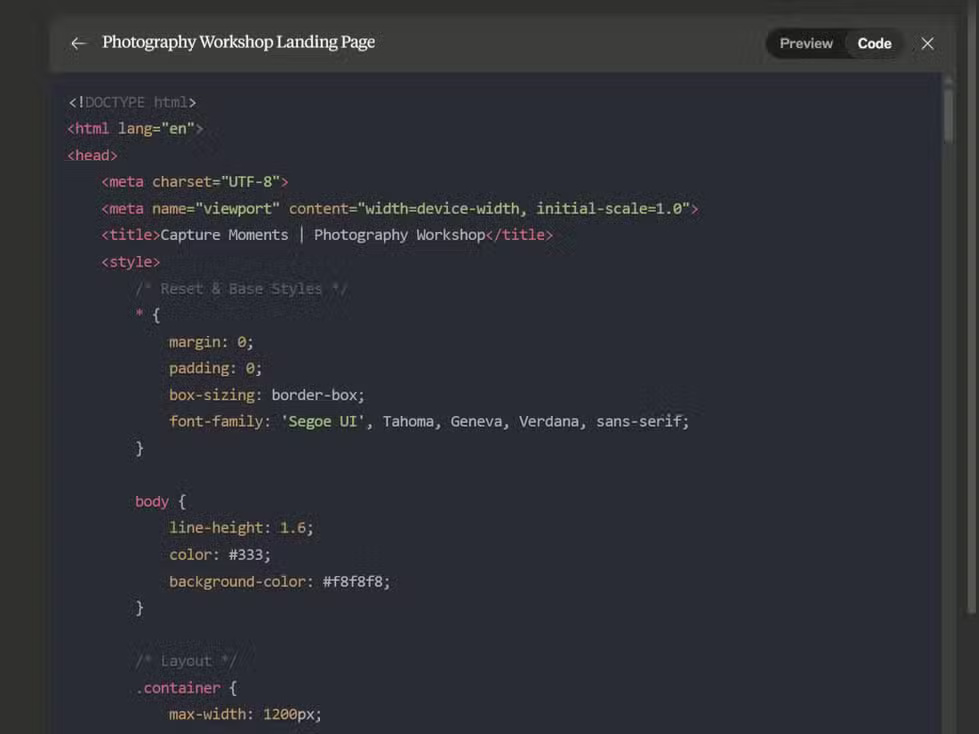
The screenshots below reflect the products at one point in time. Compare whether your current ChatGPT Canvas and Claude Artifacts sessions can render, edit, export, and version the exact type of project you are building.
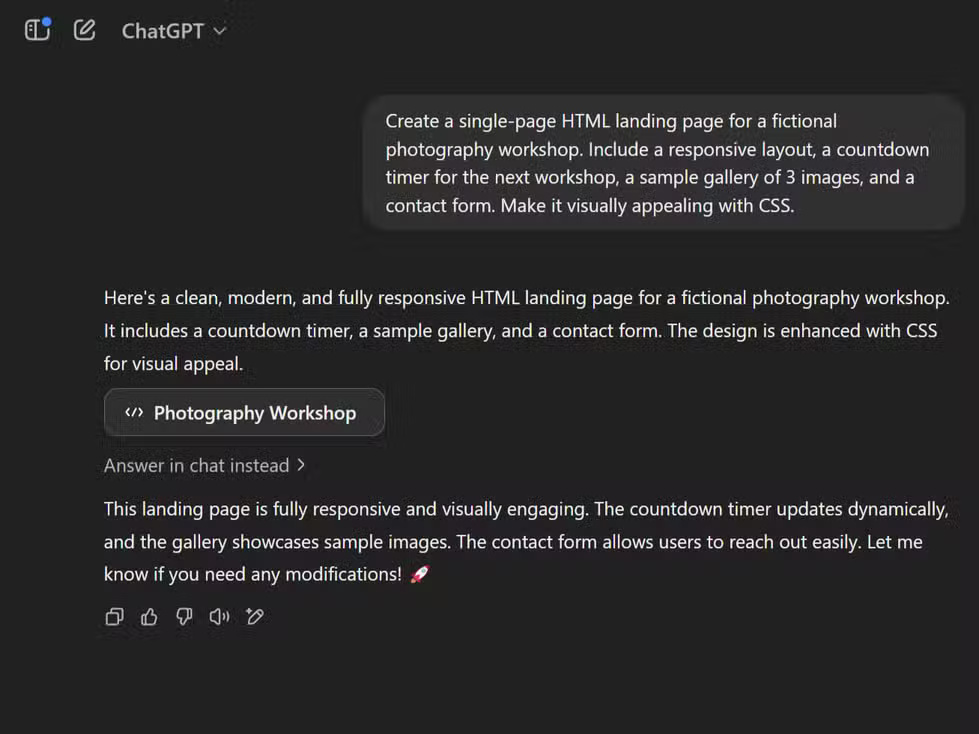
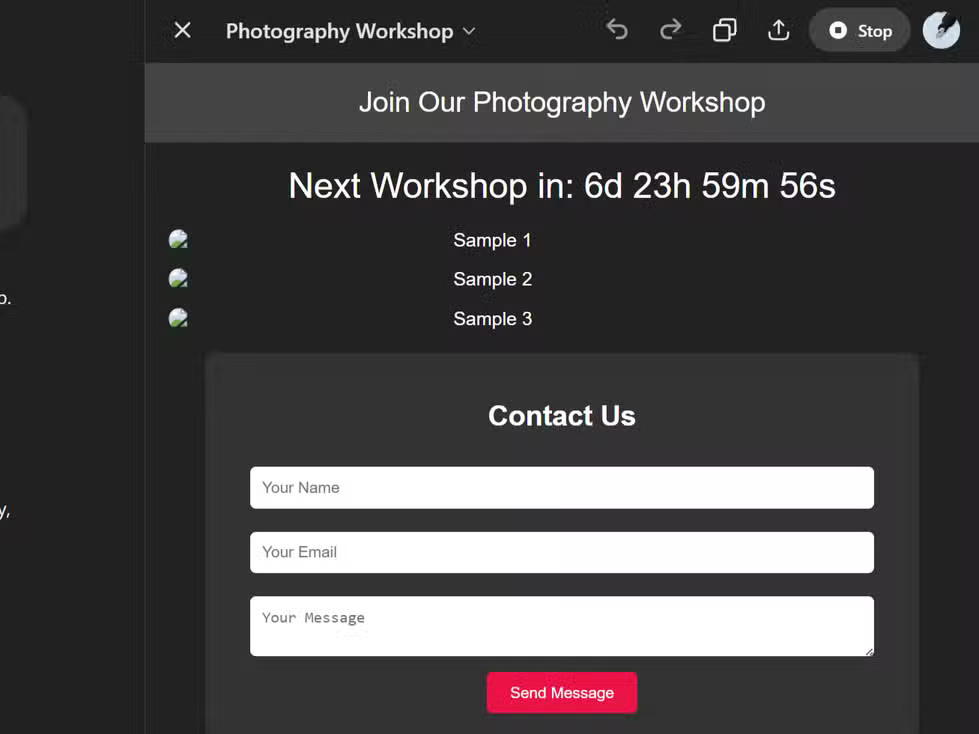
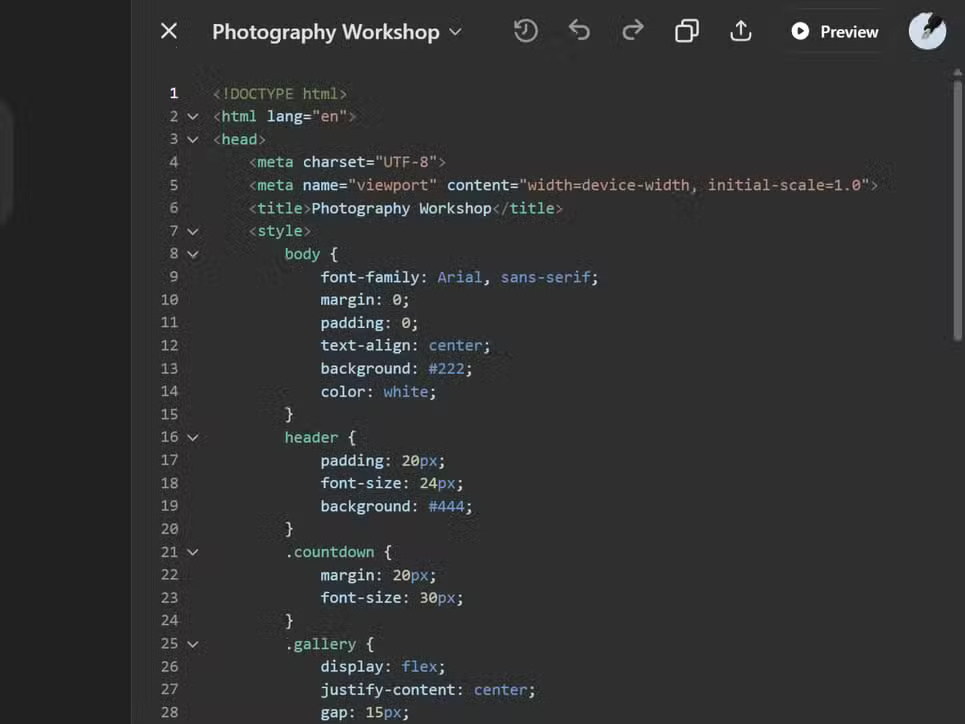
Claude's version history is also very simple, with numbered versions, making it easy to track changes. ChatGPT also has a version history, but it doesn't number them.
4. A response style for every situation
Claude offers built-in and custom styles that can make recurring formatting or tone easier to reuse. ChatGPT also provides personalities, custom instructions, projects, and other ways to influence responses, so styles are no longer a Claude-only concept.
The practical difference is how each product applies and scopes those preferences. Test a saved style or instruction with a fresh conversation and an existing project, then confirm that it does not override task-specific requirements.
What sets Claude apart is its ability to create custom formatting styles. If you frequently use AI to write emails, you can customize the formatting from previous emails to apply your writing style to all email drafts. This eliminates the need to constantly specify instructions, as is the case when writing with ChatGPT's creative models.
3. Analyze the original screenshot
Some Claude desktop workflows can capture a window, tab, or screen for analysis. Availability and permissions vary by operating system and plan, and ChatGPT also supports image and screen-based workflows on supported platforms.
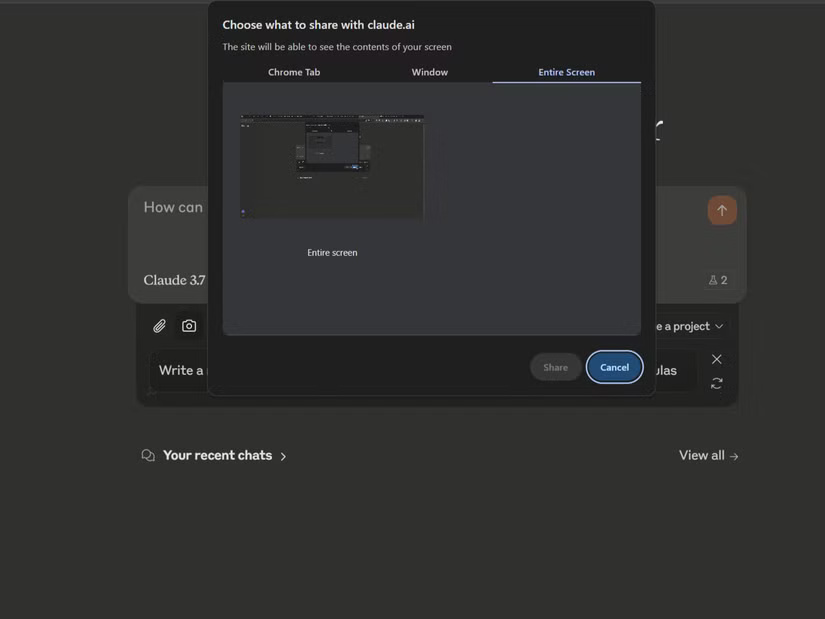
You can access this feature from file attachments in the search bar. A screenshot is useful for visual explanation, but it is a poor substitute for the source spreadsheet when exact values matter. Upload the original CSV or workbook when possible and ask the assistant to show its calculations.
2. You like Claude's visual-output workflow
Claude and ChatGPT can both analyze uploaded structured data and produce charts. Output quality depends on the model, tool access, dataset structure, instructions, and validation—not a universal advantage for either brand.
Either assistant may propose cleaning steps or relationships in messy data, but those transformations must be reviewed. Ask for a data-quality report, a list of changed rows, the code or formulas used, and a distinction between correlation and causation.
Tip: For the best data analysis experience with Claude, make sure to enable the Analysis Tool from Feature Preview in the search bar. This feature allows Claude to create interactive visualizations, process complex datasets, and provide deeper statistical insights from your CSV files, all within the Artifacts window.
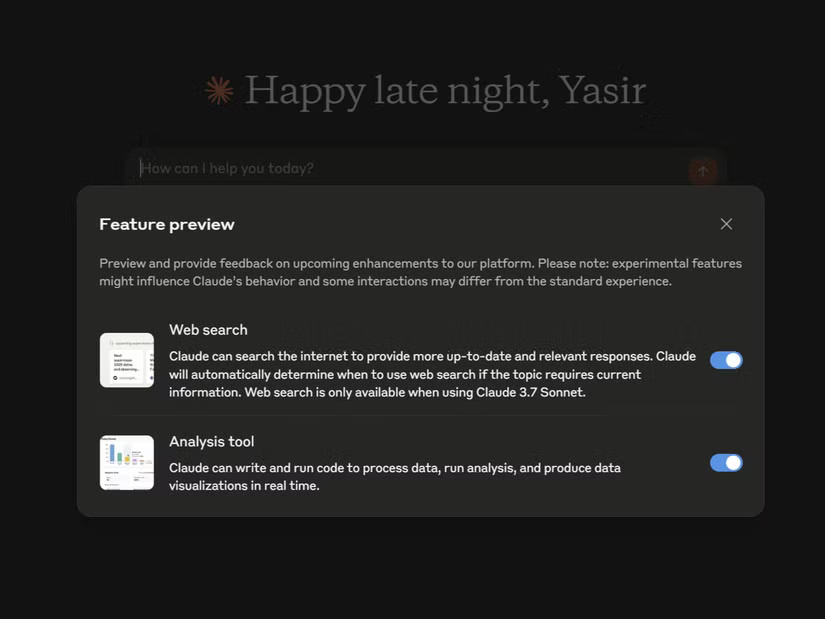
Visual representations are not only functional but also ready for presentation. You can download them as SVG files or copy the code to embed them in your own projects. For any data analysis task requiring visual representation, Claude has become a frequently used tool, outperforming other AI assistants in both capability and ease of use.
1. Experience natural conversation

Some readers prefer Claude's default tone; others prefer ChatGPT's. This is subjective and can change with the selected model, personality, style, and prompt.
For a useful test, give both assistants the same source material, audience, constraints, and examples. Compare factual accuracy, editing effort, tone consistency, and whether the final text sounds like you—not whether one isolated answer seems friendlier.
Try Claude when these workflows match your needs, but keep ChatGPT when its research, data, voice, image, agent, project, or ecosystem features serve the task better. Avoid paying for both until a repeated use case justifies the cost.
Related Articles
 Why Claude Is the Super Smart AI Alternative to ChatGPT That's8 minutes read
 Claude vs ChatGPT: Which AI Assistant Should You Use?10 minutes read
 Should I Buy ChatGPT Plus or Claude Pro?10 minutes read
 4 Ways AI Claude Chatbot Outperforms Chatgpt6 minutes read
 3 Reasons to Give Up ChatGPT to Switch to Claude: What You Need to Know6 minutes read
 The Difference Between Claude and ChatGPT13 minutes read
Reader Comments 0
Sign in with email or Google to join the discussion.