Table of Contents
Use Google Tasks if you already plan your week in Google Calendar and turn Gmail messages into tasks. Try Microsoft To Do if you organize work in Outlook or like choosing a short daily list in My Day. Both can handle basic lists and reminders.
Capture a task where you already work
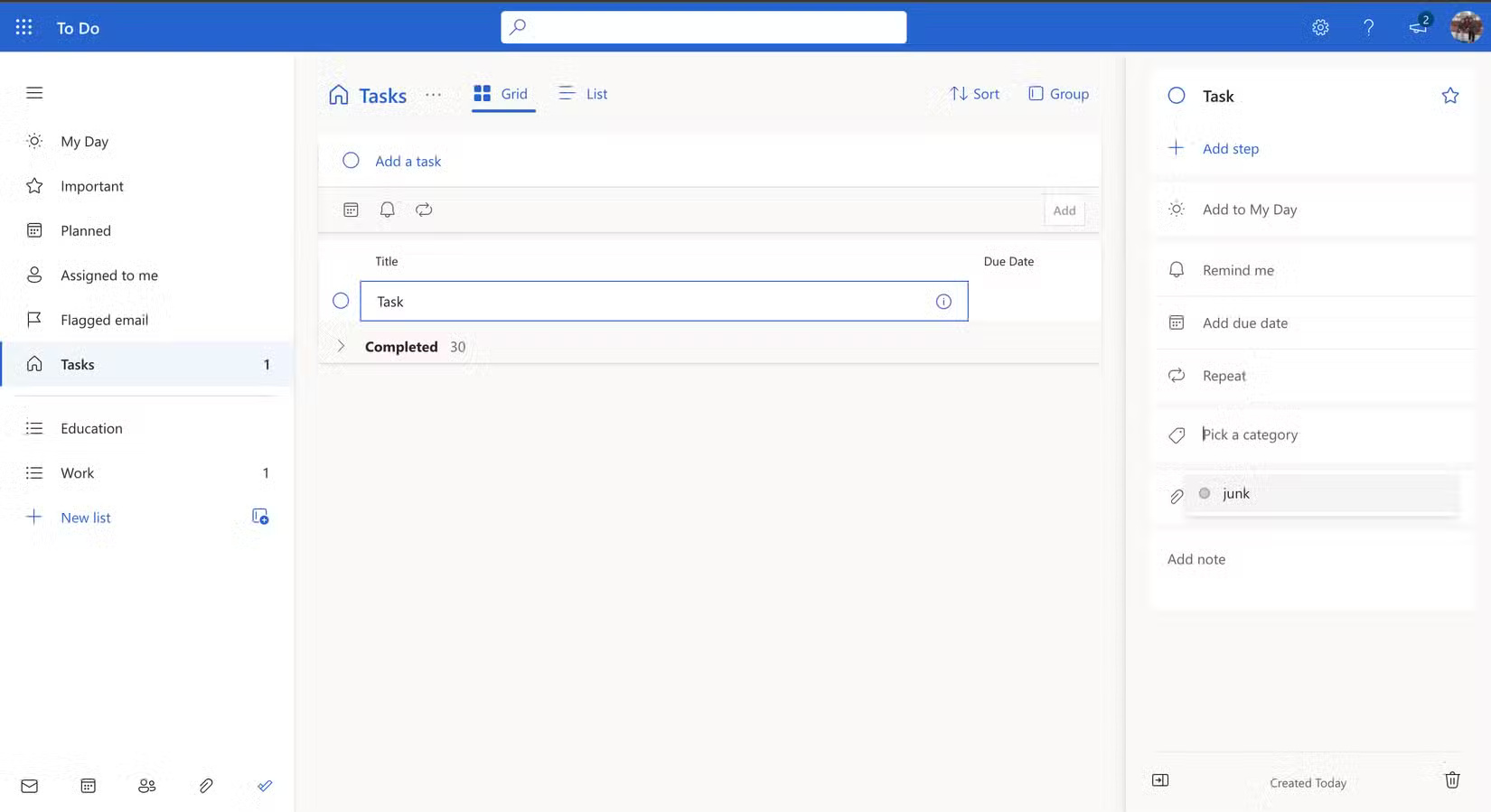
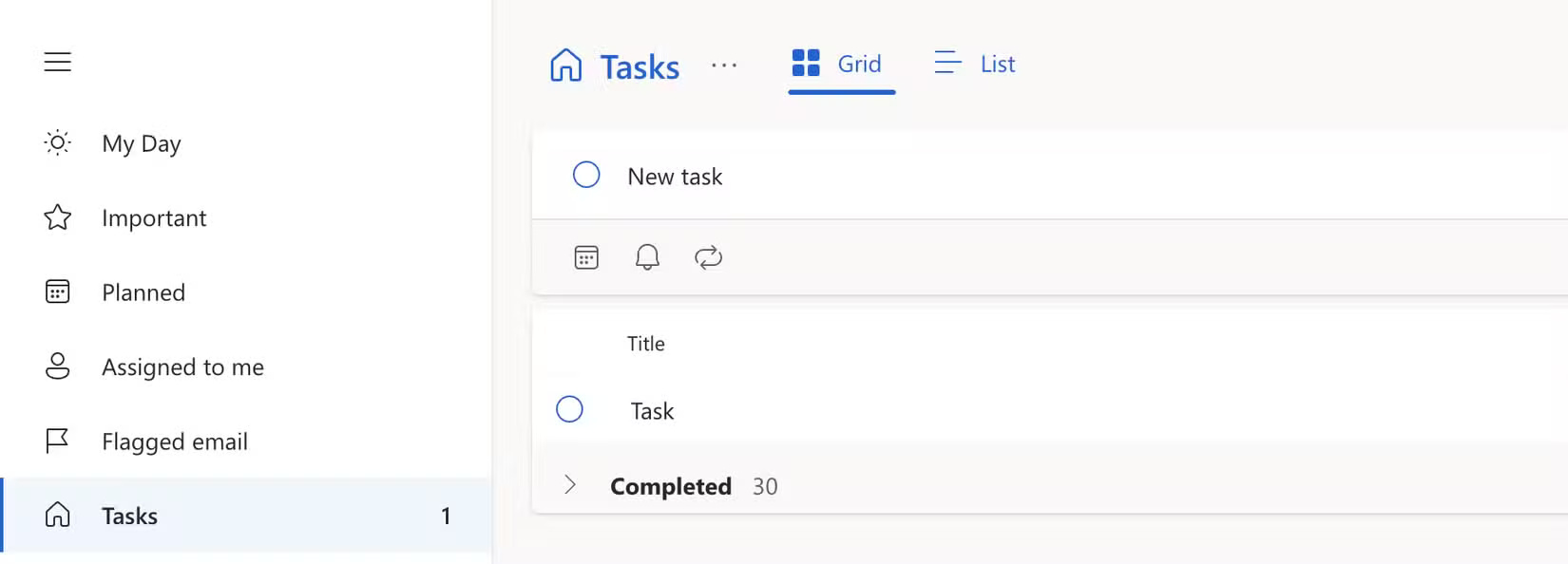
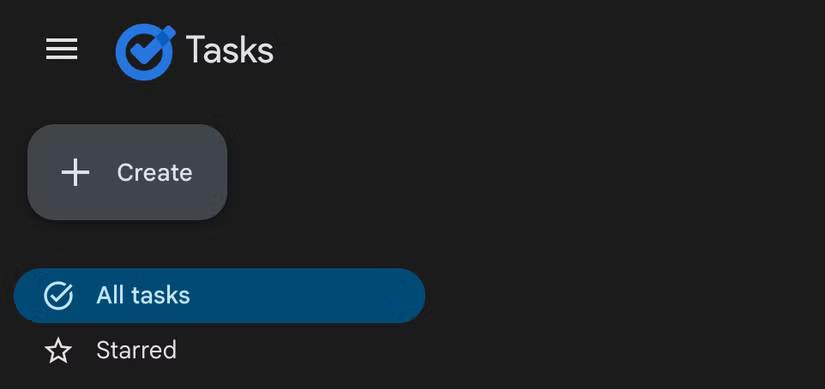
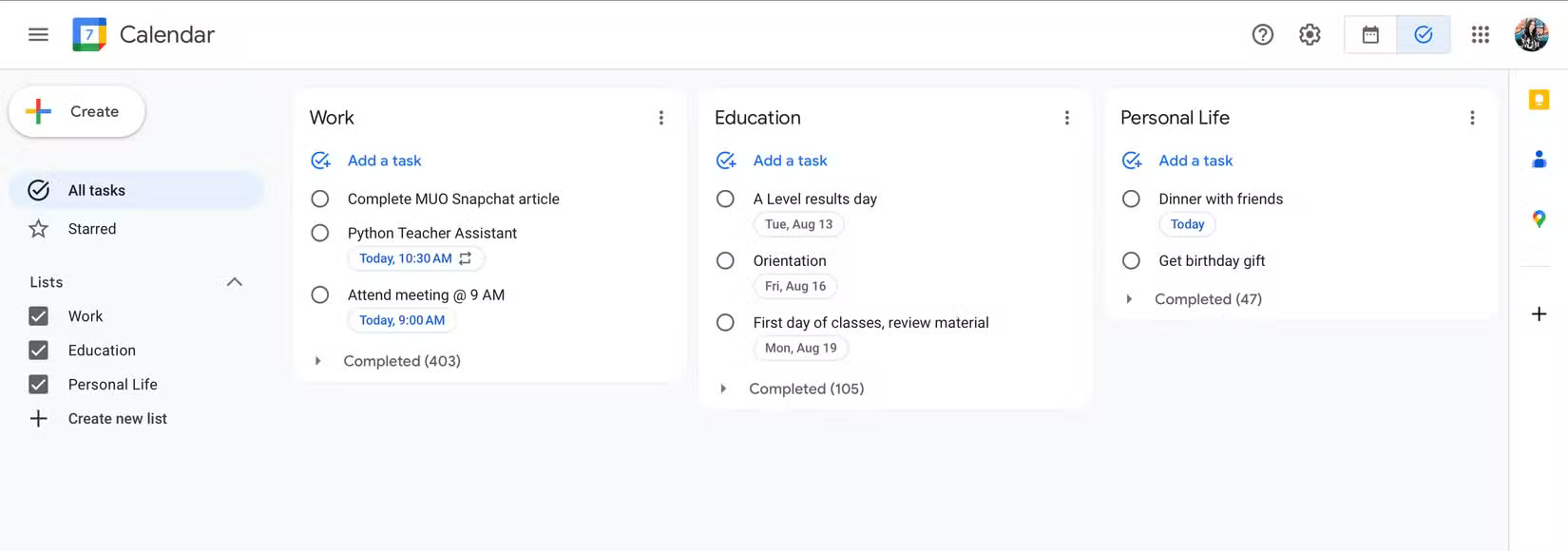
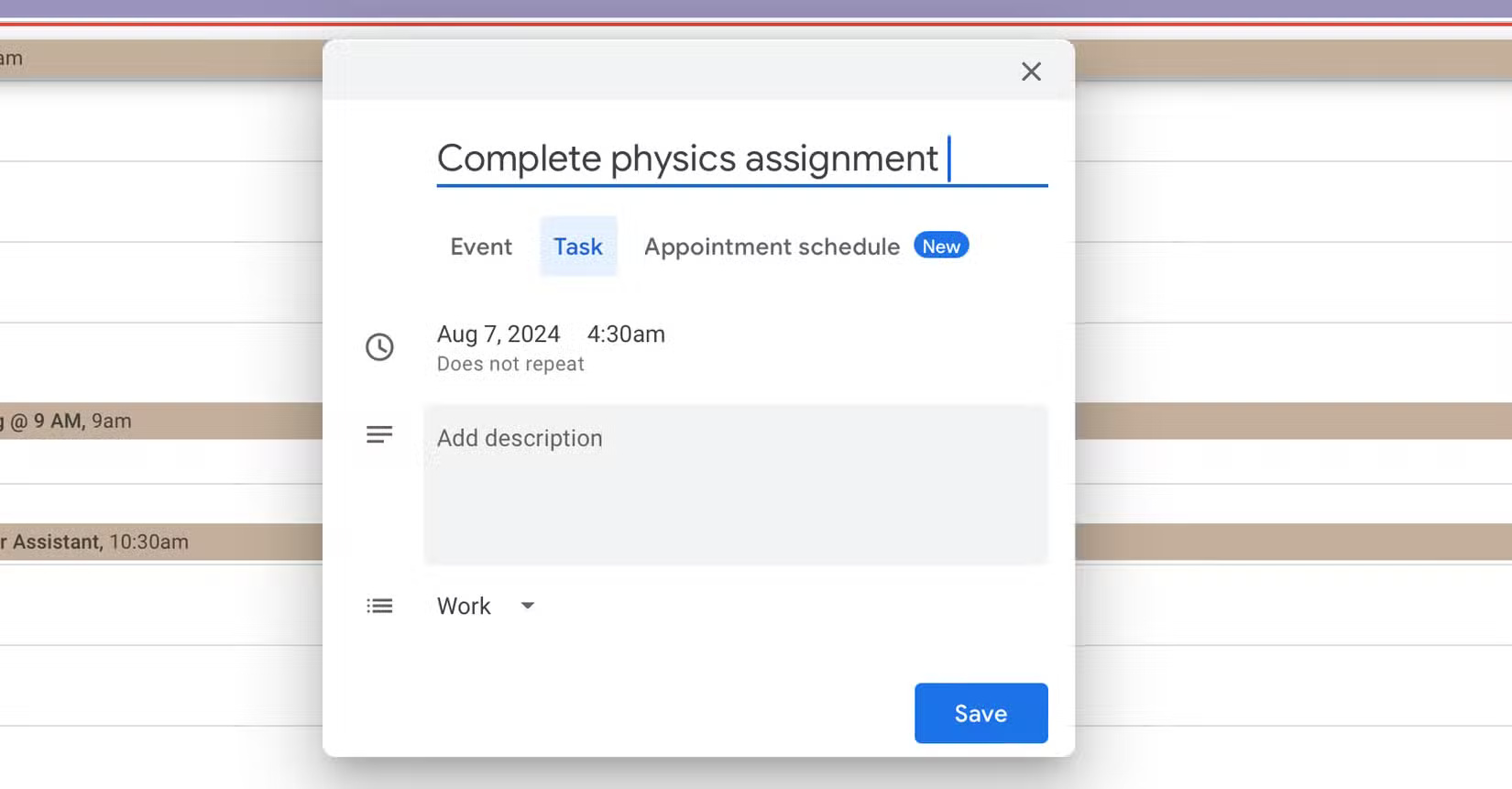
In Google Tasks, add an item from the Tasks view, Gmail or Calendar. With a date, it can appear alongside your Google Calendar events. In Microsoft To Do, add it to a list, then use views such as Important, Planned or My Day. Microsoft also supports bringing eligible flagged Outlook email into To Do.
Compare lists and the daily view
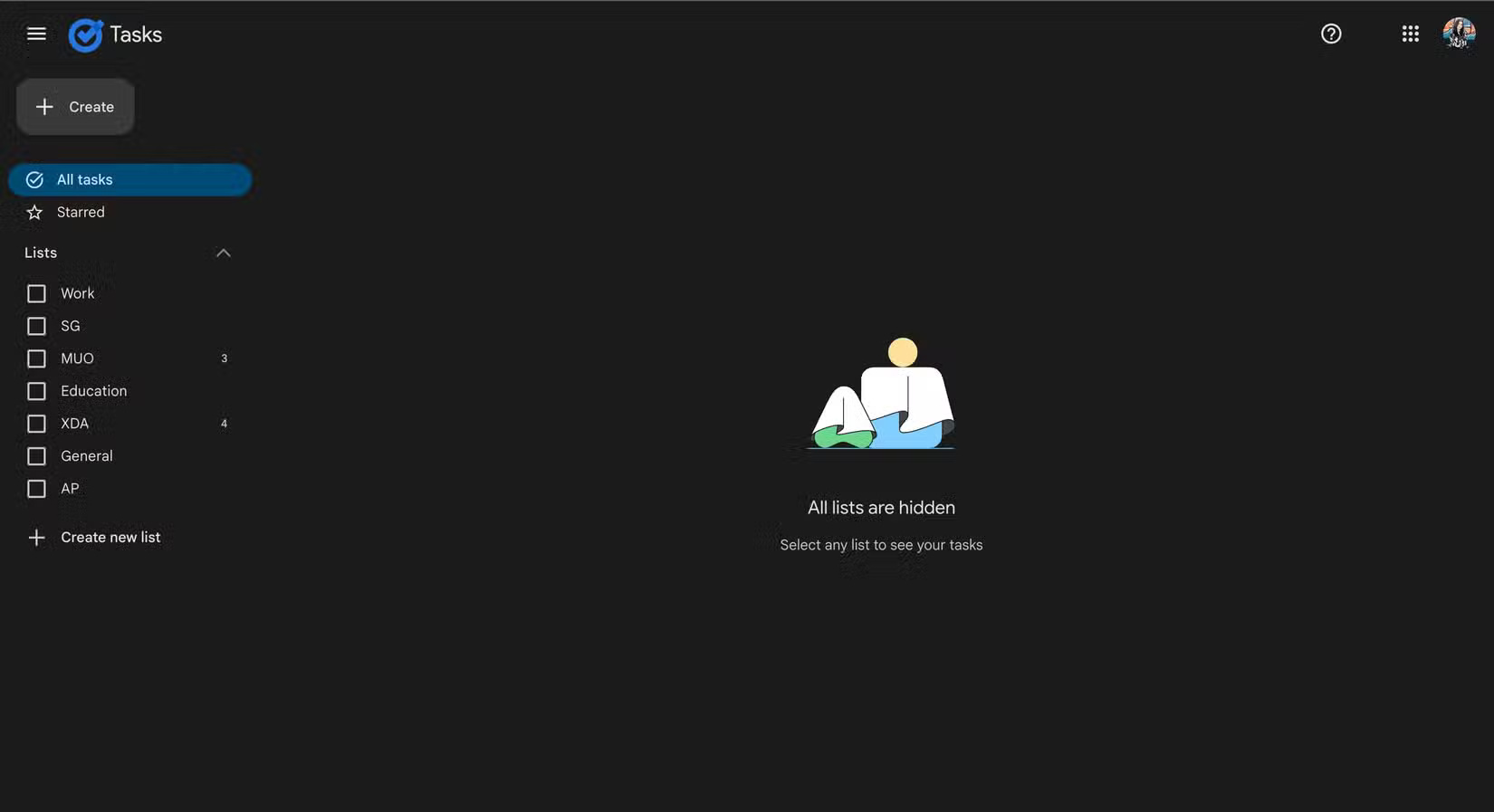
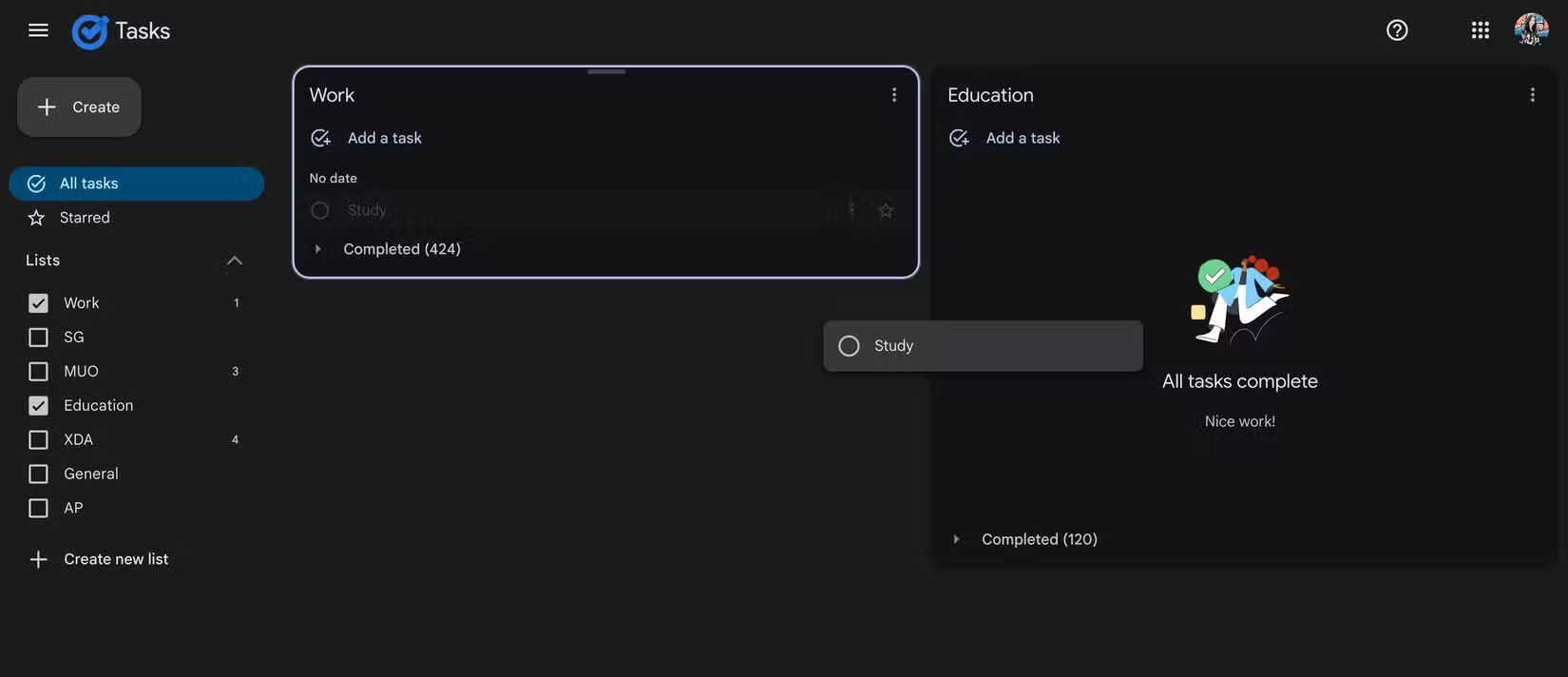
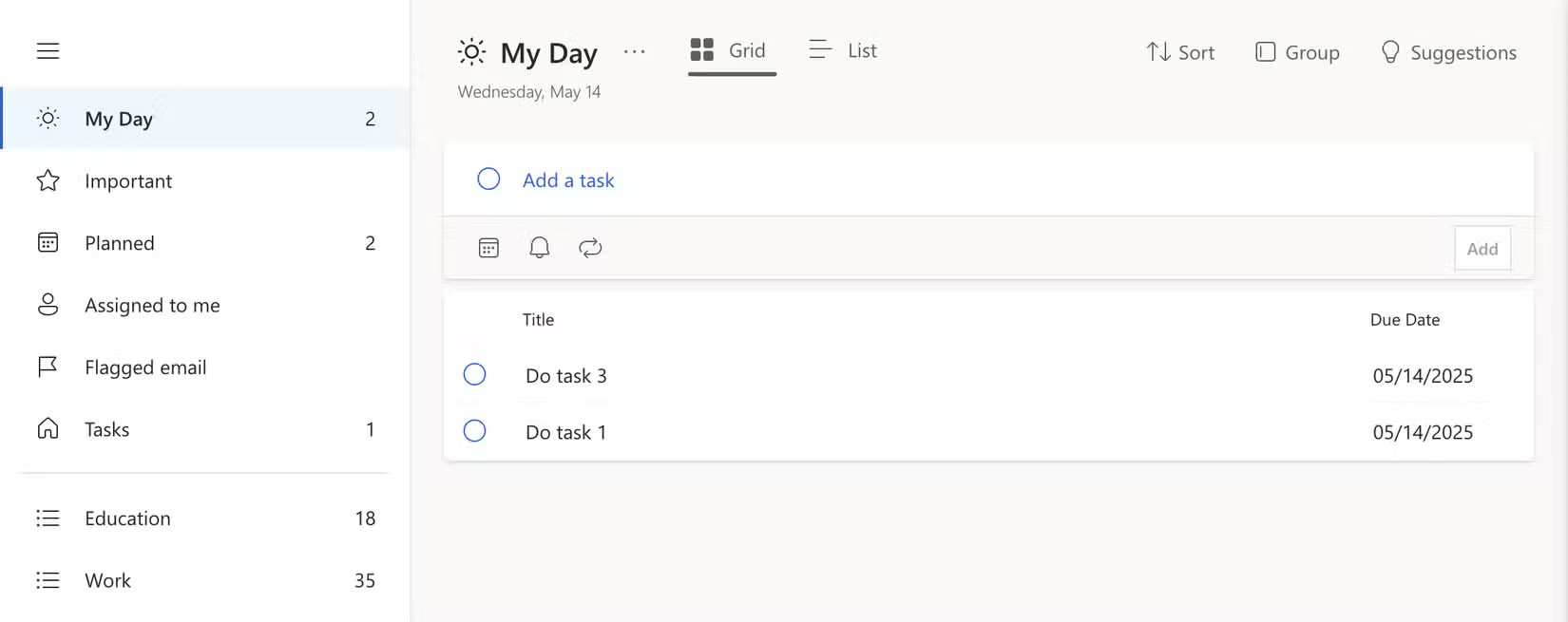
Google Tasks on the web can display several lists together. This helps when reviewing work, home and study tasks in the same session. Microsoft To Do’s My Day is useful when you want to select a few tasks for today without changing the lists they belong to. Test both with the same three lists and see which view helps you pick the next task.
Decide how to handle subtask deadlines
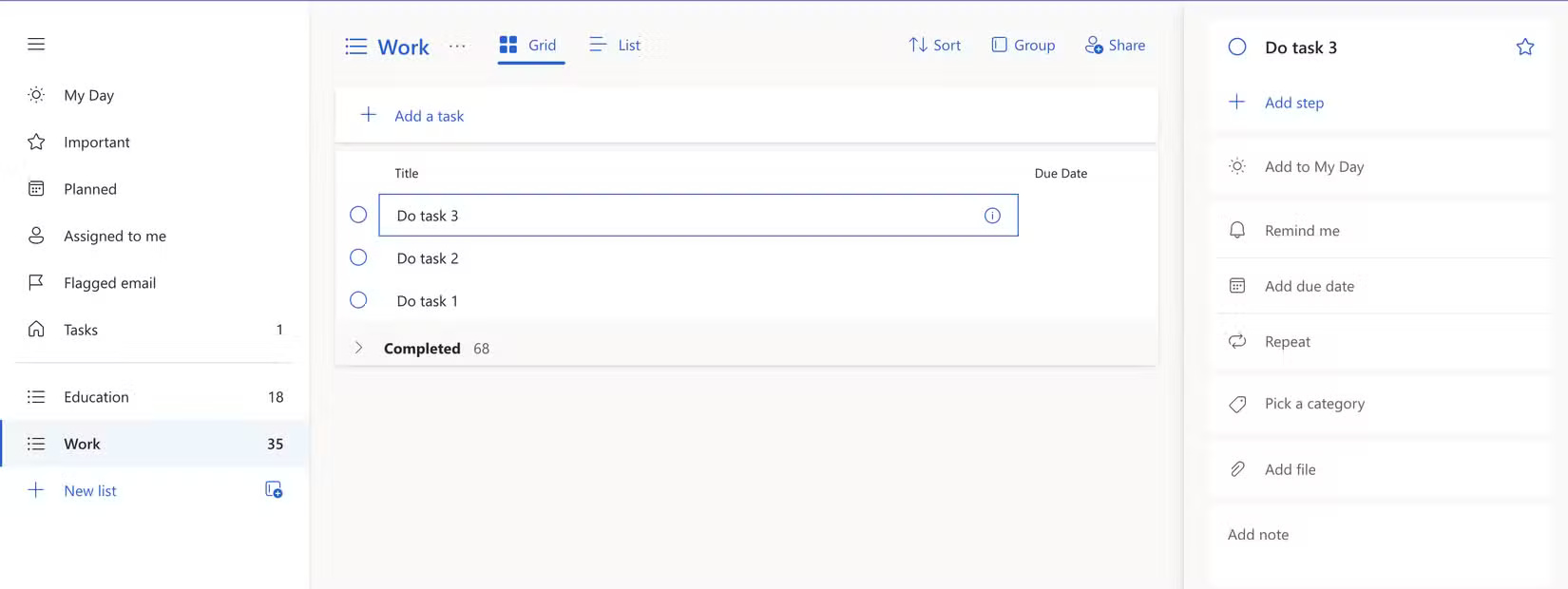
In Google Tasks, use subtasks to break up a project, then check which scheduling controls your view gives each item. Microsoft To Do’s built-in steps work as a checklist under one task. If each piece needs a separate reminder or due date, make it a full task in a project list. For example, give research and review separate dates for a report, and keep final proofreading as a step if it can share the report’s deadline.
Test the integration that matters to you
Turn one real email into a task, set a date on your phone and check where it appears on your desktop. The Google Tasks guide lists its supported entry points. Seeing how the tools work with your account is more useful than comparing the number of menu options.



Reader Comments 0
Sign in with email or Google to join the discussion.