Table of Contents
Kdenlive serves as an open source video editor. The project was started around 2003.
What is Kdenlive?
Kdenlive is an open source video editor. The project was started around 2003. Kdenlive is built on Qt and the KDE Frameworks libraries. Most of the video processing is done by the MLT Framework, which is based on many other open source projects like FFmpeg, frei0r, movit, ladspa, sox, etc.
This software is designed to cover most needs, from basic to professional video editing.
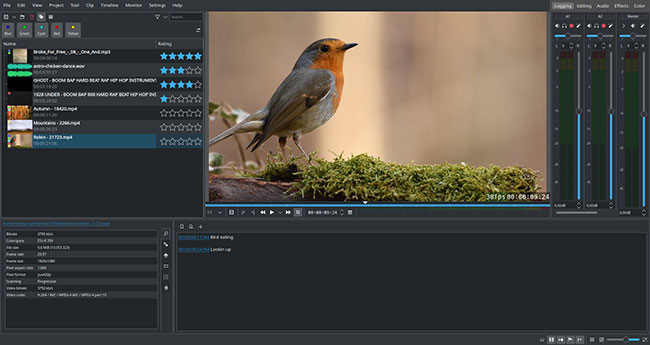
Features of Kdenlive
Multi-track video editing
Kdenlive lets you use and arrange multiple audio and video tracks, each track can be locked or muted for your convenience.
Use any audio/video format
Based on the powerful FFmpeg libraries, Kdenlive can use most audio and video formats directly without the need to convert or re-encode clips.
Configurable interface and shortcuts
You can arrange and save custom interface layouts to suit your workflow.
Shortcuts can also be configured to suit your preferences.
Create custom titles
Create 2D titles for your projects, including capabilities like:
- Alignment and distribution
- Adjust letter spacing and line spacing
- System font picker includes font family support
- Design features: Color, shadows, borders, and gradients
- Embedded scrolling and crawler for text animation
- Unicode decoder
- Rotate and zoom
- Add image
- Template support
Multiple transition effects
Dozens of effects are available, from color correction to audio adjustment, as well as all the standard conversion options.
Audio and video range
Monitor audio levels or check color gamut to ensure your footage is properly balanced with tools like:
- Audio Meter
- Histogram
- Waveform
- Vectorscope
- RGB Parade
Edit proxy
Kdenlive can automatically create low-resolution copies of the source clip to allow you to perform edits on any computer, then render at full resolution.
Automatic backup
Your project files are backed up automatically every few minutes and older versions of your project files are also kept in case You should revert to a previous version.
Timeline preview feature
Sometimes when using high resolution footage or complex effects, it is not possible to play back in real time. Timeline preview lets you pre-render parts of the timeline for completely smooth playback.
Keyframeable effects
Most effects can be keyframed, allowing you to change parameters over time, using linear or smooth curves to achieve the desired result.
Create a theme according to your preferences
Flexible theme generator capable of creating multiple light and dark themes.
Why consider an open source video editor?
You no longer need to pay a monthly fee to get professional editing tools. As mentioned before, Premiere Pro has a pretty high monthly price. This is reasonable for professionals, but for enthusiasts, independent creators, or people new to video editing, that money is better spent on essentials like camera equipment.
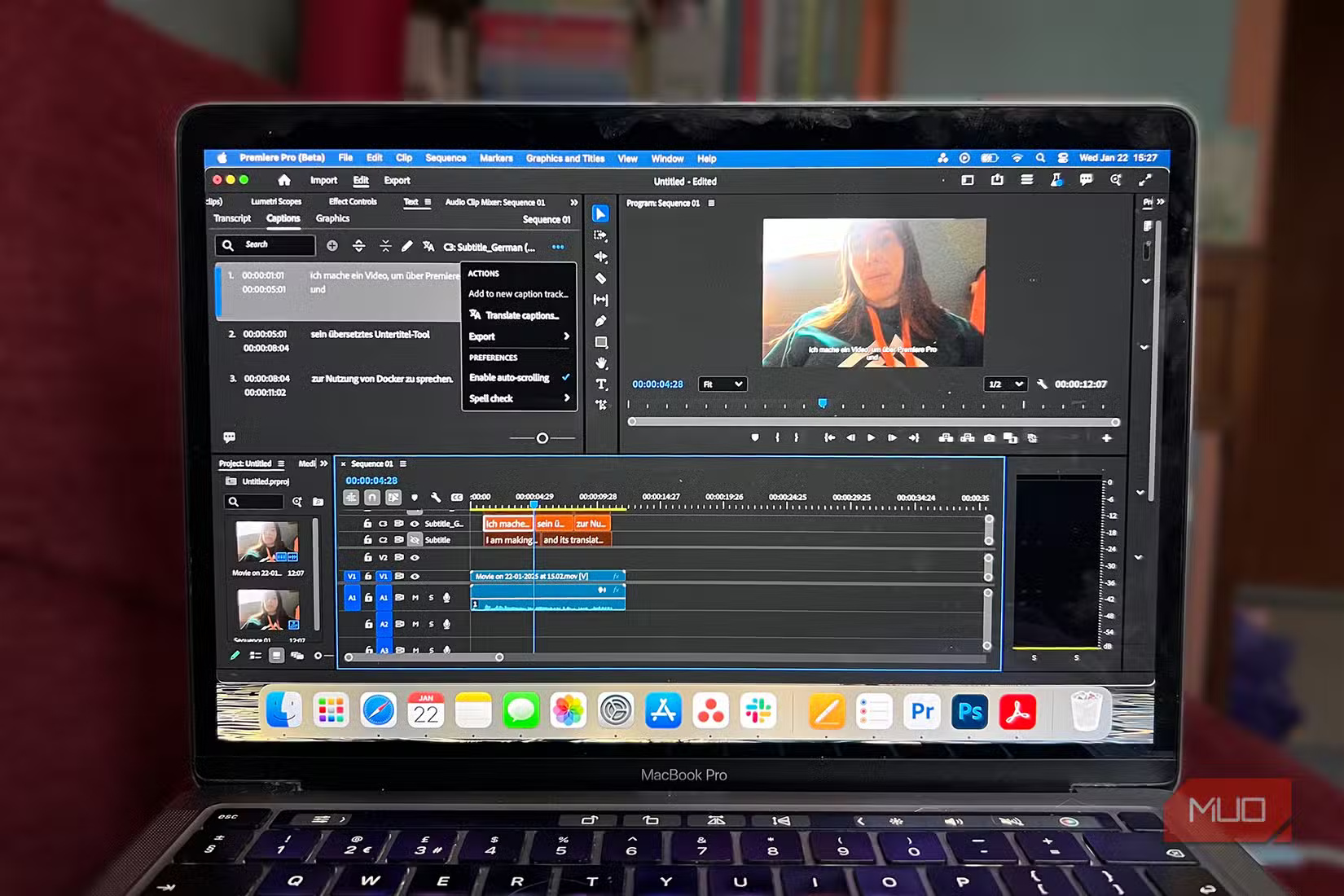
With free video editors everywhere, you might even wonder whether Adobe's video software is worth paying for. Aside from the obvious cost benefit, there are a number of other advantages to using an open-source video editor.
Not tied to a single subscription, ecosystem, or company's whim, you're free to switch between video editors as your skills improve. Open-source editors are also often driven by the communities around them, meaning their features reflect what editors actually want, not what corporate priorities dictate.
Most open source tools also have excellent cross-platform support. Adobe tools are only available on Windows and macOS, so if you're on Linux, you've already looked for alternatives. With open source editors, editing on Linux is no longer a pipe dream.
Last but not least, you get better privacy and transparency. This is especially important for those who are working on sensitive projects and want absolute privacy for their projects. With an open source editor, your projects and data never leave your computer.
Kdenlive proves open source can be powerful
Clean interface, smooth performance, and all the features most creators need
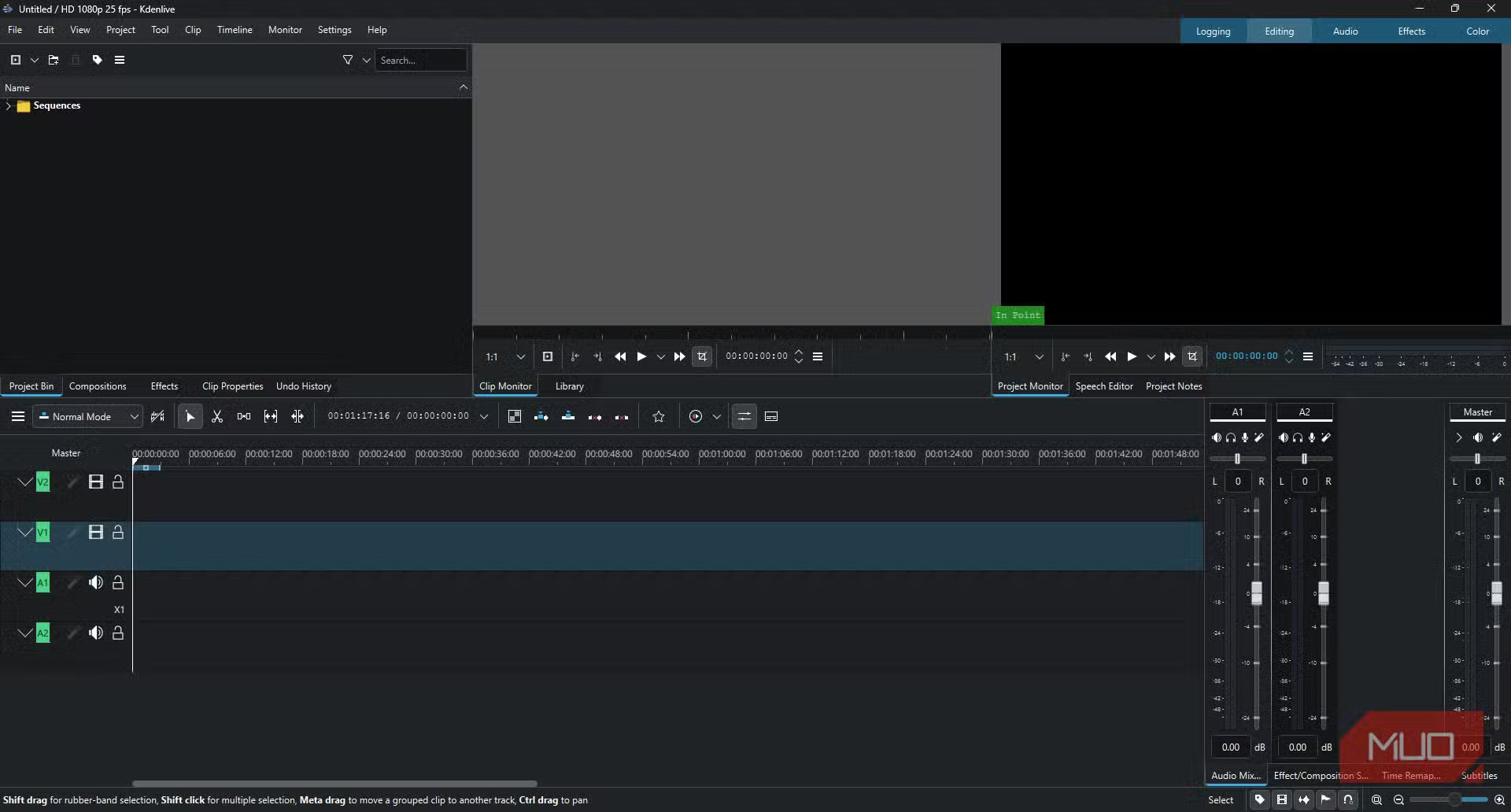
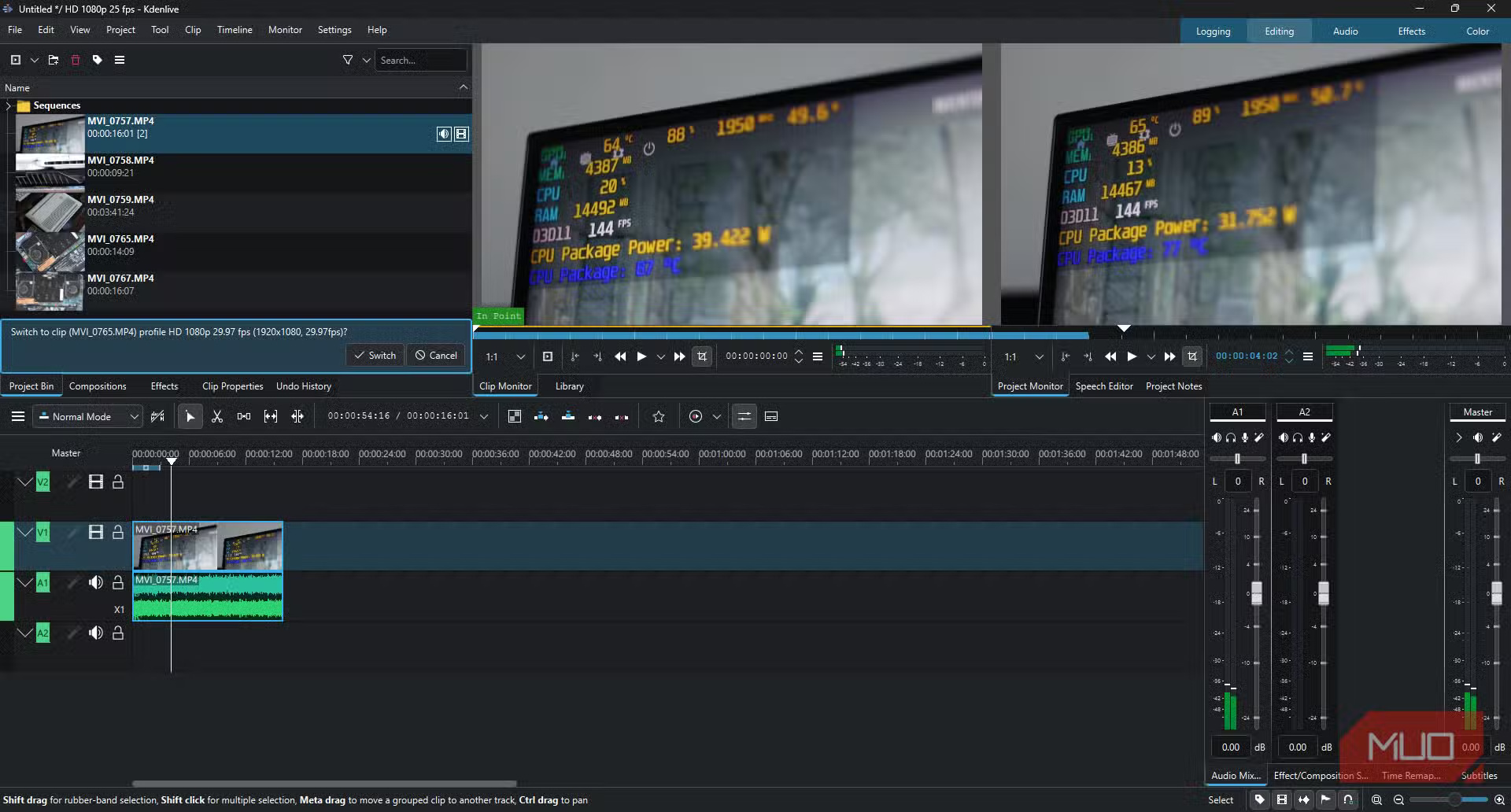
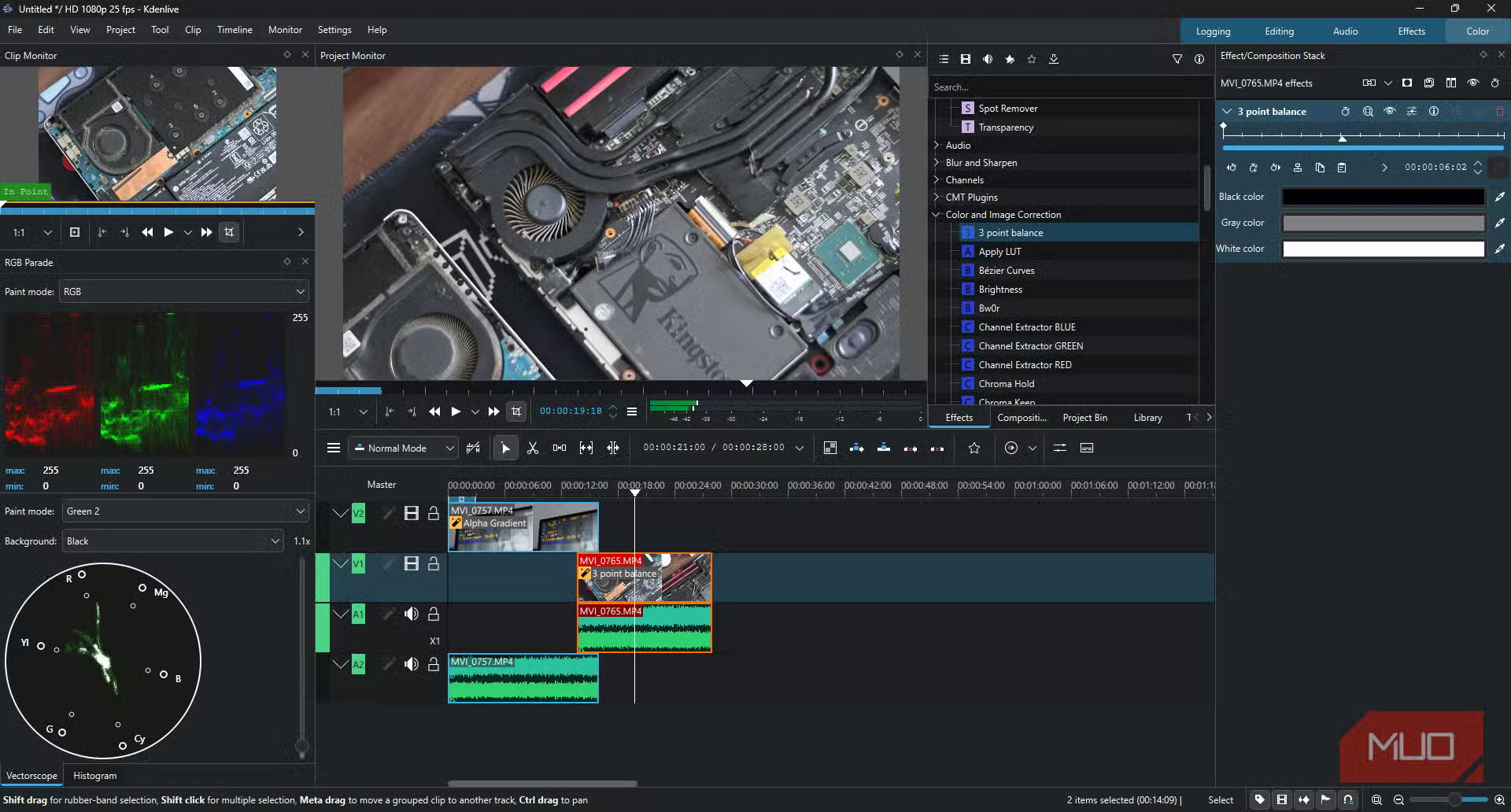
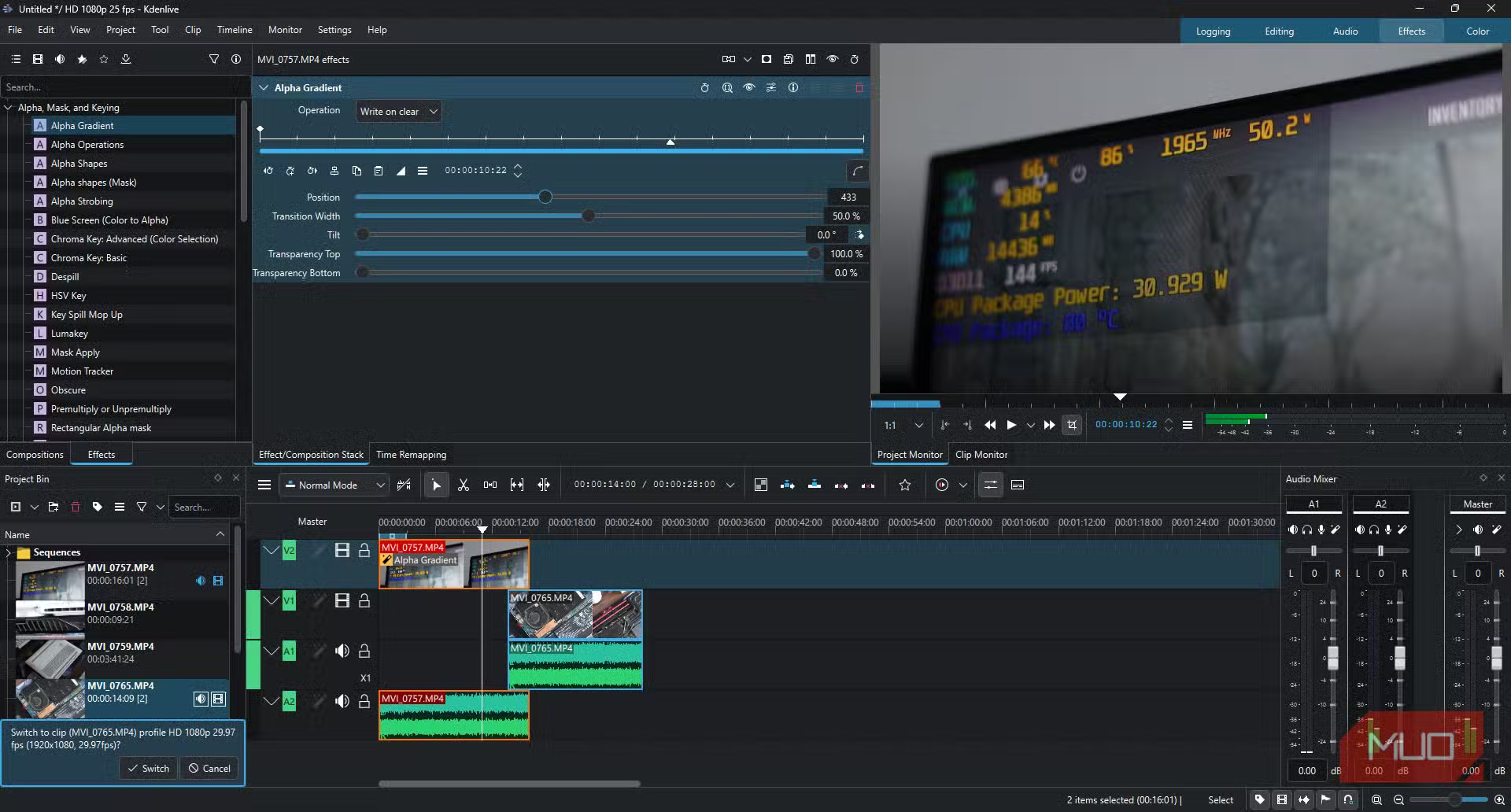
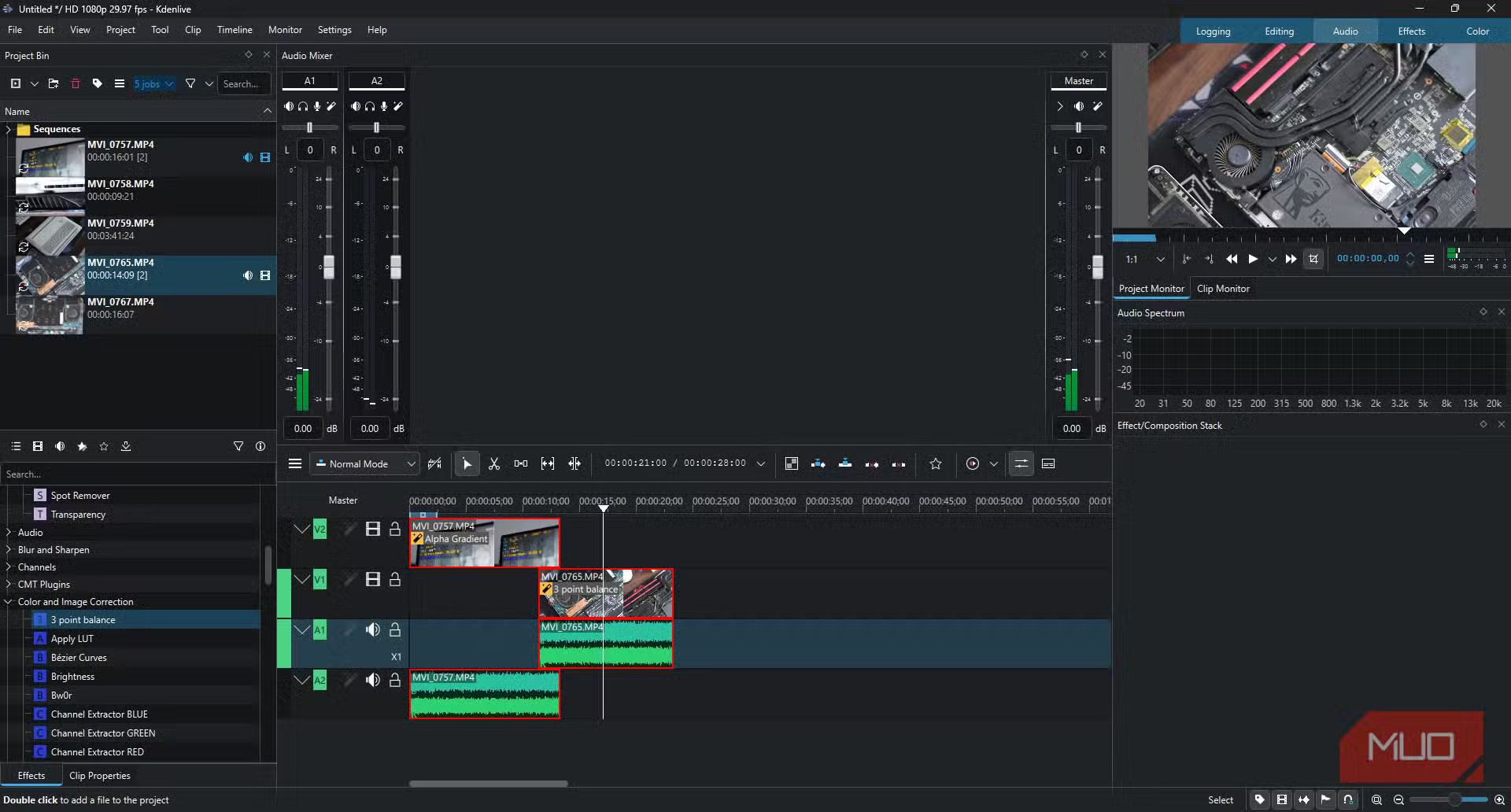
Kdenlive, or KDE Non-Linear Video Editor, is a free and open-source video editing program with incredibly powerful features. It works on Windows, macOS, Linux, and BSD, meaning you can run it on almost any PC you have, and it doesn't require too much hardware.
It's not a full Premiere Pro replacement like Da Vinci Resolve, but it has enough editing features for beginners or even intermediate level editors. You get multi-track video editing, support for almost every audio and video format, a title editor, multi-camera editing, proxy editing, audio and color level adjustment tools, built-in effects and filters for both audio and video, built-in third-party vector animation, and more.
Performance is also excellent. On a laptop with an Ultra 7 155H, 16GB RAM, and RTX 4060, playback and searching were smooth for both 1080p and 4K footage. The older MSI with a Core i5, 16GB RAM, and GTX 1650Ti struggled with 4K footage, as expected, but 1080p editing performance was actually better than Premiere Pro. Video export and encoding times may vary, but you can expect better overall performance from Kdenlive than Premiere Pro.
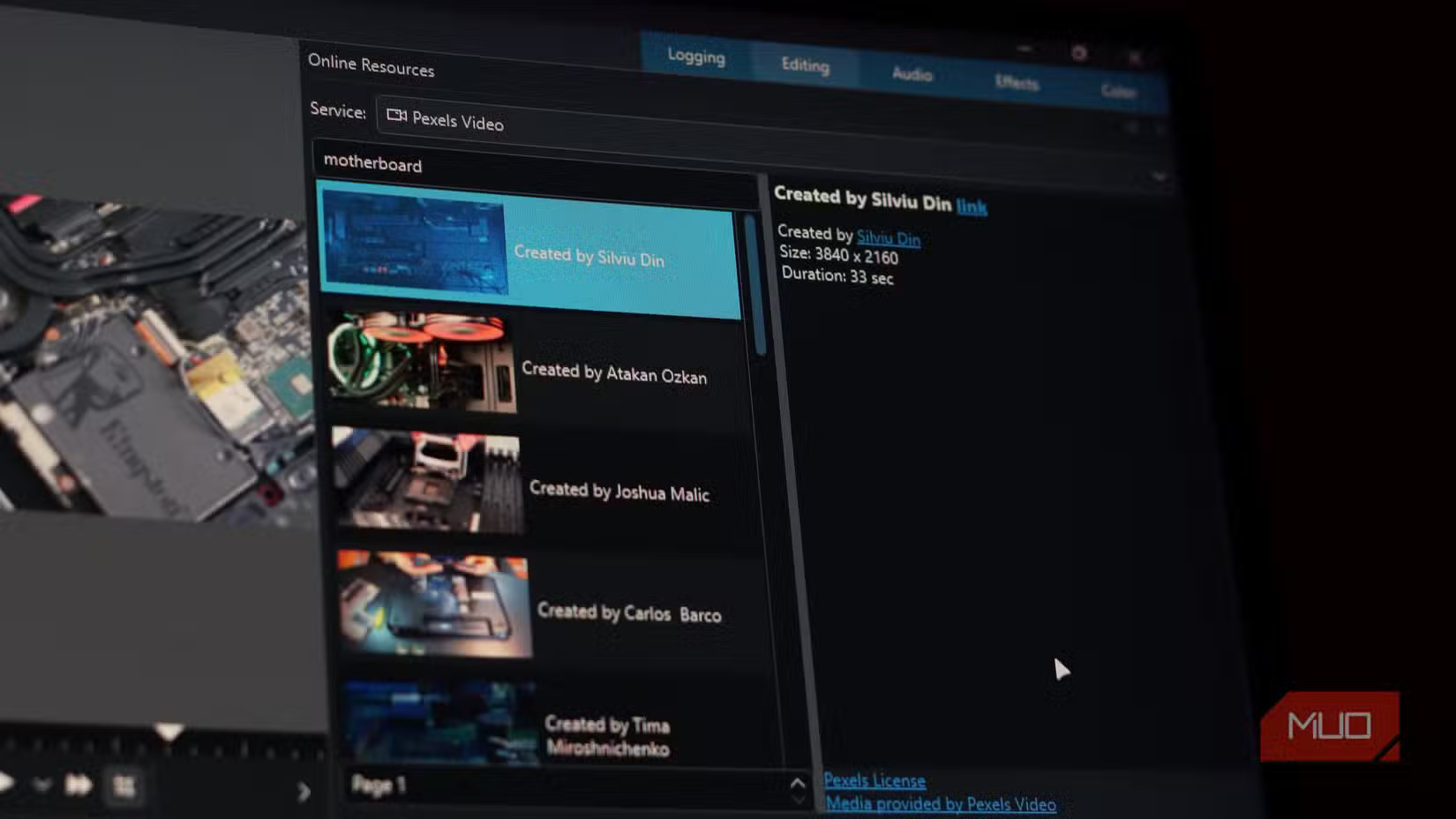
The editor also has online access to the KDE repository to load user-created content, including keyboard layouts, effects, title templates, and projects. You can also search and download clips from online sources like Pexels, Pixabay, Freesound, and the Internet Movie Archive right from within the editor.
If you've never used a video editor before, the default interface is pretty easy to get used to. It's laid out with the logic you'd expect from a professional editor. However, everything from keyboard shortcuts, individual panels, and themes are customizable in Kdenlive. For those coming from other video editors, you can get up and running with Kdenlive with just a few simple tweaks.
FAQ
What should you know about kdenlive?
In practical terms, kdenlive is an open source video editor. The project was started around 2003.
Why does kdenlive matter?
The article highlights that kdenlive is built on Qt and the KDE Frameworks libraries.
What is the main takeaway?
The main takeaway is that features of Kdenlive Multi-track video editing Kdenlive allows you to use and arrange multiple audio and video tracks, each track can be locked or muted for your convenience.
Related Articles
 How to Play Pokémon GO on a Computer6 minutes read
 How to Play Pokémon GO on a Smartphone6 minutes read
 26 Types of Poké Balls Explained: Part 25 minutes read
 How to Earn and Use Stardust in Pokémon GO5 minutes read
 Pokémon GO Eggs: Incubation and Hatching Guide4 minutes read
 26 Types of Poké Balls Explained: Part 18 minutes read
Reader Comments 0
Sign in with email or Google to join the discussion.