Table of Contents
This guide provides a practical overview of Instructions to Create Wedding Video Album Album with Wedding Album Maker, including its main features, benefits, limitations, and important considerations.
Wedding Album Maker Gold is a software that lets users create CD / DVD and wedding photo albums easily and quickly from existing photos. To create a quality Wedding Photo Album with Wedding Album Maker Gold , you can follow these simple steps:
Step 1: Download the latest Wedding Album Maker Gold here, then proceed with the normal installation.
Step 2: Run the program on the main software window as shown below:
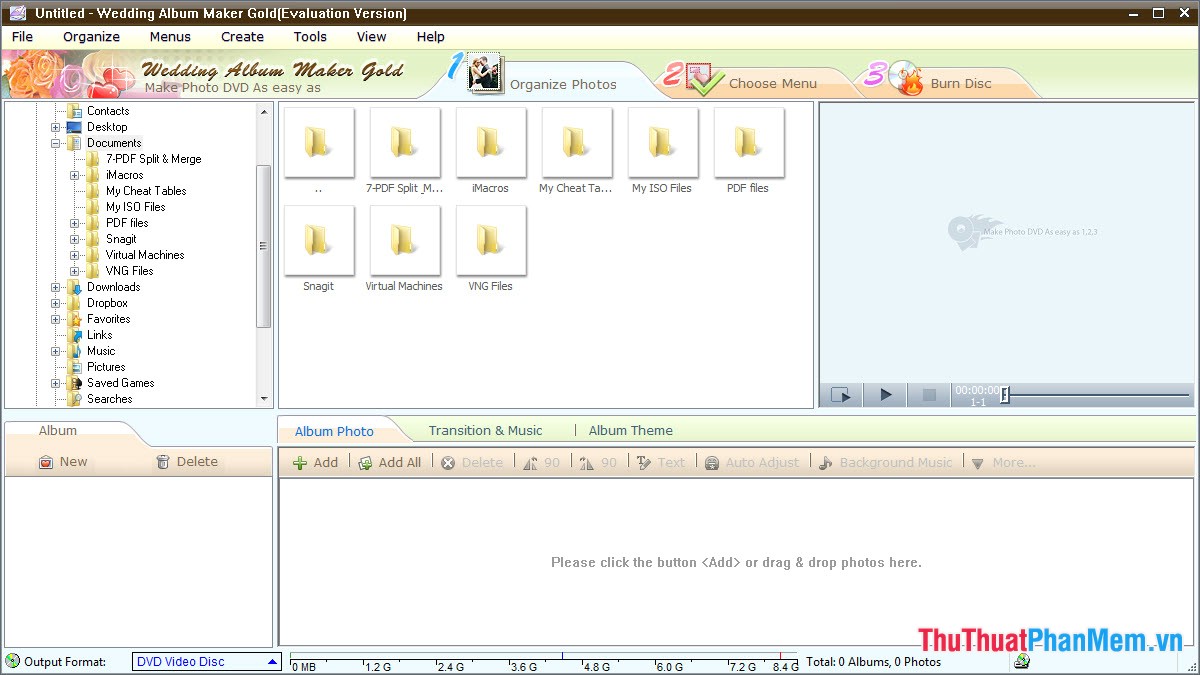
In the Organize Photos section, click Add at the Album Photo tab to add the selected photo as an Album.
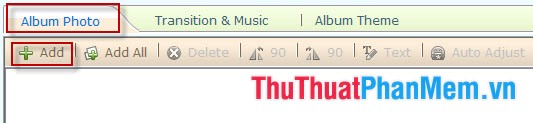
Step 3: You can edit and edit optional items of Photo Album item with the tools as shown below.
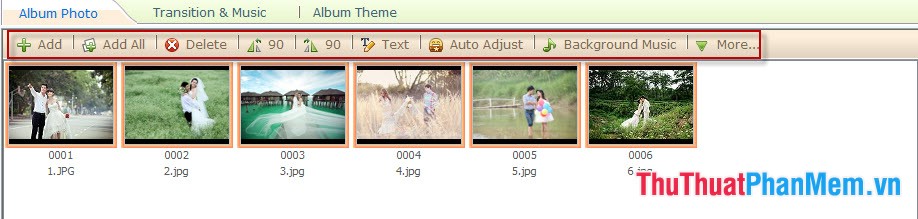
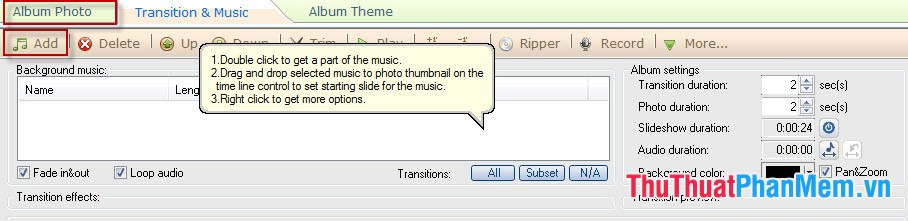
Step 4: Insert music and effects when transferring photos by selecting Transition & Music tab, click Add and select the music you want to run on Album.
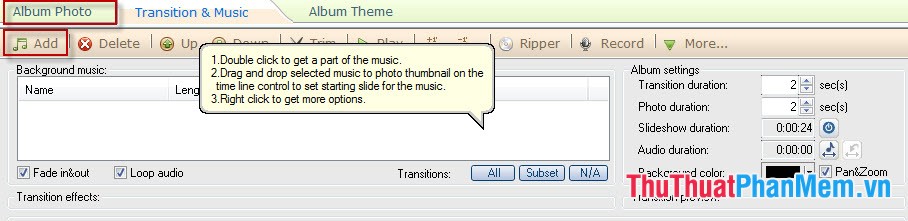
Next click on More and select the appropriate effect mode.

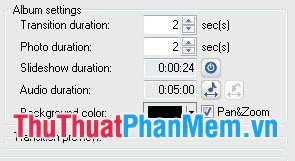
Step 5: In the Album Setting section, adjust some of the following options:
- Transition duration: The period of time to switch effects between 2 images.
- Photo duration: The period of time for photo performance effects.
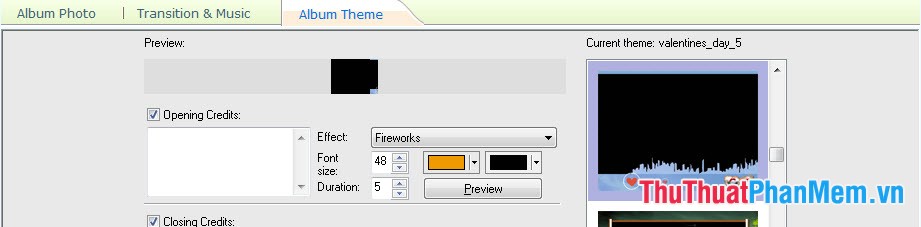
Step 6: In the Album Theme tab, select the appropriate photo frame for the images you want (this item you can fine-tune your way).
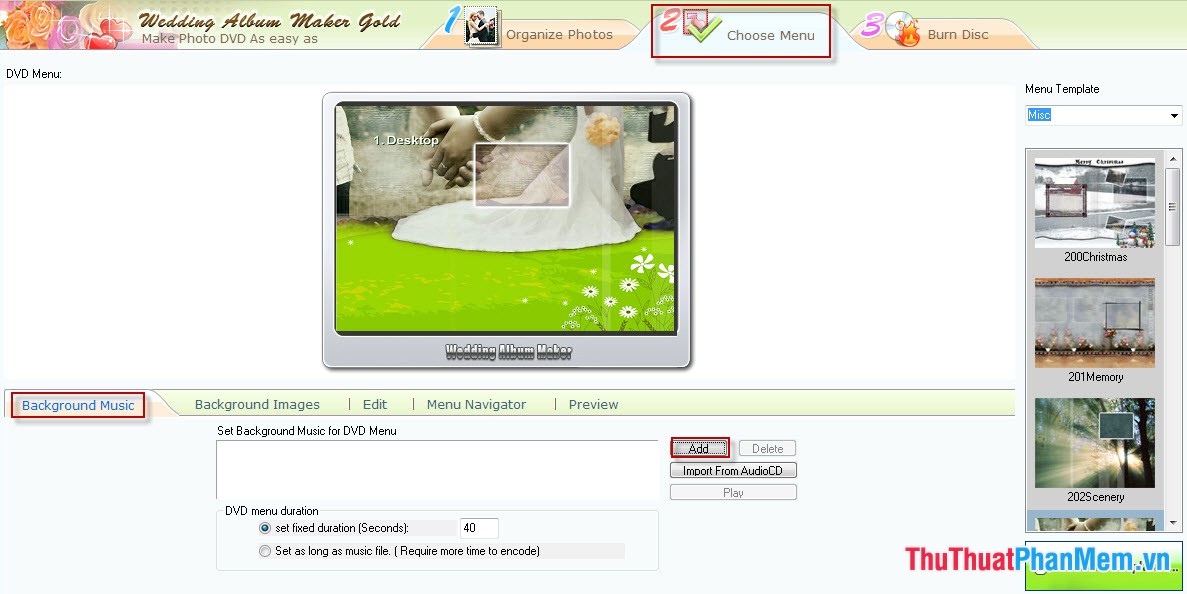
Step 7: Go back to the main window of the program, click Choose Menu and then click on Background Music to add background music. Click Add to add the music file you want to choose.
Step 8: On the Background Image tab, you can choose to add the background image to the Album Menu by selecting Add and then selecting the image file.
Step 9: Select the Burn Disk tab to export the Album you have just created to CD / DVD.
- Select the target file format in Output OutFormat, after selecting, click Create Now to automatically create videos for Photo Album.

- After completing the creation of the Video you open it to experience and test.
Thus, the process of creating a Wedding Video Album is simple with Wedding Album Maker Gold software. You can create your own romantic video for not only wedding photos but also anniversary photos.
FAQ
What should I know about Instructions to Create Wedding Video Album Album with Wedding Album Maker?
Focus on the key features, requirements, limitations, and practical use cases explained in this guide.
How do I get the best results with Instructions to Create Wedding Video Album Album with Wedding Album Maker?
Follow the recommended steps, use current software or information, confirm compatibility, and review settings before major changes.
Are there any risks or limitations?
Potential limitations depend on compatibility, data quality, cost, privacy, support, and how the product or method is used.
Related Articles
 How to Have a Savings Wedding: Wedding Ring9 minutes read
 Names of Wedding Anniversaries? How Many Years Is a Gold, Silver6 minutes read
 Instructions on How to Use Proshow Gold for New Users10 minutes read
 Things to Do to Prepare for a Perfect Wedding7 minutes read
 How to Create Favorite Album on Windows 113 minutes read
 How to Make Video from Photos with Proshow Gold Is Extremely Simple6 minutes read
Reader Comments 0
Sign in with email or Google to join the discussion.