Table of Contents
Twee's Create Open Questions for a Text tool generates comprehension and discussion questions from a reading passage. A teacher can select the learner level, generate a draft set, edit weak questions, and place the result in a lesson or assignment. The tool saves planning time, but the questions still need a teacher's review for accuracy, clarity, difficulty, and fit with the lesson objective.
This guide is about Twee, the teaching platform—not Twitter or X.
1. Open the text-question tool
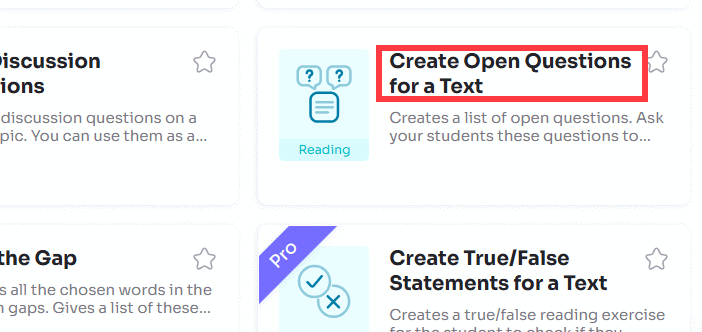
Go to app.twee.com and sign in. From the tool library, select Create Open Questions for a Text in the Reading section. Twee's current tool directory describes it as a way to create open questions that check understanding of a text.
2. Add the source text
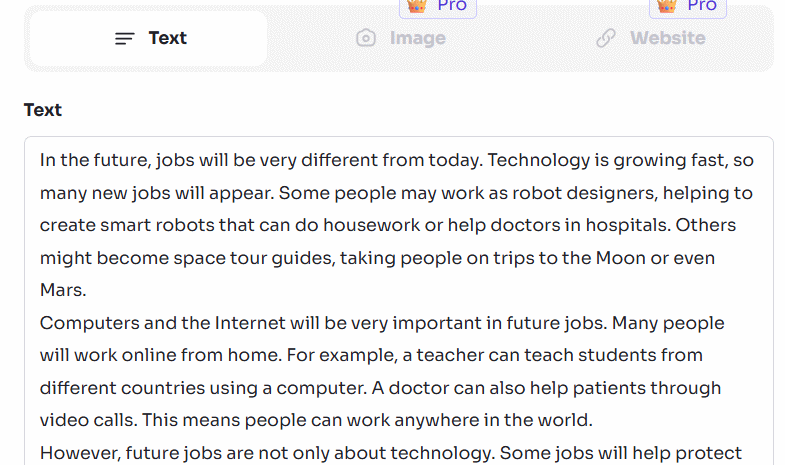
Paste the passage into the text field. If the interface offers additional source options, you may also be able to provide a webpage or an image containing text. The input limit can differ by tool and plan, so follow the counter shown in your account rather than relying on an older fixed character limit.
For better results, prepare the passage first:
- Remove navigation, advertisements, captions, and unrelated text copied from a webpage.
- Keep the title and paragraphs that students will actually read.
- Use a passage long enough to support several questions but focused on one topic.
- Do not upload personal student information or restricted material without appropriate permission.
3. Select the learner level
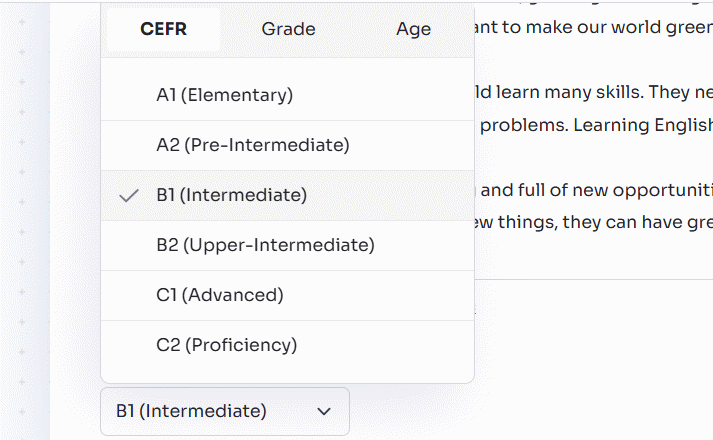
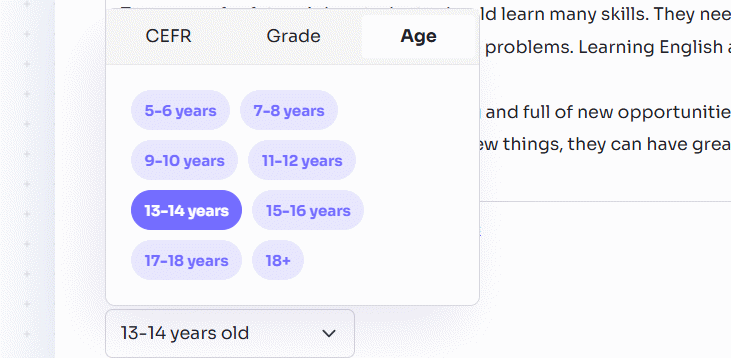
Choose a CEFR level, grade, or age group—whichever options the tool displays. Level controls should influence vocabulary and sentence complexity, but they do not guarantee that a question matches your curriculum or students' background knowledge.
Use the reading passage itself as the baseline. If the source is substantially above the learners' reading level, lowering only the question level will not make the passage accessible. Edit or simplify the text first.
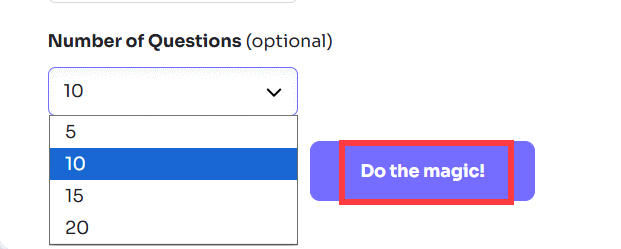
4. Choose the number of questions and generate
Select how many questions you need, then click Do the magic. Start with a small set. Five distinct questions are usually more useful than a long list that repeats the same idea in different words.
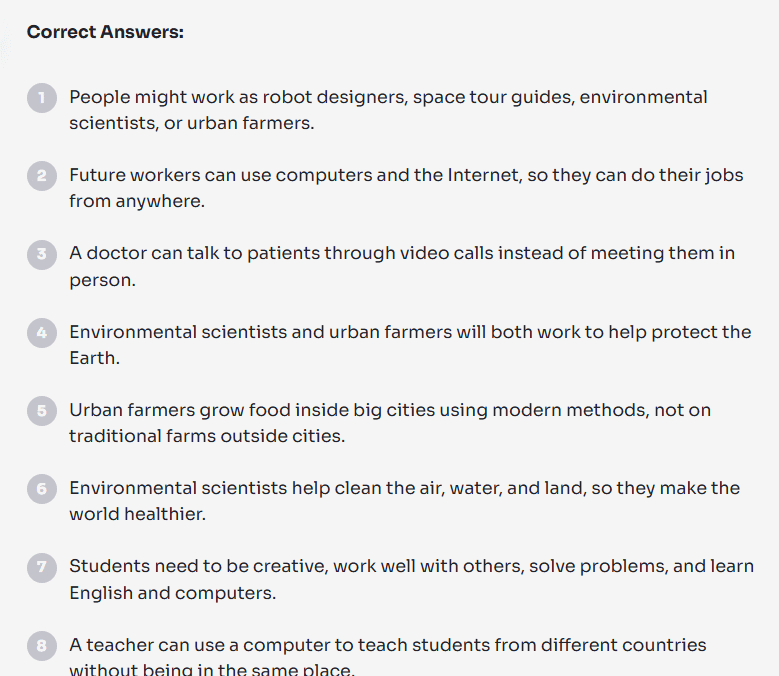
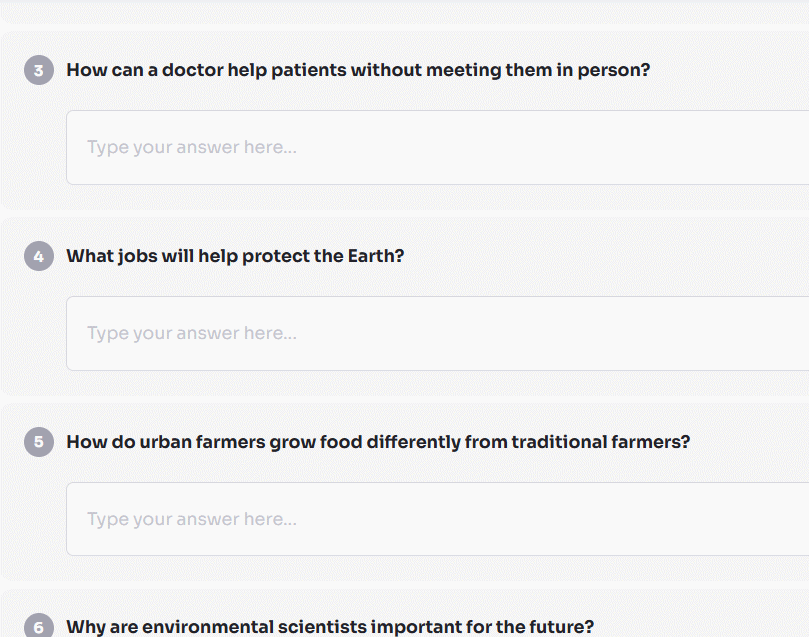
5. Review and edit every question
Do not send the first generated list directly to students. Check each item against the passage and the purpose of the activity:
- Answerable: the text provides enough evidence, or the question clearly asks for an opinion or inference.
- Open-ended: the question requires an explanation, comparison, justification, or evidence—not only yes/no or one copied word.
- Specific: vague wording such as “What do you think?” identifies the topic and expected reasoning.
- Distinct: two questions do not ask for the same information.
- Level-appropriate: wording is understandable without giving away the answer.
- Unbiased: the question does not assume a disputed claim or push students toward one opinion.
Improve weak generated questions
| Weak draft | Stronger version |
|---|---|
| Did the character make a good choice? | Was the character's choice reasonable? Use two details from the passage to support your answer. |
| What happened in the text? | Which event changed the situation most, and why? |
| Do you agree with the author? | Which claim by the author is best supported, and what evidence makes it convincing? |
| Why is this important? | How could the main idea affect the community described in the passage? |
Add a brief answer guide or rubric before assigning the task. For an evidence question, you might award separate points for a clear claim, relevant textual evidence, and an explanation connecting the two.
6. Save the activity and share it
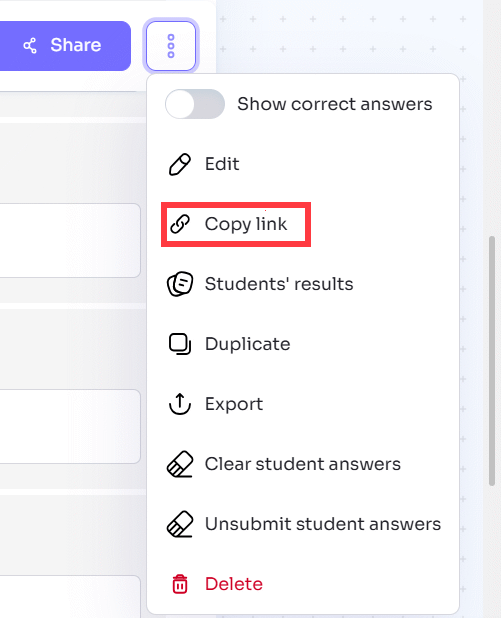
Use Create or the current save option to add the questions to a lesson. Switch to an interactive or assignment view if you want students to type responses. Review what students will see, including whether the source text, model answers, or teacher notes are visible.
Open the lesson's sharing menu and choose an available method. Depending on the current interface and account, Twee can support a direct lesson link or QR code, Google Classroom or Microsoft Teams sharing, or assignment through a class. The official Twee lesson-material help collection lists the current sharing and export options.
Use the questions in a lesson, not as the lesson
A generated question set works best when it supports a deliberate sequence:
- Before reading: ask one short prediction or background question.
- During reading: use factual questions to check essential understanding.
- After reading: move to inference, comparison, evidence, and discussion.
- Assessment: tell students what a complete answer must include.
For another AI-assisted workflow, see how to turn Gemini material into questions with Brisk. Our overview of electronic lesson-planning tools covers alternatives for packaging questions into a larger class activity.
If the generated questions are poor
- Shorten the passage to its essential section and generate again.
- Correct OCR errors if the text came from an image.
- Choose a more suitable CEFR, grade, or age setting.
- Request fewer questions to reduce repetition.
- Replace broad prompts with your own evidence-based question.
- Use multiple-choice or true/false tools only when those formats better match the learning goal.
Twee should provide a useful first draft, not replace subject knowledge or assessment design. The final questions, expected answers, accessibility, and grading decisions remain the teacher's responsibility.
Related Articles
 How to Create Dialogue for a Topic on Twitter3 minutes read
 How to Create Discussion Questions for English Lessons on Twitter4 minutes read
 Instructions for Using Twitter for New Users14 minutes read
 Instructions on Creating Multiple-choice Questions on Gemini3 minutes read
 Instructions for Creating Bookmarks in Twitter3 minutes read
 Guide to Quickly Creating AI Quiz Questions5 minutes read
Reader Comments 0
Sign in with email or Google to join the discussion.