Table of Contents
Twee's Find Discussion Questions tool generates speaking prompts from a topic and adapts their language to a selected CEFR level, grade, or age. Teachers can also supply target vocabulary, edit the generated list, and share the questions as part of a lesson. The best results come from treating the output as a draft and arranging the questions into a purposeful discussion sequence.
This guide covers the teaching platform Twee, not Twitter or X.
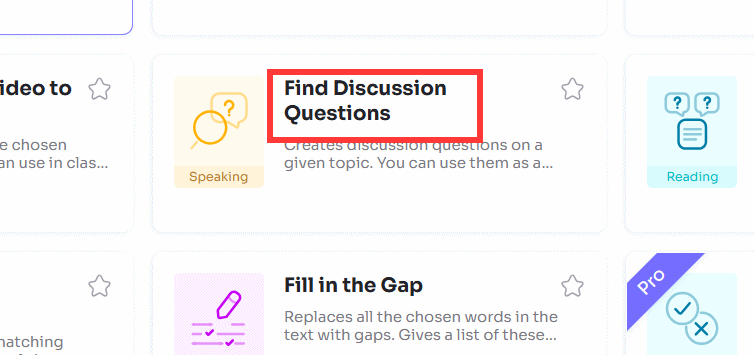
1. Open Find Discussion Questions
Sign in at app.twee.com. In the tool library, open Find Discussion Questions in the Speaking section. If the home screen changes, search the tool name or browse the current Twee tools directory.
2. Enter a focused discussion topic
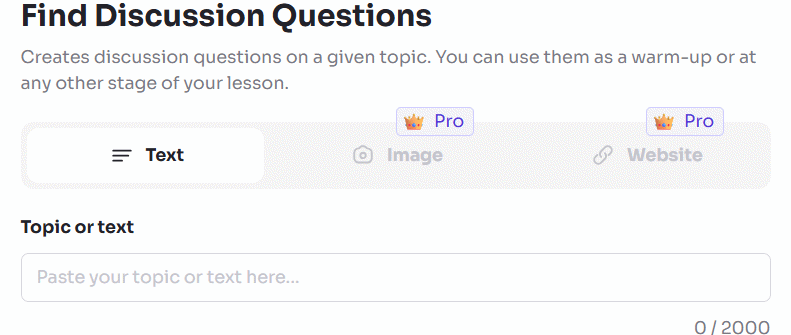
Describe what students should discuss, not merely the broad subject. For example, “social media” may produce generic questions, while “whether schools should limit smartphone use during lessons” gives the tool a decision, audience, and context.
A strong topic usually includes:
- one issue or situation;
- the learner context or point of view;
- a question that permits more than one defensible answer;
- any boundaries needed for age, culture, or lesson scope.
3. Choose the learner level
Select the CEFR level, grade, or age option shown in your account. Use the system that matches your planning. A CEFR level is helpful when the goal is language complexity; grade or age may be more useful when background knowledge and maturity determine whether a topic is suitable.
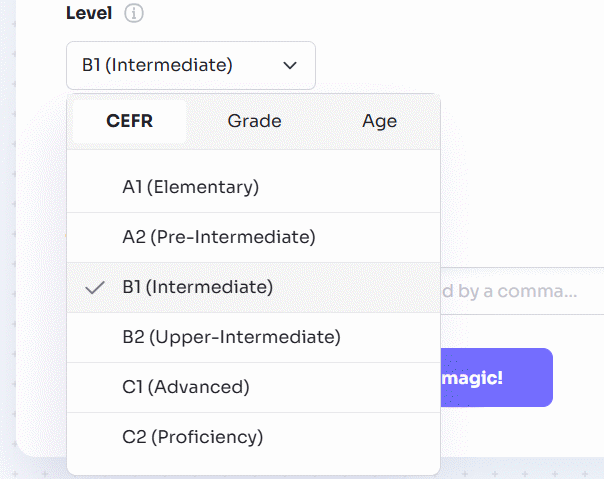
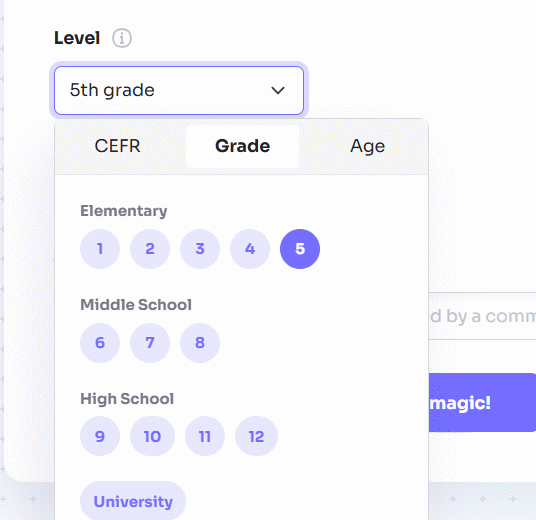
The level setting adjusts wording, but it cannot know every learner's experience. Replace unfamiliar cultural references and define essential terms before the discussion.
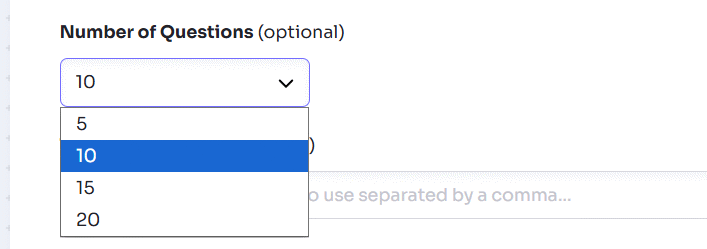
4. Set the number of questions
Choose a manageable number. For a 15-minute pair activity, three to five connected prompts are usually easier to explore than ten unrelated ones. Generate extra questions only if you intend to select the best subset.
5. Add target vocabulary
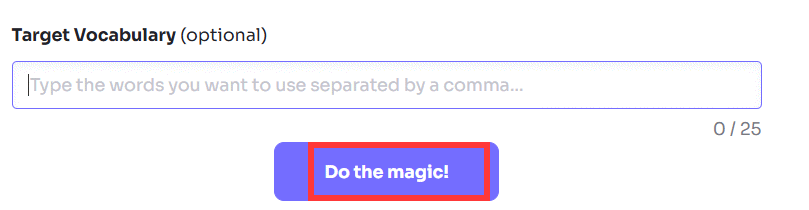
Enter words or phrases students should practice. Prefer a short list of items they already encountered in the lesson, and include phrases that support interaction as well as topic nouns.
| Purpose | Example target language |
|---|---|
| State an opinion | In my view; I would argue that |
| Agree or disagree | I see your point, but; I partly agree because |
| Ask for evidence | What makes you think that?; Can you give an example? |
| Compare | whereas; in contrast; similarly |
| Qualify a claim | in some cases; it depends on; generally |
Do not add unrelated vocabulary simply to force it into the questions. The target language should help students express the ideas the task requires.
6. Generate and review the questions
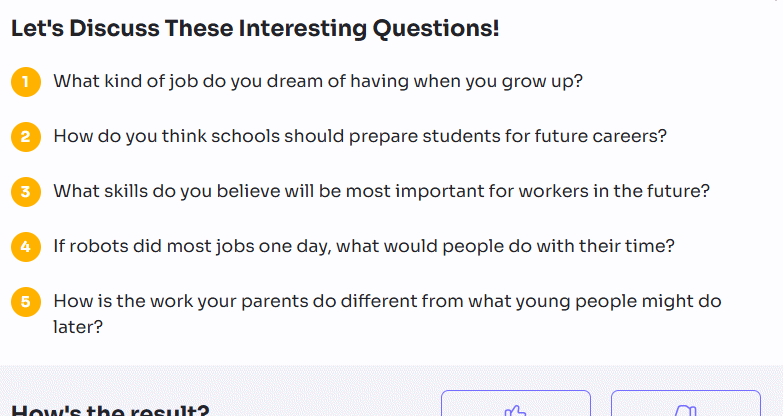
Select Do the magic, then read every generated prompt. Edit or remove any question that is:
- answerable with only yes or no;
- substantially the same as another question;
- too personal, sensitive, or culturally narrow for the group;
- based on an unsupported assumption;
- too difficult for the selected language level;
- so broad that students will not know where to begin.
Build a question ladder
Arrange the final list so students gain confidence before the most demanding prompt:
- Experience: What examples of this issue have you noticed?
- Explanation: Why do people respond differently to it?
- Comparison: Which of two approaches would work better, and for whom?
- Evaluation: What is the strongest argument on each side?
- Decision: What should happen next? Support your choice.
This sequence is more useful than a random list because each answer supplies language and ideas for the next question.
7. Turn the list into a shareable lesson
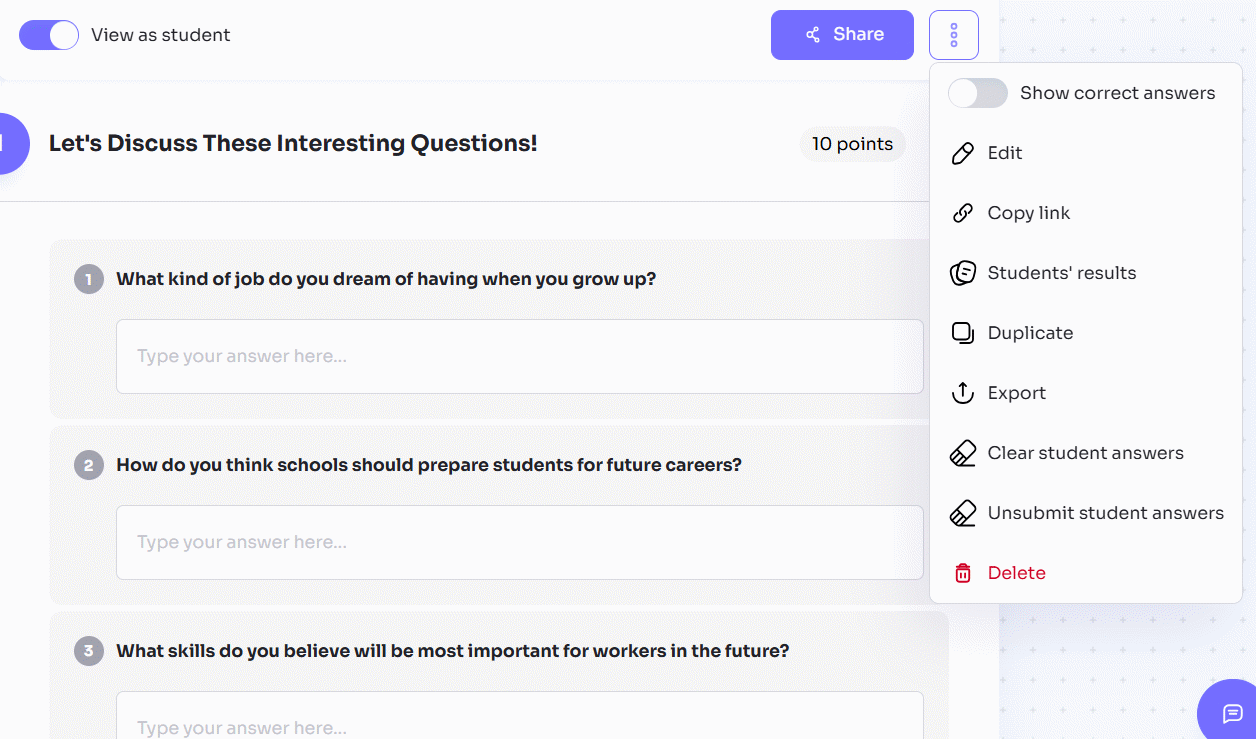
Select Create or the current save option to add the activity to a lesson. Review the student view, instructions, timing, and response format. Use the lesson menu to copy a link or QR code, assign it through a class, or share it through an enabled classroom platform. Twee's lesson-material help pages list the current assignment and export methods.
Run the discussion effectively
- Give preparation time: let students note an opinion, reason, and example before speaking.
- Use pairs before whole-class talk: more learners speak, and hesitant students rehearse their ideas.
- Assign interaction goals: require each student to ask a follow-up or respond to a classmate's reason.
- Display support language: keep target phrases visible during the activity.
- Monitor without dominating: note recurring errors and strong expressions, then address them after the exchange.
- Assess the stated goal: decide whether you are evaluating fluency, reasoning, target vocabulary, turn-taking, or a combination.
Example activity
Topic: Should students use AI tools for homework?
Level: B1
Target language: advantage, drawback, depend on, in my view, for example
- How do students currently use AI outside the classroom?
- What is one advantage and one drawback of using it for homework?
- Which types of homework should students complete without AI? Why?
- How could a teacher tell whether AI supported learning or replaced it?
- What three rules would make AI use fair in your class?
The progression moves from familiar experience to a concrete policy decision and gives students repeated opportunities to use the target vocabulary.
Choose the right Twee question tool
Use Find Discussion Questions when students need to exchange opinions about a topic. Use Create Open Questions for a Text when answers should be based on a specific reading; our Twee open-question guide covers that workflow. For an alternative way to generate questions from AI-created material, see the Brisk question workflow.
Generated prompts can speed up preparation, but the teacher still decides whether a topic is appropriate, whether every student can participate, and what evidence of learning the activity should produce.
Related Articles
 How to Create Dialogue for a Topic on Twitter3 minutes read
 Guide to Creating Discussion Forums Using NotebookLM4 minutes read
 How to Create Open-Ended Questions for a Paragraph on Twitter3 minutes read
 Instructions for Using Twitter for New Users14 minutes read
 How to Designing Learning Activities on Twitter3 minutes read
 Instructions on Creating Multiple-choice Questions on Gemini3 minutes read
Reader Comments 0
Sign in with email or Google to join the discussion.