Table of Contents
This practical guide explains how to refresh video recommendations page on TikTok. Follow the steps in order, review the requirements first, and use the troubleshooting notes when a setting or option does not work as expected.
How to Refresh the Recommendations Page on TikTok
Step 1:
You select your personal TikTok page, then select the 3 dash icon in the right corner and select Settings and privacy .



Step 2:
Display the interface with the application settings, you select Content Options . Then we will see all the settings for the content on TikTok, you select Refresh the For You news board .
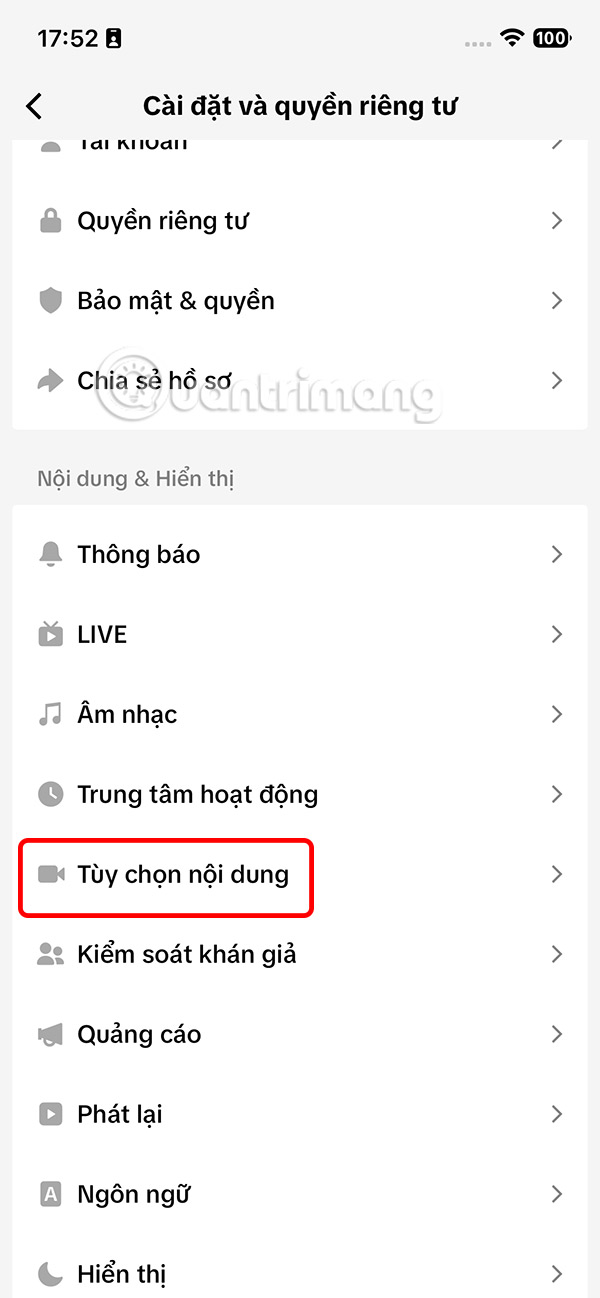

Step 3:
Now you just need to select the Start button to refresh your recommended videos on TikTok. The process of refreshing TikTok video suggestions will be carried out the next day.

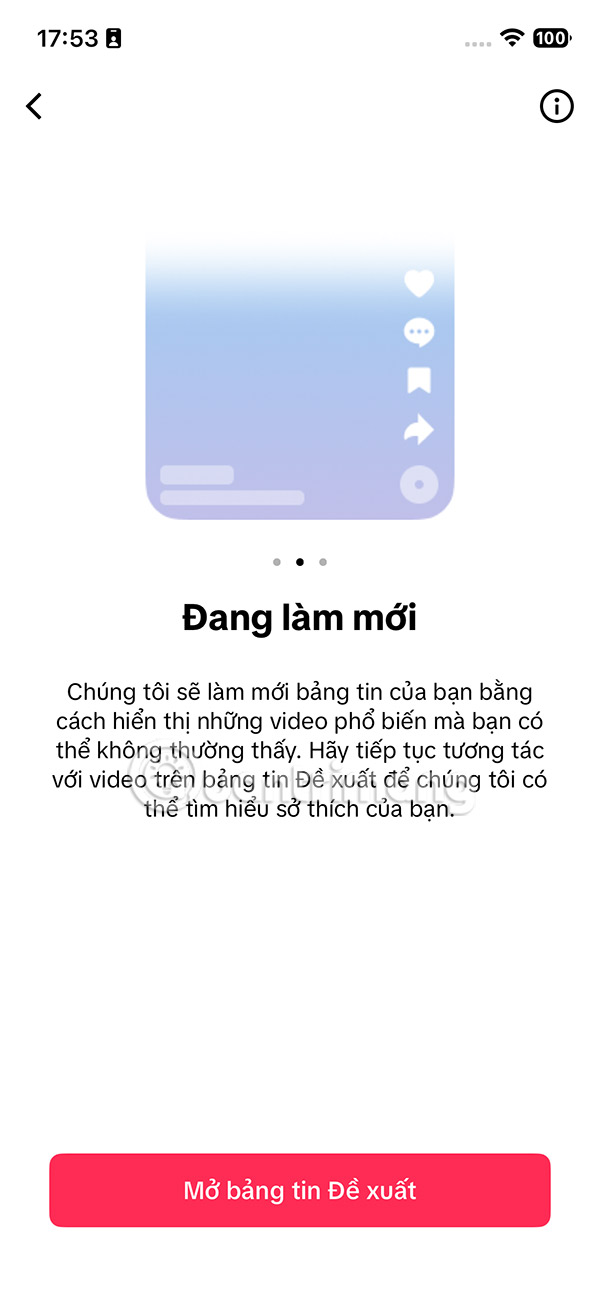
As a result, when you return to the Home interface on TikTok, you will see that the suggested videos have changed according to the video topics that you like, or are more interested in.
FAQ
How to Refresh the Recommendations Page on TikTok?
You select your personal TikTok page, then select the 3 dash icon in the right corner and select Settings and privacy.
What does this guide cover?
This guide explains refresh video recommendations page on TikTok, including the main steps, important details, and practical considerations.
Who is this guide for?
It is designed for readers who want a clear, practical overview and a reliable process they can follow without unnecessary complexity.
Related Articles
 How to Refresh the Message Board on Tiktok3 minutes read
 How to Refresh a Page: Step-by-Step Guide5 minutes read
 How to Block AI Videos in TikTok: Step-by-Step Guide4 minutes read
 How to Check Tiktok Video Shares3 minutes read
 How to Combine Videos Automatically on Tiktok3 minutes read
 TikTok Outro Video: How to Create a Check Mark Outro Video on TikTok3 minutes read
Reader Comments 0
Sign in with email or Google to join the discussion.