Table of Contents
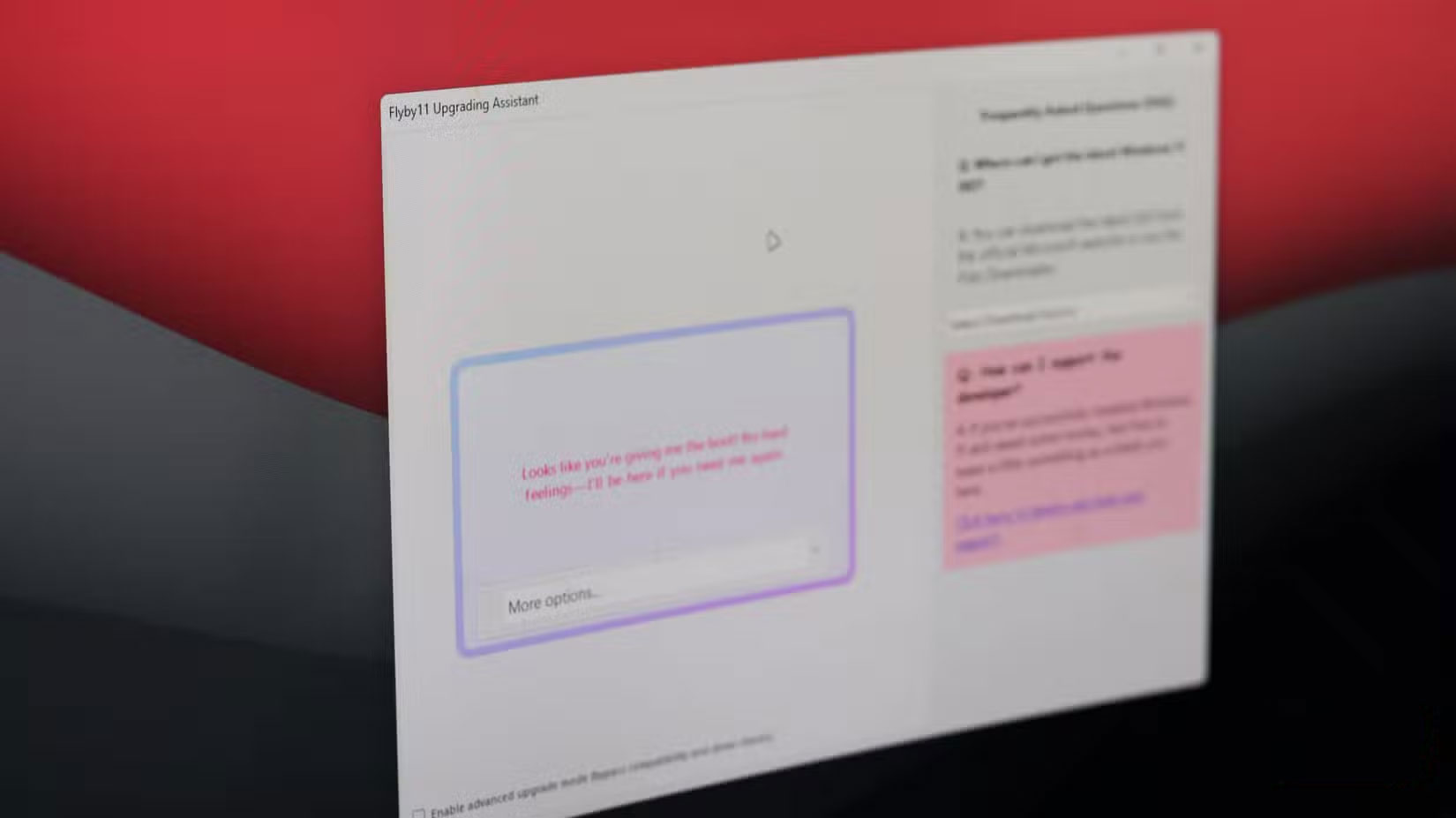
Flyby11 is a third-party utility for attempting a Windows 11 upgrade on some PCs that fail Microsoft’s hardware checks. Changing how Setup checks compatibility doesn’t change the PC’s hardware or make it eligible for support. If this is your main computer, start by finding out which requirement it fails.
What an installer workaround can and cannot change
A setup workaround can bypass some installer checks. It can’t add hardware features, fix an unsupported processor, or guarantee compatible drivers and future updates. Microsoft says devices below the minimum requirements do not receive its support and are not guaranteed updates. See its unsupported-device guidance.
Find the exact reason your PC fails the check
Use Microsoft’s PC Health Check and compare its findings with the PC maker’s documentation. If the system supports the required firmware feature but it is off, the vendor may offer an official fix. If the CPU or another component is below the requirements, evaluate a supported replacement, eligible Windows 10 Extended Security Updates, or a supported alternative operating system.
Protect your files before any operating-system change
Make an independent backup and verify that you can open important files on a second device. Save recovery keys for encrypted drives and check that you can reinstall work-critical applications. Use the Windows backup guide to plan recovery and the startup troubleshooting guide if an upgrade leaves Windows unable to boot.
Related Articles
 Instructions for using Flyby11 to upgrade to Windows 11 24H2
 Install Windows 10 with a super fast USB in just a few simple steps
 Install Windows XP from a USB Flash drive
 Instructions for installing Windows 8.1 on Mac
 Build your own computer, build your desktop (P4): Install Windows and drivers
 How to Install Windows 10
Reader Comments 0
Sign in with email or Google to join the discussion.