Table of Contents
KeePass makes sense if you want a free, open-source password manager and are willing to manage the encrypted vault file yourself. A hosted manager may be easier if you rely on shared vaults, automatic device synchronization, or an account recovery workflow.
1. Decide where the encrypted database should live
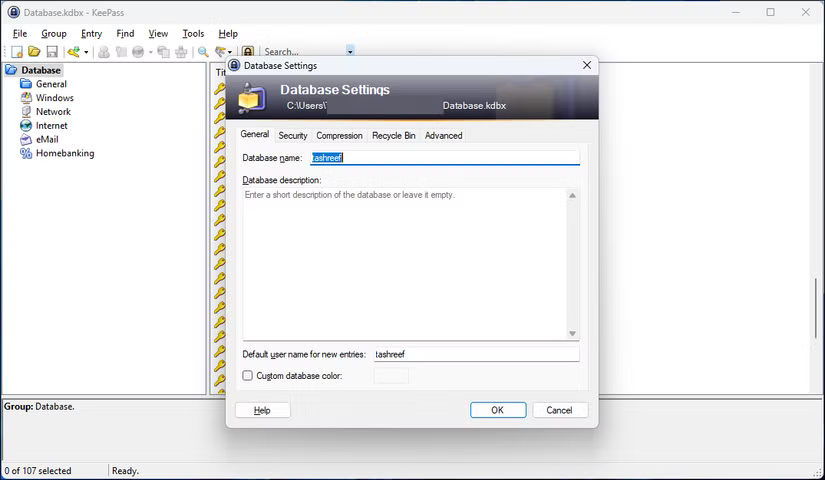
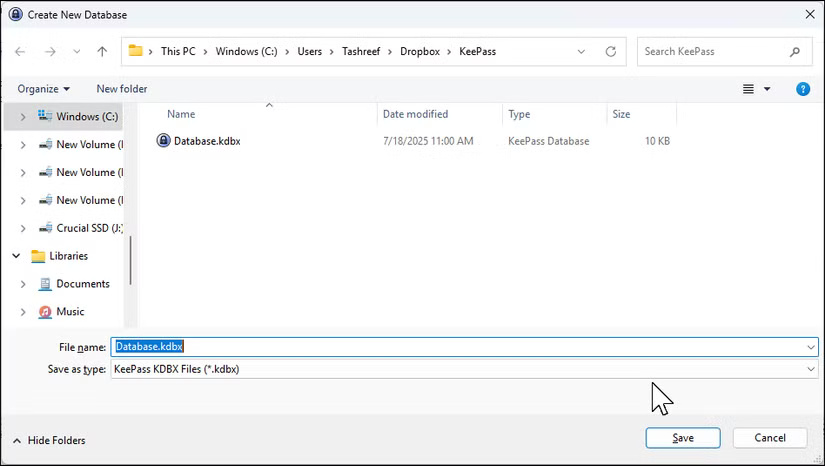
KeePass stores passwords and other entries in a KDBX database. You can keep it on a single device or synchronize it through a service you choose. Keep an independent backup and test that you can open it. Document how you will recover access to any required key file.
2. Compare features as well as price
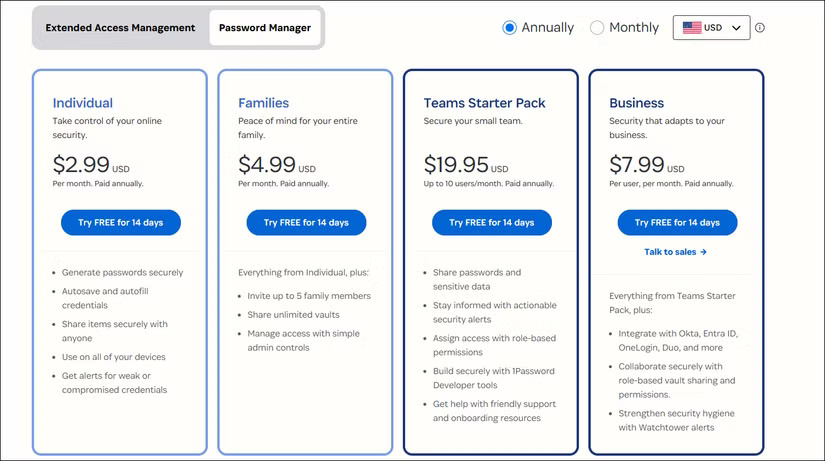
Check which current features you use, especially browser autofill, household sharing, mobile access, and passkeys. The base KeePass app is free. Depending on your setup, you may need separate applications or integrations.
3. Choose a compatible client for each device
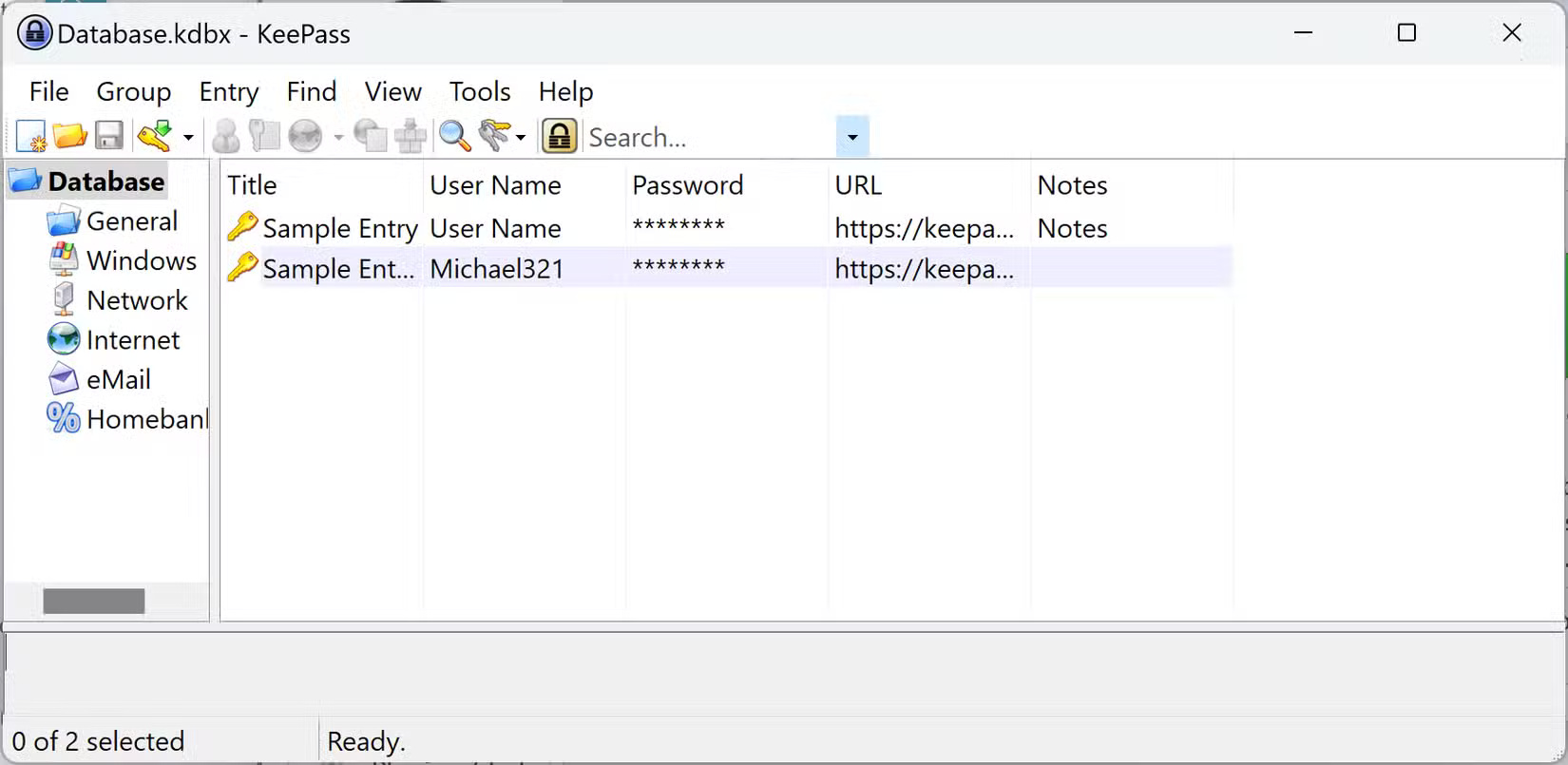
KeePass and KeePassXC are different applications that can work with compatible KDBX databases. Mobile clients vary in storage access and autofill support. Test a new sample vault on each device before moving your credentials.
4. Migrate and verify the contents
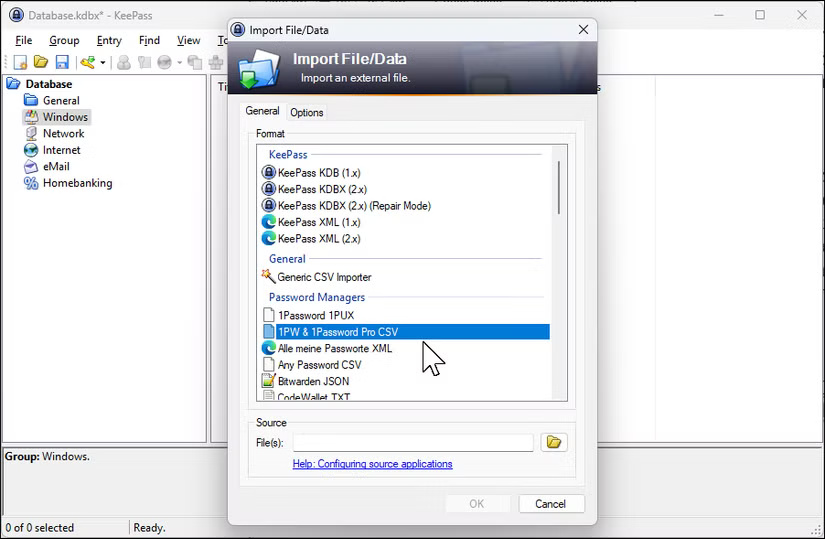
Read 1Password’s export guidance and KeePass’s import documentation. An unencrypted export contains readable secrets. Keep it out of shared or synced folders, import it promptly, and clean up the export after verifying the migration. Check important logins, notes, attachments, and any passkeys separately, since export formats may omit items.
5. Test edits, backups, and recovery before canceling
Change a test entry on one device, let synchronization finish, and verify the result on the other. Know how your clients handle conflicts and avoid simultaneous edits while testing. See the password manager setup guide and TipsMake’s KeePass guide for the basics. Keep the old vault until your critical sign-ins work in the new setup.



Reader Comments 0
Sign in with email or Google to join the discussion.