Table of Contents
You can download a SoundCloud track to a computer only when the uploader has enabled direct downloads. Open the track on SoundCloud, select More, and choose Download file. If the command is absent, the creator has not offered a downloadable copy through SoundCloud.
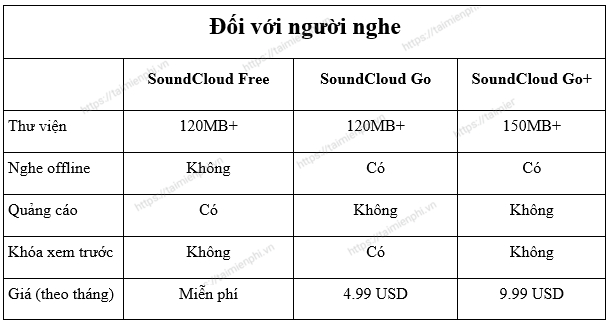
A SoundCloud Go or Go+ subscription can provide offline listening in the mobile app for eligible content, but those offline copies stay inside SoundCloud and are not ordinary MP3 files. SoundCloud's desktop and Windows experiences do not currently provide the same offline-listening function.
What SoundCloud offers
SoundCloud hosts music, podcasts, DJ sets, and other audio uploaded by creators. Listening availability, advertising, catalog access, downloads, and offline playback depend on the track, country, account, and subscription.
Download a creator-enabled track from SoundCloud
- Go to SoundCloud in a desktop browser and sign in. Direct track downloads are handled on the web, not from the mobile app.
- Open the individual track page.
- Select More beneath the waveform.
- If the uploader permits downloads, select Download file.
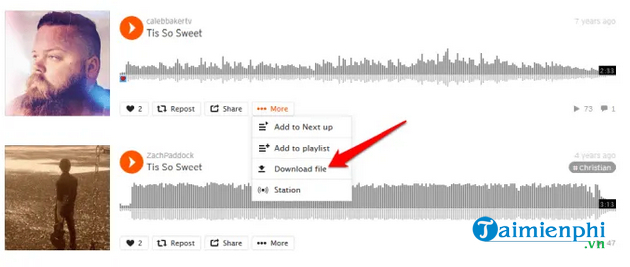
- Choose a destination and save the file. The format is the original file type uploaded by the creator, so it may not be MP3.
SoundCloud confirms this behavior in its official track-download guide. If the button is missing, ask the uploader for an authorized copy, buy the release from the artist's linked store, or stream it on SoundCloud.
Listen offline on a phone
Eligible subscribers can save Likes, playlists, or library content for offline listening in the SoundCloud mobile app:
- Open your Library and select Likes or a playlist.
- Tap the download arrow.
- Wait for the offline-saving progress to finish. In Settings, you can limit downloads to Wi-Fi.
These files are temporary app data. Signing out or uninstalling the app can remove them, and they cannot be moved to a normal music folder as standalone files.
Why third-party SoundCloud downloaders are not recommended
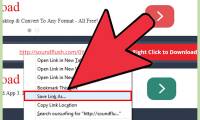
The original article used SaveFrom.net to process a copied SoundCloud URL. The screenshots below are preserved for identification, but the workflow is not recommended because the service, domain, advertising, and permissions can change, and it may retrieve tracks the creator did not enable for download.
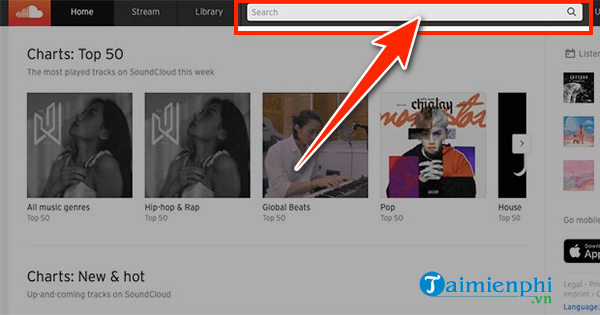
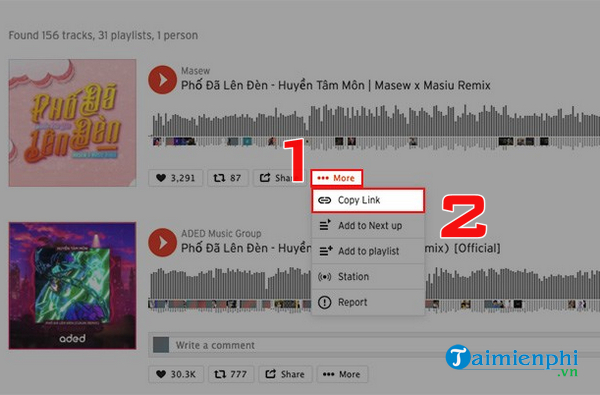
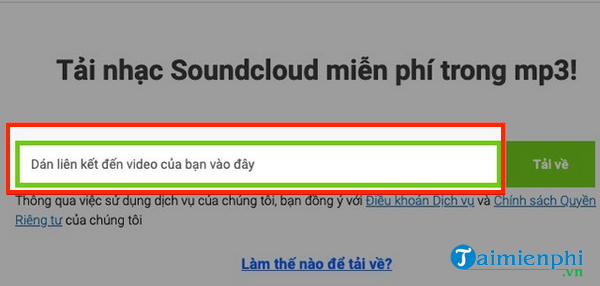
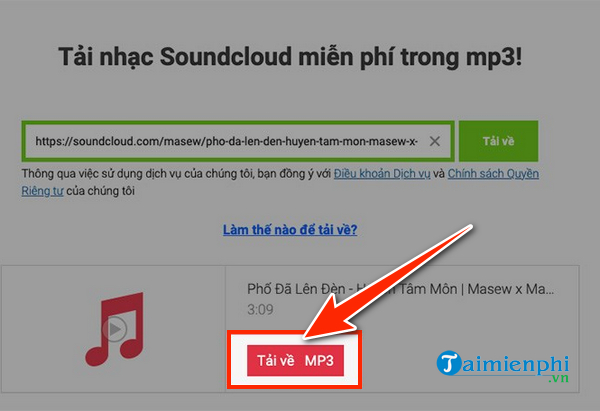
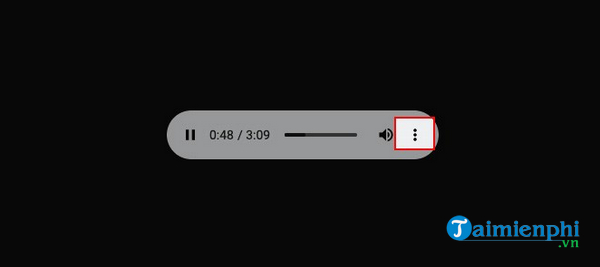
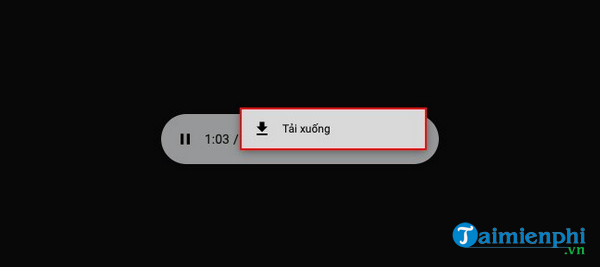
Do not enter SoundCloud credentials into a downloader, install a “codec,” permit browser notifications, or connect a social account. A site-generated MP3 may also be transcoded from a compressed stream rather than the uploader's original file.
Avoid unofficial downloader extensions
Browser extensions that promise to add a SoundCloud download button can read data on pages you visit. They are often removed, change ownership, or request permissions unrelated to downloading. The screenshots below show the older extension approach, not an endorsement.
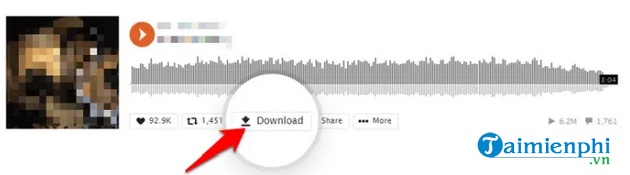
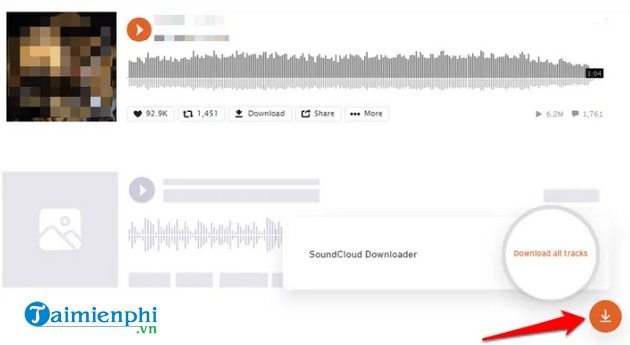
If you installed one, review it at chrome://extensions or the equivalent page in your browser. Remove it if the developer is unknown, the permissions are excessive, or you no longer use it.
Options for creators
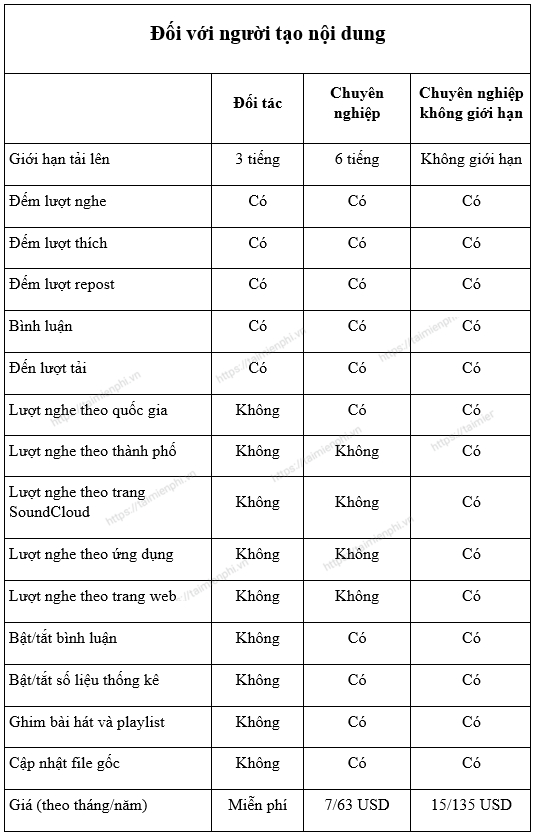
If you uploaded the track and own the necessary rights, open its edit page, go to Permissions, enable downloads, and save the change. Listeners will then receive a copy in the original format you uploaded. SoundCloud applies account-specific download limits, so check the current plan documentation before distributing widely.
When the Download file command does not work
- Refresh the page and make sure you are signed in.
- Open the individual track rather than an embedded player or playlist view.
- Try a supported browser without aggressive script blocking.
- Check whether the uploader removed or replaced the track.
- Do not confuse Save to playlist with a file download.
For other licensed offline-listening choices, compare Spotify, Apple Music, and YouTube Music or review music apps with download features. Availability and rights differ by service and track.
Related Articles
 Download Music on Soundcloud with 3 Simple Ways6 minutes read
 How to Use the SoundCloud Application to Listen to Music for5 minutes read
 How to Download Music from SoundCloud: Step-by-Step Guide3 minutes read
 Suspected SoundCloud Closed, Many People Love Music Dazed6 minutes read
 How to Download Music from Soundcloud7 minutes read
 How to Download Mixcloud Music to Your Computer4 minutes read
Reader Comments 0
Sign in with email or Google to join the discussion.