Table of Contents
A free personal Pinterest account lets you discover ideas, save Pins to boards, and publish your own content. You can sign up with an email address and password or, where offered, continue with a supported Google or Apple account.

Note: Pinterest changes its sign-up screens periodically. The screenshots below show an older desktop layout, but the required information and sequence remain similar.
Create a Pinterest account on the web
- Go to Pinterest and select Sign up.
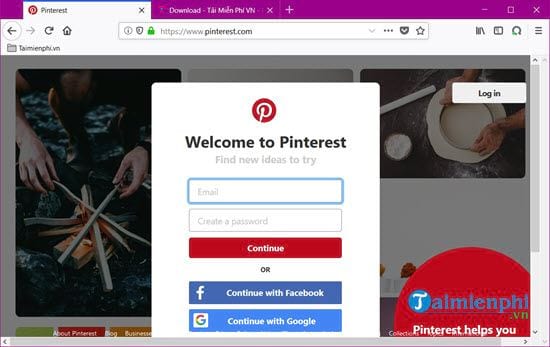
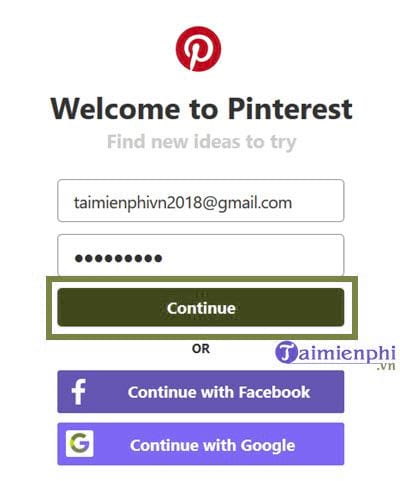
- Enter an email address you can access, create a unique password, and provide your age. Select Continue. Alternatively, use a displayed Google or Apple sign-in option if you prefer to connect that account.
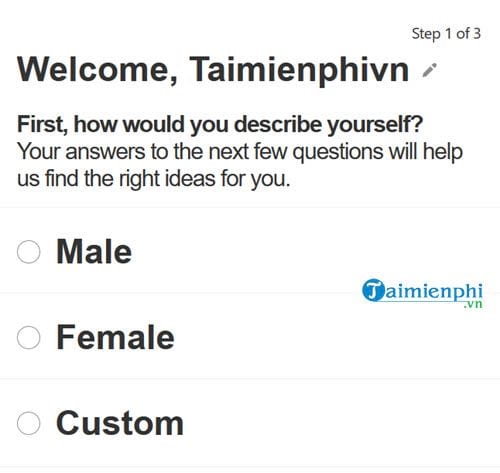
- Enter or confirm your name and select how you identify when prompted. Available choices depend on the current form.
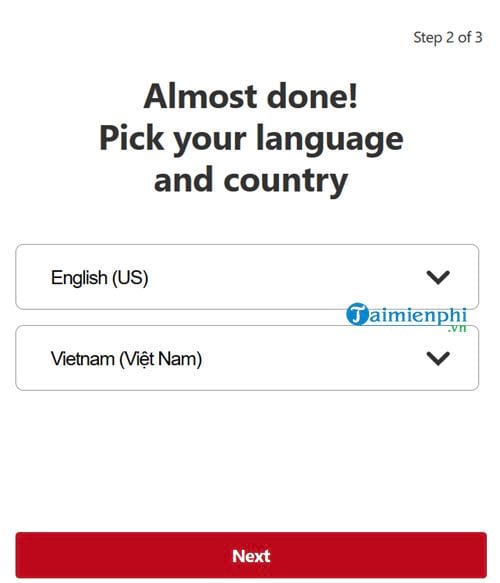
- Select the correct language and country or region. These choices influence the interface and recommendations, and they can be changed later in Settings.
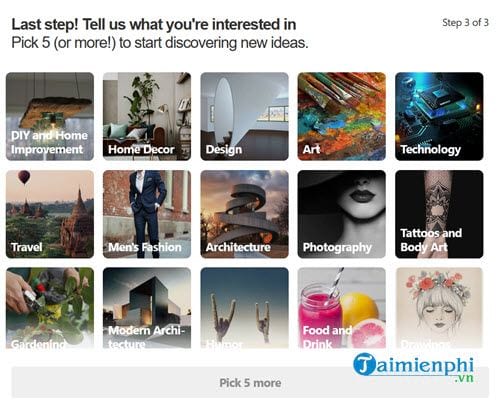
- Choose at least five topics that genuinely interest you, then finish setup. Pinterest uses these selections to build the initial home feed.
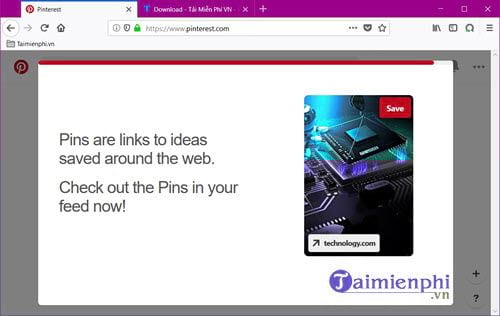
- Open the verification message Pinterest sends to your email address and follow its confirmation link. Check the spam folder if it does not arrive.
Create an account in the Pinterest app
- Install Pinterest from the official Google Play Store or Apple App Store and open it.
- Enter your email address, then create a password.
- Provide the requested name and age details, choose how you identify, and select your country or region.
- Pick topics for the home feed. The app may also suggest creators to follow; this step can be optional.
- Verify the email address and review notification permissions rather than accepting every prompt automatically.
Pinterest's official account guide lists the current web, Android, and iOS sign-up steps.
Save your first Pin to a board
- On the home feed or in search results, open an image or video you want to keep and select Save. Older interfaces label the action as Pin it.
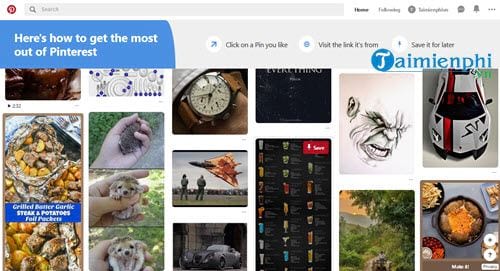
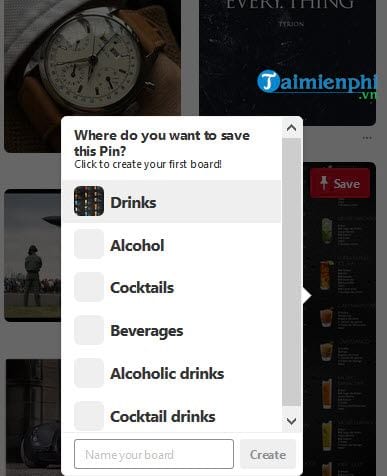
- Choose an existing board or create a new one with a descriptive name. Use a secret board if the collection should not be public.
- Open your profile to view your boards and saved Pins.
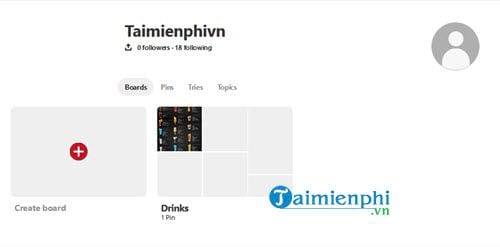
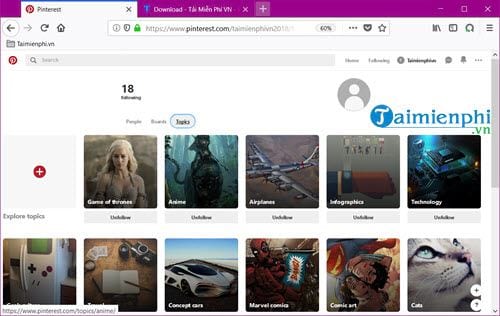
- Review the people, boards, and topics you follow. Unfollow items that no longer fit the feed you want.
Personal or business account?
Choose a personal account for discovering and organizing ideas. A Pinterest business account adds tools such as analytics and advertising controls for creators, publishers, and merchants. You can convert a personal account later, so there is no need to select a business account simply to save Pins.
Account setup and privacy tips
- Use a unique password and enable two-factor authentication in the security settings when available.
- Do not use an email address you are about to lose access to; it is important for verification and recovery.
- Review profile visibility, personalization, and notification settings after onboarding.
- Saving an image to a board does not give you copyright ownership. Check the source and usage rights before republishing it.
- On a shared computer, sign out when finished.
To see how Pinterest differs from other visual services, compare photo hosting and sharing platforms or read about Pinterest's visual-search feature.
Related Articles
 How to Register a Pinterest Account5 minutes read
 How to Use Pinterest on Windows 10: How to Sign up for Pinterest5 minutes read
 12 Helpful Ways SEO Tips on Pinterest14 minutes read
 What Is Pinterest? How to Use It?8 minutes read
 How to Add a Pinterest Tab to Your Facebook Fan Page6 minutes read
 How to Register ChatGPT, Register Chat GPT Easiest, Most Detailed3 minutes read
Reader Comments 0
Sign in with email or Google to join the discussion.