Table of Contents
“IDM Silent” is not a separate free edition of Internet Download Manager. The label is commonly used for third-party repackaged installers that automate setup and may claim to be preactivated. Tonec, the developer of IDM, provides an official installer with its own silent-install switch, but the normal 30-day trial and license terms still apply.
Do not install an unofficial IDM Silent archive merely because it promises activation without a license. A repack can change IDM files, disable updates, bundle advertising software, or run commands that are not disclosed by the original vendor. A “silent” interface does not make a package safer.
Official silent mode and unofficial repacks are different
| Item | Official IDM silent installation | Third-party “IDM Silent” package |
|---|---|---|
| Source | Tonec's official IDM download | File-sharing site, archive, or repack distributor |
| Purpose | Suppress some setup dialogs for authorized deployment | Varies; may automate setup, modify files, or claim preactivation |
| License | Normal trial or purchased license still required | May attempt to bypass licensing |
| Trust | Publisher and update path can be verified | Changes are difficult to audit |
Tonec confirms that its installer accepts the /skipdlgs switch. It also documents command-line switches for controlling IDM downloads, which is a separate feature. Neither feature creates a free activated edition.
Why the installer shown here is not recommended
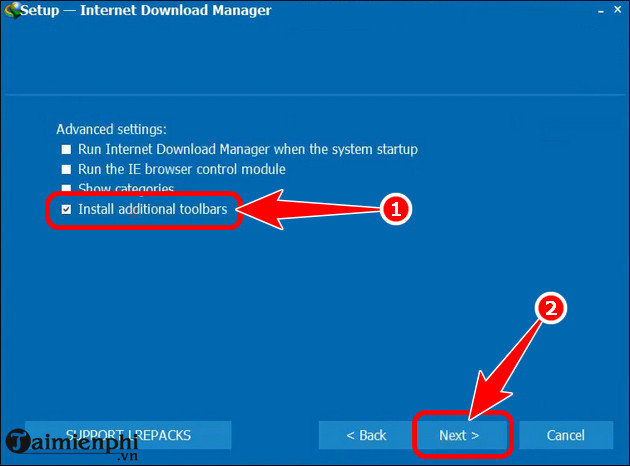
The following screenshots are retained to help identify the older package described in the original article. They are not installation instructions.
- The package is distributed as a ZIP archive rather than through Tonec's normal download page.
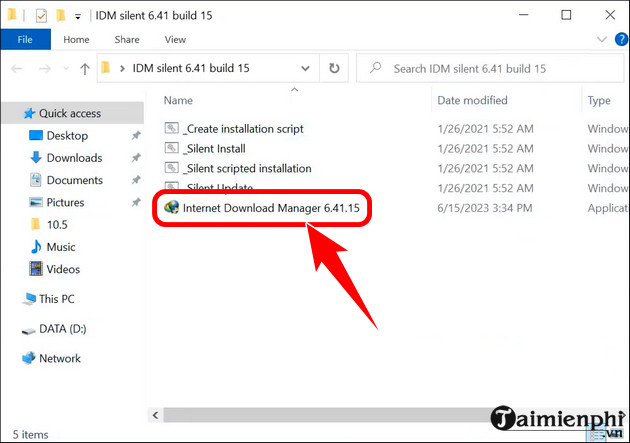
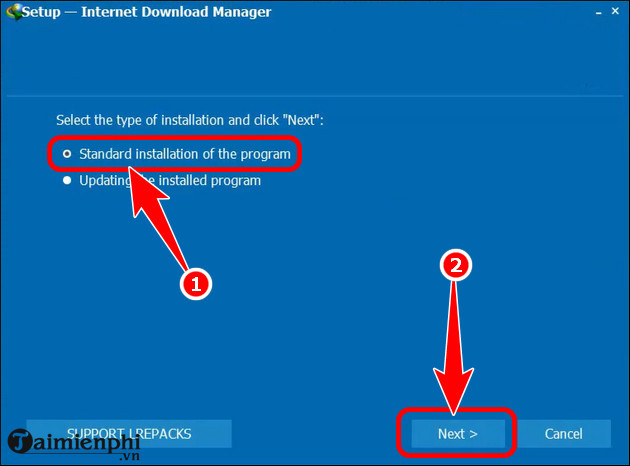
- Its custom Standard Installation screen does not match the vendor's normal setup flow.
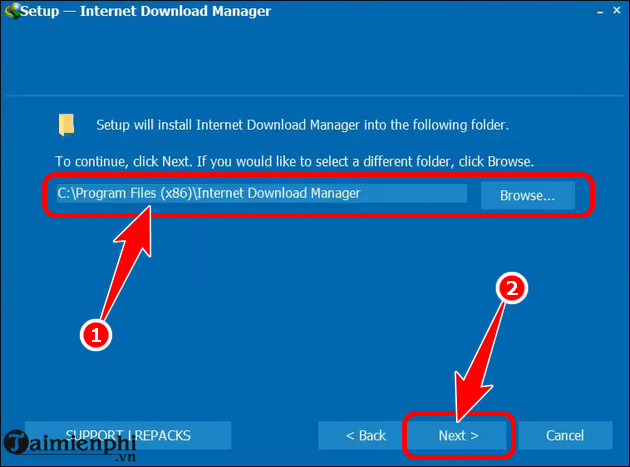
- Choosing a destination does not reveal what other files or system changes the repack makes.
- An option to install additional toolbars is a strong reason to stop. A download manager does not need unrelated toolbars to function.
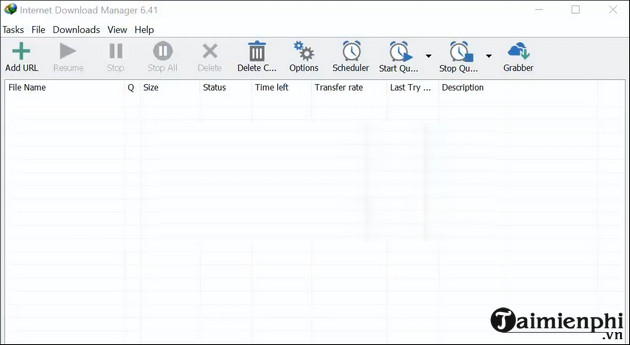
- A familiar-looking IDM window after setup does not prove that the installer was clean or that background changes were harmless.
Safe way to download IDM
- Download the installer from Tonec's official IDM download page.
- Before running it, open the file's Properties and check the Digital Signatures or publisher information. Do not continue if the signature is missing or invalid.
- Scan the file with Windows Security and keep reputation-based protection enabled.
- For a normal personal installation, run the installer and follow the visible prompts.
- Use the official trial, then purchase a license or uninstall IDM when the trial ends.
The full beginner workflow is covered in the IDM download and installation guide.
Use the official silent-install switch
Silent deployment is mainly useful for administrators who have reviewed the installer and license. Open Command Prompt in the folder containing the genuine installer and run the specific filename with Tonec's documented switch:
idman-installer.exe /skipdlgsReplace idman-installer.exe with the actual filename you downloaded. Test the command on one noncritical PC before using it broadly, and do not use silence to hide license terms or unexpected changes from the device owner. See Tonec's official silent-install note.
If you already installed an unofficial repack
- Disconnect from sensitive accounts until the PC has been checked.
- Uninstall the repacked IDM and any unfamiliar toolbar or application installed at the same time.
- Open Windows Security > Virus & threat protection > Scan options and run a Full scan. Follow with Microsoft Defender Offline scan if suspicious behavior persists.
- Review browser extensions, startup apps, scheduled tasks, proxy settings, and the default search engine for changes you did not approve.
- From a known-clean device, change passwords for accounts used after the questionable installation if you observed credential theft, redirects, or malware detections.
- Install a genuine IDM copy only after the system is clean, or use a trusted alternative such as the one described in the Neat Download Manager guide.
Do not disable antivirus protection to make a repack run. Microsoft notes that potentially unwanted applications may show unexpected ads, install other software, or make unwanted system changes. A security warning should be investigated, not treated as an activation step.
Related Articles
 5 Best Silent Mice (Silent Mouse)6 minutes read
 How to Download and Install Anthemscore on Your Computer Super3 minutes read
 How to Download and Install CH Play on Your Computer, Laptop Simple3 minutes read
 Top 8 Most Worth Using Silent Mice in 2023: Complete Overview16 minutes read
 What Is IDM?5 minutes read
 Instructions for Installing Android SDK - Software Development Kit6 minutes read
Reader Comments 0
Sign in with email or Google to join the discussion.