Table of Contents
This updated guide explains how to change default alarm snooze time on iOS 26 with clear steps, practical tips, and useful context. In iOS 26, Apple has updated a simple but extremely useful feature for those who often set morning alarms, which is to customize the snooze time in the alarm on iPhone.
How to Set the Default Alarm Snooze Time on iPhone
Step 1:
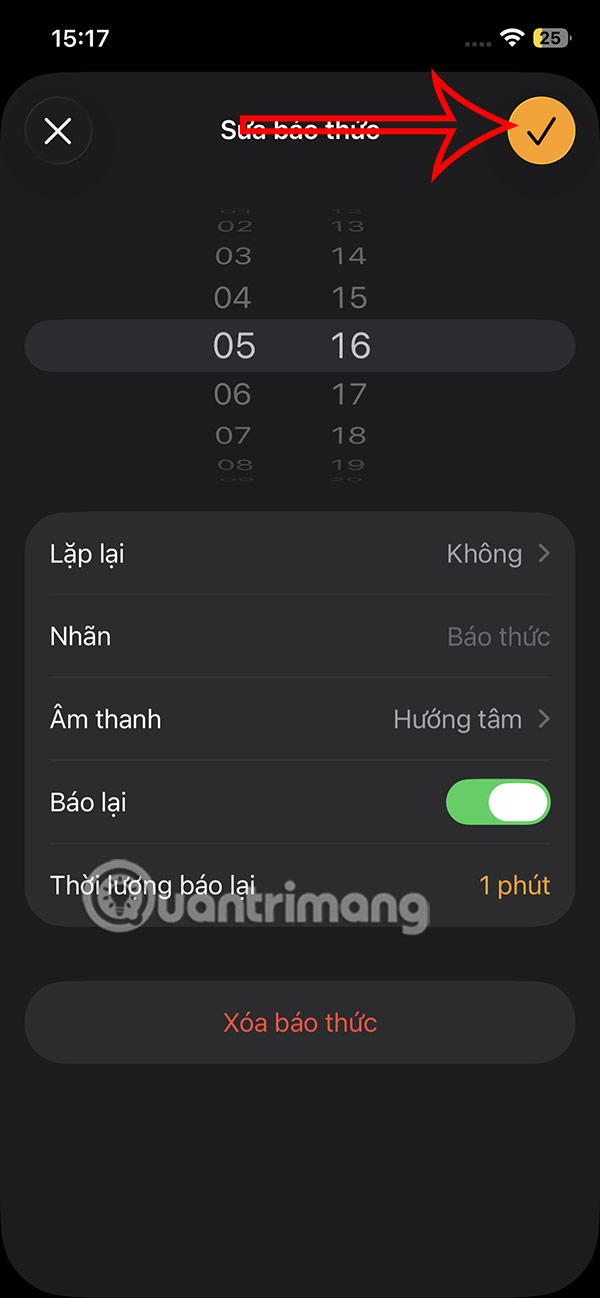
In the Clock app, tap Alarm below. Then the user proceeds to create a new alarm time on the phone.
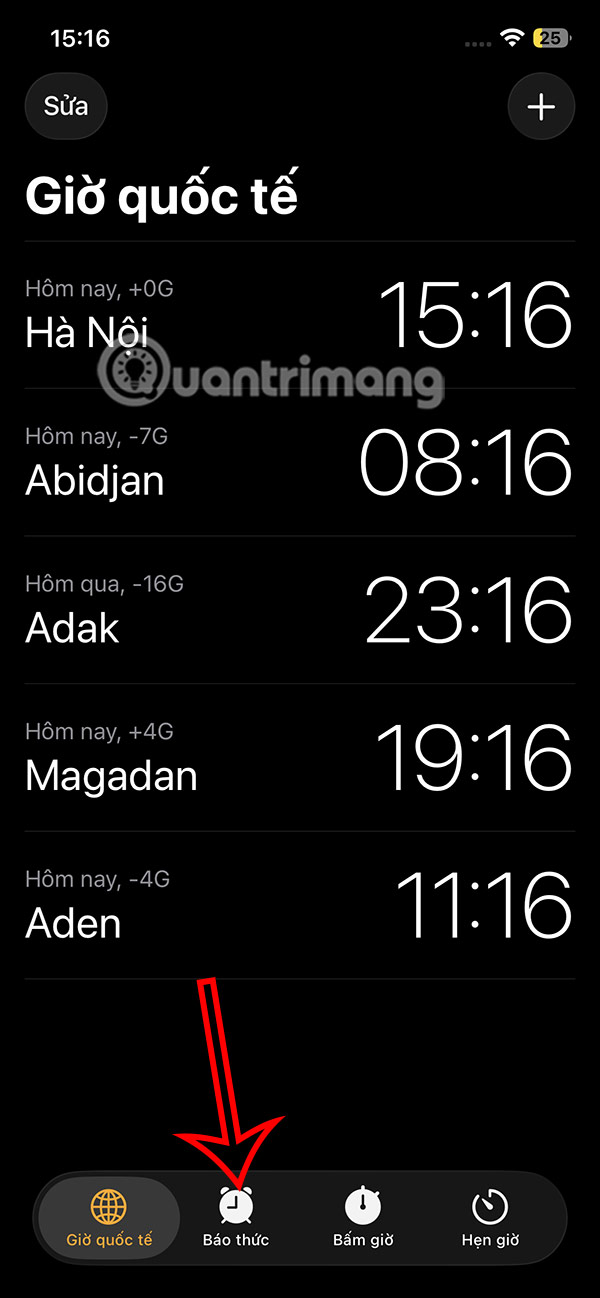
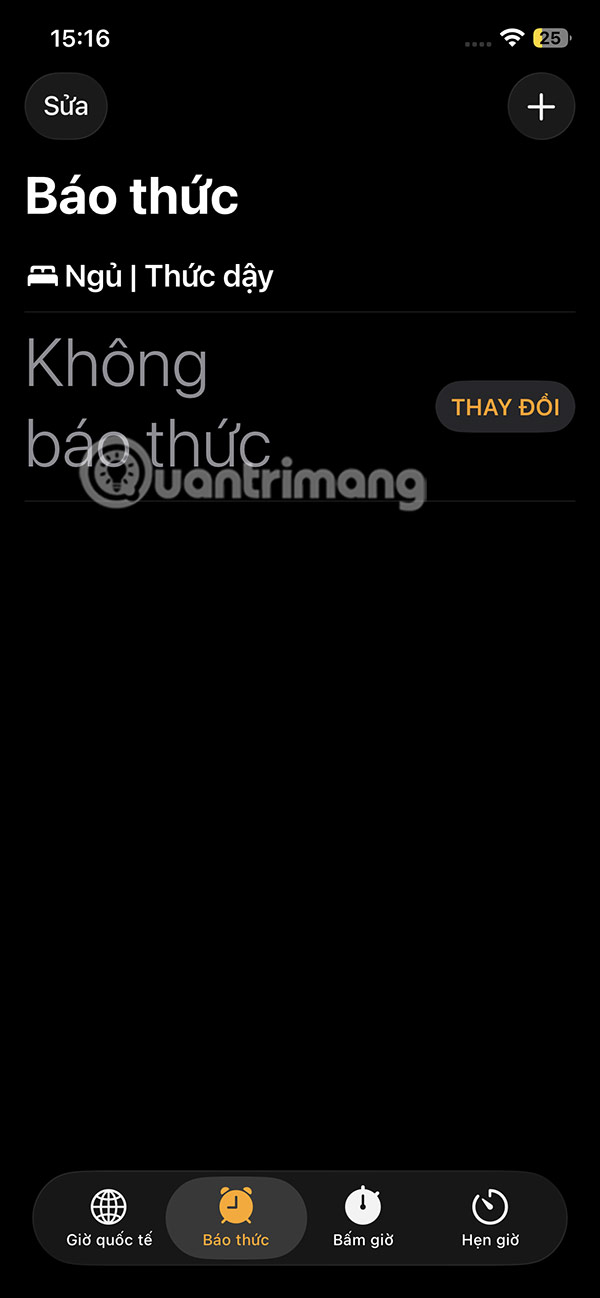
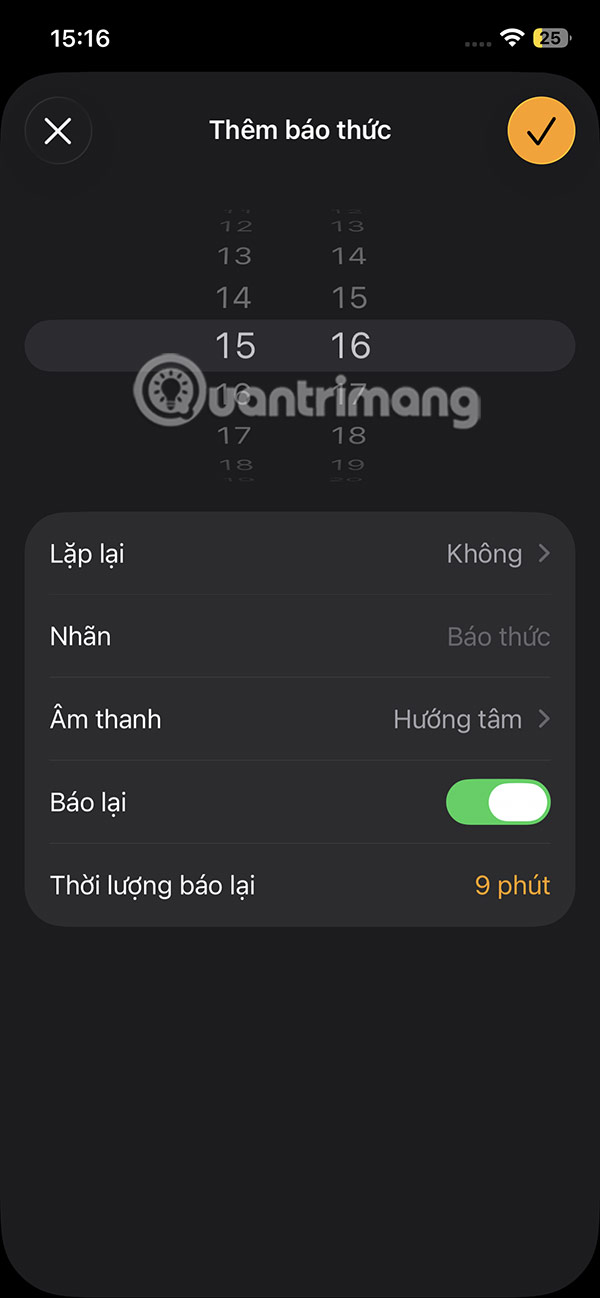
Step 2:
You adjust the time, alarm sound, alarm label, and whether to repeat the alarm or not.
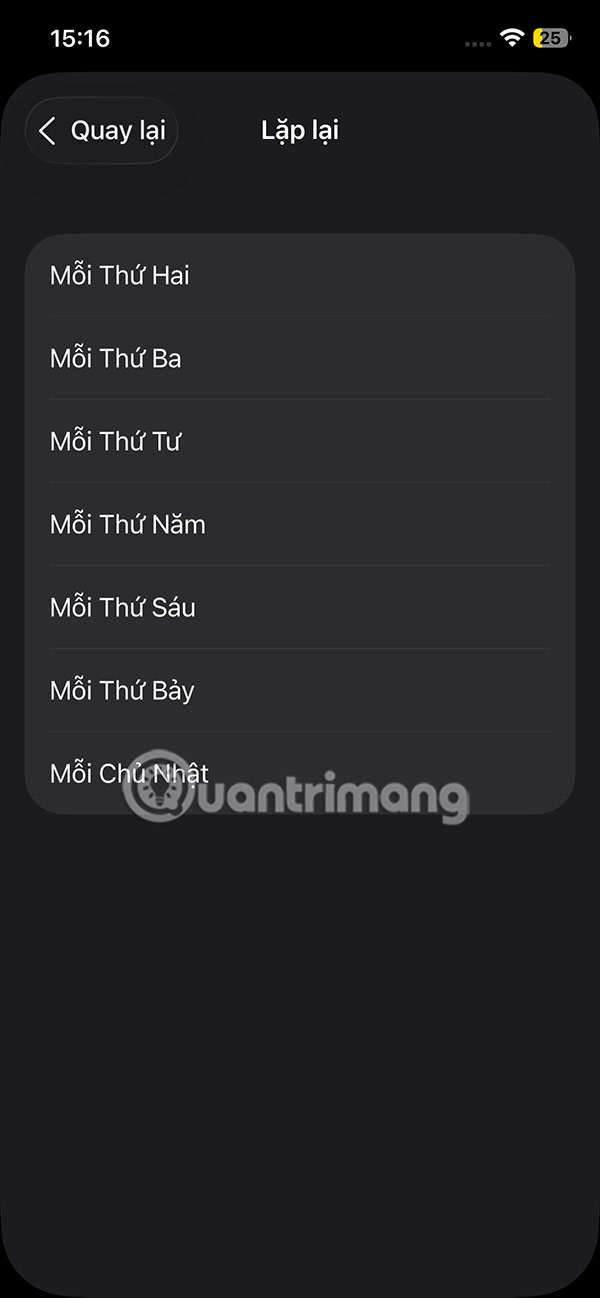
Below, select Snooze duration to adjust.
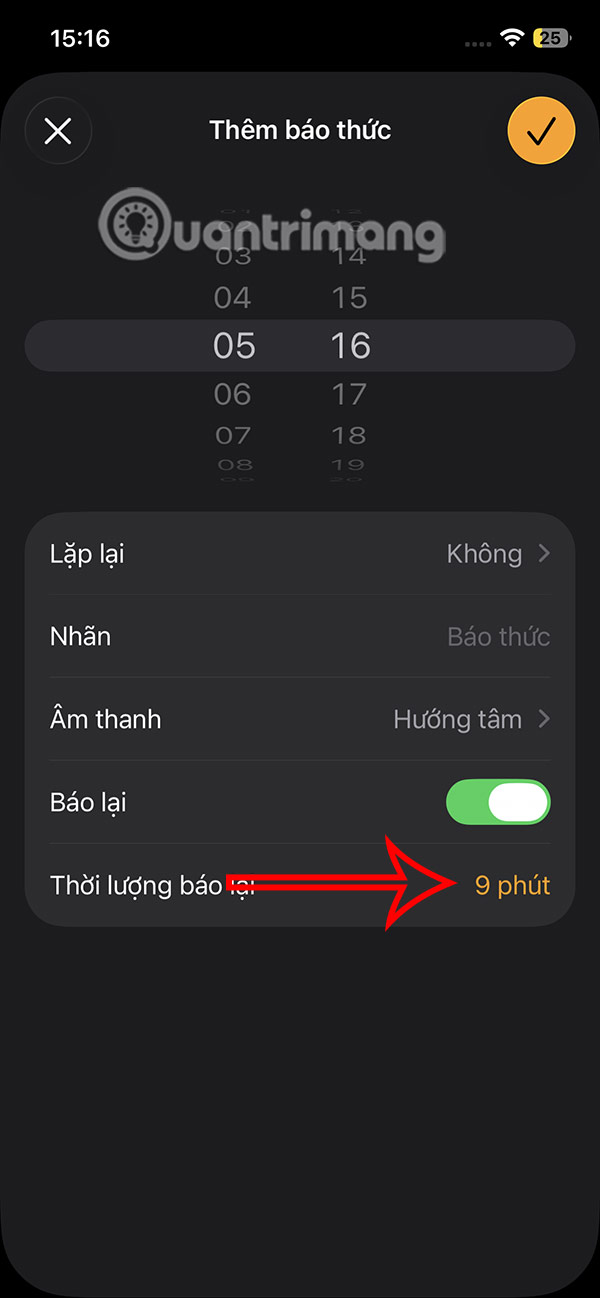
Step 3:
The user will now see the option to change the snooze time. The maximum time you can snooze the alarm is 15 minutes and the minimum time is 1 minute.
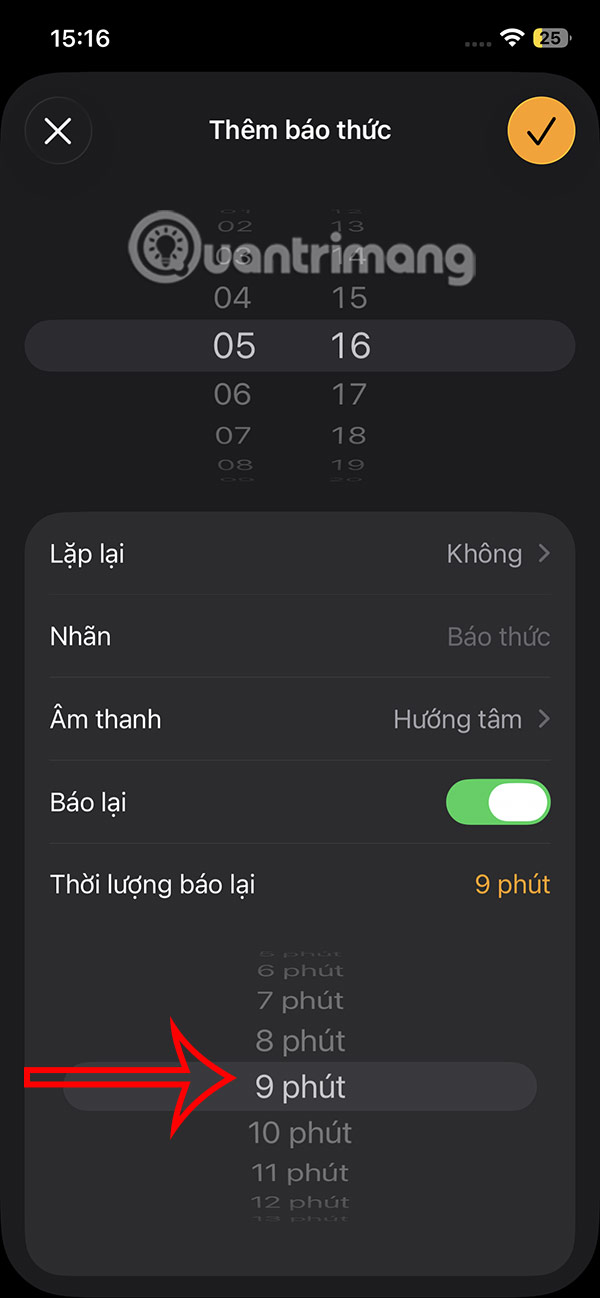
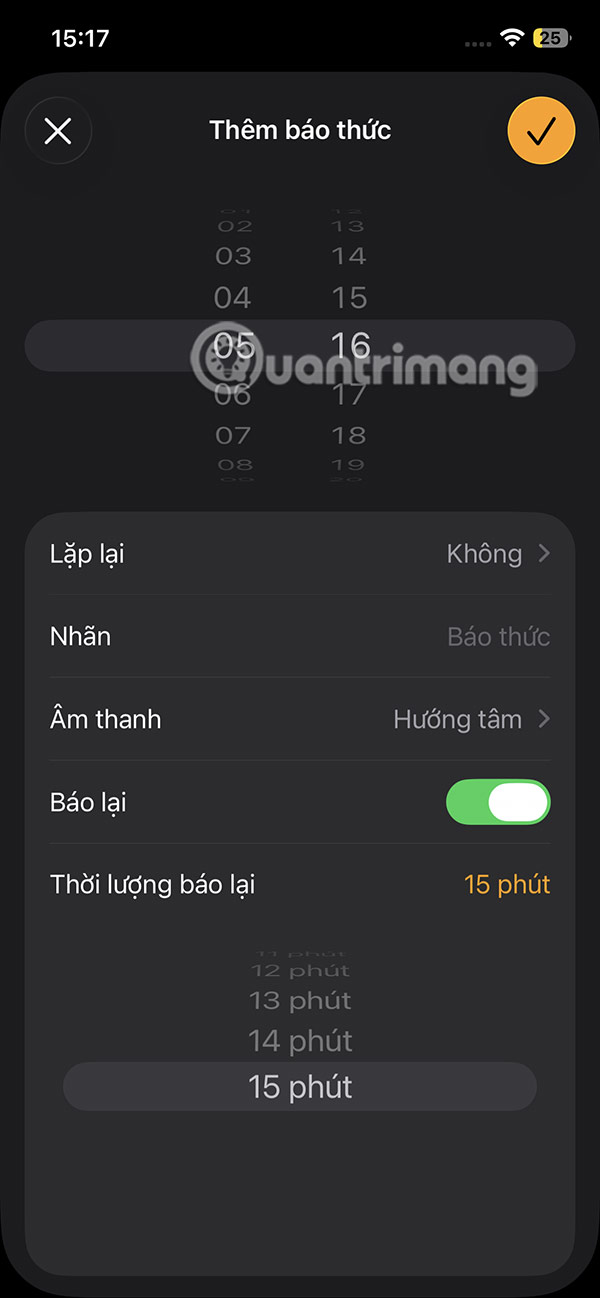
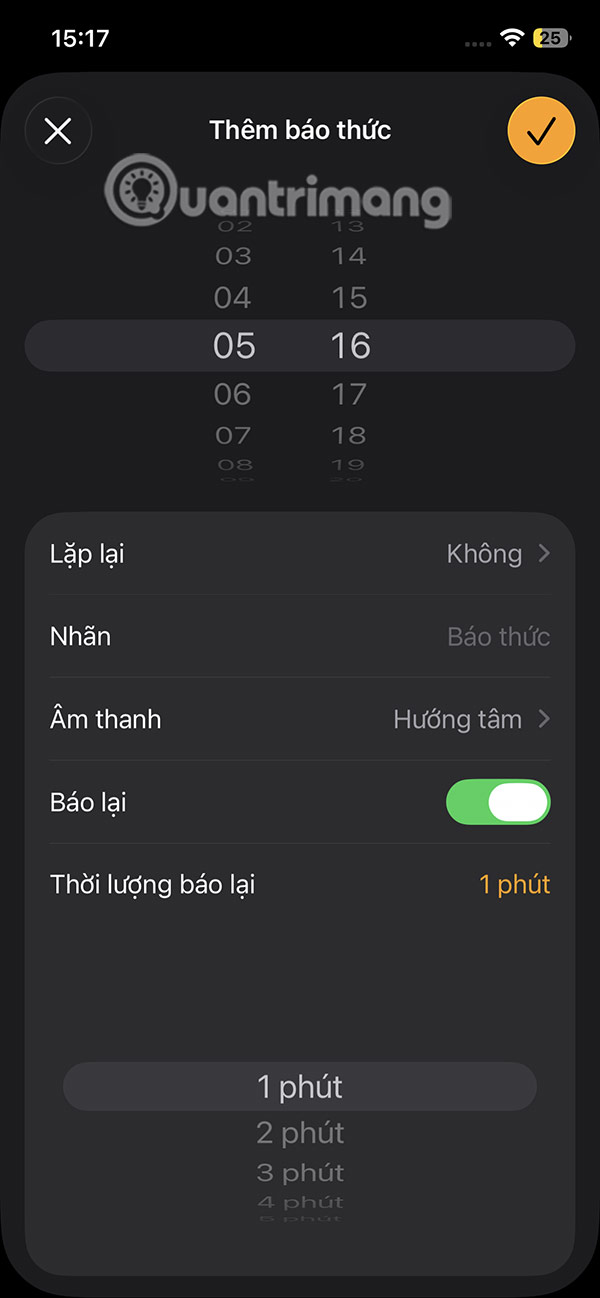
You choose the snooze time on the iPhone you want to use and then press save to save the alarm.
FAQ
What should I prepare before I change default alarm snooze time on ios 26?
Review the requirements and options in the guide first. Having the correct device, app version, account access, or materials ready helps prevent avoidable errors.
How long does it take to change default alarm snooze time on ios 26?
The time depends on the task and your setup. Most basic steps can be completed quickly, while downloads, updates, scans, or troubleshooting may take longer.
What should I do if the steps do not work?
Repeat the instructions in order, confirm that your software or device is supported, and check permissions, connectivity, and available updates before trying again.
Related Articles
 Experts Want Apple to Remove the Snooze Button - the Alarm Several Times, Because It Can Cause Brain4 minutes read
 Create Alarm on Iphone: How to Change the Alarm Sound on Iphone2 minutes read
 Instructions for Snoozing Emails in Gmail: Main Insights6 minutes read
 How to Set an Alarm on a Mac: Step-by-Step Guide3 minutes read
 Why Can AMdroid Replace Android's Native Alarm App?7 minutes read
 Instructions on How to Change the Alarm When Logoff, Logon and5 minutes read
Reader Comments 0
Sign in with email or Google to join the discussion.