Table of Contents
A good Android VPN should encrypt traffic between your phone and the VPN server, reduce exposure on untrusted Wi-Fi, and give you clear control over the connection. It does not make you anonymous, remove every tracker, or guarantee access to every region-locked service. The right choice depends on your privacy requirements, data allowance, locations, speed, and budget.
VPN plans and app features change frequently. Treat this list as a shortlist, then verify the current Android version, price, data cap, supported protocols, privacy policy, and independent audit information before subscribing. For a shorter selection, see TipsMake's five leading Android VPN apps.
What to check before choosing an Android VPN
- Privacy policy: Look for a clearly written policy that identifies what connection and account data is retained. “No logs” can mean different things, so read the details rather than relying on the slogan.
- Security controls: Prefer a modern protocol, a kill switch, DNS-leak protection, and automatic protection on untrusted networks. A VPN encrypts the VPN tunnel; it cannot make an unsafe website trustworthy.
- Free-plan restrictions: Check the current data allowance, locations, speed limits, advertisements, and number of devices. Free terms can change without notice.
- Android support: Confirm that the app supports your Android version and comes from the provider's verified Google Play listing. Avoid unknown apps with vague ownership or copied privacy statements.
- Real-world performance: Test browsing, video calls, and the services you actually use. Distance to the server and network congestion affect speed more than marketing claims.
For more background on how the technology works, read what a virtual private network is. If an app's ownership or data practices are difficult to verify, review these warning signs for VPN apps on Google Play before installing it.
1. Secure VPN
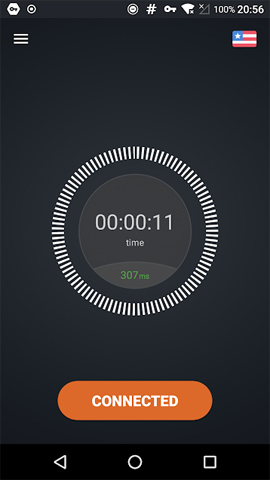
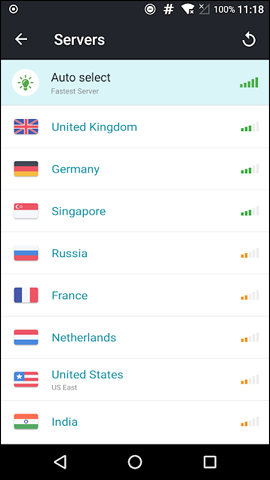
Secure VPN emphasizes a simple, one-tap connection and offers apps on several platforms. It may suit occasional users who want minimal setup, but free locations, data limits, and advertising can restrict regular use. Check the current developer identity, privacy disclosures, protocol support, and free-plan terms in the verified store listing before relying on it for sensitive traffic.
2. VPN Master
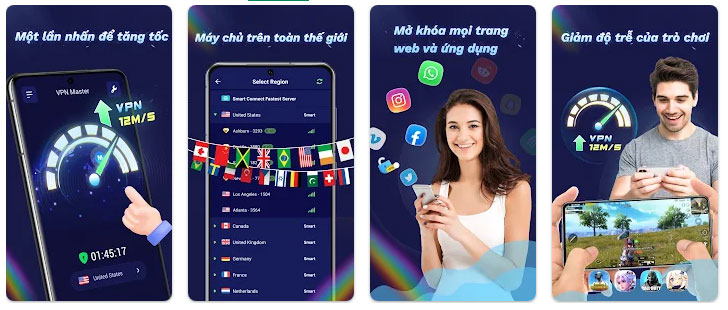
VPN Master provides a straightforward server selector and works over Wi-Fi or mobile data without root access. The original listing did not clearly establish which encryption and data-handling claims applied to the specific Android app. Because several apps use similar names, verify the publisher, policy, permissions, and protocol information for the exact product you install.
3. Touch VPN
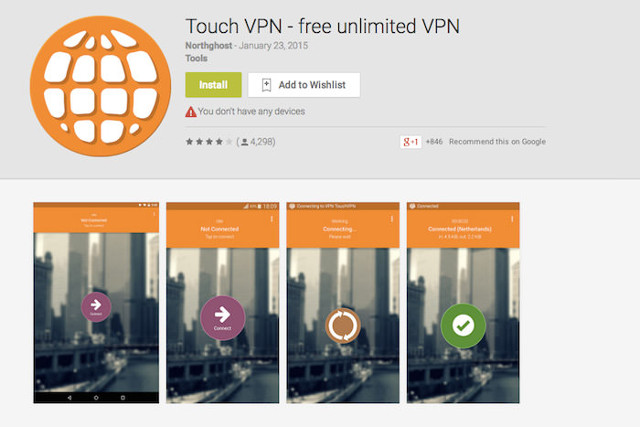
Touch VPN supports Android and other platforms and is designed around a simple Connect button. Depending on the current plan and platform, it may offer location selection, split tunneling, or tracker-related controls. Browser-extension features do not necessarily apply to the Android app, so compare the mobile feature list separately.
4. Hotspot Shield
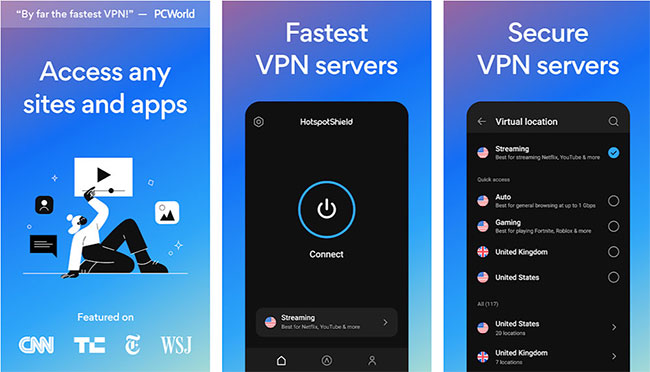
Hotspot Shield combines an accessible Android interface with a broad commercial VPN service. A free tier may be available, but its locations, advertising, bandwidth rules, and device allowance can differ from the paid plan. Check whether the current Android plan includes the protocol and kill-switch behavior you need.
5. SpeedVPN
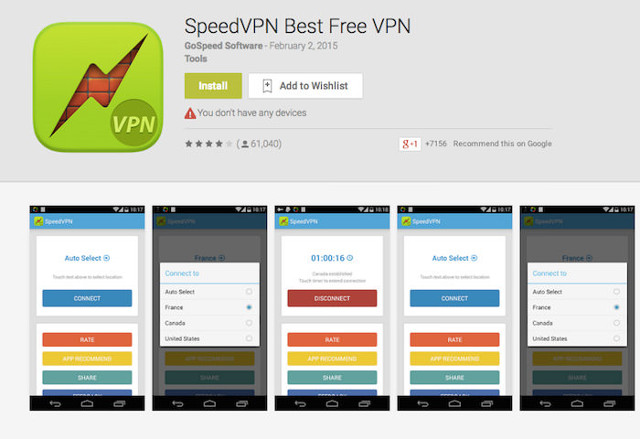
SpeedVPN focuses on quick connections and a small set of location choices. Session length, server availability, advertising, and security details should be verified in the current app listing. It may be adequate for low-risk, occasional browsing, but limited public documentation makes it a weaker choice for confidential work.
6. CyberGhost VPN
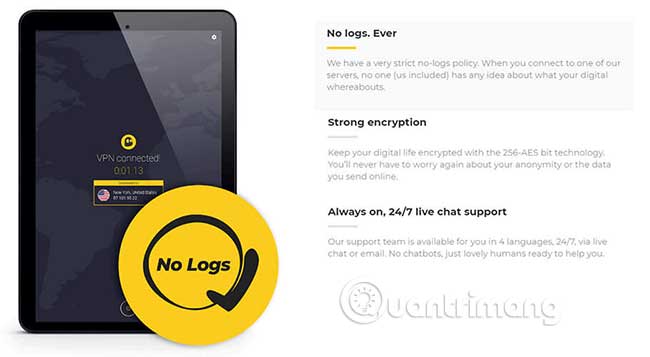
CyberGhost is a full commercial VPN with Android support, automatic connection options, split tunneling, and servers intended for different activities. It is easier to assess than an unidentified free proxy because the provider publishes product and privacy documentation. Compare its current trial or refund terms and confirm which controls are present in the Android app.
7. ExpressVPN
ExpressVPN is a paid service with broad platform support and a relatively simple Android client. Its mobile offering includes core VPN protection and connection-safety controls, while optional account features may extend beyond the VPN itself. It is appropriate for users who value polished setup and multi-device support, but there is no permanent free plan to evaluate as a normal daily service.
8. NordVPN
NordVPN offers Android and desktop apps, modern protocols, a kill switch, split tunneling, and optional threat-blocking features. Specialized server modes may be useful in particular situations, but routing traffic through extra servers usually trades some performance for an additional layer of separation. Check the current audit reports and Android feature matrix rather than assuming every desktop feature is included.
9. Cloudflare 1.1.1.1 with WARP
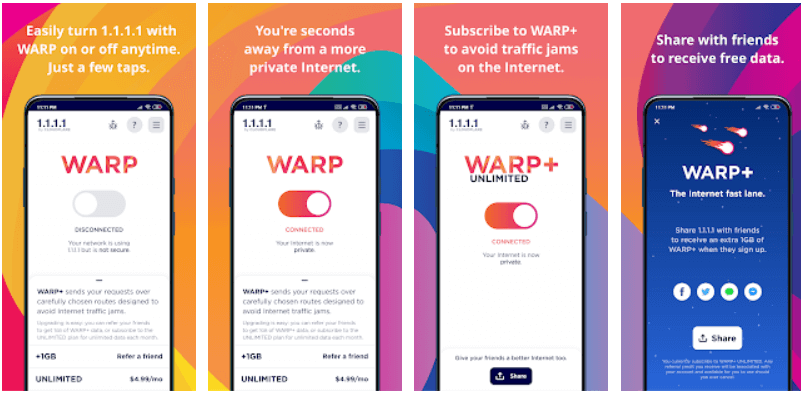
Cloudflare's 1.1.1.1 app can use WARP to route device traffic through Cloudflare's network. It is simple and can improve connection privacy between the device and Cloudflare, but it is not designed as a conventional country-selection VPN. Choose it for straightforward connection protection, not when you specifically need to select a server country.
10. TunnelBear
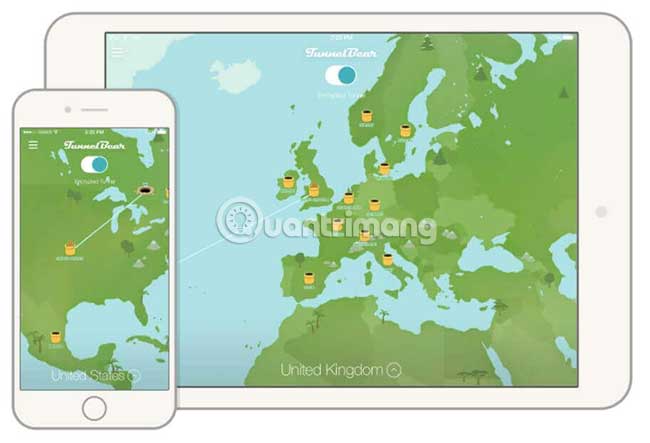
TunnelBear is designed to make VPN concepts and connection controls approachable for beginners. Its free plan is best viewed as a way to test the service because the data allowance is limited. The provider publishes regular security information, but you should still confirm the latest allowance, supported locations, and account-data practices.
11. HMA
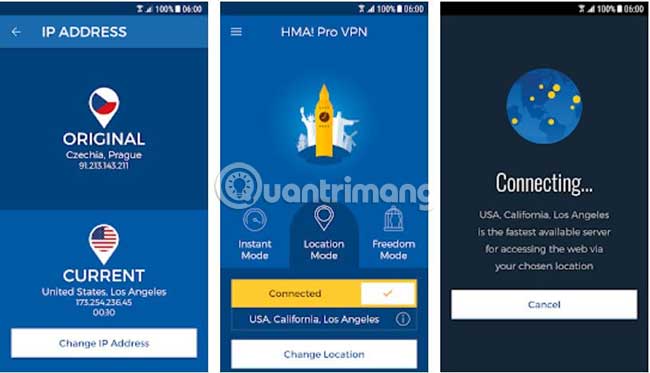
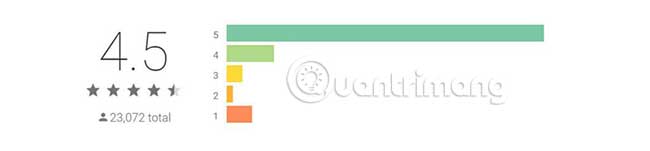
HMA offers a wide selection of virtual locations and a consumer-friendly Android app. Location count does not by itself determine privacy or speed: some endpoints can be virtual rather than physically located in the displayed country. Review the current logging policy, ownership, jurisdiction, and recent audit information, especially if historical data-retention practices matter to you.
12. Windscribe
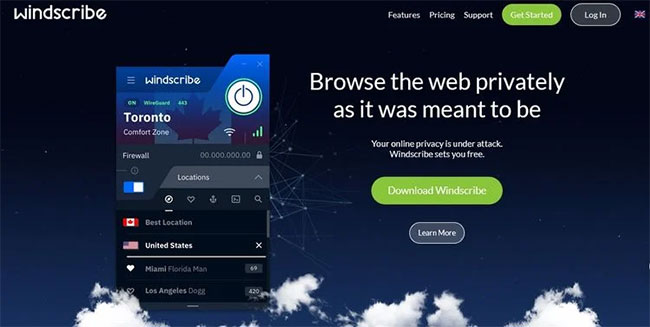
Windscribe offers free and paid access, Android support, connection controls, and optional filtering features. The free tier can be useful for light use, while server access and account requirements differ from the paid plan. Confirm how the app handles split tunneling, firewall-style protection, and account recovery on Android.
13. hide.me
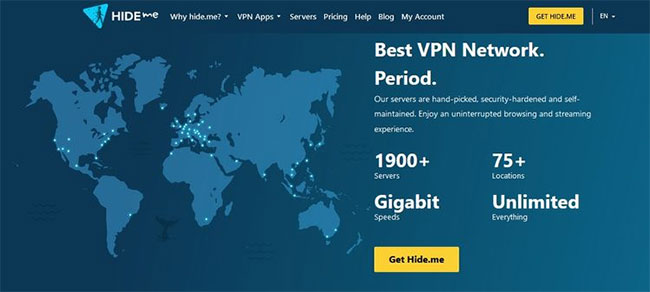
hide.me provides Android apps, multiple VPN protocols, leak-protection features, and free and paid plans. The free offering can be a practical trial, although location selection and other capabilities are restricted. Check the current device limit and whether the Android controls match those described for desktop platforms.
14. Proton VPN
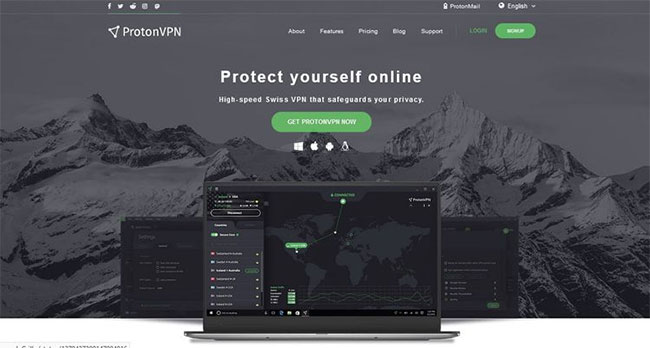
Proton VPN's free plan is notable for not being positioned around a small monthly data bucket, although free users receive a more limited server choice and may experience lower performance at busy times. Its Android app supports modern VPN controls and is a strong starting point for users who prioritize transparent product documentation.
15. Opera's built-in browser VPN
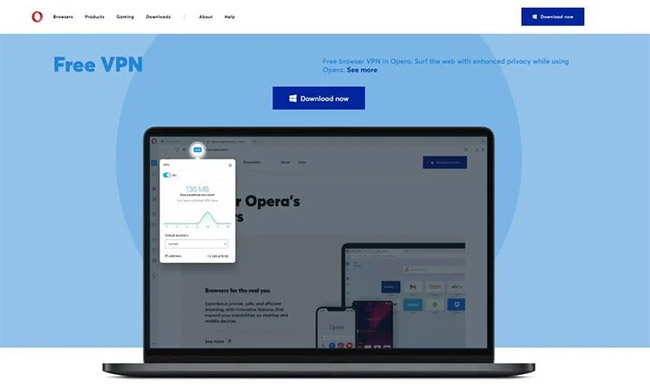
Opera's built-in option protects traffic inside the Opera browser; it does not replace a device-wide VPN for other Android apps. That distinction makes it useful for casual browsing but unsuitable when you need email, messaging, or another app to use the protected connection. Location choice and streaming support are also more limited than with a full VPN service.
16. Speedify
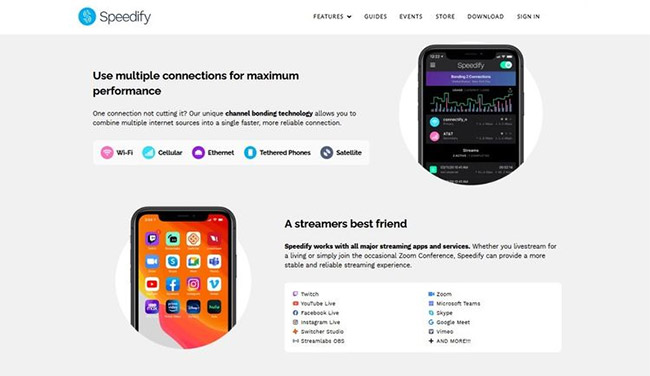
Speedify is built around connection bonding and reliable real-time traffic, allowing supported devices to combine available network paths. Its free allowance and performance policies can change, so verify them before planning regular streaming or calls. The service may appeal to users who value connection resilience more than a large location catalog.
17. iRocketVPN
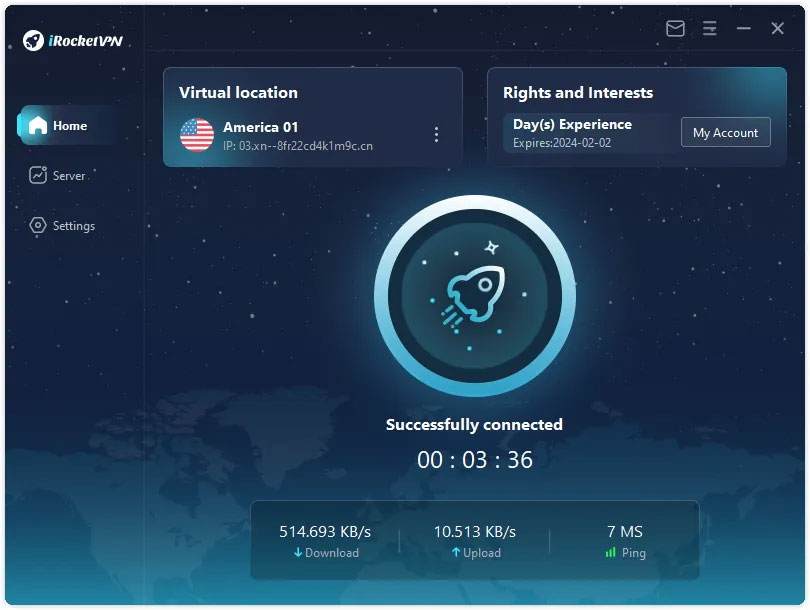
iRocketVPN advertises global servers, encryption, and an easy connection flow. Those claims should be checked against current, independently verifiable documentation. Before installation, confirm the publisher's identity, privacy policy, app permissions, support channels, protocol details, and how the service is funded. If those answers are unclear, choose a provider with stronger transparency.
How to test a VPN after installation
- Install the app only from the provider's verified store page, then review requested permissions. A VPN needs permission to create a VPN connection, but unrelated access deserves scrutiny.
- Connect to a nearby server and confirm that ordinary websites and important apps still work.
- Compare speed and latency with the VPN on and off. Run several tests at similar times rather than trusting one unusually fast or slow result.
- Enable the kill switch or always-on VPN option if your use case requires traffic to stop when the tunnel drops.
- Check the displayed public IP and test for DNS leaks. If the results expose your normal provider when the VPN claims otherwise, contact support or choose another service.
Which Android VPN should you choose?
For occasional use, begin with a well-documented free tier from an established provider and make sure its limits fit your needs. For daily work, travel, or multiple devices, a paid service with clear ownership, current audits, reliable support, and the controls you need is usually easier to evaluate. A browser-only VPN is sufficient only when you intend to protect browser traffic alone.
Do not choose solely by the number of servers, a “military-grade” label, or a promise to make you completely anonymous. Privacy depends on the provider's data practices, the security of your accounts and device, and the websites you use as well as the VPN tunnel.
Related Articles
 Best AI Apps for Android7 minutes read
 TOP Essential Apps When Using Android Phones5 minutes read
 10 Open Source Android Apps You Can't Live Without8 minutes read
 5 Best Best Photography Apps on iPhone and Android Phones5 minutes read
 Top Voice Changer Apps for Android Phones5 minutes read
 How to Lock Apps on Android Phones4 minutes read
Reader Comments 0
Sign in with email or Google to join the discussion.