Table of Contents
Microsoft Copilot can help plan and edit a research report, but it does not make a draft academically reliable by itself. The safest workflow begins with a precise question and real sources, uses Copilot to organize evidence, and ends with a human check of every citation, quotation, number, and conclusion.
For complex work, eligible Microsoft 365 users can choose the Researcher agent under Agents. It is designed for multi-step, source-cited reports using the web and, for work accounts, content the user already has permission to access. Standard Copilot Chat is better suited to shorter questions, outlining, and revision.
1. Define the research question and boundaries
State the topic, audience, purpose, jurisdiction or population, time period, and desired decision. A broad request such as “research renewable energy” encourages a shallow overview.
Help me refine a research question about rooftop solar adoption by small businesses in [location] between [years]. The report is for [audience] and must compare cost barriers, policy incentives, and implementation risks. First, identify ambiguities and ask up to five clarifying questions. Do not draft the report yet.
Review the refined question yourself. Copilot can surface missing dimensions, but you decide whether the scope is answerable with the time and evidence available.

2. Build an evidence plan before an outline
Ask for the kinds of sources needed and the claim each source should support. Prioritize primary material: laws, standards, official datasets, company filings, original research, and product documentation. Use reviews or news reporting for context, not as a substitute for the underlying record.
Create an evidence plan for this question. For each sub-question, list:
- the preferred primary source type;
- useful search terms;
- the date range;
- likely bias or missing data;
- what would count as sufficient evidence.
Do not invent titles, authors, URLs, or findings.
Upload relevant files or use Researcher with an explicit web/work scope. Copilot supports common document and spreadsheet formats, but account limits and file access vary. For a comparison of other options, see TipsMake's guide to AI tools for in-depth research.
3. Create a claim-and-source table
Before drafting prose, ask Copilot to map evidence to claims. This makes unsupported assertions easier to spot.
Using only the attached sources, create a table with:
1. proposed claim;
2. exact supporting passage or data point;
3. source title and page/section;
4. limitations or conflicting evidence;
5. status: supported, partially supported, or not supported.
Write “not found” instead of filling a gap from general knowledge.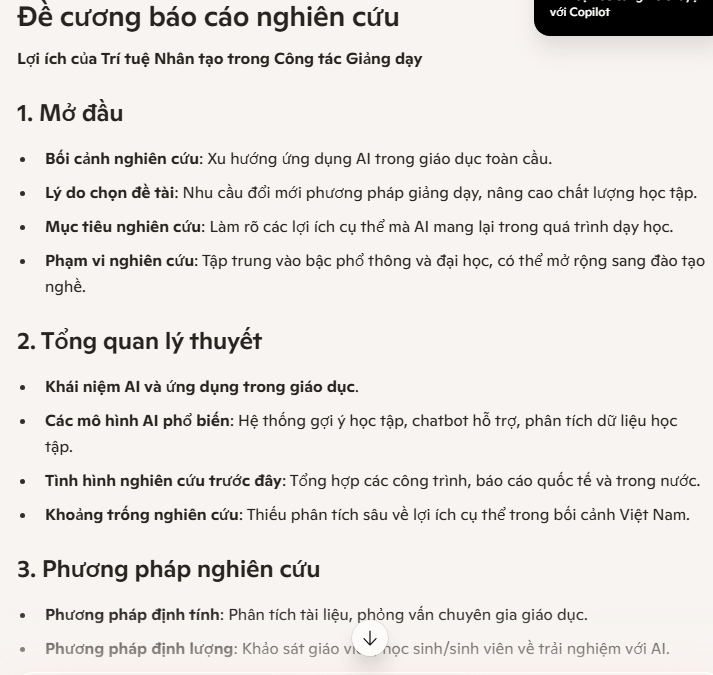
Open every cited passage. AI-generated citations can point to a real source that does not support the sentence, omit a qualification, or misread a table.
4. Draft one section at a time
Use the verified evidence map to create an outline, then draft in small sections. Give Copilot the applicable sources and citation style for each part.
Draft the literature-review section from the verified rows in the evidence table. Compare areas of agreement and disagreement; do not list sources one by one. Preserve uncertainty and study limitations. Add an inline citation after each factual claim using [the required citation style]. Do not add sources that are not in the table.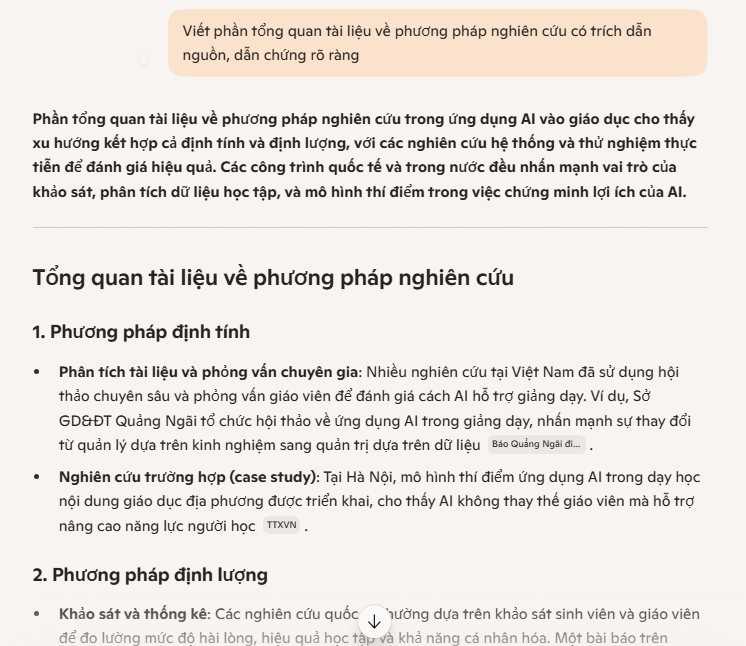
An “academic tone” is not proof of academic quality. Favor precise claims and visible limitations over elaborate wording.
5. Analyze data without inventing it
Provide the actual dataset, its data dictionary, units, and collection method. Ask Copilot first to inspect structure, missing values, duplicates, and inconsistent categories. Then request a specific calculation or chart.
Analyze the attached CSV only. Report row count, column types, missing values, duplicate rows, and any values that violate the supplied data dictionary. Propose analyses suitable for the research question, but do not calculate a trend until I approve the cleaning rules.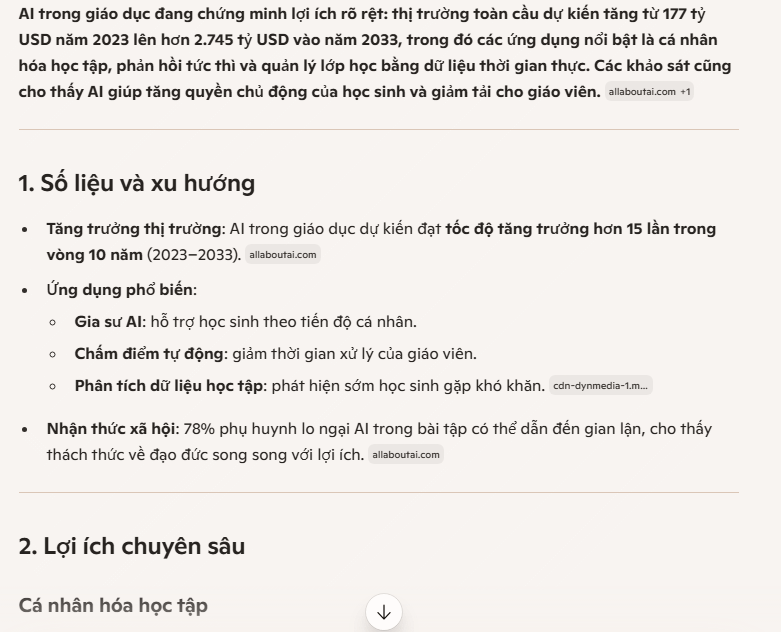
Reproduce important calculations in Excel, statistical software, or code you can inspect. Never let Copilot create “reasonable” survey results, interview quotations, sample sizes, or before-and-after numbers.
6. Synthesize and challenge the report
Once the sections are verified, ask Copilot to merge them while preserving the evidence and then run an adversarial review:
Review this draft as a skeptical research editor. List:
- unsupported or overstated claims;
- citations that need checking;
- alternative explanations;
- missing counter-evidence;
- inconsistent terms, dates, or units;
- conclusions that go beyond the results.
Do not rewrite until I approve the issue list.
Microsoft's Researcher can produce structured reports and citations, but its own official guidance still recommends defining scope and reviewing sources.
7. Edit and export the final document
Move the verified draft into Word or an editable Copilot Page, apply the required heading and reference styles, and check tables, figures, footnotes, and appendices. Export to PDF only after the editable version passes review.

Before submission, confirm:
- every in-text citation has a matching reference entry;
- every quoted phrase matches the source and page;
- statistics include units, period, population, and provenance;
- methods distinguish collected data from interpretation;
- limitations and conflicting evidence are stated;
- confidential or personal data is handled under the applicable policy;
- AI use is disclosed if the institution, publisher, or employer requires it.
Copilot products and licenses differ. TipsMake's Copilot versus ChatGPT comparison can help identify which workflow fits the available files and tools, but neither assistant replaces subject-matter review.
Related Articles
 Create Your Own AI Assistant for Writing Experience Reports Using Gemini4 minutes read
 Guide to Writing Training Materials/reports Using NotebookLM4 minutes read
 Guide to Effectively Checking for Duplication in Innovative Teaching Methods4 minutes read
 Top AI Tools to Support Essay Writing and Scientific Research9 minutes read
 These Major Updates Enable Users to Utilize Copilot for Research and Analysis5 minutes read
 How to Write a Scientific Paper Using ChatGPT9 minutes read
Reader Comments 0
Sign in with email or Google to join the discussion.