Table of Contents
Choose Microsoft Copilot if most of your work happens in Word, Excel, PowerPoint, Outlook, Edge, or other Microsoft products. Choose ChatGPT if you want a broader standalone assistant for research, writing, coding, data analysis, images, and flexible multi-step projects. Both can handle everyday questions, web information, files, and content creation, but their integrations are different.
“Copilot” can refer to several Microsoft products, including the consumer assistant, Microsoft 365 Copilot, Copilot Studio, and GitHub Copilot. This comparison focuses on the general Microsoft Copilot experience and its Microsoft 365 integrations, not GitHub Copilot as a separate coding product.
ChatGPT and Microsoft Copilot at a glance
| Area | Microsoft Copilot | ChatGPT |
|---|---|---|
| Best fit | Work centered on Windows, Edge, and Microsoft 365 | General research, creation, coding, learning, and project work |
| Web information | Web answers and search-based assistance in supported experiences | Web search and source-based research in supported modes |
| Documents and data | Strongest when licensed and used inside Microsoft 365 apps | Uploads and analyzes many common file types in a standalone workspace |
| Office integration | Native assistance in supported Word, Excel, PowerPoint, and Outlook workflows | Can work with uploaded files and connected apps, but is not the native Office assistant |
| Coding | General coding help; Microsoft also offers separate developer-focused Copilot products | Strong code explanation, generation, debugging, and agentic development tools |
| Custom workflows | Microsoft's ecosystem includes organization-focused agents and automation | Offers custom assistants, apps, tools, and project-oriented workspaces |
| Access | Web, mobile, Windows, Edge, and supported Microsoft products | Web, desktop, and mobile |
Exact capabilities and limits depend on the plan, account type, organization policy, region, and app version.
What both assistants can do
ChatGPT and Microsoft Copilot overlap on many everyday tasks. Depending on the selected mode and account, both can:
- Answer questions, summarize text, and draft or rewrite content.
- Work with images and common document formats.
- Retrieve current web information where search is enabled.
- Help explain code, formulas, and technical concepts.
- Support voice conversations in compatible apps.
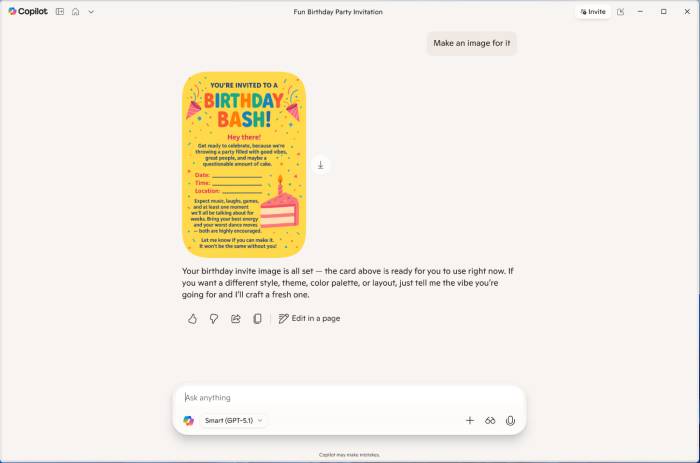
- Generate images and assist with visual ideas.
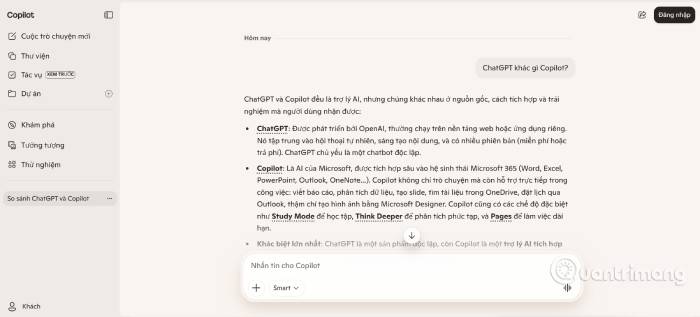
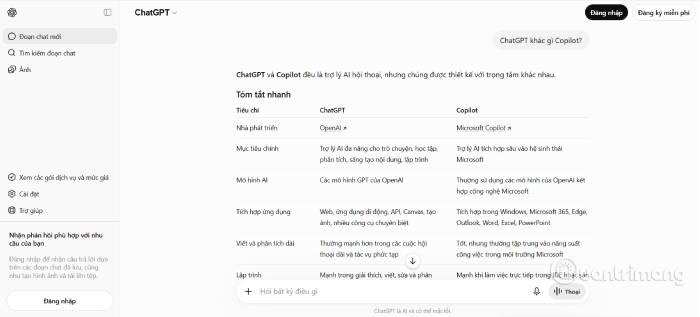
Neither assistant is consistently correct. Verify citations, calculations, code, and high-stakes advice, especially when an answer depends on recent events or private organization data.
Where ChatGPT is stronger
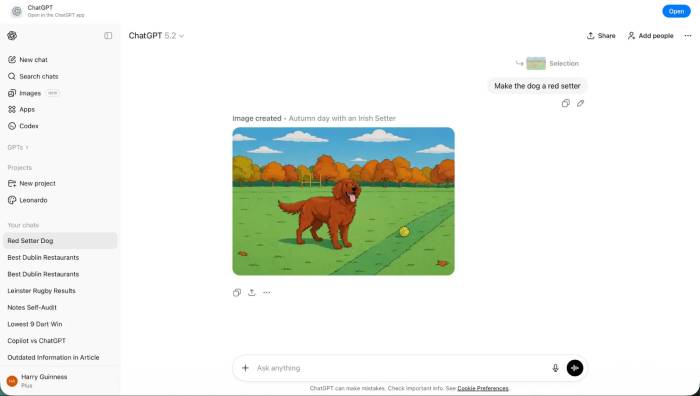
ChatGPT is designed as a broad AI workspace rather than an assistant tied primarily to one software ecosystem. It is a better fit when a task moves between research, drafting, code, images, files, and structured analysis in the same conversation.
Its available tools may include web research, data analysis, document editing, image creation, custom assistants, coding environments, and task-oriented agents. Availability and usage limits vary by plan.
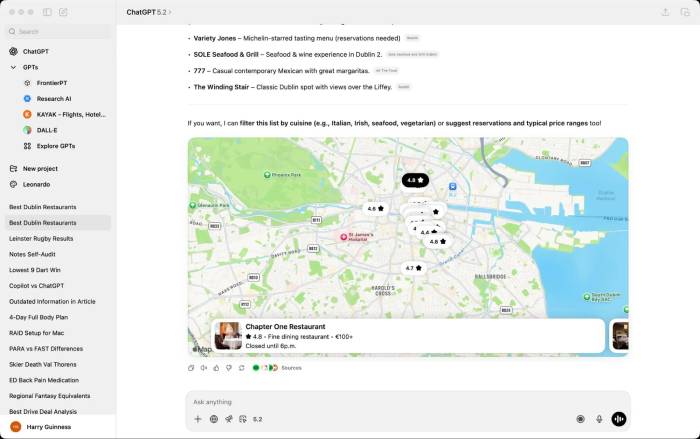
For example, ChatGPT is well suited to comparing several sources, turning a spreadsheet into an explanation or chart, debugging a codebase, and revising a report through several rounds.
Where Microsoft Copilot is stronger
Copilot's main advantage is context inside Microsoft's products. Instead of uploading a file to a separate assistant, eligible users can invoke Copilot in the application where they are already working.
Microsoft also surfaces Copilot in Windows, Edge, and other supported experiences, although the exact placement and controls change between versions.
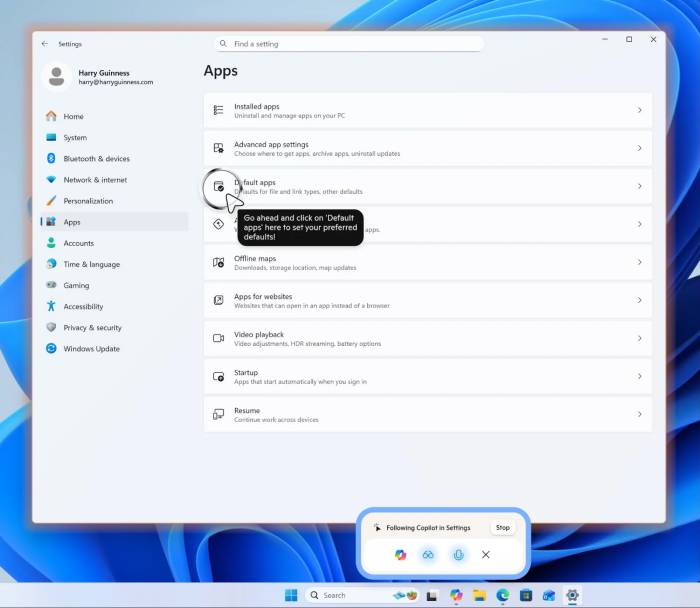

Microsoft 365 workflows
With the required Microsoft 365 and Copilot licenses, supported uses can include:
- Drafting, summarizing, and asking questions about content in Word.
- Exploring data, formulas, and patterns in Excel.
- Creating or revising presentations in PowerPoint.
- Summarizing email threads and drafting replies in Outlook.
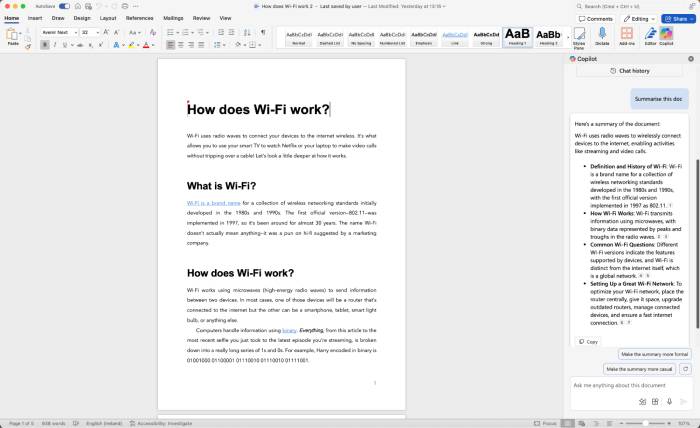
For organizations, Microsoft 365 Copilot can also work within the security and access controls already applied to Microsoft 365 data. Administrators still need to configure licenses, permissions, data governance, and policies appropriately.
Which is better for coding?
ChatGPT is the more flexible choice for general code explanation, debugging, architecture discussions, and development tasks that span files or tools. Microsoft Copilot can also explain and generate code, but developers should distinguish it from GitHub Copilot, the separate product designed for IDE and repository workflows.
Which offers the better free experience?
Free tiers change frequently and may enforce different message, image, model, or file limits. Compare the limits displayed in each service when you sign in instead of relying on an old price or quota. A generous free feature is not useful if it does not support your main workflow.
How to choose
- Choose Microsoft Copilot if you regularly work in Microsoft 365 and want assistance inside those apps.
- Choose ChatGPT if you need a versatile, standalone environment for research, writing, coding, files, and creative work.
- Use both if Office integration matters but you also want a separate workspace for broader projects.
Before paying, test each assistant with two or three representative tasks. Compare factual accuracy, source handling, privacy requirements, integration effort, and how much editing the output needs. That practical test is more useful than a ranking based on rapidly changing model names.
Related Articles
 Should You Use the AI Chatbot Copilot or ChatGPT?9 minutes read
 7 Reasons Copilot Is Worth Using7 minutes read
 Comparing the Prices of Paid AI Chatbot Packages10 minutes read
 Is GitHub Copilot or ChatGPT Better for Programming: Complete Overview8 minutes read
 Chatbot Microsoft Copilot Claims to Be the Master, Calling Users Slaves5 minutes read
 Meta AI vs ChatGPT (2026): Which Assistant Is Better?17 minutes read
Reader Comments 0
Sign in with email or Google to join the discussion.