Table of Contents
This guide organizes the entries in "5 Things to Check Before Buying a Used iPhone" and explains what each option, idea, or example offers. It also highlights practical details that matter when comparing the choices.
5. Check battery health with a suitable diagnostic app
Before buying a used iPhone, the first thing you should check is the battery condition, as the battery is often the fastest-deteriorating part of any phone.
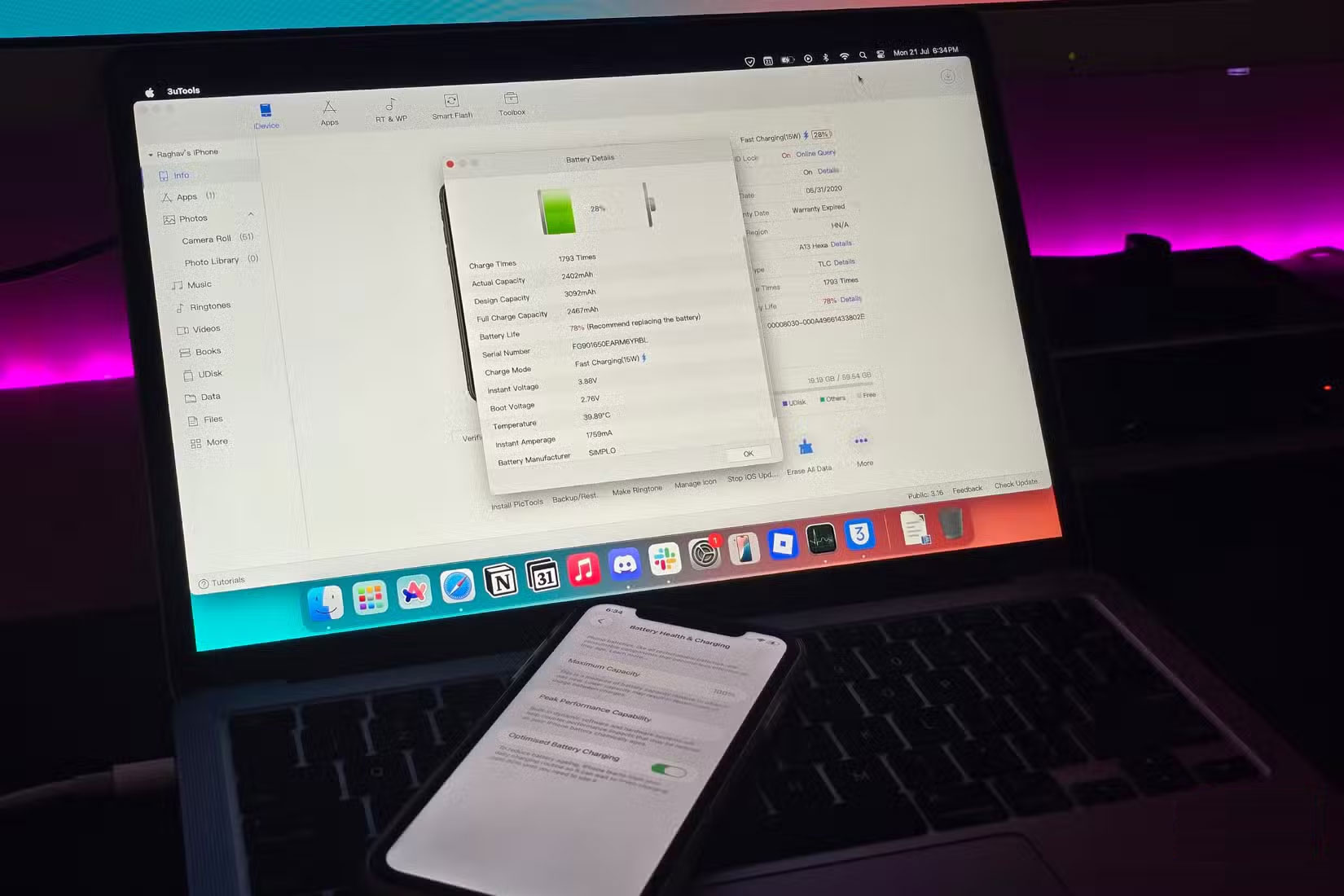
If you bought your iPhone from someone you trust, you can quickly check the battery health in the Settings app. A battery level above 80% usually means you'll get decent battery life (Apple says 80% is when you should replace the battery).
To be safe, use a third-party diagnostic tool like coconutBattery (macOS) or 3uTools (Windows/macOS). After installing the app on your computer, connect your iPhone using a cable and tap Trust on your phone when prompted. The app will then generate a detailed report showing the actual battery health, including the number of charge cycles and the actual battery capacity.
4. Look for signs of a non-genuine screen
Another important factor to check is whether the iPhone screen has been replaced with a non-genuine screen. Since many phones sold to refurbishers often have broken screens, the screen is one of the most commonly replaced parts and is often swapped out for a lower quality replacement.
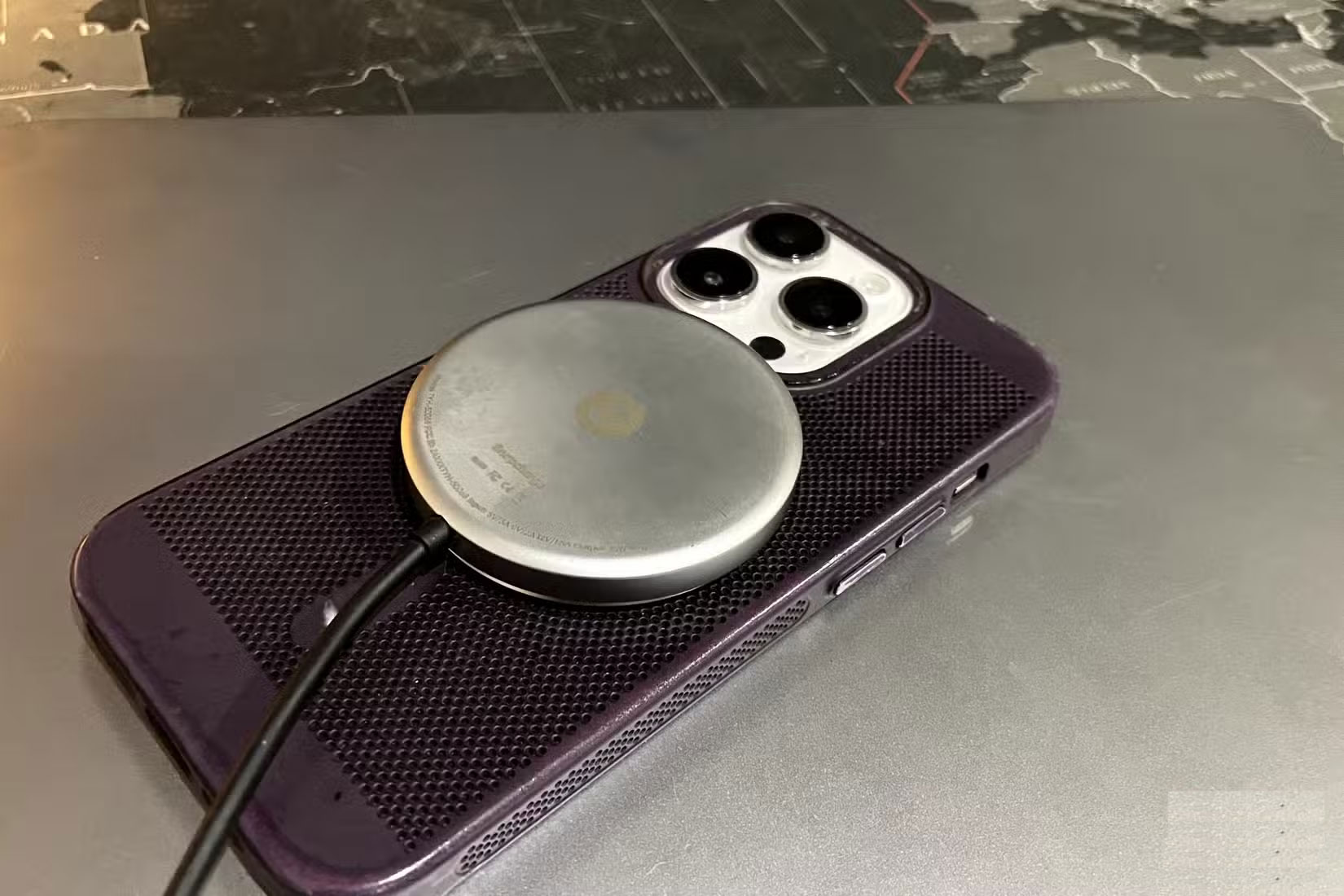
A simple trick is to place your phone on a wireless charger and unlock it. If you notice the phone automatically opening apps or sensing touch on the screen, it's likely a fake screen. Replacement screens are often not compatible with wireless charging.
3. Check all speakers and microphones
It's also important to note that iPhones have multiple speakers and microphones. Just because you hear audio or your voice is being picked up doesn't mean everything is working properly.
The iPhone has two speakers: One on the bottom near the charging port and one on the top near the front camera. To test, play some audio and hold the phone to your ear, one speaker at a time. If you can hear clear sound coming from both locations, then both speakers are working properly.
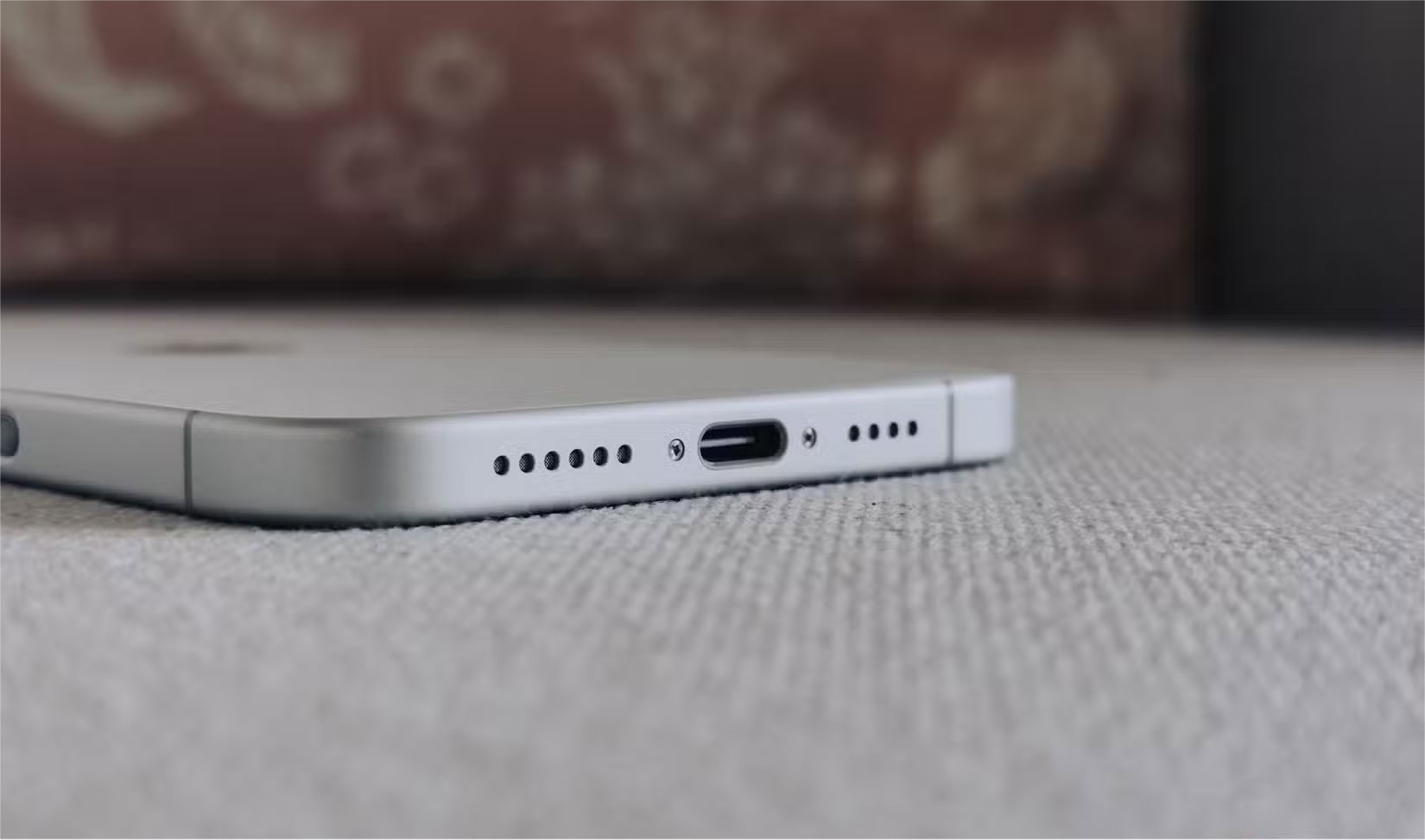
The iPhone also has several microphones located around the device, including on the top, bottom, and back. To test that they're all working properly, open the Voice Memos app and start recording. Speak into the phone from different directions, then play it back to see if your voice is picked up clearly, no matter where you're speaking.
2. Check if Face ID is working
You should also make sure Face ID is working properly. This feature often stops working if the TrueDepth camera has been replaced, or if the phone has undergone a poor screen replacement that has damaged internal components. While you'll usually see a warning on the home screen that Face ID is disabled when you first turn on your phone, it's worth double-checking.
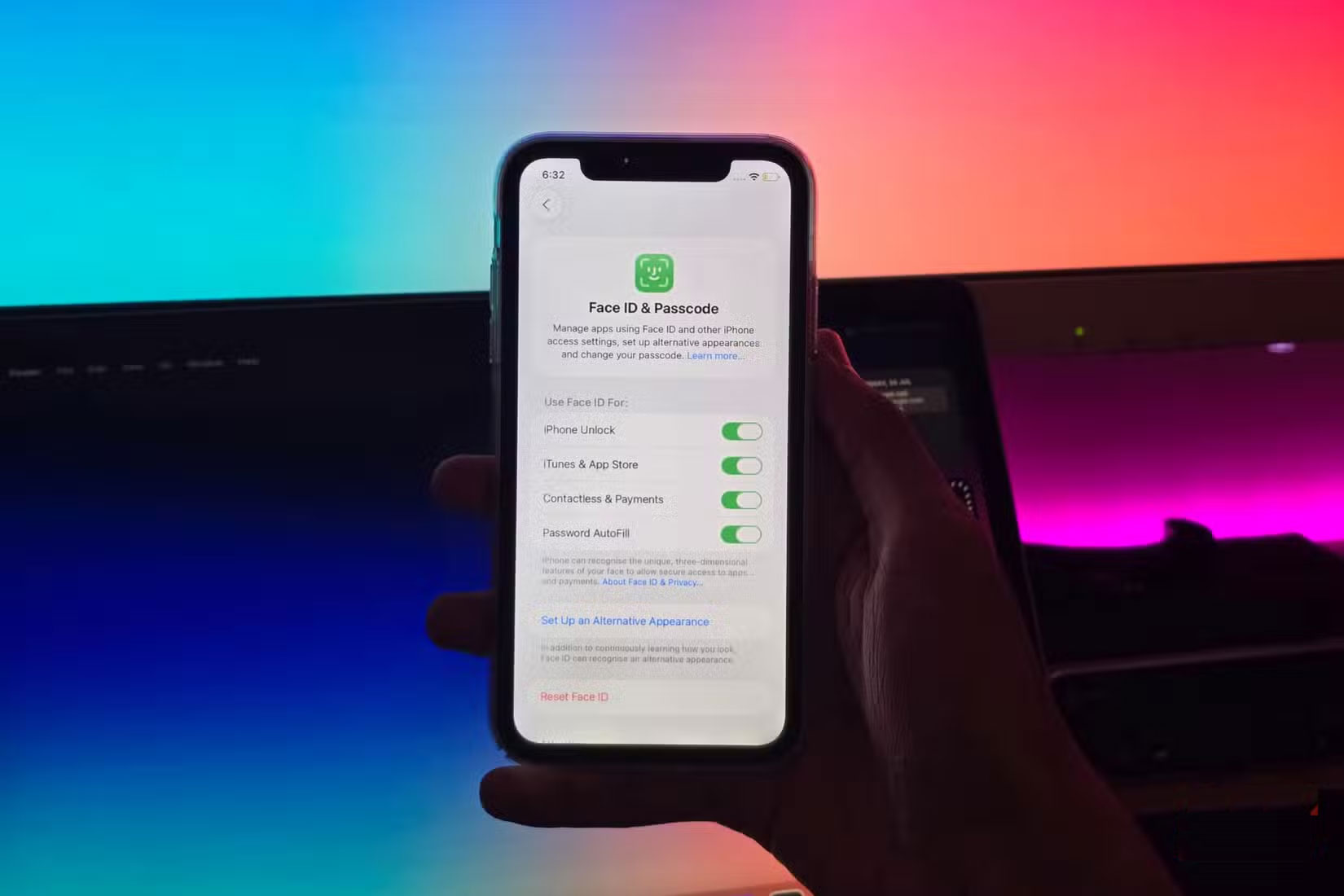
To test, reset Face ID by opening the Settings app and going to Face ID & Passcode > Set Up Face ID . Follow the on-screen instructions to position your face in front of the camera and slowly move your head in a circular motion. Once setup is complete, lock your phone and try unlocking it with Face ID to confirm everything is working properly.
1. Confirm activation lock is not enabled on iPhone
If you buy a used iPhone online and the seller only shares a picture of the phone showing the setup screen, that's a big red flag. In many cases, it could be a stolen device with Activation Lock still on.
Activation Lock is a security feature that links an iPhone to the owner's Apple account, even if the device has been erased. You won't be able to finish setting up or use the phone unless the previous owner enters their Apple account password during setup or manually erases the device from their iCloud account using the Find My app.
If the seller can't or won't remove the activation lock, that's a clear sign that the iPhone has been stolen. In that case, not only are you stuck with a useless device, but there's a good chance the original owner can track it down. Always ask the seller to confirm that the phone isn't locked to someone else's account before buying an iPhone — and never remove a stolen iPhone from your own Apple account.
- What is iPhone Lock? What is international iPhone? Terms you need to know before buying a hand-carried iPhone
FAQ
What should you know about 5. Check battery health with a suitable diagnostic app?
Before buying a used iPhone, the first thing you should check is the battery condition, as the battery is often the fastest-deteriorating part of any phone.
What should you know about 4. Look for signs of a non-genuine screen?
Another important factor to check is whether the iPhone screen has been replaced with a non-genuine screen. Since many phones sold to refurbishers often have broken screens, the screen is one of the most commonly replaced parts and is often swapped out for a lower quality replacement.
What should you know about 3. Check all speakers and microphones?
It's also important to note that iPhones have multiple speakers and microphones. Just because you hear audio or your voice is being picked up doesn't mean everything is working properly.
What should you know about 2. Check if Face ID is working?
You should also make sure Face ID is working properly. This feature often stops working if the TrueDepth camera has been replaced, or if the phone has undergone a poor screen replacement that has damaged internal components. While you'll usually see a warning on the home screen that Face ID is disabled when you first turn on.
Related Articles
 Steps to Check iPhone Before Buying5 minutes read
 How to Quickly and Accurately Check an Old iPhone Before6 minutes read
 How Do I Know If My Old iPhone Has Been Repaired or Replaced?6 minutes read
 9 Default Settings You Should Change After Buying a New iPhone10 minutes read
 How to Thoroughly Check Old iPhone Before Buying3 minutes read
 View iPhone Configuration, Check iPhone Hardware Information5 minutes read
Reader Comments 0
Sign in with email or Google to join the discussion.