Table of Contents
Your browser is packed with shortcuts and settings you never even notice, but it's extensions that really determine how you experience the web.
Your browser is packed with shortcuts and settings you never even notice, but extensions really make your web experience better. They smooth out little annoyances your browser can't fix, add smart features you didn't realize you were missing, and take over boring tasks you do over and over again.
If your browser still feels like it did a few years ago, it's probably because you haven't equipped it with some of the tools it needs to make it your own.
- 10 Chrome extensions you shouldn't miss
- 4 Chrome extensions to help you surf the web faster
- How to create custom keyboard shortcuts for extensions on Chrome browser
Glass
Highlight, summarize, save, and review anything you read
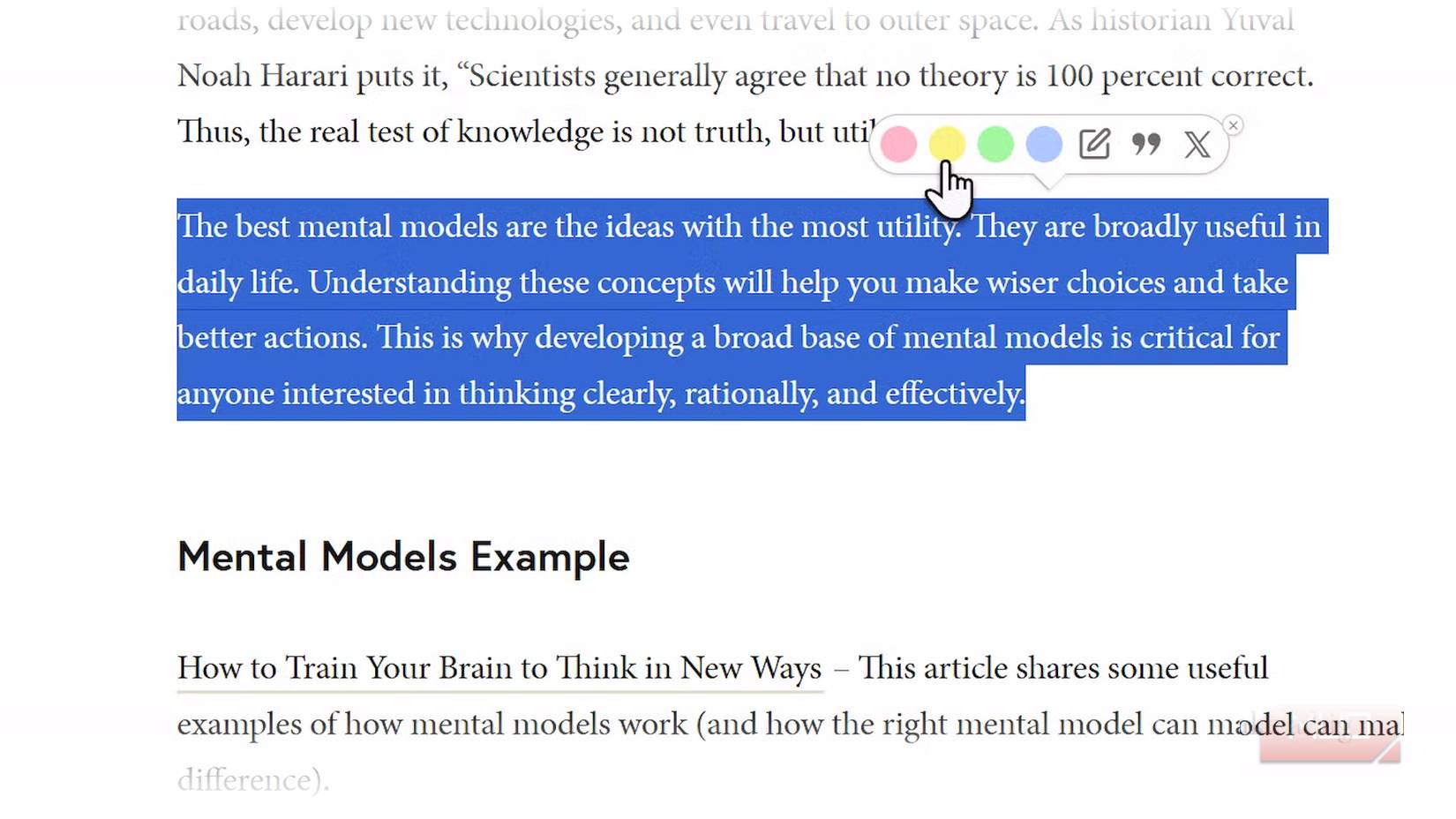
Most of us read interesting things online every day—from essays to guides to explainers—and then quickly forget where we looked. Glasp fixes that by turning web pages, PDFs, and even YouTube videos into your own personal searchable notebook. You can highlight passages in different colors, take notes, and tag important ideas. Everything automatically syncs to your profile, where you can search, organize, and export your saved content.
In addition to highlighting text, Glasp also lets you summarize articles, videos, and even audio using built-in AI. It can create transcripts for YouTube videos, extract details from PDFs, and store them all with your notes. You can also export everything to Notion, Obsidian, or Readwise so your highlights show up in whatever tool you use.
- Download Glasp for Chrome | Edge | Brave | Opera | Safari
Dark Reader
Make every website easy on the eyes
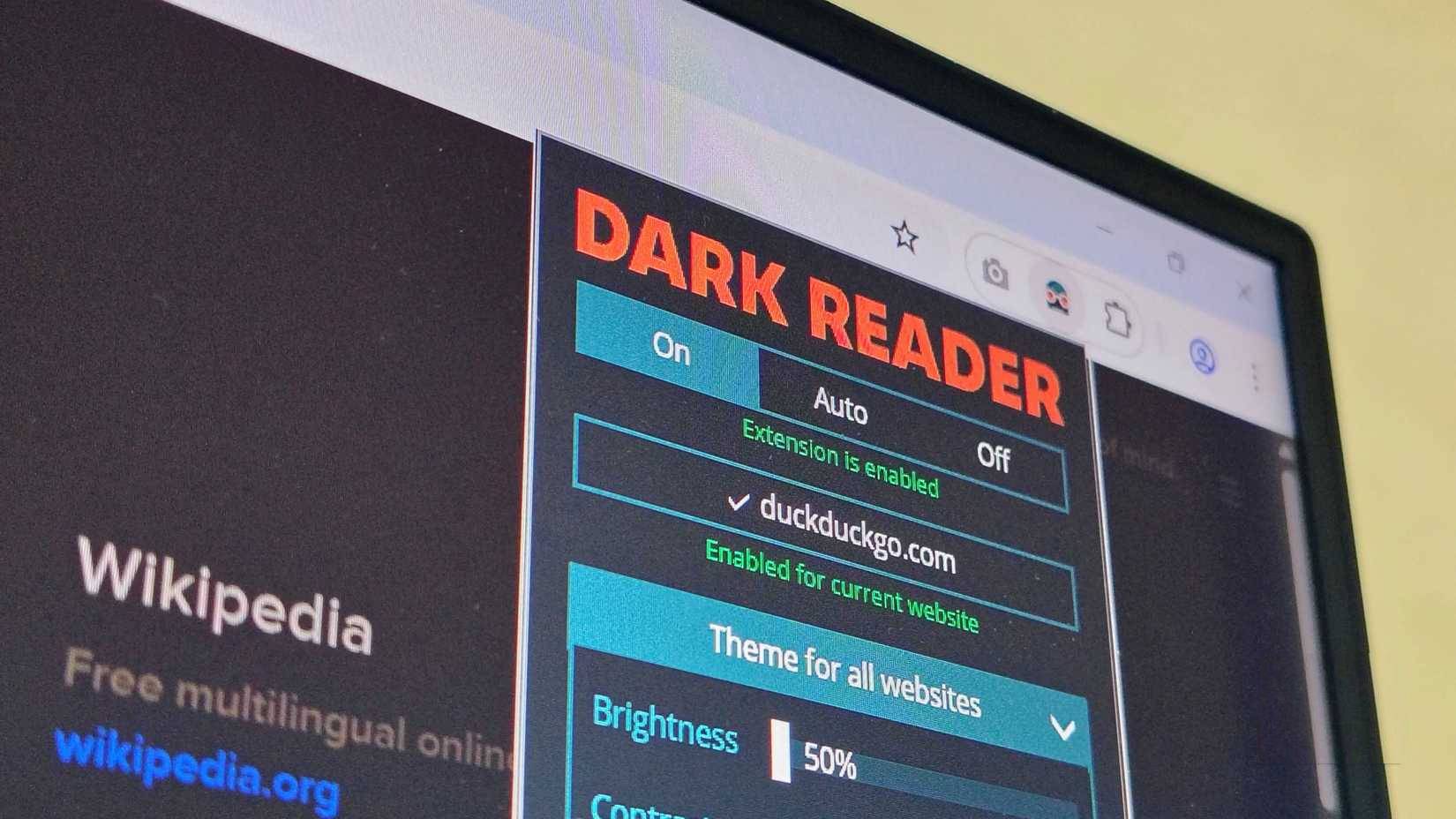
The internet can get very bright and glaring, especially late at night when a stark white webpage hits you like a flashbang. Dark Reader fixes that in the most satisfying way possible, applying a customizable dark mode to almost every website you visit. You can adjust the brightness, contrast, sepia tone, and saturation until it feels just right for your eyes.
You can find a few small things to note. Since Dark Reader processes every page to reformat, it can slow down a bit or use more CPU power on complex sites. And while it works well on most sites, you may find that some web apps and dynamic sites don't always play nice with it.
- Download Dark Reader for Chrome | Edge | Firefox | Safari
Grammarly
Write clearly on every web page
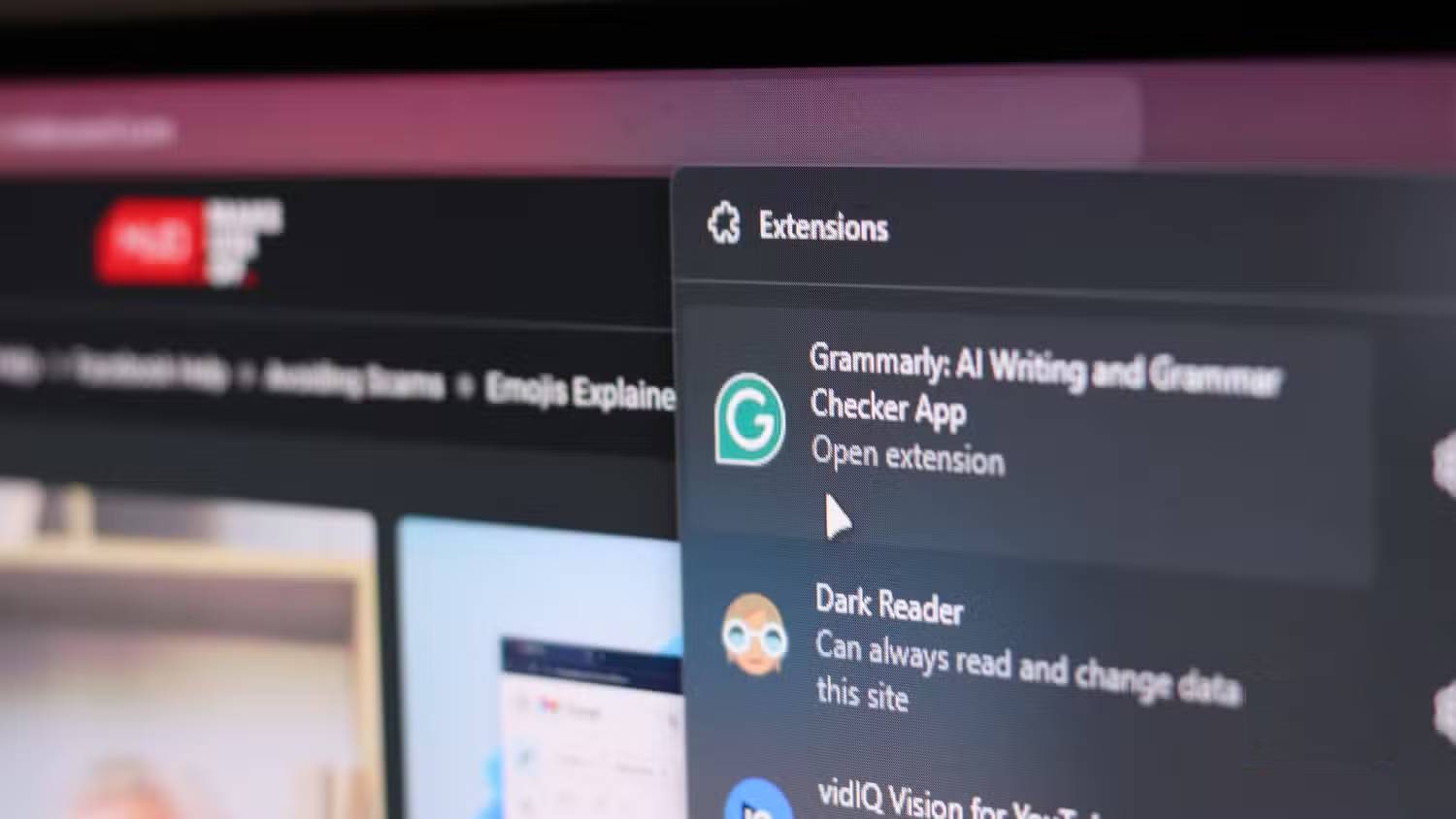
Grammarly has been around for years, but it's still one of those tools you can install to make your life easier every day. It works pretty much everywhere you write online, like emails, Google Docs, social media posts, LinkedIn updates, and even Notion.
Grammarly still handles the basics like correcting punctuation, grammar, and spelling, but Grammarly's real advantage now is that it's part of a growing wave of AI writing tools that help you write better and faster. You can ask Grammarly to rephrase, shorten, or expand sentences directly in your browser, with contextual suggestions that match whether you're writing in a natural, formal, or creative style. Grammarly also explains why something needs to be changed, so you actually learn, not just accept revisions.
- Download Grammarly for Chrome | Firefox | Edge
Scribe
Record and reproduce web workflows instantly
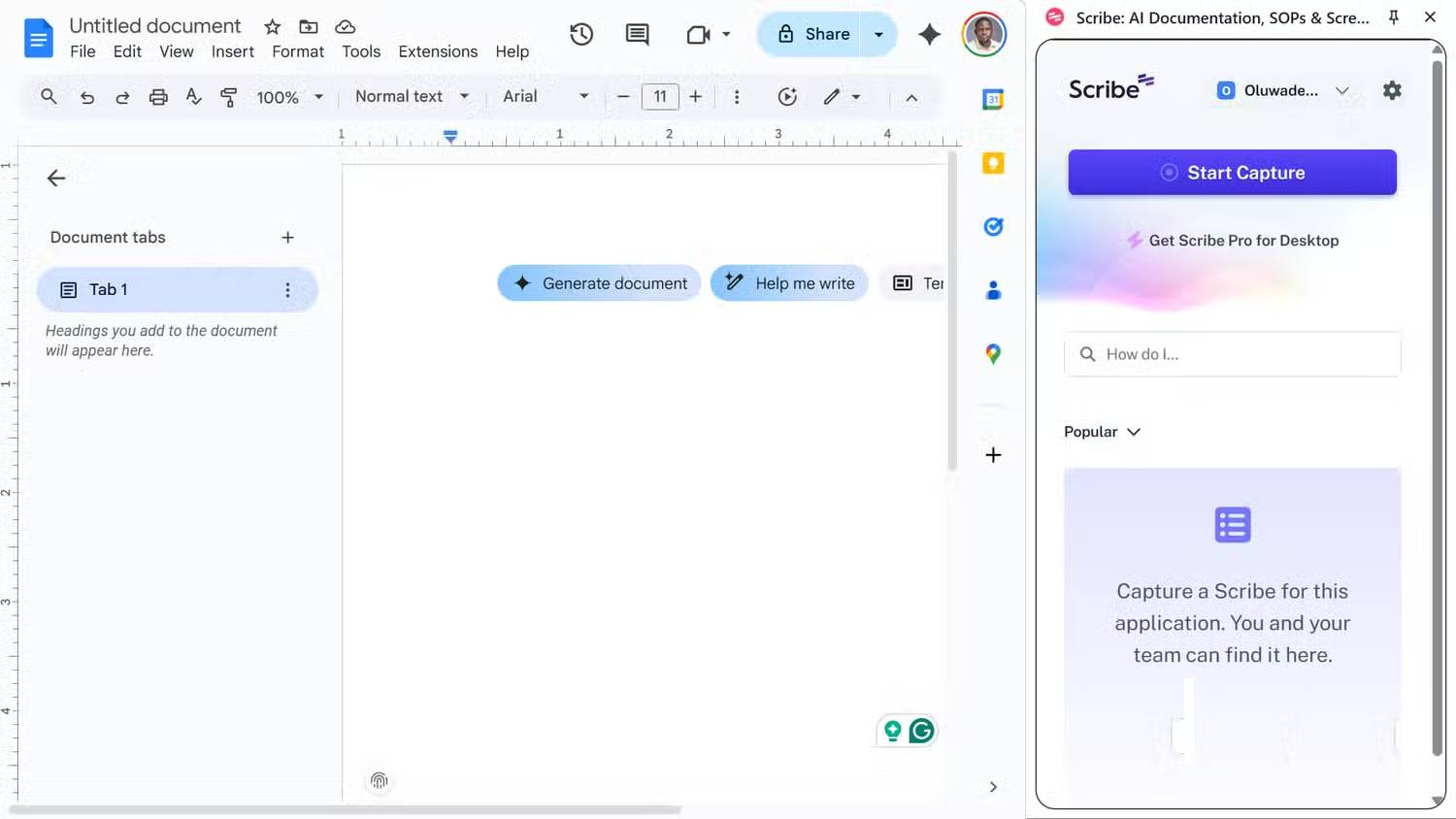
Chances are you've been in a situation where someone asks you how to do something online, and before you know it, you're typing out an essay or taking a quick screencast, which somehow turns into a 10-minute tutorial. Scribe takes all that stress away. It's an extension that turns your actions into a guide or document. Just click "Start Capture," go through the steps once, and it automatically generates a polished, step-by-step guide with screenshots, brief annotations, and clickable links.
When you're done, you can share your tutorial with a simple link, embed it in a wiki or help page, or export it as a PDF, HTML, or Markdown file. This is great for explaining how to use a new tool, filling out a complex form, or showing someone how to use a web app.
- Download Scribe for Chrome
PrintFriendly
Clean up and save the web page for later viewing
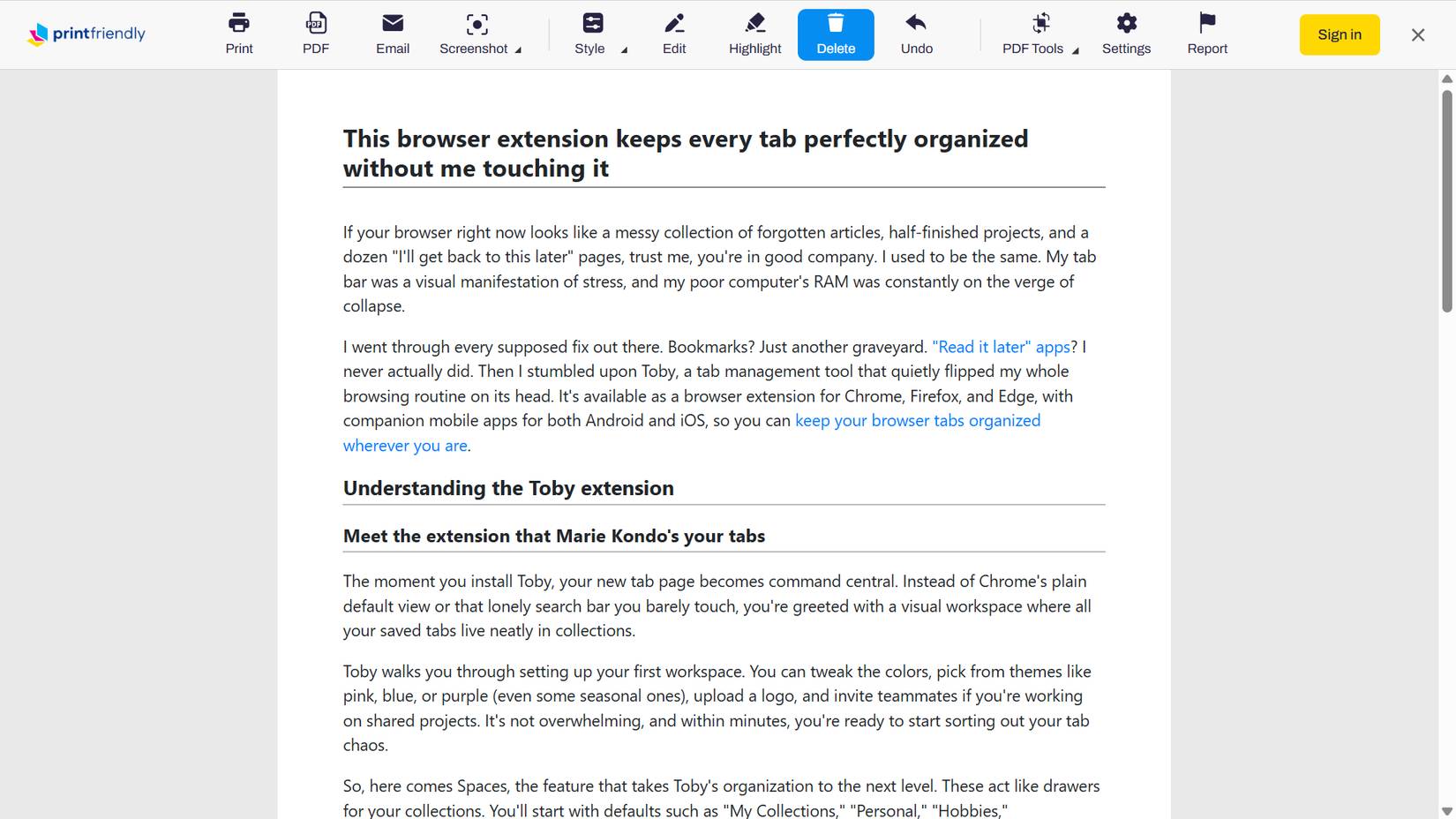
PrintFriendly turns any cluttered, ad-filled, pop-up-filled web page into a clean, easy-to-read page. With just one click, you can remove any unnecessary content, resize text, delete images, and save the final version as a PDF, beautifully edited HTML, or even a print-ready page.
This tool is ideal for storing recipes, how-to guides, receipts, or long reads that you want to store offline.
- Download PrintFriendly for Chrome | Firefox | Edge | Safari
Have fun!
See more articles:
- Hackers attack 8 more Chrome extensions
- How to install Chrome extensions for Firefox browser
- Be careful when downloading Image Downloader extensions on Chrome
FAQ
What should you know about the options in this guide?
In practical terms, your browser is packed with shortcuts and settings you never even notice, but it's extensions that really determine how you experience the web.
Which option is the best choice?
The best choice depends on your priorities, compatibility, budget, and the specific features discussed in the comparison.
What should you compare before deciding?
Compare core features, limitations, ease of use, compatibility, and long-term value before making a decision.
Related Articles
 7 Browser Extensions to Make the New School Year Easier7 minutes read
 6 Browser Extensions That Change the Way You Use the Web6 minutes read
 7 Extensions on Firefox No Browser Has8 minutes read
 6 Browser Extensions That Save You from Many Annoying Websites6 minutes read
 How to Block Any Website on Chrome, Safari or Other Browsers9 minutes read
 How to Remove Add-Ons (Extensions) on Chrome, Firefox and Some Other6 minutes read
Reader Comments 0
Sign in with email or Google to join the discussion.