Table of Contents
The default browser may be fine, but 'fine' doesn't mean efficient. The right extensions will remove annoyances, automate boring tasks, and make browsing more enjoyable.
6. Fleeting Notes
An easy-to-use, browser-ready note-taking app
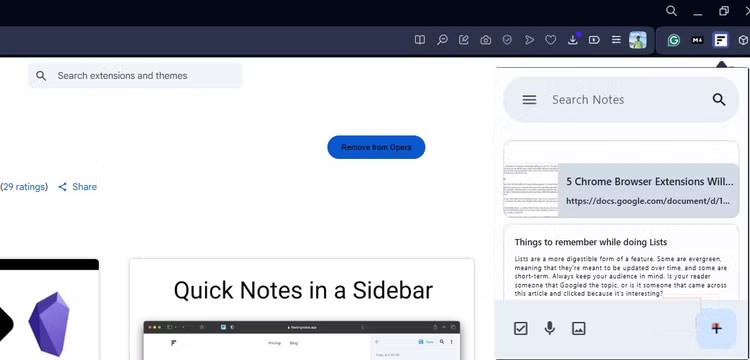
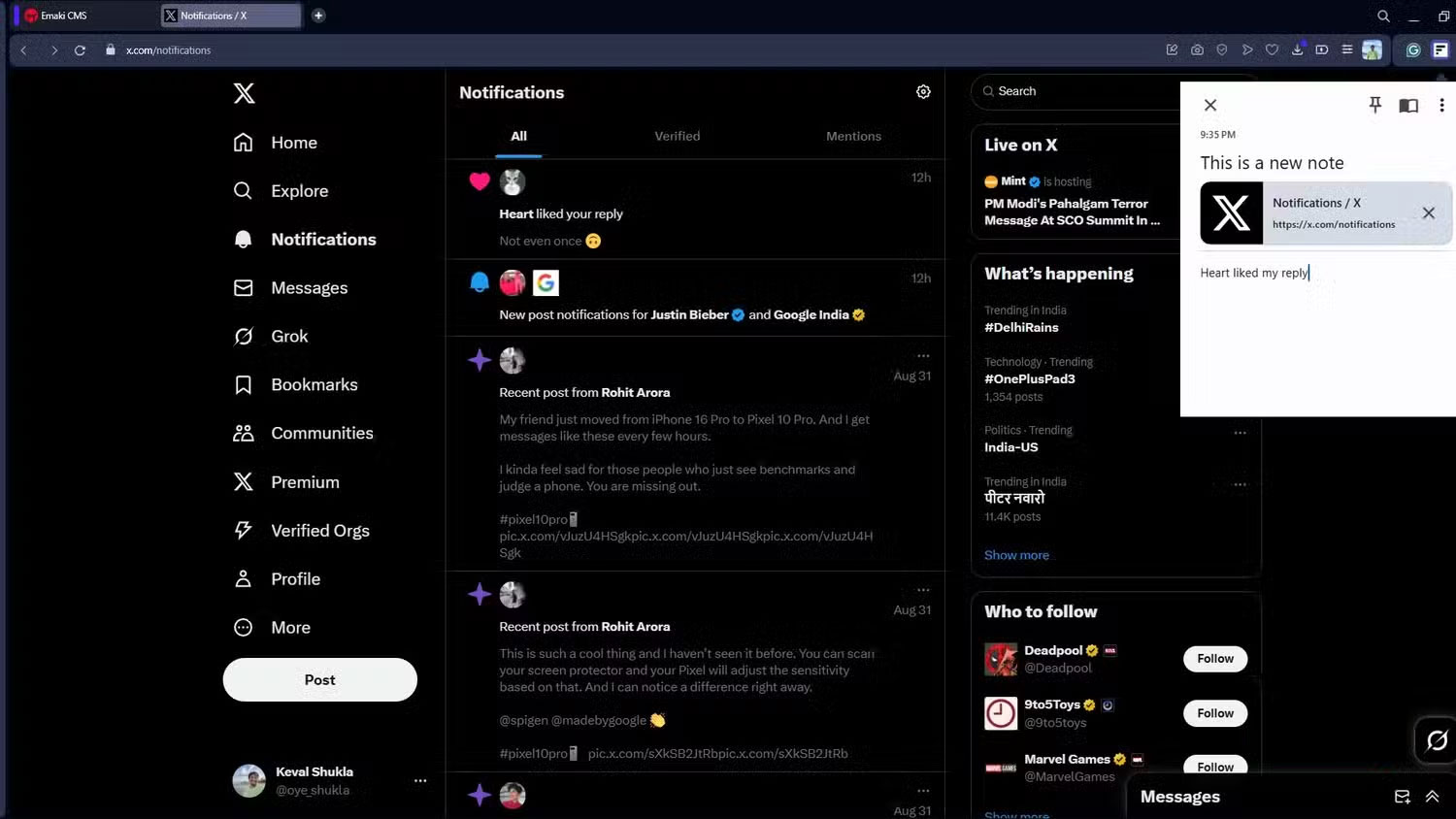
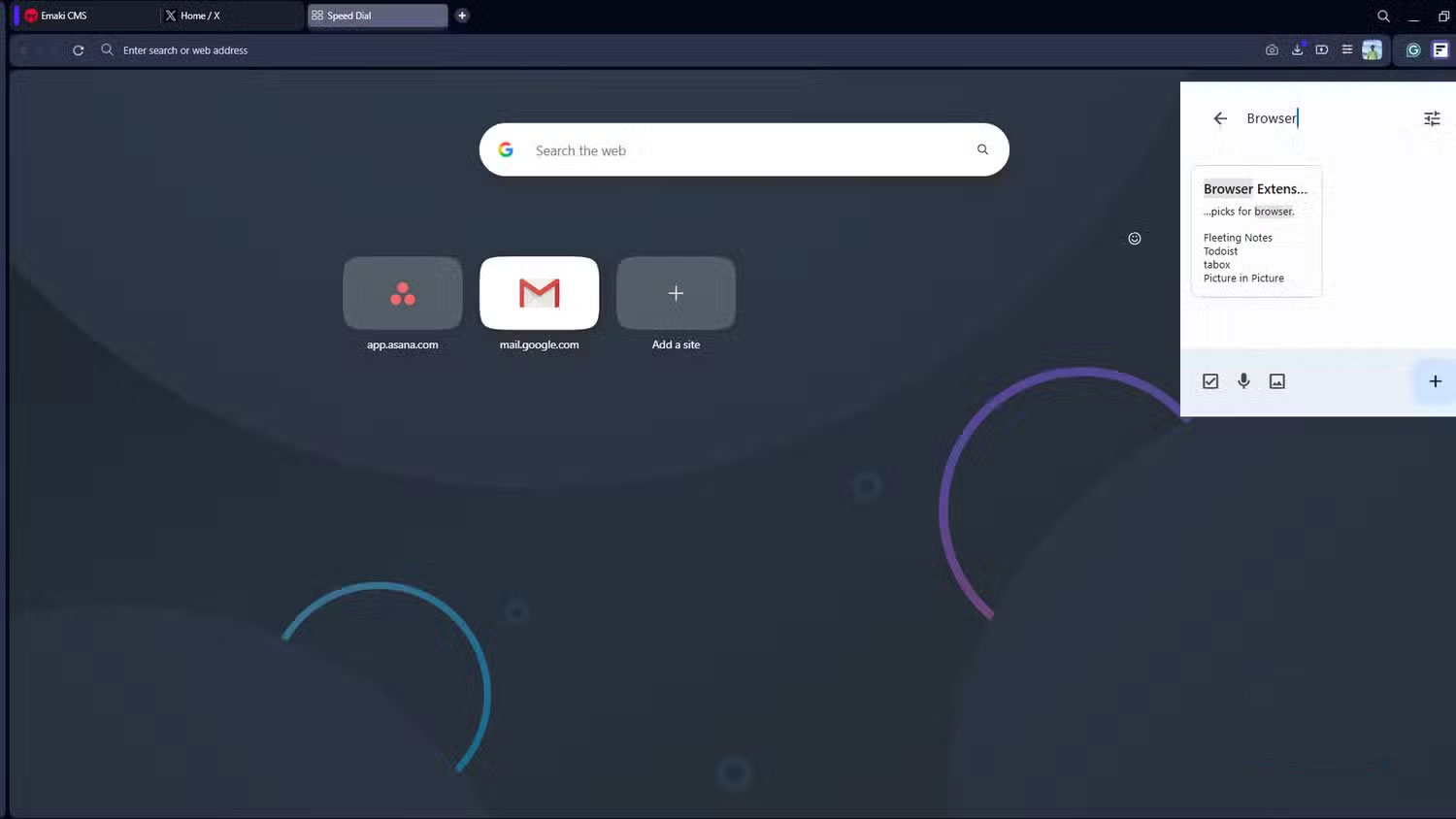
Fleeting Notes is an open source, offline-first, end-to-end encrypted note-taking app that you can install and run right away. The extension offers an intuitive note-taking experience that can sync your notes across multiple platforms with the help of Obsidian (another note-taking app).
Fleeting Notes is an easy to use extension. Just install it from the extension store, log in to your account or create one if you don't have one and you're done. Just select the extension and you'll be able to start taking notes right away.
5. Tabox
Clean up tabs and keep your workspace organized
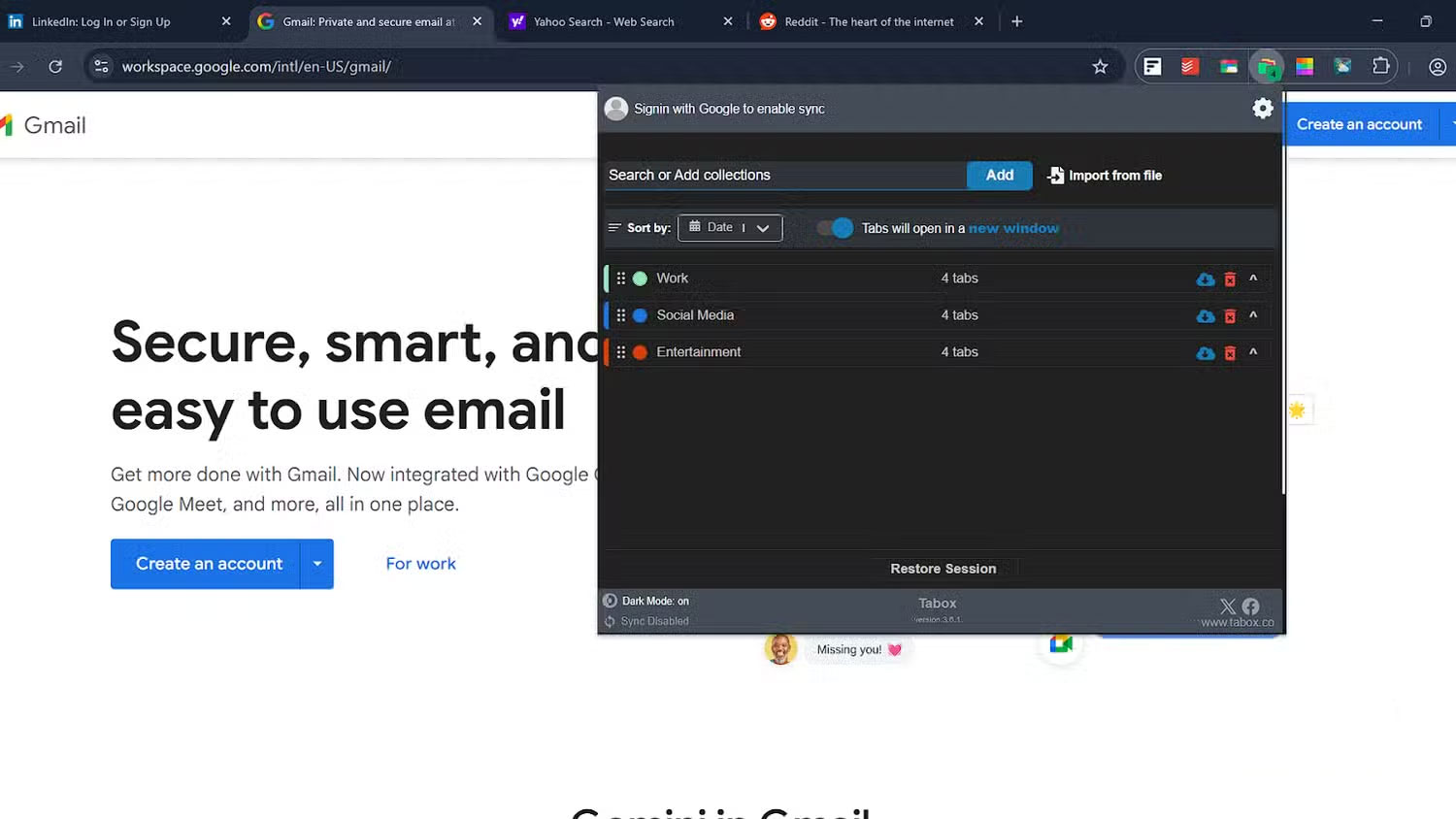
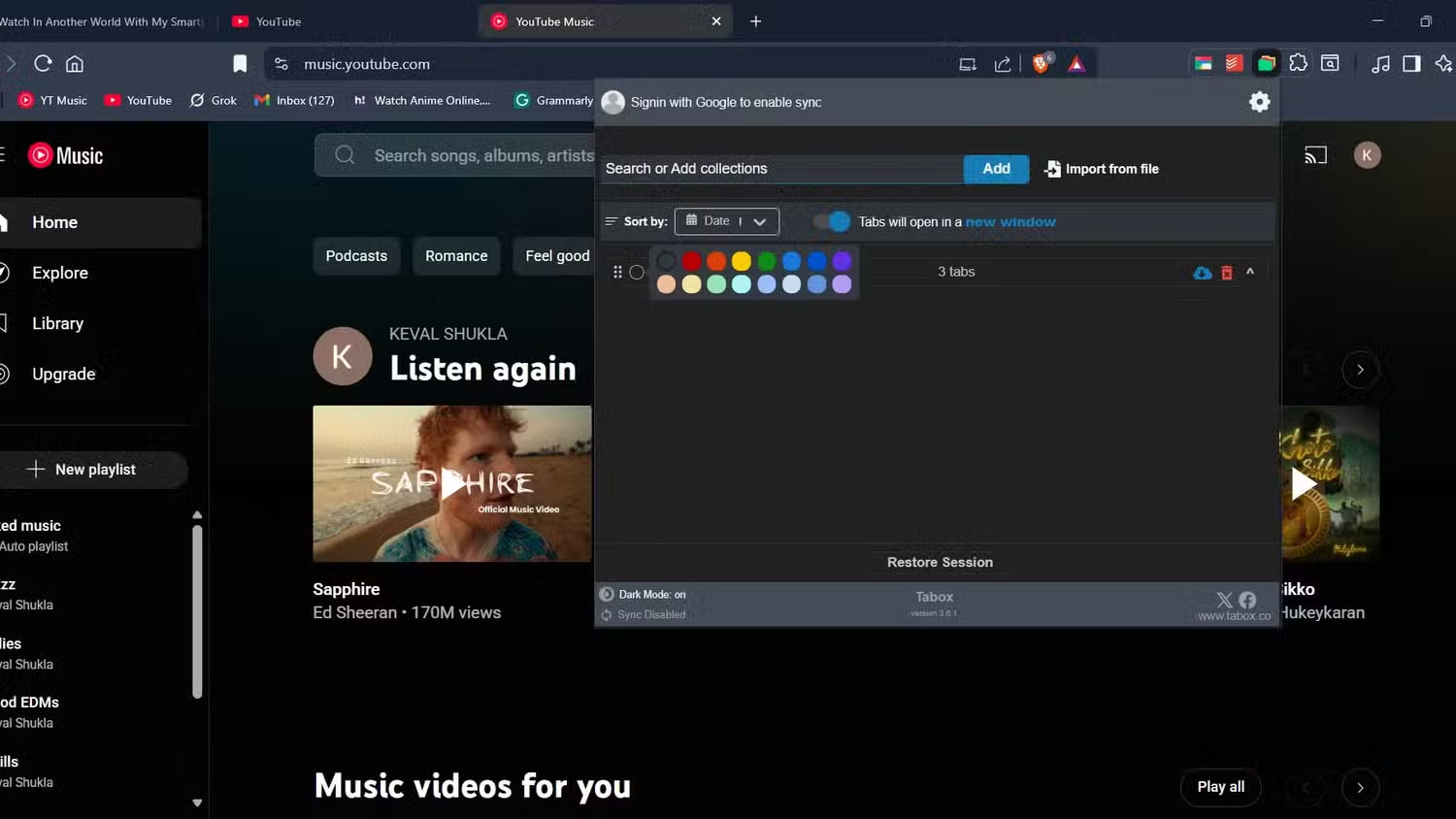
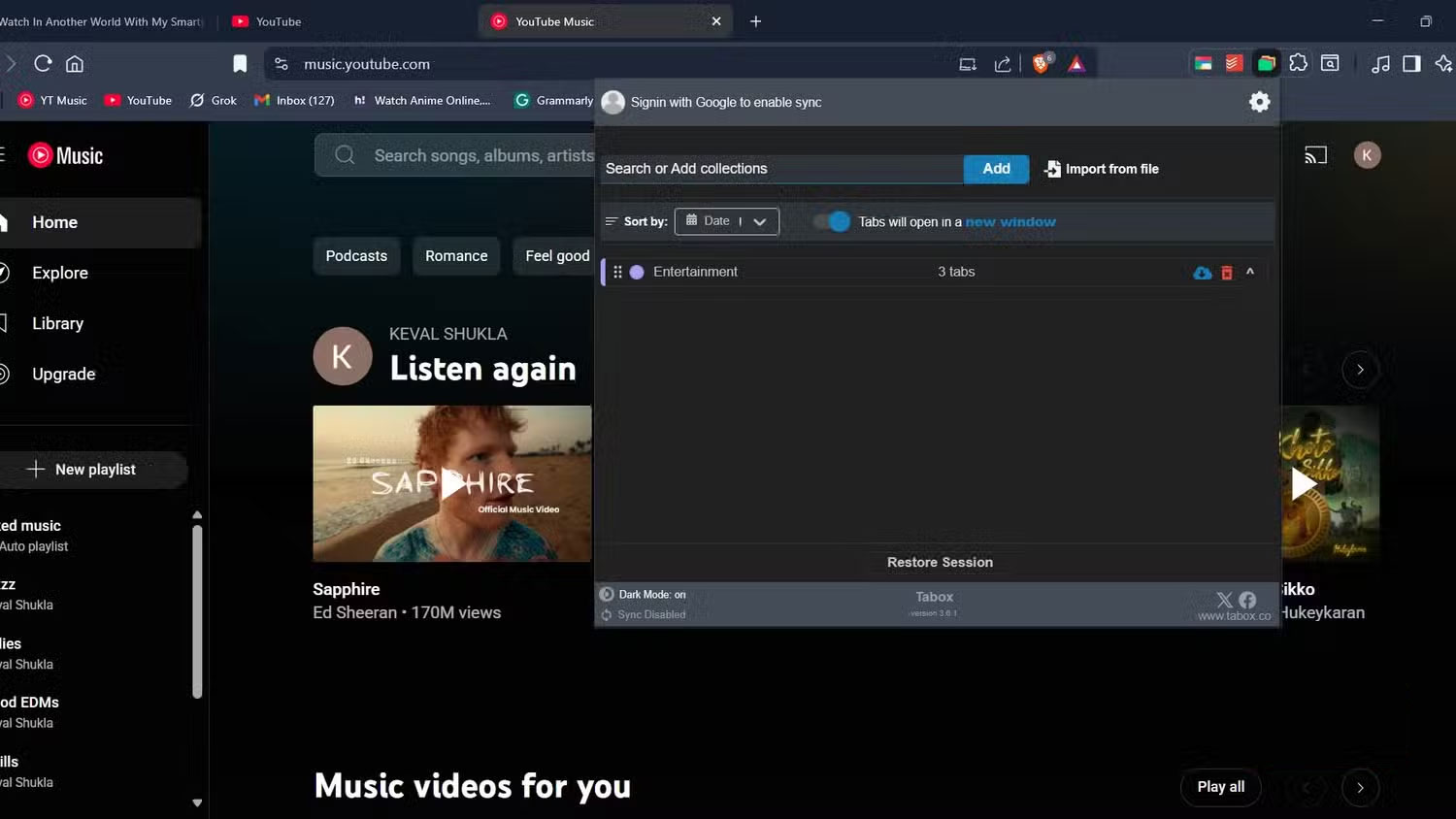
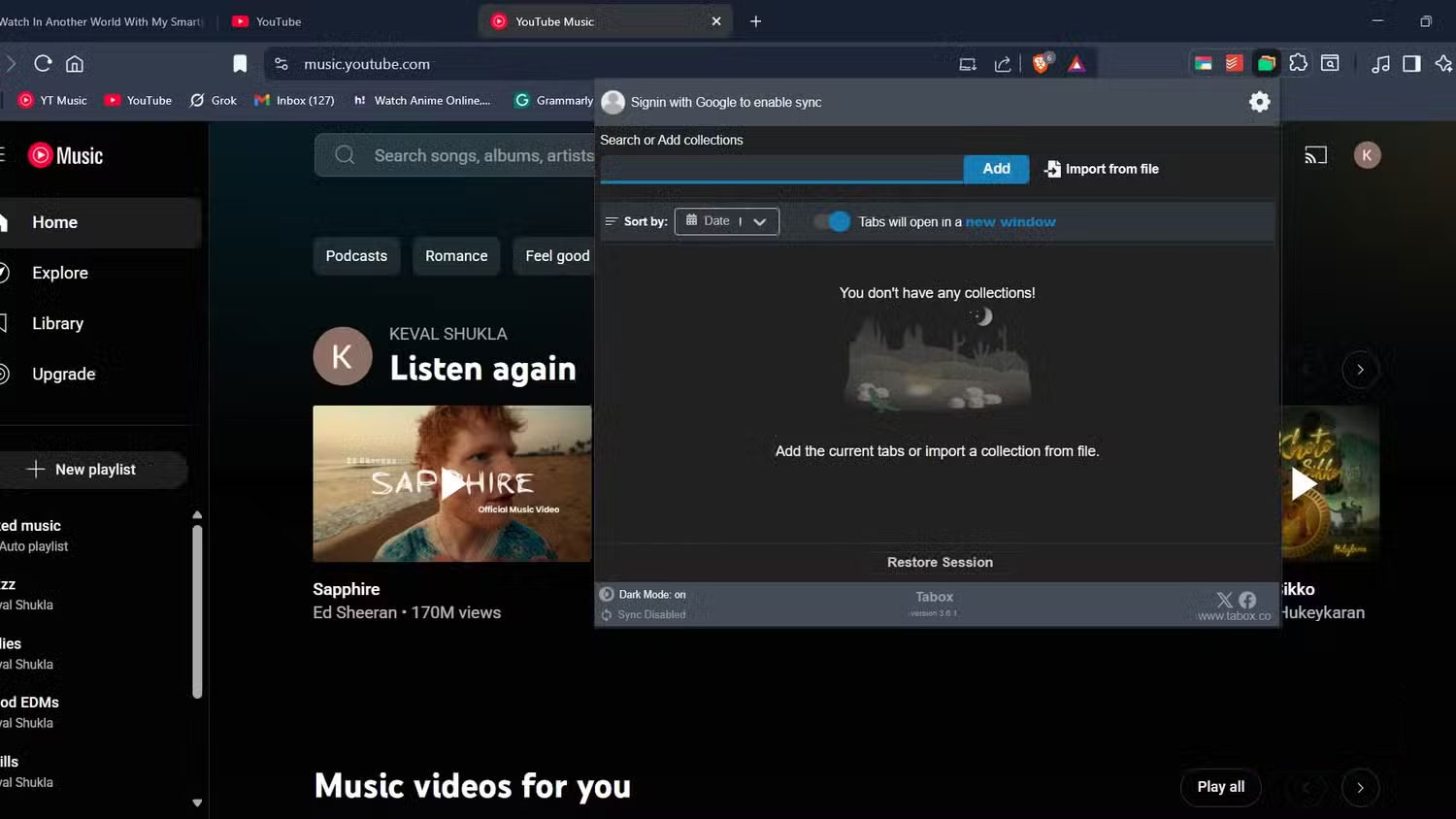
Taboxes are Tab Groups, but improved. Most browsers now have Tab Groups built in. The problem, however, is that browsers tend to place these groups directly on the tab bar itself. This kind of inconvenience defeats the purpose of keeping the tab bar clean. And if you're switching between multiple desktops and don't want to start over, you can create your own tab groups one by one.
Tabox solves all of this. It is a neat extension that not only helps you group tabs but also hides them right within the extension, keeping you from being distracted by other groups while you work.
4. Todoist for Chrome
Plan your web browsing effectively
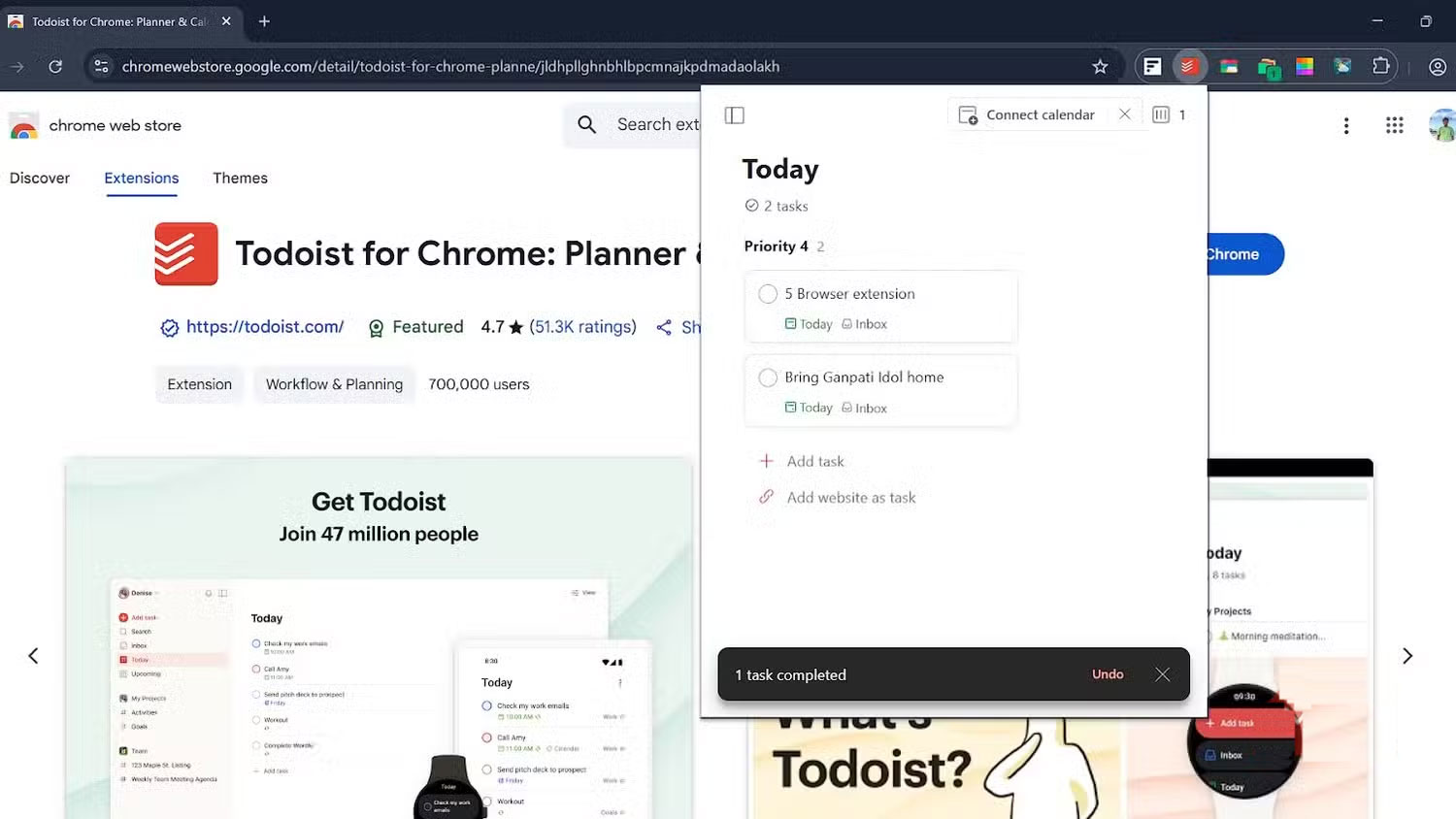
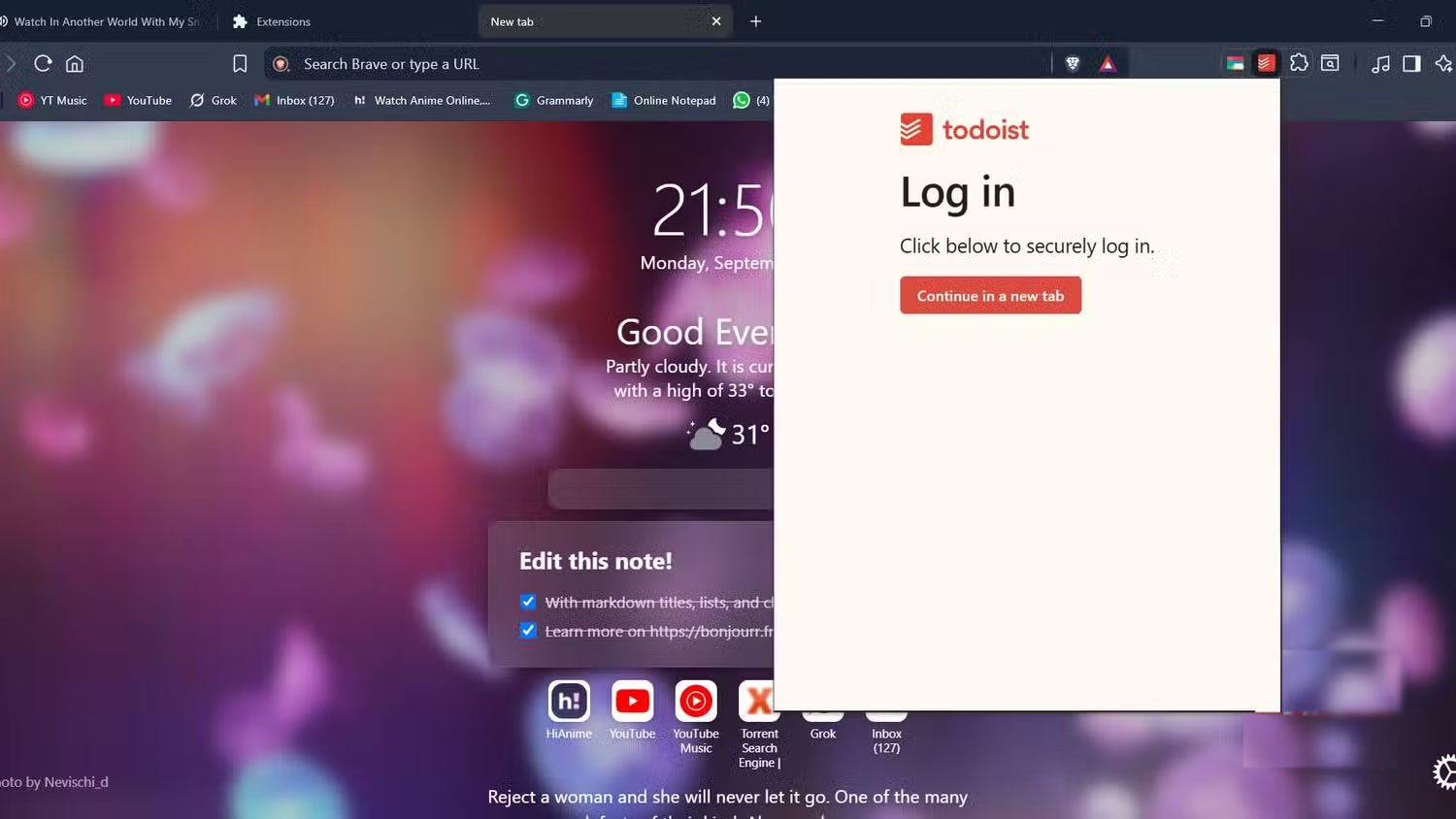
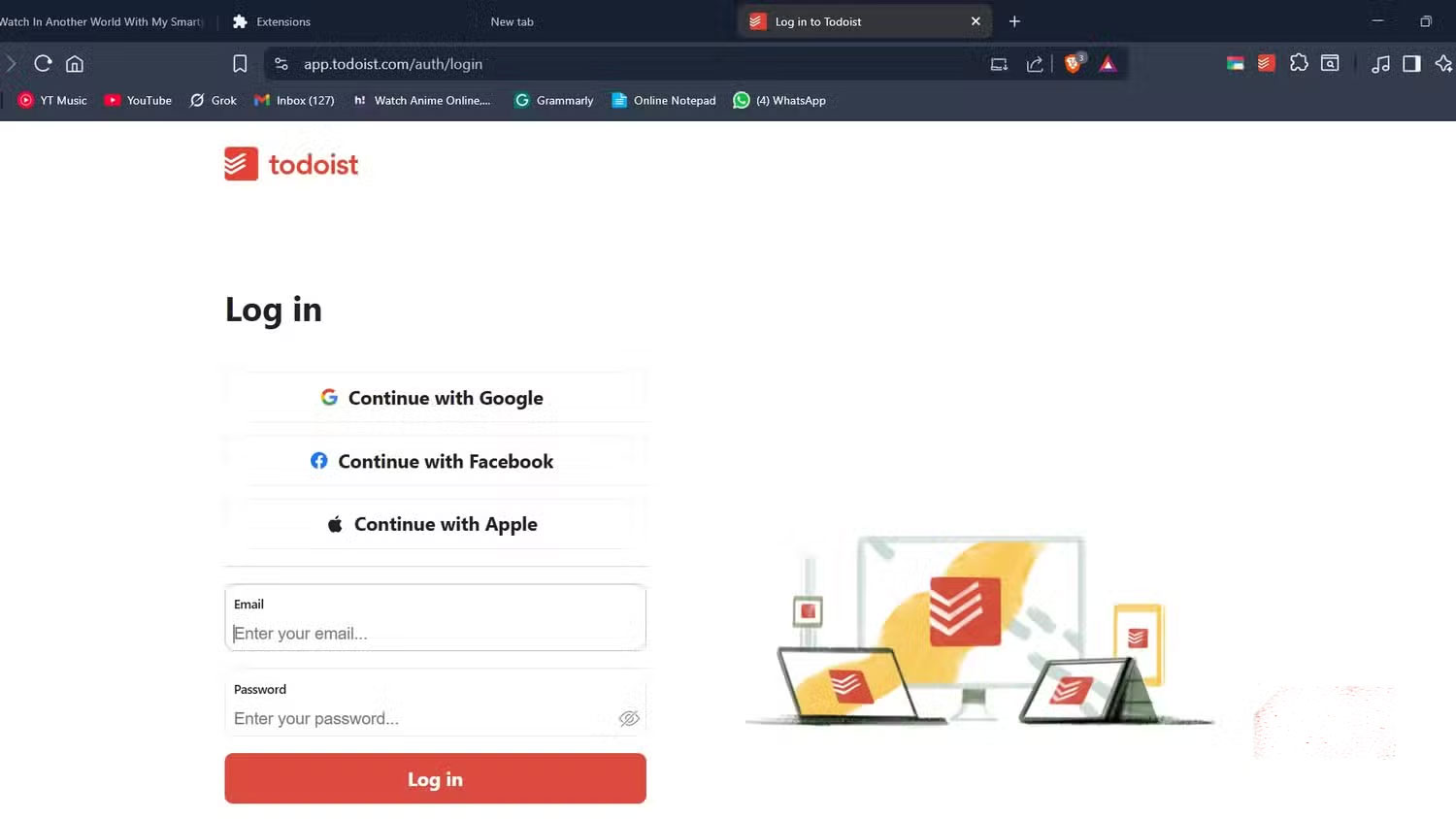
Todoist is a minimalist, efficient, and intuitive task planner that works right in your browser and syncs across all your devices. It's unobtrusive and feature-rich, allowing you to add or remove tasks directly from your browser without having to open a new tab. The Todoist extension helps you stay focused on the task at hand. With this extension, you'll have fewer reasons to look away from the tab you're working on.
Note that most of Todoist is free to use, and most people can get things done on the free plan. However, some features and interface options are limited by the paid plan.
3. Picture in Picture
Play any video anywhere while continuing to work
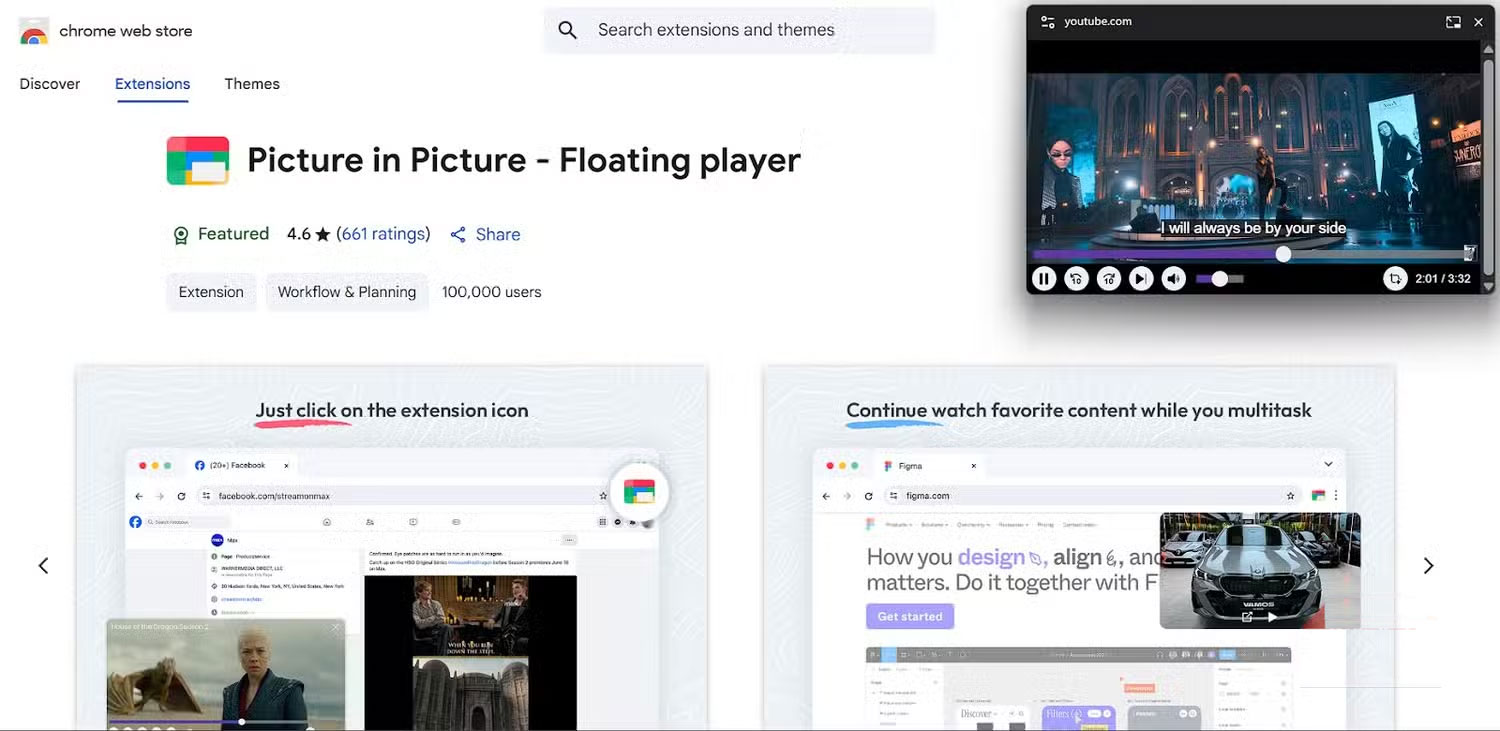
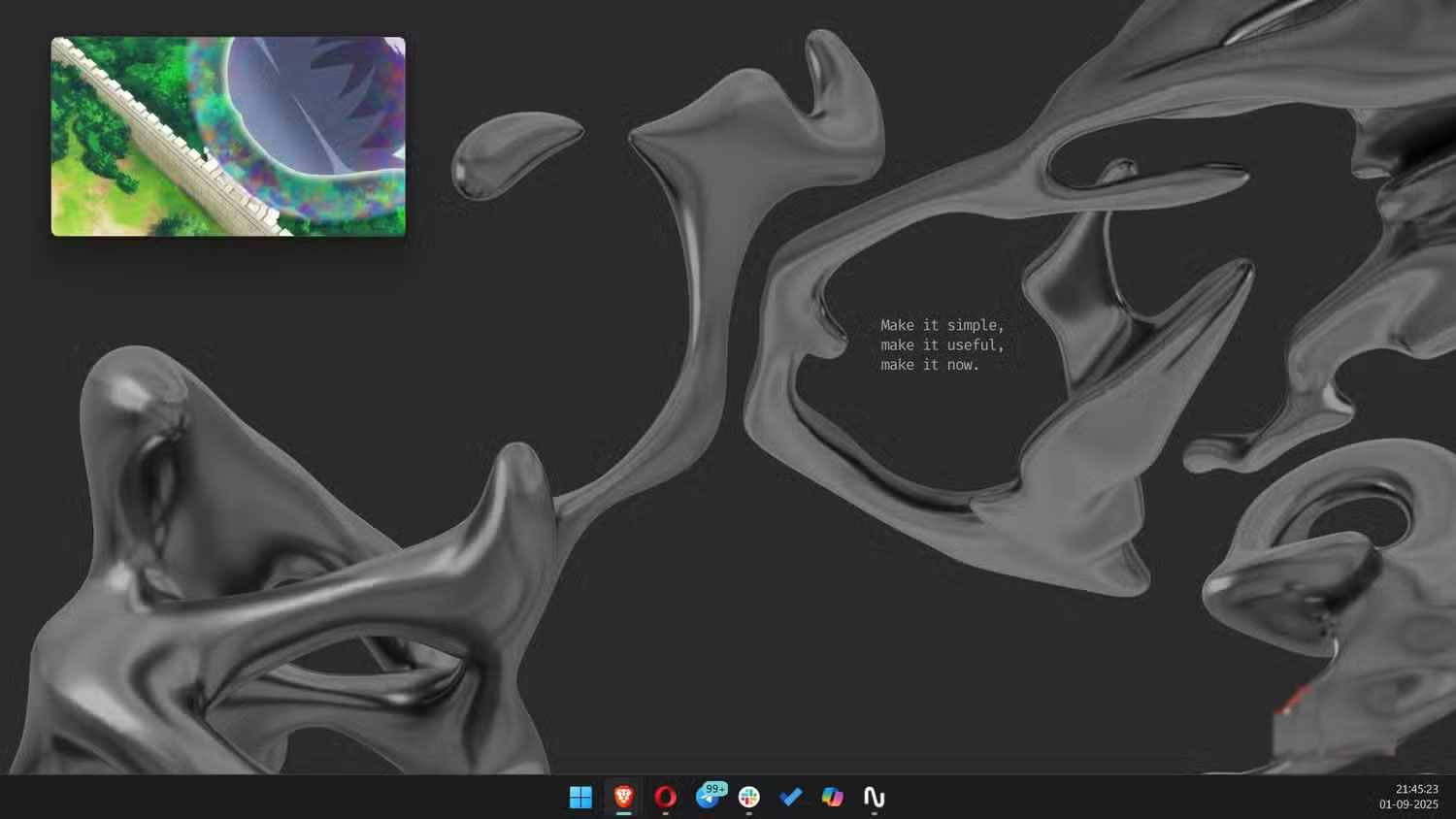
This app does exactly what it says it does. It lets you stream any video from sites like YouTube, Facebook, and X (formerly Twitter) in a resizable floating window with video controls. Once you install the extension in your browser, play a video and click the Picture in Picture extension to detach the video from the screen. Once done, you're free to browse any other site you want while continuing to watch the video in a small, floating player on the screen.
This Picture in Picture extension is even better than Google 's extension, as it offers controls like fast forward, rewind, volume adjustment, and subtitle support, all of which are absent in Google's PiP extension.
2. Smallpdf
Toolkit for everything PDF related
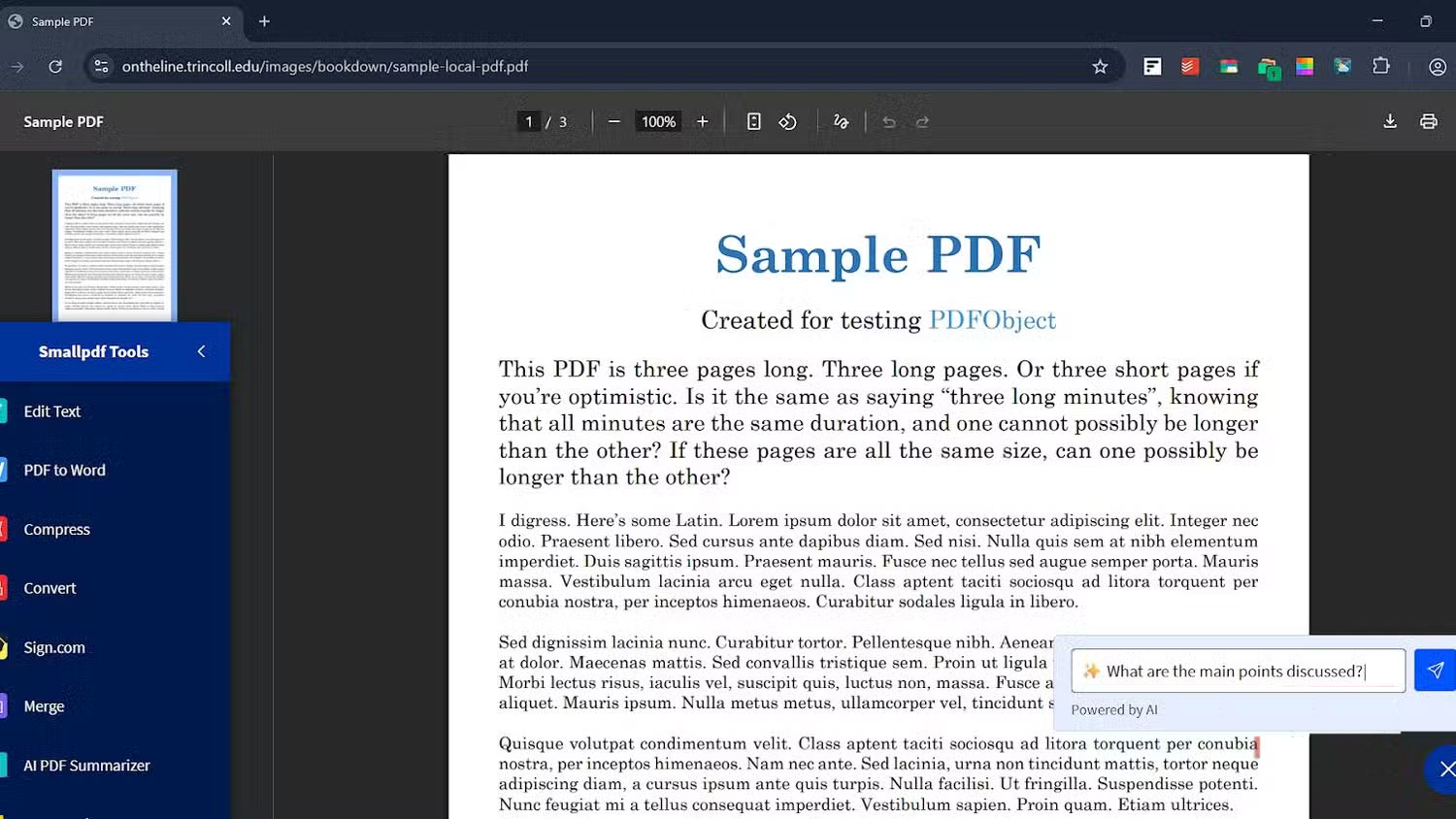
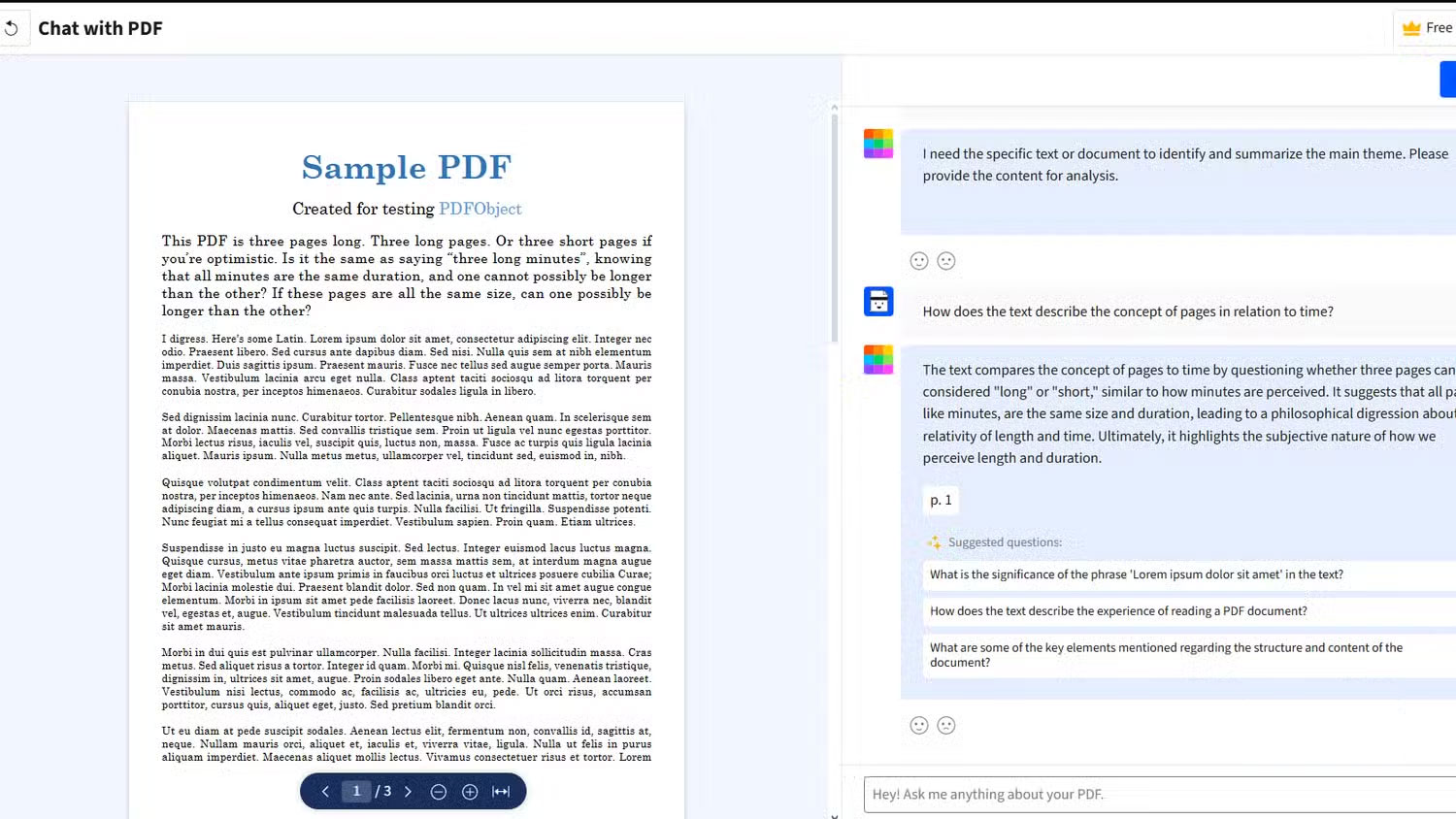
Whether you are a student, an office worker or a writer, it is not uncommon to struggle with at least one PDF file every day. One way or another, we have to access multiple websites or tools to work with a single PDF file. Smallpdf combines all these tools and more into one, allowing you to access them directly in your browser's PDF viewer. Smallpdf is a top choice for students, as they can get the most out of it.
The app offers a comprehensive set of tools, including AI Summarizer, PDF Text Editor, PDF Converter, PDF Compressor, and PDF Merger, all conveniently integrated in one place.
1. Hello
Keep your home page simple, friendly and attractive
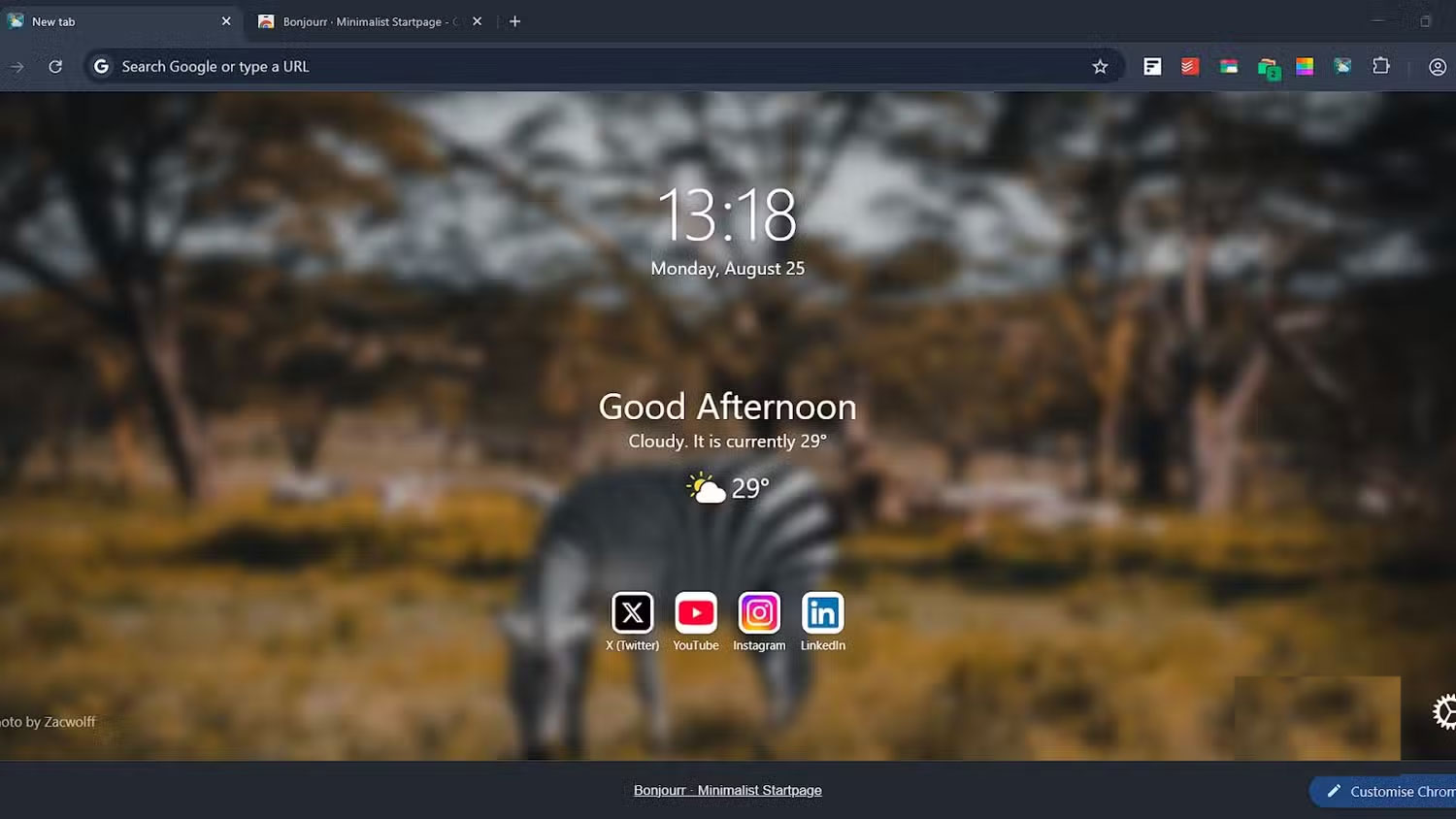
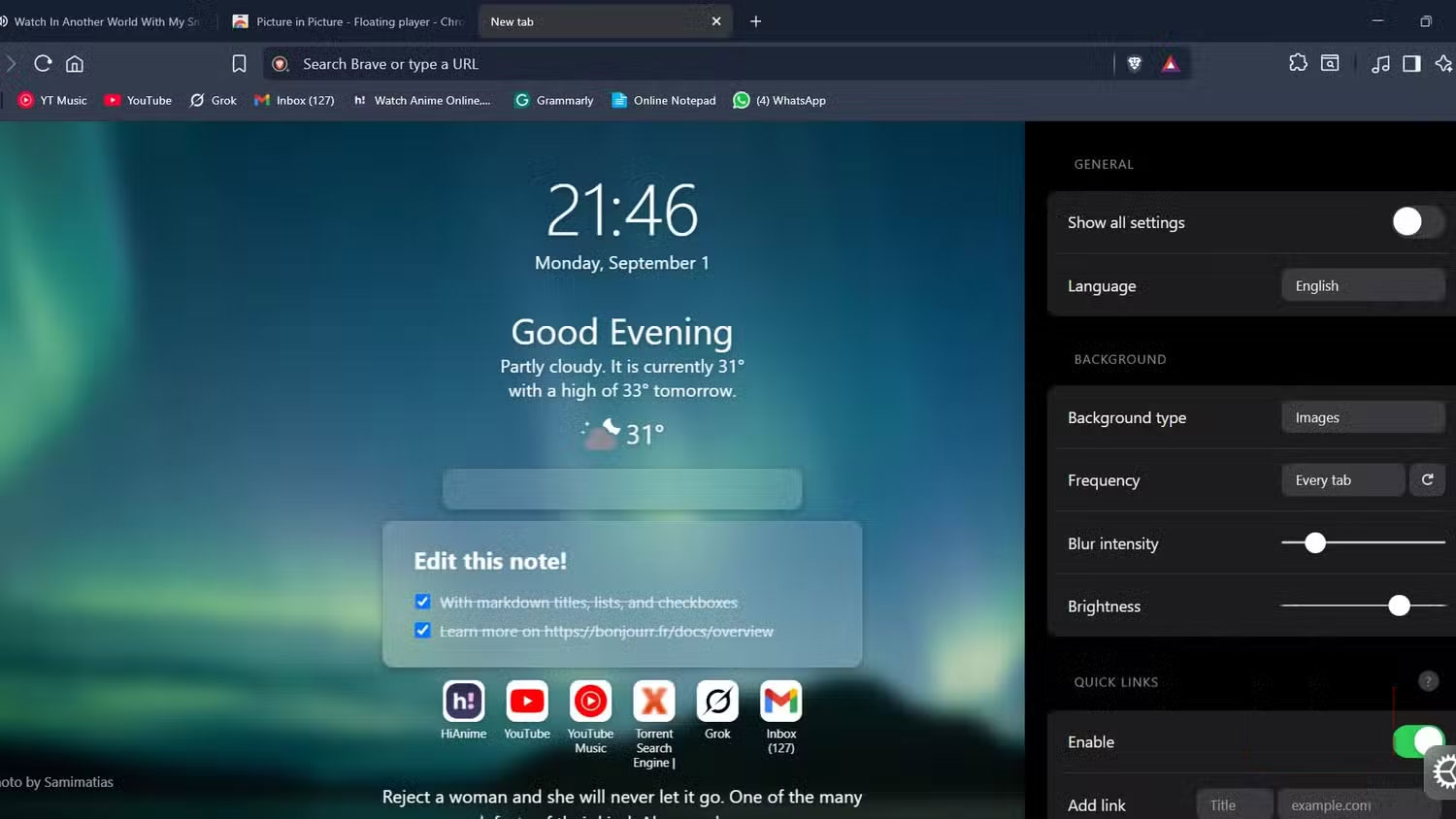
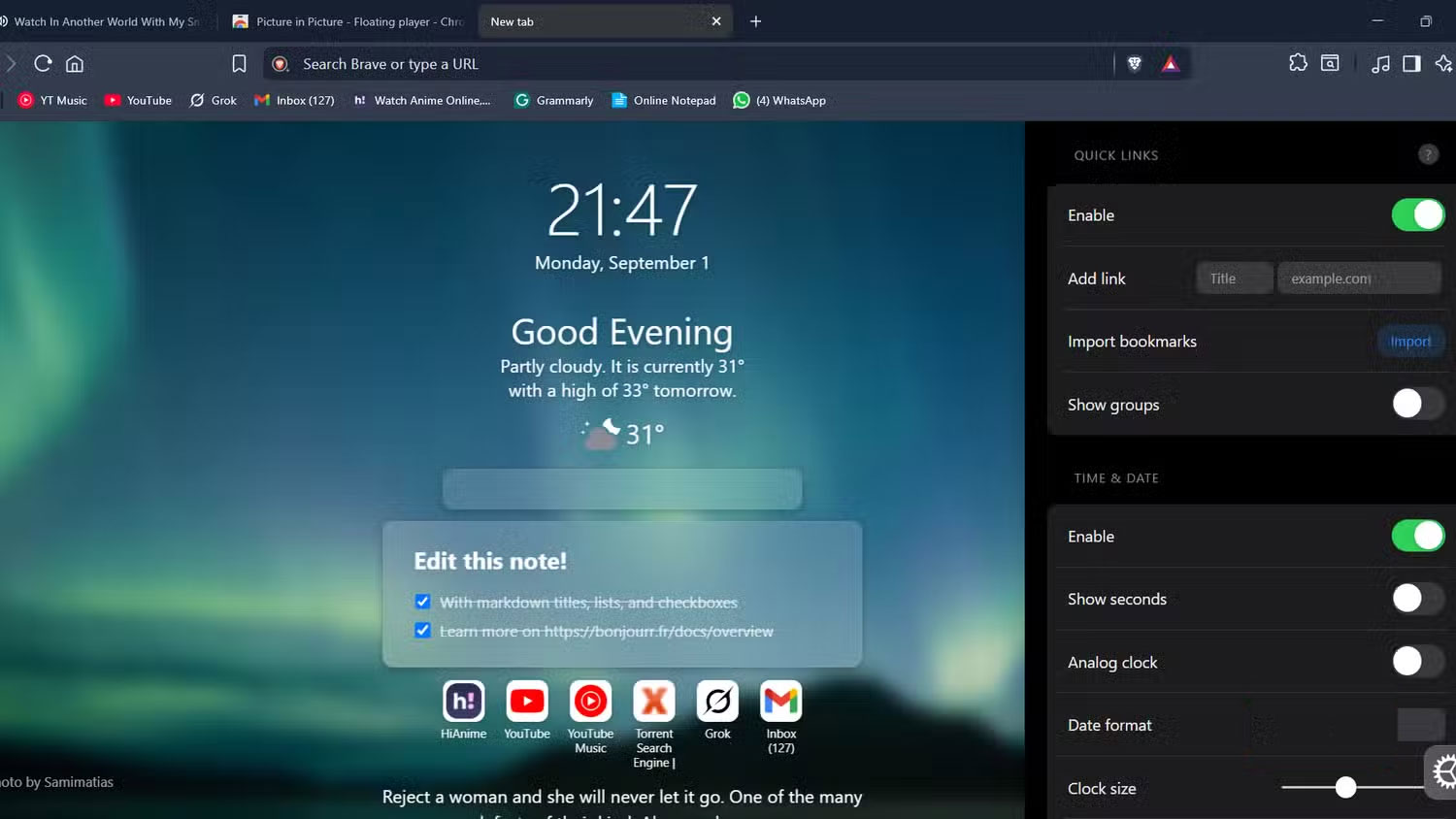
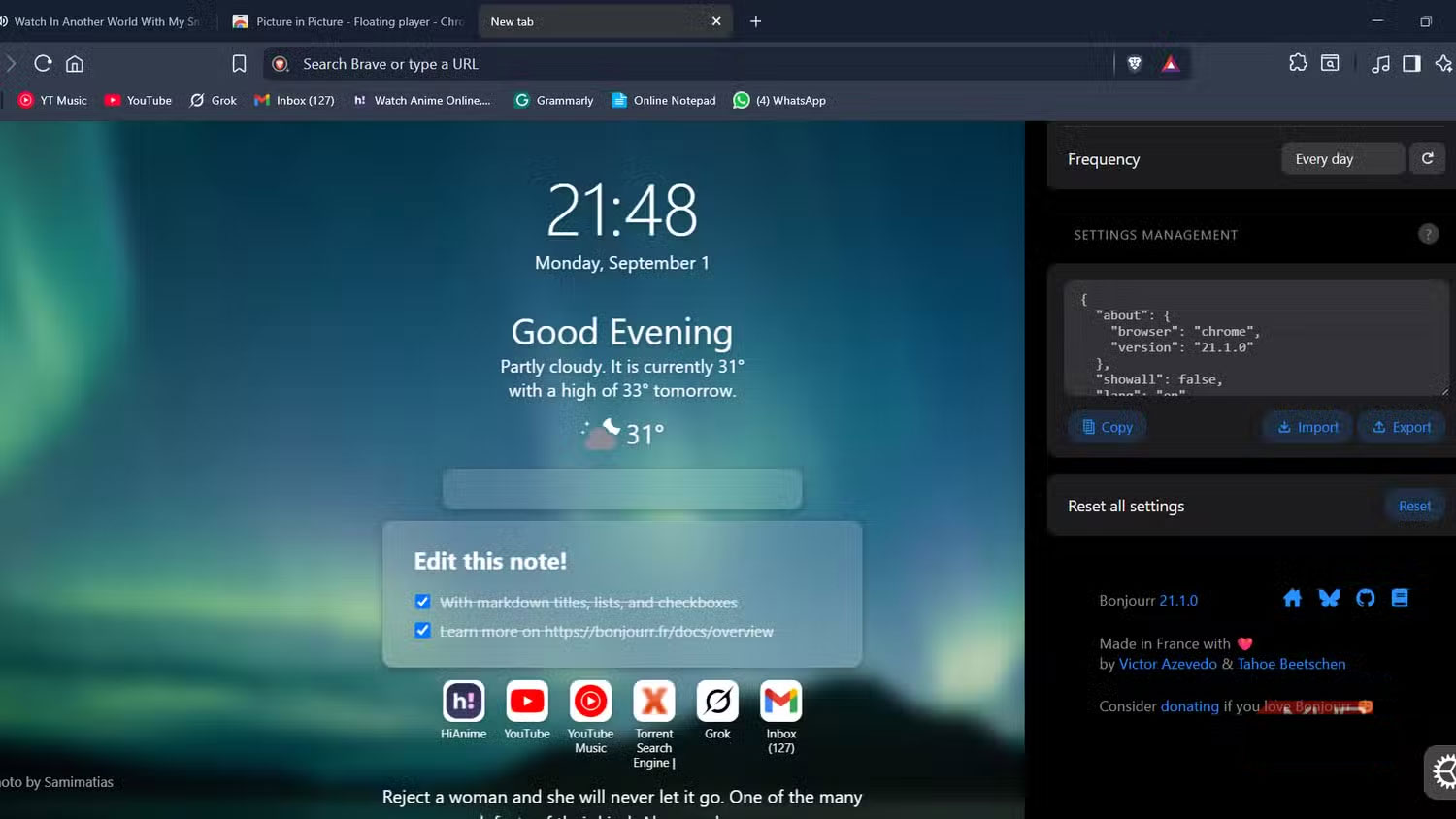
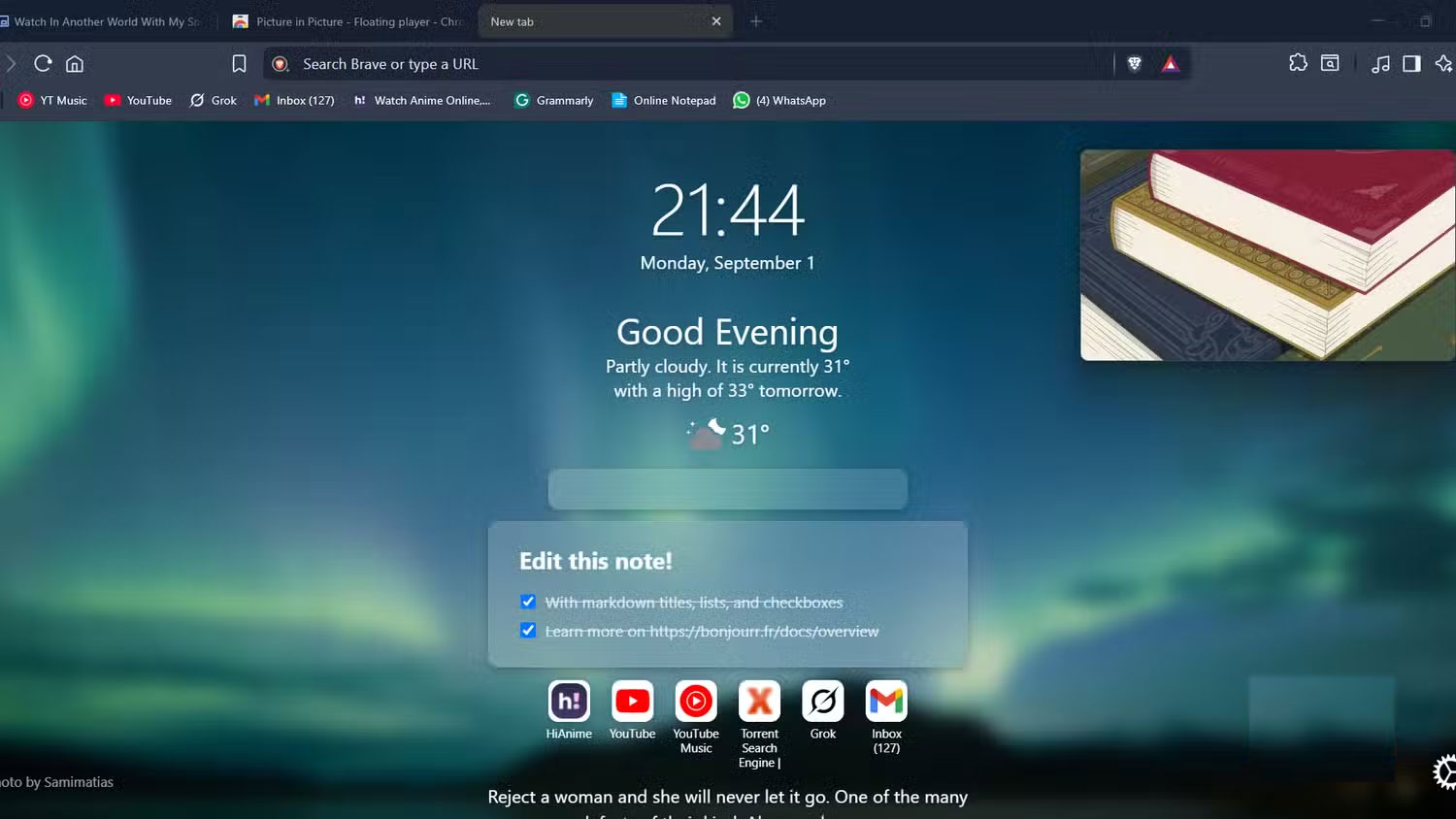
Your browser needs to be a powerful tool, but it's equally important that as soon as you open it, it feels friendly and easy to use. And Bonjourr does just that. It creates an inviting and easy-to-use home page that's neither too busy nor too sparse, while still providing rich and accessible information. Bonjourr has a series of beautiful images in the background that rotate at set intervals.
With a translucent background, Bonjourr displays information like the clock, temperature, and quick links to frequently visited websites.
Final Thoughts
Overall, 6 Browser Extensions That Change the Way You Use the Web is best understood by considering the main facts, practical context, and limitations together. Use the details above as a clear starting point and confirm time-sensitive information when necessary.
FAQ
What does this article explain about 6 Browser Extensions That Change the Way You Use the Web?
The default browser may be fine, but 'fine' doesn't mean efficient. The right extensions will remove annoyances, automate boring tasks, and make browsing more enjoyable.
What should you know about An easy-to-use, browser-ready note-taking app?
Fleeting Notes is an open source, offline-first, end-to-end encrypted note-taking app that you can install and run right away.
Should time-sensitive details be verified?
Yes. Software features, game codes, product specifications, prices, and research findings can change. Confirm important details with an official or primary source when accuracy affects your decision.
Related Articles
 7 Browser Extensions to Make the New School Year Easier7 minutes read
 5 Browser Extensions That Make Every Website More Useful: Practical Guide7 minutes read
 How to Remove Add-Ons (Extensions) on Chrome, Firefox and Some Other6 minutes read
 Google Chrome Temporarily Prevents Sideload of Extensions3 minutes read
 Completely Disable the Extension for Maximum Browser Security5 minutes read
 10 Useful Chrome Extensions for Facebooker (Part 1)5 minutes read
Reader Comments 0
Sign in with email or Google to join the discussion.