Table of Contents
This updated guide explores grammarly AI: free grammar correction tool guide with practical details, clear explanations, and useful takeaways. Whenever faced with a writing assignment, many people turn to an in-house editor to edit their work before publishing. But if you do not have many time or do not have an editor to turn to, artificial intelligence can actually help you become a better writer.
If you find yourself needing some perspective or digital help when tasked with writing an email, essay, script, or whatever, Grammarly comes in handy.
What Is Grammarly?
Launched in 2009, Grammarly is a cloud-based typing assistant founded in Ukraine. Along with adding a colorful touch to your documents, Grammarly is built to check your spelling, grammar, and punctuation, as well as 'errors in clarity, coherence, and delivery.'
This tool can detect plagiarism and suggest corrections.
Grammarly is available in Free ($0), Premium ($12/month), and Business ($15/month) versions. You can use Grammarly Business for clients and Grammarly Free for yourself. For basic editing and educational purposes, the free version is definitely enough. It is available as a download for desktop, mobile, or browser (via extension).
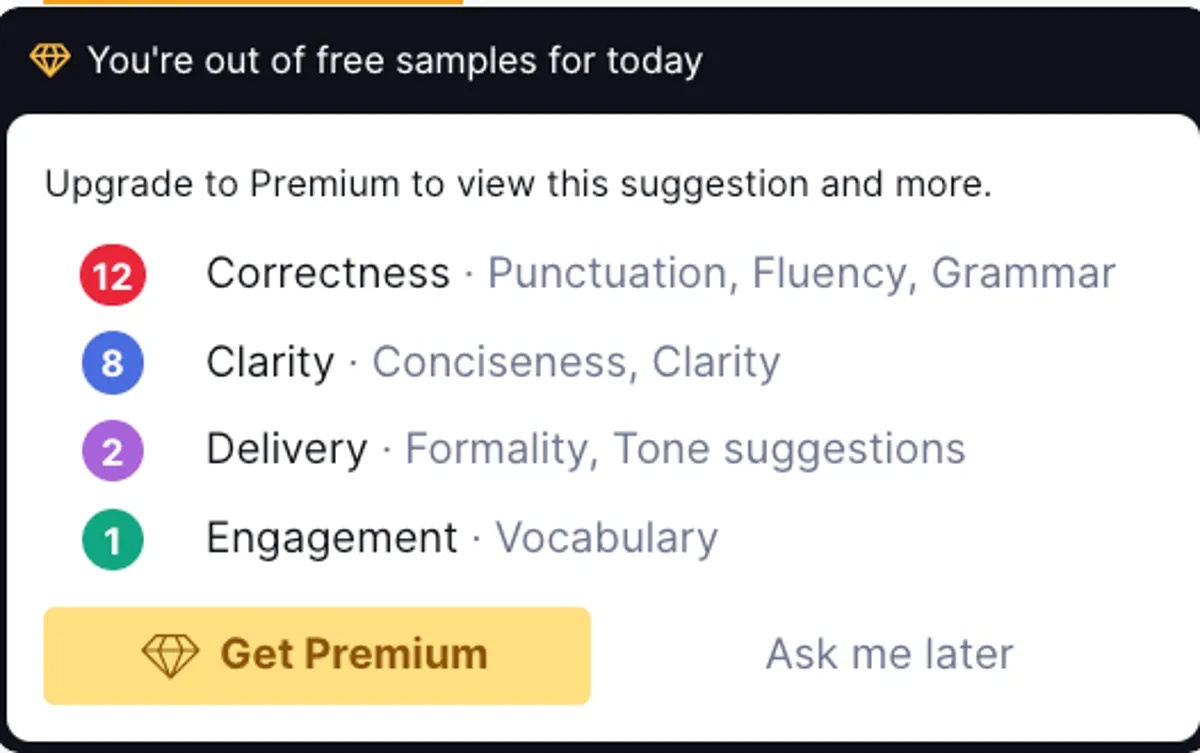
Like any add-on, Grammarly takes time to fully integrate with your system. When it first loads, there may be a slight lag when using it. You may notice other programs running slowly. On that note, pay attention to Grammarly's settings: You can decide which programs use the AI engine, so if you do not want to use Grammarly in your emails, you can disable it temporarily or permanently. This can help overcome any lag when using other programs.
Since 2009, quite a few Grammarly competitors have launched, including ClickUp (2017), WordTune (2020), ProWritingAid (2013), and Lavender.ai (2020) — an extension of Sorter (2020), not to be confused with Lavender.
What sets Grammarly apart from its competitors is its early implementation of Generative AI, with an assistant that 'always stays up to date with your preferred context and writing style.'
Using AI to Edit
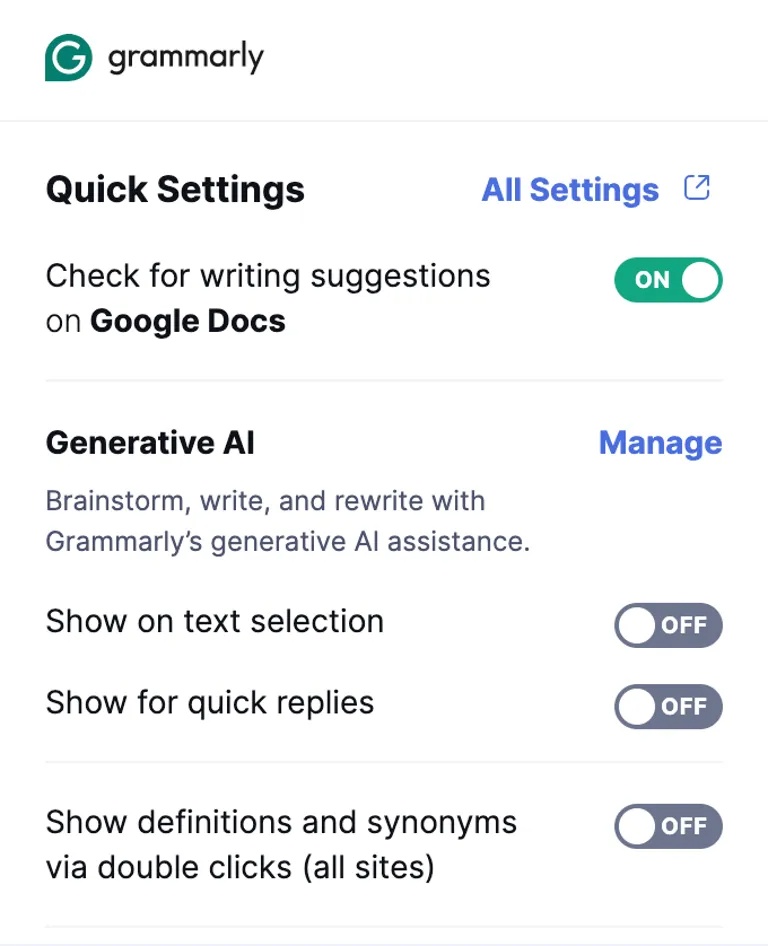
To get the most out of it, It is best to deploy this tool in three areas: Your writing platform of choice — Google Docs, for instance — email, and Instagram.
If you use social media tools for business purposes (or want help creating social media posts faster), you can use Grammarly's AI caption generator for Instagram to create captions in seconds.
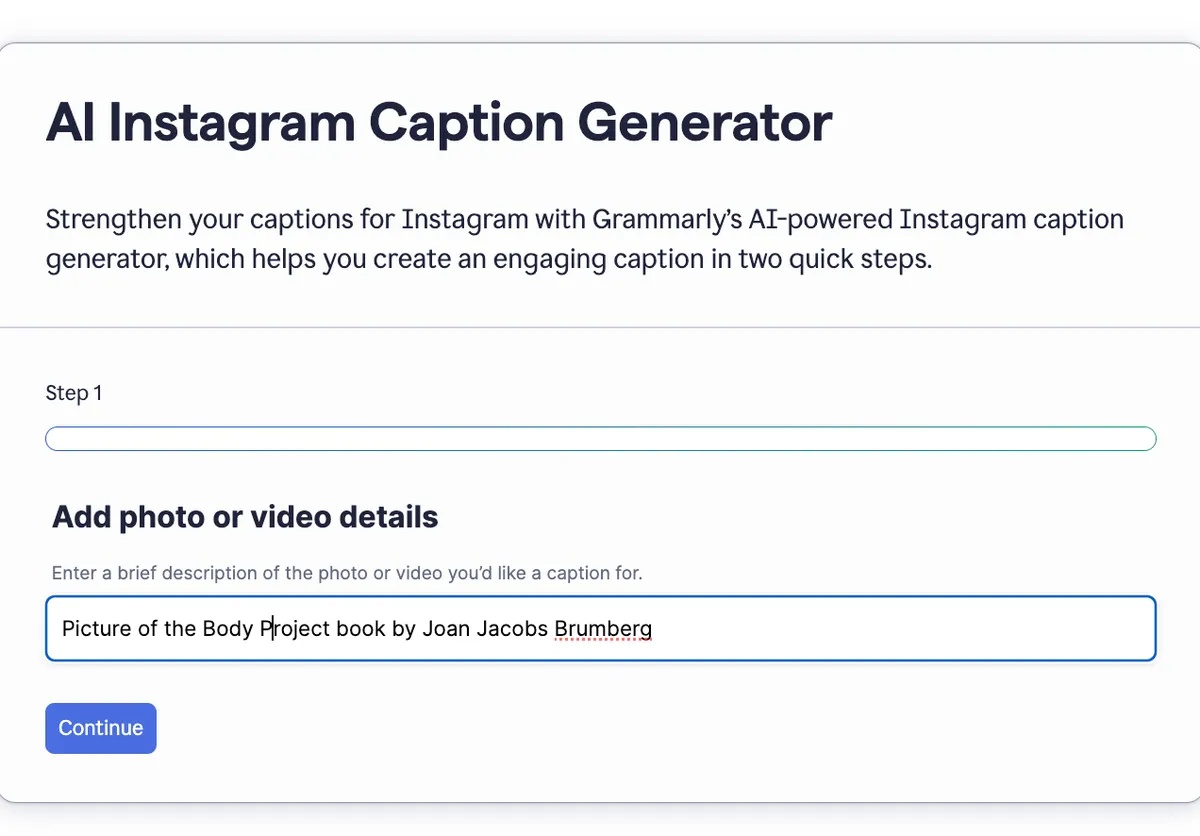
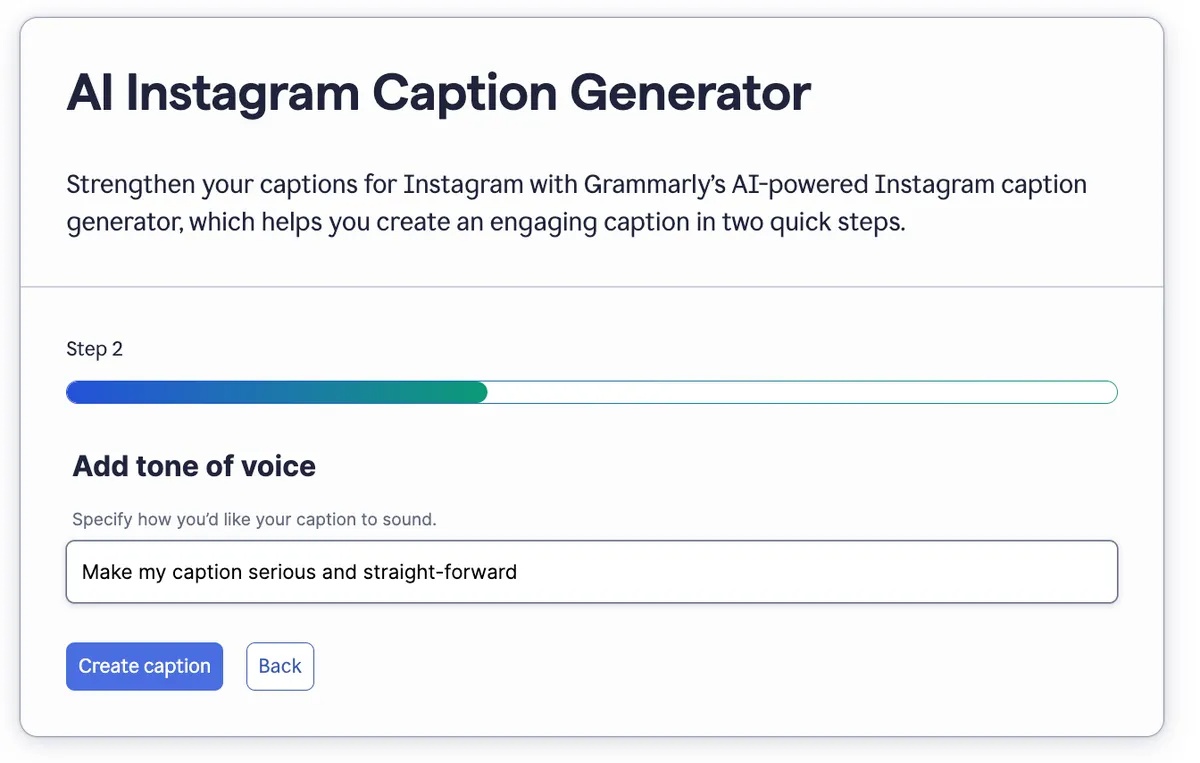
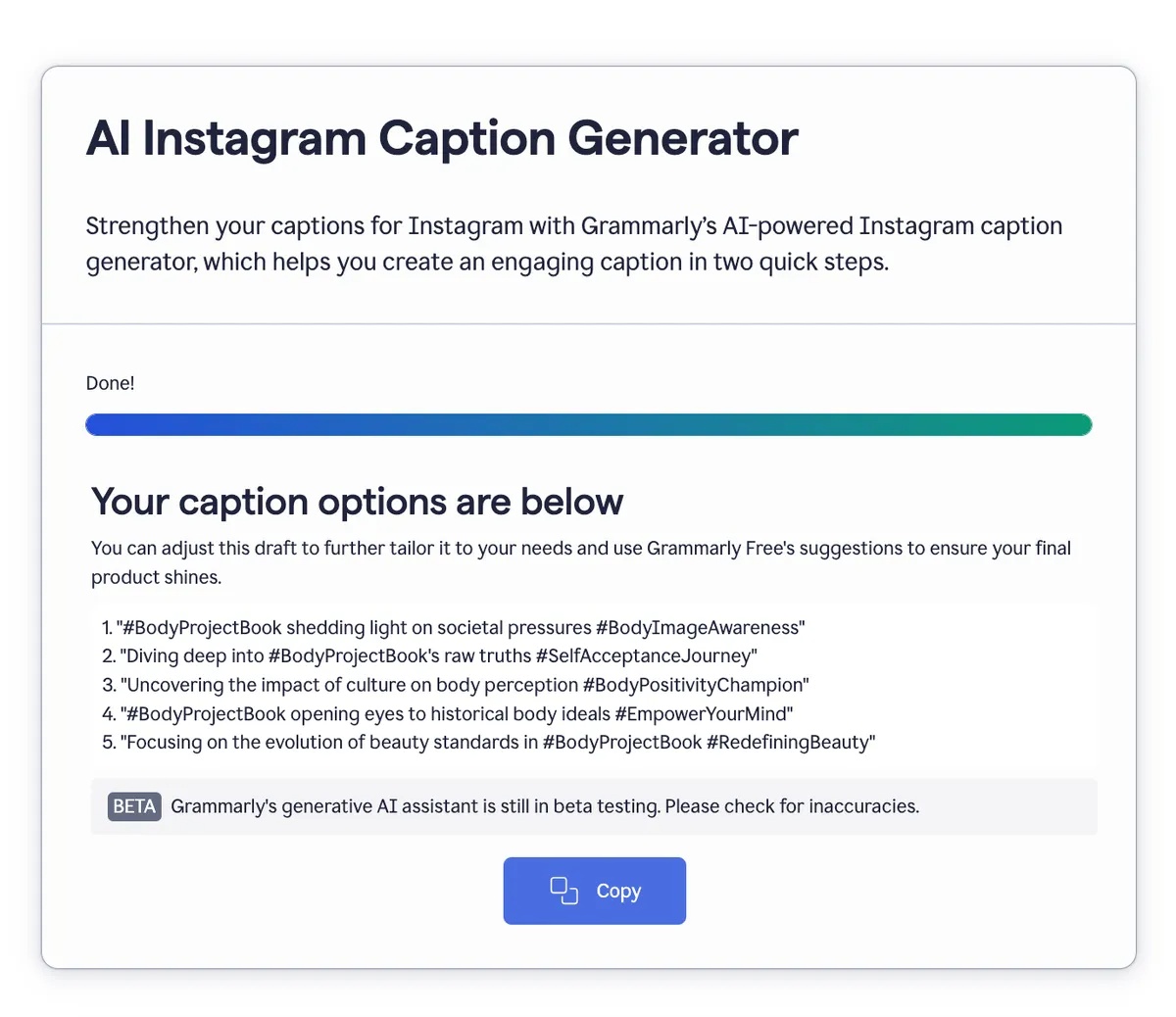
AI Caption Generator for Instagram
Customize Your Grammarly Tone
It can customize profile options for tone, formality, and professional relevance.
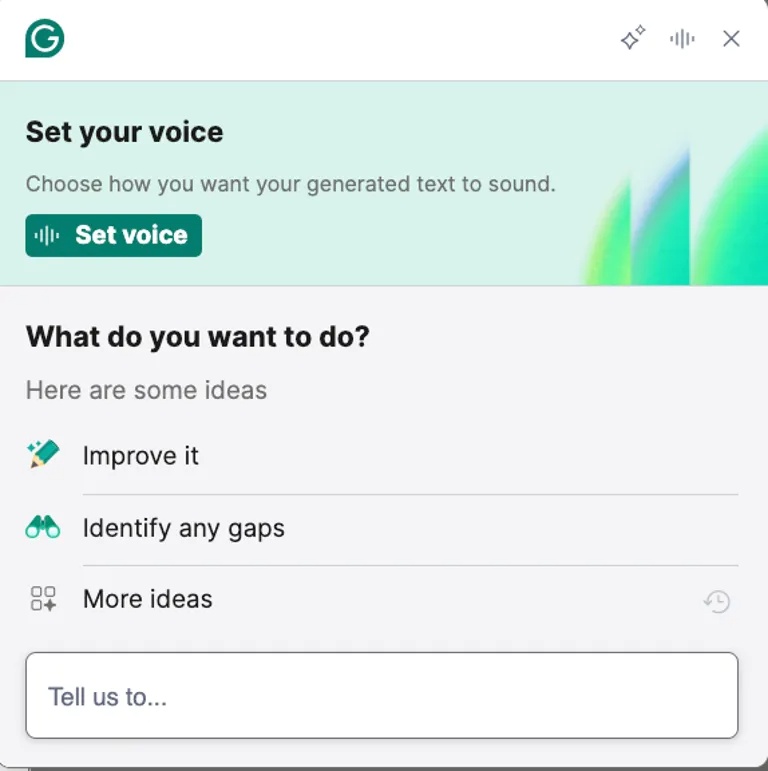
On a personal level, you can customize your voice when sending emails that involve negotiations or business conversations that are more difficult to articulate. For things like this, choose the 'improve' button to help increase your voice confidence. As a result, your phrasing improves, all with the help of Generative AI.
Grammarly is touted as one of the most advanced AI writing tools available — and so far, there's no reason to believe otherwise.
FAQ
What is the main takeaway about Grammarly AI: Free Grammar Correction Tool Guide?
The key is to understand the core idea, compare the available options, and apply the practical guidance that matches your situation.
What should beginners know about Grammarly AI: Free Grammar Correction Tool Guide?
Start with the essential steps and terminology. Avoid changing advanced settings until you understand how they affect performance, privacy, cost, or compatibility.
How can I use this information in practice?
Follow the relevant section in order, test one change at a time, and confirm the result before moving to the next step or recommendation.
Related Articles
 Instructions for Checking English on Word by Grammarly6 minutes read
 Grammarly - Grammarly Download and Installation Guide4 minutes read
 10 Useful Tools to Help 'Check' English Spelling and Grammar Best11 minutes read
 17 Useful Tools to Best Check English Spelling and Grammar27 minutes read
 How to Improve the Microsoft Word Grammar Checking Tool3 minutes read
 Google Docs Tool to Correct English Grammar with AI3 minutes read
Reader Comments 0
Sign in with email or Google to join the discussion.