Table of Contents
This practical guide walks through 4 ways to view images * .DWG does not need to install, explains the main requirements, and highlights common issues that may appear along the way.
Instructions to open, read * .DWG file
- 1. Read * .DWG file in Autodesk Viewer Online
- 2. View drawing * .DWG on ProfiCAD
- 3. Open * .DWG image in CAD, DXF, DWG Viewer for Google Drive
- 4. Read * .DWG file with ShareCAD
1. Read * .DWG file in Autodesk Viewer Online
https://viewer.autodesk.com/First, you visit the website under the link above, then create an account to use. Then at the website interface we click Upload new file to upload the .dwg file to open. You can choose individual files or file folders.

Switch to the new interface, click No more files to upload files to the website. The drawing analysis was then carried out. As a result, you will see the drawing content.

2. View drawing * .DWG on ProfiCAD
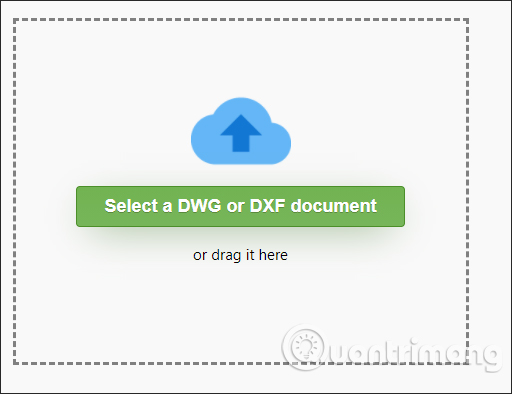
https://gallery.proficad.eu/tools/AutoCAD-Viewer.aspxWith this website you don't need to create an account. We access the link and then click the Select a DWG or DXF document button to upload the * .DWG image file.
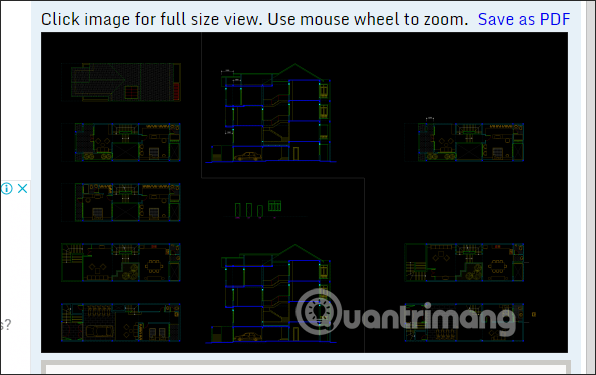
Soon you will see a thumbnail of the drawing. Click directly on the image to expand the drawing file.
3. Open * .DWG image in CAD, DXF, DWG Viewer for Google Drive
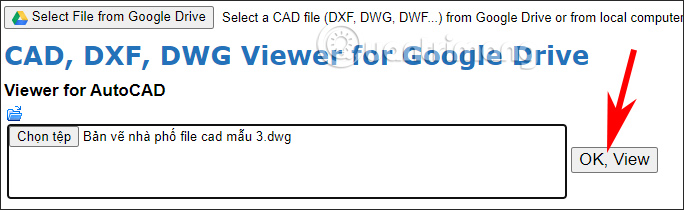
http://cadviewer.softgateon.net/The tool will have the option to download files from Google Drive for us to upload files, besides the option to download files directly from the computer. Then click OK, View to open the file.
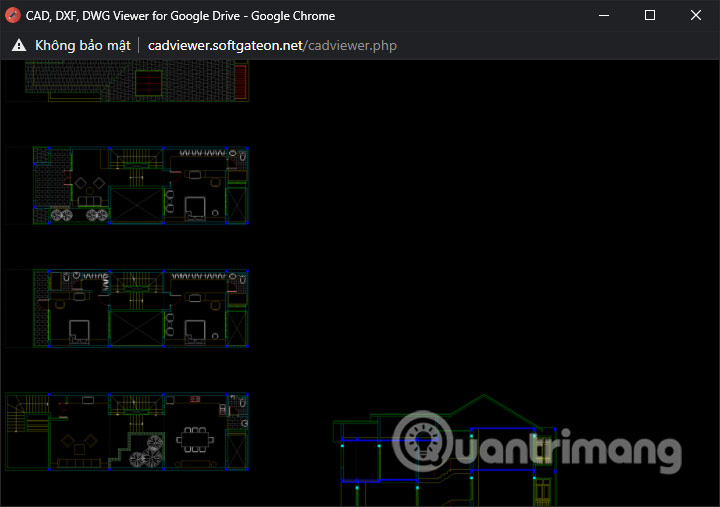
The process of reading and opening the file proceeds immediately. Click View a Converted File to view the dwg file with its original size.
4. Read * .DWG file with ShareCAD
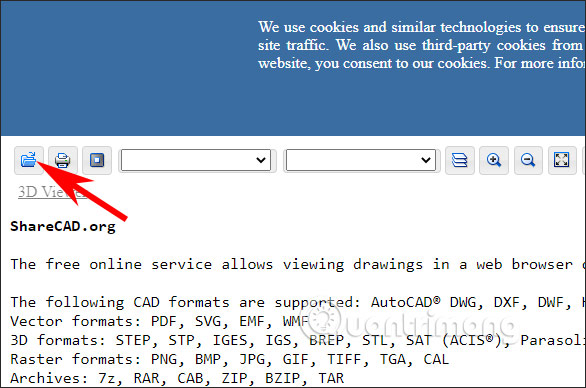
https://sharecad.org/At the interface you click the Open icon as shown to download the * .DWG file you want to open on the website.
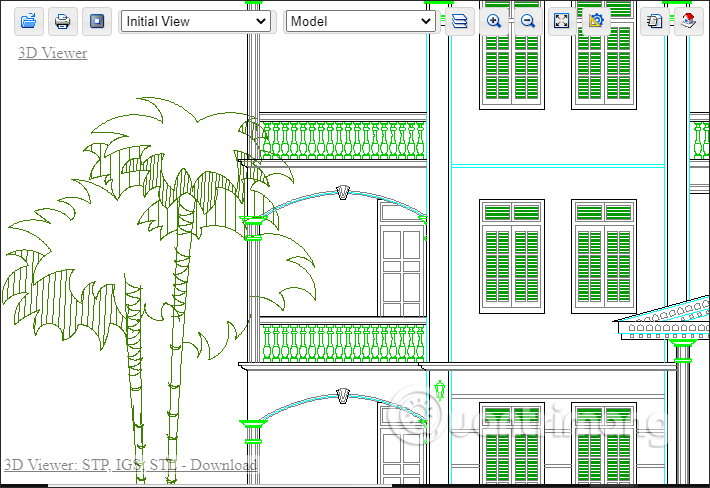
As a result you will also see the drawing with standard dimensions.
Key Takeaways
Use the information above as a practical reference for 4 ways to view images * .DWG does not need to install. Review each step carefully, confirm any requirements, and choose the option that best fits your situation.
FAQ
What does this guide explain about 4 Ways to View Images * .DWG Does Not Need to Install?
It explains the main concepts, practical considerations, and useful steps related to 4 ways to view images * .DWG does not need to install without requiring advanced knowledge.
Who can benefit from learning about 4 Ways to View Images * .DWG Does Not Need to Install?
This information is useful for readers who want a clear overview, practical guidance, and reliable steps related to 4 ways to view images * .DWG does not need to install.
What should I check before applying this information?
Review the requirements, confirm that your device, software, or situation matches the instructions, and back up important data before making major changes.
Related Articles
 Steps to Insert Images into Autocad5 minutes read
 How to Copy Images from AutoCAD to Word and Excel Without Errors3 minutes read
 How to Download and Install AutoCAD 20184 minutes read
 How to Scale in Autocad5 minutes read
 How to Install AutoCAD 2019 on a Computer5 minutes read
 A Simple and Easy Guide to Downloading and Installing AutoCAD 20203 minutes read
Reader Comments 0
Sign in with email or Google to join the discussion.