Table of Contents
Three everyday tasks are not enough to prove that ChatGPT is declining or that Claude is universally better. They can reveal which current model, mode, and product workflow fits your work, provided the comparison uses fixed inputs, a written scoring rubric, repeated trials, and source-based verification.
Both products change frequently. Record the date, selected model, subscription tier, enabled tools, custom instructions, memory or project context, and whether web search or file analysis was used. Otherwise, a later reader cannot reproduce the result.
Set up a fair comparison
- Start new chats in both products and remove unrelated conversation context.
- Disable memory and custom instructions for a clean test, or document them if they are part of the intended workflow.
- Use the same source material, prompt, output limit, language, and deadline information.
- Choose comparable modes. A search-enabled answer should not be scored against a model that was not allowed to search.
- Run each task more than once because generation is variable.
- Hide the product name and have a reviewer score the outputs blind when possible.
- Keep failures as well as successes; do not select only the most impressive run.
The same wording is helpful, but identical prompts alone do not make a comparison fair. Products may have different tools, system instructions, context limits, and default models.
Task 1: Generate useful headline options
Headline writing is subjective, so define the target before judging “personality.” Give both assistants the same article text or brief and use a prompt such as:
Read the article below and propose 12 accurate headlines.

Audience: experienced Windows users
Search intent: diagnose unexpected battery drain
Tone: direct and practical
Constraints:
- 45–65 characters where natural
- no clickbait, invented claims, or unnecessary year
- avoid repeating the same opening phrase
- preserve the article's main conclusion

For each headline, label the angle in 2–4 words.
Then select the strongest three and explain the trade-off in one sentence each.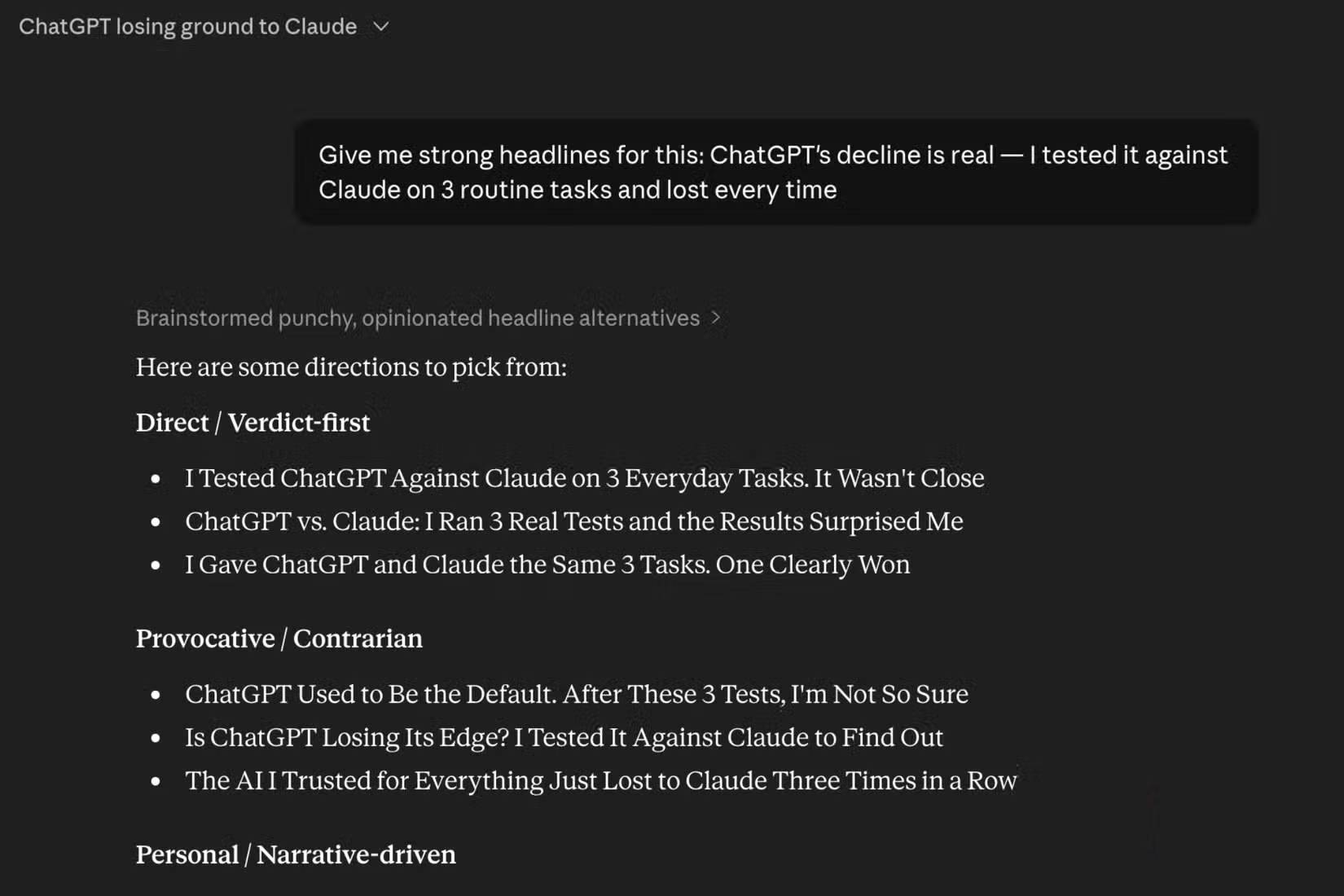
Score headlines against the brief rather than choosing the most dramatic wording.
Use a five-point rubric for factual fit, search-intent fit, clarity, distinctiveness, and style compliance. Reject a creative headline if it promises information the article does not contain. If one assistant seems repetitive, test whether the prompt, saved context, or sampling across multiple runs changes the result before calling it a product decline.
Task 2: Summarize and analyze source material
Document analysis should be scored against the documents, not against how polished the prose sounds. Use a source with a known answer key and ask:
Using only the attached material:

1. Write a 180-word summary.
2. List five claims that affect the decision.
3. For each claim, cite the page or section that supports it.
4. Separate direct source statements from your inference.
5. List important information the source does not provide.
6. If two passages conflict, quote no more than a short phrase and explain the conflict.

Do not use outside knowledge or fill gaps.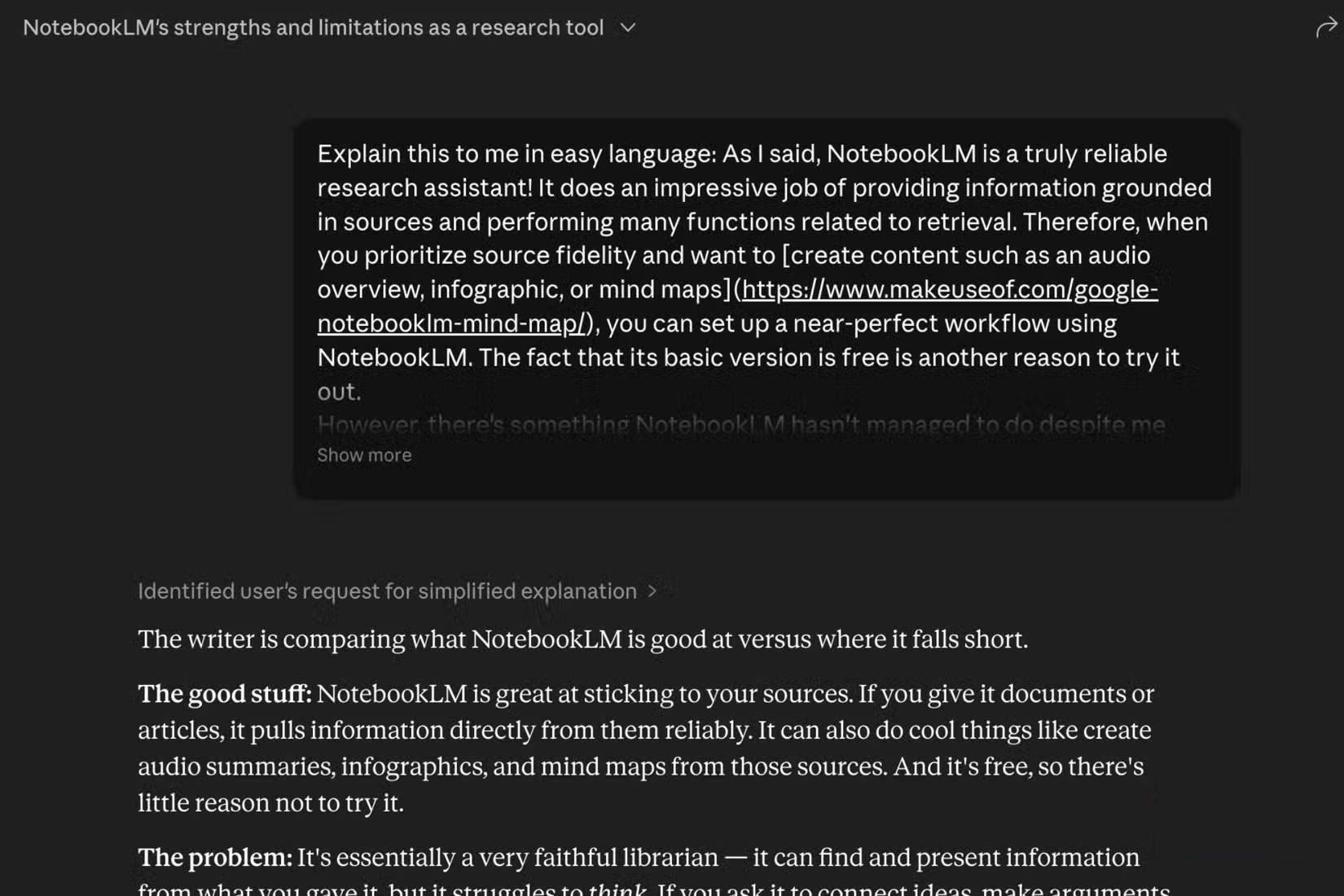
Check every claim and citation against the supplied source.
Measure unsupported claims, omitted decision-critical facts, incorrect citations, distorted numbers, and whether uncertainty is preserved. A single serious source error should outweigh elegant formatting. Both Claude and ChatGPT can make mistakes, so retain the verification step no matter which wins a test.
ChatGPT can work with uploaded files, images, search, and projects in supported plans; Claude supports chat and project files as well. Use comparable file handling and do not assume that a larger upload limit means better comprehension.
Task 3: Automate a small, reversible workflow
Automation quality includes safety, not only whether the final folder looks tidy. Test in a disposable directory containing fake data, never in a real Documents, Photos, cloud-sync, or production folder. A good benchmark might be:
You are working only in the provided test folder.

Goal:
- identify exact duplicate files by SHA-256 hash
- propose a rename plan for the remaining files
- do not delete or rename anything yet

First return:
1. assumptions and ambiguities
2. the commands or script you would use
3. a dry-run table with original path, proposed path, and reason
4. collision and rollback handling
5. tests for idempotence

Wait for explicit approval before making changes.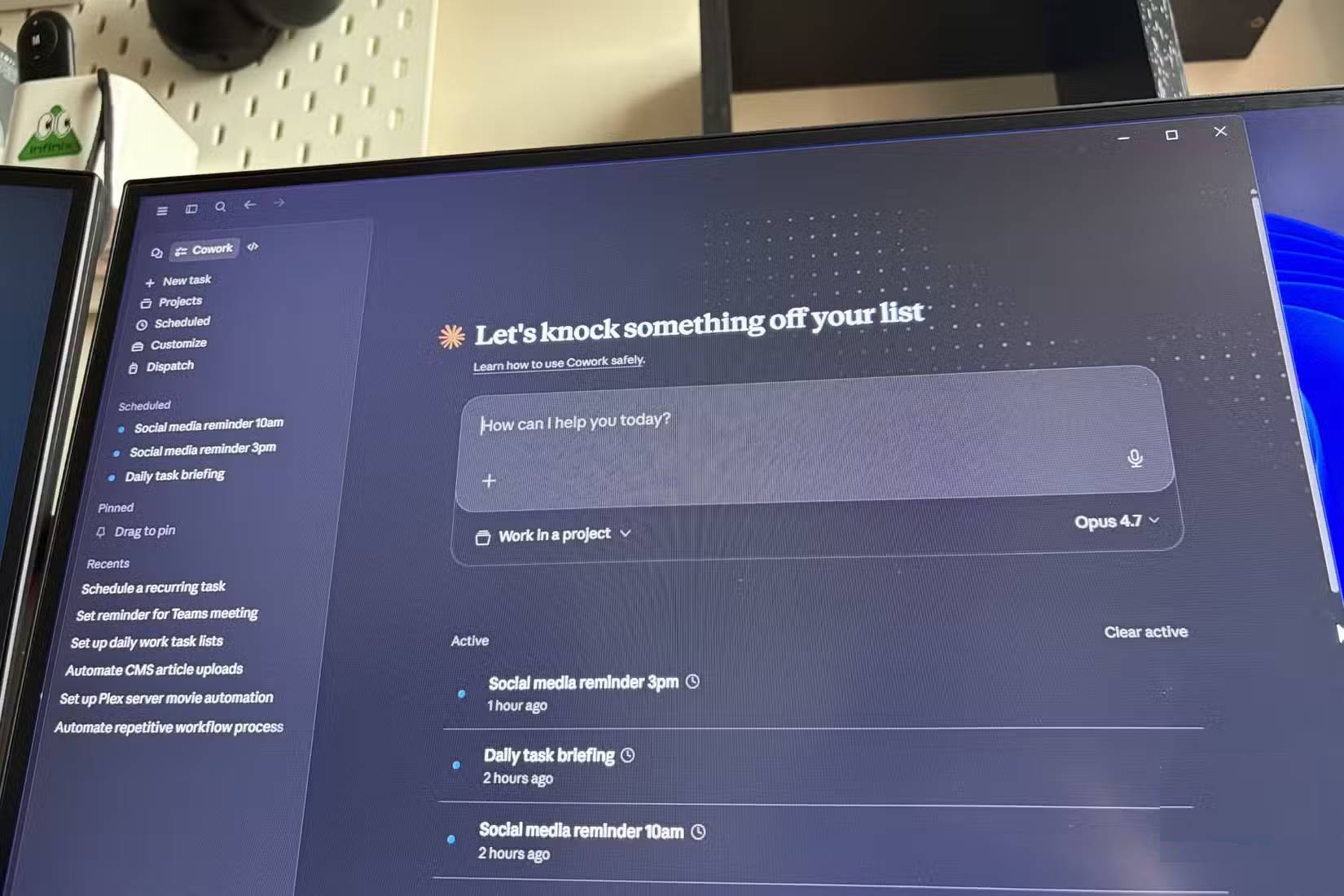
A safe automation pauses before destructive changes and produces a reviewable dry run.
Score whether the assistant respects scope, asks about ambiguity, avoids symlink or path-traversal problems, handles name collisions, remains idempotent, records changes, and can roll back. Do not reward an assistant for acting quickly if it silently deletes data or expands beyond the test folder.
A scoring sheet for all three tasks
| Dimension | Headline task | Source task | Automation task |
|---|---|---|---|
| Accuracy | Matches article | Claims and citations match source | Plan matches requested files and rules |
| Instruction following | Length, tone, variety | Word limit and source-only constraint | Dry-run and approval boundary |
| Completeness | Covers distinct angles | Includes material facts and gaps | Handles collisions, errors, rollback |
| Efficiency | Minimal editing needed | Easy to verify | Few safe steps and useful logs |
| Reliability | Consistent across runs | Low unsupported-claim rate | Repeatable and idempotent behavior |
Assign weights before seeing the outputs. For high-stakes research, accuracy should dominate style. For brainstorming, variety and editing time may matter more. For automation, permission boundaries and reversibility should be mandatory rather than optional points.
How to test whether performance has actually declined
A decline claim requires a baseline. Save a fixed benchmark set and score the same tasks over time under documented settings. Keep the prompts, source files, outputs, model identifiers, tool state, and human ratings. Separate model changes from changes in account settings, memory, search, context, or the user's own expectations.
Do not infer a trend from a bad day, one chat, or a prompt that evolved over time. Product names cover multiple models and modes; compare the specific configuration you used.
Choose per workflow, not by brand loyalty
- Use the assistant that produces the best verified output for the task and requires the least corrective work.
- Keep a second assistant available for an independent critique on important decisions.
- Use Projects or persistent context only when it improves the real workflow, and document that advantage rather than hiding it from the test.
- Never outsource final responsibility for published claims, code execution, file deletion, medical, legal, or financial decisions.
For broader context, see TipsMake's earlier Claude versus ChatGPT everyday-task comparison and the guide to comparing current LLM families by workload. Product features can be confirmed on the official ChatGPT plan page and Claude Projects documentation.
Bottom line
Claude may win a user's headline, source-analysis, or automation test; ChatGPT may win another person's test or the next model release. The defensible conclusion is narrower: under recorded conditions, one configuration required less correction for a defined task. That is enough to guide a workflow without turning three anecdotes into a universal claim.
Related Articles
 6 Reasons to Use Claude Instead of ChatGPT7 minutes read
 Claude or Chatgpt Is the Best LLM for Everyday Task?9 minutes read
 Claude vs ChatGPT: Which AI Assistant Should You Use?10 minutes read
 3 Reasons to Give Up ChatGPT to Switch to Claude: What You Need to Know6 minutes read
 Should I Buy ChatGPT Plus or Claude Pro?10 minutes read
 4 Ways AI Claude Chatbot Outperforms Chatgpt6 minutes read
Reader Comments 0
Sign in with email or Google to join the discussion.