Table of Contents
AI logo makers are useful for generating directions and assembling a starter brand kit, but “free to create” often does not mean “free to download a usable vector logo.” Compare the final file formats, editing rights, post-purchase changes, symbol exclusivity, subscription terms, and brand assets before choosing a tool.
A logo used for a real business should work in one color, at favicon size, on a sign, and in print. It should also be legally distinguishable from existing marks. An attractive preview is only the first step.
What to require from a logo tool
- Vector files: SVG, EPS, or an editable source format for clean scaling and print.
- Transparent exports: PNG with transparency for websites and social profiles.
- Color variations: full color, black, white, and reversed versions.
- Editable type and layout: the ability to correct spacing, font, and symbol proportions.
- License details: commercial use, ownership, template or icon restrictions, and whether elements are non-exclusive.
- Payment model: one-time logo purchase, subscription, or paid brand kit.
- Post-purchase changes: whether edits and re-downloads remain available.
Pricing and included files change. The notes below describe the tools' current positioning, but confirm the checkout page and license immediately before paying.
1. Brandmark
Brandmark generates logo concepts from a business name, keywords, and color preferences, then shows them across brand mockups. Its published packages distinguish basic logo files from larger sets that add source files, brand guidelines, presentation designs, and other assets.
Brandmark is strongest when logo concepts and coordinated mockups are needed together.
Consider it for: a guided concept-to-brand-assets workflow with a one-time package option.
Check before buying: which vector and source formats are included in the selected tier, and whether the supplied symbol is sufficiently distinctive for the business.
2. Logomaster.ai
Logomaster.ai uses an industry-and-style questionnaire, generates proposals, and provides an editor for the selected design. The site allows free design exploration, while its official information says high-resolution PNG, SVG, and other download files are part of paid options.
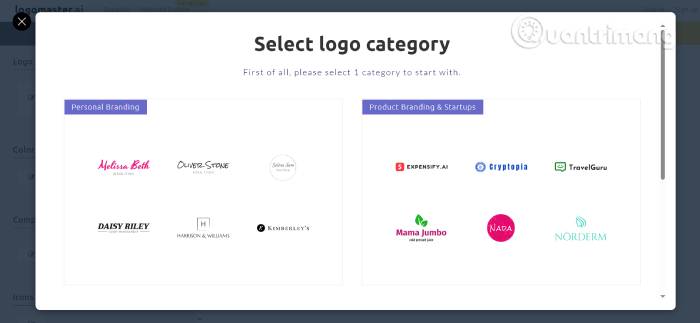
Logomaster.ai provides a structured, beginner-oriented selection and editing flow.
Consider it for: users who want a short wizard and several downloadable color variations.
Check before buying: the exact formats, commercial license, and whether later edits and re-downloads are included in the chosen package.
3. BrandCrowd
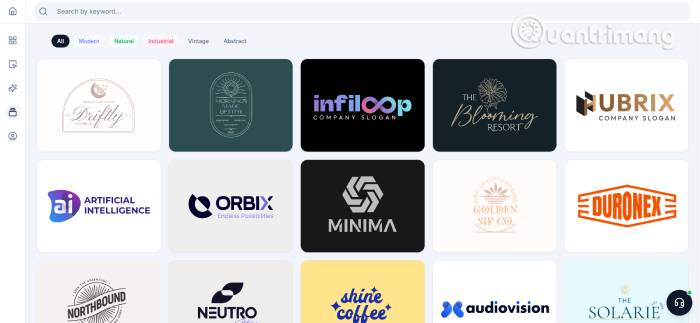
BrandCrowd combines a large library of designer-created logo templates with editing tools and related business-card, social, and web graphics. Its official site also identifies a selection of free logo templates, while many other designs and brand assets are premium.
BrandCrowd emphasizes a large template library and related marketing designs.
Consider it for: fast template browsing and a broad set of marketing formats.
Check before buying: whether the chosen design is free or premium, which elements are exclusive, what the subscription renews at, and what remains available after cancellation.
4. Tailor Brands
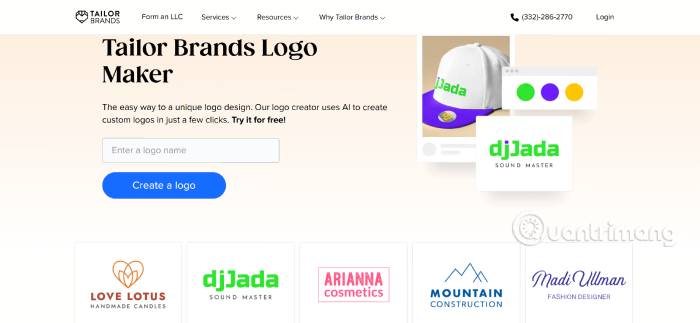
Tailor Brands starts with business details and style choices, then connects the logo to a larger suite that can include branded merchandise, business cards, a website, email, and business services.
Tailor Brands is oriented toward an all-in-one small-business setup rather than a logo file alone.
Consider it for: a business owner who expects to use several services in the same platform.
Check before buying: which services are optional, the subscription term and renewal, logo ownership and download formats, and whether unrelated business services are being added at checkout.
5. LogoAI
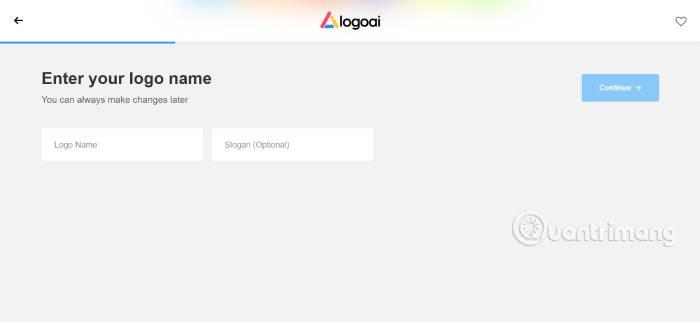
LogoAI generates editable logo directions and offers separate logo packages and brand-identity assets. Its official pricing page uses one-time logo purchases rather than a required logo subscription.
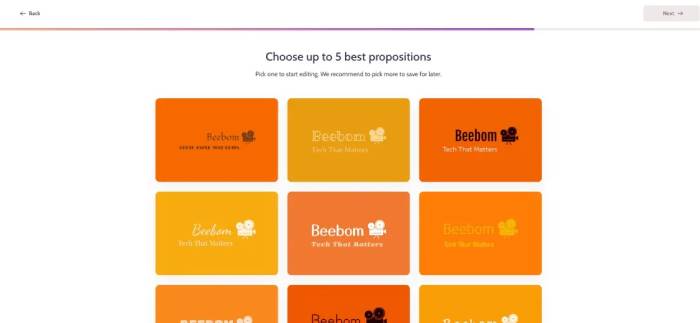
LogoAI is useful for generating and editing logo-plus-brand-identity directions.
Consider it for: a one-time package with tiered logo files and optional brand materials.
Check before buying: whether the selected tier includes transparent, high-resolution, vector, and brand-identity files, plus the rights associated with uploaded or generated symbols.
6. Google Gemini image generation
Gemini can generate image concepts from a detailed description, including marks shown in mockups. This is a different workflow from a structured logo maker: the result is usually a raster image rather than an editable vector logo with separated type, colors, and geometry.
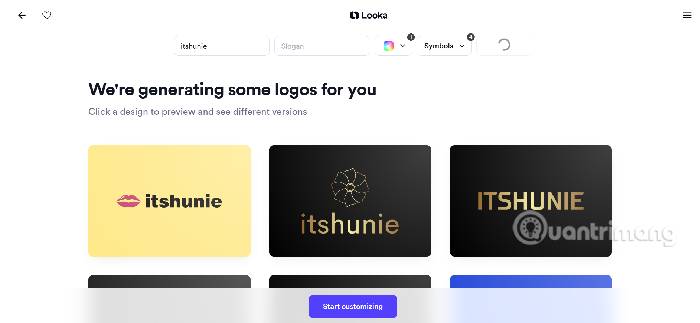
Gemini is better for visual exploration and moodboards than for final production logo files.
Consider it for: brainstorming symbol directions, compositions, and presentation mockups.
Check before using a result: spelling, geometric consistency, export resolution, product availability, account limits, and Google's current terms. Google notes that generated images include provenance signals such as SynthID in supported products. Rebuild the chosen mark as clean vector artwork instead of tracing artifacts blindly.
7. Designs.ai
Designs.ai positions its branding workflow as a way to turn a company URL or description into a logo, colors, typography, guidelines, and connected creative assets.
Consider it for: teams that want a broader on-brand content system across logo, image, video, audio, slides, and campaign materials.
Check before buying: whether the needed logo export is editable, how many team members and brands a plan supports, the licensing for generated and stock content, and whether the workflow is available in the intended region.
8. Looka
Looka combines a logo generator and editor with logo-only packages and a recurring Brand Kit. Its official materials list high-resolution raster files, SVG/EPS vector formats, color variations, brand guidelines, and reusable marketing assets in qualifying packages.
Consider it for: founders who want the logo to populate social profiles, business cards, email signatures, letterheads, and other repeatable assets.
Check before buying: the difference between a one-time logo package and the annual Brand Kit, whether unlimited changes require an active subscription, and which assets remain usable afterward.
Side-by-side selection guide
| Tool | Best starting point | Main purchase question |
|---|---|---|
| Brandmark | Logo concepts plus polished mockups | Does the tier include source and brand-guideline files? |
| Logomaster.ai | Simple wizard and editable proposals | Which high-resolution and vector files are included? |
| BrandCrowd | Large template and marketing-asset library | Is this design free, premium, exclusive, or subscription-based? |
| Tailor Brands | All-in-one small-business services | Which optional services and renewals are part of checkout? |
| LogoAI | One-time logo packages and brand assets | Which tier provides vectors and full brand files? |
| Gemini | Open-ended visual concepts and mockups | How will the raster concept be rebuilt as precise vector artwork? |
| Designs.ai | Cross-format brand-content system | What do the plan, licensing, and team limits cover? |
| Looka | Logo plus reusable Brand Kit templates | Do you need a one-time logo or an annual kit? |
A practical logo-making workflow
- Write a brief. Define the audience, brand personality, required name, tagline, competitors, prohibited imagery, and places the logo will appear.
- Generate directions in more than one tool. Compare ideas, not just polished mockups.
- Shortlist simple marks. Test them in black and white, at 16–32 pixels, and at large print size.
- Search for conflicts. Check web, domain, social handle, and the relevant national or regional trademark databases. Professional legal review may be needed for an important launch.
- Refine the vector. Correct letter spacing, curves, alignment, and optical balance in an editor or with a designer.
- Create a delivery set. Keep SVG/EPS or another editable master, transparent PNGs, print PDF if needed, color values, fonts, clear space, and usage rules.
Why a free preview may not be enough
A screenshot or low-resolution PNG can work for an early internal concept, but it is unsuitable as the only master file. It may blur in print, have no transparency, and be difficult to recolor. If a tool does not provide vectors, recreate the selected concept properly or choose another route.
For finishing raster mockups and adding precise text, compare TipsMake's AI photo-editing tools and mobile text-on-image apps. These are supporting tools, not substitutes for an editable vector master.
When to hire a designer
Use a professional designer when the logo supports a significant business launch, must clear a complex trademark landscape, needs a custom typeface or symbol, or will be applied across packaging, signage, motion, and multiple sub-brands. AI tools can shorten exploration, but strategy, originality, production precision, and legal due diligence still require human judgment.
Related Articles
 Using AAA Logo Professional Logo Design6 minutes read
 Best Buy's New Logo Shrinks the Tag Because the Traditional Store Model Is Now Dead3 minutes read
 The Most Complete Logo Commands 20267 minutes read
 How to Design a Simple Logo in Photoshop8 minutes read
 How to Create a Logo Super Fast and Beautiful with Professional Logo Design4 minutes read
 Firefox Launched a New Flat-design Logo with 23 Beta Version4 minutes read
Reader Comments 0
Sign in with email or Google to join the discussion.