Table of Contents
Explore 10 most effective antivirus software for Windows 2019 and learn what each option does well. The article focuses on practical details that can help you make a more informed decision.
Antivirus software is one of the most essential applications on every system. The reason is because viruses, malwares and trojans tend to grow faster and more dangerous, so users are also interested in finding the best security options for their systems before the events. Attack on the network.
However, the problem arises here is that more and more software, free antivirus programs are "born", so choosing the best software, antivirus program is important.
In the following article, the Network Administrator will introduce you to the top 10 best, free and most effective antivirus software on the computer, which is highly appreciated for popularity, updates and not much use. computer resources. (Top in the article as of the time of writing).
Top best free antivirus software on your computer









 Scan for viruses on demand vetc Scanning for viruses according to access vvvvvvv Review website vvxvxvxxxx Block malicious URLs vvvvvvxx Detecting phishing and so onv Detecting viruses by behavior vvvxvxvxvv Scanning security holes vxxxxxxxxx
Platform: Windows XP or higher, all versions of Mac OS X.

This is one of the oldest antivirus programs and promises many prospects with really tight security even on the free version. Built-in anti-spam Anti-Spam, easy-to-use interface and real-time protection, especially for mobile devices such as USB flash drives. When performing different scans, Avast on-demand scanning is voted the fastest in free antivirus solutions.
Platform: Windows XP or higher, Mac OSX Mountain Lion or later versions.
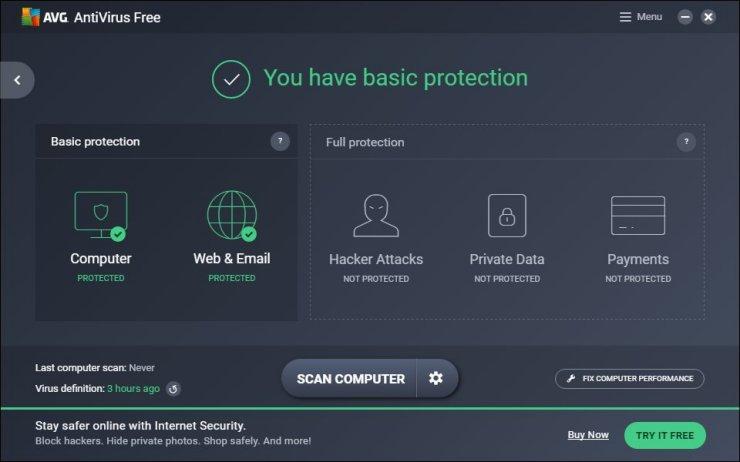
This is considered the most commonly used antivirus software today. In fact, the term 'Free antivirus ' has long been associated with theAVG Brand. With millions of users around the world AVG has been trying hard to integrate the most advanced and completely free protection measures. Powerful real-time protection makes AVG the first choice when compared to other security solutions.
The app is updated automatically every day to ensure your system has the ability to withstand the latest threats detected. Especially not slow down the processing speed of the computer.
Platform: Windows XP or higher, Android 2.3 or higher.
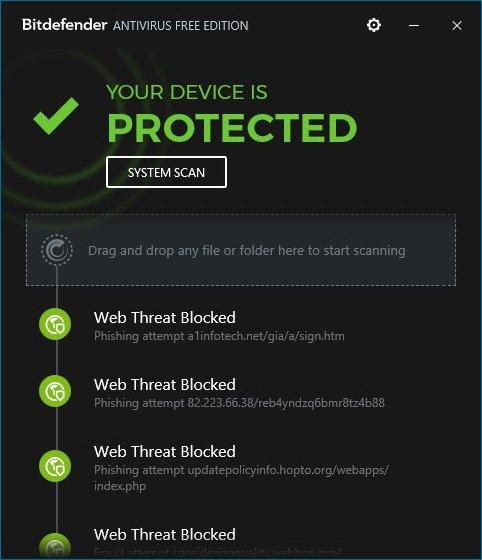
BitDefender Free Antivirus is also one of the most effective free antivirus software today. the app provides real-time protection, detects and blocks Windows-based applications trying to access the Internet, scanning Rootkits and scanning HTTP.
BitDefender Free Antivirus is considered one of the most effective antivirus software on Windows.
4. Kaspersky Free
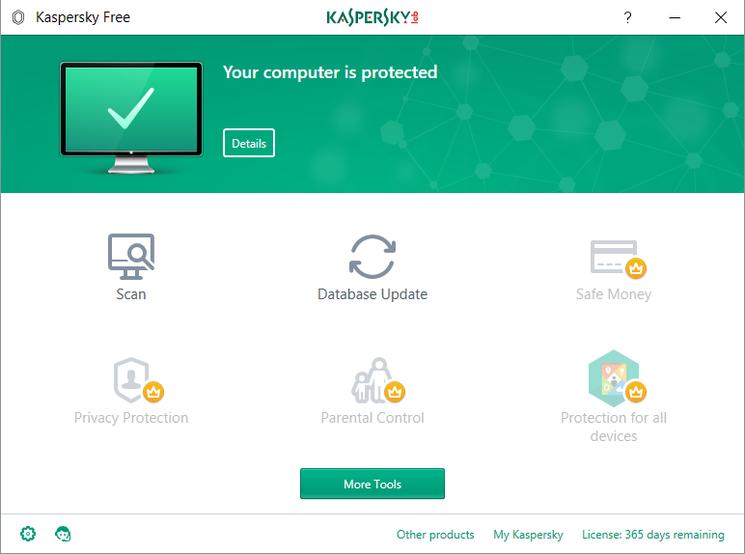
Kaspersky Free gives you the ability to protect against viruses, leading malware as well as detect threats quickly. Kaspersky Free has a real-time protection feature, the option to scan the entire system as well as customize, evaluate websites and block malicious URLs that users are navigating to. It receives excellent test scores in anti-phishing.
5. Sophos Home
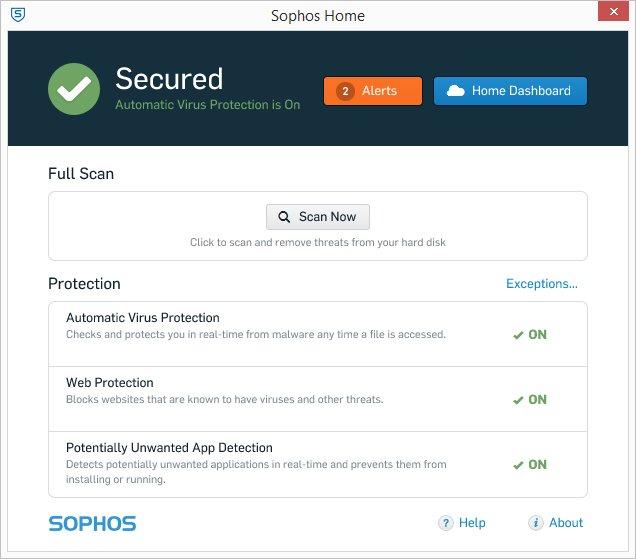
Like Kaspersky Free, Sophos Home does not recognize behavior-based viruses but is based on its own anti-virus technology developed by the company. Sophos Home is highly valued for its anti-fraud and malicious ads blocking. Simple, intuitive interface. Powerful remote management and monitoring. Sophos Home is available for Windows and Mac.
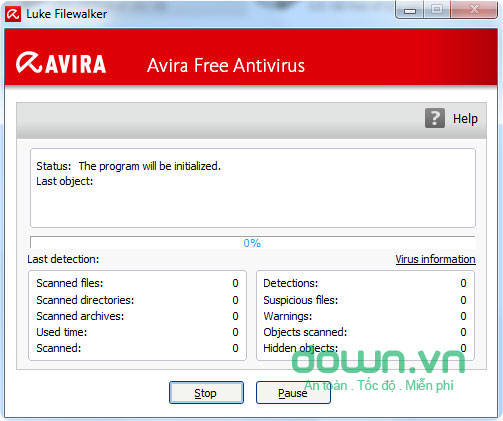
The Avira Free Edition Has an impressive appearance but not the best protection solution over time. This is a very good program for basic security against viruses and worms. Scanning speed is not really fast, it takes time to detect the virus but is capable of killing all worms, trojans and spyware hidden deep in the computer.
Because Avira only has the basic antivirus module in the free version, Avira is very light, never slowing down the process of the system even when updating in the background.
Download the latest version of the Avira Free Antivirus Edition to your device and install it.
7. Comodo Antivirus
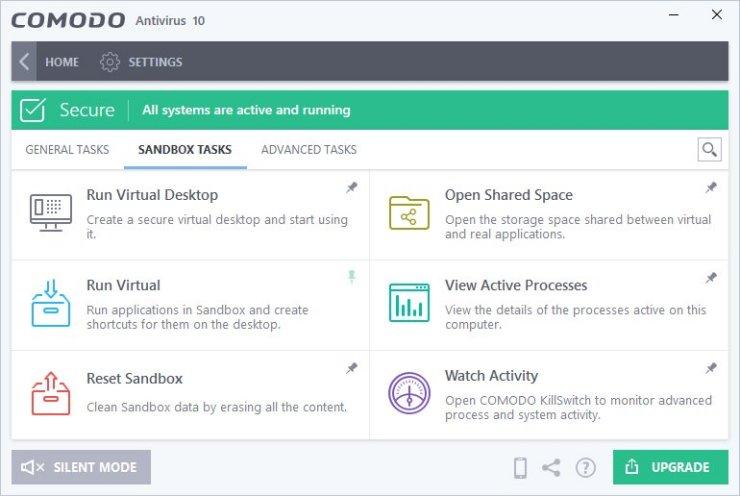
Like Avast Free and AVG, Comodo Antivirus has a powerful and free set of features to deal with viruses and malware. It is capable of detecting behavioral viruses, equipped with virtual desktops and secure browsers (for safe browsing, avoiding being monitored in sensitive cases such as Internet banking payments). In particular, this antivirus software also has a virtual sandbox to test suspicious software, check its safety before actually installing it on your computer. users interface is also a big plus for Comodo Antivirus, quite nice and attractive.
Platform: Windows XP or higher; Android 2.3 or higher.
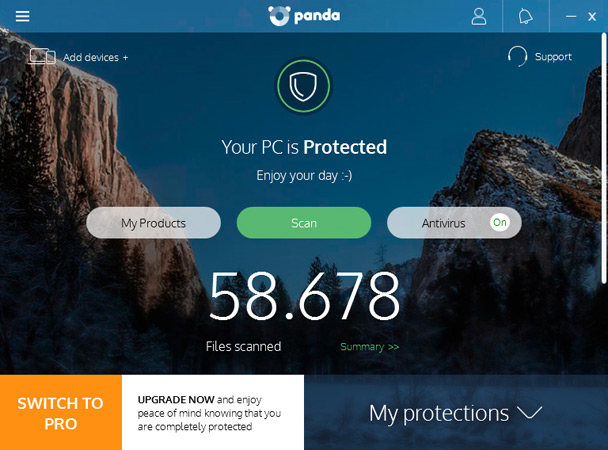
The advantage of Panda Cloud Antivirus Free Antivirus is quite light and can run on internal cache when the network is not available. In addition, the app also provides features to protect the computer from phishing, detect and prevent rootkits.
With running as a service window at the system launcher, the program takes up very little resources and real-time protection is quite impressive, as long as you keep it up to date.
With features such as On-Demand malware scanning, On-Access Malware scanning, user computer protection from Phishing and malicious URLs, Panda Free Antivirus is rated as one of the best and safest antivirus programs for users.
Platform: Windows XP or higher, Mac OS X Snow Leopard (10.6) or higher, iOS 5.1 or higher, Android 4.0 (ICS) or higher.
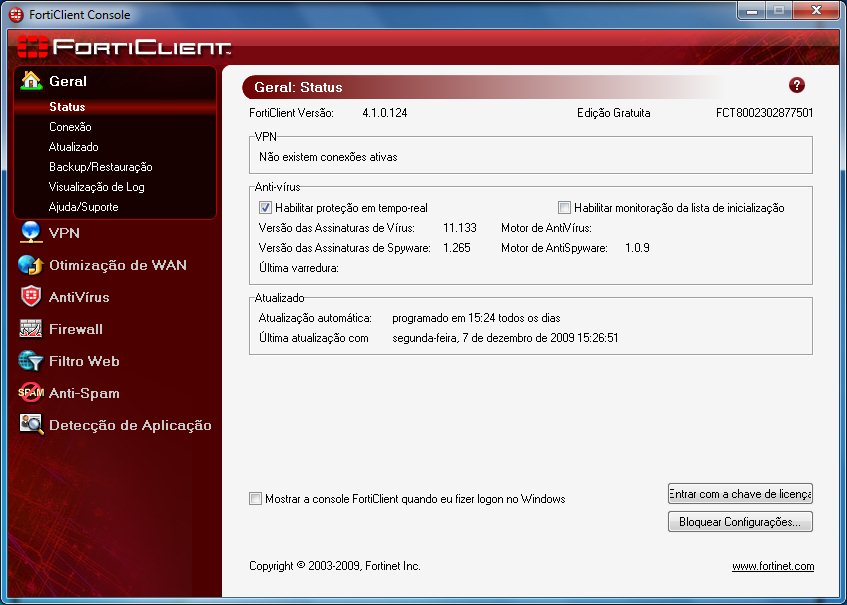
FortiClient is one of the most effective free antivirus software, and is ranked among the top antivirus applications. FortiClient provides Web, Firewall, Network and Parental Controls filters. In addition, the app also provides phishing detection solutions and integrated VPN Client.
Although FortiClient is designed to work with network devices, FortiClient 5.0 also functions as an independent antivirus program, integrating both Parental Control and VP Client.
However, network optimization seems to be effective only with FortiGate Devices and the app is also less effective in preventing malicious URLs. In addition, the functions of the VPN Client and Parental Control systems are also limited.
Platform: Windows XP or higher.
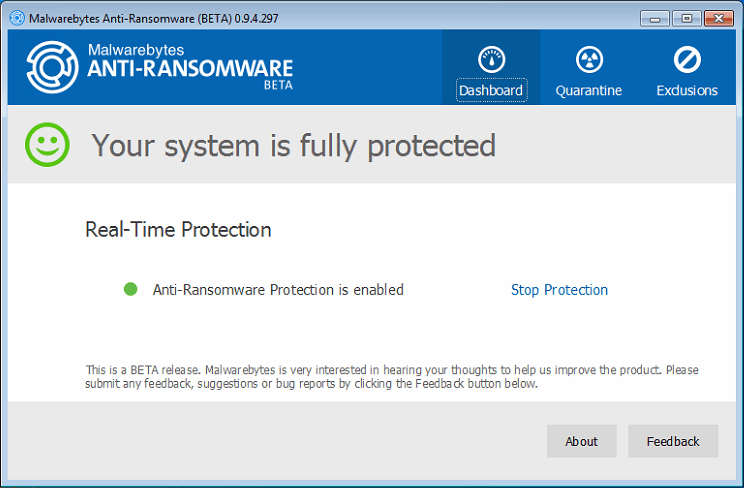
Malwarebytes is one of the most highly regarded antivirus software. One of the most prominent features of MalwareBytes is virus detection based on their behavior on the computer.
But Malwarebytes' biggest drawback is to ask other antivirus software to work with the app. Malwarebytes works like an additional antivirus program. In addition, the free versions lack many important features compared to the Premium versions. However Malwarebytes is still one of the top antivirus software and is appreciated and chosen by many users.
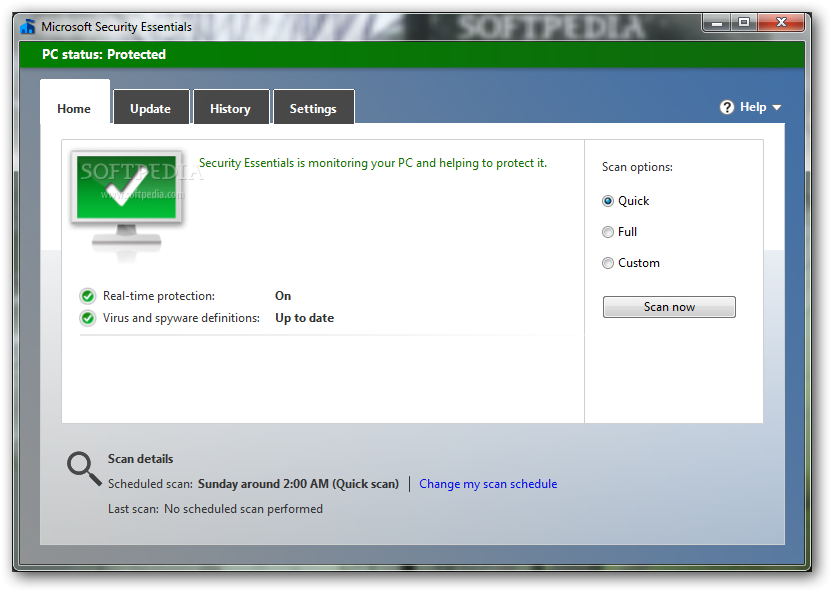
This is a Microsoft-specific antivirus program for Windows 7 operating system. However, because of the huge download volume, it was later supported for Windows Vista and Windows XP. If you're using Windows 8.1 / 10, you'll see that Windows Defender / Windows Defender Security Center is built-in, which is an upgrade of Microsoft Security Essentials.
Microsoft Security Essentials Runs very quietly in the background, so you can freely use your computer as you wish without worrying about interruptions or slow computers.
Refer to some of the following articles of Network Administrator:
- Windows Defender is disabled or inactive, this is a fix
- 9 tips to protect your computer safely from virus attacks
- Is antivirus software really slowing down your computer?
Wish you have moments of fun!
FAQ
How were the 10 most effective antivirus software for Windows 2019 options selected?
The options are compared by usefulness, ease of use, core features, and their fit for the situations described in the article.
Which option is best for beginners?
Choose the option with the simplest setup, clear documentation, and the features you actually need. A more advanced option is not always the better starting point.
What should I check before choosing?
Check compatibility, current availability, pricing or licensing, privacy requirements, and whether the product still receives updates and support.
Related Articles
 7 Most Effective Antivirus Software for Windows 202411 minutes read
 7 Best Antivirus Options for Windows in 20269 minutes read
 11 Most Effective Antivirus Software for Windows 2023: Best Options Compared15 minutes read
 Microsoft Claims Windows Defender Is the Best Antivirus Software3 minutes read
 5 Things to Consider Before Buying Antivirus Software4 minutes read
 minutes read
Reader Comments 0
Sign in with email or Google to join the discussion.