Table of Contents
This updated overview organizes the essential information about Will Manual Photo Editing Become Obsolete as AI Advances, including practical uses, key features, setup considerations, and common questions.
What This Guide Covers
- 1. Photo editors will want to create their own style
- 2. Not all AI edits are created equal
- 3. AI is easy to recognize if overused
1. Photo editors will want to create their own style
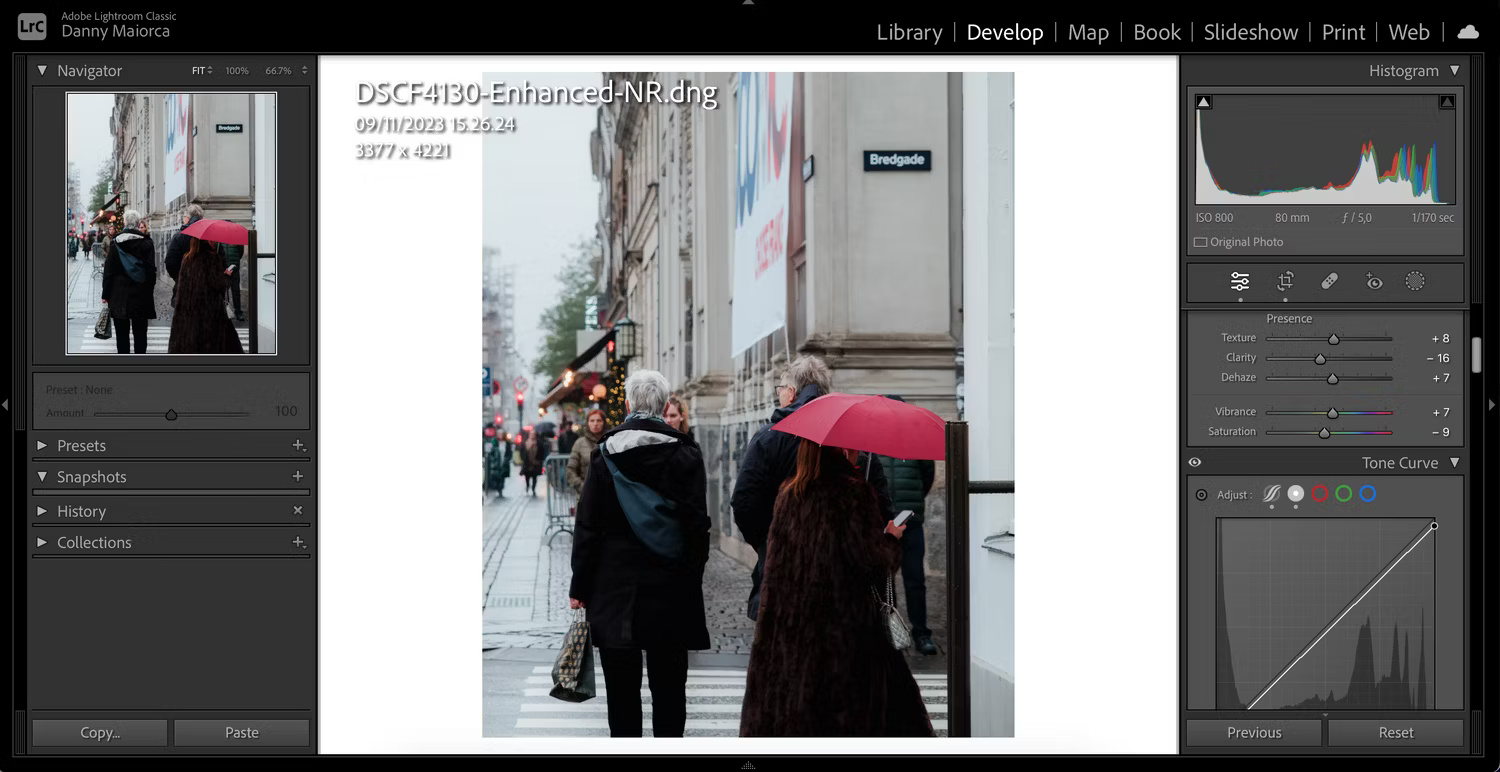
Many people who don't know how to use tools like Lightroom often use Auto tools more than necessary. This is great for learning how to use the software, but in the end, the photos will look similar and featureless.
If you want to make your images look more unique, learn how to use Lightroom and Photoshop. Of course, AI is still a part of the editing process (e.g. straightening and retouching photos). But make sure about 90% of the edits are done by yourself for the best results.
2. Not all AI edits are created equal
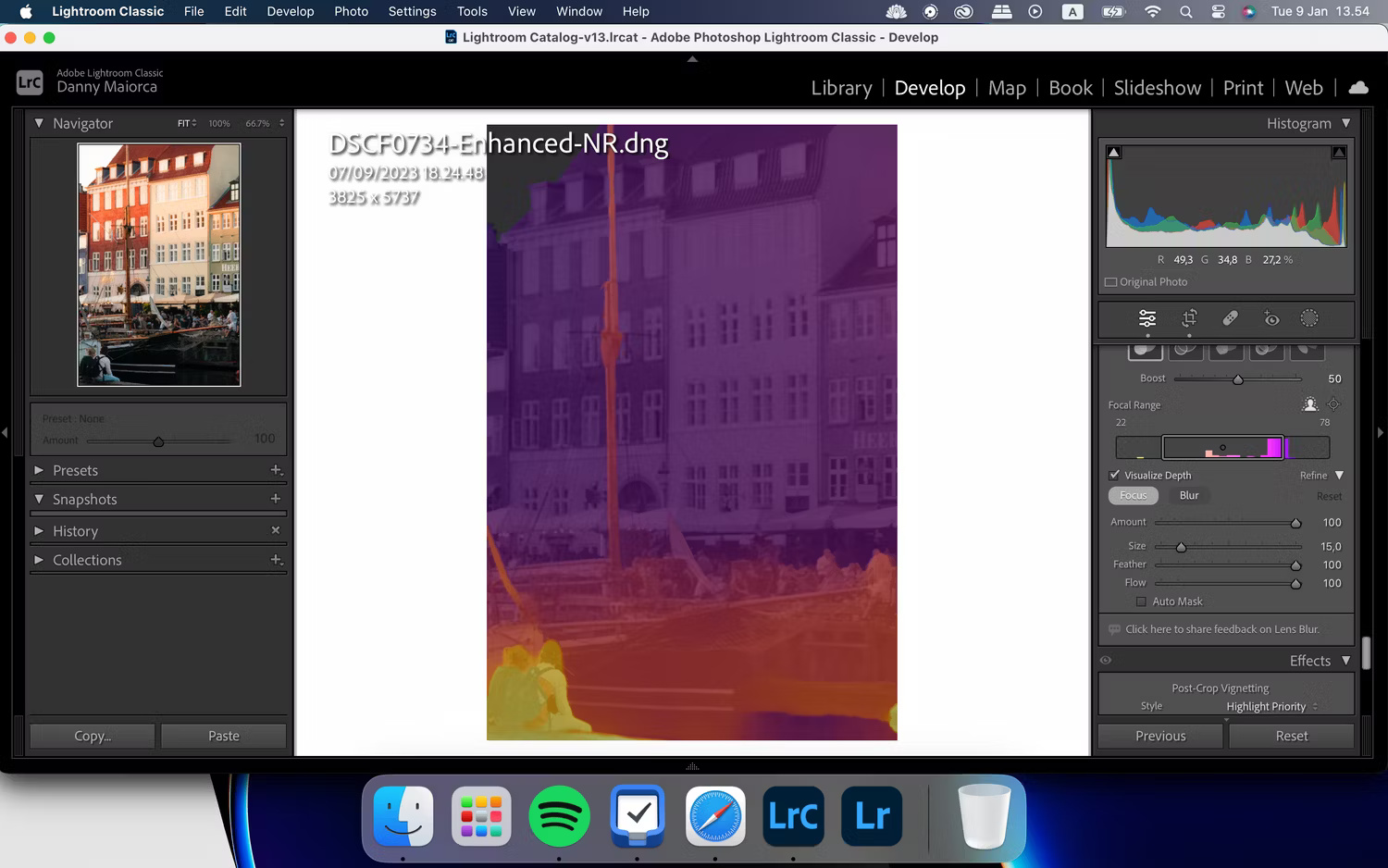
Nowadays, almost every software proudly flaunts its AI features. But most of these tools are for marketing purposes only. Just because something uses AI doesn't mean it's good, AI is a buzzword these days, just like the word "low fat" has been overused in the food industry.
Some AI photo editing tools are amazing. For example, the Noise Reduction feature in Lightroom is worth learning how to use. However, some tools are a waste of time. It's worth trying every single AI tool your favorite editing software has, but take advantage of the best and ignore the rest of the less useful features.
3. AI is easy to recognize if overused
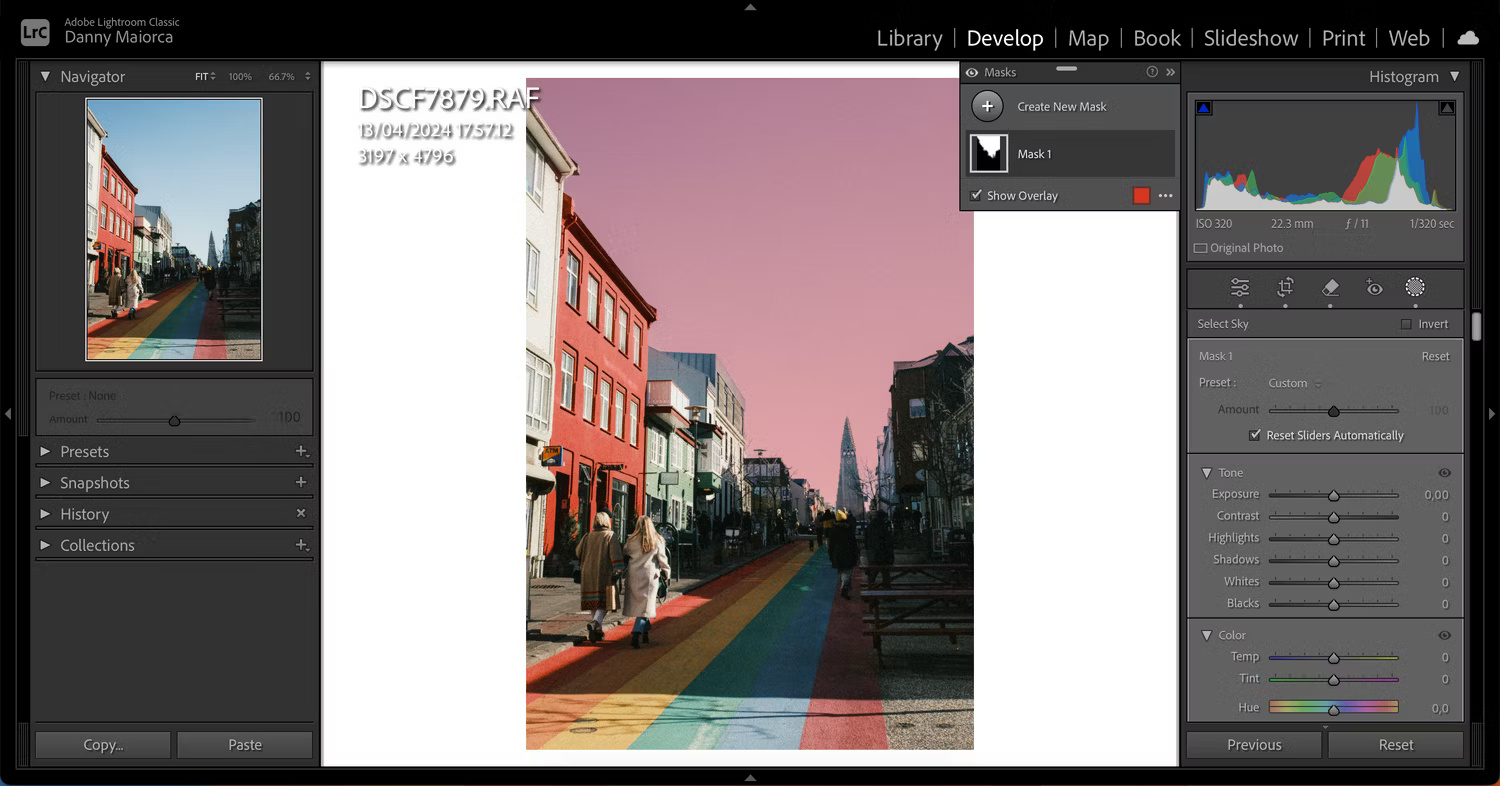
If you're editing photos, you probably want them to look as natural as possible. One of the biggest problems with AI is that many people over-edit and can tell by looking that they have used AI.
AI editing is fine if done in moderation, but remember not to rely on it completely.
4. AI editing is just a supplement to manual editing
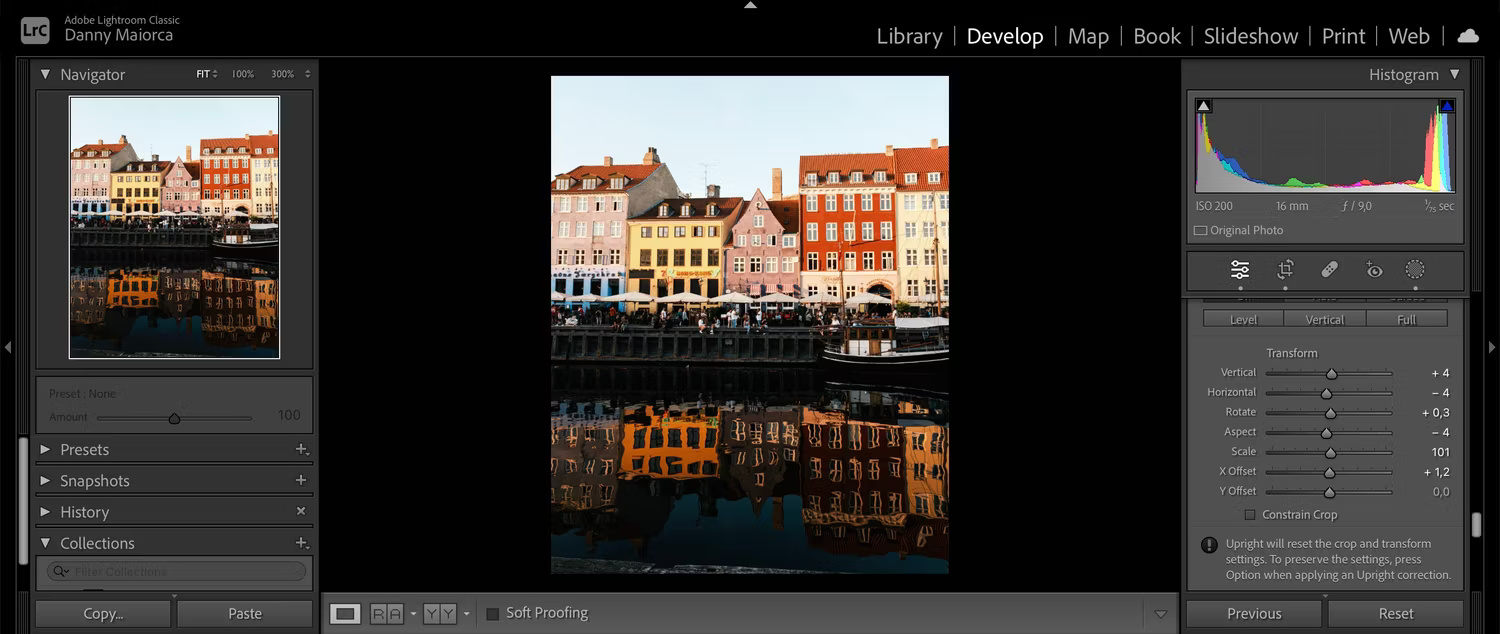
One of the most overlooked points in the discussion of AI is that AI is considered a tool, not a replacement. Too many people think that applying AI to anything will solve the problem, but that's not true in every field, including photo editing. Human input is still necessary, and full manual editing still has its place.
Anyone who takes photo editing seriously will have a neutral view of AI. This means they may use more AI than human editing in some photos, but they may use all manual editing and no AI in others. There's no fixed rule about how much you should use, and even as AI evolves, this will always hold true. By adopting this mindset, you can benefit from AI as an artist.
AI is one of many tools you can use to make your images look better, but manual photo editing still has its place and always will. You should master the AI features and usage instructions of your favorite photo editing software to create great photos.
Final Thoughts
Use the instructions and checks above in order, verify the result after each major step, and keep a backup whenever the process changes important files or system settings.
FAQ
What is WHO used for?
Photo editors will want to create their own style Many people who don't know how to use tools like Lightroom often use Auto tools more than necessary.
Who should consider WHO?
It is most useful for readers who need the features, workflow, or problem-solving approach described in this guide.
What should I check before using it?
Review compatibility, current software requirements, privacy or security settings, costs, and any limitations that could affect your workflow.
Related Articles
 Why Do Many People Prefer AI Photo Editing Over Manual Techniques5 minutes read
 The Best Free Photo Editing Software on Your Computer15 minutes read
 4 Favorite Photo Editing Apps That Don't Abuse AI Features: What You Need to Know6 minutes read
 AI Features That Make Paint Our Favorite Windows Photo Editing App11 minutes read
 minutes read
 Free Online Photo Editing Services Should Not Be Missed!5 minutes read
Reader Comments 0
Sign in with email or Google to join the discussion.