Table of Contents
Discover why should you replace whatsapp, telegram, and messenger with beeper and explore the main causes, risks, practical effects, and recommended actions.
So, instead, do something better: Switch all the messaging services you're using to Beeper. Now all your conversations are in a single window, and you don't need to switch between dozens of apps just to communicate.
Beeper solves a major problem with messaging
All your inboxes in a single app
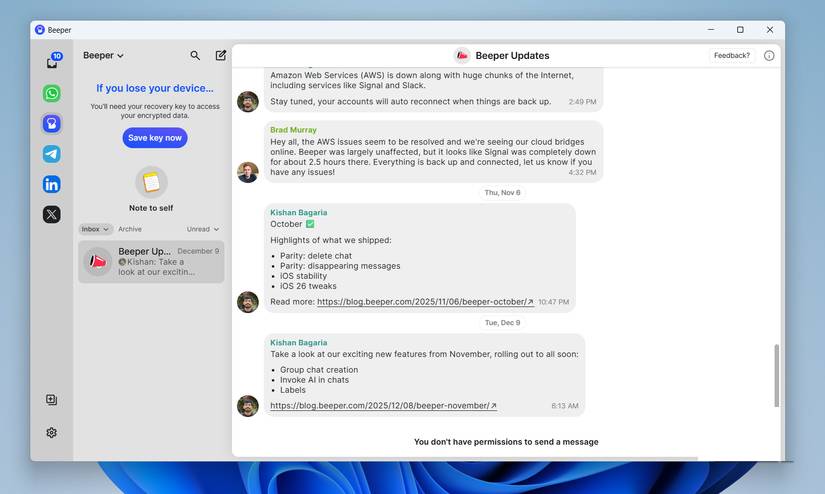
The biggest problem with modern messaging isn't a lack of apps. Quite the opposite. There are too many apps. Many people use WhatsApp. Work uses Slack. Many old friends refuse to give up Messenger. And then there are some people in your circle who really like Telegram.
This means that, like most people, you have to install up to half a dozen apps on most of your devices to stay connected. Beeper solves this problem. It brings together all the popular messaging services into a single interface, including WhatsApp, Messenger, Telegram, Google Messages, Signal, Instagram, Discord, Slack, LinkedIn, and a few others.
The best part is, Beeper works everywhere. Android, iOS, Windows, macOS, Linux, and ChromeOS are all supported. It's also completely free, but there's a Beeper Plus subscription that unlocks a few extra features.
Easy setup, beautiful interface, and no clutter
Texting, finally, is no longer a hassle
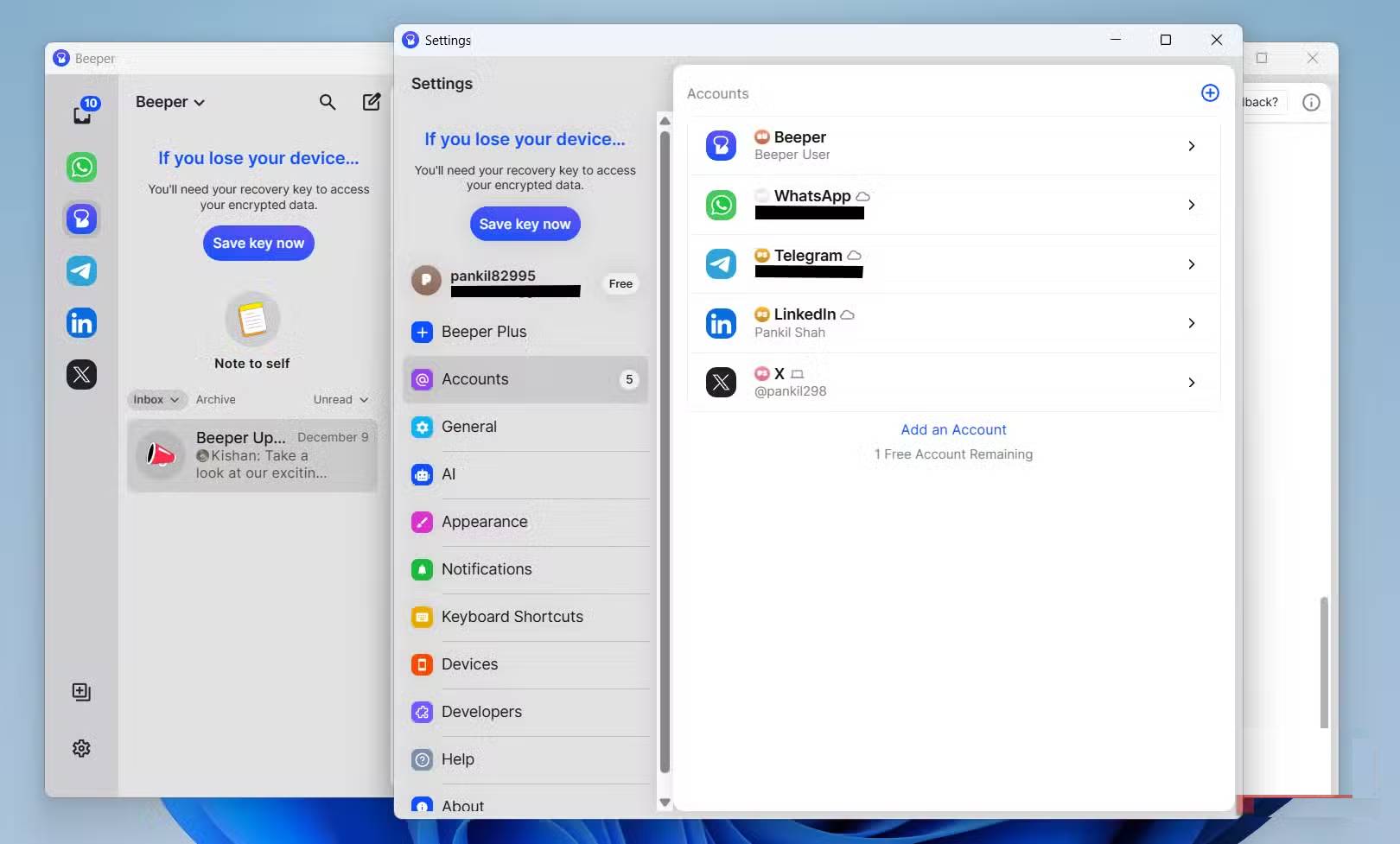
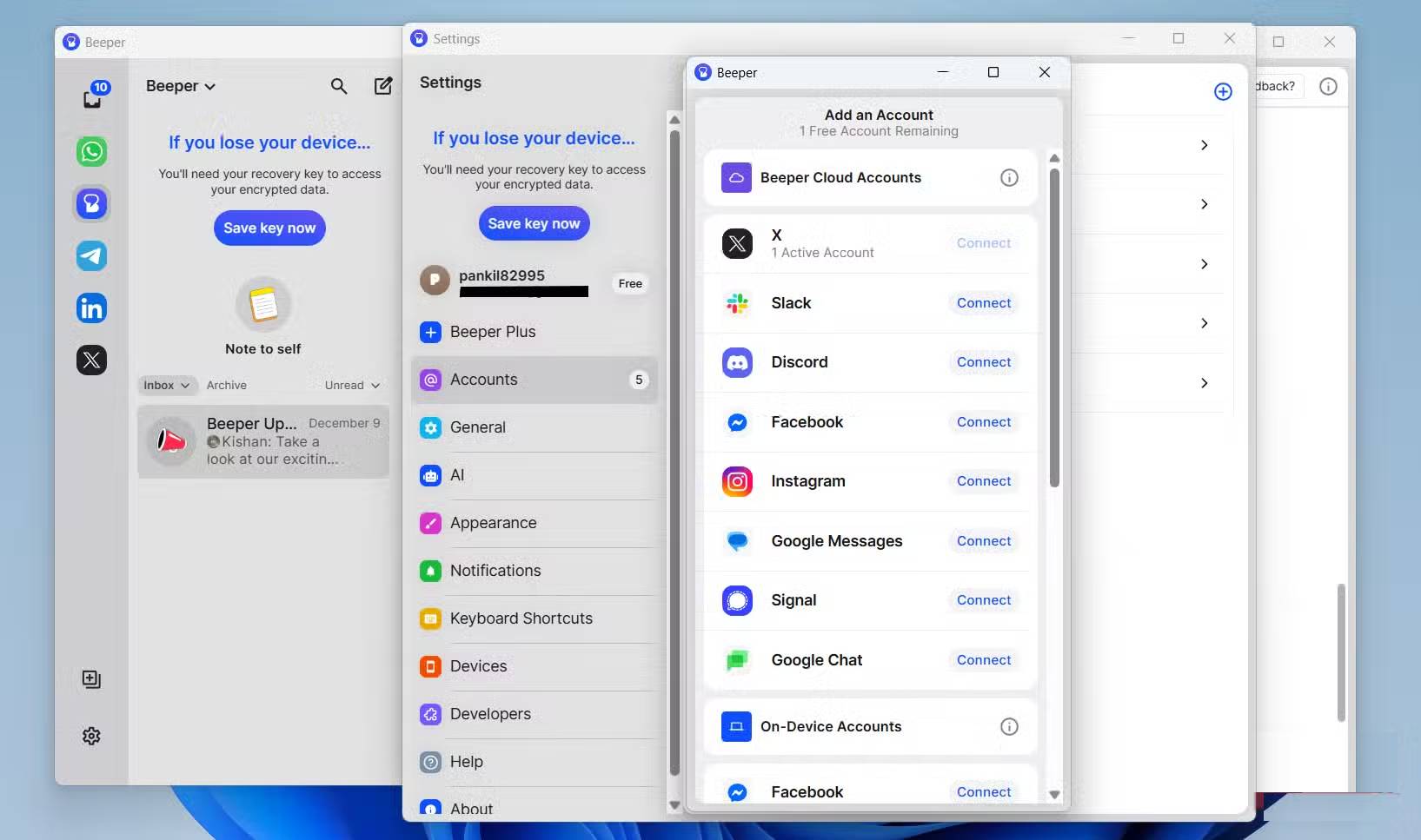
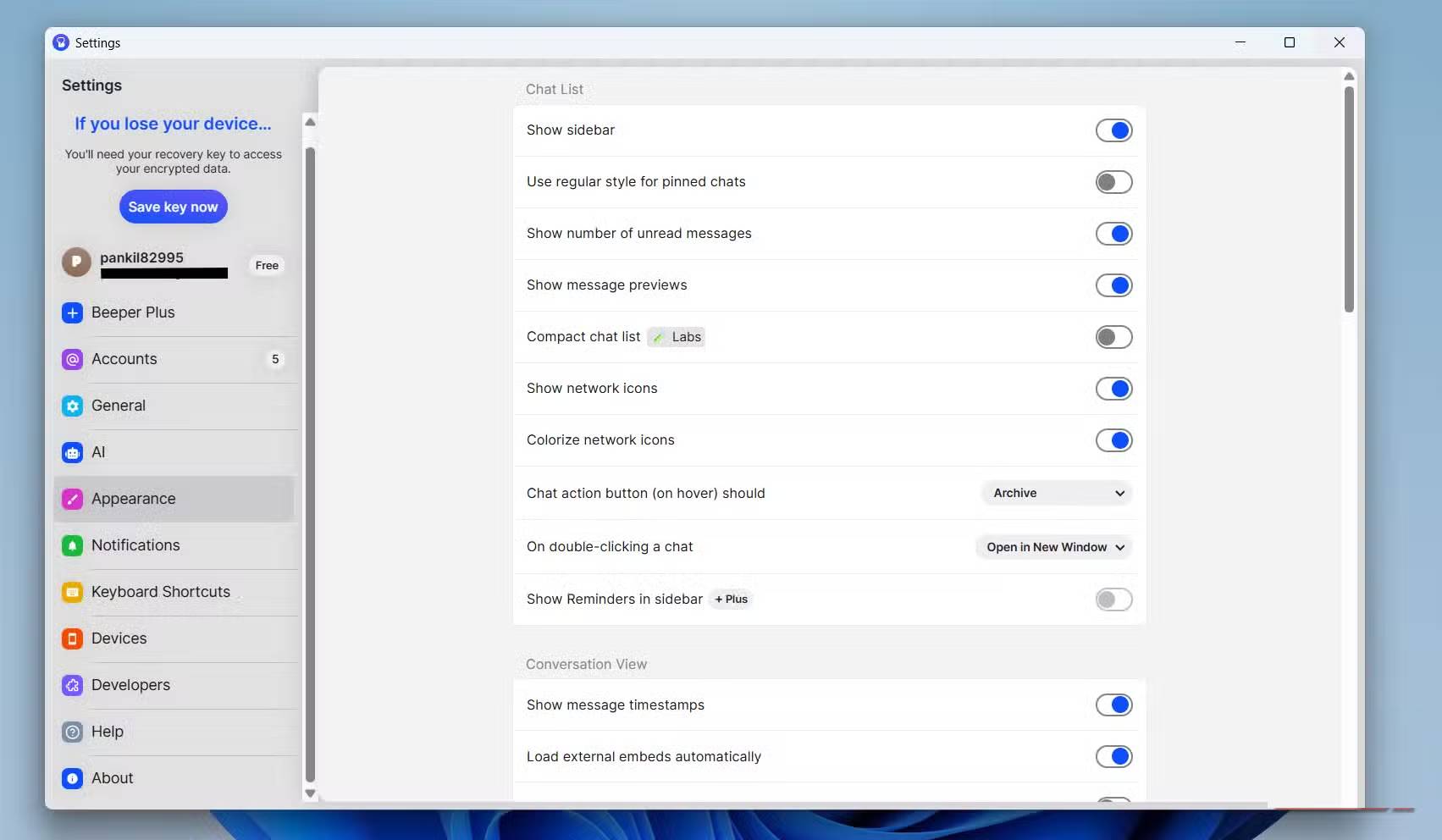
Getting started with Beeper takes a little time, but it's still very simple. First, you need to create a Beeper account and then connect your messaging services one by one. Apps like WhatsApp, Telegram, and Google Messages use device linking to sync your messages, while platforms like Instagram, Messenger, and Slack require you to sign in to an account.
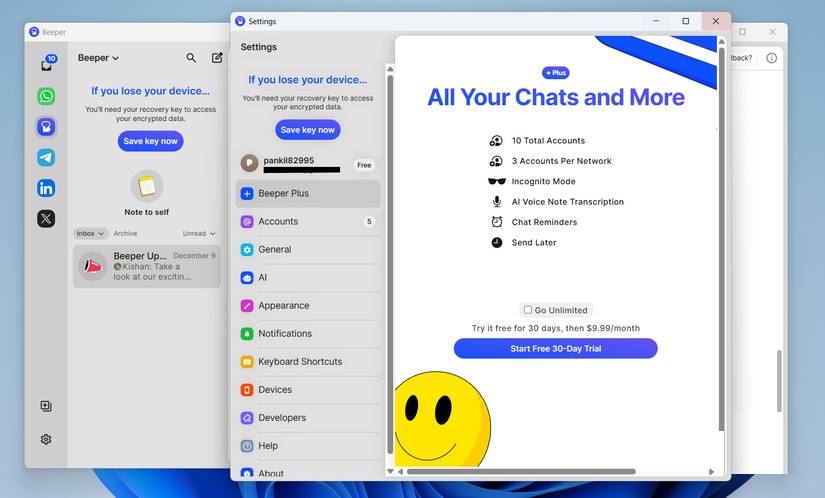
In the free plan, Beeper allows you to add up to 5 accounts, which is sufficient for most people. But if you upgrade to Beeper Plus, that limit increases to 10 accounts.
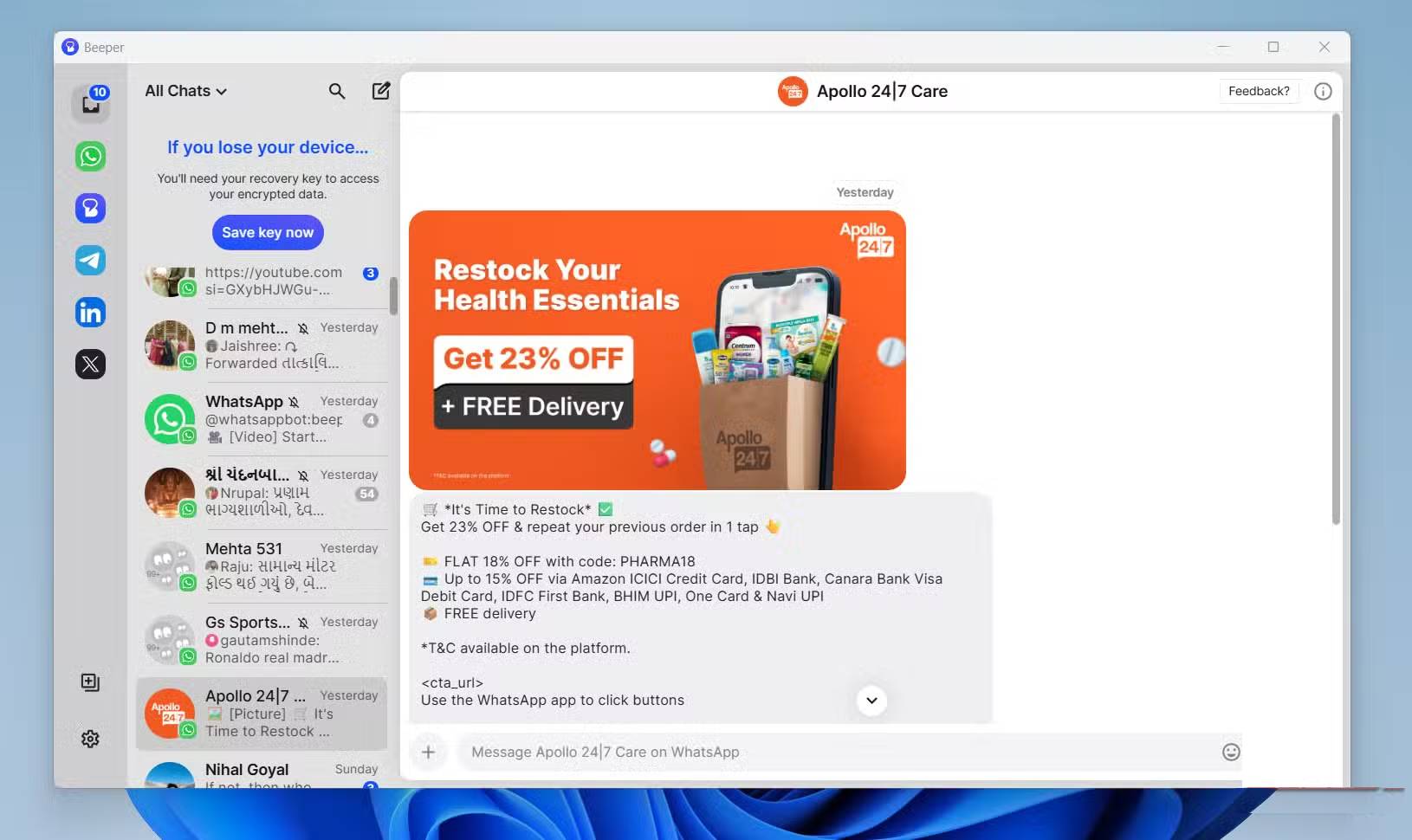
Once the setup is complete, all messages from connected services will appear in the All Chats tab. You can also start a new conversation or search for a specific conversation from here. If you don't want messages from a particular service to be included in All Chats , there's even an option to exclude that service.
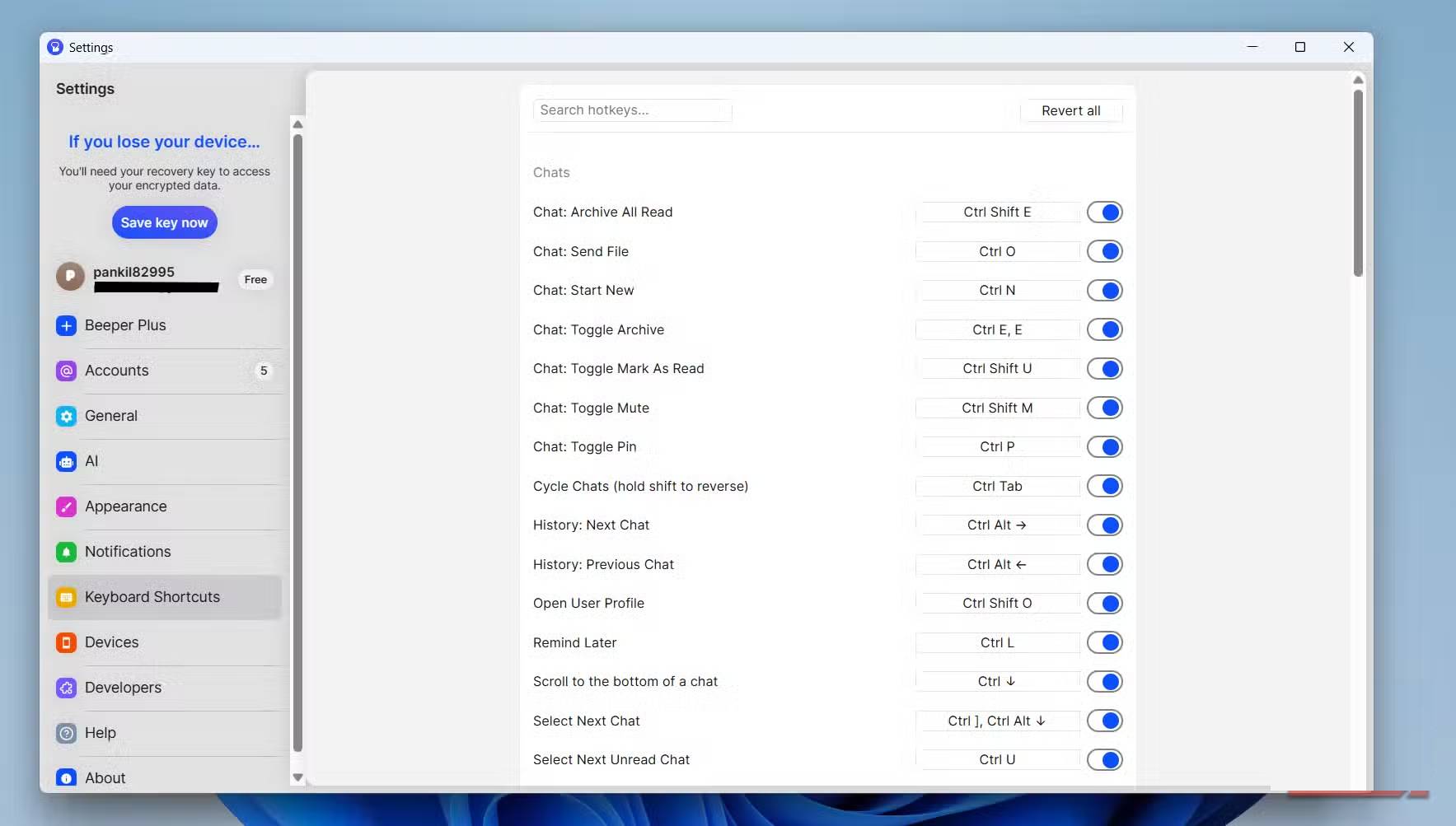
If you want to view your conversations on each individual service, you can select the messaging service from the left pane or switch between them using keyboard shortcuts such as Ctrl + Alt + 1, Ctrl + Alt + 2, Ctrl + Alt + 3 , etc.
Many people keep Beeper open on a second screen. This way, you can just glance at it to see if you've received any important messages. However, the most appreciated feature is the ability to pin conversations from different services. This allows for quick access to important individuals and groups across multiple platforms.
Setting up Beeper on Android or iPhone is just as easy. Simply download the app, log in to your Beeper account, and all your connected messaging services will appear instantly.
The app is privacy-friendly and has a few extra features
Privacy is paramount, but convenience is also included
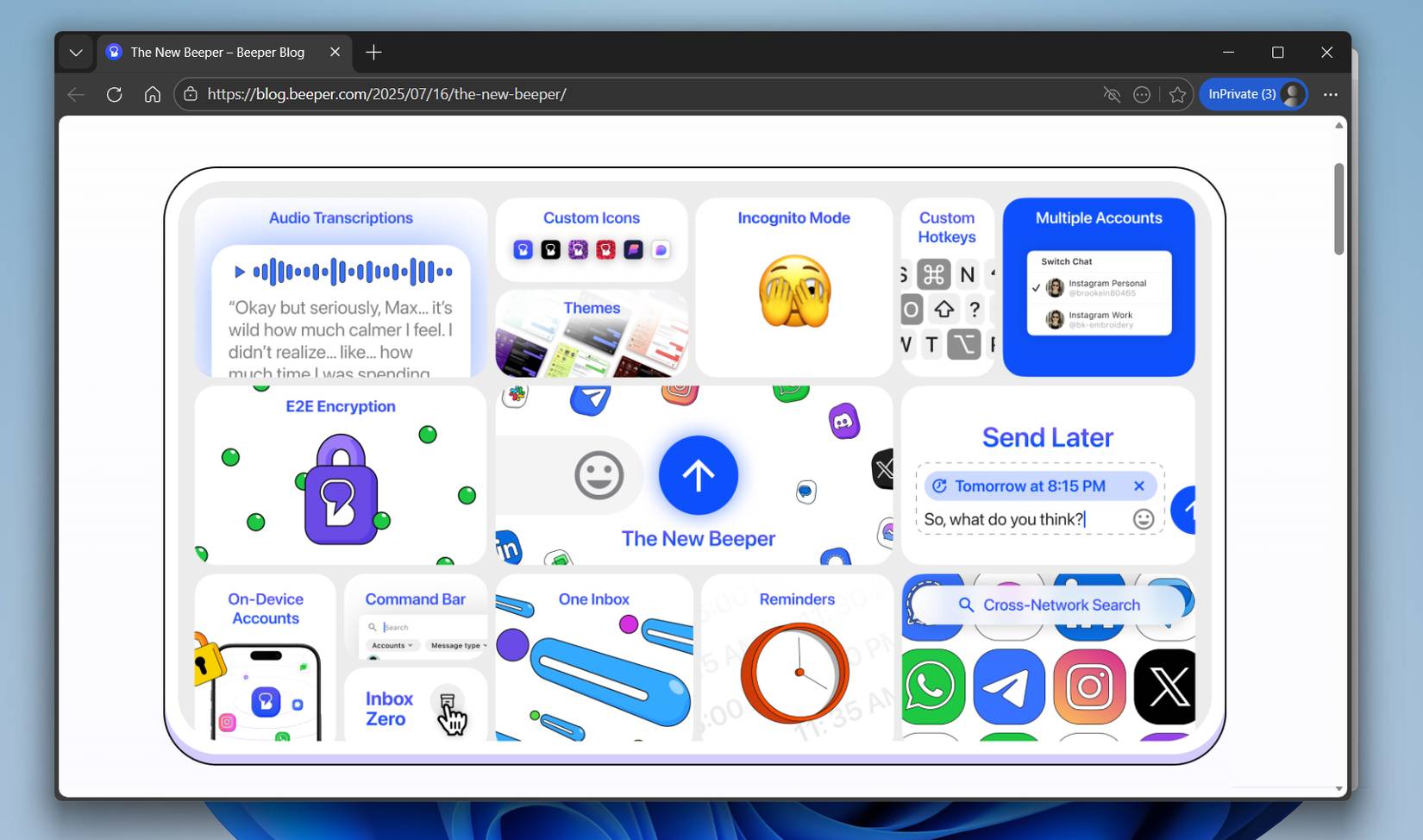
Previously, Beeper relied on something called Beeper Cloud. The application would connect to Beeper Cloud first, and then Beeper Cloud would connect to the messaging network. While this method worked, security was a major concern.
Now, that's no longer a problem. Beeper now encrypts messages right on your device, so you don't have to worry about them going through an external server.
You also get a few extra benefits when using Beeper instead of standalone apps. For example, Incognito Mode lets you read messages without triggering read receipts. Send Later lets you schedule messages to be sent even if the messaging service doesn't support this feature. Chat Reminders can help you review important conversations, and Voice Transcription converts speech to text. The only drawback is that all these features are included in the Beeper Plus plan, which costs $9.99 per month.
Beeper still has limitations
Nothing is perfect
Beeper's biggest drawback is its lack of native iMessage support. Currently, it only works through Beeper for Mac, which is a bit inconvenient for anyone who relies on iMessage.
Performance can also be inconsistent. You might sometimes receive messages late, miss some notifications, or encounter issues setting up certain services.
Then there's the issue of pricing. While the free version includes all the basic features, many useful features are locked down after a subscription. For example, if you want to connect multiple accounts from the same network, like two WhatsApp numbers, you can't do that with the free plan.
People like using Beeper because it solves one of the biggest problems: monitoring messages while working on a computer. Using Beeper on your phone is just as good, but you don't need to rely on it there, as you can pre-install individual apps on your phone.
Final Thoughts
Understanding why should you replace whatsapp, telegram, and messenger with beeper makes it easier to evaluate the information and apply the most relevant recommendations. Focus on the key points above and verify details that may change over time.
FAQ
What is why should you replace whatsapp, telegram, and messenger with beeper?
Discover why should you replace whatsapp, telegram, and messenger with beeper and explore the main causes, risks, practical effects, and recommended actions.
What key points does this article cover?
The article focuses on Beeper solves a major problem with messaging, All your inboxes in a single app, Easy setup, beautiful interface, and no clutter, with practical explanations and examples.
How can you use this information in practice?
Use the explanations to compare options, verify important details, and make a more informed decision. Apply the recommendations that best match your goals and situation.
Related Articles
 Mark Zuckerberg Explains the Reason for Merging Messenger, WhatsApp and Instagram5 minutes read
 9 Apps That Replace Whatsapp Really Guarantee Your Privacy7 minutes read
 How to Register, Activate Your Whatsapp Account on Your Phone2 minutes read
 How to Login to Multiple Accounts on Telegram Messenger4 minutes read
 Guide to Facebook Messenger Chat on Opera4 minutes read
 What Is Telegram? 15 Reasons to Use Telegram Explained15 minutes read
Reader Comments 0
Sign in with email or Google to join the discussion.