Table of Contents
A VPN encrypts traffic between your device and the VPN server. Websites usually see the VPN server’s public IP address. The tunnel can reduce what your local network or internet provider can see, while websites can still identify you through logins, cookies and browser characteristics.
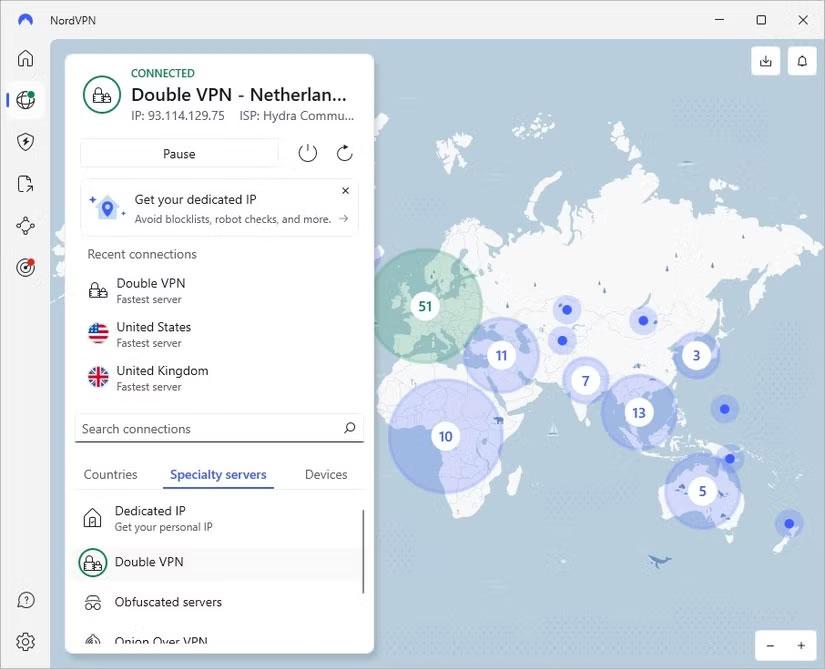
Who can see what when you use a VPN?
| Who | What they can generally see |
|---|---|
| Your ISP or Wi-Fi operator | That you are communicating with a VPN server, plus traffic timing and volume. |
| The VPN provider | Your source IP and potentially connection or destination metadata, depending on the service and setup. HTTPS still encrypts page content in transit. |
| The website you visit | The VPN’s public IP, your account activity if you sign in, and any browser identifiers it can collect. |
The details can differ when an app bypasses the VPN, such as in a split-tunnel configuration. See the EFF guide to choosing a VPN for questions about logging, ownership and oversight.
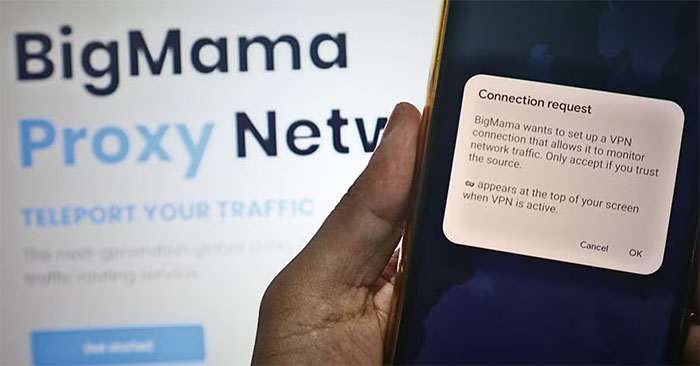
When a VPN is useful
Use an employer-approved VPN when you need private work resources. For personal use, decide whether you want to limit what the hotspot operator sees and whether you trust the VPN service with that visibility. See how to use public Wi-Fi carefully.
Use separate controls for accounts, tracking and downloads
For account security, use unique passwords and multi-factor authentication. Check unexpected requests and keep your browser and operating system updated. Review browser tracking protections and what you reveal when you sign in. See how browser fingerprinting can link visits even when the IP address changes.
Related Articles
 Santa’s Miracle Rod in Fisch: Fischmas 2025 Quest Guide
 Do air purifiers work? Benefits, limits, and what to check before buying
 Do not click on strange links or your phone will be hijacked
 Enable security Click to Play Plugins on all browsers
 Decipher the miracle on the Hudson River 11 years ago
 What miracle will come to the body when holding hands in these ways?
Reader Comments 0
Sign in with email or Google to join the discussion.