Table of Contents
If a television still has a good picture but its built-in apps are slow or no longer supported, an external Android TV or Google TV player can be a cheaper upgrade than replacing the screen. It will not improve the panel, repair a failing TV, or eliminate the need for internet-based streaming, but it can provide a faster interface and a newer app platform.
Most new televisions include smart software whether you plan to use it or not. The practical comparison is therefore between using the built-in platform and adding an external streaming device.
When an external streamer makes sense
- The TV's picture, HDMI inputs, and audio outputs still meet your needs.
- Important streaming apps have become slow, crash frequently, or no longer receive updates on the TV.
- You want the same Google TV or Android TV interface on multiple screens.
- You need casting, voice search, or an app that the TV platform does not offer.
- You prefer replacing a small player every few years instead of replacing a usable display.
An external device cannot fix Wi-Fi congestion, a failing router, a poor internet connection, or a streaming service outage. If the TV disconnects even over Ethernet, test the cable, router port, DNS, and other devices before blaming the operating system.
Android TV and Google TV are related, not identical
Google TV is an interface and discovery layer built on Android TV OS. Device makers may use either name, and their home screens, recommendations, storage, update policies, and app support can differ. This overview of Android TV and Google TV features explains the platform more broadly.
Do not confuse a certified Android TV OS device with an inexpensive generic box that runs tablet-style Android. Unknown boxes may lack streaming certification, Widevine support for protected video, reliable updates, a television-friendly interface, or trustworthy firmware.
What to check before buying a TV box or stick
| Feature | What to verify |
|---|---|
| Streaming certification | The exact services and maximum resolution supported in your country |
| Video and audio | 4K, HDR formats, frame rates, surround formats, and codec support required by the TV and receiver |
| Connection | Wi-Fi standard, Ethernet availability, HDMI version, and an adequate power supply |
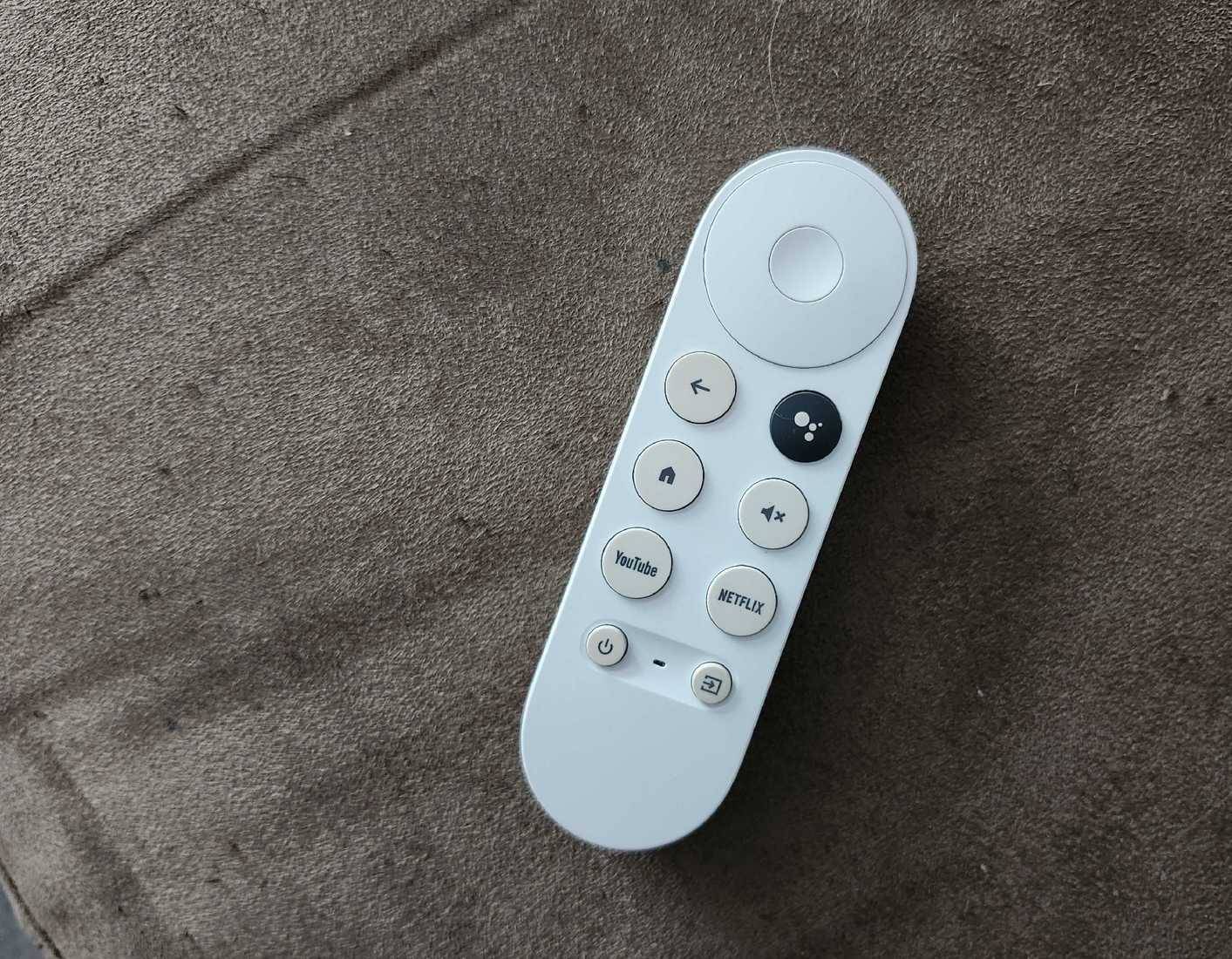
| Control | Remote quality, voice-assistant region support, HDMI-CEC, and infrared control for TV power or volume |
| Updates | Manufacturer security and operating-system support history |
| Storage | Space left for apps after the system, plus supported expansion if needed |
| Privacy | Recommendation, advertising, microphone, and usage-data controls |
A streaming player occupies an HDMI input and usually needs its own power connection. HDMI-CEC may let one remote switch inputs and control power or volume, but CEC behavior varies by TV, soundbar, receiver, and device. Keep the original television remote available for picture and tuner settings.
Built-in smart TV software still has advantages
The integrated platform can control picture modes, broadcast channels, and TV-specific features without changing inputs. It may also support the panel's exact HDR and audio capabilities more predictably, and it avoids another cable, power adapter, account, and remote.
It is inaccurate to say platforms such as LG webOS cannot control smart-home devices. Capabilities depend on the TV generation, region, linked ecosystem, and supported standards. Some TVs integrate their maker's smart-home service, while external Google TV, Apple TV, or other players integrate different ecosystems.
Choose the ecosystem that already supports your lights, cameras, thermostat, and accounts. Do not expose locks, cameras, or other sensitive controls to every household profile without checking permissions and voice-purchase settings.
Game consoles and disc players are alternatives
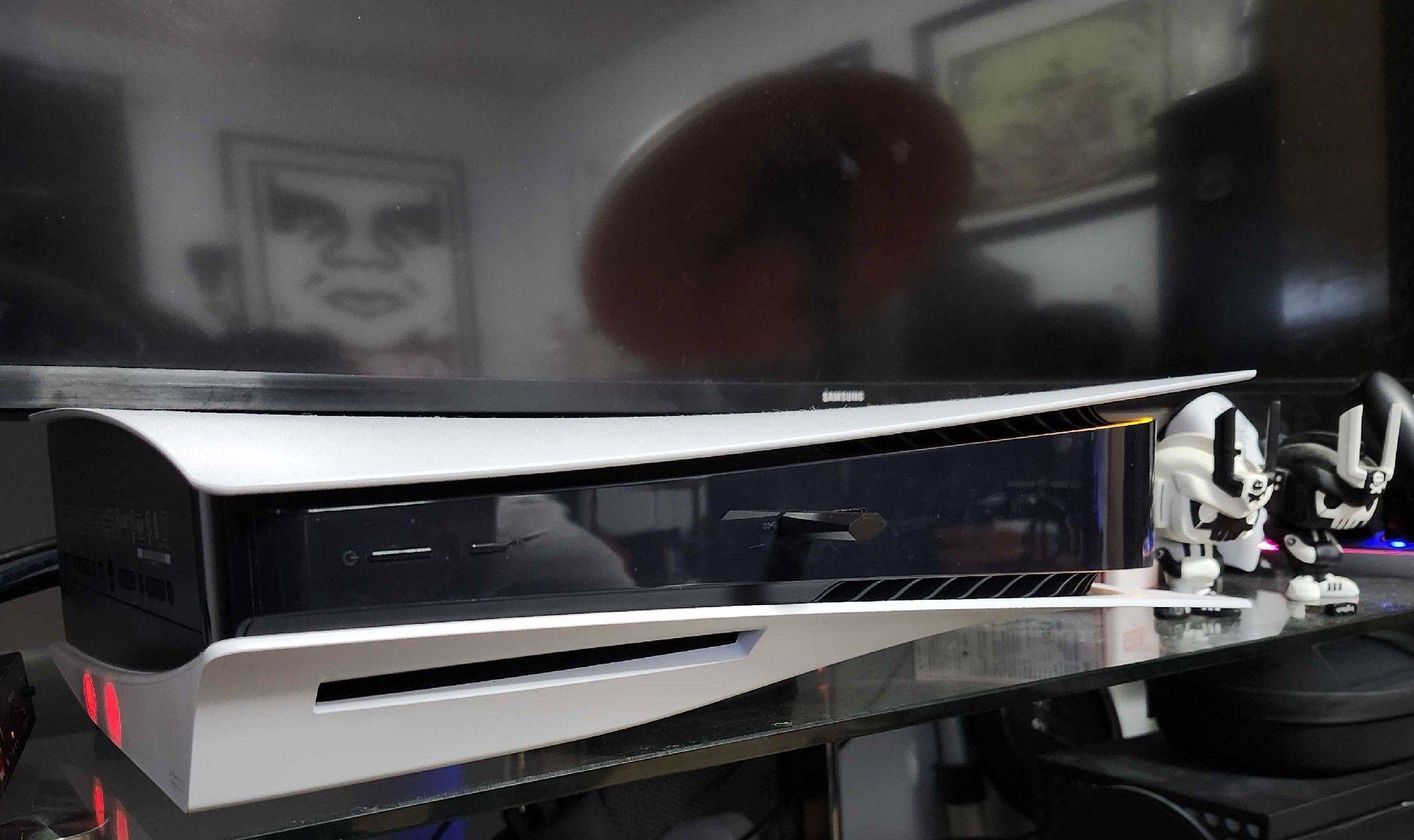
A console can run popular streaming apps, but it may use more power, make more noise, and offer a less television-focused remote experience than a dedicated player. Disc support also depends on the exact hardware:
- Xbox Series X models with an optical drive can play supported Blu-ray and DVD media; the all-digital Series X and Series S cannot.
- PlayStation 5 models need a built-in or compatible attached disc drive. Digital-only configurations cannot read discs.
- Neither console should be assumed to support every disc format, region, audio format, or media app.
A dedicated Blu-ray player remains useful when disc playback, remote ergonomics, or particular audio formats are the priority.
Plan for internet outages and local playback
An Android TV box does not make streaming services work offline. For outages, consider options that are legal and supported in your location:
- An antenna and television tuner for available over-the-air broadcasts.
- DVD, Blu-ray, or other owned physical media and a compatible player.
- Locally stored video on USB or a home media server, using formats the player supports.
- Offline downloads inside services that permit television playback; many mobile downloads cannot be transferred to a TV.
Some built-in television functions also work without Wi-Fi. See these smart TV options that can work offline, while remembering that availability differs by model.
Privacy and account settings matter on both platforms
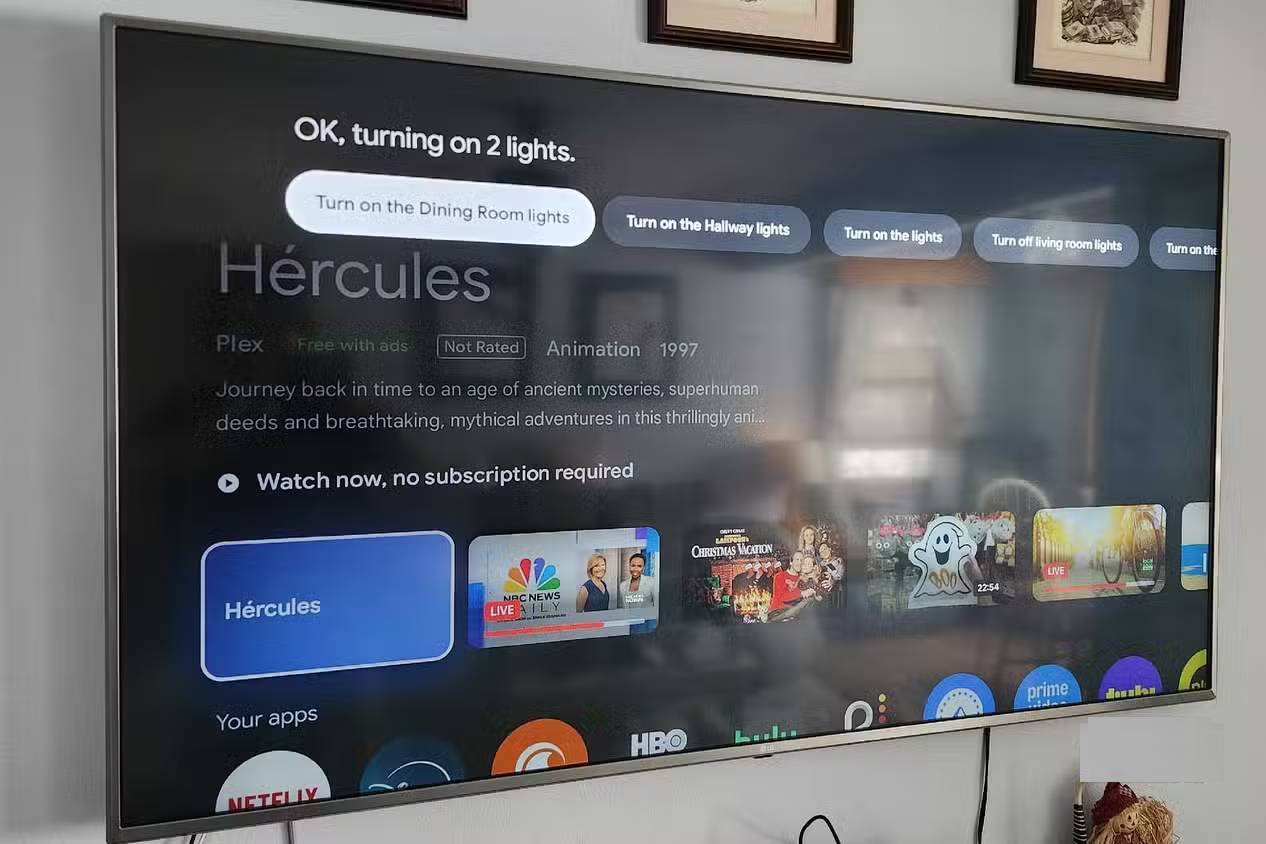
Using an external player does not automatically stop the television from collecting viewing or device data. A smart TV may still recognize HDMI activity, and both the TV and player can have separate advertising identifiers, voice histories, recommendation settings, and automatic content recognition controls.
Review privacy settings on both devices, disable data collection you do not want, remove unused accounts, and install apps only from trusted sources. This guide explains smart TV viewing-data and ACR concerns.
Choose based on the weakest part of the setup
Add a streaming player when the screen and sound are still good but the software is the bottleneck. Replace the television when the panel, ports, brightness, resolution, repair condition, or required video features no longer meet your needs. If the network is the bottleneck, fix the network first.
Before spending money, factory-reset only after recording logins and settings, update the TV firmware, test Ethernet or a better Wi-Fi location, and confirm that the desired apps actually support the prospective player in your region. That short checklist prevents an external box from becoming an unnecessary duplicate.
Related Articles
 Why Is Android TV the Best Smart TV Platform on the Market?5 minutes read
 How to Enable/Disable Smart Lock on Android6 minutes read
 What Factors Do Smart Tvs Need to Have?7 minutes read
 Why Smart Launcher Is the Android Launcher Worth Switching To?9 minutes read
 Google Launched New Promotional Videos on Android Wear3 minutes read
 How to Use Smart View on Android: Step-by-Step Guide6 minutes read
Reader Comments 0
Sign in with email or Google to join the discussion.