Table of Contents
USB-C audio is a useful feature on wireless headphones, especially when a phone or laptop has no 3.5mm jack. It can provide a wired fallback, avoid a separate audio adapter, and bypass Bluetooth compression. It is not mandatory for everyone, however: the charging port may not carry audio, some headphones still need battery power in USB mode, and a USB connection does not guarantee better sound.
What “USB-C audio” means on headphones
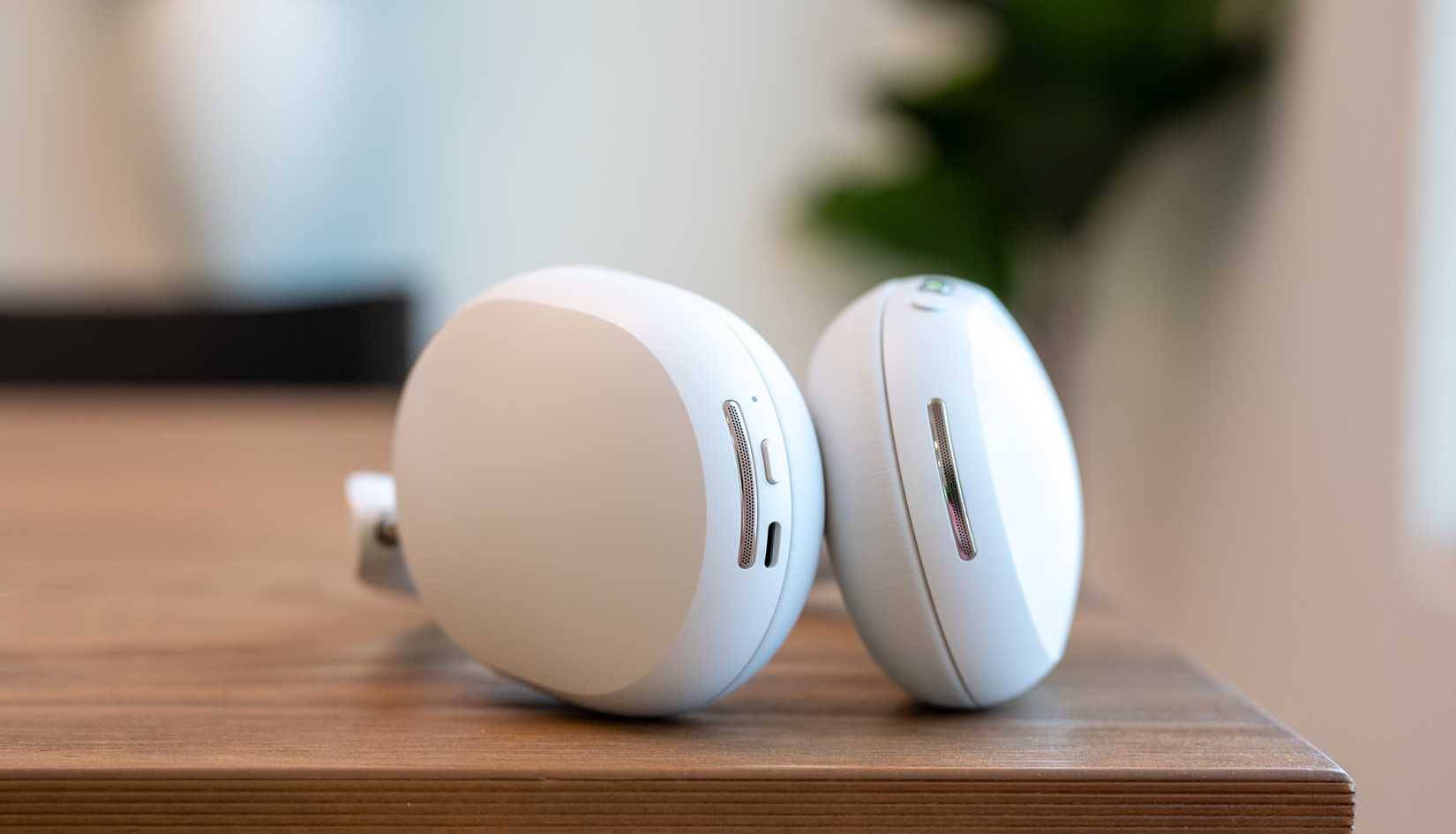
USB-C is the physical connector. On compatible headphones, the port can also receive digital audio from a phone, tablet, or computer. A digital-to-analog converter and amplifier inside the headphones then drive the speakers.
Three products that look similar can behave differently:
- A USB-C port may be for charging only.
- It may support charging and digital USB audio.
- A passive USB-C-to-3.5mm adapter may expect analog audio from the source, while an active adapter contains its own DAC. Not every phone supports the passive type.
The same connector can therefore provide different features. This overview of common computer ports and their functions provides broader context, but the headphone and source manuals are the final authority.
Why USB audio is valuable
It can replace a separate dongle
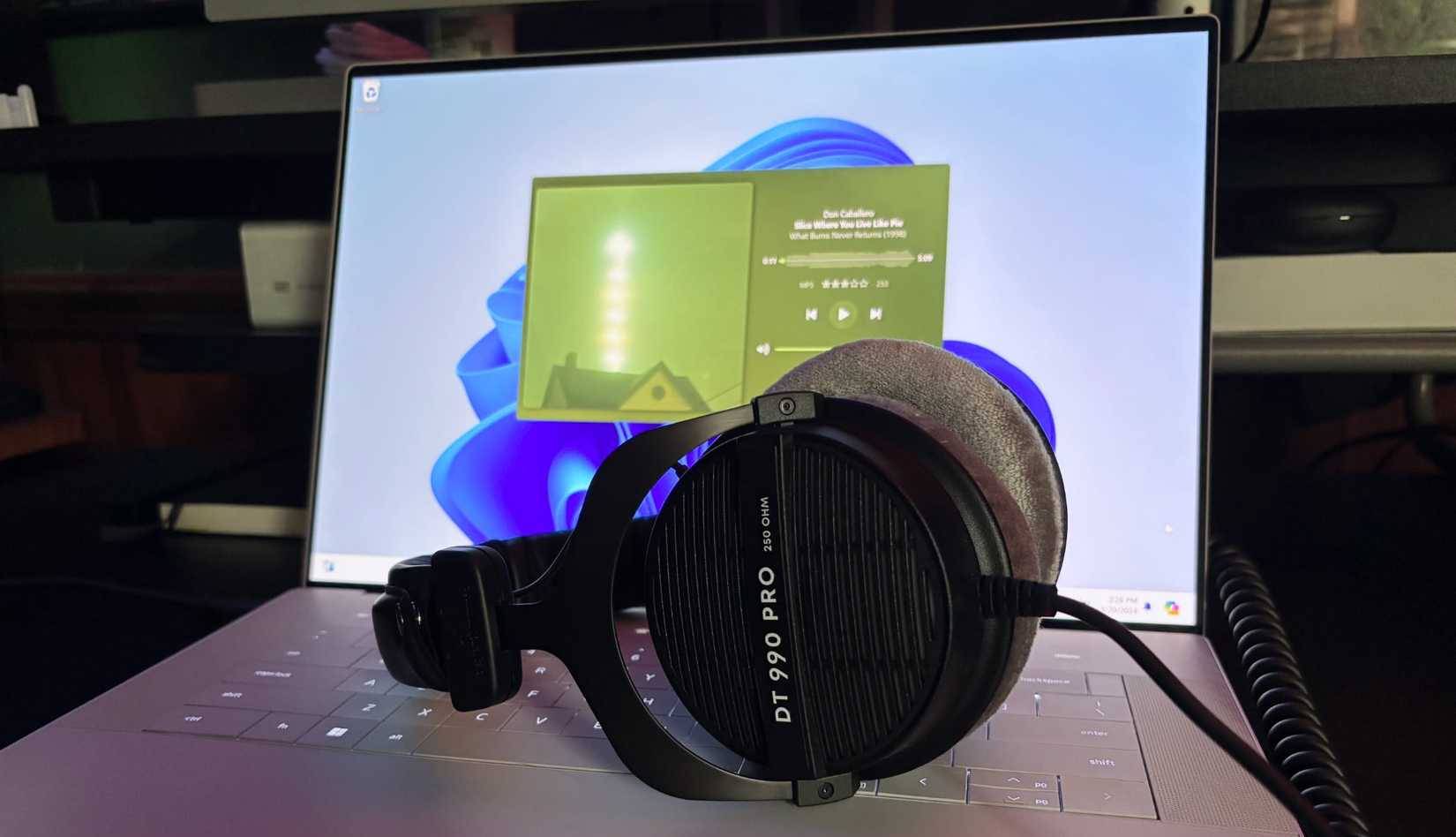
If both the source and headphones support USB audio, a data-capable USB-C cable can make a direct wired connection. That is convenient on current USB-C phones and laptops without a headphone jack. Older Lightning iPhones and other ports require a compatible adapter; “works with iPhone” is not enough detail by itself.
It provides a second connection method
A wired mode helps when Bluetooth pairing is unreliable, radio use is restricted, or low latency matters. It can also be useful at a desk where the cable is not inconvenient. For the wireless side of the decision, see this practical Bluetooth headphone buying guide.
It may preserve the original digital signal path
USB can carry lossless PCM audio without a Bluetooth codec stage. This makes it easier to play a lossless file without wireless recompression, provided the application, operating system, USB interface, headphone DAC, and playback settings all support the intended format.
USB-C audio does not guarantee these benefits
It may not work when the battery is empty
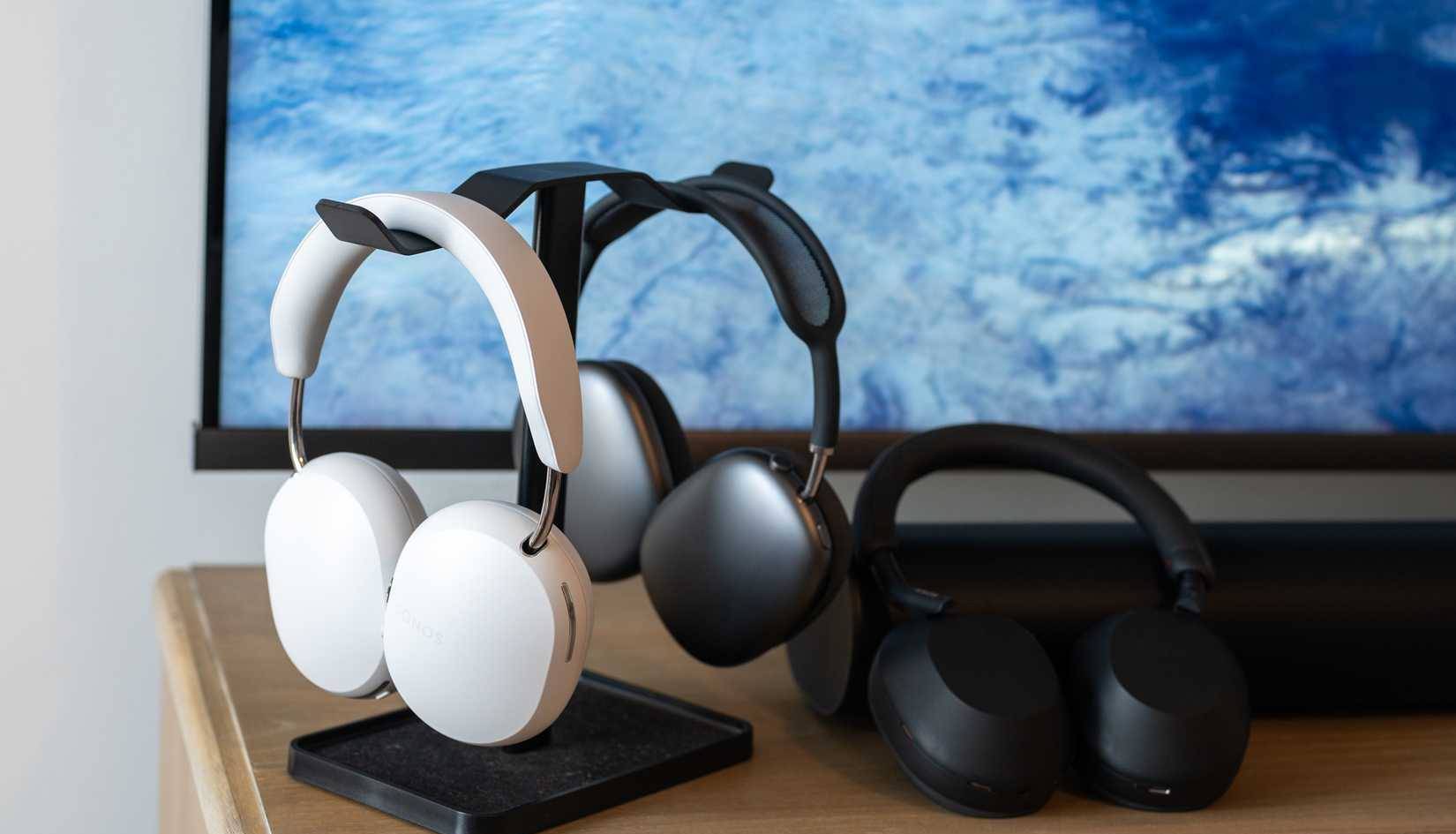
Some active headphones power their DAC, amplification, noise cancellation, or digital signal processing from the internal battery even while receiving USB audio. Others draw power from the host or support a limited passive analog mode through a separate 3.5mm cable. Confirm the exact behavior rather than assuming USB will keep a worn-out headset usable indefinitely.
Audio and charging may not work simultaneously
A single USB-C port can carry both in some designs, but other headphones pause charging, disable audio, or require a particular source mode. Simultaneous listening and charging must be listed or tested explicitly.
The microphone and controls may behave differently
Voice chat, sidetone, mute controls, spatial audio, head tracking, equalizer profiles, and active noise cancellation can change between Bluetooth, USB, and 3.5mm modes. A wired USB connection that plays music is not proof that every call or gaming feature works.
Does USB-C automatically mean lossless or hi-res sound?

No. “Lossless” describes whether the audio data has been compressed without discarding information. “Hi-res” usually refers to sample-rate or bit-depth capabilities beyond the common CD specification, but product labels and service tiers vary.
For the full chain to operate as intended, check:
- The streaming tier or local file format.
- The application's output settings and any volume normalization or processing.
- The operating system's USB audio mode.
- The maximum sample rates and bit depths accepted by the headphones.
- Whether the headphones resample or process the signal internally.
Even when USB removes a lossy Bluetooth stage, tuning, fit, driver quality, distortion, and the recording itself can matter more to what you hear. A high sample-rate number is not proof of superior headphones.
Compatibility checklist before buying
| Question | Why it matters |
|---|---|
| Does the USB-C port carry audio or only power? | Charging support alone does not provide wired listening. |
| Which phones, computers, and consoles are supported? | USB Audio Class support and console audio rules differ. |
| Is a data cable included? | Some USB-C cables carry power but not usable data. |
| Does USB mode work with an empty battery? | Many active designs still depend on their battery. |
| Can audio and charging operate together? | This affects long desk sessions. |
| Do microphone, ANC, controls, and spatial features work? | Feature sets can change by connection mode. |
| What formats does USB mode accept? | Do not infer capability from a generic hi-res badge. |
| Is there also a 3.5mm input? | Analog can be more broadly compatible with aircraft systems, controllers, and older equipment. |
When to prioritize USB-C audio
- You regularly listen from USB-C phones, tablets, or laptops without headphone jacks.
- You want a wired low-latency option without carrying a DAC dongle.
- You play lossless local files and have verified the complete USB signal path.
- You need a fallback when Bluetooth is unavailable, and the model works in the required power state.
When another feature matters more
Do not reject otherwise suitable headphones solely because they lack USB audio. Fit, comfort, replaceable ear pads, repairability, microphone quality, active noise cancellation, transparency mode, Bluetooth multipoint, battery replacement options, warranty, and 3.5mm passive playback may matter more.
Before buying, read the manual rather than the store's port list, test the headphones with each important source where returns are allowed, and verify behavior with the battery low. “USB-C charging” and “USB-C audio” are different claims, and that distinction is the most important part of this feature.
Related Articles
 What Are Hi-Fi Headphones?8 minutes read
 Audio Monitoring Headphones Explained8 minutes read
 The Best Bluetooth Headphones of 20235 minutes read
 5 Best Bluetooth Headphones Of 20265 minutes read
 5 Principles to Know If You Regularly Use Headphones to Listen to Music7 minutes read
 Why Do Expensive Wireless Headphones Produce Worse Sound Quality on Windows?8 minutes read
Reader Comments 0
Sign in with email or Google to join the discussion.