Table of Contents
An iPhone 16 Pro Max can feel warm during gaming, camera use, charging, setup, or a software update. Warmth alone does not identify a defect. A temperature warning, repeated shutdowns, or persistent heat during light use deserves closer attention.
If a temperature warning appears
Stop using the phone, disconnect charging, turn it off, and move it out of direct sunlight to a cooler place. Let it cool naturally before using it again. Do not put it in a freezer or apply ice or water.
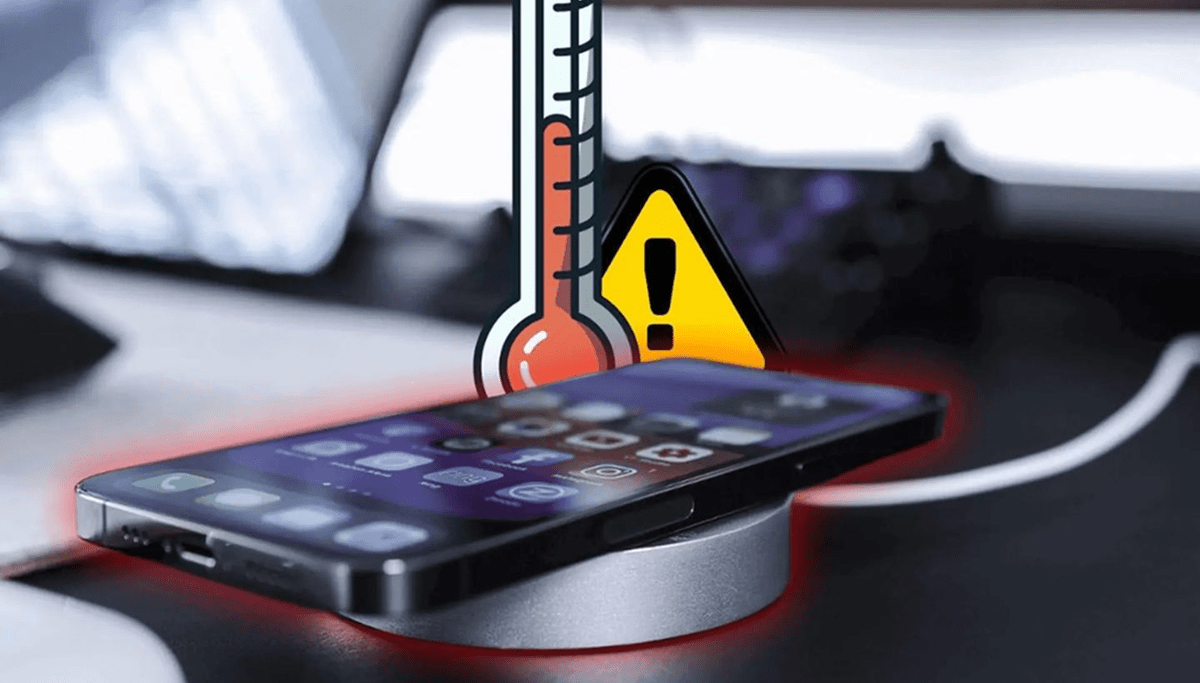
Apple's temperature guidance specifies an ambient operating range of 0–35°C (32–95°F). This refers to the surrounding air, not a temperature reading from the phone's surface. Very hot conditions can permanently shorten battery life.
Identify what happens just before the heat
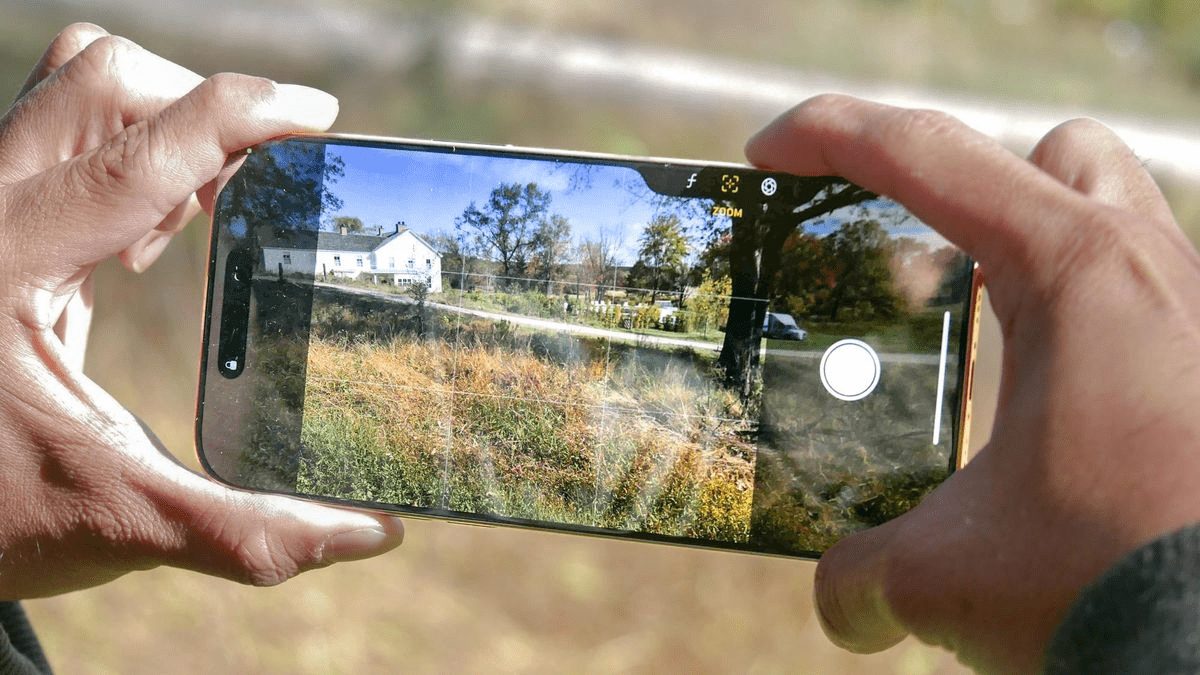
- Demanding tasks: Games, navigation, video capture, and editing can use substantial processing power. Pause the task and see whether the phone cools.
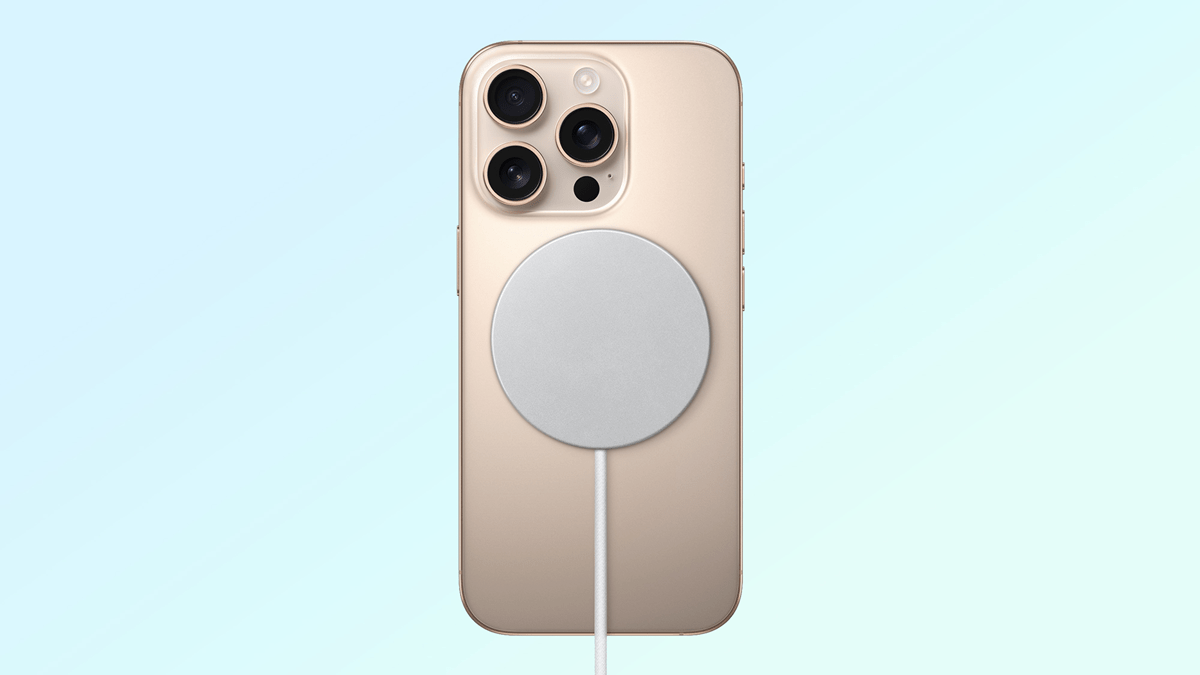
- Charging: Both wired and wireless charging can generate warmth, especially alongside intensive use. Test charging separately from gaming or recording.
- Setup, restoration, or updates: Temporary background work can make the phone warmer. Persistent idle heat after these tasks finish needs investigation.
- Hot surroundings: Direct sunlight and a parked car can heat the phone even when you are not using it.
- An app or accessory: Look for a repeatable connection with one app, charger, cable, or charging pad rather than assuming every background app is at fault.
Check software after the phone has cooled
- Open Settings > Battery. Review app activity around the period when the phone became hot. High usage during a long game is different from unexplained activity while idle.
- Update an app that repeatedly causes problems. Close and reopen it if it is unresponsive; routinely force-closing every app is not a general cooling solution.
- Restart the iPhone. Hold the side button and either volume button until the power-off slider appears, then slide to turn it off. After it shuts down, hold the side button to start it.
- Check Settings > General > Software Update for an available iOS update. Back up important data before installing it.
Disable background refresh or continuous location access only for apps that do not need it. Turning off every connection can disrupt calls, navigation, or other essential functions without identifying the underlying cause. For broader performance checks, see how to troubleshoot a slow iPhone.
Reduce heat during charging and heavy use
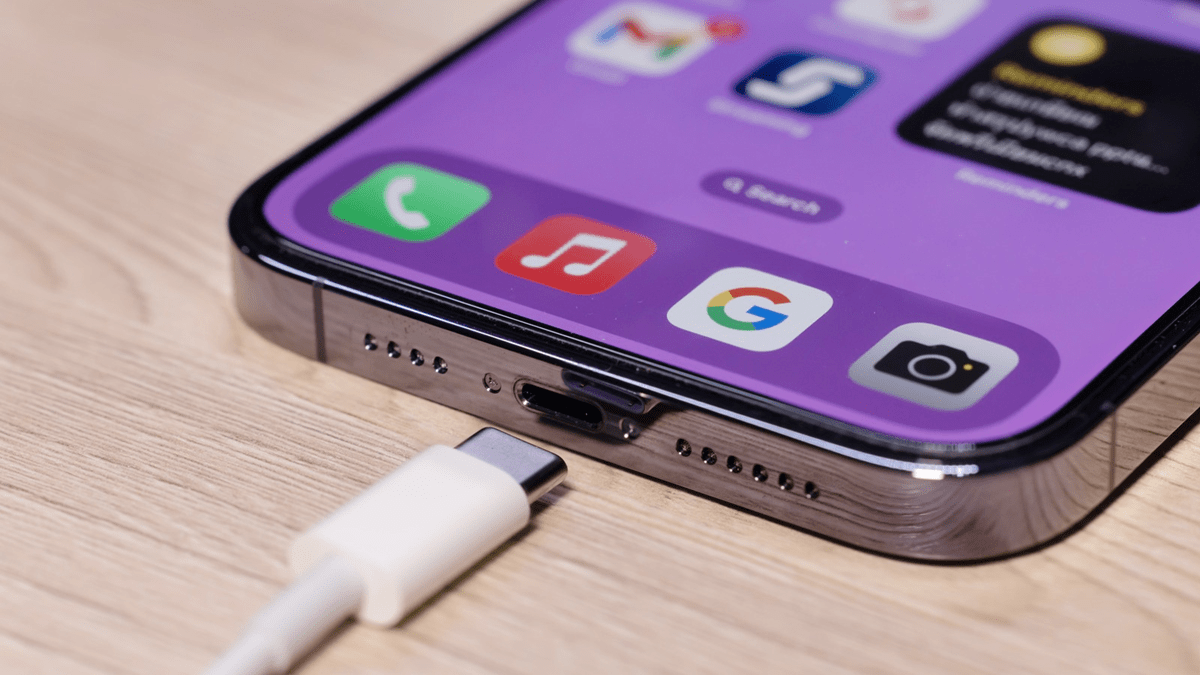
Charge on a hard, uncovered surface in a ventilated room. Use a compatible power adapter and USB-C cable in good condition; do not assume all suitable USB-C accessories require MFi branding. Stop using damaged accessories or any accessory that becomes unusually hot.
Pause demanding tasks while charging. If the phone gets hot inside its case, remove the case while it cools if you can do so safely. Do not cover the phone with bedding or leave it in sunlight.
Lower an unnecessarily bright display to a comfortable level and take breaks from long camera or gaming sessions. Thermal protection may dim the display, reduce performance, or pause charging. Allow cooling rather than trying to defeat those protections.
When to request service
Contact Apple or an authorized service provider if temperature warnings recur in ordinary room conditions, the phone repeatedly heats up while idle, or shutdowns continue after software and accessory checks. Note the activity, charger, iOS version, and any on-screen message to help with diagnosis.
If you notice swelling, physical damage, or an unusual smell, stop using and charging the device and arrange professional help. Battery-capacity percentage alone does not establish the cause of overheating.
For a step-by-step way to narrow down the trigger, see our iPhone overheating troubleshooting guide.
Related Articles
 Warning: iOS 14 is experiencing a critical error
 iOS 14.6 causes iPhone to overheat, draining battery: Here's how to fix it
 Basic instructions for using iPhone 6, iPhone 6 Plus
 How to fix iOS 14.2 makes iPhone overheat, drain battery
 How to increase and extend the battery life on iPhone effectively
 Some ways to use iPhone battery effectively
Reader Comments 0
Sign in with email or Google to join the discussion.