Table of Contents
If your iPhone displays a temperature warning, stop using it, turn it off, and move it out of direct sunlight to a cooler place. Let it cool before charging or resuming demanding tasks. Mild warmth during charging or heavy use can be normal; a warning or repeated excessive heat needs attention.
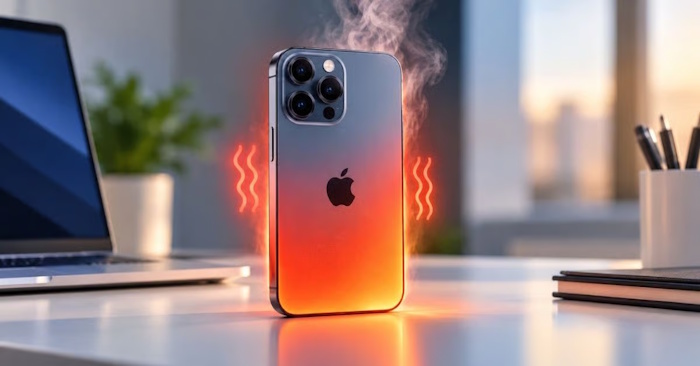
Cool the phone down first
- Stop games, navigation, video recording, or other demanding activity.
- Disconnect charging if the phone is becoming excessively hot.
- Move it away from sunlight, a parked car, bedding, or another heat source.
- If a temperature warning appears, turn it off and allow it to cool.
- Remove a case if it is trapping heat during charging.
Avoid sudden temperature changes, ice, refrigeration, or water as cooling methods. Follow Apple's temperature guidance rather than trying to override thermal protection.
Why an iPhone becomes warm
Games, camera use, charging, and other intensive work generate heat. Direct sunlight or a hot room makes it harder for the device to shed that heat. A software process, accessory problem, or hardware fault can also be involved when excessive heat repeats.
Apple specifies an ambient operating range of 0–35°C (32–95°F). This describes the surrounding air, not a target reading for the case or battery. Do not leave the phone in a parked car. Check Apple's battery recommendations for environmental and charging advice.
If it gets hot while charging
Inspect the cable, adapter, connector, and charging surface. Stop using an accessory that is damaged or behaving abnormally. Use a compatible charger and cable that meet the applicable safety requirements; MFi branding alone is not a universal test for every USB-C charging accessory.
Do not scrape the charging port with metal tools or force a connector into it. If debris or damage prevents a proper connection, follow the manufacturer's cleaning or service guidance.
Charging On Hold can be an automatic temperature protection. Lock the screen, move the device to an appropriate environment, and wait. See Apple's explanation of paused charging. Repeatedly unplugging and reconnecting is not a way to bypass the condition.
If heat returns during ordinary use
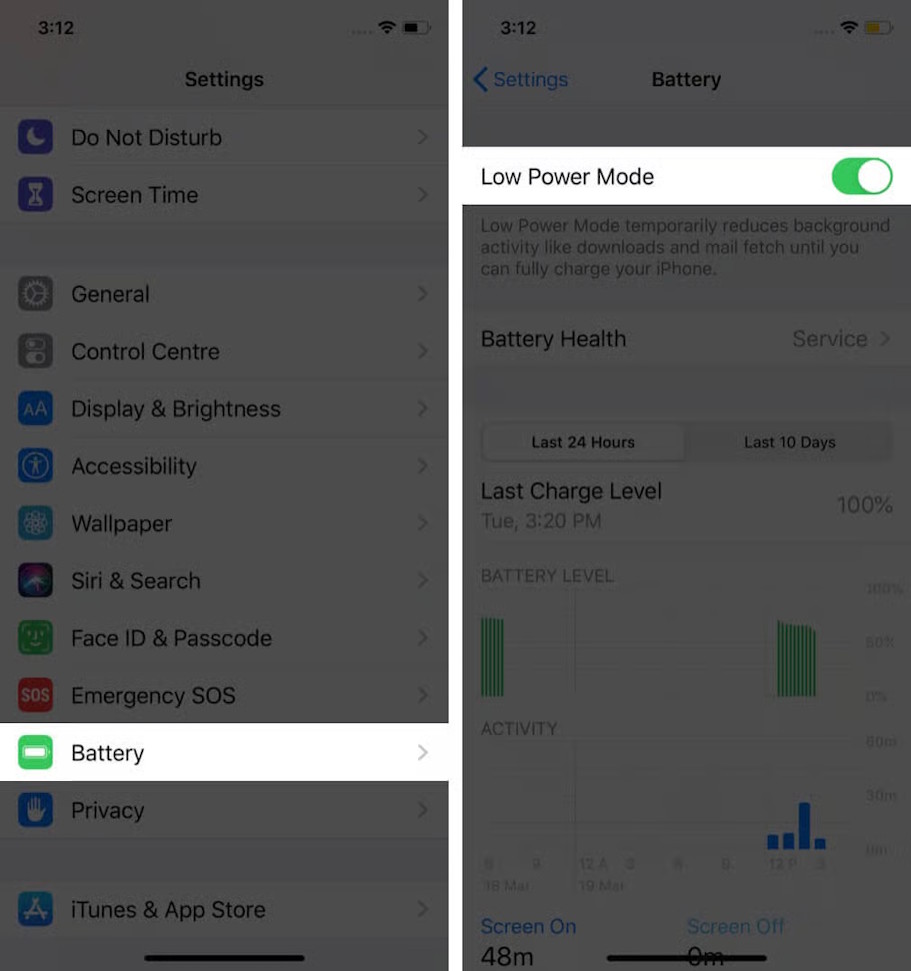
After the phone has cooled, check Settings > Battery for unusually heavy activity and note which app or task coincides with the heat. Update iOS and the affected app, then retest under normal conditions.
A normal restart can help if an app or process is stuck, but it is not a guaranteed overheating repair.
See iPhone restart methods if you need model-specific instructions. Use a force restart for an unresponsive device, not as a substitute for allowing a hot phone to cool.
What storage cleanup and Low Power Mode can—and cannot—do
Low storage can interfere with normal operation, but a full photo library is not by itself proof of an overheating cause. Do not delete iCloud backups or irreplaceable files as a cooling method.
Low Power Mode reduces some background activity and may help reduce workload. It cannot guarantee a safe temperature or repair a battery fault. If a temperature warning is present, stop using the device and let it cool instead.
When to seek service
Contact Apple or a qualified service provider if excessive heat occurs repeatedly at idle, with a known-good charger, or after normal software checks. Stop using a device with swelling, visible damage, an unusual smell, or other signs of battery damage.
For general account and data protection while arranging repair, keep a current backup and use approved service channels. Our online-security guidance covers backup and account-recovery preparation.
Related Articles
 How to Effectively Fix iPhone Overheating6 minutes read
 Causes and Effective, Simple Solutions for Laptop Overheating12 minutes read
 Causes of GPU Overheating and How to Fix It8 minutes read
 6 Potential Hardware/software Issues That Cause Laptops to Overheat10 minutes read
 How Much CPU Temperature Is Overheating?10 minutes read
 Rate iPhone 11 to iOS 14.5: Update Now, Don't Hesitate!14 minutes read
Reader Comments 0
Sign in with email or Google to join the discussion.