Table of Contents
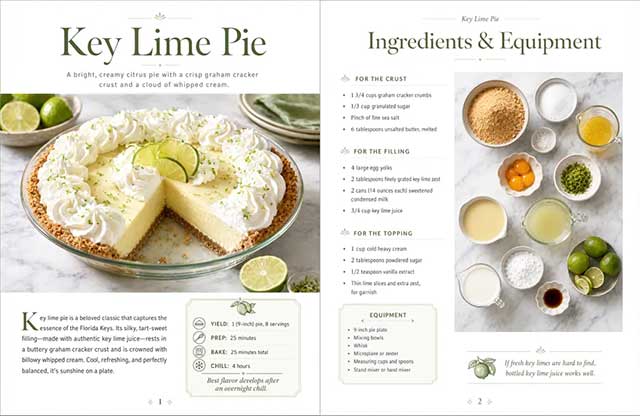
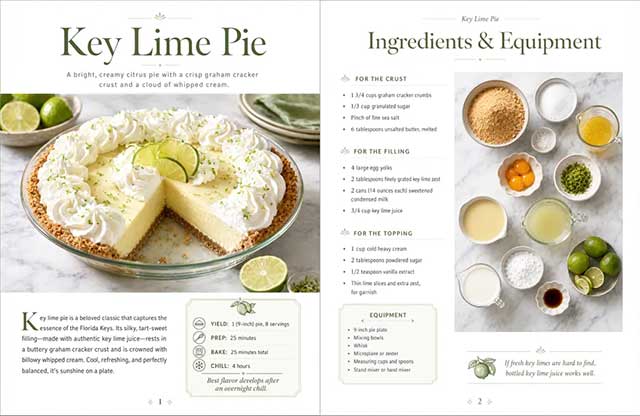
ChatGPT Images 2.0 creates new images from text prompts and edits generated or uploaded images. It can add text, follow layout instructions, use uploaded references, create transparent backgrounds, and revise selected areas. These capabilities make it useful for infographics, educational posters, social graphics, product mockups, and other visuals that combine words and pictures.
An image generator is not a substitute for fact-checking or a structured document editor. The safest workflow is to prepare verified source content first, generate a visual draft, inspect every label and number, and then edit or rebuild anything that is wrong.
What ChatGPT Images 2.0 can do
- Create an original image from a plain-language description.
- Place headings, labels, callouts, and short blocks of text inside an image.
- Edit an uploaded image or an image created earlier in ChatGPT.
- Change a selected region or describe a broader edit in the conversation.
- Use different aspect ratios for square, vertical, or horizontal layouts.
- Preserve important elements while changing a specific object, color, background, or line of text.
- Save generated images in the Images area so they can be revisited and downloaded.
OpenAI says ChatGPT Images 2.0 is available across ChatGPT tiers, while Images with thinking has more limited plan availability. Usage limits can differ by plan and may change, so rely on the notice shown in your account.
How to create an infographic
1. Prepare the facts before designing
Write a short source sheet containing only the information that must appear: title, sections, figures, labels, units, dates, and any required attribution. Verify it against reliable sources. Asking the model to invent the content and the design in one step makes errors harder to detect.
2. Choose a clear visual hierarchy
Decide what the reader should notice first, second, and third. Most useful infographics need one headline, a short explanation, a small number of sections, and a single visual style. Dense paragraphs usually work better as a document or web page.
3. Write a prompt with explicit constraints
A practical prompt might look like this:
Create a vertical 4:5 educational infographic titled “How a Heat Pump Moves Heat.” Use the verified copy below exactly; do not add statistics, dates, claims, or quotations. Divide the page into three numbered steps with a simple diagram in the center. Use dark navy text on a light background, large readable labels, consistent flat icons, generous spacing, and no decorative fine print. Copy: [paste verified text].
Include the intended audience, aspect ratio, visual style, exact copy, number of sections, color or brand constraints, and anything the image must not invent.
4. Generate and inspect the image
Ask ChatGPT to create the image in the conversation, or open Images and choose Create Image. Generation can take a few minutes. When it finishes, zoom in and check:
- spelling, punctuation, capitalization, and line breaks;
- figures, units, formulas, dates, and ordered steps;
- whether icons or diagrams imply something inaccurate;
- whether text remains legible at the size in which it will be used;
- whether any requested section is missing or duplicated;
- whether the visual has enough contrast and does not rely on color alone.
5. Edit the problem area
Select the generated image to open the editor. Highlight a region if the change is local, then describe exactly what should change. You can also skip the selection and request a broader edit in the conversation panel.
For example: “Replace only the second heading with ‘Heat moves indoors.’ Keep every other word, icon, color, and position unchanged.” Selection boundaries are not always exact, so recheck nearby elements after the edit.
Prompt patterns for common uses
| Use | Information to include in the prompt |
|---|---|
| Educational poster | Learning level, verified explanation, labeled diagram, terminology, accessibility requirements |
| Process infographic | Exact ordered steps, arrows or flow direction, icons, exceptions, and final action |
| Social graphic | Platform ratio, short headline, brand colors, focal subject, safe margins, and call to action |
| Product mockup | Reference images, dimensions or proportions, materials, angle, background, and details that must remain unchanged |
| Multi-image set | Shared palette, typography, composition rules, recurring characters or objects, and a separate brief for each image |
When to use another format
Use a normal document, presentation, spreadsheet, or design tool when readers need to copy text, search within the content, follow links, edit individual elements, or access a long multi-page report. An image is best when a visual summary is the deliverable, not when the content must behave like a fully editable document.
If precise charts are required, calculate the data and build the chart with a data-aware tool rather than asking an image model to draw approximate bars or axes. For template-based editing and reusable layouts, compare these free infographic tools. For alternative generators and style options, see these AI tools that create images from text.
Accuracy, rights, and provenance
- Do not publish generated statistics, research findings, quotations, product details, or medical or legal guidance without checking an authoritative source.
- Do not upload confidential material or images you are not authorized to use.
- Review generated faces, logos, and branded material for misleading or infringing use.
- Supported OpenAI-generated images include provenance signals such as C2PA metadata and SynthID watermarks, but metadata can be removed by platforms or file processing. Do not treat its absence as proof that an image is human-made.
- For important public-facing work, keep the source copy, prompt, and reviewed final file together.
See OpenAI's official Images in ChatGPT guide for the current creation and editing controls, and its image prompting guide for examples involving text and dense layouts.
Related Articles
 How to Create Infographics with AI Simply: Step-by-Step Guide7 minutes read
 Design Infographics in Canva AI from Data4 minutes read
 Create Infographics on Lovart Extremely Quickly3 minutes read
 How to Create a YouTube Thumbnail with ChatGPT8 minutes read
 How to Create AI Images Using ChatGPT on WhatsApp2 minutes read
 Create Cute Drawings from Photos Using AI6 minutes read
Reader Comments 0
Sign in with email or Google to join the discussion.