Table of Contents
If Windows blue-screens when you launch or connect a VPN, update the VPN client through its official channel and record the stop code. OpenVPN’s Windows Data Channel Offload (DCO) driver had a crash vulnerability disclosed in June 2025, but a crash while connecting can have several causes.

Check which client and driver you have
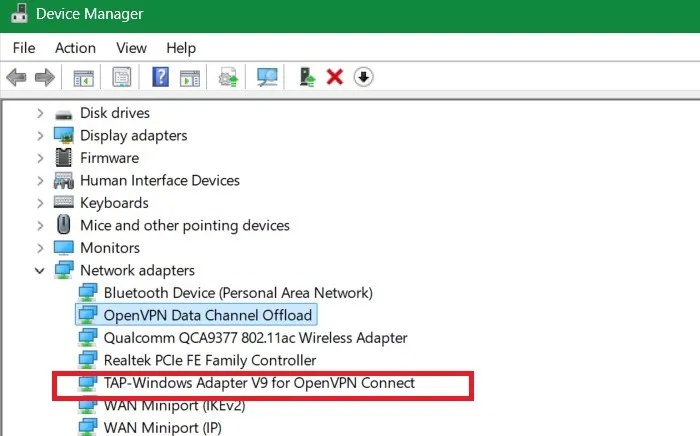
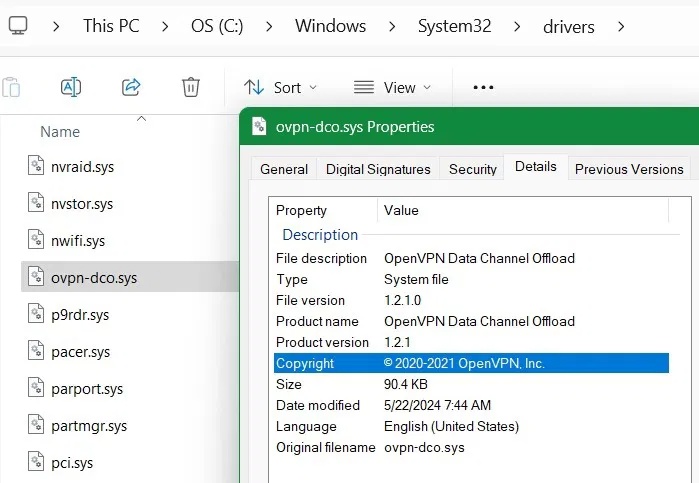
Open the VPN app’s About or Settings page and record its exact version. In Windows, open Device Manager > Network adapters and look for an OpenVPN DCO adapter. If one is present, open its properties and check the Driver tab. A TAP or Wintun adapter by itself does not establish that your VPN is using the affected DCO driver.
Install the current supported VPN client
The OpenVPN advisory for CVE-2025-50054 identifies 2.6.14-I002 as the first fixed Windows OpenVPN GUI installer in the stable 2.6 branch for this issue. Use a current supported release rather than seeking out that old installer. For a commercial VPN app that bundles OpenVPN, use the vendor’s updater or support page because its client version numbers can differ.
Restart Windows after the update if prompted, then try connecting again. For a work VPN, ask IT about the supported client and its driver package. If the VPN app offers an alternate protocol, check with the provider or administrator before changing it.
Collect evidence if the crash continues
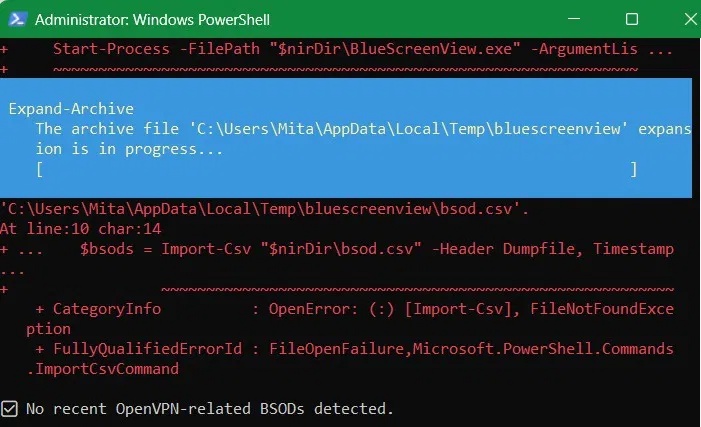
Record the stop code and any named module, the time of the crash, and whether it happened during startup or when connecting. Use the Windows stop code lookup for possible next checks. Share the client and driver versions with the VPN provider so it can confirm whether its installer contains the fix.
Use the vendor’s supported installer or uninstaller for driver changes. Editing permissions on system driver files or adding policy rules does not install the patched driver and can interfere with future updates.
Related Articles
 What is OpenVPN? OpenVPN client does the best
 How to Check Crash Logs on Windows 11
 Intel has overcome serious vulnerabilities in graphics drivers for Windows
 How to install the driver has not been Signed on Windows 10
 Set up the OpenVPN on the DD-WRT Router - Part 2
 Discovering the new serious security vulnerability of Bitcoin can cause the whole system to crash
Reader Comments 0
Sign in with email or Google to join the discussion.