Table of Contents
What Is TranS?
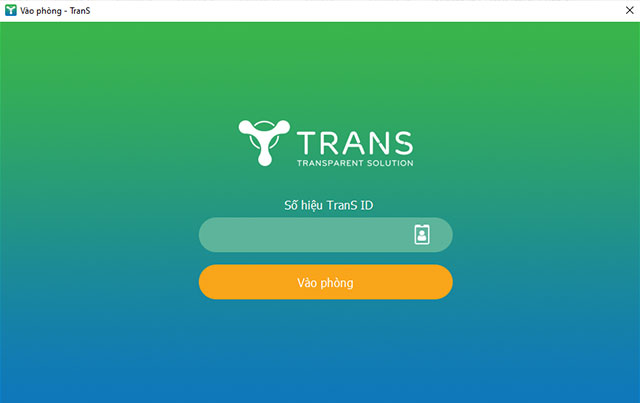
This updated guide explores trans - free online learning software with practical details, clear explanations, and useful takeaways. TranS is a teaching solution for schools and online meetings for businesses during COVID. This solution comes from the developer Transparent Solution.
Transparent Solution's tools save nearly 80% of the initial investment and over 90% of the monthly maintenance costs compared to other hardware-based online meeting solutions.
This software-based online meeting solution from Transparent Solution is highly compatible with low-bandwidth Internet connections, always ensuring good video quality, even when operating with the lowest speed ADSL package or 3G connection.
Key Features of TranS
TranS software provides these main features:
- Good video meeting quality
- Good screen sharing quality
- Provides screen sharing capabilities
- Share your screen, web, and Google Drive, Dropbox, or Box files
- Send group text, images and audio from mobile and desktop
- Easily invite contacts via phone, email or company
- Allows participation as interactive participants or view-only webinar attendees
- Works over WiFi, 4G/LTE and 3G
- Have safe driving mode when on the road
Teachers and parents who need to use this tool for online teaching and learning, please refer to the article: How to use TranS for online learning for detailed instructions.
Advantage
- Support large number of users (up to 100 people)
- Meetings with high-quality audio and resolution
- Built-in interactive tools
- High security
- Available on both desktop and mobile devices
- Easy to manage
Disadvantages
- Only allows 60 minutes of calling time if unlimited usage license is not activated
FAQ
What is the main takeaway about TranS - Free Online Learning Software?
The key is to understand the core idea, compare the available options, and apply the practical guidance that matches your situation.
What should beginners know about TranS - Free Online Learning Software?
Start with the essential steps and terminology. Avoid changing advanced settings until you understand how they affect performance, privacy, cost, or compatibility.
How can I use this information in practice?
Follow the relevant section in order, test one change at a time, and confirm the result before moving to the next step or recommendation.
Related Articles
 How to Register for TranS Online: Step-by-Step Guide4 minutes read
 Study Online on E-learning Lectures2 minutes read
 Best Online AI Courses for Free4 minutes read
 Top 7 Online Education Support Websites Are Completely Free7 minutes read
 5 Best Free Online English Learning Software 20246 minutes read
 Top 6 Outstanding Online Learning Trends in 20186 minutes read
Reader Comments 0
Sign in with email or Google to join the discussion.