Table of Contents
Choosing among 11 websites to download free security software requires more than looking at a feature list. This guide highlights practical differences, benefits, and important trade-offs.
One of the reasons that computers are infected with viruses, dangerous malware is that we download software on websites that are not reputable. There are quite a few users before proceeding to download and install a software that will check the site's safety, as well as perform a virus scan of the app, if not download directly from the manufacturer's main page.
And if you install downloaded software on strange websites, the risk of dozens of viruses and malicious code will penetrate and attack the data security wall on the computer is very high. So how can I download security software for my computer, when not downloading them from the official website? In the following article, the network administrator will introduce to you some websites that provide free software, support to download and install on the computer. In particular, these websites are not accompanied by any virus or malicious code, so you can feel secure when using.
1. TipsMake.com
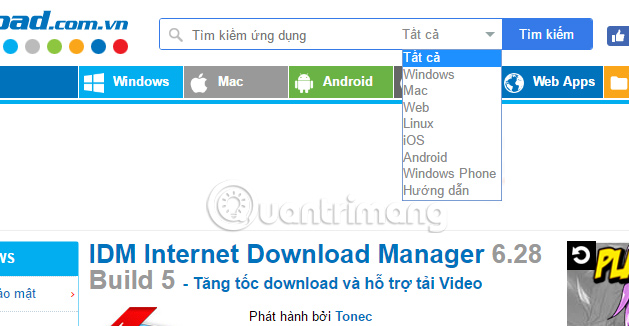
As a website with Vietnamese interface, TipsMake.com makes it easier for you to find software, applications or games. The website divides software into different operating systems, including Windows, Mac, Android, iOS, Windows Phone, Web Apps so that users can find the right software or application for the device. Besides, the app is always updated to the latest version, with the upgrade features. Each software is closely linked, ensuring safety when we download it to the computer.
In addition, TipsMake.com also provides you to read the Documents and Instructions section with the tips to guide the use of software, applications or articles related to technology,.
2. Softpedia. com
Softpedia. com is a website that provides users with more than 850,000 software files, utilities and games for free. The website is always up to date with the latest and fastest versions of the app so that users can update new features. The quality of download links in Softpedia is also absolutely safe, does not contain viruses, malware, adware, or spyware so we are completely assured when downloading.

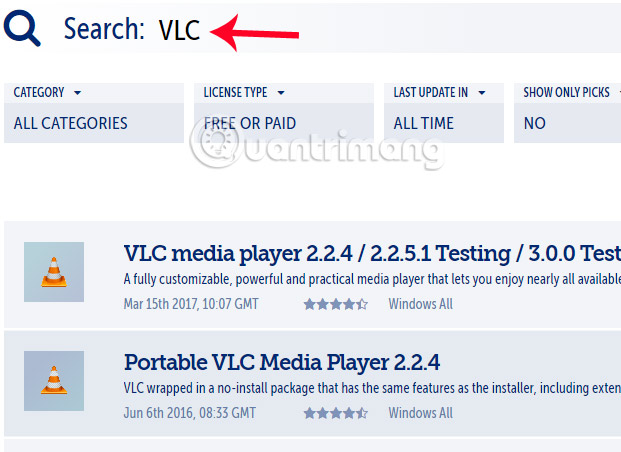
You just need to type the name of the app you want to find in the search bar. Soon, the first result on the list will be that software. Besides, Softpedia also introduces users to the app related to the app you are looking for, helping us get more useful search results.
3. MajorGeeks. com
Do not own the color website interface like the 2 websites above, but the quality of MajorGeeks download links is not inferior to other websites. At the interface of the website, the left column will be a list of software and game items for users to search on demand, on the right are the app in the top list of MajorGeeks download list.

To download any software, enter the search box on the homepage. Soon, the app name will top the list and be free to download to the device.

4. FileHippo. com
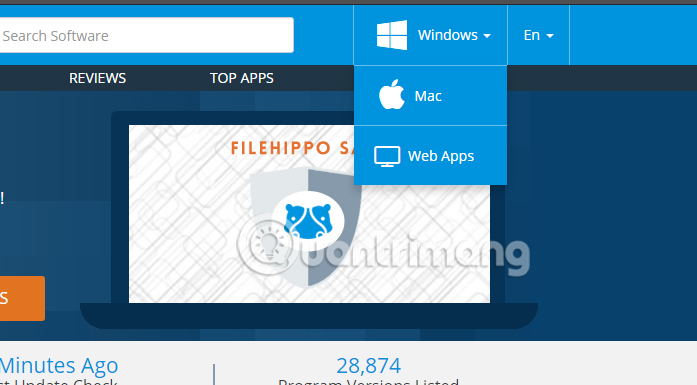
This is also a website on the list of top free software download sites. The site selects the app and sorts it into 3 different categories including Windows, Mac and Web Apps.
FileHippo always updates the latest version of the app, allowing free software downloads to the computer. Especially the download link does not contain advertising types, malicious viruses affect the computer system.
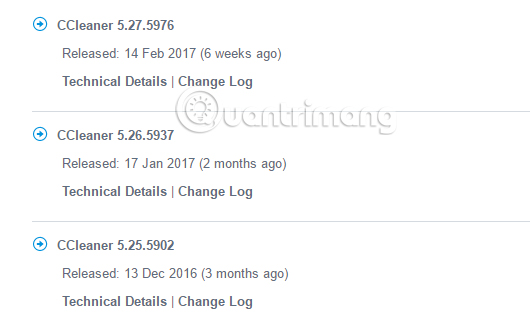
In addition, a useful feature that FileHippo owns is to list earlier versions of any software. And if you don't want to download the latest version of the app to your computer, you can download the previous version, based on the detailed and accurate statistics list on the website.
5. FilePuma. com
FilePuma also divided the app according to 15 different classification groups based on the features of each software, such as Security & Firewalls, Internet & Network, Photos & Images,. This makes it easy to find software according to your needs. use, when you can rely on each group to download software.

In addition, FilePuma's Update Detector Tool will help us to check the latest version of the app installed on the computer. This helps you quickly get the latest features in each updated version of the app.

6. Download Crew. com
Download Crew owns a huge software repository for Windows, macOS, Android, iOS, and Linux operating systems. We just need to enter the app keywords you want to load into the search box. Or rely on the category of software categories on the left of the interface with each different group.
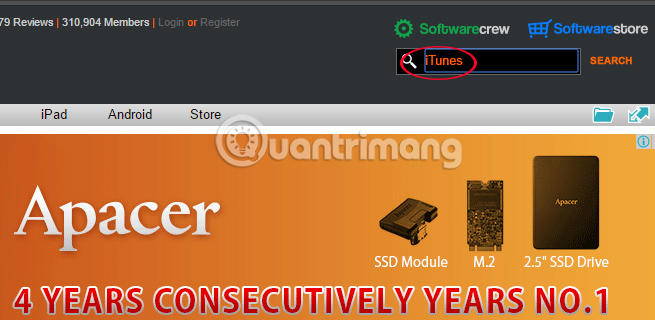
In addition, in order to help users understand the app, as well as feel secure when using it on the computer, Download Crew provides trial reviews, copyright information, operating system settings, features of each software,. helps you have a more objective view of the app.
7. FileHorse. com
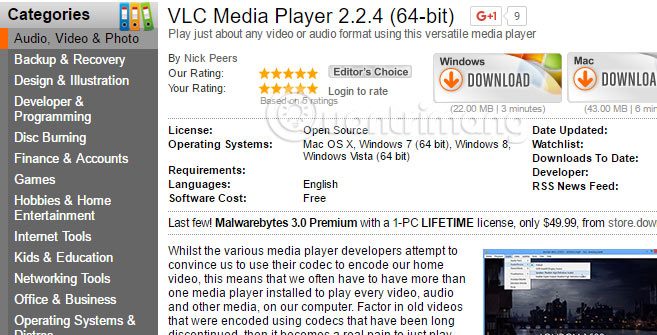
FileHorse is quite similar to Ninite which is focused on the most popular, best rated software today, bringing trust to users. Consisting of 18 different categories, each software is closely examined by FileHorse, ensuring that no virus or malware is included.
8. SnapFiles. com
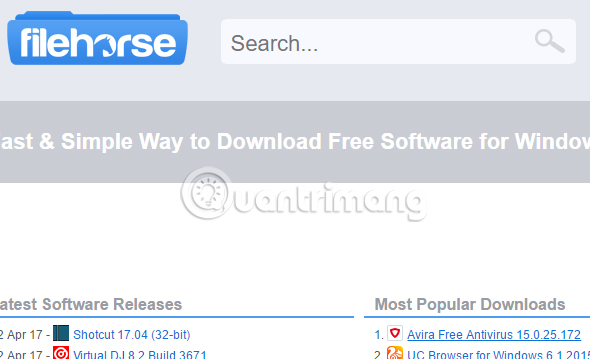
In addition to entering keywords into the search box on SnapFiles, we can also rely on items such as Top 100 Downloads, Latest New Releases & Updates,. to search for software to download.

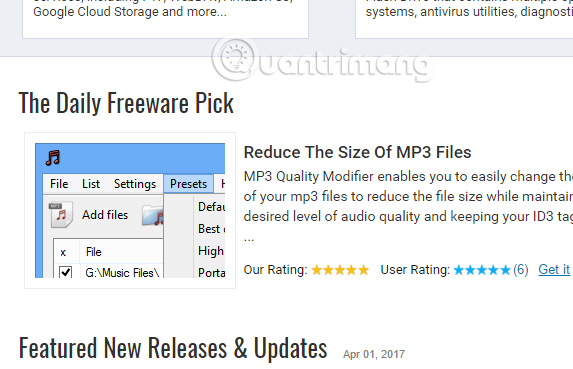
In addition, SnapFiles provides users with The Daily Freeware Pick, introducing a good, useful software store for users. In addition, the reviews in this section will help us get the most objective assessment of the app.
9. DonationCoder. com
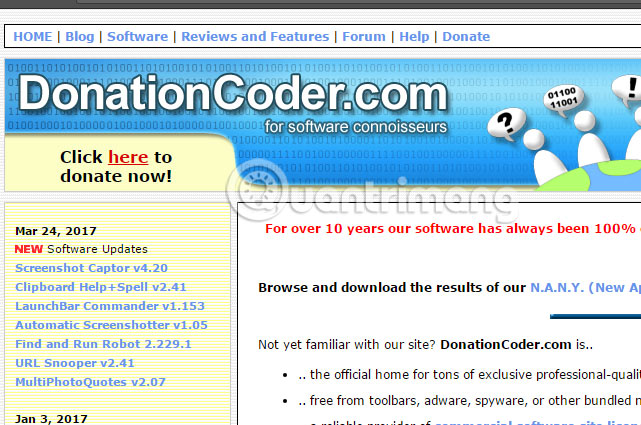
Over 10 years of development, DonationCoder is still evaluated as a website that provides users with "clean" software completely, does not contain malicious and dangerous viruses for the computer system. In addition, we can subscribe to DonationCoder's Forum to participate and discuss issues related to software, or programming,. If you are a technology lover and have a little understanding of the field. In this area, you can register to participate.
10. Ninite. com
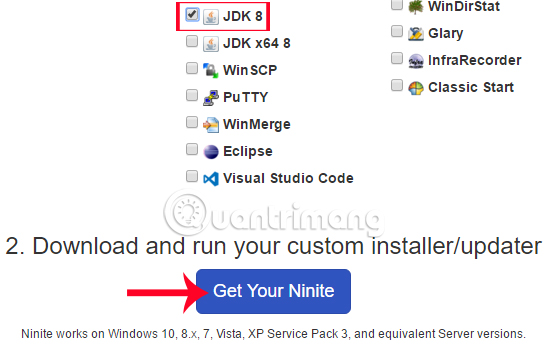
Ninite owns a list of nearly 100 popular software currently on the computer and allows for free downloads. As soon as we access the Ninite homepage, you will see that the app is divided into 13 different categories, each item will be familiar software. For example, the Web Browsers web browser section will have Chrome, Firefox, Security security software with Avast, AVG, or Media video viewing software such as VLC, iTunes, GOM,. This division will help users with You can easily find the app you want to download.

Your task is to select the program you want to download and click Get Your Ninite Below. Soon the app will be downloaded to the computer.
11. Down. vn
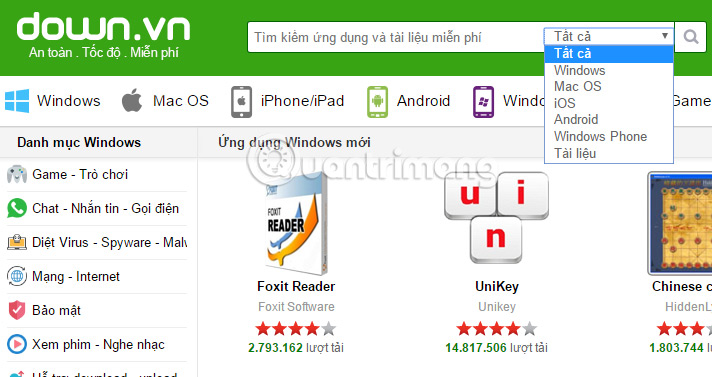
Down. vn is also a pure Vietnamese website with a simple interface, clearly dividing programs according to each different operating system. Users just need to select the operating system and enter the keyword, or simply enter the name of the program you want to find, you will have the fastest results.
In addition, you can refer to some more secure file download sites such as softonic. com, download. cnet. com, uptodown. com. These are the 3 major file download sites, download links and most downloaded files are reliable.
Above are some of the websites that own huge software and games repositories and are completely free to download to computers. These websites ensure the safety of each download link when it has been evaluated and accessed by many users worldwide. when needed to find yourself a free software download source, do not ignore the list that the Network Administrator introduced above.
Refer to the following articles:
- Summary of websites to download and download drivers for computers and laptops
- Top 20 free programming learning websites need to bookmark immediately!
- 30 great websites to learn new things every day
FAQ
How were the 11 websites to download free security software options selected?
The options are compared by usefulness, ease of use, core features, and their fit for the situations described in the article.
Which option is best for beginners?
Choose the option with the simplest setup, clear documentation, and the features you actually need. A more advanced option is not always the better starting point.
What should I check before choosing?
Check compatibility, current availability, pricing or licensing, privacy requirements, and whether the product still receives updates and support.
Related Articles
 The Website Offers Free Games6 minutes read
 How to Get Free Software5 minutes read
 Software and Applications Download High Quality Wallpapers7 minutes read
 Download Norton 360 V6.0 Security Software for Free3 minutes read
 60 Best Free Commons Music Download Sites: Download Free Music8 minutes read
 Top 10 Top Free Ringtone Download Websites: Best Options Compared12 minutes read
Reader Comments 0
Sign in with email or Google to join the discussion.